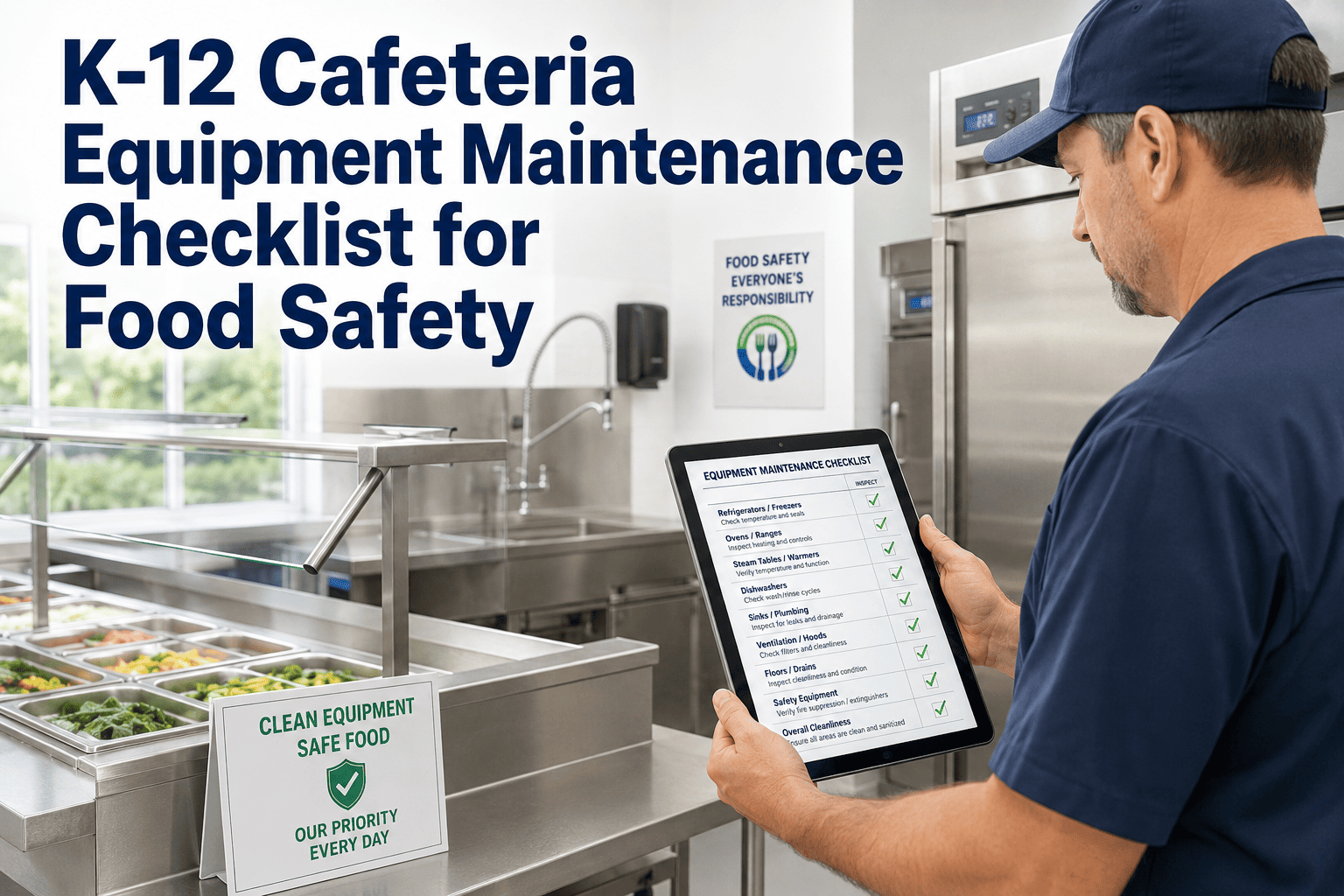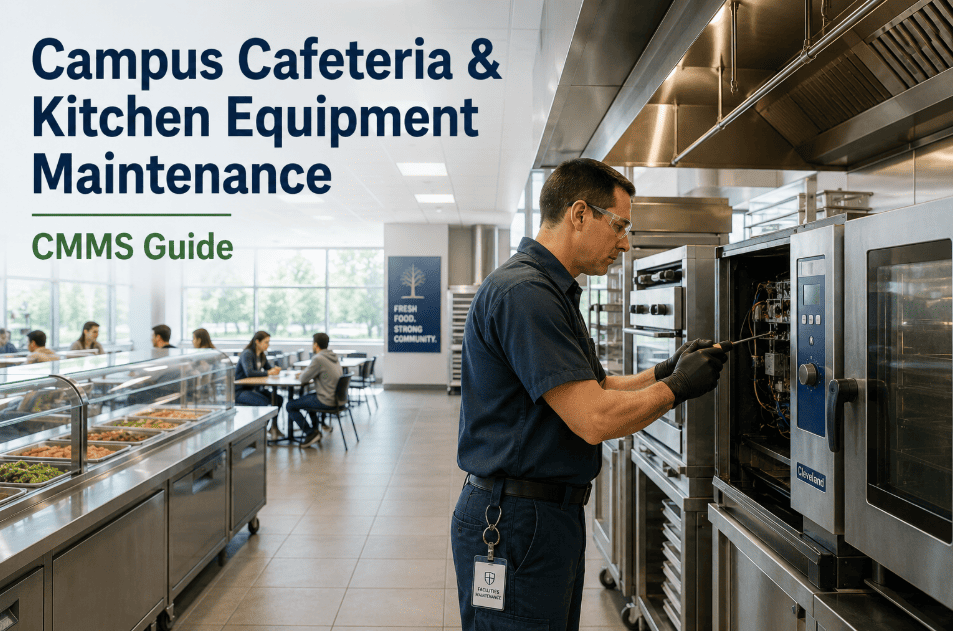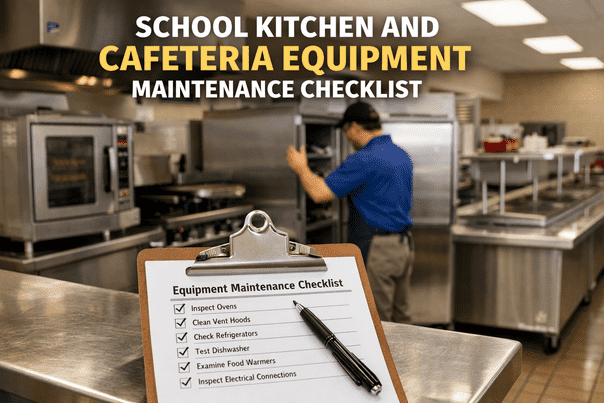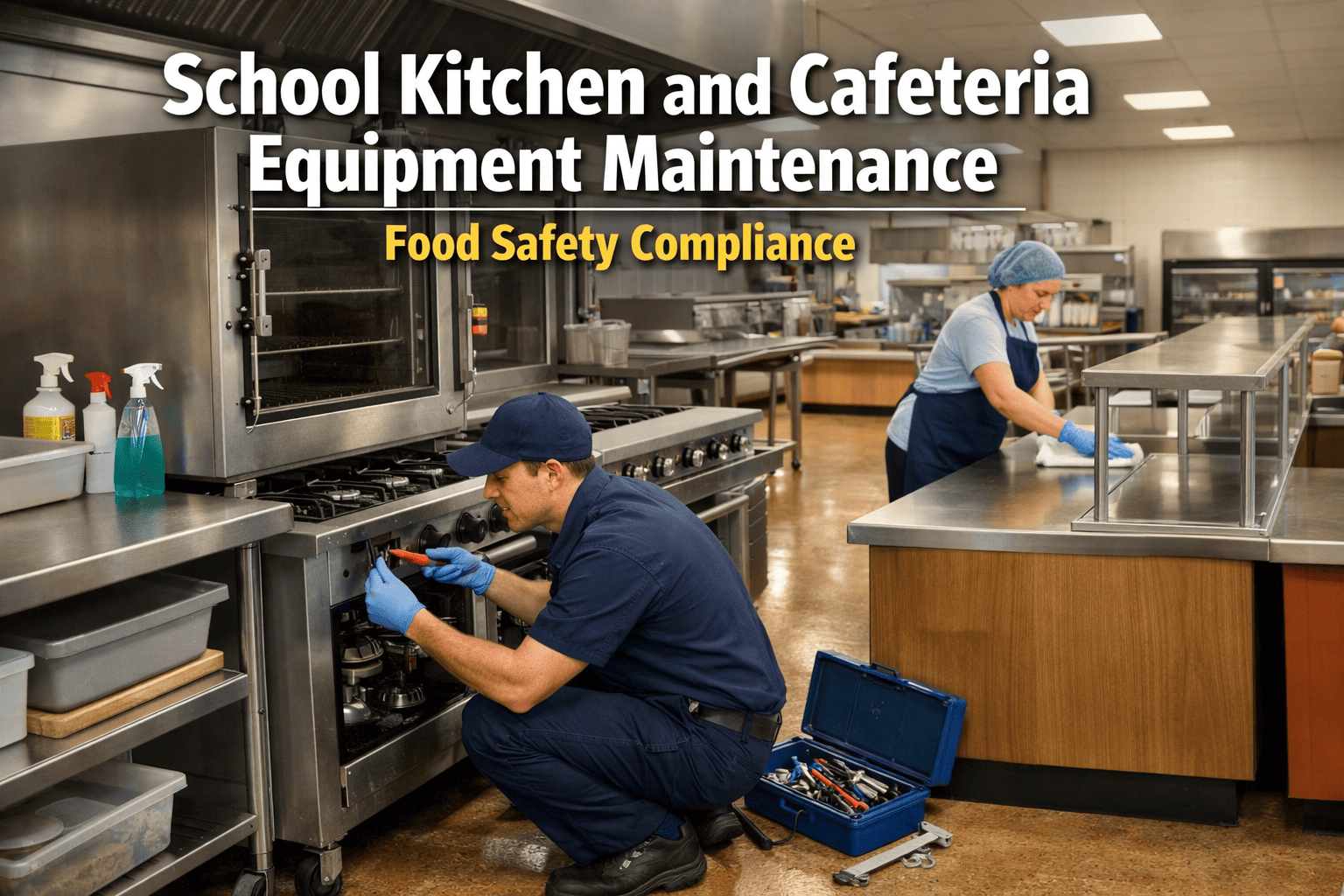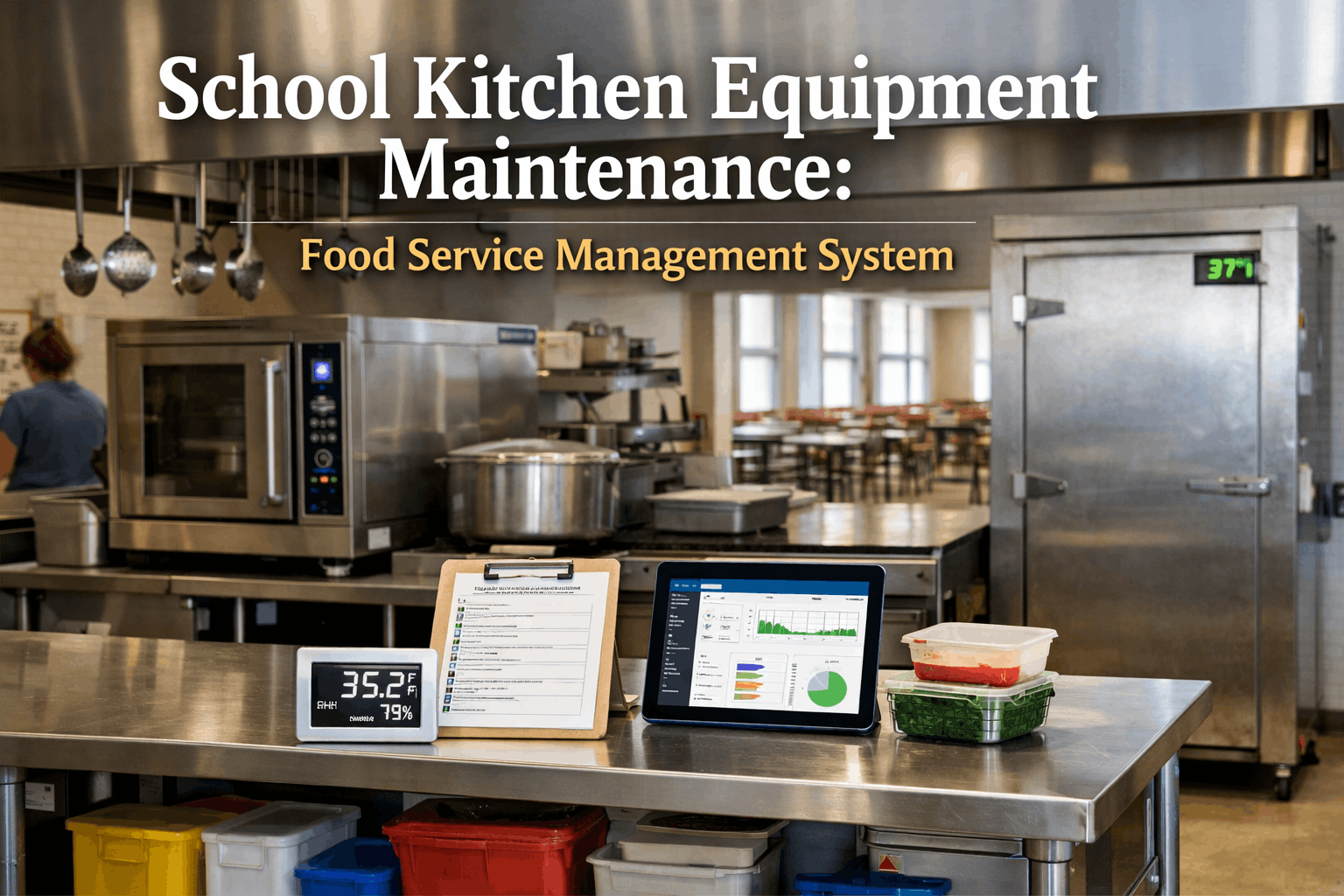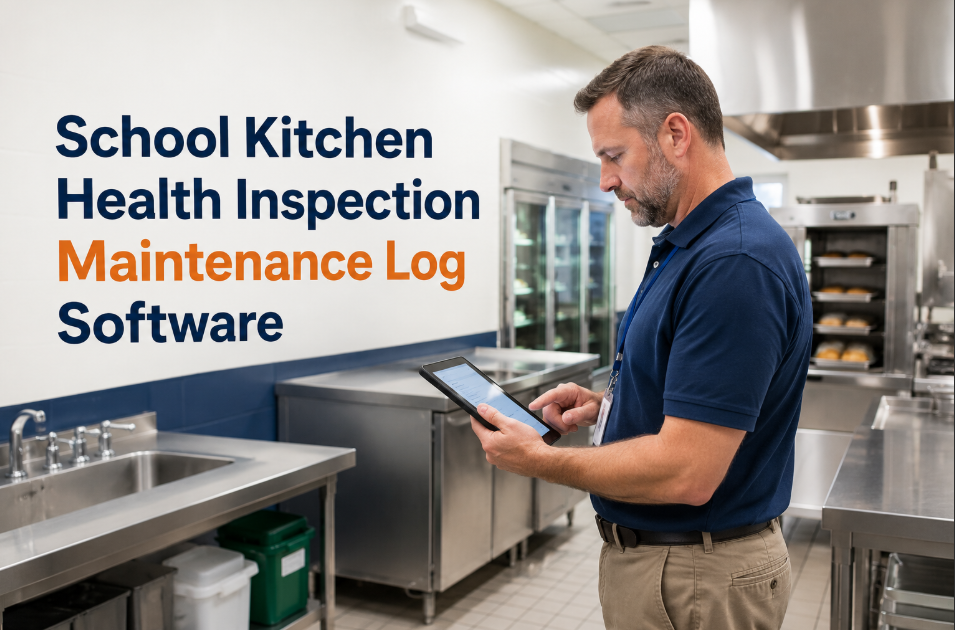
Every year, roughly 22% of school cafeterias in the United States receive at least one critical violation during health inspections — and the most common root cause is not contaminated food, but poorly maintained kitchen equipment. A grease trap that missed its cleaning schedule, a walk-in cooler running 4 degrees above safe holding temperature because the condenser was never serviced, a dishwasher that no longer reaches sanitization temps. These are maintenance failures, not food handling failures, yet they carry the same consequences: failed inspections, cafeteria shutdowns, and district-level legal liability. School districts that have moved their kitchen equipment maintenance to digital platforms like OxMaint report 91% first-pass inspection rates, eliminate paper log gaps entirely, and reduce emergency kitchen equipment repairs by 38%. If your cafeteria maintenance records still live in binders behind the serving line, every inspection is a gamble you do not need to take. Want to see how digital logs protect your kitchens — start a free trial or book a demo to walk through it with our team.
School Kitchen Health Inspection Maintenance Log Software
Failed health inspections close school cafeterias and trigger legal liability. Digital maintenance logs keep commercial kitchen equipment compliant, inspection-ready, and fully documented — without the paper binder scramble.
What Is Kitchen Health Inspection Maintenance Logging?
Health inspection maintenance logging is the documented record of every preventive maintenance task, cleaning schedule, temperature check, and equipment service event performed on commercial kitchen assets in a school cafeteria. Health inspectors do not just look at food — they check whether equipment is functioning within safe parameters, whether cleaning schedules are followed and recorded, and whether the facility can prove compliance through documentation. A digital maintenance log replaces paper binders with timestamped, searchable, audit-ready records that are generated automatically as work orders are completed. Districts using OxMaint's digital inspection and GMP compliance tools have reduced inspection preparation time by 85% and eliminated the documentation gaps that cause 67% of repeat violations. The difference between passing and failing an inspection often comes down to whether you can prove the work was done — not whether it was actually done. Digital logs solve this permanently. Explore how districts are building inspection-proof records — start a free trial or book a demo with our K-12 team.
Critical Kitchen Assets That Inspectors Check
Inspectors focus on equipment that directly impacts food safety. Each of these assets requires documented maintenance to pass — and each one fails silently when neglected.
Must hold below 41F / 0F respectively. Condenser coils, door gaskets, and defrost cycles require monthly PM. A 3-degree deviation risks a critical violation.
Must reach 180F rinse temperature for sanitization. Heating elements, spray arms, and chemical dispensers need quarterly service to maintain compliance.
Grease trap cleaning every 30-90 days is code-required. Hood filters need bi-weekly cleaning. Missed schedules are the top fire code and health code violation.
Temperature calibration drift causes food safety risk. Annual calibration and monthly thermostat checks are required to prove equipment accuracy during inspections.
NSF-certified surfaces degrade over time. Cracks, gouges, and worn seals harbor bacteria. Inspectors check surface condition — documented replacements prevent violations.
Non-functioning handwash stations are immediate critical violations. Faucet, soap dispenser, and hot water heater PM prevents the most avoidable shutdown trigger.
Why Paper Kitchen Logs Fail Inspections
Paper maintenance logs are not just inconvenient — they are the primary reason school kitchens fail inspections even when maintenance was actually performed. Here are the four failure modes inspectors see most often.
73% of inspection failures involving maintenance cite incomplete records, not incomplete work. Paper logs get lost, pages get skipped, and handwriting is illegible. When an inspector asks for the last six months of cooler temperature logs and you cannot produce them, the equipment is assumed non-compliant — regardless of actual condition.
A checkmark in a binder does not meet documentation standards. Inspectors increasingly require timestamped records with technician identification, parts used, and before/after condition notes. Paper systems cannot produce this level of detail — digital work orders generate it automatically.
When kitchen staff or custodial teams change, paper log continuity breaks. New staff do not know which binder to use, which tasks are overdue, or what the previous cleaning schedule was. 41% of school districts report maintenance documentation gaps during staff transitions.
A district with 15 schools has 15 separate binders in 15 separate kitchens. No one at the district level knows which schools are compliant and which are overdue. Digital CMMS gives facility directors a single dashboard showing PM status across every kitchen in every building.
OxMaint replaces paper kitchen logs with digital inspection checklists, automated PM scheduling, and audit-ready records that satisfy health inspectors on demand. Most districts have their first kitchen fully logged within one week. See how it works for your cafeterias.
How OxMaint Keeps School Kitchens Inspection-Ready
OxMaint's digital inspection and GMP compliance features are purpose-built for environments where documentation is the difference between operating and shutting down. Here is exactly how each capability protects your kitchens.
Build health-code-aligned checklists for each kitchen. Staff complete them on mobile with photo attachments. Every response is timestamped and stored permanently — no paper, no gaps.
Set PM frequencies for every asset — grease traps, coolers, hoods, dishwashers. OxMaint auto-generates work orders on schedule and escalates overdue tasks. Nothing falls through the cracks.
Every completed work order includes technician ID, timestamp, parts used, photos, and digital signature. Pull any record in seconds during an inspection — no binder searching.
See PM compliance status for every kitchen across every school from a single dashboard. Identify which locations are overdue before the inspector does.
Every piece of kitchen equipment gets a digital record — model, serial, install date, warranty, service history, condition score. Know which assets are aging out before they fail during service.
Kitchen managers complete inspections and log maintenance from their phone in under 2 minutes. No training manuals needed — 90% adoption within the first week across districts.
Paper Logs vs. Digital Maintenance: Inspection Outcomes
The difference between paper and digital kitchen maintenance is not theoretical — it shows up directly in inspection results, repair costs, and liability exposure.
| Factor | Paper Binder Logs | OxMaint Digital Logs |
|---|---|---|
| First-pass inspection rate | 62% average | 91% average |
| Inspection prep time | 8–12 hours per kitchen | Under 15 minutes |
| Record completeness | 45–60% of tasks documented | 100% auto-documented |
| Overdue PM visibility | None until equipment fails | Real-time dashboard alerts |
| Staff turnover impact | Documentation gaps for weeks | Zero gap — schedules persist |
| Emergency repair frequency | 3.2 per kitchen per year | 1.9 per kitchen per year |
Districts that switch to digital kitchen logs see measurable improvement in inspection scores within the first inspection cycle — typically 90 days. The documentation alone eliminates the majority of compliance-related violations. See the impact on your own district — start a free trial or book a demo to see it live.
Frequently Asked Questions
Can kitchen staff with no technical background use OxMaint?
Yes. OxMaint's mobile interface is designed for non-technical users. Kitchen managers complete inspection checklists by tapping through items and attaching photos — most complete their first checklist without any formal training. Districts report 90% staff adoption within the first week, including staff who had never used maintenance software before.
How does OxMaint handle health department record requests during an inspection?
Every maintenance task, inspection checklist, and work order is stored digitally with timestamps, technician identification, and photo documentation. When an inspector requests records, the facility manager filters by equipment type, date range, or task type and produces a complete compliance report in under two minutes — directly from a phone or tablet.
Can we manage kitchens across 20+ school buildings from one account?
Absolutely. OxMaint is built for multi-site operations. Each school kitchen gets its own asset list, PM schedule, and inspection calendar, while the district facility director sees a single dashboard showing compliance status across all locations. You can identify which kitchens are overdue on grease trap cleaning before the health inspector arrives.
What if we only want to start with kitchen equipment and expand later?
That is exactly how most districts start. Import your kitchen equipment list first — coolers, dishwashers, hoods, ovens — and set up PM schedules for those assets. Once your kitchen compliance is running smoothly, you can expand to HVAC, elevators, playgrounds, or any other building system. OxMaint scales from a single kitchen to an entire district portfolio without changing platforms.
Stop Gambling on Paper Logs Before Every Inspection
Every health inspection at a school cafeteria is a compliance test — and paper logs fail that test 38% of the time. OxMaint gives your kitchens automated PM schedules, digital inspection checklists, and audit-ready records that satisfy inspectors on demand. Most districts are fully operational within one week with zero implementation fees.