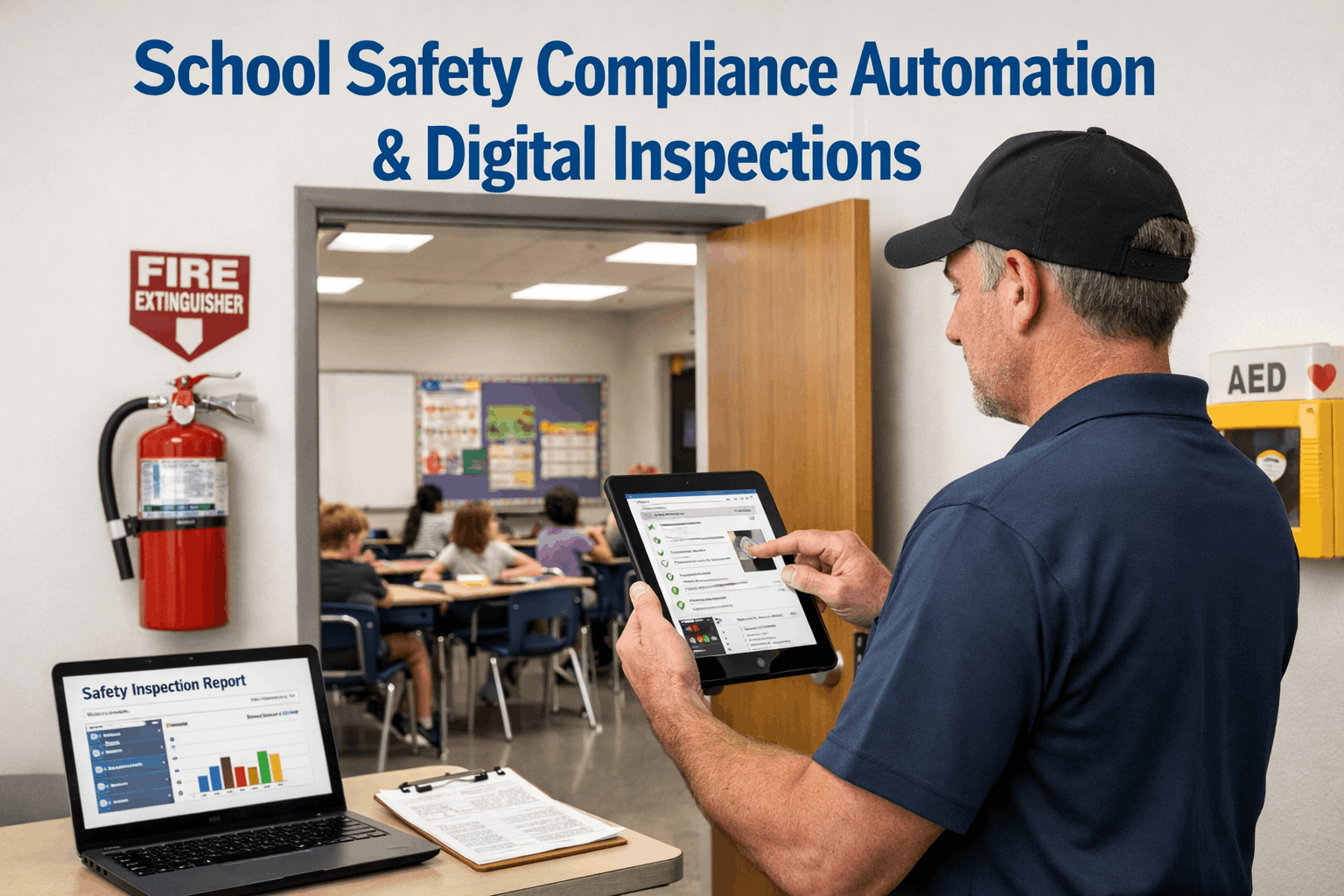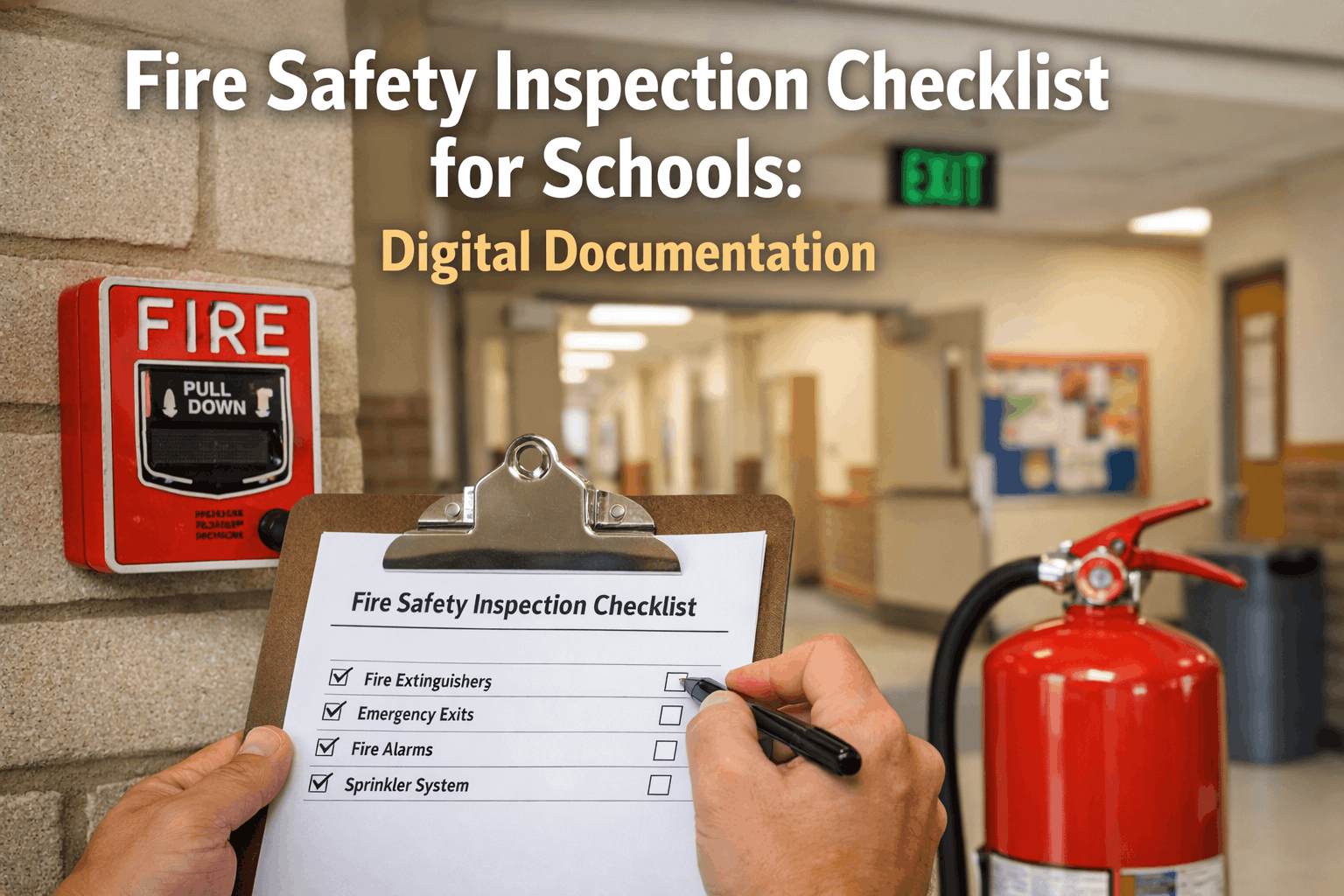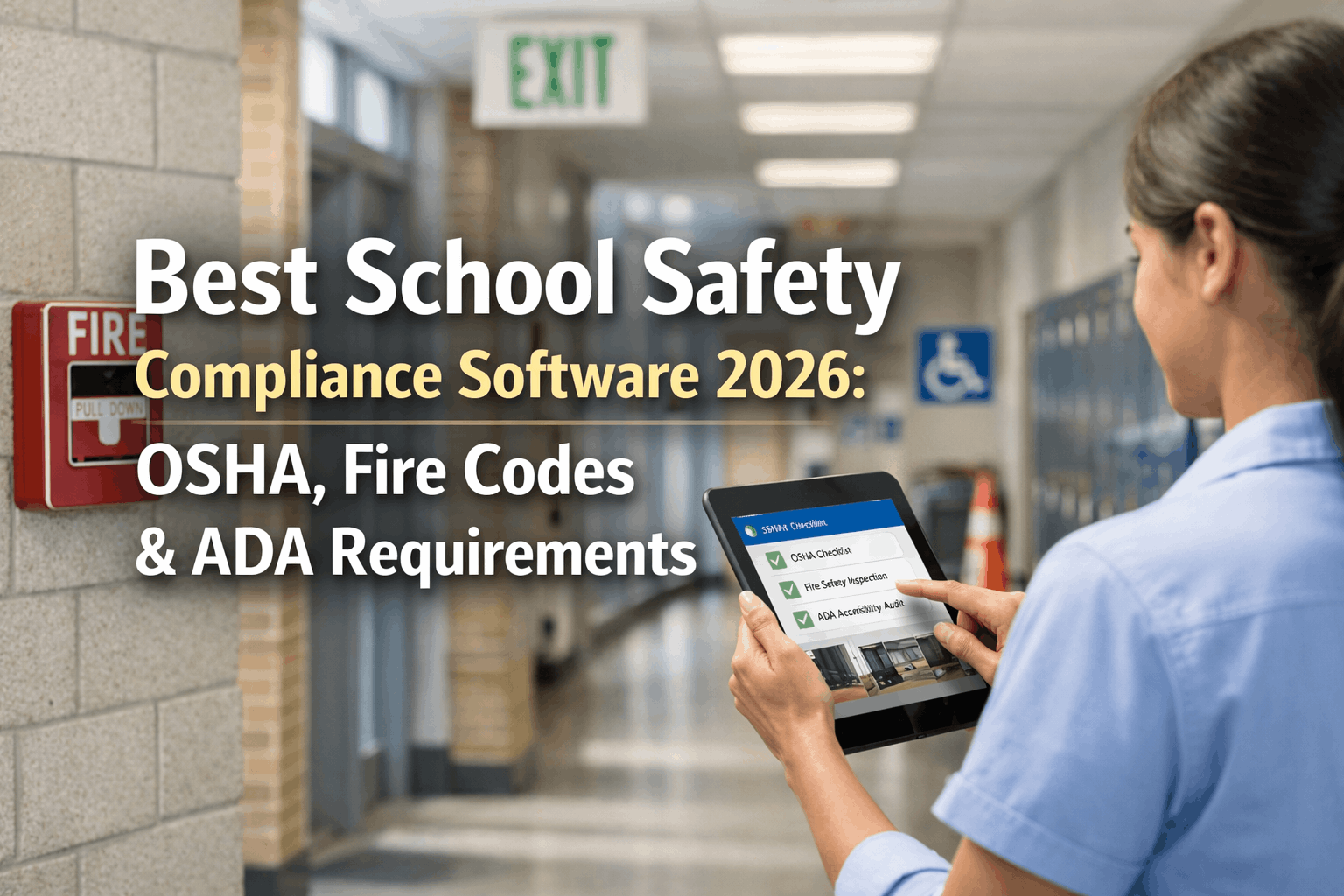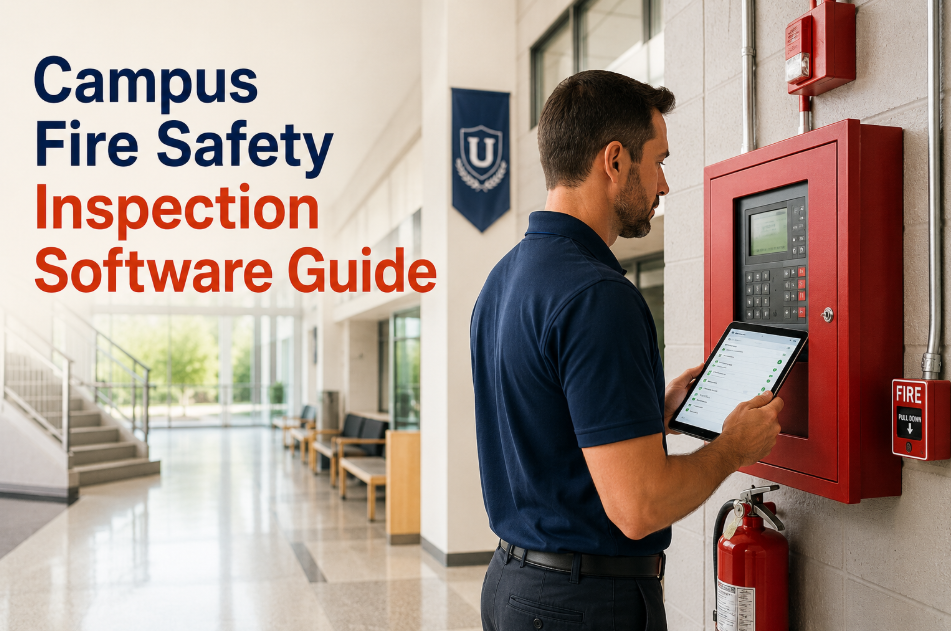
Most campus fire safety inspection programs look compliant on paper — until an auditor asks for documentation. At that point, facility managers across K-12 districts and university campuses discover the same hard truth: paper checklists, verbal sign-offs, and scattered email threads do not constitute a defensible compliance record. A single missed inspection cycle, an undated logbook entry, or a fire extinguisher service with no technician signature can void insurance coverage, trigger regulatory penalties, and expose the institution to significant liability when an incident occurs. Campus fire safety inspection software changes the equation entirely — every inspection is scheduled automatically, completed digitally with timestamped photos, and stored in an audit-ready record that satisfies NFPA 101, OSHA, and state fire marshal requirements without any manual compilation. Facilities managers using OxMaint's digital inspection platform report 94% inspection completion rates versus the industry average of 61% for paper-based programs — and compliance audit preparation time reduced from days to under an hour. Want to see that for your campus? Book a live walkthrough with our team to see the full inspection and compliance workflow.
Campus Fire Safety Inspection Software: The Complete Guide for Facility Managers
Automated inspection scheduling. Mobile photo capture. Technician digital signatures. Compliance records built automatically — across every building, every system, every inspection cycle.
What Is Campus Fire Safety Inspection Software?
Campus fire safety inspection software is a digital platform that automates the complete lifecycle of fire safety compliance — from scheduling recurring inspections and routing checklists to qualified staff, to capturing timestamped photo evidence and technician digital signatures, to generating audit-ready compliance records on demand.
Unlike paper logbooks or spreadsheet trackers, fire safety CMMS builds a continuous, legally defensible audit trail across every fire system on campus — sprinklers, extinguishers, alarm panels, emergency lighting, exit signs, fire doors, and suppression systems — with zero manual record assembly required. Start a free trial to see how OxMaint builds this compliance record for your campus automatically, or book a demo to walk through the workflow live.
Eight Fire Safety Systems Every Campus Must Inspect and Document
OxMaint includes pre-built inspection checklists aligned to NFPA standards for each of the eight critical fire safety system categories found on educational campuses.
Monthly, quarterly, and annual testing of smoke detectors, heat detectors, pull stations, notification appliances, and control panels. Each test logged with technician ID, test result, and photo evidence of panel status.
Weekly valve checks, quarterly inspections, and annual flow testing. OxMaint tracks every inspection against the NFPA 25 frequency matrix — generating work orders automatically before intervals are missed.
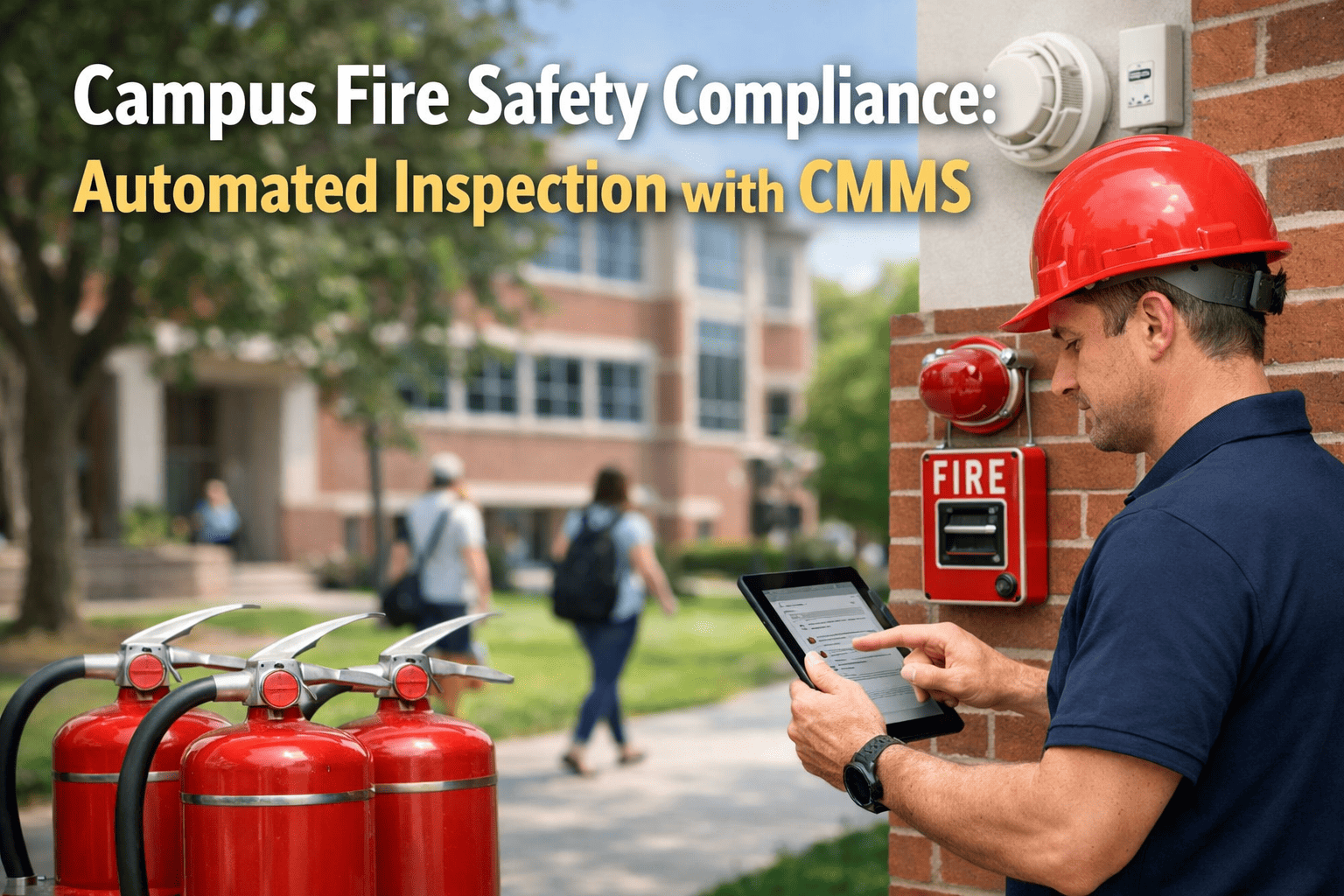
Monthly visual inspections and annual service with hydrostatic testing records. QR code tags on each extinguisher allow field staff to scan and complete inspections from their mobile device — no paper form required.
Monthly 30-second tests and annual 90-minute duration tests for all emergency egress lighting units. OxMaint auto-generates test work orders with pass/fail capture and creates corrective work orders for failed units immediately.
Annual inspections of fire-rated doors, exit devices, door closers, and hardware for gaps, damage, and proper latching. Deficiencies flagged instantly as corrective work orders with photo documentation attached.
Semi-annual inspection and cleaning of commercial kitchen exhaust hoods and fire suppression systems. OxMaint tracks contractor-performed services, stores certificates, and alerts facilities management before the next due date.
Weekly no-flow tests, monthly churn tests, and annual flow tests for all campus fire pump installations. Each test result — pressure readings, RPM, flow rate — logged against the asset record with timestamp and technician sign-off.
Clean agent, CO2, and dry chemical systems in laboratories, data centers, and generator rooms require specialized inspection and weight/pressure verification records. OxMaint supports custom checklist templates for each system type.
Why Paper-Based Fire Inspection Programs Create Compliance Gaps
Paper checklists are misfiled, damaged, or simply absent when a fire marshal audit or insurance review demands them. Institutions without retrievable records face citations, coverage disputes, and in serious cases, personal liability for administrators. 68% of fire safety enforcement actions cite incomplete documentation as a contributing factor.
A fire extinguisher noted as overdue on a paper log has no automatic path to a service work order. It sits in a binder until someone reads it — which may be weeks later, after the inspection window has lapsed and the deficiency has become a code violation.
A facilities director managing 20 buildings has no real-time view of which buildings completed last month's fire door inspections, which alarm panels had anomalies flagged, or which extinguisher routes are overdue. Every building operates in an information silo.
When facilities staff are stretched thin, monthly extinguisher walks and weekly sprinkler valve checks are the first tasks deferred — silently, with no alert and no escalation. These undocumented gaps are the primary driver of campus fire safety liability exposure.
How OxMaint's Digital Inspection Software Works — Step by Step
Configure each fire system's inspection frequency — monthly, quarterly, semi-annual, annual — aligned to NFPA requirements. OxMaint generates inspection work orders automatically on schedule, assigned to the right staff member or contractor, with the correct checklist pre-loaded. No manual scheduling, no missed cycles.
Inspectors receive work order notifications on their mobile device. Each checklist checkpoint guides them through the required checks with clear pass/fail capture and mandatory photo attachment for any findings. GPS coordinates and timestamps are embedded automatically — no manual entry, no missing evidence.
OxMaint captures technician digital signatures at work order closure — linked to the inspector's verified user account with timestamp and device ID. Signatures satisfy NFPA documentation requirements and provide the chain of custody that fire marshals, insurance auditors, and legal proceedings require.
When a deficiency is flagged during inspection — a failed extinguisher, a jammed fire door, a faulty alarm zone — OxMaint instantly creates a corrective work order assigned to the appropriate technician or contractor, prioritized by severity. The deficiency-to-repair cycle is tracked to completion with full documentation at every step.
If an inspection work order is not completed by its due date, OxMaint escalates automatically to the supervisor and flags the gap in the compliance dashboard. No cycle disappears silently — every overdue inspection is visible to facilities leadership in real time, not discovered after an incident.
Export a complete fire safety compliance package — inspection logs, technician sign-offs, photos, deficiency records, and corrective action documentation — for any building, any system, any date range, in minutes. Built for fire marshal review, insurance audits, and accreditation requirements from day one.
Paper Inspection Program vs OxMaint Digital — When a Deficiency Is Found
What Campus Facilities Teams See After Deploying OxMaint
What OxMaint's Fire Safety Inspection Software Includes
Pre-built templates for NFPA 10, 25, 72, 80, 96, and 101 — covering every fire system type with the specific check points each standard requires. Fully customizable to match state or local amendments.
Technician signatures captured digitally at work order closure — linked to verified user accounts with timestamp, device ID, and GPS coordinates. Meets NFPA documentation standards for inspector identification.
Configure inspection frequencies once per system type — OxMaint generates all future work orders automatically across the full inspection calendar, district-wide, with the correct checklist and assignee pre-loaded.
District-wide compliance dashboard showing inspection completion rates, open deficiencies, overdue work orders, and upcoming inspection cycles — for every building and every system, in a single real-time view.
Generate a complete fire safety compliance package — inspection records, technician sign-offs, deficiency photos, corrective action documentation — for any building or date range in minutes. Fire marshal-ready, every time.
Any inspection not completed by its due date triggers automatic supervisor alerts and a compliance dashboard flag. No missed cycle goes unnoticed — every gap is visible before it becomes a regulatory problem.
Field staff capture timestamped, GPS-tagged photos directly in the mobile app at each inspection checkpoint. Photos attach to the work order record automatically — no upload step, no missing evidence at audit time.
Every fire safety asset — extinguisher, detector, exit sign, suppression panel — carries a QR code tag linked to its full inspection history. Inspectors scan the tag on arrival to instantly access the asset record, prior inspection results, and the current checklist.
Fire Safety Standards OxMaint Helps You Document
| Standard / Authority | Requirement | OxMaint Coverage | Documentation Output |
|---|---|---|---|
| NFPA 72 | Fire alarm system inspection, testing, and maintenance records | Full checklist + digital sign-off | Timestamped test logs with technician ID |
| NFPA 25 | Sprinkler and water-based suppression system inspection | Weekly / quarterly / annual templates | Inspection records with valve status photos |
| NFPA 10 | Portable fire extinguisher inspection and service records | Monthly walk + annual service tracking | QR scan logs with photo evidence per unit |
| NFPA 101 | Life Safety Code — egress, emergency lighting, exit signage | Monthly 30-sec + annual 90-min tests | Pass/fail test records with unit photos |
| NFPA 80 | Fire door assemblies — annual inspection and testing | Annual checklist + corrective WO routing | Door-by-door inspection records with photos |
| OSHA 1910.157 | Portable fire extinguisher maintenance documentation | Monthly visual + annual service records | OSHA-formatted maintenance logs |
| State Fire Marshal | Annual building fire safety inspection compliance | Custom state checklist support | One-click audit package export |
| Insurance Underwriters | Documented inspection program proof for premium calculations | Complete inspection history by building | Exportable compliance summary reports |
Campus Fire Safety Inspection Software — Common Questions
Which NFPA standards does OxMaint's fire safety inspection software cover?
Do digital signatures in OxMaint satisfy NFPA documentation requirements for inspector identification?
How does OxMaint handle fire safety inspection records for a district with 25+ school buildings?
What happens to documentation when a fire marshal or insurance auditor requests records?
Every Day Without Documented Fire Inspections Is an Audit Risk and a Liability Gap
OxMaint gives campus facilities managers a systematic, legally defensible fire safety inspection program — automated scheduling, mobile photo documentation, digital signatures, instant deficiency routing, and compliance records generated automatically. Most campuses are producing their first fully documented inspection records within a week of setup. See how it works for your buildings in a 30-minute walkthrough — no commitment required.