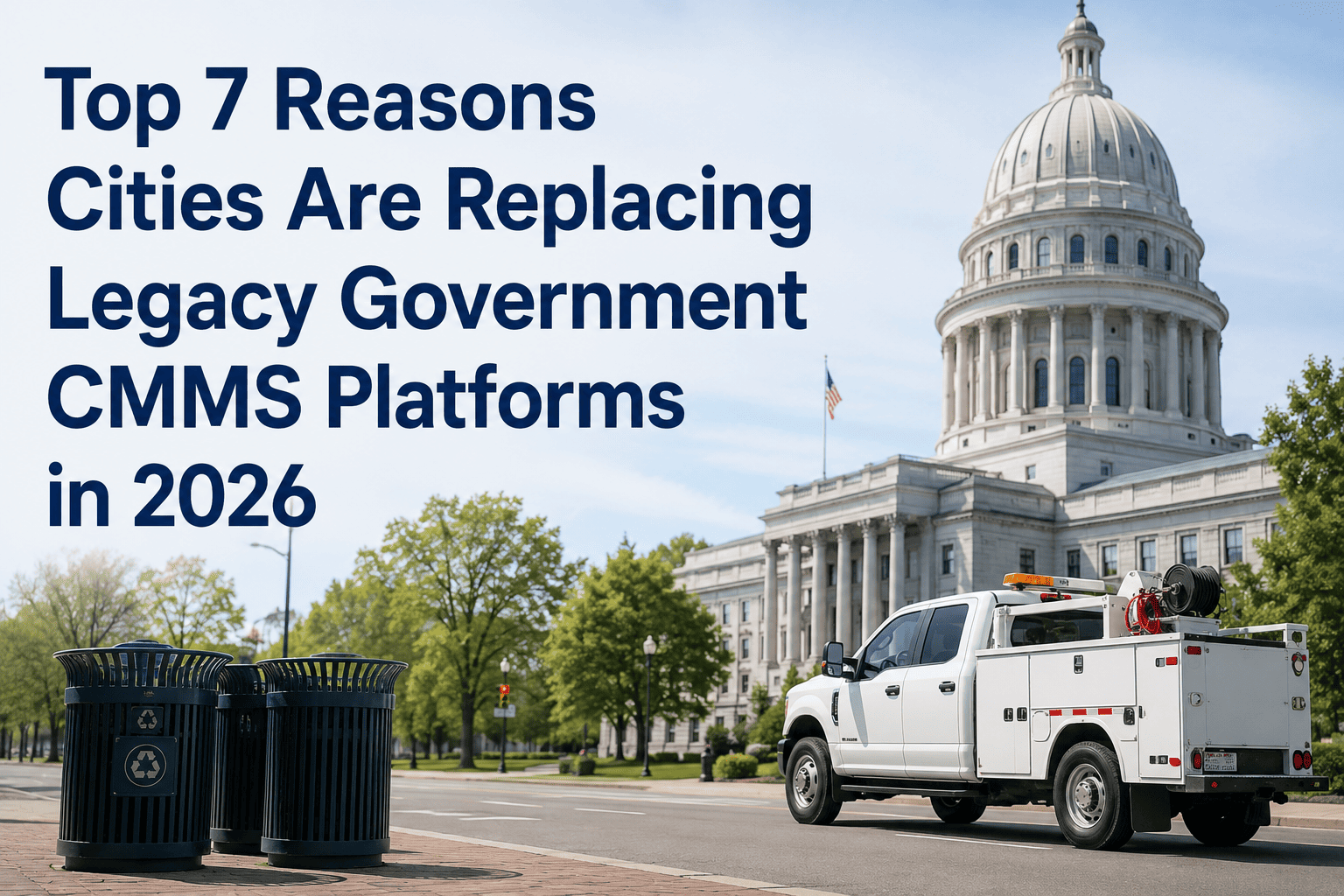
Top 7 Reasons Cities Are Replacing Legacy Government CMMS Platforms in 2026

By James Smith on May 18, 2026

top-7-reasons-cities-replacing-legacy-government-cmms-2026

Cities are migrating off legacy government CMMS platforms at the fastest rate in a decade — and the reasons are not primarily about features. They are about the cost of staying: mobile gaps that leave field crews working from paper, citizen portal failures that damage public trust, GIS limitations that make asset location a manual process, and annual licensing costs that consume more budget every year while the platform falls further behind. OxMaint is built for modern public sector maintenance — mobile-first, GIS-integrated, and priced for government budgets. Book a 15-minute demo to see why cities in 2026 are choosing OxMaint over legacy alternatives.

Government CMMS · Platform Migration · Public Sector 2026

Top 7 Reasons Cities Are Replacing Legacy Government CMMS Platforms in 2026

The hidden cost of staying on a legacy CMMS is no longer just an IT problem — it is a public service delivery problem, a procurement compliance problem, and increasingly, a liability problem.

2,200
Monthly searches for government CMMS migration
67%
Of municipal CMMS deployments are 7+ years old
3.4x
Higher mobile adoption rate in modern vs legacy platforms
Cities Migrating CMMS in 2026
1Mobile gaps
2Citizen portal failures
3GIS limitations
4Vendor lock-in cost
5Audit readiness gaps
6No API integrations
7Support abandonment
The 7 Reasons

Why Cities Are Making the Switch — In Detail

01
Mobile Gaps Leave Field Crews Working on Paper
Legacy government CMMS platforms were built for desktop — field crews receive printed work orders, complete them on paper, and return data entry to an office administrator who updates the system hours or days later. Modern platforms deliver work orders to mobile devices, capture completion data in real time, and sync to the asset record before the crew drives to the next job. Cities that migrated report a 40–60% reduction in data entry workload and near-elimination of lost or incomplete work order records within three months of go-live.
Impact: Data lag of 24–72 hours between work completion and system update. Completion rates appear higher than reality in dashboard reporting.
02
Citizen Portal Failures Damage Public Trust
The citizen-facing portal is increasingly the most visible public interface a city has for non-emergency service requests. Legacy CMMS platforms ship with bolt-on portals that are difficult to configure, frequently broken on mobile browsers, and unable to give citizens real-time status updates on their requests. When a resident submits a pothole report and receives no acknowledgement for 72 hours, the experience reflects directly on the city's service quality — regardless of whether the pothole was filled the next day.
Impact: Citizen satisfaction scores for public works and facilities consistently lower in cities using legacy portal interfaces vs modern self-service platforms.
03
GIS Limitations Make Asset Location a Manual Process
Every government asset has a location — and location matters for dispatch efficiency, inspection routing, and capital planning. Legacy CMMS platforms store address fields. Modern platforms store GPS coordinates and display assets on a live map — so a supervisor can see every open work order on a street, a crew can navigate directly to an asset from their mobile device, and a capital planner can visualize the geographic distribution of aging infrastructure. The GIS gap is not a cosmetic difference; it is a dispatch efficiency and asset management quality gap.
Impact: Field crew dispatch time increases 20–35% when crews navigate to assets by address rather than GPS pin in complex public works environments.
04
Vendor Lock-In Escalates Annual Costs Without Modernization
Legacy CMMS vendors in the government sector have learned that switching costs — data migration, retraining, procurement cycles — give them pricing power. Annual maintenance and licensing fees for platforms that have not had meaningful feature updates in five years continue to escalate 5–8% annually under government contract structures. Cities increasingly find themselves paying enterprise software pricing for a product that cannot deliver mobile work orders to field crews or connect to modern GIS systems.
Impact: Legacy CMMS total cost of ownership over a 5-year period frequently exceeds modern SaaS alternatives by 40–70% when support, customization, and integration costs are included.
05
Audit Readiness Gaps Create Legal Exposure
GASB 34, ADA compliance documentation, OSHA inspection records, and increasingly, environmental permit compliance — all require searchable, timestamped records of maintenance activities. Legacy CMMS platforms generate records, but retrieving them for an auditor often requires IT involvement, custom SQL queries, or manual report generation that takes days. Modern platforms surface audit reports on demand — filter by asset, date range, compliance category, and export to the auditor in minutes. The difference is not just convenience; it is the difference between passing and failing a time-limited compliance review.
Impact: Average government compliance audit preparation time is 3–5 days on legacy CMMS vs 2–4 hours on modern platforms with built-in compliance reporting.
06
No API Integrations Isolate CMMS from the Rest of City Systems
Modern city government runs on a connected ecosystem — ERP systems, GIS platforms, 311 citizen request systems, financial systems, fleet management, and HR systems all need to exchange data with the maintenance management system. Legacy CMMS platforms were built before API-first design existed and require expensive custom integrations or manual data transfer to connect to adjacent systems. When a work order completed in CMMS does not automatically post labor costs to the ERP, someone is entering the same data twice — in every city, every day.
Impact: Cities report 15–25 hours per week of staff time spent on manual data transfer between legacy CMMS and adjacent government systems.
07
Vendor Support Abandoned as Platform Ages
Several legacy government CMMS platforms that were dominant in the public sector 10 to 15 years ago have been acquired, merged, or had product development effectively halted while support contracts continue. Cities discover that bugs reported years ago remain unresolved, mobile features requested since 2019 are still on the roadmap, and support tickets are resolved by staff who have no product development authority. When the platform you depend on for public infrastructure management is functionally in maintenance mode, migration is not a risk — it is risk reduction.
Impact: Platforms in effective end-of-life status continue to carry full enterprise pricing with degraded support quality — cities pay more for progressively less.
Expert Perspective

What Public Sector Technology Analysts Say About Government CMMS Migration

"
The government CMMS market is undergoing a structural shift that is accelerating in 2025 and 2026. Cities that have tolerated legacy platforms for a decade are now facing a hard forcing function: their field crews will not work without mobile tools, their residents expect digital service request transparency, and their auditors expect on-demand compliance documentation. The platforms that cannot deliver these capabilities are losing accounts regardless of switching cost. The question for municipal technology leaders is not whether to migrate — it is whether to migrate before or after the next major audit failure or field crew productivity crisis forces the decision for them.
Dr. Elaine Kamarck, PhD
Senior Fellow, Brookings Institution · Founder, Center for Effective Public Management · Former Director of Government Reform, Clinton Administration · Author, The Case for Bureaucracy
67%
Of municipal CMMS deployments are over 7 years old — past the typical enterprise software refresh cycle
40–70%
Higher 5-year TCO for legacy CMMS vs modern SaaS when support, integration, and customization costs are included
2026
Peak migration year — more cities are actively replacing legacy CMMS platforms than any prior year
Legacy vs Modern Comparison

Legacy Government CMMS vs OxMaint — Side by Side

Capability Legacy CMMS OxMaint
Mobile Work Orders Desktop-first; mobile browser limited or non-functional Native iOS and Android app; offline capable
Citizen Request Portal Bolt-on; poor mobile experience; no real-time status Modern self-service portal; real-time status updates
GIS Integration Address fields only; no map view GPS asset location; live map dispatch view
API Connectivity Custom integration required; expensive and fragile REST API; pre-built connectors for ERP and 311
Compliance Reporting Manual report generation; IT involvement required On-demand compliance reports; filter and export in minutes
Implementation Time 6–18 months; significant customization required Operational within days; configurable without coding
Pricing Model Enterprise per-user with annual escalation clauses Government-friendly; transparent; no surprise fees

See What Your City's Maintenance Program Looks Like on OxMaint.

Mobile-first field operations · GIS asset mapping · Citizen request portal · On-demand compliance reporting · API-connected to your government ecosystem. See it running in a 15-minute demo.

FAQ

Government CMMS Migration — Common Questions

How long does it take to migrate from a legacy government CMMS to OxMaint?
Most government agencies are operationally live on OxMaint within 2 to 4 weeks of starting implementation — significantly faster than the 6 to 18-month timelines typical of legacy platform implementations. The key factors are asset data migration (OxMaint imports from CSV and common legacy formats), workflow configuration (OxMaint's templates cover standard government maintenance workflows out of the box), and user training (field crews typically complete mobile onboarding in under 2 hours). Full data migration from legacy systems including historical work order records is typically complete within 30 days. Book a demo to discuss your specific migration timeline.
What happens to historical work order and asset data from the legacy CMMS?
Historical data migration is a standard part of OxMaint government implementations. OxMaint supports data import from the most common legacy government CMMS formats — including Maximo, Hansen, Cityworks, and eMaint — as well as standard CSV export formats. Asset records, work order history, PM schedules, and inventory data are migrated and linked in OxMaint so the complete maintenance history follows the asset into the new system. Audit records and compliance documentation from the legacy system are retained and importable as attachments to the relevant asset records. Sign in to review OxMaint's data migration capabilities.
Can OxMaint go through government procurement (cooperative purchasing, GSA, NASPO)?
Yes. OxMaint is available through cooperative purchasing agreements that allow government agencies to procure without a full competitive bid process, subject to your jurisdiction's procurement rules. Many cities and counties use cooperative purchasing vehicles to accelerate CMMS procurement timelines from 12 to 18 months down to 4 to 8 weeks. OxMaint's team can provide current cooperative contract information and work with your procurement office to identify the fastest compliant path to implementation. Book a demo and ask about government procurement options for your jurisdiction.
How does OxMaint handle the political challenge of getting field crew buy-in for a new CMMS?
Field crew resistance to CMMS migrations is almost always rooted in past experiences with systems that were harder to use in the field than the paper process they replaced. OxMaint addresses this directly: the mobile app is designed for field use by maintenance workers, not office administrators — large tap targets, offline capability, photo capture with one tap, and work order completion in under 60 seconds. Most agencies report that field crews become advocates for the system within two weeks of mobile go-live, because OxMaint makes their job easier, not harder. We recommend a pilot crew approach for the first two weeks before full rollout. Start a free trial and test OxMaint with your field crew.

Share This Story, Choose Your Platform!