A frozen-vegetable plant in Wisconsin had a PM on a blancher pump due the same Thursday the line was running a customer-audit production block, so the work order sat in the queue for eleven more days until the next scheduled changeover. On day nine, the pump seal failed mid-run, and the line lost a full shift plus four hours of CIP that had to be repeated because the batch was interrupted mid-cycle. Nothing about the PM was wrong — the interval was correct, the parts were on the shelf, the technician was available. The only thing missing was a calendar that let maintenance see the production schedule and let production see the maintenance backlog in the same view. Most plants don't have a maintenance problem so much as a scheduling-visibility problem, and it shows up as deferred work that quietly becomes a breakdown. See how OxMaint syncs PM windows to your production calendar before the next quiet deferral turns into a shift.
Preventive Maintenance / Production Alignment
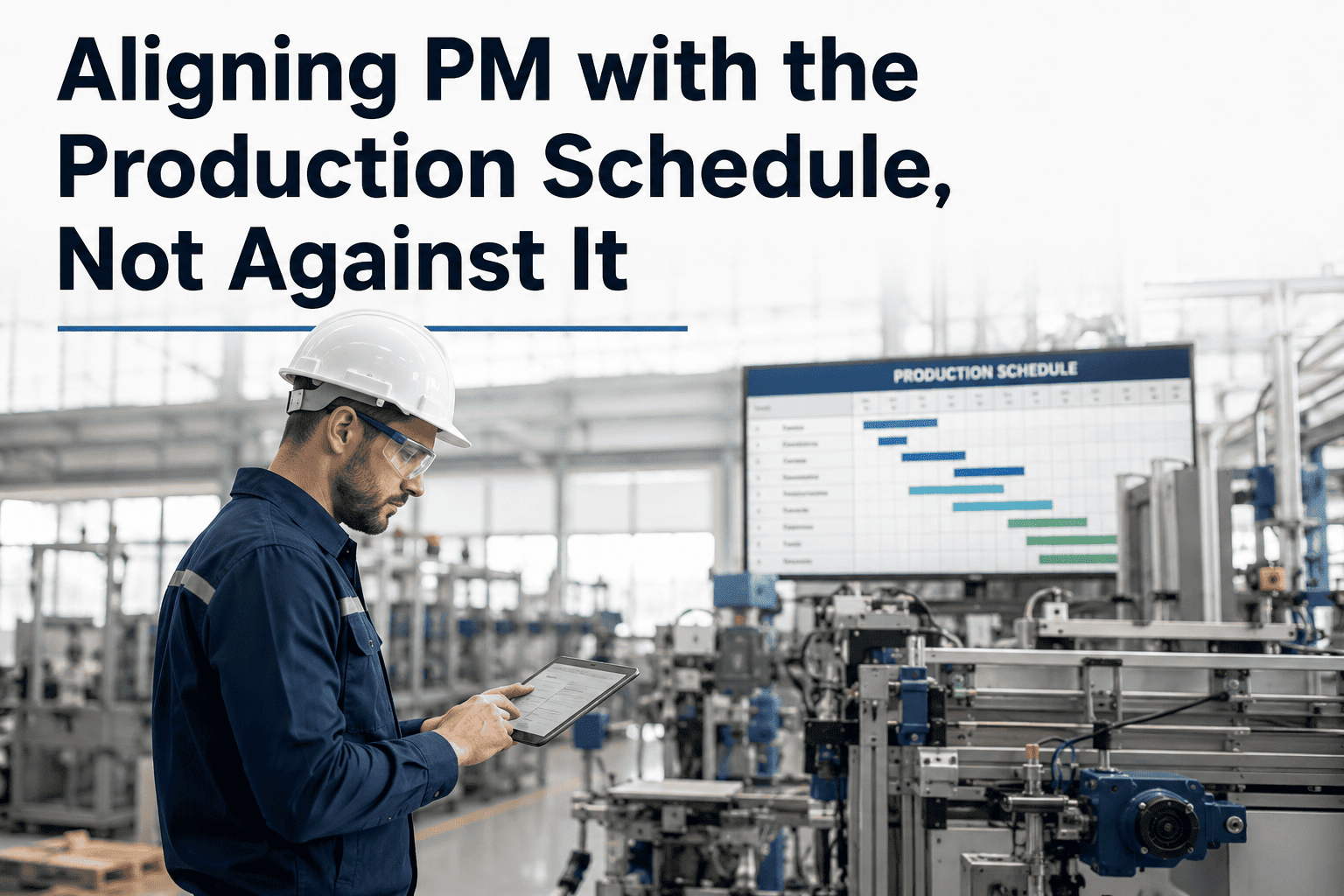
Aligning PM With the Production Schedule, Not Against It
When maintenance and production run on separate calendars, PM gets pushed to "whenever there's a gap" — and gaps that never come. A shared, CMMS-driven schedule turns downtime windows, changeovers, and sanitation blocks into planned maintenance opportunities instead of missed ones.
Production Calendar
Run schedule
Changeover
Maintenance Calendar
PM due
Backlog
Where PM and Production Fight for the Same Hours
Every plant has windows where equipment sits idle — changeovers, sanitation breaks, shift gaps. Maintenance and production both want those same minutes, and without a shared view, whoever schedules first wins while the other side works around it.
Changeover Windows
15-45 minute gaps between SKUs get consumed by cleaning and setup before maintenance even gets a request in. PM waits for the next one.
Sanitation Blocks
Nightly or weekly CIP windows are the one predictable stretch of downtime — but sanitation crews and maintenance crews rarely share a work order system.
Planned Line Stops
Scheduled stops for inventory counts or audits get locked into the MPS weeks out, while PM due dates are tracked on a separate cadence entirely.
Shift Handoffs
The gap between shifts looks open on paper but is already claimed by cleaning crews, quality checks, and material staging before maintenance arrives.
How a Missed PM Window Turns Into a Bigger Problem
A deferred PM rarely stays a single deferral. It slips again at the next review, and the equipment keeps running past the point the interval was set to protect.
Day 1
PM due date passes with no open production window; work order rolls to next review cycle.
Week 2
Second review cycle also has no window; the asset is now running well past its designed service interval.
Month 1
Component wear crosses from preventable to noticeable — vibration, leaks, or output variance start showing up in daily checks.
Breakdown
Unplanned failure forces an emergency stop mid-run, costing far more line time than the original PM ever would have.
One Calendar, Two Teams
Stop Scheduling PM and Production in Two Different Systems
OxMaint pulls production windows, changeovers, and sanitation blocks into the same view as your PM backlog — so maintenance can see the next open slot before it disappears.
Three Ways Plants Try to Align the Two Schedules
Fixed Downtime Windows
A recurring block — say, every Sunday 6-10am — is reserved for maintenance regardless of production volume that week.
Works when volume is steady; wastes capacity when it isn't.
Changeover-Triggered PM
PM tasks are mapped to specific changeover events, so a bearing check happens every time a particular line switches product.
Precise, but only covers assets tied to changeover-heavy lines.
Shared Sanitation-Window Calendar
Maintenance and sanitation share a single scheduling view, splitting the CIP window between cleaning tasks and PM tasks by priority.
Highest coverage; requires a system both teams actually use.
Building the Shared Calendar in OxMaint
1
Import the Production Schedule
Run schedules, changeover times, and planned stops are loaded in so maintenance sees exactly when a line is actually available.
2
Map PM Tasks to Available Windows
Each PM is tagged with a minimum window length, so the system only suggests slots long enough to complete the task safely.
3
Auto-Slot Into Sanitation and Changeover Blocks
Short PM tasks are matched to changeovers; longer ones are matched to sanitation windows or planned stops automatically.
4
Flag Conflicts Before They Happen
If a PM can't fit before its due date, planners get an alert while there's still time to adjust the schedule instead of after the miss.
5
Track Completion Against the Same Calendar
Completed PMs, deferred PMs, and the reason for each deferral are logged against the production event that caused it.
Before and After a Shared Schedule
| Metric |
Separate Calendars |
Shared Calendar |
| PM completion rate |
60-70% |
90%+ |
| Deferred PM visibility |
Discovered at next review |
Flagged before due date |
| Unplanned downtime source |
Mostly deferred PM |
Mostly true random failure |
| Changeover window use |
Cleaning and setup only |
Cleaning, setup, and PM |
| Scheduling conflict resolution |
Manual, ad hoc |
Flagged automatically in advance |
What Plants Report After Aligning Both Calendars
38%
Drop in unplanned downtime tied to deferred PM
2.1x
More PM tasks completed inside changeover windows
9 days
Average lead time gained on flagged scheduling conflicts
92%
PM completion rate sustained after six months on a shared calendar
Frequently Asked Questions
Put Both Calendars in One System
Give Maintenance a Seat at the Production Schedule
OxMaint syncs production windows, changeovers, and sanitation blocks with your PM backlog, flags conflicts before due dates are missed, and tracks every deferral against the event that caused it.