A power plant that cannot see its own energy performance in real time is managing efficiency by accident. When fuel consumption spikes by 3% overnight and no alarm fires, when auxiliary power creeps up over a quarter and nobody notices until the CFO asks about the fuel bill, when heat rate deviates from design for six weeks before an operator flags it — these are not data problems. They are dashboard problems. A purpose-built energy monitoring dashboard connects fuel use, heat rate, auxiliary load, and equipment efficiency losses into a single operational view that plants can act on in hours, not months. OxMaint's energy dashboard gives power generation teams the real-time visibility they need to stop chasing efficiency losses after the fact and start preventing them from accumulating in the first place. Start your free trial and configure your plant energy dashboard today.
REAL-TIME ENERGY MONITORING
See Every Fuel Loss, Efficiency Deviation, and Equipment Gap — Before It Shows Up on Your Monthly Report.
OxMaint's plant energy dashboard tracks heat rate, fuel consumption, auxiliary power, and equipment losses in real time — with maintenance work orders triggered automatically when a parameter drifts outside target.
3–5%
Fuel savings typical in first year of energy dashboard deployment
6 weeks
Average lag between efficiency degradation and detection without a dashboard
$800K+
Annual fuel cost impact of a 1% heat rate deviation at a 600 MW gas plant
8 hrs
Target response time from efficiency deviation detection to corrective work order
What a Plant Energy Dashboard Must Show — and What Most Don't
Most plants have some form of energy data. The problem is that data lives in the DCS historian, the fuel metering system, and the dispatch log — in three separate places, with no single view that connects operational performance to the maintenance state of the equipment driving it. A real energy dashboard does five things at once.
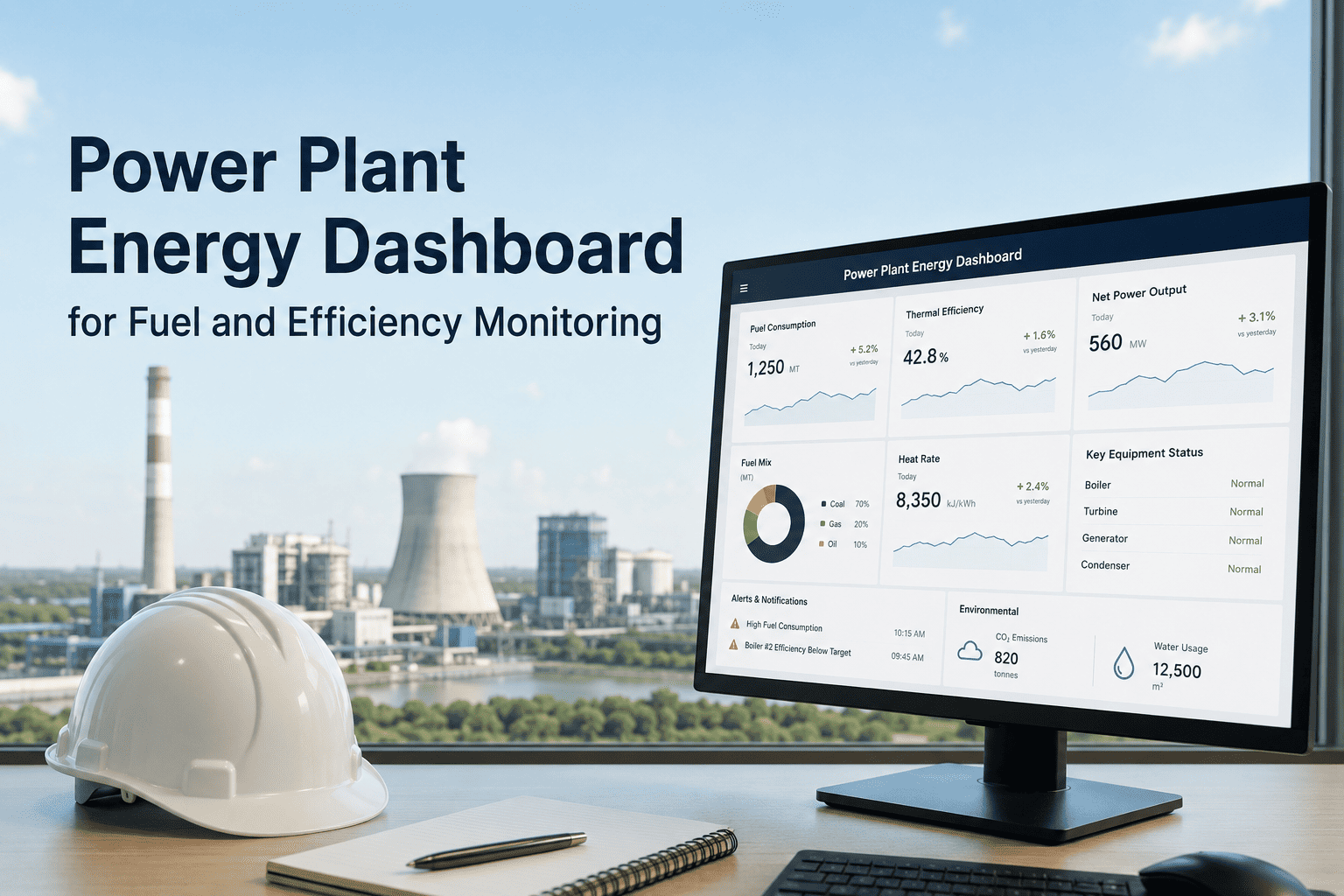
OxMaint Energy Dashboard — Live View Structure
Net Heat Rate — Last 30 Days
9,487 BTU/kWh
+3.1% vs design
Fuel Consumption Rate
1,842 t/hr
vs. target 1,810 t/hr
+1.8% over target
Auxiliary Power Ratio
6.4%
vs. design 5.8%
+0.6% excess draw
Condenser Back Pressure
1.8 inHg
vs. target 1.4 inHg
Work order triggered
APH Gas Outlet Temp
138°C
vs. target 128°C
Cleaning overdue
Turbine Efficiency Index
93.2%
vs. design 96.5%
Within tolerance
Every panel is linked to the maintenance asset responsible for that parameter. A badge showing "Work order triggered" means OxMaint has already created and assigned the corrective task — no manual intervention required.
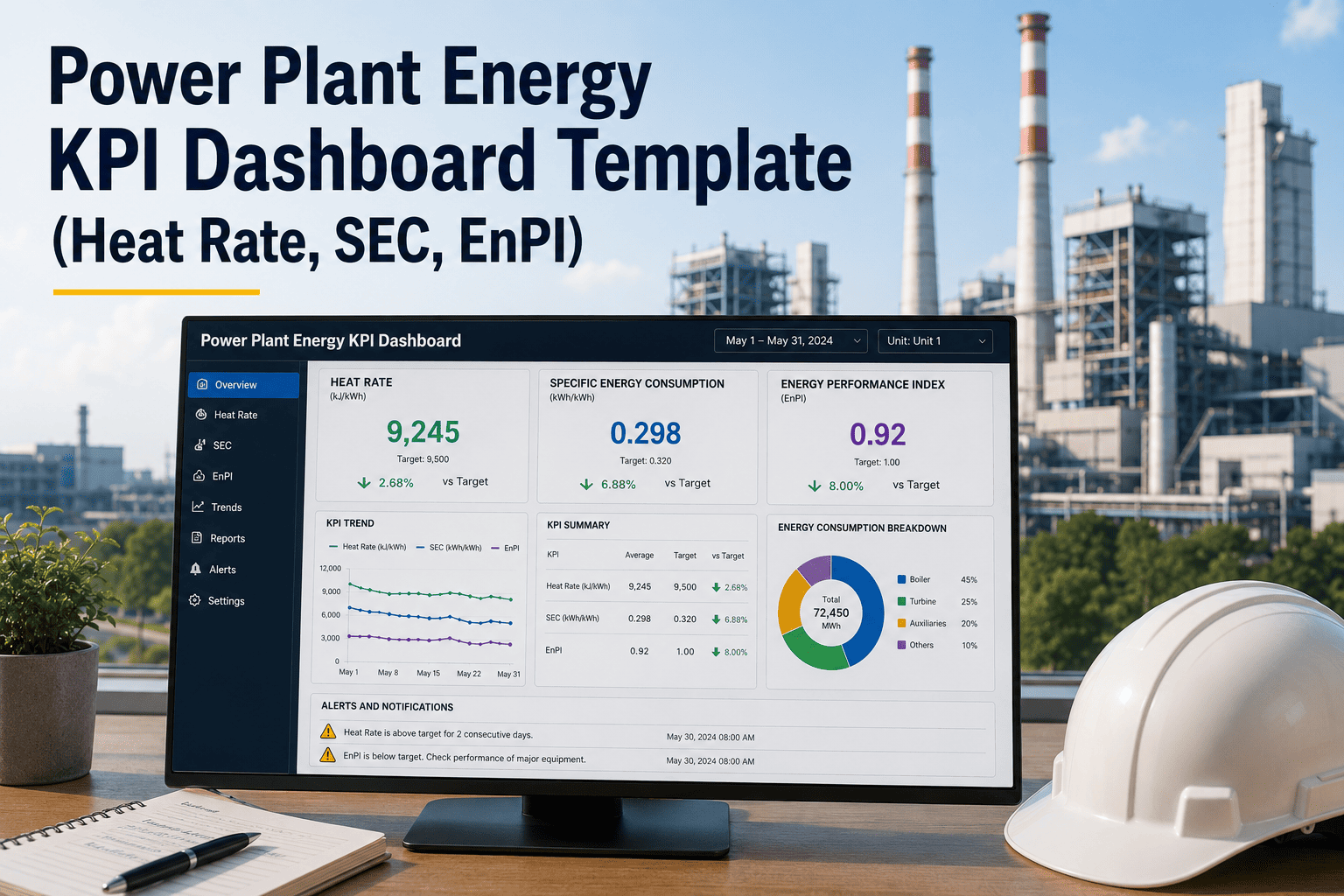
The Six Energy KPIs Every Plant Dashboard Must Track
Not all energy data is equally actionable. These six KPIs have the highest correlation between measurement, maintenance action, and fuel cost impact — making them the core of any effective plant energy monitoring program.
01
Net Heat Rate (BTU/kWh or kcal/kWh)
The master efficiency indicator for any thermal plant. Net heat rate accounts for all losses — boiler, turbine, condenser, auxiliary — in a single number. OxMaint tracks actual vs. design on a 30-day rolling basis and flags deviations above 0.5% for investigation.
Maintenance trigger: Any upward trend exceeding 0.5% over 7 days
02
Specific Fuel Consumption (kg/MWh or MMBTU/MWh)
Measures actual fuel burned per unit of output. Separates fuel quality effects from equipment efficiency losses. A rising trend despite stable fuel quality points directly at equipment degradation — boiler efficiency, turbine performance, or auxiliary power waste.
Maintenance trigger: Greater than 2% deviation from 90-day rolling average
03
Auxiliary Power Consumption (% of gross output)
Fans, pumps, mills, and compressors consuming more power than their design specification is a direct heat rate penalty. A 0.5% increase in auxiliary ratio on a 500 MW plant equals 2.5 MW of wasted generation. OxMaint monitors each major auxiliary load separately.
Maintenance trigger: Any auxiliary exceeding 110% of design load for more than 48 hours
04
Condenser Cleanliness Factor and Back Pressure
Back pressure is the most sensitive real-time indicator of condenser health. A cleanliness factor below 0.85 indicates significant fouling. Tracked against seasonal baseline, this KPI triggers tube cleaning work orders before back pressure reaches levels that cause measurable output loss.
Maintenance trigger: Back pressure greater than 0.3 inHg above seasonal target
05
Boiler Efficiency — Stack Temperature and Excess Air
Stack temperature corrected for load and ambient conditions is the simplest real-time boiler efficiency indicator. Combined with excess O₂ trending, it identifies sootblowing gaps, burner imbalance, and air heater performance issues before they accumulate into significant heat rate penalties.
Maintenance trigger: Corrected stack temperature more than 8°C above baseline
06
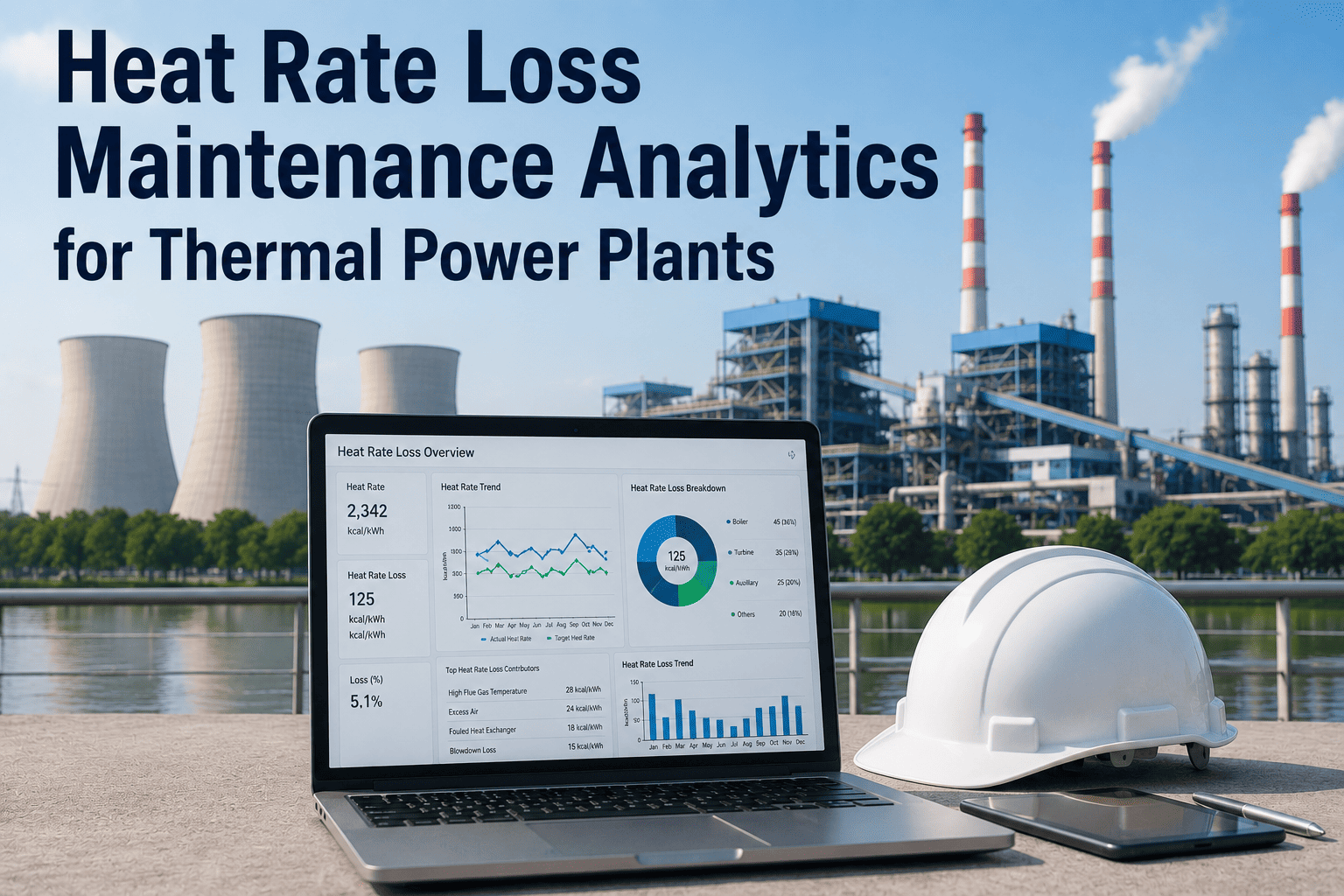
Energy Loss by Equipment Category (BTU/kWh allocated)
OxMaint allocates the total heat rate deviation across contributing equipment categories — air preheater, condenser, turbine, boiler, auxiliary — so maintenance teams know exactly where to direct resources. This prioritized loss allocation is what separates an energy dashboard from a simple data display.
Maintenance trigger: Any single category exceeding its allocated loss threshold
See Every Energy Loss Before It Reaches the Fuel Bill. OxMaint's energy dashboard gives your operations and maintenance teams a shared, real-time view of plant performance — with automatic work order creation when any KPI drifts outside its target band.
How the Dashboard Connects to Maintenance — The Action Layer
An energy dashboard that shows problems without triggering solutions is just an expensive notification system. OxMaint's energy dashboard is built around a closed-loop model: every KPI deviation automatically creates a work order, assigns it to the responsible team, and tracks the efficiency recovery after the work is completed.
The OxMaint Energy-Maintenance Closed Loop
1
Parameter Deviation Detected
Dashboard flags KPI outside target band — condenser back pressure, heat rate, auxiliary load, stack temp
→
2
Work Order Auto-Created
OxMaint creates and assigns the corrective work order — tube cleaning, APH wash, sootblower check — with deviation data attached
→
3
Maintenance Completed
Technician completes work and logs as-found and as-left parameter readings via mobile form
→
4
Efficiency Recovery Measured
OxMaint calculates BTU/kWh recovered and fuel cost saved — every maintenance action is documented with its energy impact
Frequently Asked Questions
What data sources does OxMaint's energy dashboard connect to?
OxMaint connects to DCS, SCADA, OSIsoft PI historian, and fuel metering systems via standard OPC, REST, and Modbus protocols. Manual readings entered by operators via mobile forms are also captured. All data flows into the same dashboard alongside maintenance work order history.
Start free to configure your first data connection.
How does the dashboard automatically trigger maintenance work orders?
Each KPI in the dashboard has a configurable threshold — for example, back pressure 0.3 inHg above seasonal target. When that threshold is crossed and sustained for a configurable time window, OxMaint creates a work order, assigns it to the responsible crew, and attaches the deviation data. No manual intervention is needed from the dashboard alert to the work order assignment.
Book a demo to see the trigger configuration.
Can the energy dashboard support ESG and sustainability reporting?
Yes. OxMaint exports fuel consumption, specific heat rate trends, and efficiency improvement data in formats compatible with GRI, CDP, and internal ESG reporting workflows. Every maintenance-driven efficiency recovery is documented with before-and-after performance data for external disclosure.
Is the energy dashboard useful for both coal and gas plants?
Yes. The KPI framework applies to any thermal generation technology. Gas turbine plants use different efficiency parameters — GTCC heat rate, HRSG pinch points, compressor efficiency — but the same underlying model of parameter trending, threshold alerting, and maintenance triggering applies across all fuel types.
How quickly does a plant see energy savings after deploying the dashboard?
Most plants identify at least one significant efficiency gap — a fouled condenser, a degraded air preheater, or excess auxiliary load — within the first 30 days of monitoring. The first measurable fuel savings from a maintenance-triggered recovery typically appear within the first 60–90 days of deployment.
Start free and see what your plant is missing.
Stop Discovering Fuel Losses in Last Month's Report.
OxMaint's plant energy dashboard gives power generation teams real-time visibility into heat rate, fuel use, auxiliary power, and equipment efficiency losses — with automatic maintenance work orders triggered at the moment a KPI drifts, so every deviation becomes a work order before it becomes a fuel bill.