Ask five drivers on the same fleet how they check a load before departure and the answers rarely match — one walks the trailer twice, one photographs damage only when it looks bad enough, one skips the tarp check on short hauls because "it's always fine." That inconsistency stays invisible until a cargo damage claim lands with no photo, no timestamp, and no way to prove whether the damage happened at the dock, in transit, or at delivery. Unsecured and improperly documented cargo remains one of the most frequently cited issues at roadside inspections, and unclear inspection records are a leading reason freight claims get disputed instead of closed quickly. Standardizing the workflow — not just handing every driver a paper checklist — is what actually closes that gap. Sign in to OxMaint to see how a standardized cargo inspection workflow runs across an entire fleet.
Cargo Inspection Standardization · Mobile Workflow · Photo Evidence · OxMaint
One Inspection Sequence. Every Driver. Every Terminal. Every Shift. No More Guessing What Was Actually Checked Before the Trailer Left the Yard.
OxMaint replaces the mix of paper checklists, memory, and personal habit that makes cargo inspection inconsistent with one mobile workflow every driver follows the same way — structured checkpoints, required photo evidence, automatic exception escalation, and a searchable record for every load that holds up when a damage claim is disputed.
5x
variation commonly seen in how thoroughly individual drivers on the same fleet complete an unstructured cargo check
Zero
photo evidence available on most disputed cargo damage claims when inspection is left to memory instead of a workflow
1
single mobile checklist sequence every driver in the fleet follows once OxMaint standardization is active
A cargo inspection workflow only protects a fleet if it produces the same evidence every time, from every driver, regardless of terminal or shift. A checklist taped to a clipboard cannot enforce sequence, cannot require a photo before the next step unlocks, and cannot timestamp when a check actually happened. OxMaint's mobile workflow enforces the order, requires the evidence, and timestamps every entry automatically — turning a habit that varies by driver into a compliance record that holds up during a claim review or a safety audit.
Four Building Blocks of a Standardized Cargo Inspection Workflow
CHK — Checklist Structure
One Sequenced Checklist Per Trailer and Cargo Type
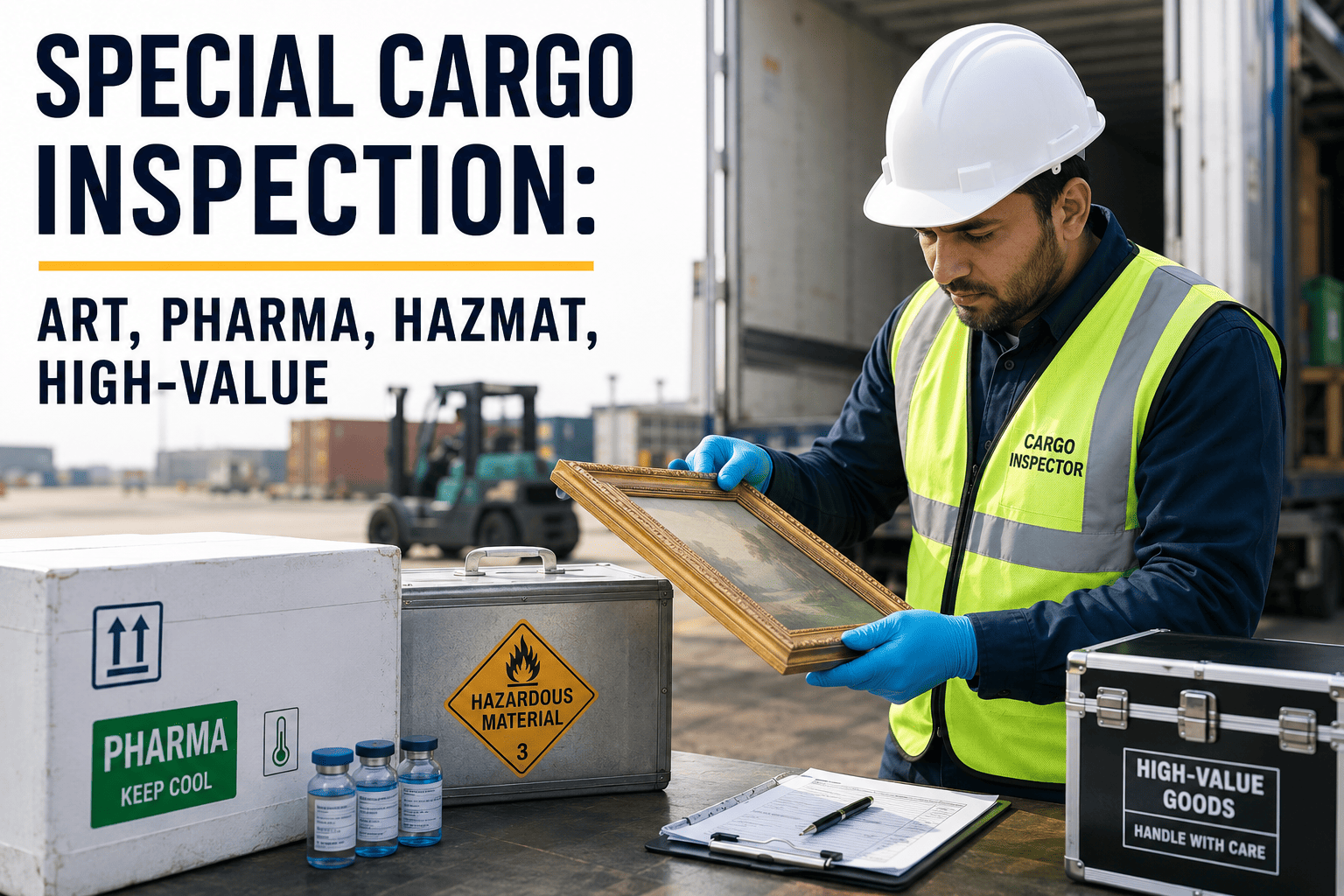
OxMaint builds one master checklist per trailer and cargo type — dry van, reefer, flatbed, hazmat — and pushes the correct sequence to the driver's device automatically based on the assigned load. Steps cannot be skipped or reordered, and the checklist adapts to cargo-specific requirements like tie-down count or temperature range without the driver needing to remember which version applies.
Sign in to OxMaint to build checklist templates for your fleet.
Key Checklist Data OxMaint Manages
Trailer type mapping — checklist auto-assigned by dry van, reefer, flatbed, hazmat
Checkpoint sequence — locked order, no step can be skipped or reordered
Cargo-specific fields — tie-down count, temperature range, placarding
Version control — checklist updates pushed fleet-wide the same day
Checklist Failures OxMaint Prevents
Driver-dependent thoroughness — every driver checks a different set of items
Wrong checklist used — reefer load inspected against a dry van checklist
Outdated paper version — terminal still using a checklist retired months ago
CAP — Mobile Capture
Required Photo Evidence at Every Checkpoint
Each checkpoint in the workflow can require a timestamped, geotagged photo before the driver is allowed to proceed — door seal condition, tie-down points, floor condition, tarp coverage. The photo is attached to the load record automatically, replacing "it looked fine" with evidence captured at the exact moment of inspection, from a device that works even where yard signal is weak.
Book a demo to see mobile capture in OxMaint.
Key Capture Data OxMaint Records
Timestamped photo — captured at the checkpoint, not added after the fact
Geotag — location of the inspection attached to each photo
Offline sync — inspection saved on device and synced once signal returns
Load linkage — every photo attached to the specific load and trailer record
Capture Failures OxMaint Prevents
Optional photo skipped — driver proceeds without documenting condition
Undated photo — image exists but no proof of when it was taken
Lost inspection — signal drop causes the entire check to be discarded
ESC — Exception Escalation
Automatic Alert the Moment a Checkpoint Fails
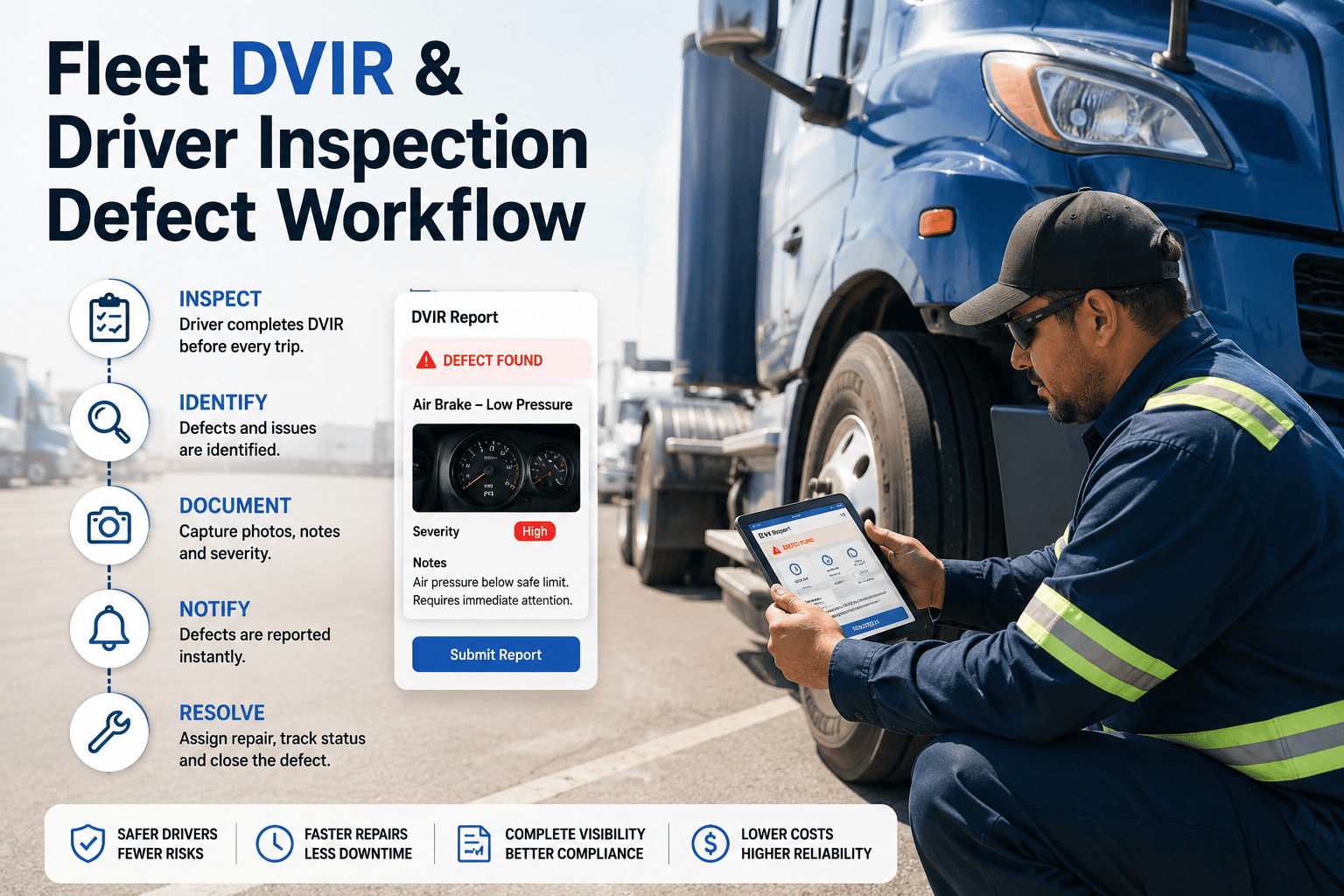
When a driver flags damage, a missing seal, or an unsecured load at any checkpoint, OxMaint routes an immediate alert to the terminal supervisor and holds the load status until the exception is reviewed — instead of leaving the driver to make a dispatch-worthy judgment call alone under time pressure.
Sign in to OxMaint to configure exception escalation rules.
Key Escalation Data OxMaint Tracks
Exception type — damage, missing seal, unsecured load, temperature deviation
Supervisor alert — routed instantly to the terminal on duty
Load hold status — dispatch blocked until exception is cleared
Resolution log — who reviewed the exception and what action was taken
Escalation Failures OxMaint Prevents
Silent dispatch — flagged load leaves the yard before anyone reviews it
Driver decides alone — no second opinion on a borderline call
No resolution record — exception cleared with nothing documented
REC — Record Retrieval
One Searchable Record Per Load, Not a Filing Cabinet
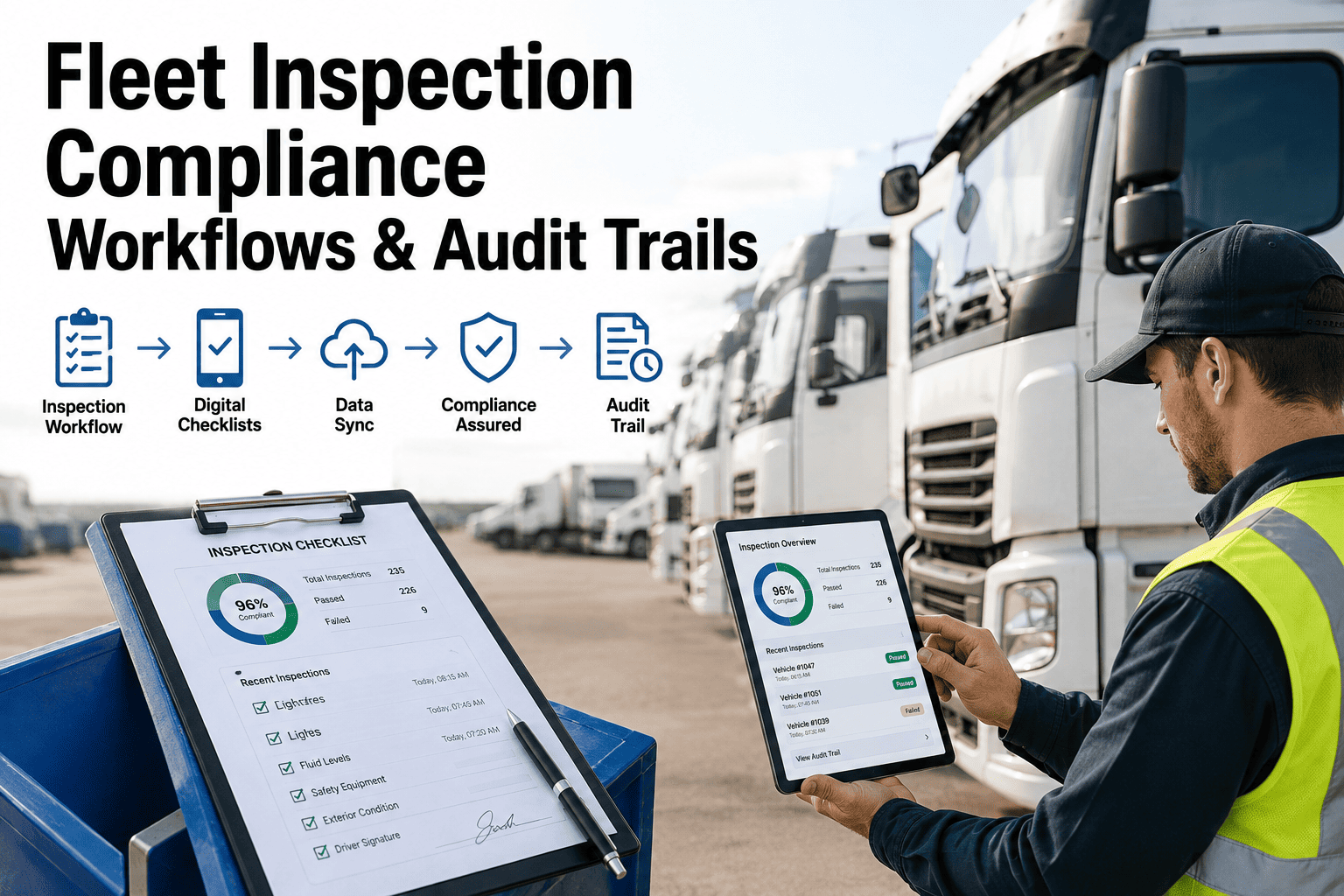
Every completed inspection — checklist, photos, timestamps, driver, exceptions — is stored against the load and vehicle record in OxMaint, searchable by date, driver, terminal, or trailer. When a damage claim arrives weeks later, the inspection record is pulled up in seconds instead of chased across paper files and driver memory.
Book a demo to see record retrieval in OxMaint.
Key Record Data OxMaint Retains
Full checklist trail — every checkpoint response for the load
Photo archive — every image linked to load, trailer, and timestamp
Driver and terminal — who performed the inspection and where
Search and export — records retrievable by date range for claims or audits
Record Failures OxMaint Prevents
No record kept — paper checklist discarded after the trip
Slow retrieval — claims team spends days locating a paper trail
Incomplete file — photos exist but are not linked to the load record
OxMaint AI · Cargo Inspection Workflow
Every Driver Follows the Same Sequence. Every Checkpoint Requires Evidence. Every Exception Is Escalated. Every Load Has a Record Before It Leaves the Yard.
OxMaint closes the consistency gap that exists in every fleet where cargo inspection is left to a laminated checklist and a driver's memory.
What Makes the Workflow Hold Up Across a Growing Fleet
Three Design Choices That Keep Standardization Consistent at Scale
Design · Mobile-First
Driver App That Works Without Reliable Signal
Inspections completed in low-signal yards or rural drop points are captured on the device and synced automatically once connectivity returns, so the workflow never depends on a live connection to function correctly.
Design · Role-Based Views
Supervisors See Exceptions, Not Every Completed Check
Terminal supervisors get a live queue of flagged exceptions only, so a growing fleet does not translate into a growing pile of routine inspection reports to manually review each day.
Design · Cross-Terminal Rollout
One Workflow Pushed to Every Terminal at Once
A checklist update — a new hazmat step, a revised tie-down requirement — is pushed once from OxMaint and applies at every terminal and shift the next time a driver opens the app.
Cargo Risk Register — Where Inconsistent Inspection Carries the Highest Consequence
Critical — Roadside Citation
Unsecured or Improperly Tied Down Cargo
Cargo securement remains one of the most frequently cited issues at roadside inspections. OxMaint requires a tie-down photo checkpoint before dispatch is cleared for every load.
Critical — Claim Exposure
Damage Claims With No Photo Evidence
A disputed claim with no timestamped photo usually resolves against the carrier. OxMaint requires photo capture at every damage-relevant checkpoint before the load leaves the yard.
Critical — Regulatory
Hazmat Checklist Deviation
A hazmat load inspected against the wrong or incomplete checklist is a regulatory exposure as well as a safety one. OxMaint locks the hazmat-specific sequence for every hazmat-classified load.
Elevated — Consistency
Inconsistent Checklist Across Terminals
Terminals that maintain their own version of a checklist drift apart over time. OxMaint pushes one version fleet-wide so every terminal runs the same current sequence.
Elevated — Post-Delivery Disputes
Damage Discovered After Delivery
Without a pre-departure record, it is impossible to prove damage occurred before or after transit. OxMaint's departure-time photo record settles the timing question.
Elevated — Turnover
Seasonal and New Driver Inconsistency
New or seasonal drivers are the least likely to know an unwritten terminal habit. A locked mobile sequence removes the dependency on tribal knowledge entirely.
Cargo Inspection Coverage by Trailer and Cargo Type
Documented Outcomes — Fleets Using OxMaint Standardized Cargo Inspection
1
single checklist sequence in use fleet-wide per trailer and cargo type — no terminal-specific variations left running
100%
of dispatched loads carry a timestamped photo record at the required checkpoints before leaving the yard
Minutes
to retrieve a load's full inspection record for a claim review, instead of days spent searching paper files
4
trailer and cargo type checklist templates managed centrally — dry van, reefer, flatbed, hazmat
Live
exception queue for terminal supervisors — flagged loads only, not every routine check
Offline
capable capture — inspections complete and sync automatically once signal returns
Same-Day
checklist updates rolled out to every terminal without a separate retraining cycle
A cargo claim without a matching inspection photo is a claim your fleet usually loses the argument on. OxMaint gives every load a timestamped record before it leaves the yard.
One checklist per cargo type. Required photo evidence. Automatic exception escalation. Searchable records for every load. OxMaint standardizes cargo inspection across every terminal and shift.
Before we standardized, every terminal manager had their own version of the cargo checklist — some laminated, some just tribal knowledge passed to new hires. When a damage dispute came in, we had nothing to show. Now every driver follows the same sequence on their phone and every load has photos attached before it leaves the dock. Our claim disputes dropped because we finally have something to point to.
— Terminal Operations Manager, Regional LTL Carrier · OxMaint user
Frequently Asked Questions — Cargo Inspection Standardization with OxMaint
Can the checklist differ by trailer or cargo type?
Yes, OxMaint assigns the correct checklist automatically based on the trailer type and cargo assigned to the load, so drivers never have to select or remember the right version.
Sign in to OxMaint to configure checklist templates.
What happens when a driver flags a damaged or unsecured load?
The load status is held automatically and a supervisor alert is triggered the moment the exception is logged, so the load cannot proceed to dispatch until it is reviewed and cleared.
Does the inspection work at a terminal with weak mobile signal?
The mobile workflow captures the checklist and photos on the device and syncs the record once a connection is available, so inspections are never blocked by signal gaps at the yard.
Can we retrieve an inspection record for a claim from months ago?
Every completed inspection is stored against the load and vehicle record and is searchable by date, driver, or trailer.
Book a demo to see record retrieval in OxMaint.
How quickly can a checklist update roll out fleet-wide?
A checklist change made in OxMaint applies at every terminal the next time a driver opens the inspection workflow, with no separate retraining rollout required.
Stop Trusting Cargo Condition to Memory. Standardize the Workflow Every Driver Follows.
One checklist sequence per cargo type, required photo evidence, automatic exception alerts, and a searchable record for every load — OxMaint turns cargo inspection from a habit that varies by driver into a workflow the whole fleet follows the same way.