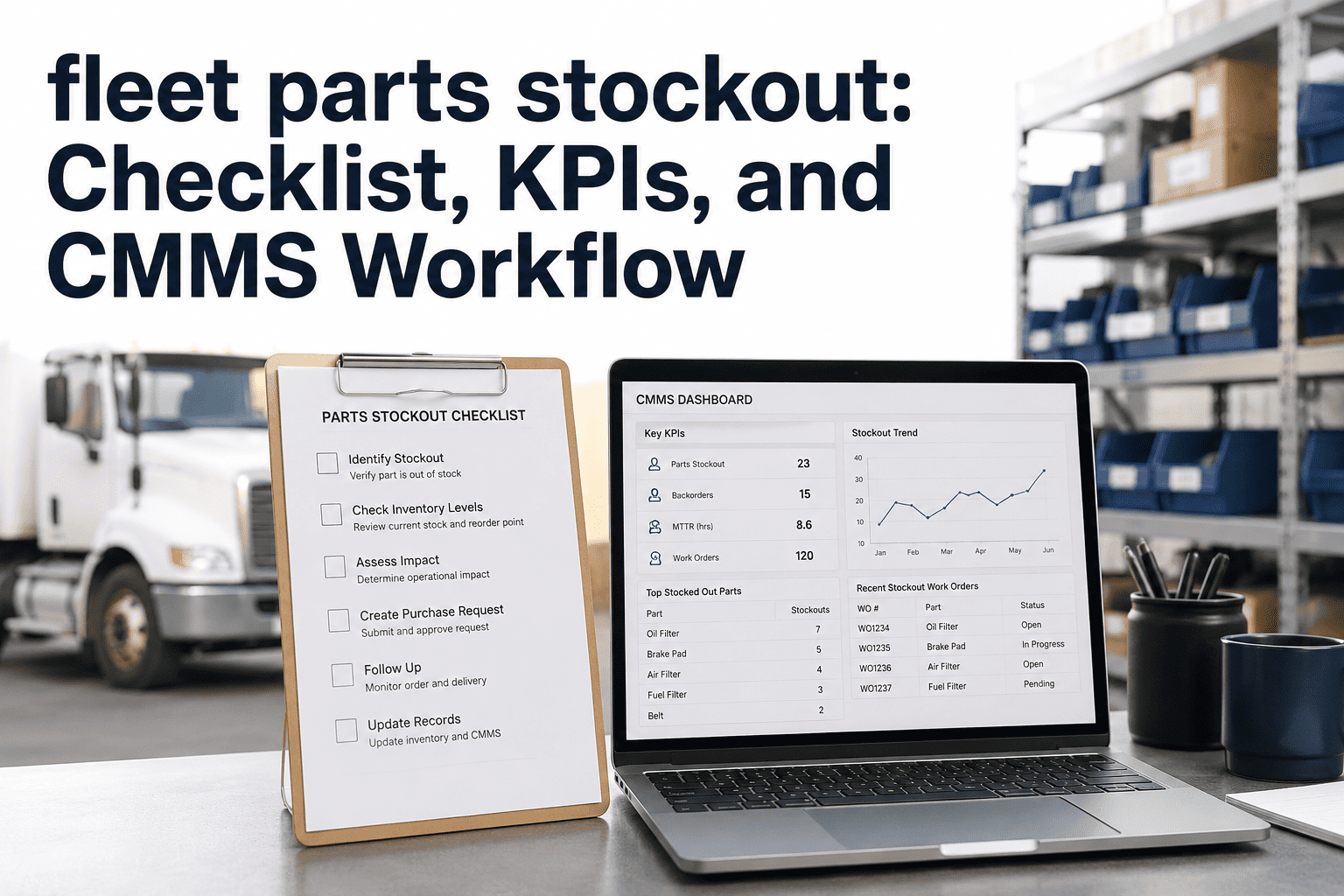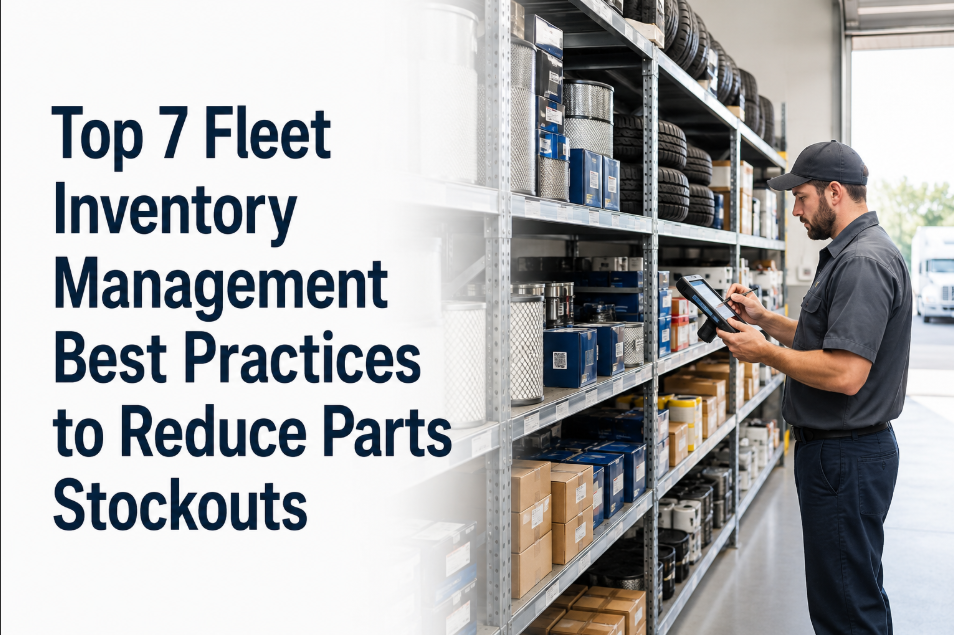
A technician pulls a truck into the bay for a brake job, walks to the parts cage, and finds an empty bin. That single moment is the difference between a two hour repair and a two day breakdown, because nearly half of all unplanned downtime traces back to a part that was not on the shelf when it was needed. Fleets still running spreadsheet based parts tracking lose 19 to 24 percent of their annual parts budget to rush orders, duplicate purchases, and obsolete stock nobody ever counted. Minimum stock levels change that equation entirely, turning stockouts from a recurring surprise into a number the system watches for you. See how automatic reorder points work with a free trial of Oxmaint or book a demo to map minimum stock levels for your own parts room.
Setting Minimum Stock Levels That Cut MTTR Before the Bin Goes Empty
Brake pads, oil filters, and tires do not run out on a schedule that is convenient for anyone. A calculated minimum stock level triggers a reorder or purchase order automatically, long before a technician stands at an empty shelf with a truck already in the bay.
Every Empty Bin Is a Decision Nobody Made on Purpose
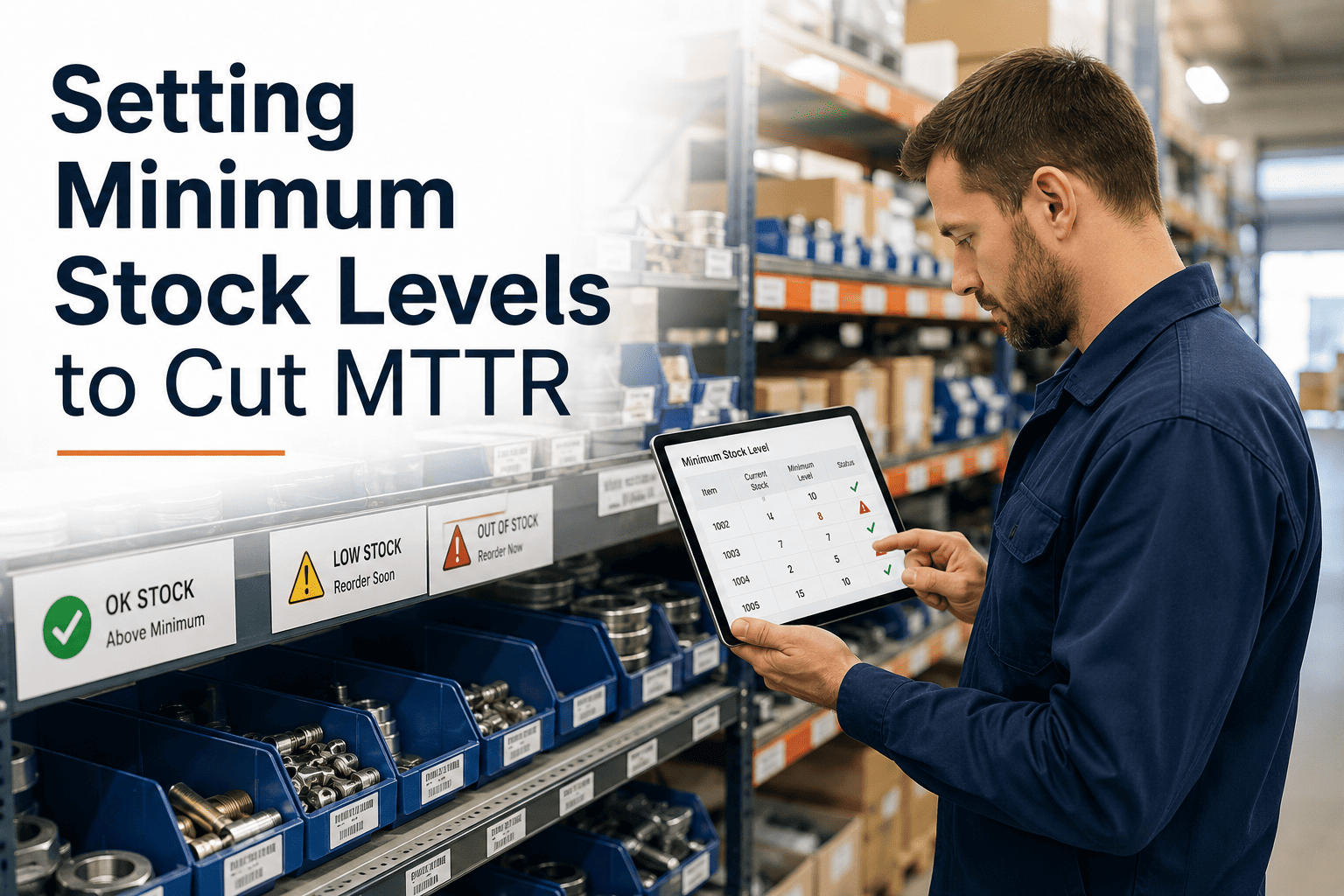
No parts manager decides to run out of brake pads. It happens because nobody set a number that says "reorder now" before the shelf goes bare. A minimum stock level is that number, calculated per part, per location, from actual usage and actual supplier lead time. Oxmaint watches the count and raises the purchase order before a technician ever notices the gap.
Why a Missing Brake Pad Costs More Than a Brake Pad
The part itself is rarely the expensive line item. The cost stacks up in everything a stockout drags along with it, and most of that cost never shows up on the purchase order.
Technician stops mid work order and walks back to dispatch instead of finishing the repair.
Rush shipping and premium pricing apply because there is no time to shop for a better rate.
The route goes unrun, the driver gets reassigned or sent home, and revenue capacity disappears.
A repair that should have taken two hours reports as a two day event on every maintenance dashboard.
The Minimum Stock Calculation Behind Every Reorder Point
Minimum stock, also called the reorder point, is not a guess and it is not a round number picked because it felt safe. It is built from three inputs that Oxmaint pulls directly from work order history rather than manufacturer estimates.
Minimum Stock Reference for the Parts Fleets Run Out of Most
Brake pads, oil filters, and tires behave differently in a stockroom because they consume at different rates and carry different lead times. Treating them with one blanket par level is exactly how fleets end up short on the item that actually grounds a truck. Configure category specific thresholds with a free trial or walk through your own parts list on a demo call.
| Part Category | Typical Consumption | Average Lead Time | Stockout Risk If Unmanaged |
|---|---|---|---|
| Brake pads and rotors | Highest volume safety item, tied to mileage and route type | 3–7 days standard order | Grounds the vehicle immediately, no safe substitute |
| Oil, air, and fuel filters | Predictable, tied directly to PM interval | 2–5 days standard order | Delays scheduled PM, pushes work into backlog |
| Tires | Faster cycling on stop and go or urban routes | 5–10 days for matched sets | Forces route reassignment or reduced load capacity |
| Batteries and alternators | Irregular, spikes with vehicle age and season | 3–6 days standard order | Full breakdown, typically discovered roadside |
Spreadsheet Guessing vs. Calculated Minimum Stock
Reorder Points That Run Themselves Once They Are Set
Oxmaint's inventory module is built on top of the same work order data that already exists in the system, so minimum stock levels stay accurate without a separate manual process to maintain.
Minimum stock is set from actual consumption per part and per location, not a manufacturer default or a number picked once and forgotten.
When on hand stock reaches the calculated threshold, a purchase requisition is created with supplier, cost, and quantity pre filled for approval.
Actual delivery history per supplier feeds directly back into the reorder point calculation, so a slower supplier raises the threshold automatically.
A part sitting idle at one depot can cover a shortage at another before a rush order is ever placed, cutting duplicate purchasing across the fleet.
Parts managers see approaching thresholds on a dashboard instead of discovering a stockout when a technician walks to an empty bin.
Reorder points are balanced against turnover targets so stock stays available without tying up capital in parts that sit for months.
What Fleets Report After Setting Calculated Minimum Stock Levels
A documented deployment case dropped critical spares stockouts from 34 percent to 6 percent after digitizing inventory with reorder triggers
Fleets moving to calculated reorder points reduce excess inventory tied up in duplicate or slow moving stock
Parts requisitions that took days on a manual approval chain compress to minutes with a pre filled purchase order
Oxmaint begins generating accurate reorder suggestions after roughly 30 days of work order data on a part
Frequently Asked Questions
What is a minimum stock level and how is it different from safety stock?+
How often should minimum stock levels be recalculated?+
Does every part need its own minimum stock level?+
Can minimum stock tracking work across multiple depots or garages?+
How long before minimum stock levels start preventing stockouts?+
Stop Finding Out the Bin Is Empty When the Truck Is Already in the Bay
A calculated minimum stock level is one of the highest return changes a parts room can make, because it turns a recurring surprise into a number the system watches around the clock. Oxmaint sets it up from your existing work order history, with no separate inventory project required.