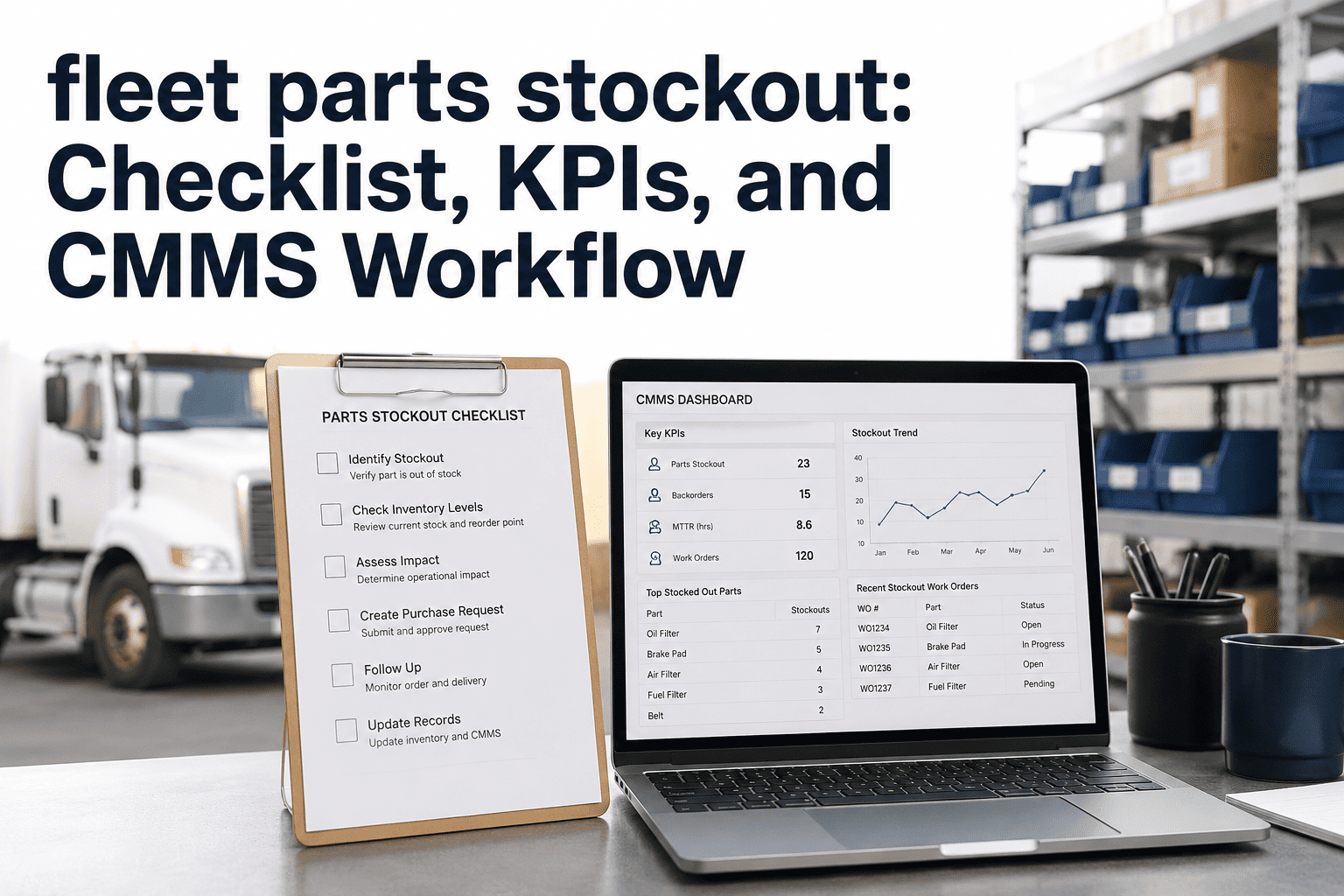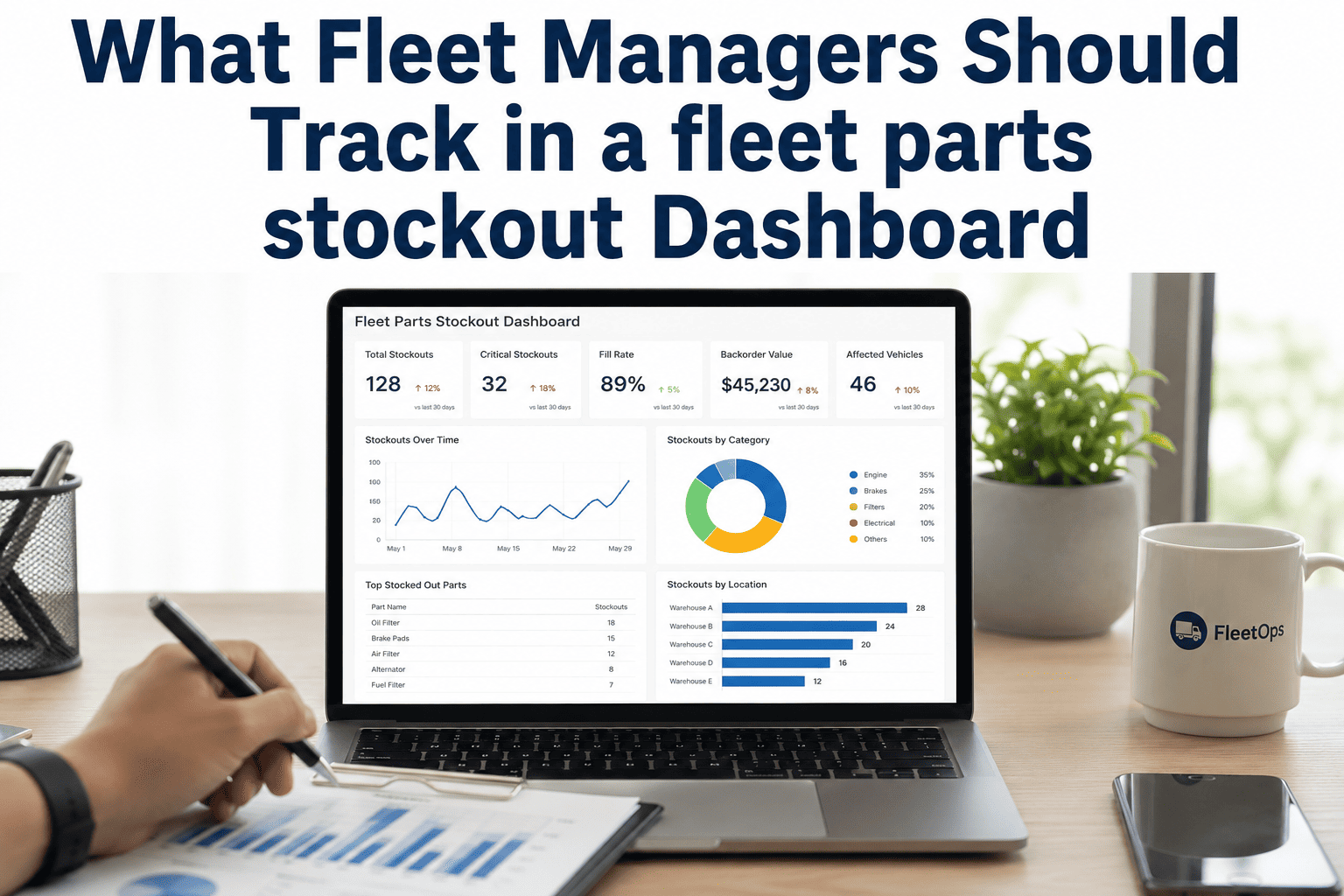
Parts stockouts are one of the most expensive problems in fleet maintenance — not because the parts cost too much, but because the downtime that results is brutal to absorb. When a vehicle sits waiting for a $47 oil filter or a $180 brake caliper, the daily lost revenue can reach $800–$2,200 per unit. For a 50-vehicle fleet, even two or three stockout events per month translate to $50,000–$80,000 in annual avoidable losses. The root cause is rarely a supply chain issue — it is almost always a visibility problem. Maintenance managers running on spreadsheets or disconnected systems do not know stock levels in real time, do not receive automated reorder alerts, and do not have usage history granular enough to forecast accurately. This guide gives you the prevention framework that eliminates stockouts before they become downtime events. Start a free trial with Oxmaint or book a demo to see parts inventory management in action.
Fleet Parts Stockout Prevention Guide for Maintenance Managers
The definitive playbook for eliminating parts stockouts — from safety stock calculation to automated reorder workflows that keep every bay running.
The True Cost of a Parts Stockout
Most cost calculations stop at the part price and emergency shipping. The real cost goes much deeper.
Why Stockouts Happen: The 5 Root Causes
Without defined par levels for each part, ordering happens reactively — after the stockout, not before. Minimum thresholds are the single most impactful prevention tool, yet 58% of fleets still have none set in their system.
When parts consumption is recorded on paper or in disconnected systems, you cannot calculate accurate usage rates. Without usage rate data, every minimum threshold is a guess.
Manual inventory checks happen infrequently and inconsistently. By the time a low-stock item is noticed, it may already be at zero. Automated alerts at minimum threshold are non-negotiable for stockout prevention.
Fleets with multiple yards often have parts sitting unused at one location while another location experiences a stockout. Without cross-location visibility, you buy more instead of transferring existing stock.
Upcoming PM work orders should automatically check whether required parts are in stock before the job starts. When PM and inventory are disconnected, technicians discover missing parts mid-job.
Oxmaint Closes Every Gap That Creates Stockouts
Minimum thresholds, automated reorder alerts, multi-location visibility, and PM-to-inventory linking — all in one platform. Fleets reduce parts-related repair delays by 38% within 90 days.
How to Calculate Safety Stock for Fleet Parts
Safety stock is the buffer between your reorder point and a stockout. Here is the formula fleet maintenance managers use:
The 8-Step Stockout Prevention Framework
Map every location where parts are stored. Identify which locations have real-time visibility and which are blind spots. Any location without live inventory data is a potential stockout source.
A-class parts: high usage, fleet-critical. B-class: moderate usage or moderate criticality. C-class: low usage, easy to source. Safety stock requirements are highest for A-class, lowest for C-class.
Use the safety stock formula for A-class parts. For B-class, a 2-week supply at average usage is a reasonable starting point. Thresholds should be reviewed quarterly as usage patterns shift.
Set automated alerts to fire when stock hits the minimum threshold, not when it hits zero. Build in sufficient lead time for your supplier to deliver before the safety stock is consumed.
Before any PM work order is assigned to a technician, the system should confirm that all required parts are in stock. Catching gaps 48–72 hours before the job means time to source without vehicle delay.
Before placing an emergency order, check all locations for available stock. A formal transfer request process that takes under 4 hours is faster and cheaper than emergency procurement in most cases.
Every stockout should generate a root cause record: which part, which vehicle, which date, and why the threshold was not hit in time. Three stockouts for the same part in 6 months means the threshold is wrong.
Fleet composition changes, seasonal patterns shift, and PM schedules evolve. Thresholds that were accurate 6 months ago may leave you exposed today. Quarterly reviews prevent threshold drift.
Frequently Asked Questions
How many parts should have minimum thresholds set?
What is the difference between a reorder point and a minimum stock level?
Can Oxmaint manage parts across multiple yard locations?
How long does it take to set up inventory thresholds in Oxmaint?
Your Next Stockout Is Preventable — Starting Today
Oxmaint gives maintenance managers real-time inventory visibility, automated reorder alerts, PM-to-parts linking, and multi-location control — everything needed to eliminate stockouts permanently. Join fleets that cut parts-related downtime by 38% within 90 days.