Building a fleet parts stockout program is not the same as setting minimum stock levels. A true program is a living operational system — one that uses real usage data to set accurate thresholds, automates the reorder cycle, gives technicians live inventory visibility at the point of work, and continuously improves as your fleet composition changes. Fleets that treat stockout prevention as a project rather than a program solve the immediate problem but watch it return within 6–12 months. Fleets that build the program correctly see sustained 35–45% reductions in parts-related downtime, quarter over quarter. This guide walks through the complete program blueprint — from data foundation to continuous improvement cycles — so your team builds something that actually sticks. Explore how Oxmaint's Inventory and Spare Parts module powers this program, or book a demo with our fleet specialists.
Parts Inventory — Program Guide
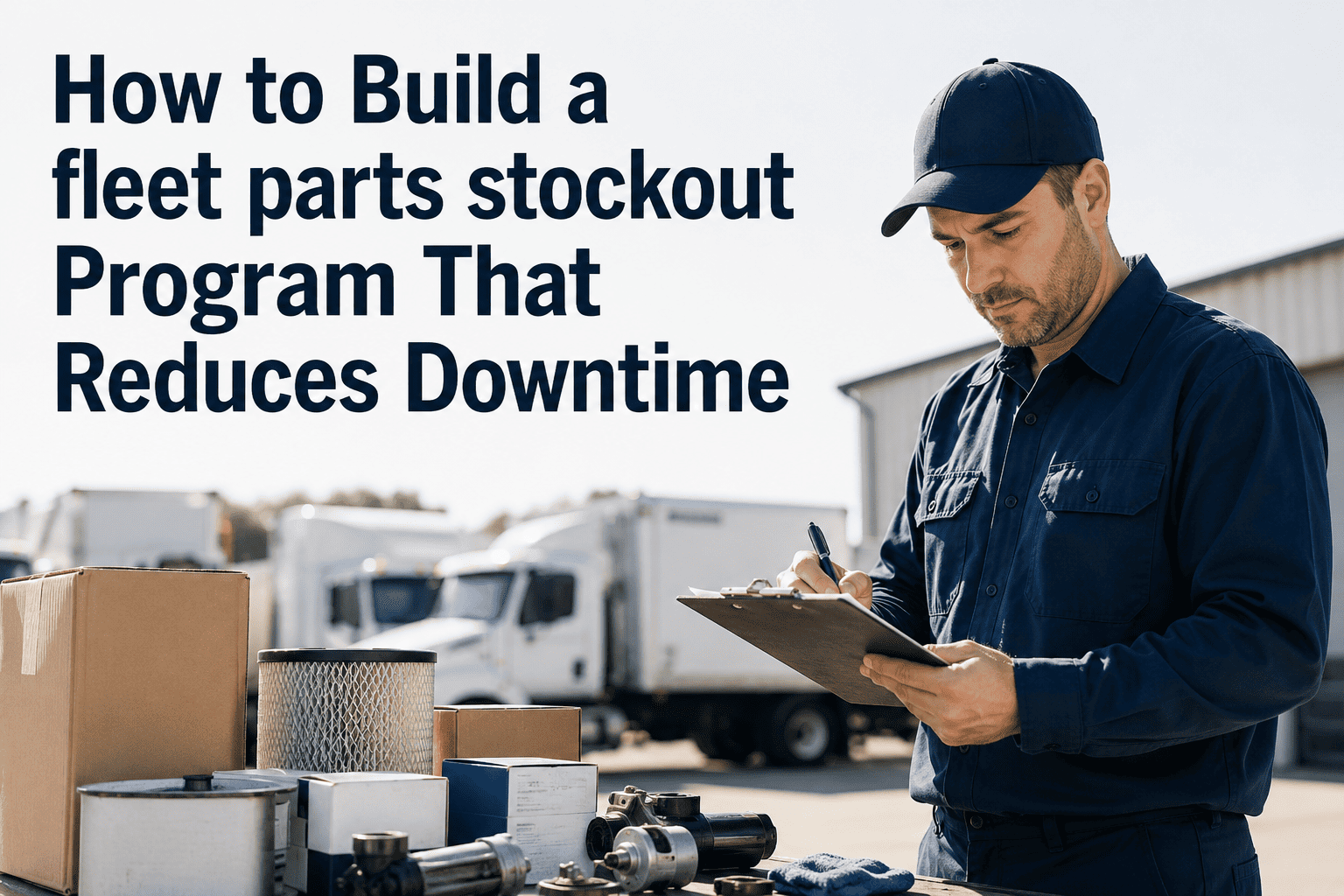
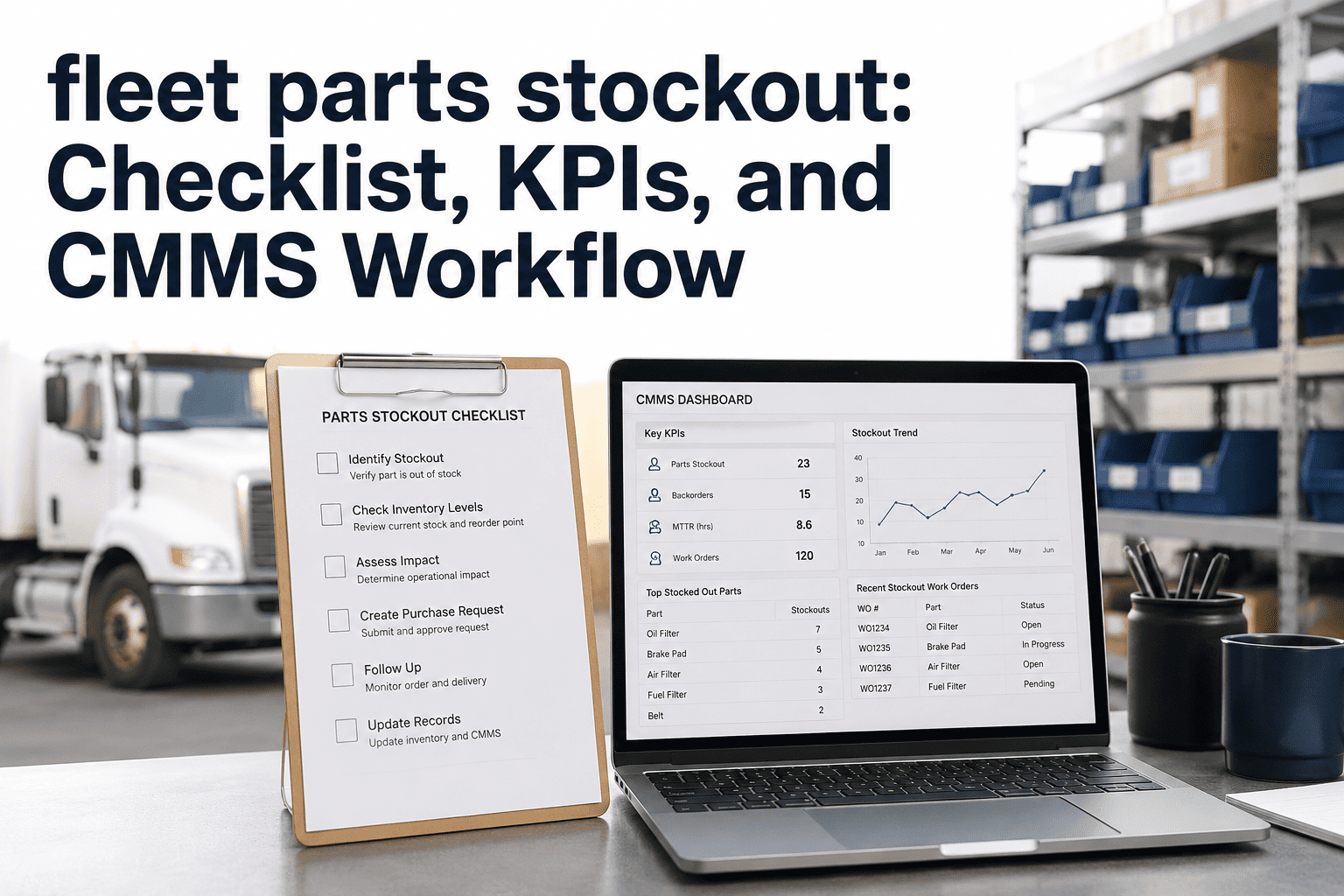
How to Build a Fleet Parts Stockout Program That Reduces Downtime
A step-by-step program blueprint for fleet maintenance managers — from inventory audit to automated replenishment to continuous improvement.
Why Most Stockout Prevention Efforts Fail
63%
Set thresholds once, never revisit them
Usage patterns change as fleet composition shifts. A threshold set 18 months ago may be dangerously understated for your current PM volume.
71%
Rely on manual inventory counts
Manual counts happen weekly or monthly at best. By the time a shortage is discovered, the vehicle is already waiting. Real-time decrement is non-negotiable.
58%
Have no link between PM schedules and parts availability
Technicians discover missing parts mid-job. A parts-check step before job assignment prevents this entirely and eliminates the mid-repair delay.
44%
Measure stockouts by count, not by downtime impact
Not all stockouts are equal. A missing wiper blade is different from a missing brake caliper. Severity weighting focuses prevention effort where downtime risk is highest.
The 5-Phase Stockout Program Blueprint
Each phase builds on the last. Skipping a phase produces a system that looks complete but has structural gaps that will surface under operational pressure.
You cannot build accurate thresholds without accurate data. This phase is about building the inventory foundation your entire program depends on.
Complete a full physical count of every storage location. Reconcile what is in the system against what is actually on the shelf.
Pull 12 months of work order history and extract parts usage by asset type, PM type, and location. This is your baseline usage data.
Identify every supplier, their lead times, and their reliability record. Variable lead times require higher safety stock buffers.
Tag every part with an asset association — which vehicles or equipment use this part, how often, and how critical it is to vehicle operation.
Classify your parts catalog by criticality and velocity. Your most important parts get the most rigorous threshold management.
Class
Criteria
Threshold Approach
Review Frequency
A-Class
High usage or fleet-critical. Stockout causes immediate downtime.
Full safety stock formula. Conservative buffer.
Monthly
B-Class
Moderate usage and criticality. Stockout delays but not necessarily stops.
2-week supply at average usage rate.
Quarterly
C-Class
Low usage or easily sourced locally within 24 hours.
Minimal buffer. Expedite on demand.
Semi-annually
Manual reordering is the single biggest gap in most parts programs. This phase automates the replenishment cycle so nothing falls through.
Configure real-time inventory decrement — every time a part is issued to a work order, stock count updates immediately without manual entry.
Set automated alerts to fire at reorder point, not at zero. Alert should reach both the parts manager and their backup contact.
Create supplier contact records with preferred order quantity, lead time, and minimum order amounts pre-configured for one-click ordering.
Define escalation protocols: what happens if the alert fires and no order is placed within 4 hours, and who is responsible for resolving the exception.
The most powerful stockout prevention tool is catching parts gaps before the job starts, not during it. This phase links your PM schedule to live inventory.
Build parts lists for every PM template in your CMMS. When a PM work order generates, it automatically checks whether all required parts are in stock.
Set a 72-hour pre-job parts check. If any required part is below the reorder point, the system alerts the parts manager and delays job assignment until confirmed in stock.
Enable automatic parts reservation when a work order is created. Reserved parts are removed from available stock so they are not issued to a different job before PM day.
Create a pre-job ready confirmation step in the work order workflow so technicians know all parts are staged before they pull the vehicle into the bay.
A stockout program without a review cycle degrades over time. This phase keeps the system calibrated as your fleet and usage patterns evolve.
Monthly: Review every stockout event. Document the root cause — wrong threshold, lead time miss, or demand spike — and adjust the threshold accordingly.
Quarterly: Run a full threshold audit for all A-class and B-class parts. Compare current usage rates to thresholds and recalculate where they diverge by more than 20%.
Quarterly: Analyze supplier performance. Lead times that have increased by more than 1 day should trigger threshold adjustments to account for the extended replenishment window.
Annually: Refresh the ABC classification as fleet composition changes. New vehicle models bring new parts, and retired assets free up shelf space that can be reallocated.
Oxmaint Builds the Program Infrastructure So You Can Focus on Running It
Real-time inventory decrement, automated reorder alerts, PM-to-parts linking, multi-location visibility, and usage-based threshold suggestions — all ready on day one.
Program Success Metrics: What Good Looks Like
Stockout Rate
Starting point: 8–14 events/month
Program target: Under 1 event/month
Achievable within: 60–90 days
Emergency Freight Spend
Starting point: $1,200–$4,000/month
Program target: Under $200/month
Achievable within: 30–60 days
PM Parts Availability Rate
Starting point: 74% jobs have all parts ready
Program target: 98%+ ready at job start
Achievable within: 60 days
Parts-Related Downtime
Starting point: 2.1 days average per stockout
Program target: Under 4 hours
Achievable within: 90 days
Inventory Turnover Ratio
Starting point: 3–4x per year (overstocked)
Program target: 6–8x per year
Achievable within: 6 months
Threshold Accuracy Rate
Starting point: Not measured
Program target: 95% thresholds within 15% of optimal
Achievable within: 3 quarterly reviews
38%
Reduction in parts-related repair delays for Oxmaint customers
94%
PM parts availability rate with PM-to-inventory linking enabled
2.4x
Faster replenishment cycle with automated versus manual reorder workflows
90 days
Average time to full program maturity for fleets implementing on Oxmaint
Frequently Asked Questions
How is a stockout program different from just setting reorder points?
Reorder points are a single tool. A program is the complete system: accurate data foundation, ABC classification, automated replenishment, PM integration, and a continuous review loop. Reorder points without the program around them degrade in accuracy within 6 months.
Oxmaint provides all the infrastructure to run the full program without manual coordination.
How much inventory data history is needed to start the program?
Six months of usage data is enough to establish reliable thresholds for most parts. Twelve months is ideal because it captures seasonal patterns. If you are migrating from paper work orders, the initial classification and threshold-setting may rely on technician experience and supplier input until system data accumulates.
Can the program work for fleets with mixed asset types?
Yes. The ABC classification and threshold approach works independently for each asset type.
Book a demo to see how Oxmaint manages separate parts catalogs, templates, and thresholds for different vehicle classes, trailers, and equipment types within one unified platform.
What is the ROI timeline for a full stockout program implementation?
Most fleets see measurable reduction in stockout events within 30–45 days of completing Phase 3 (automated replenishment). Full program ROI — including reduced emergency freight, lower parts-related downtime, and inventory carrying cost optimization — typically materializes within 90 days, with 3.2x average ROI reported by Oxmaint customers at the 6-month mark.
Build the Program Once. Run It on Oxmaint Forever.
Oxmaint's Inventory and Spare Parts module is the operational backbone for everything in this guide — from real-time stock visibility and automated alerts to PM-to-parts linking and multi-location management. Fleets go from stockout chaos to program maturity in under 90 days.