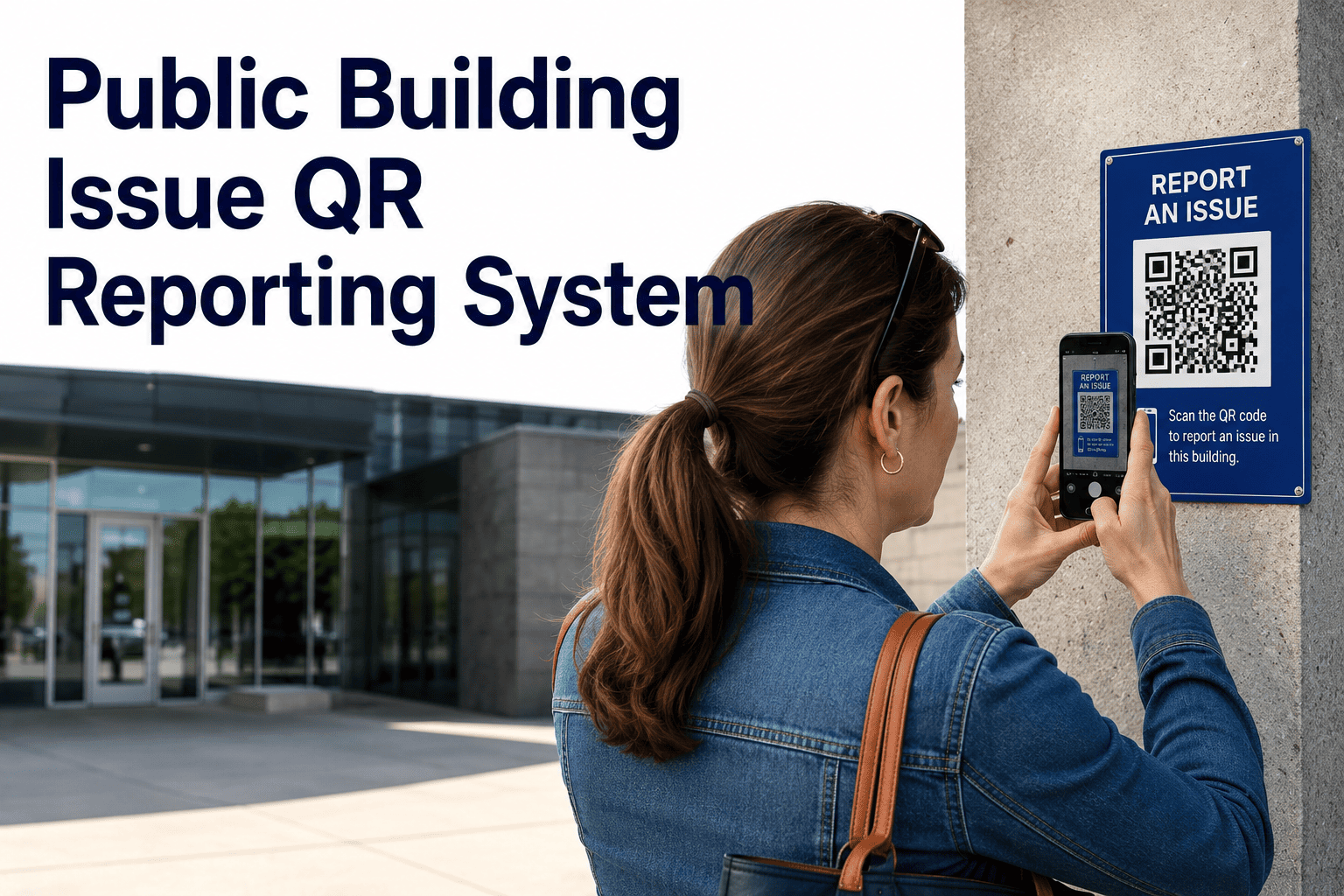
Public buildings lose hours every week to maintenance issues that never get reported until they become emergencies, because the people who notice a leaking ceiling or a flickering light in a corridor rarely know who to call or whether it is even their job to say something. A QR code fixed to the wall changes that completely — anyone, staff or visitor, can scan it, describe what they saw, and have it routed straight into a work order queue without downloading an app or making a phone call. Start a free trial to print your first QR code today, or book a 30-minute walkthrough to see the scan-to-work-order flow for your building type.
QR Code Requests · Public Facilities · OxMaint
Turn Every Hallway, Restroom, and Lobby Into a Self-Reporting Maintenance Network
No app. No login. No hunting for a phone number. A visitor or staff member scans a code, types three lines, and a work order lands in the right queue before they've walked away.
Why Issues Go Unreported Until They Become Emergencies
Most public buildings only hear about a problem from the handful of people who already know the maintenance contact. Everyone else just walks past it.
No Visible Reporting Channel
A visitor sees a cracked tile or a broken handrail but has no idea who manages the building or how to flag it, so the issue simply persists.
Reports Lost in Translation
A phone call or verbal mention to a front desk staffer rarely makes it into a tracked work order with the right asset, location, and priority attached.
Safety Hazards Sit Longer
Spills, exposed wiring, and broken fixtures in restrooms or stairwells often go unreported for hours because reporting feels like more effort than it's worth.
From a Scan to a Closed Work Order — In Under 60 Seconds
OxMaint generates a print-ready QR code for every location and asset in your building. Here's what happens after someone scans one.
01
Scan the code posted at the restroom, lobby, corridor, or fixture — no app install, no account required.
02
Describe the issue in a short mobile form with an optional photo — location and asset ID are already attached automatically.
03
Work order is created and routed instantly to the right team based on category — plumbing, electrical, safety, or housekeeping.
04
Reporter gets confirmation once a technician closes the loop — building trust that issues actually get fixed.
Print Your First QR Code Today
Generate codes for restrooms, lobbies, corridors, and equipment rooms in minutes — no IT project required to get started.
Where to Place Codes for Maximum Issue Detection
Placement determines how many people actually report what they see. These locations consistently generate the highest-value reports.
| Location |
Common Issues Reported |
Suggested Priority |
| Restrooms |
Leaks, clogged fixtures, supply shortages, odor complaints |
High |
| Public Corridors & Stairwells |
Flickering lights, loose handrails, flooring damage, obstructions |
High |
| Lobbies & Entrances |
Broken doors, HVAC discomfort, signage damage |
Medium |
| Elevators & Escalators |
Unusual noise, door malfunction, panel issues |
Critical |
| Mechanical & Equipment Rooms |
Alarms, leaks, unusual readings noticed by staff |
Critical |
What Changes Once Every Location Can Report Itself
3–5x
More issues reported once reporting requires only a scan, not a phone call
60 sec
Average time from scan to a structured, routed work order
Zero
Missing asset IDs or location guesswork — every report is pre-tagged
Expert Review
The biggest shift isn't speed, it's coverage. When reporting requires finding a supervisor, only the people who already know the system report anything. When reporting is a code on the wall, every visitor, cleaner, and contractor becomes a potential fault detector — and that expanded detection surface is what actually prevents emergencies.
Facilities Operations Advisor, Public Sector Maintenance Programs
Frequently Asked Questions
Do visitors need to download an app to report an issue?
No. Scanning the QR code opens a mobile web form directly in the browser — there is no app to install and no account to create.
Start a free trial to generate your first codes and test the flow yourself.
How does OxMaint know which team should receive a report?
Each QR code is linked to a specific location or asset with a pre-configured category, so a restroom report routes to housekeeping while an elevator report routes to your mechanical team automatically, without manual triage.
Can we track which locations generate the most repeat issues?
Yes. OxMaint flags recurring faults automatically when the same location or asset generates multiple reports within a short window, helping you spot patterns before they become bigger failures.
Book a demo to see this in action.
Is this suitable for schools, libraries, and government buildings?
Yes. Public buildings with high foot traffic and limited staff visibility benefit the most, since QR reporting extends issue detection to every visitor without adding headcount or new processes for your team.
Make Every Square Foot of Your Building Self-Reporting
Stop relying on the few people who know who to call. Give every visitor and staff member a way to flag a problem in seconds, and let OxMaint route it to the right hands automatically.