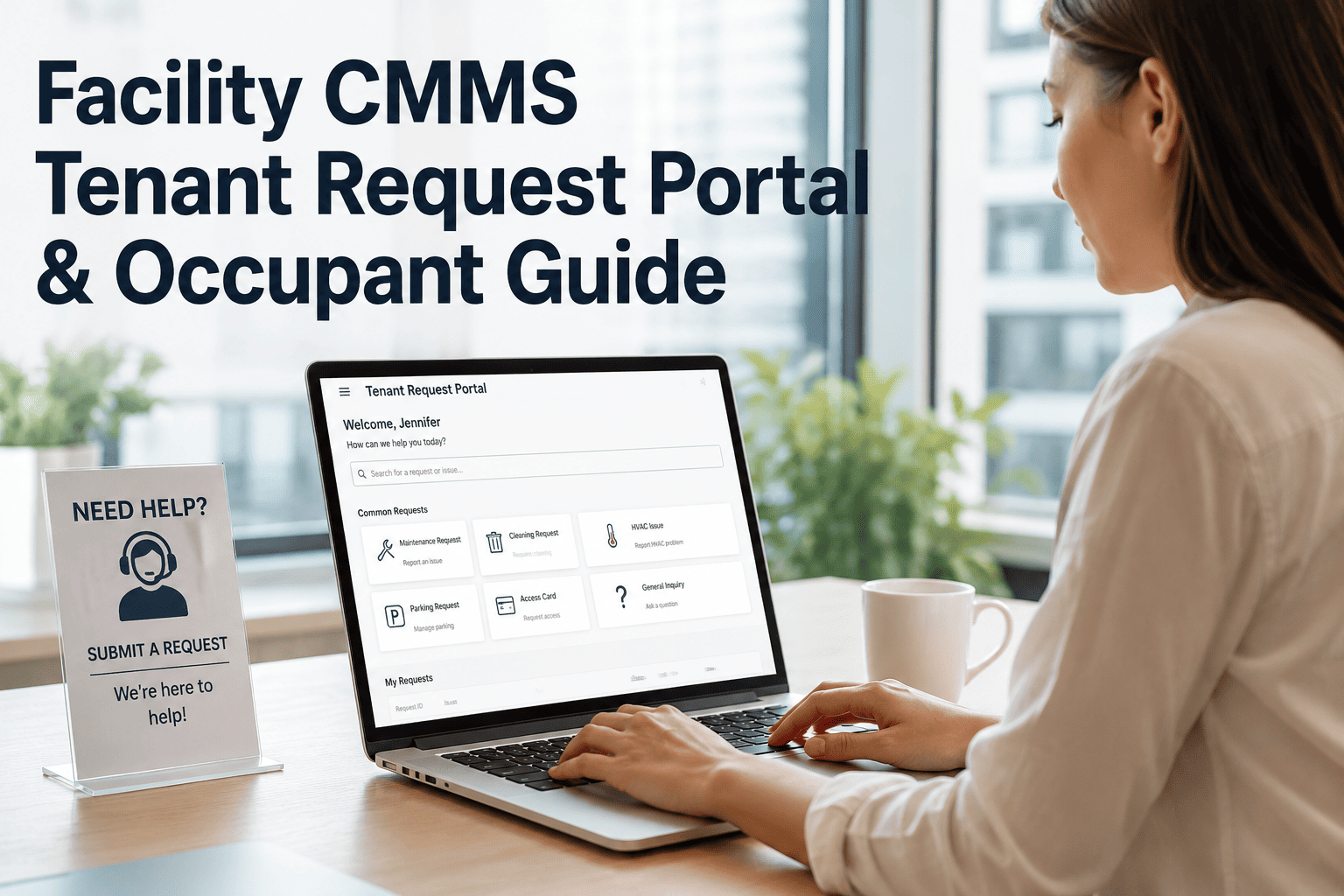
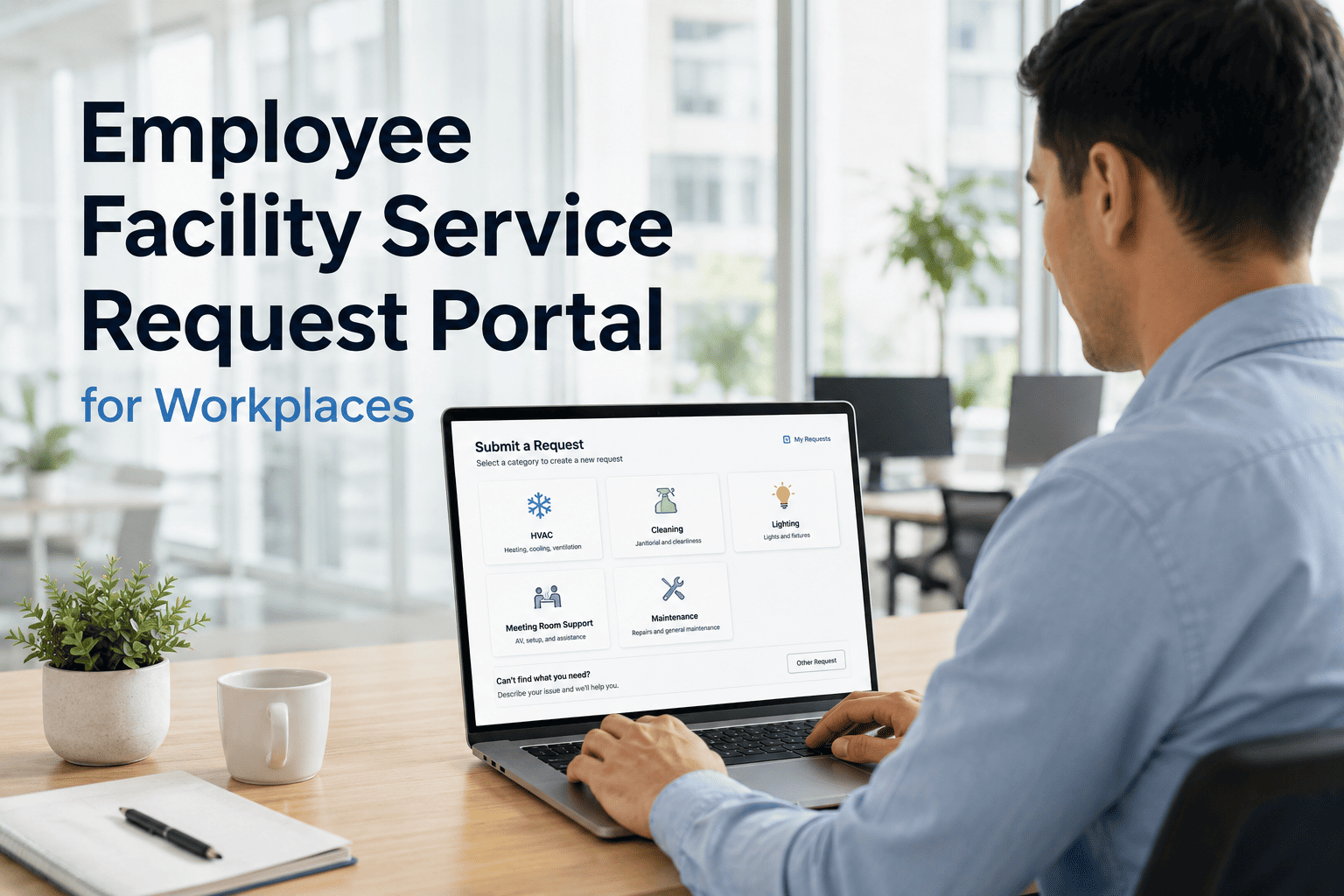
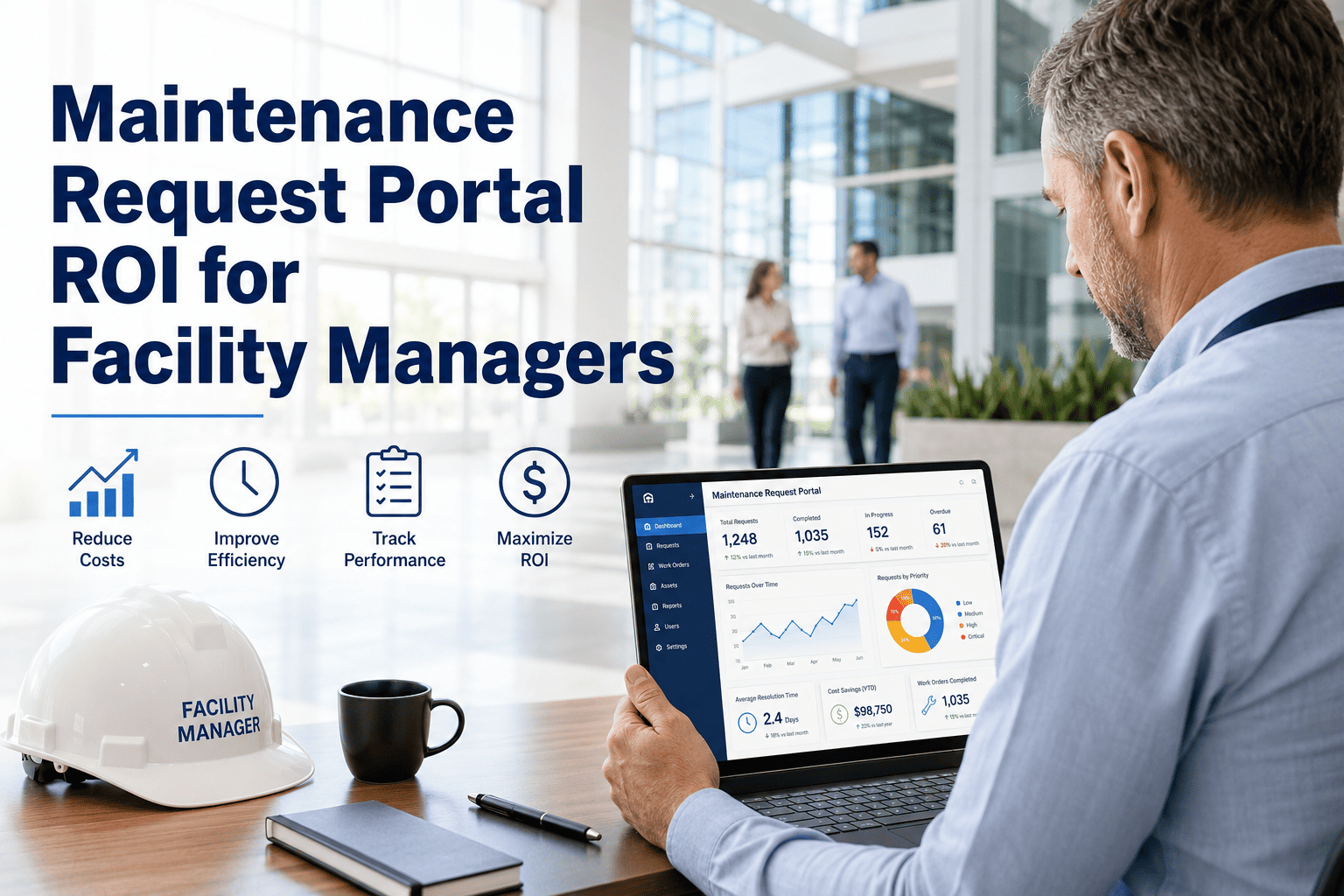
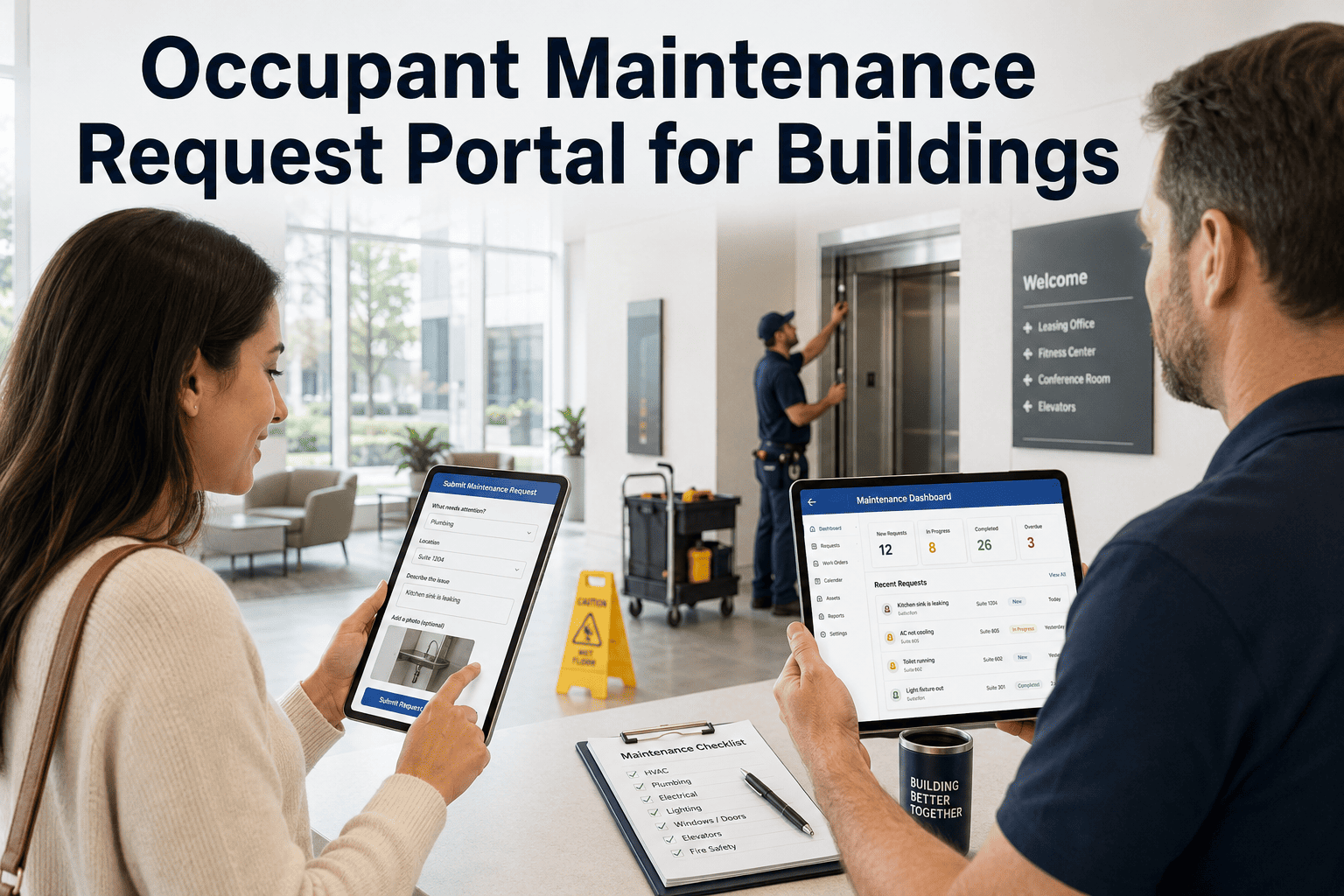
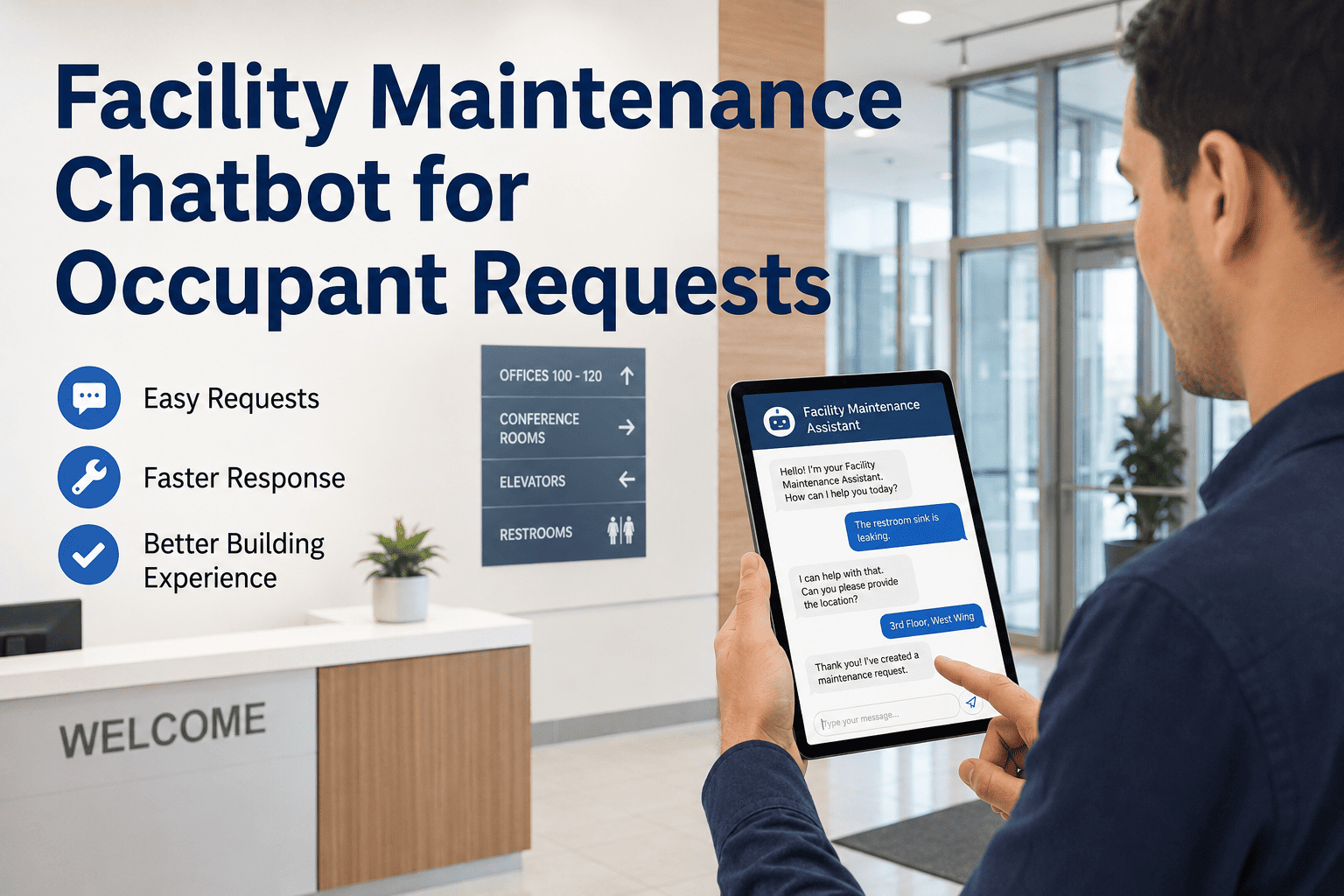
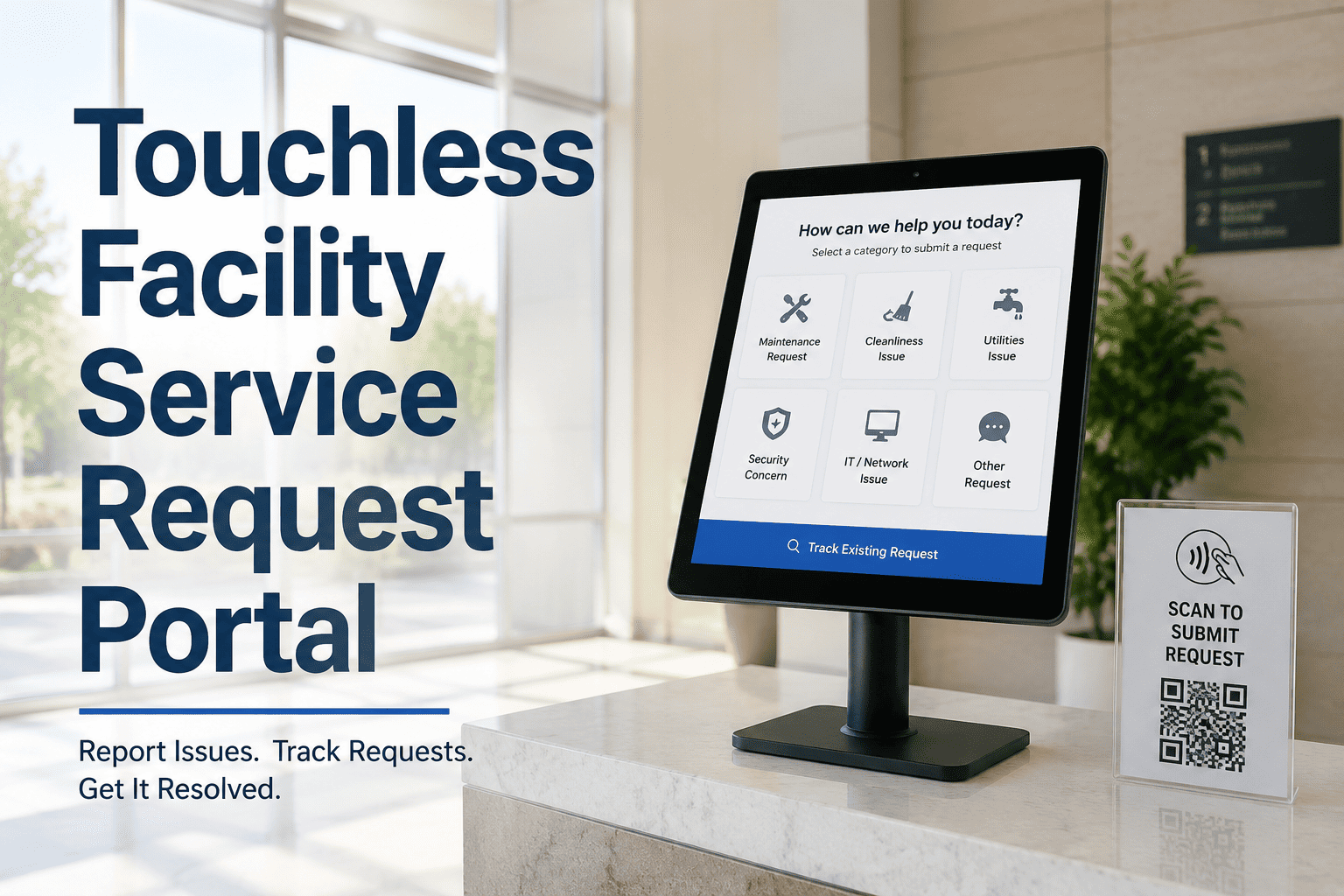
Every commercial building, apartment community, and multi-tenant campus runs into the same daily friction: an occupant spots a leak, calls the front desk, and the message disappears into a voicemail nobody checks until Monday. A configurable tenant request portal gives occupants one simple way to report issues without ever logging into your CMMS, while every submission still lands directly in your maintenance team's work order queue. There is no app to install, no account to create, and no training required for the person reporting the problem. Facility teams that replace phone-and-email intake with a dedicated portal routinely cut inbound maintenance calls in half and stop losing requests between shifts. See how the request-to-work-order flow runs inside OxMaint.
Facility CMMS · Tenant & Occupant Portal
Give Occupants a Way to Report Issues Without Ever Touching Your CMMS
A configurable request portal captures tenant and occupant issues by category, location, and urgency — and converts every submission into a work order automatically, with no manual entry for your team.
60%
fewer inbound maintenance phone calls after portal rollout
85%
digital adoption reached within the first quarter
Zero
logins occupants need to submit or track a request
79%
faster response time versus phone and email intake
The Request Flow
How One Occupant Submission Becomes a Tracked Work Order
01
Occupant Submits
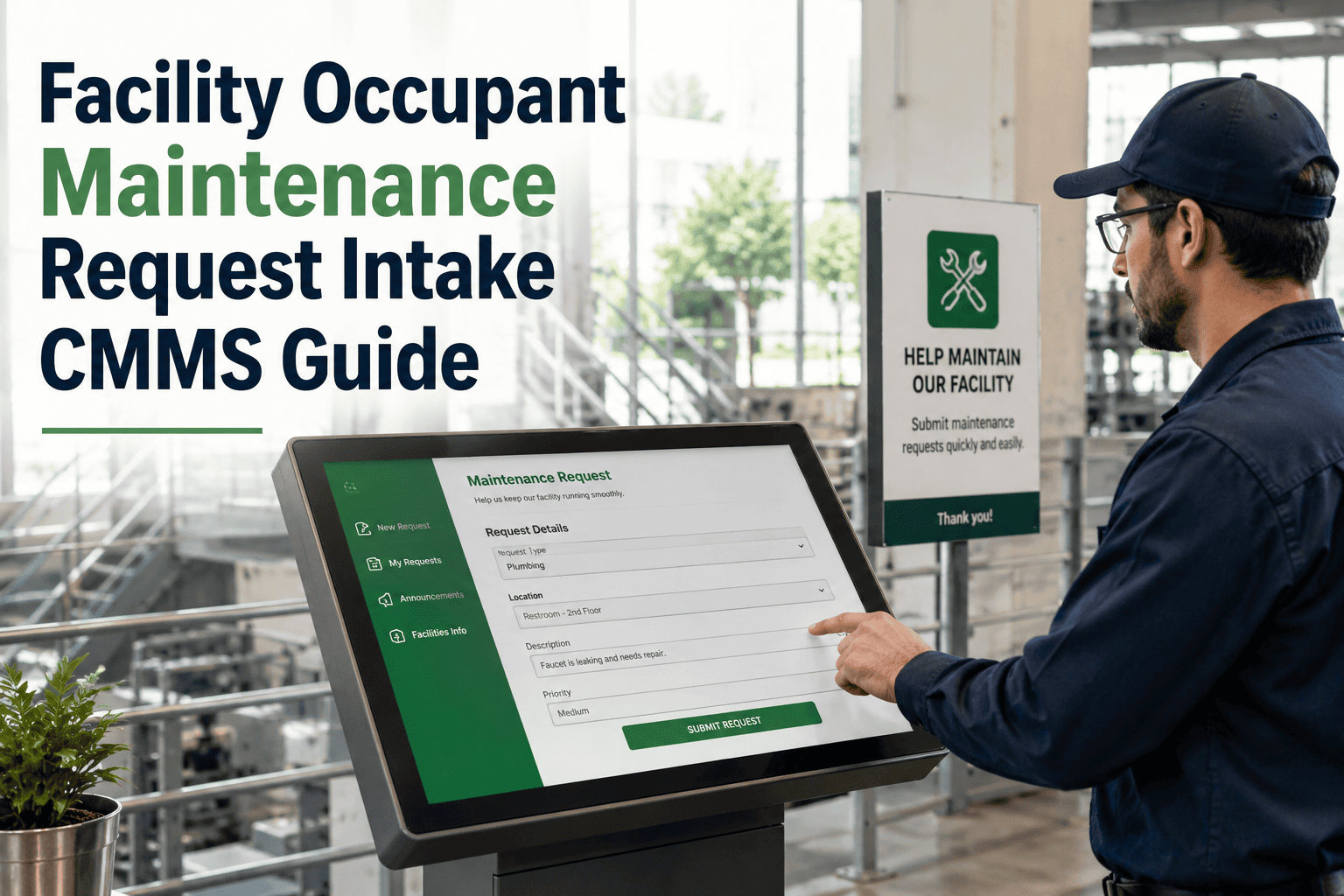
Reported through a web link, a QR code, or a lobby kiosk — no login and no account needed at any point.
02
Work Order Created
Location, photos, and issue category pre-fill into the queue the instant the form is submitted.
03
Priority Auto-Routed
Urgent issues such as leaks or electrical hazards flag automatically to the next available technician.
04
Status Returned
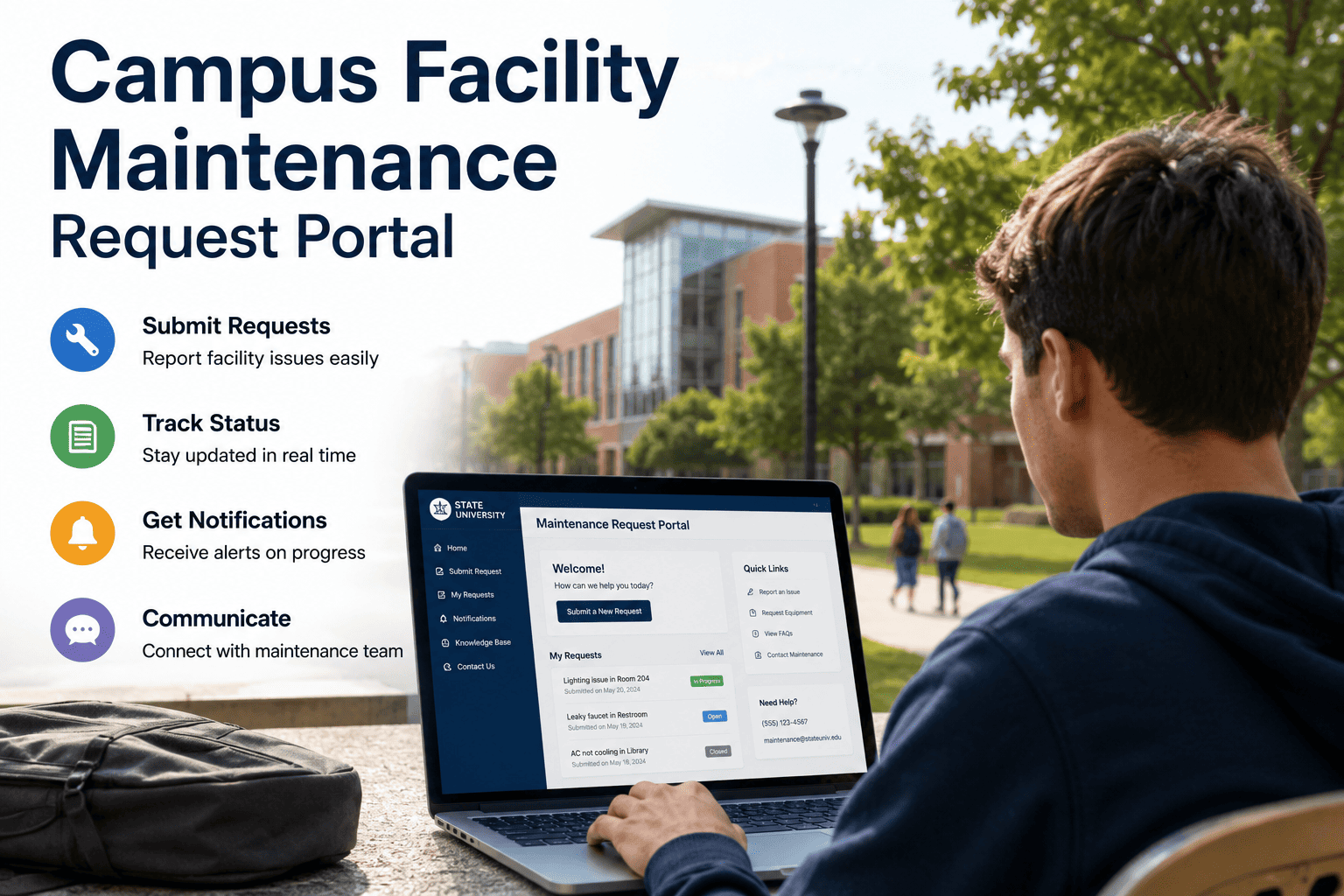
The occupant sees acknowledged, assigned, and resolved without calling the office to ask.
Intake Channels
Request Channels Occupants Actually Use
Web Portal Link
Shared at move-in or lease signing. Works from any browser, on any device, with no download.
QR Code
Posted in hallways, common areas, and equipment rooms for an on-the-spot report.
Lobby Kiosk
A fixed tablet for high-traffic buildings where many occupants do not carry a personal device.
Mobile Form
A lightweight page built for occupants who are already on their phone when the issue happens.
1,284
Requests logged this quarter
47
Open requests past SLA
12
Flagged as urgent this week
93%
Closed within target response time
Turn Every Tenant Call Into a Tracked Work Order
Stop losing requests in shared inboxes and voicemail. Configure your categories, connect your team, and start receiving occupant requests as ready-to-assign work orders today.
Side by Side
Phone and Email Intake vs a Configurable Tenant Portal
| Capability |
Phone & Email Intake |
Tenant Request Portal |
| Request visibility |
Lives in one inbox or notepad |
Logged instantly in the work order queue |
| Duplicate reports |
Ten calls for one broken elevator |
Automatically flagged and merged |
| Priority handling |
Whoever answers the phone decides |
Auto-scored by issue type and criticality |
| Audit trail |
Reconstructed from memory |
Timestamped from submission to resolution |
| Occupant access |
Depends on someone picking up |
No login, no app, no training |
Who Relies On It
Built for Every Type of Occupant-Facing Building
01
Commercial Office Tenants
Multi-tenant office buildings give each suite a portal link so HVAC, lighting, and access issues reach the building engineer directly instead of the leasing office.
02
Multi-Family Residents
Apartment communities post QR codes in units and common areas so residents report plumbing, appliance, and pest issues without calling the front office.
03
Healthcare & Clinic Occupants
Clinic staff flag equipment and environmental issues through a kiosk or shared tablet, routed by criticality without ever touching the maintenance system.
04
Campus & Multi-Building Trusts
Each building keeps its own request categories and technician assignment while the central team sees every open request across the portfolio.
From the Field
What Facility Teams Say After Switching to a Portal
5 / 5
We manage a 340-unit portfolio and used to spend four hours a day on the phone coordinating maintenance. Now residents submit through the portal, urgent issues route themselves, and I can see every open request across all six buildings from one screen. Resident satisfaction moved from 71 percent to 93 percent within eight months.
RM
Renee Marsh
Property Manager, Multi-Family Portfolio
4 / 5
Our office building has nine tenants across four floors, and every one of them used to call a different number depending on who they knew in the building office. The portal gave us one intake point, and disputes over response time disappeared because we finally have a timestamped record of every request.
TK
Thomas Keel
Building Operations Lead, Commercial Office
Common Questions
Tenant Request Portal — Frequently Asked Questions
Do tenants need a CMMS login to submit a request?
No. Occupants use a public web link, a QR code, or a kiosk with no account, no license, and no training. Only your maintenance team works inside the CMMS itself.
Start a free trial to see the intake form.
Can we control which issue types appear in the portal?
Yes. You define the categories — plumbing, electrical, HVAC, appliances, pest, and structural — and assign a default priority and routing rule to each one before the portal goes live.
How are urgent requests handled differently from routine ones?
Issues like leaks, no heat, or electrical hazards are flagged automatically and routed to the next available technician, while routine requests follow your standard response window.
Does every submission actually create a work order automatically?
Yes. There is no separate integration or manual re-entry step. The portal and the work order queue run on the same platform, so a submission is a work order the moment it is sent.
Book a demo to see it live.
Can different buildings have their own portal and categories?
Yes. Each site or building can carry its own request categories, priority rules, and assigned technicians while a portfolio view keeps every open request visible centrally.
Talk to our team about your structure.
Facility CMMS · Tenant & Occupant Portal
Give Every Occupant One Simple Way to Ask for Help
Replace scattered calls, texts, and forwarded emails with a single configurable portal that feeds directly into your maintenance queue. Your occupants get a faster answer. Your team gets a record of every request, from submission to close.