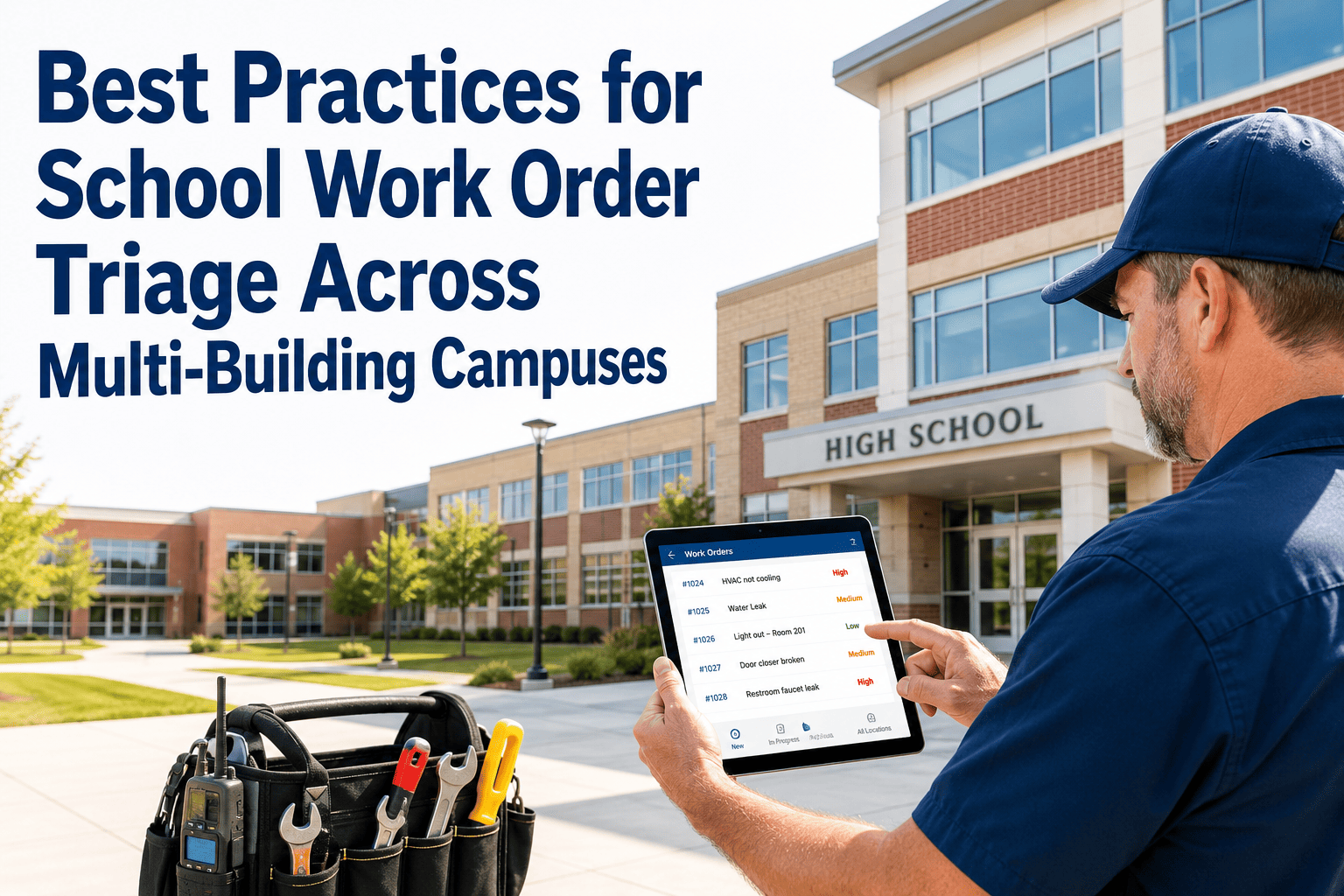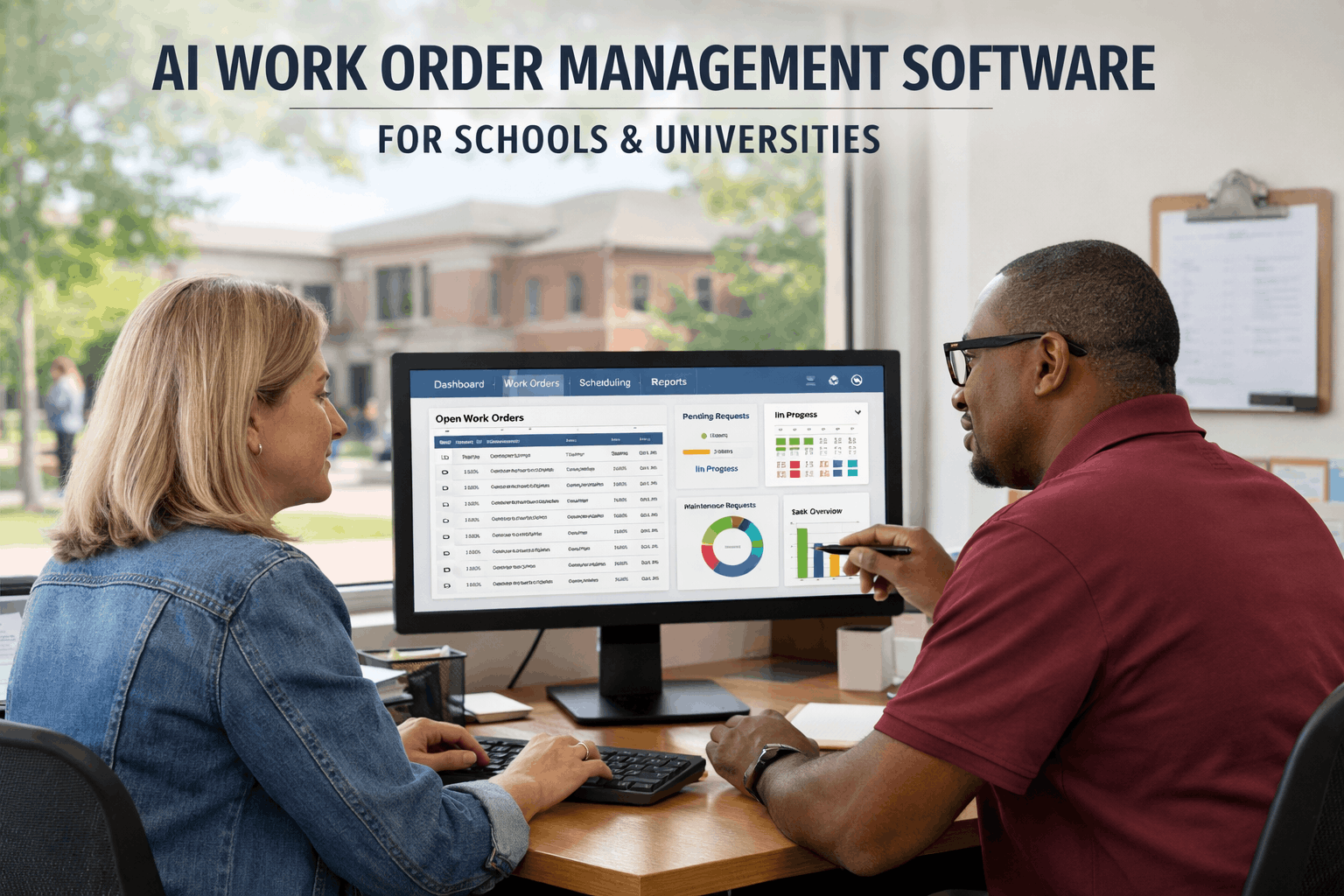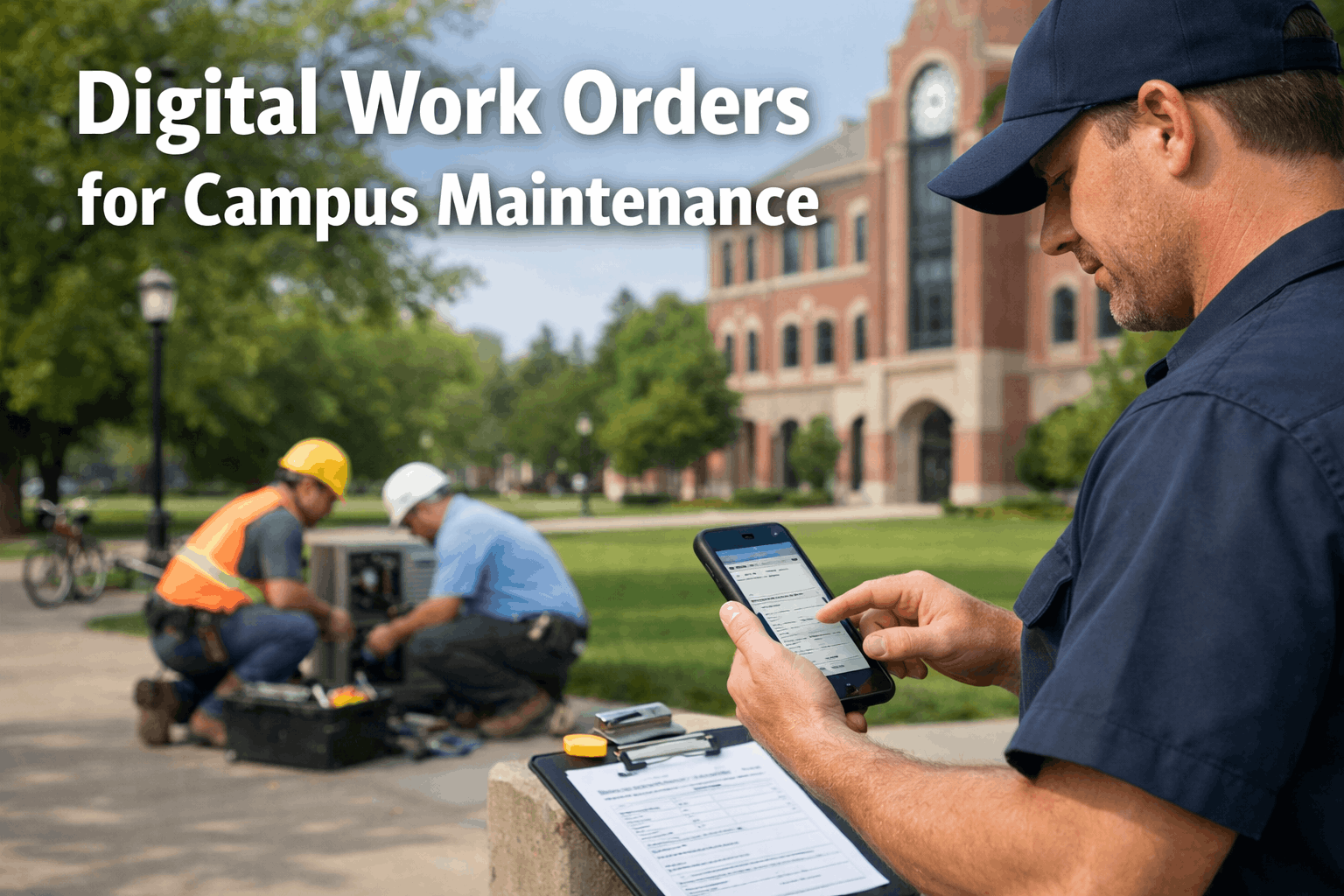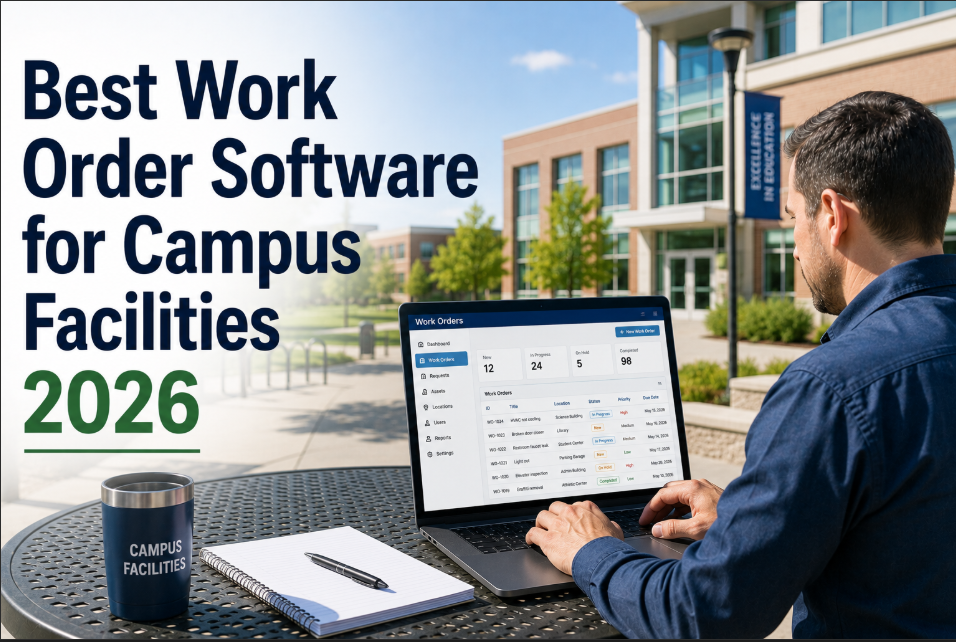
Campus facilities teams receive maintenance requests the same way they always have — phone calls to the main office, sticky notes left on the custodian's door, emails that get buried in inboxes, and verbal reports that travel through three people before reaching the technician who can actually fix the problem. The result is predictable: 34% of reported maintenance issues take more than five days to resolve, not because the repair is difficult, but because the request got lost somewhere between the person who noticed the problem and the person who can fix it. A broken projector in Room 214 sits unfixed for a week. A leaking pipe under a lab sink gets reported on Tuesday and worked on the following Monday. A flickering hallway light gets mentioned to a custodian verbally and never makes it into any system at all. Work order software for campus facilities eliminates this communication failure — replacing the scattered, untracked request process with a digital system where every issue is captured, assigned, tracked, and documented from submission to completion. Universities and K-12 districts using structured work order management report 67% faster resolution times, 89% improvement in request completion documentation, and complete elimination of the "I reported that three weeks ago" conversations that consume facilities directors' days.
Best Work Order Software for Campus Facilities 2026
Top work order management platforms for university and K-12 campus facility teams ranked on mobile request submission, technician assignment speed, priority triage, real-time tracking, and the completion documentation that proves your team is performing.
What Campus Work Order Software Actually Needs to Do
Campus work order systems serve a fundamentally different user population than industrial or commercial facility platforms. In a factory, work orders are created by maintenance technicians who understand equipment terminology. On a campus, work orders are created by professors, administrative assistants, resident advisors, students, and coaches — people who know something is broken but may not know what it is, where exactly it is located in building system terms, or how urgent it actually is relative to everything else in the maintenance queue.
The best campus work order systems are designed with two very different users in mind simultaneously: the requester who needs an interface so simple that a teacher can submit a request in 60 seconds without training, and the technician or facilities director who needs a back-end that provides priority triage, building-level assignment, photo documentation, parts tracking, and completion reporting. Platforms that optimize for one of these users at the expense of the other fail in practice — requester adoption drops when submission is complex, and technician utility drops when the backend is too simplified to manage real workloads. Want to see how OxMaint handles both sides of this equation for campus teams — start a free trial or book a demo.
Why Campus Work Orders Fail Without Dedicated Software
Issues arrive via phone, email, paper forms, verbal reports, and text messages. Each channel creates a separate tracking problem. Without a unified intake, facilities directors have no complete picture of what is open, what is in progress, and what was never logged.
Without a triage system, urgent issues get buried under high-volume low-priority requests from persistent requesters. A minor annoyance reported by a vocal faculty member gets addressed before a significant safety issue submitted by a custodian who assumed someone would handle it.
A routine request becomes urgent when a pipe starts actively leaking. Without a connected system, the priority change never reaches the technician in the field — they complete lower-priority work while an emergency develops elsewhere in the building.
Fire safety inspectors, ADA compliance auditors, and state facility reviewers ask for documented evidence that reported issues were addressed. Verbal completion confirmation and paper sign-offs provide no searchable, timestamped audit trail when regulators need proof.
A professor submits a maintenance request and hears nothing for three days. They call the office. The office calls the custodian. The custodian says it is on the list. The professor calls again. This communication cycle consumes staff time that should go toward actual maintenance.
Without work order history, facilities directors cannot demonstrate to boards or administrators why they need additional staff, which buildings consume disproportionate maintenance resources, or whether preventive maintenance is reducing reactive work order volume over time.
Evaluation Criteria for Campus Work Order Software
Can a teacher, student, or administrative assistant submit a request from a phone in under 60 seconds — with no training, no login complexity, and no technical knowledge of building systems?
Does the system support priority classification, auto-assignment by building and issue type, and escalation rules that ensure urgent issues get the right technician immediately?
Can technicians complete work orders, capture photos, log parts used, and update status from a phone while moving between buildings — without returning to a desktop workstation?
Do requesters receive automatic status updates as their request is assigned, worked, and completed — eliminating the "what happened to my request" call cycle that consumes office staff time?
Are completed work orders timestamped with technician ID, photos, parts used, and resolution description — creating a searchable compliance and performance record?
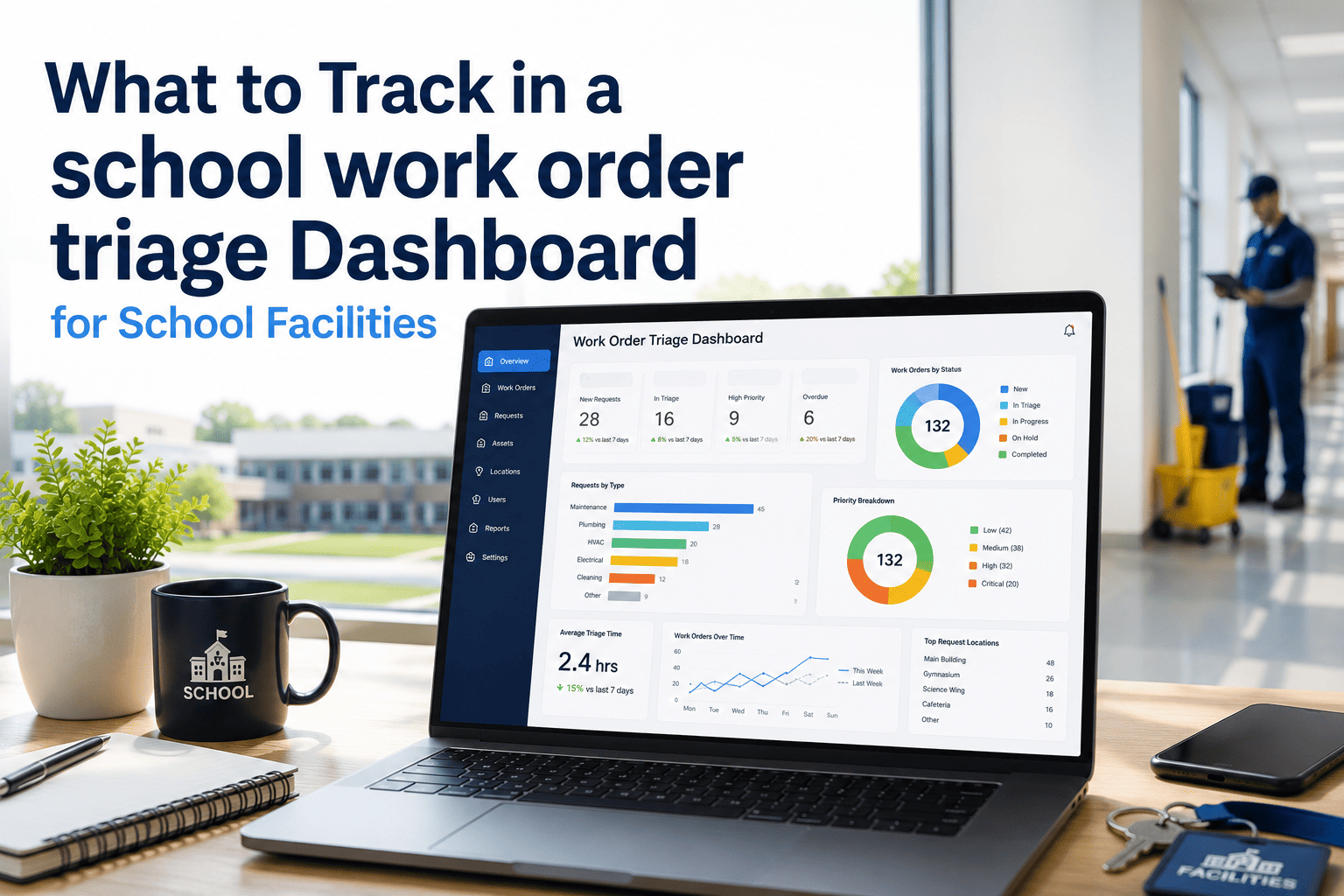
Can facilities directors see work order volume by building, average resolution time by category, technician productivity, and trends that support staffing and budget decisions?
Top Campus Work Order Platforms — 2026 Rankings
OxMaint earns the top campus work order ranking because it delivers genuine simplicity for requesters and genuine depth for facility teams from the same platform — not a dumbed-down requester portal bolted onto a complex backend, but a coherent system where both user types get exactly what they need. Teachers, students, and administrative staff submit requests through a mobile portal that requires no login, no training, and no familiarity with building system terminology — they photograph the issue, describe what they see in plain language, select their building and room, and submit. The system handles the rest: auto-categorizing the issue type, routing to the assigned technician for that building, setting priority based on configurable rules, and sending status updates to the requester at each stage without any manual communication from facilities staff. The technician experience is equally purposeful — work orders arrive on the mobile app with building location, room number, issue description, requester photos, asset history if the issue has been reported before, and clear priority status. Technicians complete work orders in the field: photo documentation, parts logged, resolution described, digital signature. The facilities director dashboard shows open work orders by building, technician utilization rates, average resolution times by category, and trend analysis across weeks and months. Unlimited user pricing ensures every teacher, resident advisor, student representative, custodian, technician, and administrator has system access without per-seat cost management. Most campuses see full requester adoption — meaning staff stop calling and start submitting digitally — within 30 days of going live. See how OxMaint transforms campus work order management — start a free trial or book a demo.
FMX has earned a strong reputation in education specifically for driving non-technical staff adoption of digital work requests. The platform's requester-facing interface is genuinely the simplest in the category — teachers and office staff use it without ever needing to contact IT or facilities for help. The work request submission experience is clean and intuitive. The technician backend and facilities director reporting are functional but lighter than platforms with deeper maintenance management heritage — FMX is an excellent front-end with an adequate back-end, rather than the inverse.
Brightly's work order module within the SchoolDude ecosystem has been the default for K-12 districts for over a decade. The education-specific workflow understanding, including event-driven maintenance requests and summer scheduling, reflects genuine product maturity. The interface is more dated than newer platforms and the mobile experience for technicians is slower than cloud-native alternatives. For districts already in the Brightly ecosystem, the work order module extends naturally from existing PM and asset management workflows.
MaintainX excels at standardized maintenance procedures — digital checklists, step-by-step work instructions, and photo-documented inspection routines. For campuses where procedural consistency across custodial and maintenance workflows is a priority, MaintainX drives strong team adoption. Work request management for non-technical requesters — the teacher-submitting-a-request scenario — is less developed than purpose-built campus platforms. Asset management and district-level reporting are also lighter than the other ranked platforms.
Limble delivers strong technician-side work order management with a clean mobile interface, QR code asset identification, and solid PM scheduling alongside reactive work orders. Small campus facilities teams — 3-8 people managing a single building or small building portfolio — find it practical and fast to implement. The non-technical requester portal is more limited than campus-specialized platforms, and district-level multi-building reporting is not well developed. Better for shop-side management than campus-wide requester engagement.
UpKeep's mobile-first design drives strong technician adoption for campus teams spending their full day moving between buildings. Work order creation, photo documentation, and status updates on mobile are genuinely excellent. The requester-facing work request submission — the critical teacher or student portal — is less developed than campus-specialized platforms, and multi-building campus reporting requires more manual configuration than education-native systems.
Feature Comparison: Top 6 Campus Work Order Platforms
| Capability | OxMaint | FMX | Brightly | MaintainX | Limble | UpKeep |
|---|---|---|---|---|---|---|
| Zero-Training Requester Portal | Mobile-first, no login | Best-in-class | Established | Basic portal | Limited | Basic |
| Auto-Routing by Building and Type | Rules-based auto-assign | Configurable routing | Established | Manual assignment | Manual assignment | Manual assignment |
| Requester Status Updates | Automatic at each stage | Automated emails | Available | Manual notification | Basic alerts | Basic alerts |
| Technician Mobile App | Offline-capable | Good | Functional | Strong | Excellent | Best-in-class |
| Photo and Completion Documentation | Timestamped + signature | Photo + notes | Full documentation | Photo + procedures | Photo + notes | Photo + notes |
| Multi-Building Reporting | District-level analytics | Building reports | Established | Basic | Basic | Basic |
| Pricing Model | Unlimited users | Per user | Per user | Per user | Per user | Per user |
The Work Order Journey: Paper vs. Digital
Frequently Asked Questions
How do teachers and students submit work orders without a campus login?
How does priority triage work across a large campus with hundreds of simultaneous requests?
What reports can a facilities director pull from campus work order data?
Can OxMaint work orders integrate with preventive maintenance schedules on the same platform?
Every Reported Issue Deserves a Documented Resolution
Campus facilities teams work hard — but without digital work order management, that work is invisible. Issues get fixed without documentation, requests disappear before they're addressed, and the data that would prove your team's performance to administrators and boards simply does not exist. OxMaint makes every submitted request visible, every assignment trackable, every completion documented, and every data point available for the reporting that justifies your team's resources. Most campuses see full staff adoption within 30 days and complete elimination of the phone-based request cycle within 60 days.