Compressor fouling is the silent budget drain on every gas turbine site — a 1% drop in output can hide in the heat-rate trend for weeks before anyone flags it. This guide walks maintenance and reliability managers through detection, online and offline washing execution, and deposit root-cause analysis so recovery happens before losses compound. Ready to operationalize it? start a free OxMaint trial or book a demo to see washing-schedule automation built for turbine teams.
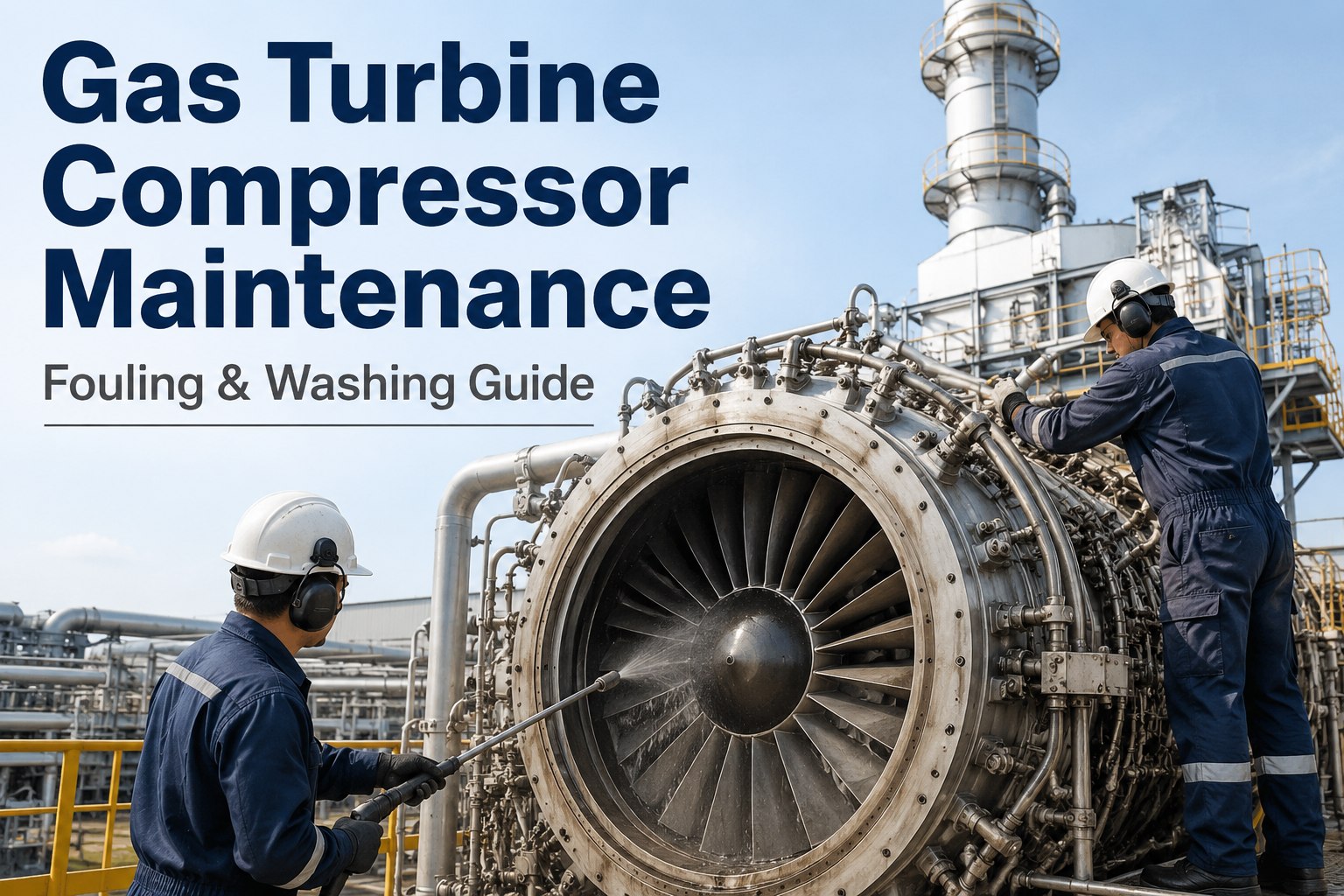
Gas Turbine Compressor Maintenance: Fouling & Washing Guide
Fouling steals turbine output one micrometer at a time. Detect it early through differential-pressure and performance trending, recover it through disciplined online and offline washing, and stop recurrence with deposit analysis and filtration root-cause work — all scheduled and tracked in one CMMS.
How Compressor Fouling Forms & How to Detect It Early
Fouling begins when sub-10-micron particles — salt aerosols, combustion soot, pollen, lube-oil mist, and inlet-filter bypass dust — deposit on compressor blade and stator surfaces. The deposits roughen the aerodynamic profile, thicken the boundary layer, and reduce stage-by-stage pressure ratio. The result is gradual, not catastrophic: output drifts down, heat rate drifts up, exhaust temperature spreads widen, and compressor discharge pressure falls for a given load — often well before any vibration or alarm trip setpoint.
Compressor Discharge Pressure Trend
Track CDP against load and ambient conditions. A 2–3% CDP decline at baseload, corrected for inlet temperature and humidity, is an early fouling signature — usually visible 200–400 fired hours before operators notice a megawatt shortfall.
Compressor Differential Pressure
Monitor inlet-filter ΔP and compressor inlet-to-discharge ΔP together. A rising compressor ΔP with stable filter ΔP points to blade deposition rather than a loaded filter. Log the trend daily, not weekly.
Corrected Output & Heat Rate
Normalize MW output and heat rate to ISO conditions (15°C, 60% RH, sea level). A sustained 1% output drop with a matching heat-rate rise, absent hardware damage, is the classic fouling fingerprint.
Exhaust Temperature Spread
Fouled compressor stages deliver non-uniform discharge flow to the combustor, widening exhaust-temperature spread. Investigate when spread exceeds 15–20°F above the clean-baseline median.
If corrected output has dropped more than 2% since the last successful offline wash and inlet-filter ΔP is within limits, schedule a verification online wash within 50 fired hours. If recovery is partial, an offline wash is overdue.
Online (Crank) Washing: Procedure & Frequency
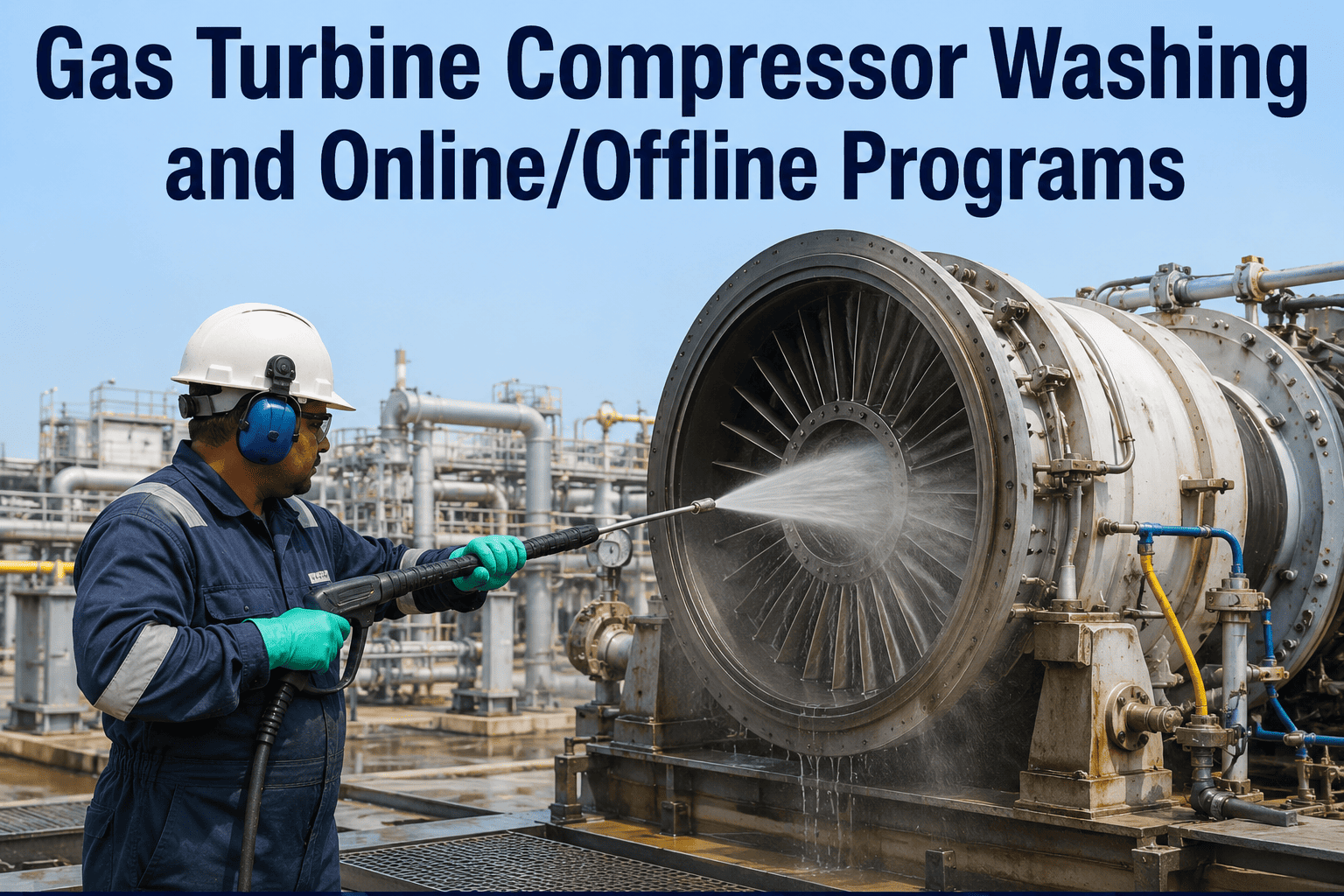
Online washing — sometimes called crank or fired washing — cleans compressor blades while the turbine is at low load or on turning gear, without a full shutdown. It is the first-line defense against recoverable fouling and, executed well, extends the interval between more costly offline washes.
Pre-Wash Checks
Verify wash-water conductivity < 50 µS/cm, demineralized quality. Confirm inlet-guide-vane position, compressor speed (cranking or low-load fired per OEM), and that the wash-fluid skid is primed with the OEM-approved detergent ratio (typically 1:4 to 1:7).
Injection & Soak
Inject wash fluid through the compressor bellmouth nozzles at the OEM-specified flow rate and duration — usually 2–5 minutes per stage set. Allow a 5–10 minute soak for salt and hydrocarbon deposits to break down before the rinse cycle.
Rinse & Recovery
Rinse with demineralized water until discharge conductivity matches inlet. Return the unit to fired operation gradually, monitoring exhaust-temperature spread and CDP recovery. Document pre- and post-wash corrected output.
Effectiveness Logging
Record MW recovery, heat-rate improvement, and CDP change against the pre-wash baseline. If recovery is under 60% of the expected gain, the fouling has likely transitioned from recoverable to non-recoverable — schedule an offline wash.
| Operating Environment | Online Wash Interval (Fired Hours) | Trigger Condition |
|---|---|---|
| Coastal / high-salt aerosol | 200–300 | 1% corrected output loss or seasonal salt-load spike |
| Urban / industrial soot | 300–400 | 1.5% output loss, rising CDP drop |
| Rural / arid dust | 400–500 | 2% output loss or post-dust-storm event |
| Combined-cycle baseload | 250–350 | Performance-triggered: heat-rate rise > 0.5% over 30-day rolling avg |
Offline (Shutdown) Washing: Intervals & Execution
Offline washing recovers fouling that online washing cannot — the baked-on deposits, hydrocarbon films, and stage-deep contamination that accumulate over thousands of fired hours. It requires a controlled shutdown, cooldown to OEM-safe compressor-inlet temperature (typically below 150°F), and a longer soak-and-rinse cycle. Skipping it trades short-term availability for long-term heat-rate degradation.
When to Schedule
- Every 4,000–8,000 fired hours, per OEM recommendation (GE, Siemens, Mitsubishi all publish model-specific intervals)
- When online-wash recovery drops below 60% of expected gain
- After a known ingestion event: filter-bypass breach, lube-oil leak into inlet, or dust-storm carryover
- Before a performance test or capacity-contract verification run
Execution Checklist
- Cooldown complete: compressor inlet < 150°F, rotor on turning gear
- Inlet duct inspected, bleed valves and blowdown drains verified open
- Wash-fluid concentration per OEM spec — never exceed 1:4 detergent ratio
- Soak time 15–30 minutes; repeat soak-rinse cycle until discharge water runs clear
- Post-wash: dry-crank 10 minutes, then fired recovery with full performance data capture
- Borescope first-stage blades at next access opportunity to confirm deposit removal
Plants often defer offline washes to avoid a 12–24 hour outage window. The cost compounds: every 1,000 fired hours past the OEM interval typically adds 0.3–0.5% to non-recoverable heat-rate degradation — a loss that a single offline wash can no longer fully reverse. Schedule by fired hours, not by calendar quarter.
Blade Deposit Analysis & Root-Cause Investigation
When washing frequency climbs or recovery stays poor, the deposits themselves are telling you where the contamination originates. A borescope-guided deposit sample from first- and second-stage compressor blades, sent for lab analysis (ICP-MS for metals, ion chromatography for salts, FTIR for organics), pinpoints the source.
| Deposit Signature | Likely Source | Corrective Action |
|---|---|---|
| High NaCl, sulfates | Marine salt aerosol, cooling-tower drift | Upgrade inlet filtration to F-class or add mist-eliminator stage; tighten filter-change interval |
| Iron oxide, ferrous particulate | Inlet-duct corrosion, upstream erosion | Inspect and coat inlet ducting; check filter-housing integrity |
| Hydrocarbon / organic film | Lube-oil mist, bearing-seal leak, fuel-gas carryover | Inspect bearing seals and fuel-gas scrubber; review vent-hood extraction |
| Silica, aluminosilicates | Ambient dust, filter bypass, construction activity | Filter-media audit; seal filter-frame gaps; review site dust-control measures |
| Ammonium / nitrate compounds | SCR or CO catalyst carryover, ammonia slip | Tune ammonia injection grid; inspect catalyst for channeling |
Pair deposit analysis with inlet-air-quality monitoring and filter ΔP trending. If the same signature recurs within one offline-wash interval, the root cause is upstream of the compressor — not in the wash program.
Tying Washing Back to Gas Turbine PM Planning
Washing does not live in isolation. It sits inside the broader gas-turbine PM structure alongside borescope inspections, hot-gas-path (HGP) outages, combustion inspections, and filter changes. A well-structured PM plan sequences these so that offline washes align with combustion-inspection access windows, filter changes precede high-fouling seasons, and performance data from each wash feeds the next major-inspection scope.
Online Wash Tasks
Auto-generated by fired hours or performance trigger. Assigned to the operations shift with checklist, fluid spec, and post-wash data-capture form attached.
Offline Wash Tasks
Scheduled at OEM fired-hour intervals or when recovery thresholds breach. Linked to cooldown, borescope, and performance-test work orders in a single outage package.
Deposit Analysis Triggers
When lab results flag a recurring signature, OxMaint auto-opens a corrective work order for filtration upgrade or seal inspection — closing the loop between washing and root-cause PM.
HGP & CI Integration
Wash-effectiveness trends feed the HGP scope: chronic non-recoverable loss shifts blade-coating inspection and stage-replacement priorities at the next combustion or major inspection.
How OxMaint Schedules & Tracks Compressor Washing
Fired-Hour & Trigger Scheduling
OxMaint generates online and offline wash work orders automatically — by accumulated fired hours from the PI or control-system feed, or by a performance trigger (corrected output drop, heat-rate rise, CDP decline) that you define per unit.
Effectiveness Tracking
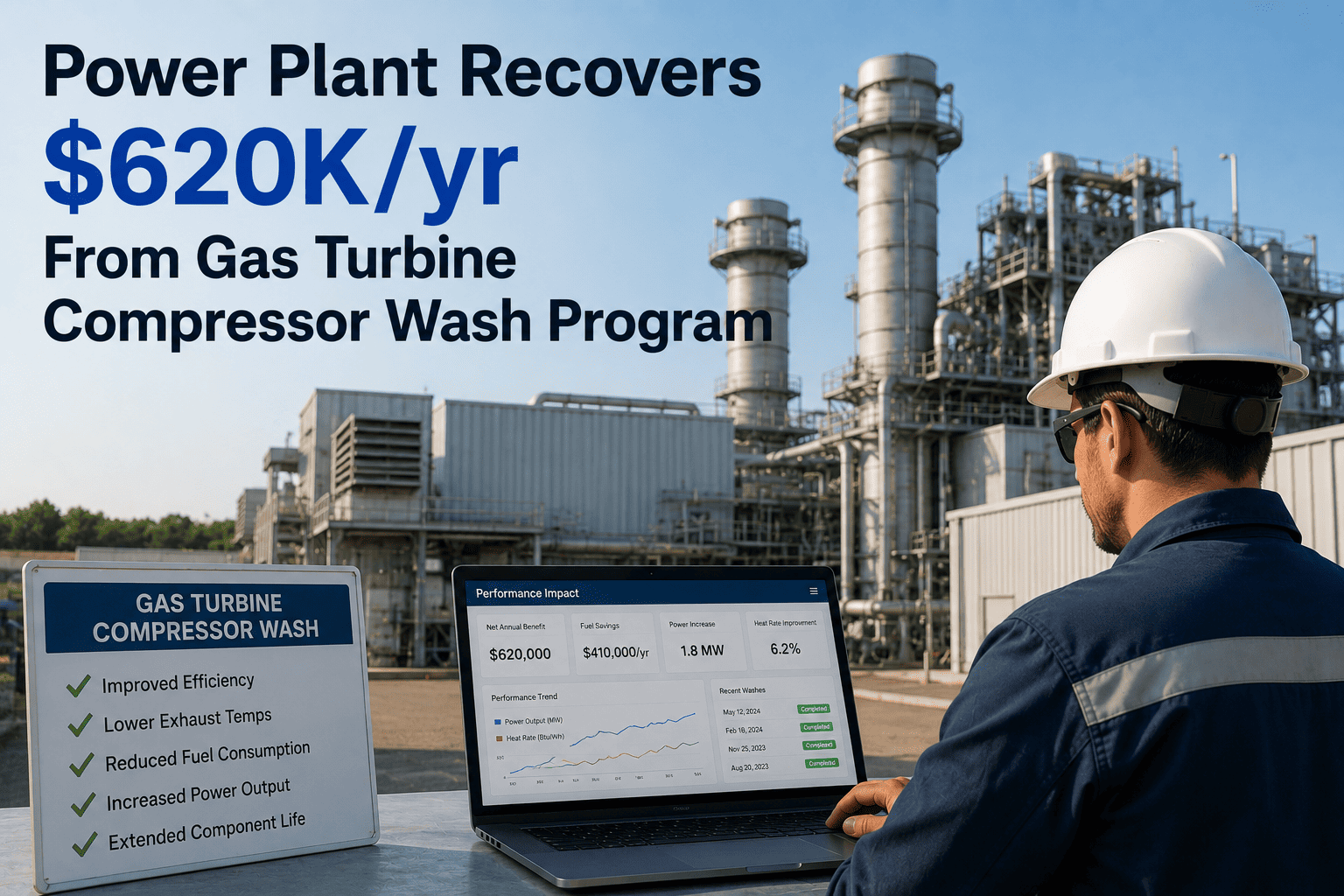
Every wash record captures pre- and post-wash MW, heat rate, and CDP. OxMaint calculates recovery percentage against the clean-baseline and flags units trending toward non-recoverable loss before the next offline window.
Fouling Trend Dashboards
Reliability managers see a per-turbine fouling curve: output vs. fired hours since last wash, with wash-recovery events overlaid. The dashboard highlights compressors whose recovery slope is flattening — the early warning that washing alone is no longer enough.
Deposit-Analysis Loop
Lab results attach to the asset record. When a deposit signature recurs, OxMaint opens a corrective work order for filtration or seal investigation, linking the wash program directly to root-cause PM.
Outage Integration
Offline washes bundle into combustion-inspection and HGP outage packages with shared cooldown logic, permit sequencing, and performance-test work orders — no double data entry across systems.
Audit-Ready Records
NERC and OEM audit trails: every wash has a timestamp, fluid lot, operator sign-off, and performance delta. Export by unit, by quarter, or by inspection cycle in one click.
Frequently Asked Questions
How do I know if compressor fouling is recoverable or non-recoverable?
Run an online wash and measure the output and heat-rate recovery against the clean baseline. If recovery exceeds 70–80% of the lost performance, the fouling was recoverable. If recovery is partial or negligible, the deposits have likely hardened or eroded blade coatings — the loss is now non-recoverable and an offline wash, possibly with blade remediation, is required.
Can I use demineralized water alone, or do I need detergent?
Demineralized water alone removes water-soluble salts but not hydrocarbon films or baked particulate. OEM-approved detergents break down organic deposits and are essential for any unit burning distillate, operating near lube-oil mist sources, or showing hydrocarbon signatures in deposit analysis. Follow the OEM concentration spec exactly — over-concentration can leave residue.
What is the difference between online and offline compressor washing?
Online (crank) washing runs at low load or on turning gear with the unit still synchronized or ready to fire — it recovers light, recent fouling in 30–60 minutes. Offline (shutdown) washing requires a full cooldown and outage window of 12–24 hours, uses longer soak cycles, and recovers deep, hardened deposits that online washing cannot reach.
How does OxMaint know when to trigger a wash?
OxMaint reads fired hours and performance data (corrected output, heat rate, CDP) from your control system or PI tag feed. You set the thresholds per turbine — for example, "online wash at 300 fired hours OR 1.5% corrected output drop." When the condition is met, OxMaint auto-generates the work order with checklist, fluid spec, and post-wash data-capture form.
Should washing intervals change with the season?
Yes. Coastal sites see salt-load spikes in humid summer months; arid sites see dust-load spikes in dry windy seasons; pollen seasons affect rural sites. OxMaint supports seasonal interval overrides and event-triggered washes (post-dust-storm, post-filter-bypass alarm) alongside the base fired-hour schedule.
Stop Letting Fouling Quietly Steal Megawatts
OxMaint schedules online and offline compressor washes by fired hours or performance triggers, tracks recovery against output and heat-rate baselines, and flags compressors trending toward non-recoverable loss — before efficiency gains slip away. Put your washing program on autopilot and give your reliability team the fouling curve they have been missing.