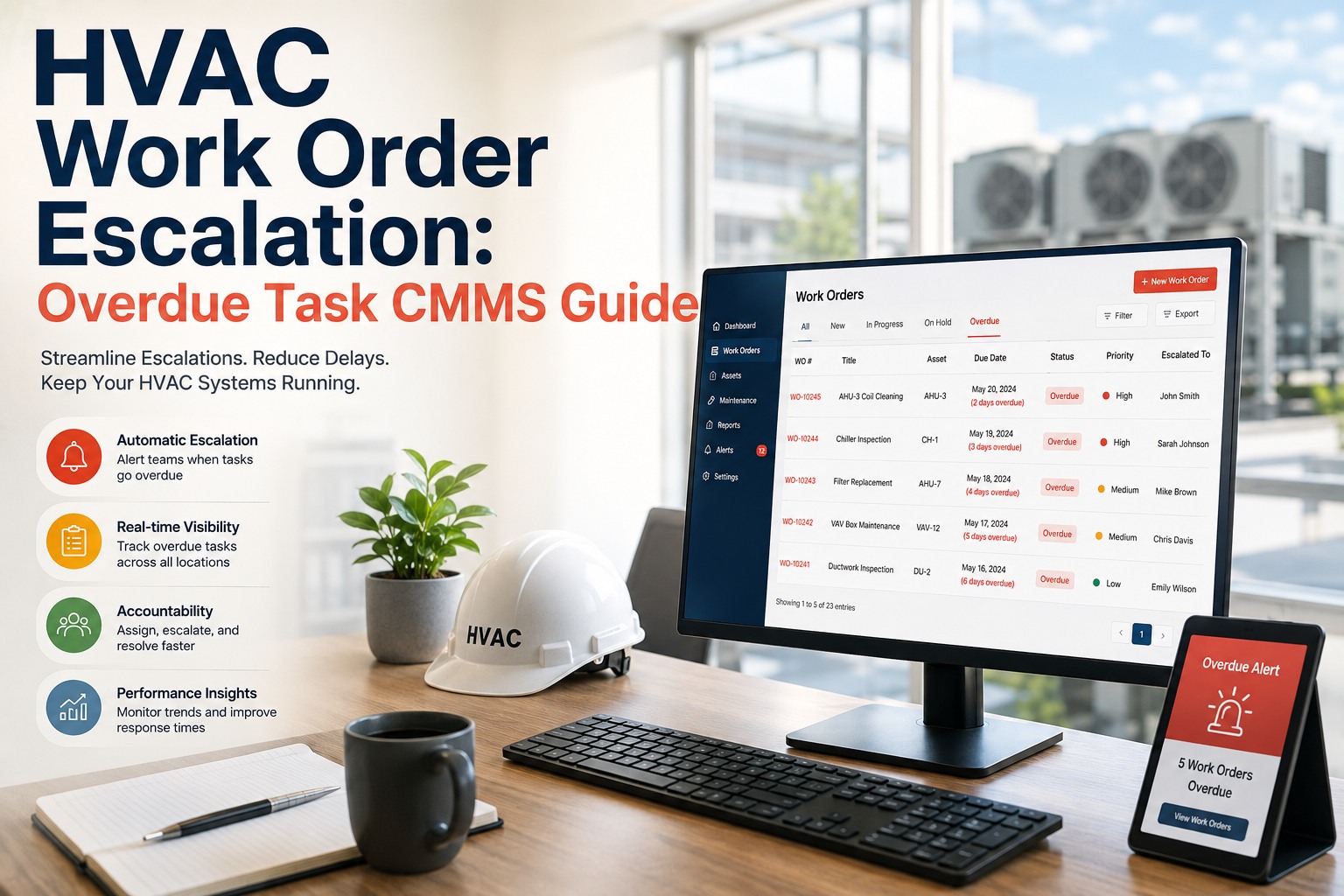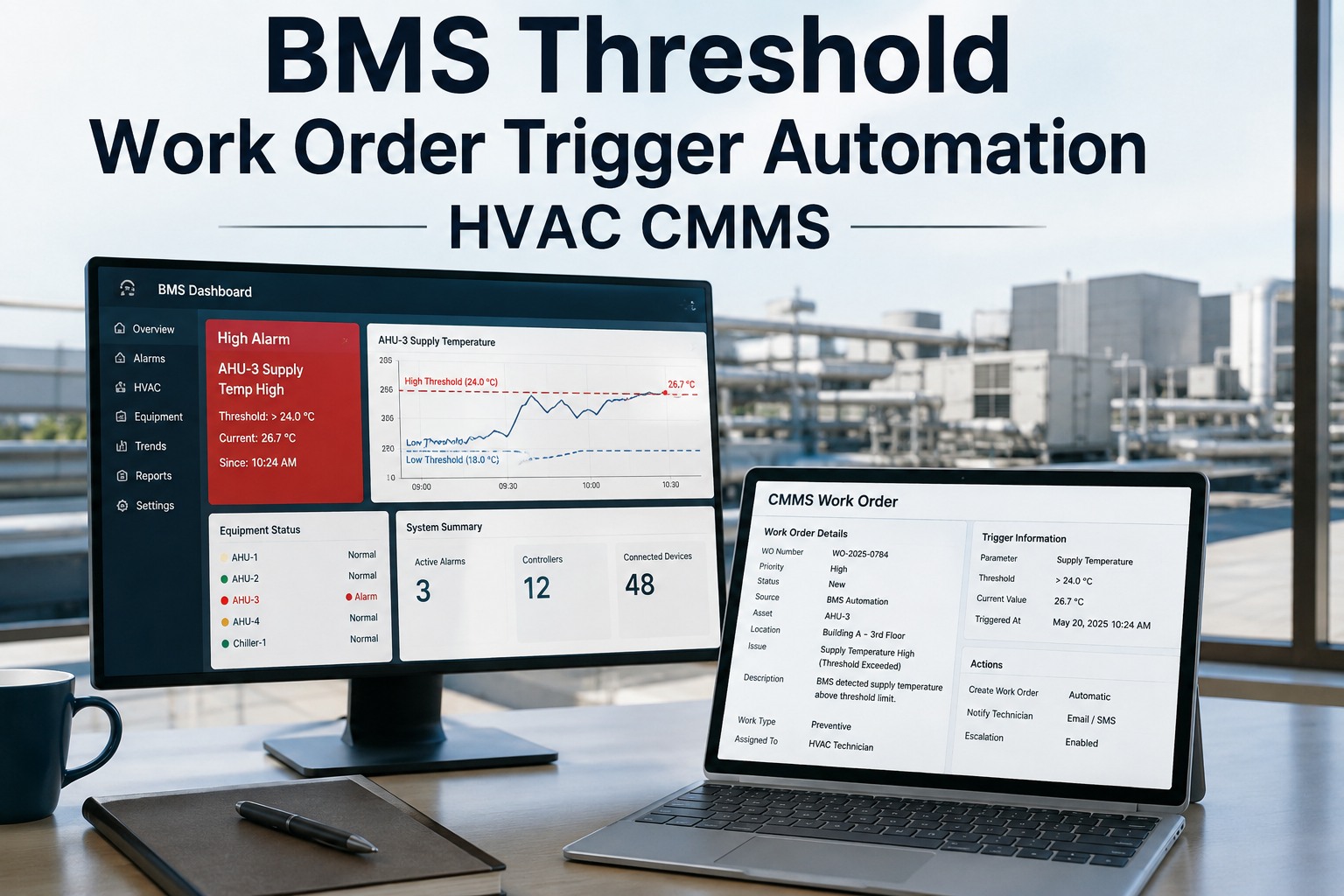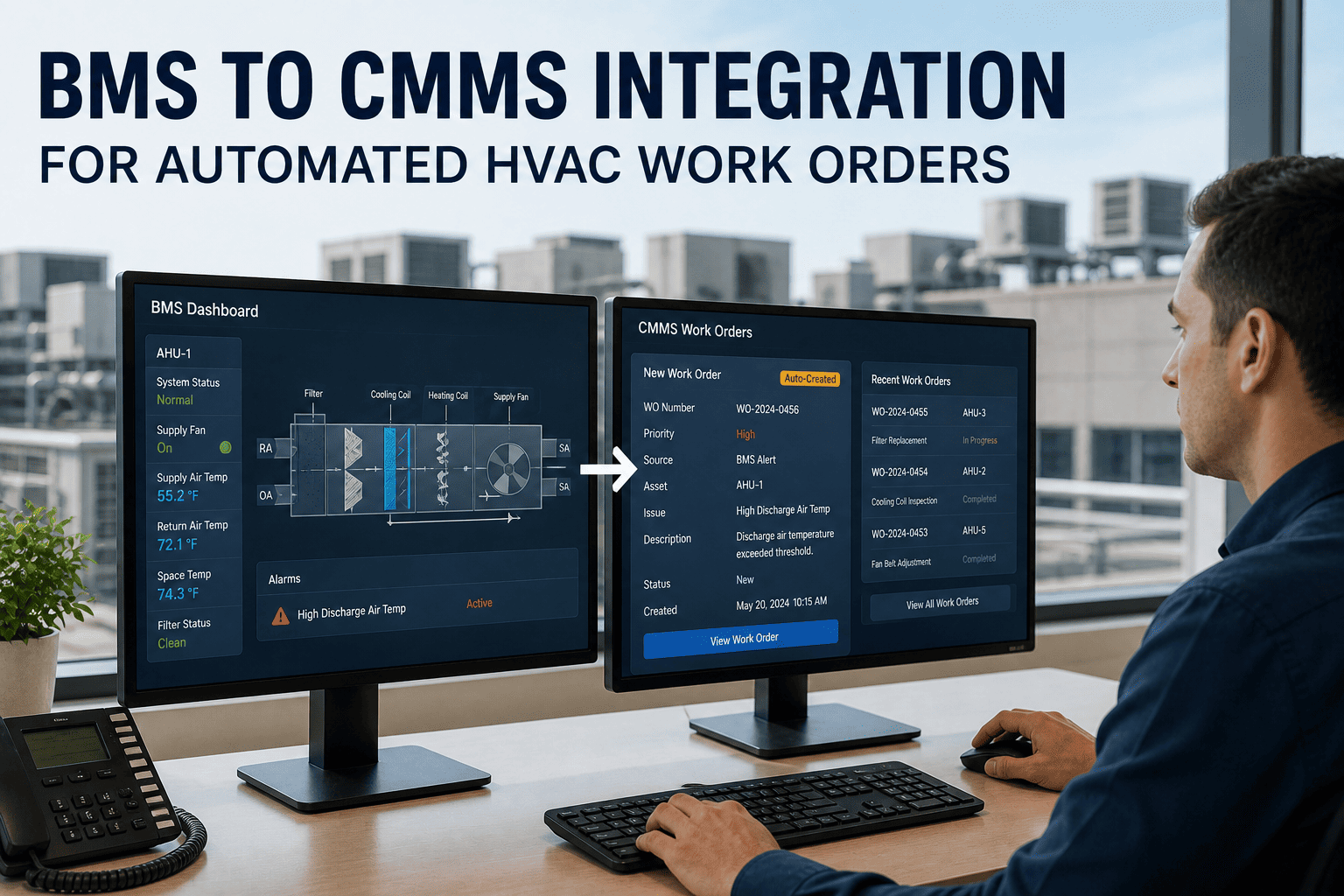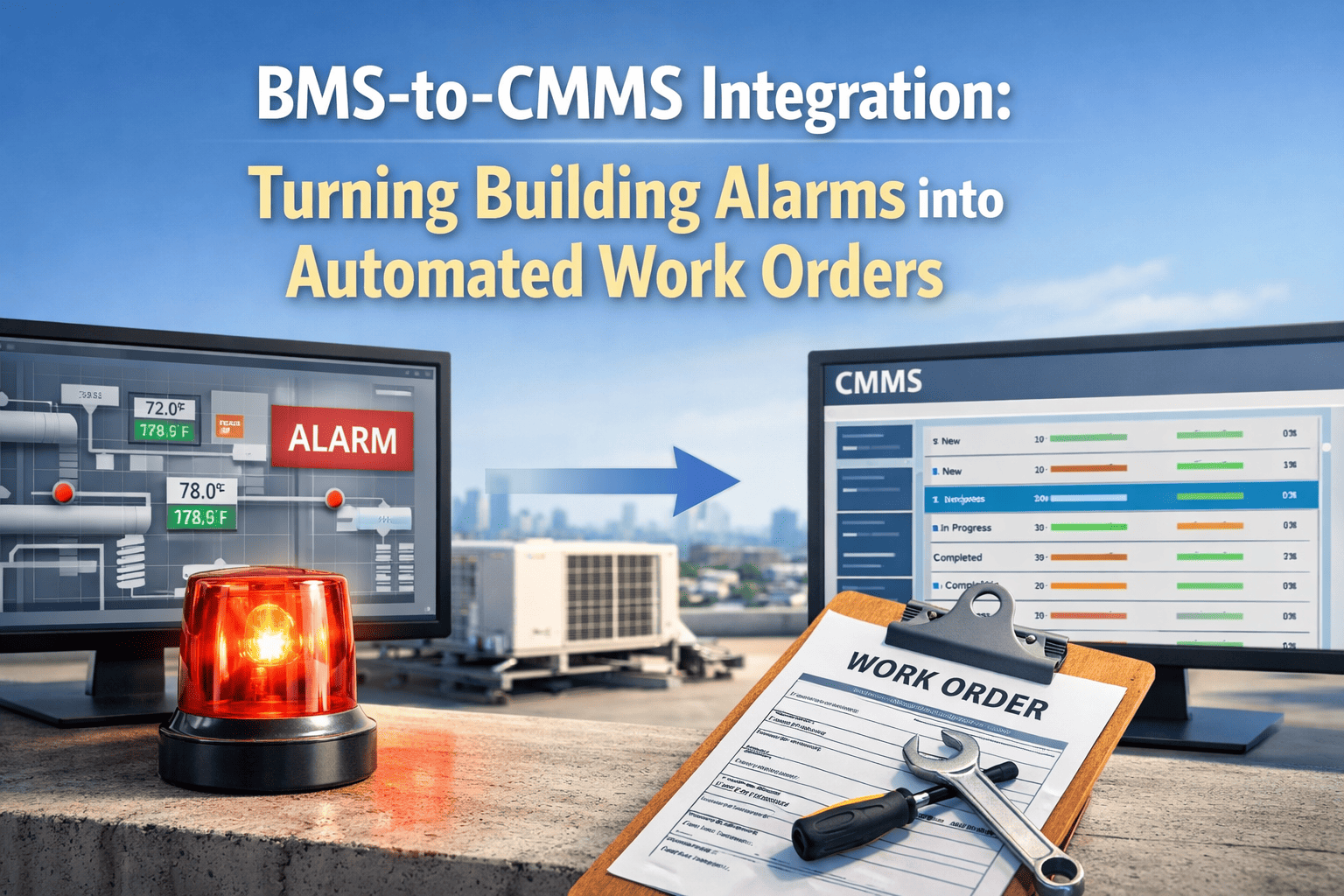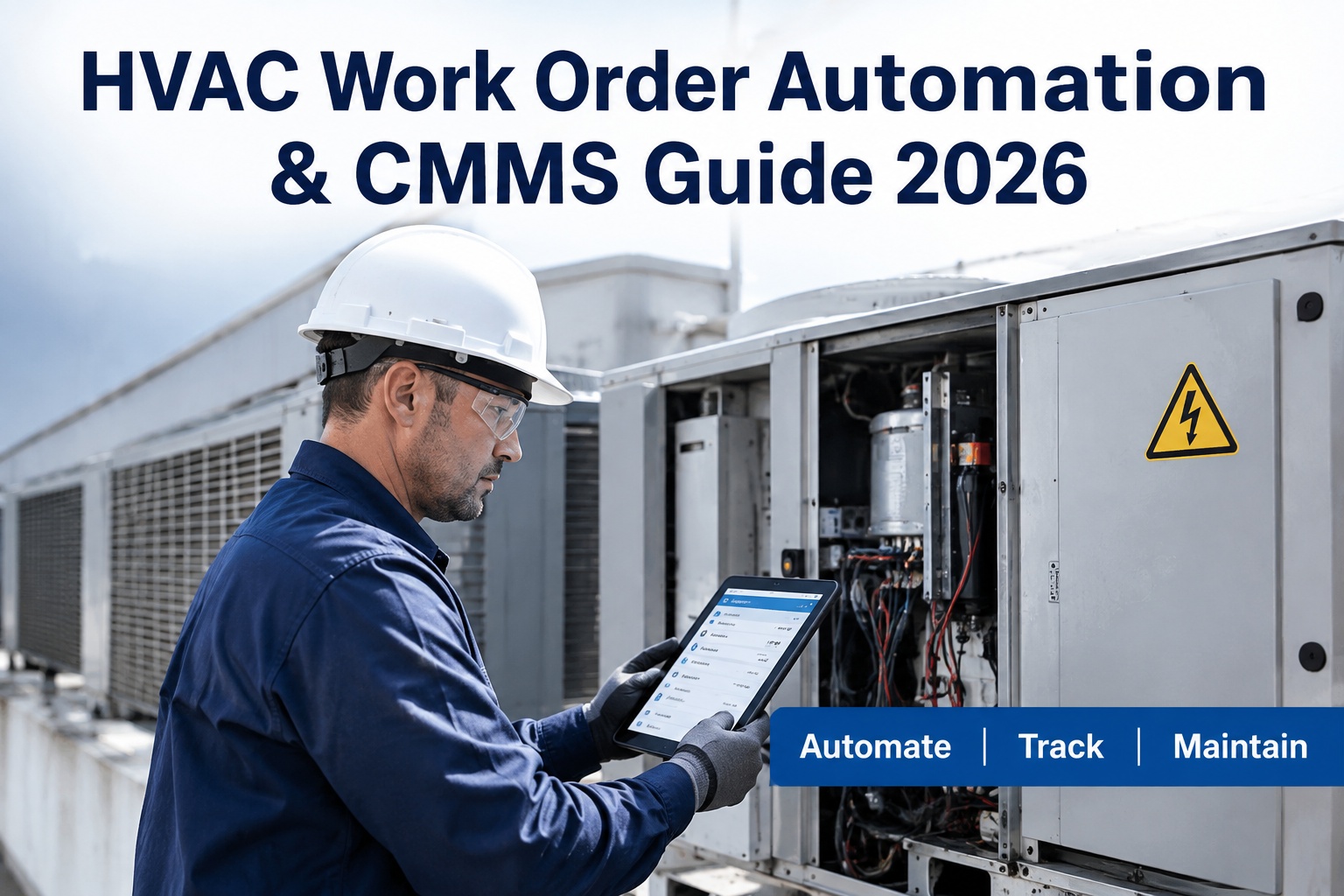
HVAC work order automation is the process of using CMMS software to automatically generate, assign, and track maintenance tasks for heating, ventilation, and air conditioning equipment without manual data entry. For maintenance and reliability teams in 2026, HVAC automated work orders are no longer a luxury but an operational necessity—buildings lose up to 30% of their energy efficiency to poorly maintained HVAC systems, and reactive maintenance costs 3 to 5 times more than a scheduled, automated approach. This guide breaks down how work order automation in CMMS platforms eliminates reactive fire-drills, integrates seamlessly with BMS alerts, and cuts equipment downtime by up to 50%. Discover how upgrading your maintenance workflows with AI-driven scheduling protects your assets and see why teams are switching when they Start Free Trial of modern software.
Is Your Team Still Manually Generating HVAC Work Orders?
Technicians spend up to 40% of their day on administrative tasks and hunting for asset histories instead of turning wrenches. Automated work order CMMS software eliminates this waste by instantly triggering tasks from BMS alerts, meter readings, or calendar schedules. Stop losing revenue to reactive fire-drills and manual data entry.
Why HVAC Automated Work Orders Are Critical in 2026
In 2026, facilities managing over 10,000 square feet face strict energy efficiency mandates and tightening labor markets. Relying on spreadsheet-based maintenance or legacy CMMS platforms that require manual ticket creation leads to an average of 15% missed preventive maintenance (PM) tasks. When HVAC PMs are skipped, compressor failures and coil fouling increase energy consumption by up to 25%. HVAC work order automation directly closes this gap by ensuring every triggered alert or scheduled interval instantly generates a fully populated work order—complete with asset history, OEM manuals, and required spare parts—ready for technician assignment.
The cost of delay: A 180-asset commercial facility relying on manual scheduling spends roughly $42,000 annually on reactive HVAC repairs and excess energy waste. After implementing CMMS work order automation, BMS temperature alerts instantly trigger priority work orders to mobile devices. The result: a 40% drop in emergency repair calls and $18,500 recovered in energy savings and labor efficiency within the first year.
How to Automate HVAC Work Orders: A 4-Step Timeline
Transitioning from reactive fixes to automated maintenance HVAC workflows requires a structured rollout. Here is the standard 4-month timeline teams use to deploy HVAC scheduling automation and achieve full compliance with ISO 55000 asset management standards.
Asset & BMS Integration
Map all HVAC equipment into the CMMS. Import asset hierarchies, OEM specifications, and integrate Building Management System (BMS) API feeds for real-time temperature and pressure alerts.
Define Trigger Logic
Configure automated work order CMMS rules. Set up condition-based triggers (e.g., runtime hours exceeding 1,500) and calendar-based PMs for quarterly coil cleaning and filter replacements.
Escalation & Routing
Establish technician assignment automation based on skills, certifications, and proximity. Build escalation workflows so unaccepted high-priority work orders automatically reassign after 30 minutes.
Analytics & Optimization
Leverage maintenance analytics to identify repeat failures. Adjust PM frequencies and predictive maintenance thresholds to optimize the balance between over-maintaining and reactive breakdowns.
Manual Spreadsheets vs. Automated Work Order CMMS
Maintenance managers evaluating software often ask about the tangible ROI of switching from legacy methods to a CMMS. The cost of maintaining the status quo extends far beyond software subscriptions—it lives in unplanned downtime, expedited shipping for spare parts, and technician overtime.
| Maintenance Metric | Manual / Spreadsheets | Automated CMMS (OxMaint) |
|---|---|---|
| Work Order Creation Time | 10–15 minutes per task | Instant (0 seconds) |
| PM Compliance Rate | 70–80% | 95–100% |
| Mean Time to Repair (MTTR) | 4.5 hours | 1.5 hours |
| Asset Downtime (Annual) | 12–15% per asset | 3–5% per asset |
| Information Accessibility | Paper logs / shared drives | Mobile app / real-time cloud |
| Spare Parts Tracking | Manual cycle counts | Auto-deduct on work order close |
Calculating the ROI of HVAC Scheduling Automation
Justifying a CMMS investment requires proving a measurable return. The primary financial drivers of work order automation are labor recovery, energy savings, and downtime avoidance. Use this standard reliability formula to model your first-year ROI.
In a standard 180-asset deployment, total annual value equals $85,000 against a software cost of roughly $12,000—yielding an ROI of 608% in the first year alone.
How OxMaint Powers Your HVAC Work Order Automation
OxMaint is an AI-powered CMMS and EAM platform built to eliminate reactive maintenance. By connecting your BMS data, asset hierarchies, and technician mobile apps into one system, OxMaint ensures the right work order reaches the right technician at the exact moment it is needed.
BMS-Triggered Work Orders
Automatically convert Building Management System alerts and sensor anomalies into priority work orders. Outcome: Cut unplanned downtime by 30–50% by addressing temperature deviations before compressors fail.
Technician Assignment Automation
AI evaluates skills, certifications, and live location to auto-assign tasks to the best technician. Outcome: Reduce travel time by 25% and increase first-time-fix rates by 40%.
Predictive Maintenance Analytics
Machine learning analyzes asset runtime and vibration data to forecast equipment failures before they happen. Outcome: Extend asset lifecycles by 20% and eliminate emergency overtime costs.
Automated Spare Parts Deduction
Inventory levels automatically update when technicians close out a work order, triggering reorder alerts. Outcome: Eliminate parts hoarding and reduce inventory carrying costs by 15%.
Stop Losing Revenue to Reactive HVAC Maintenance
See OxMaint on your assets — book a 30-min demo and discover how automated work orders will transform your maintenance operations.
HVAC Work Order Automation: Frequently Asked Questions
What is HVAC work order automation?
HVAC work order automation is the use of CMMS software to automatically generate, assign, and track maintenance tasks based on calendar schedules, runtime meters, or BMS sensor alerts, eliminating manual data entry and ensuring PMs are never missed.
How does a CMMS integrate with a Building Management System (BMS)?
A modern CMMS like OxMaint uses API integrations to listen to BMS alerts. When an HVAC unit triggers a high-pressure or temperature deviation alert, the CMMS instantly creates a work order and routes it to a qualified technician. You can see this in action when you Book a Demo.
Can automated work orders improve HVAC energy efficiency?
Yes. Dirty coils and clogged filters can increase HVAC energy consumption by 15-25%. Automated PM scheduling ensures filters and coils are cleaned exactly when needed, keeping equipment running at OEM efficiency levels and lowering utility bills.
How long does it take to implement work order automation?
Most facilities complete a full CMMS rollout—including asset import, BMS integration, and trigger configuration—within 30 to 60 days. Cloud-based platforms like OxMaint allow teams to start generating automated work orders almost immediately after asset setup.
Is HVAC scheduling automation suitable for small maintenance teams?
Absolutely. Small teams benefit the most from automation because it eliminates administrative overhead, allowing 2-5 person crews to manage hundreds of assets efficiently. Automated escalation ensures no task falls through the cracks even when the team is stretched thin.
Ready to Automate Your HVAC Maintenance?
Join the reliability teams using OxMaint to cut downtime, eliminate paper work orders, and extend asset lifecycles with AI-driven CMMS automation.
Free 14-day trial · No credit card
.png)