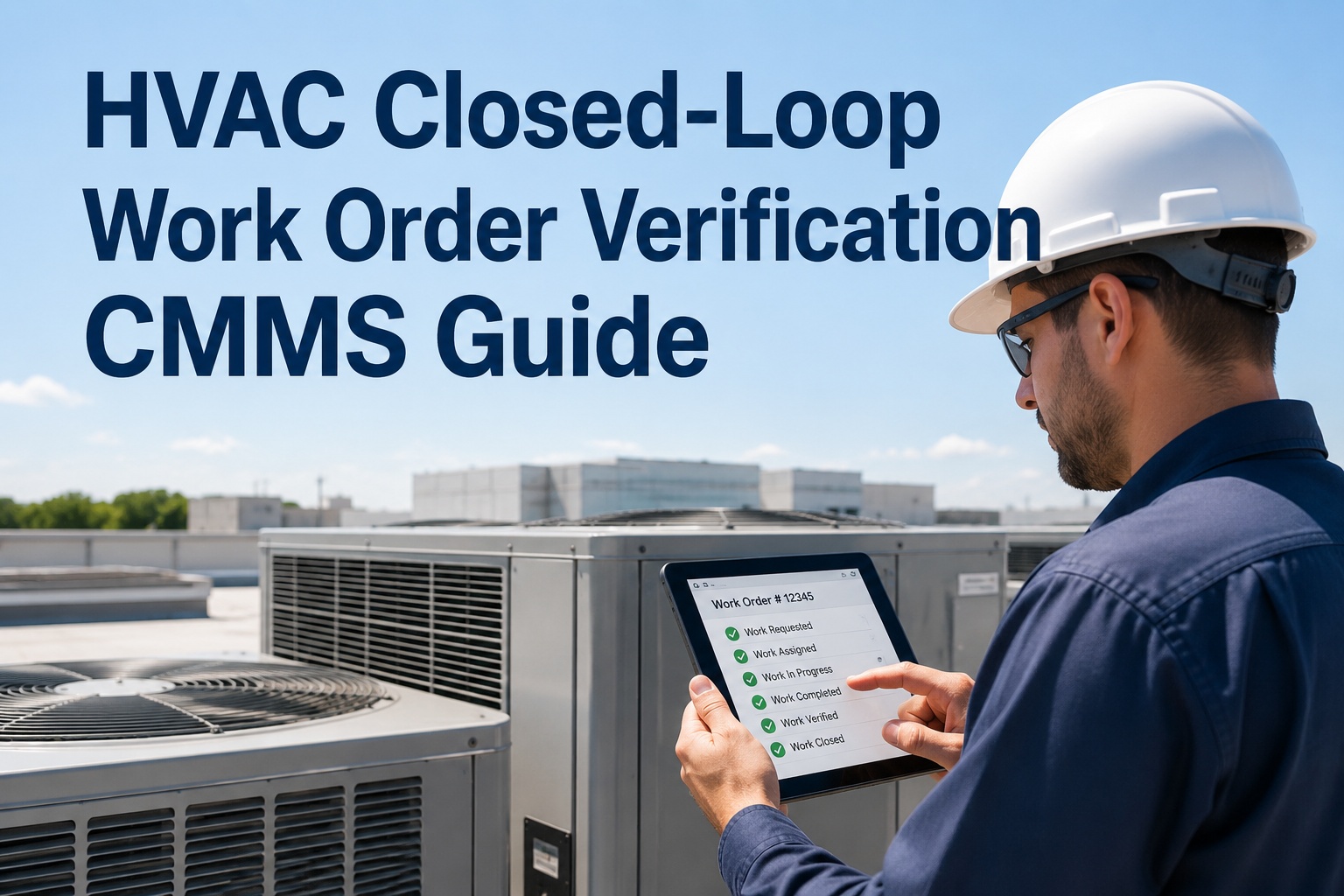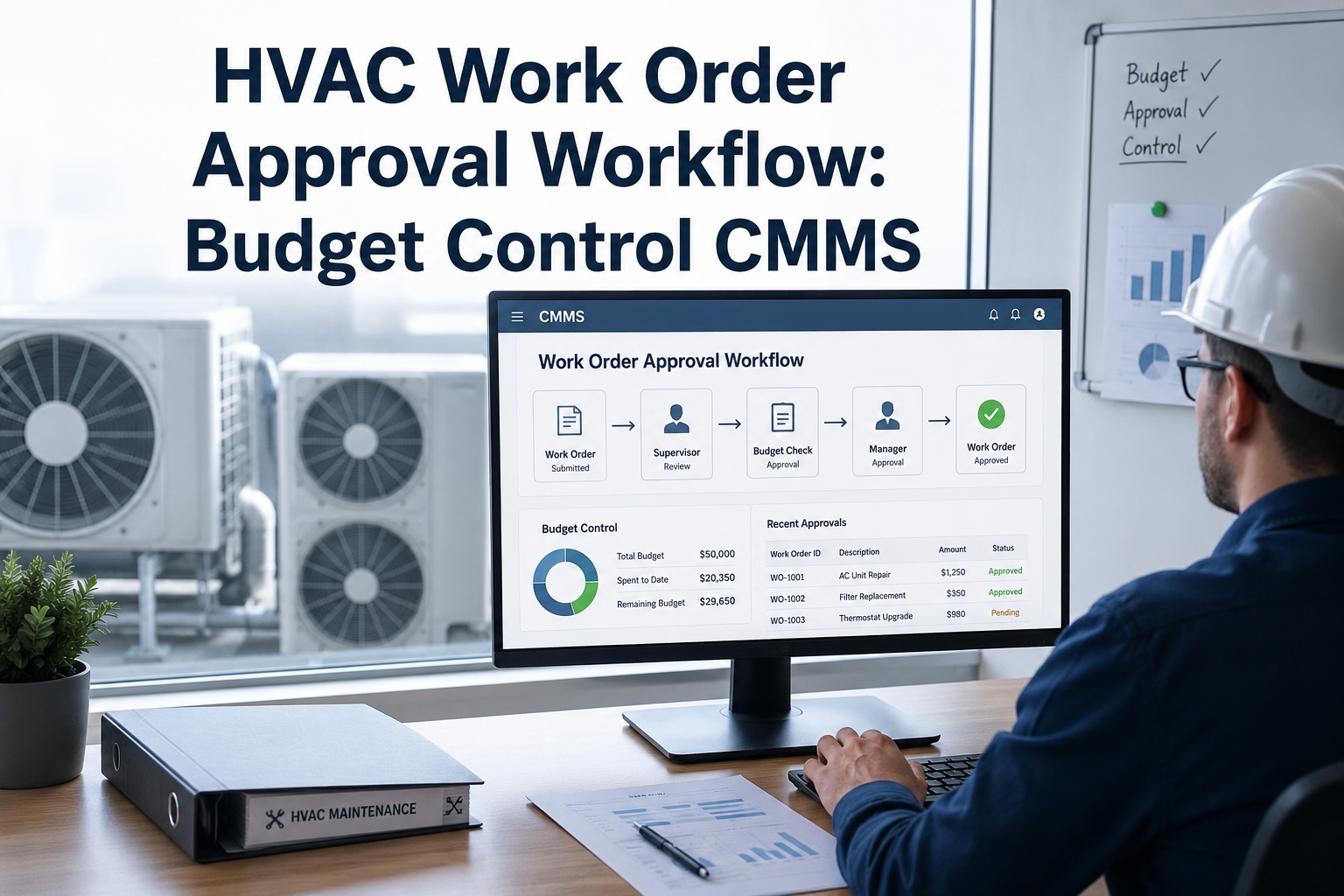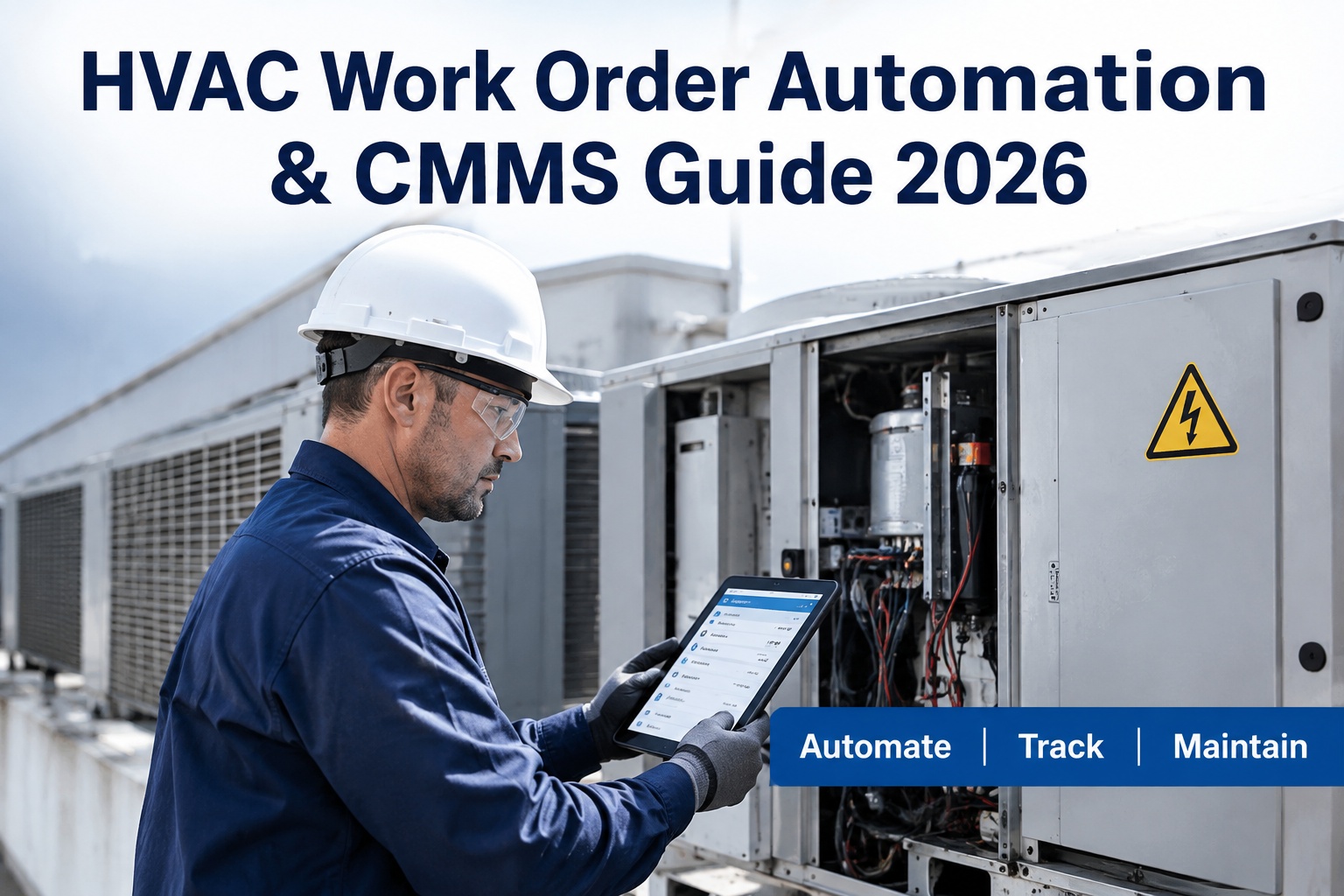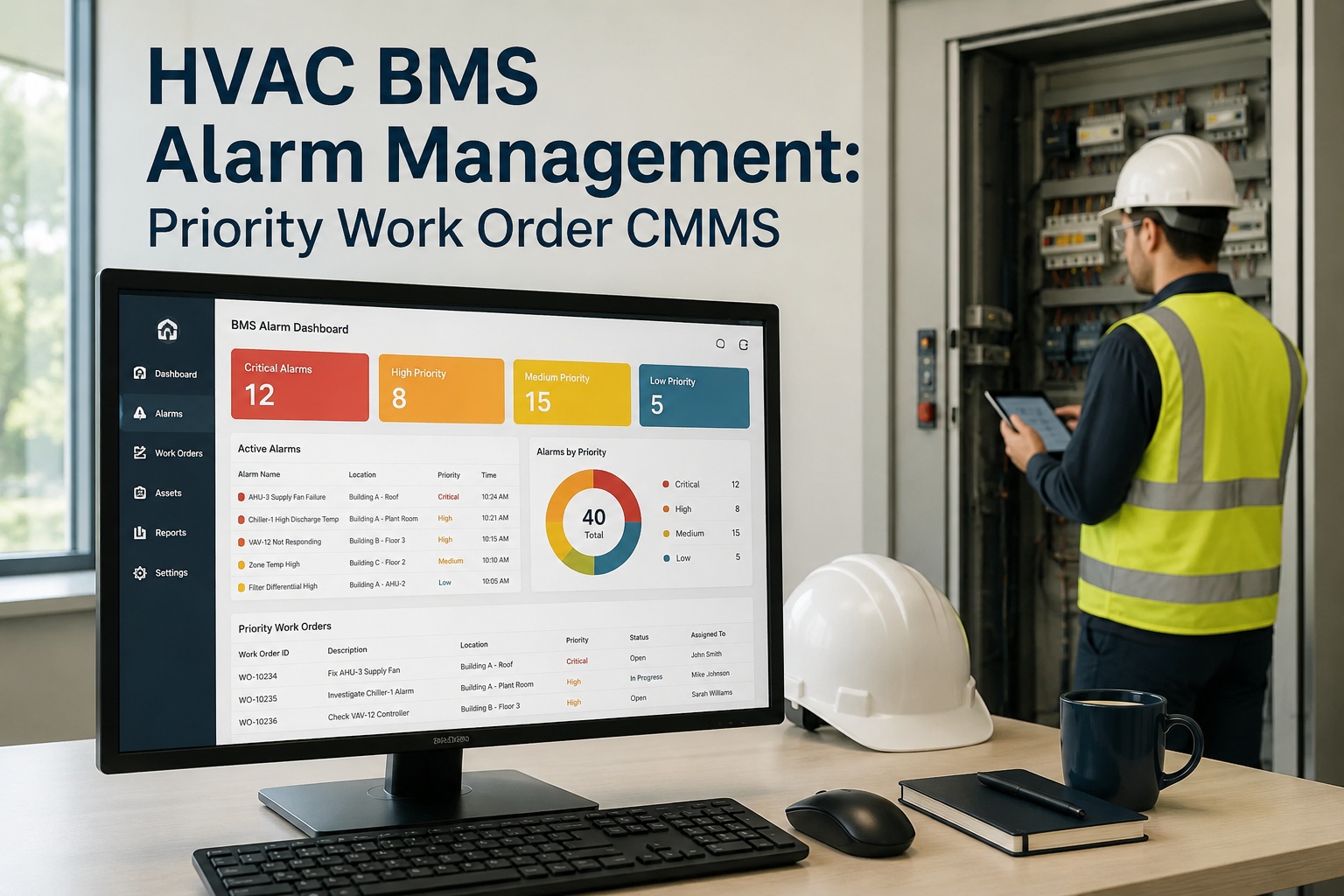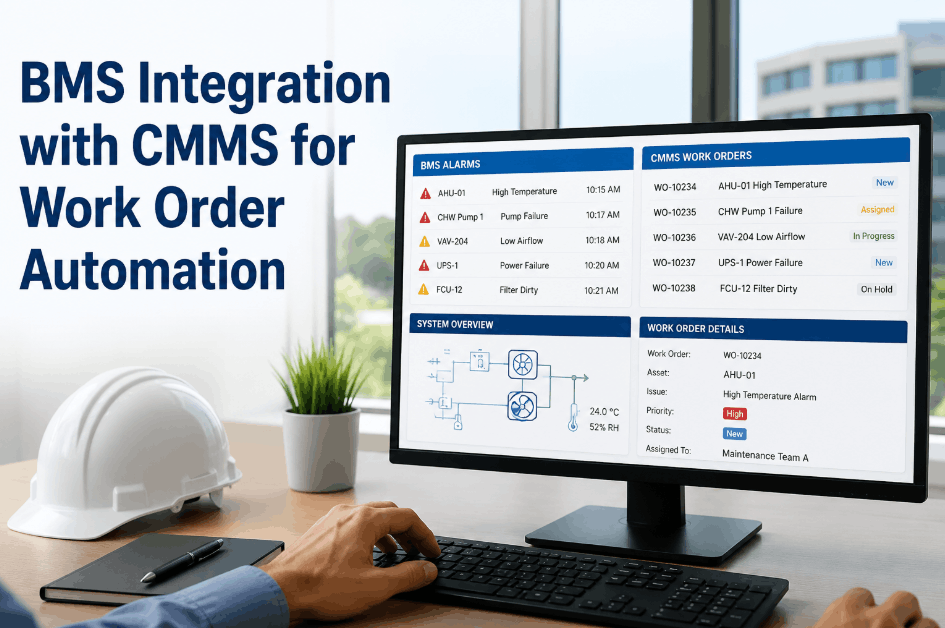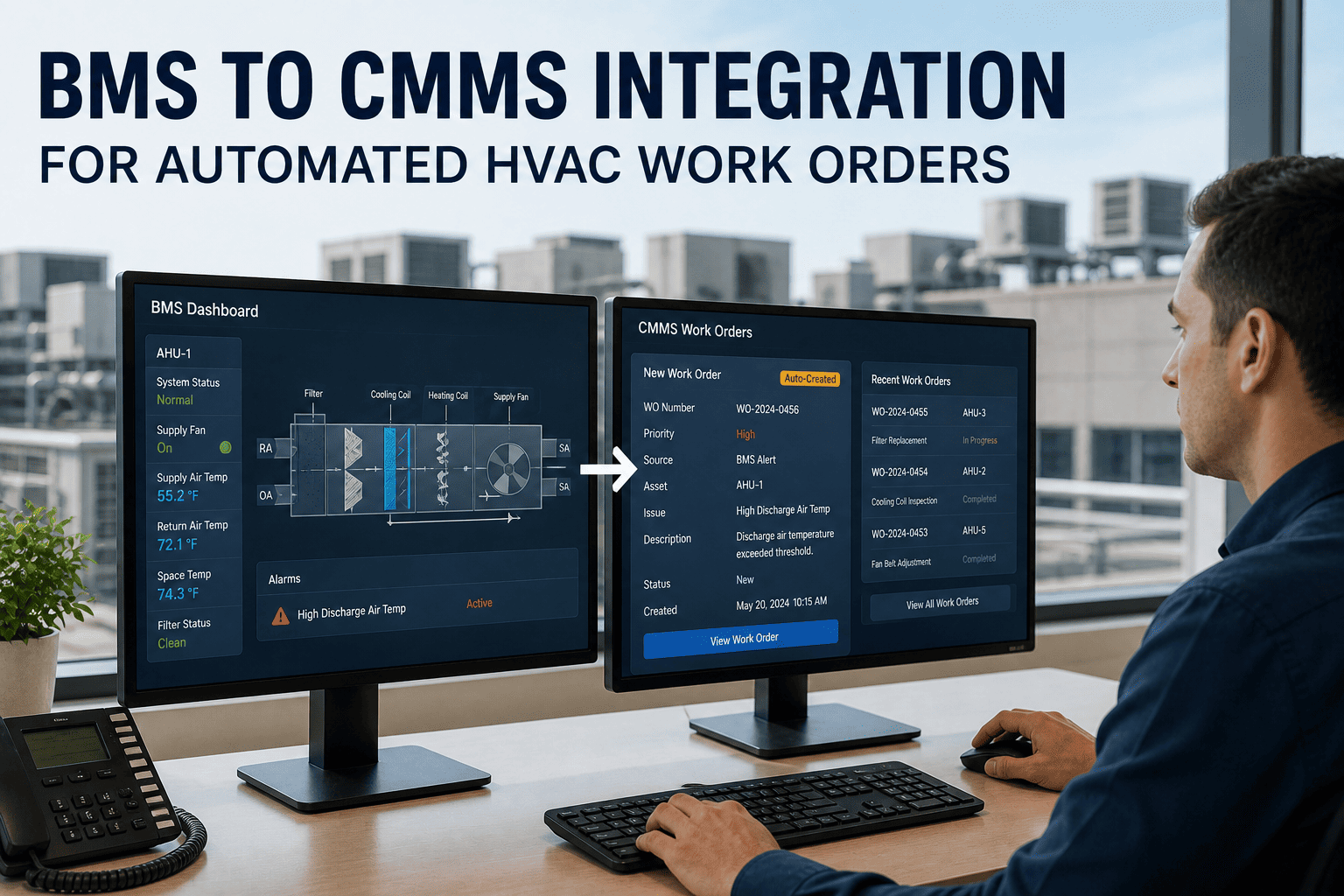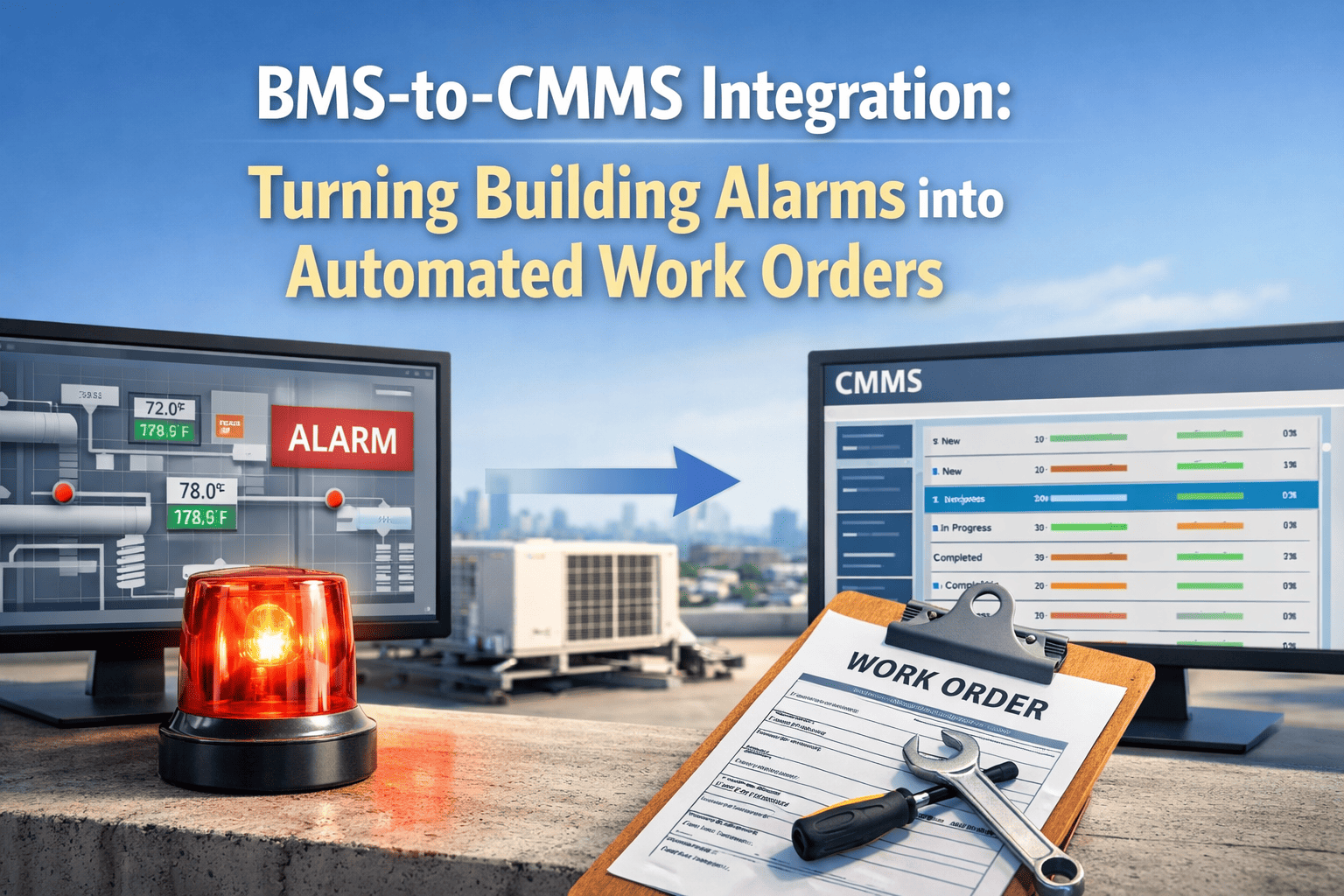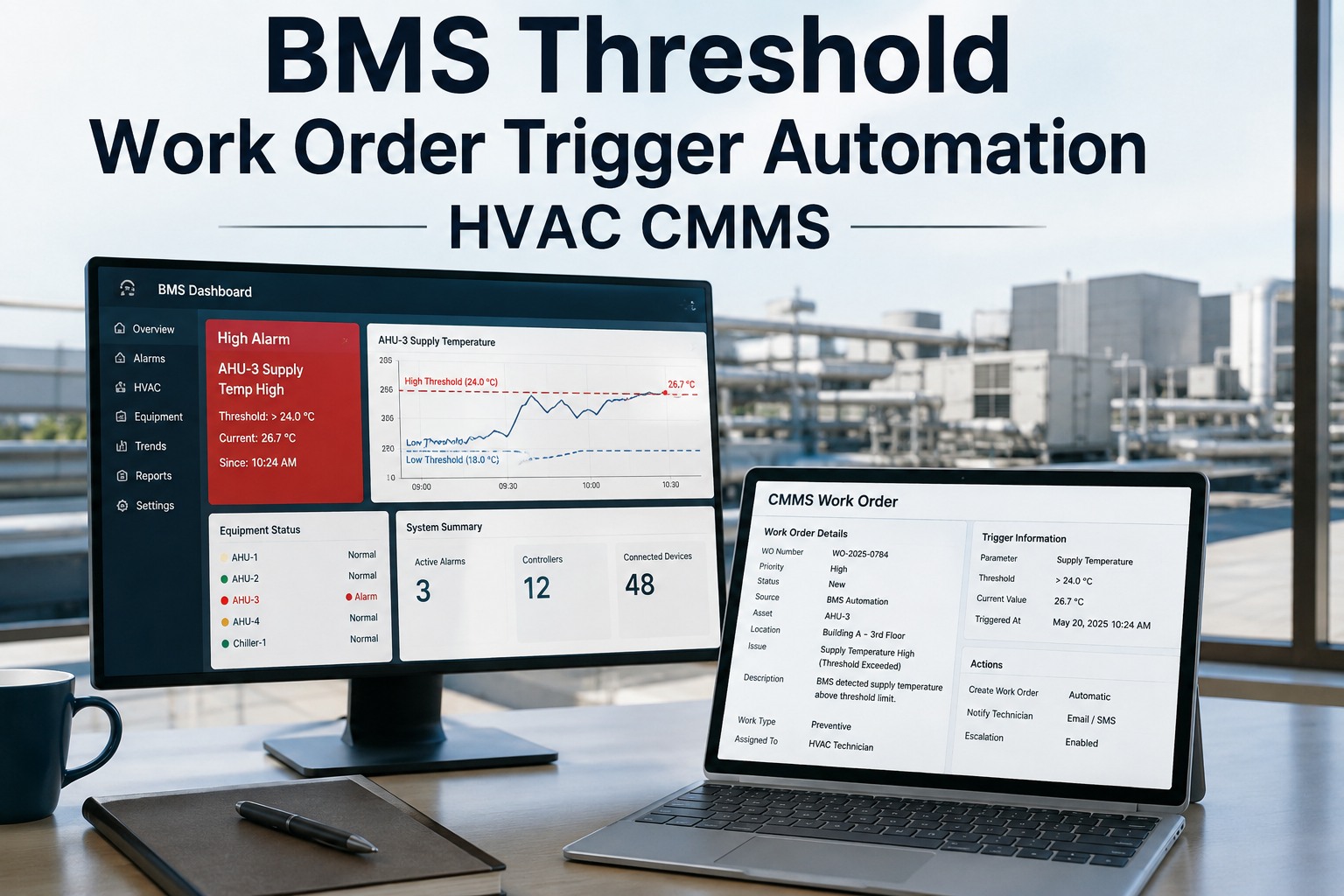
BMS threshold work order trigger automation bridges your Building Management System and your CMMS so that the moment an HVAC sensor crosses a critical limit — differential pressure, supply-air temperature, VFD fault — a prioritized work order is created, routed and tracked with zero manual entry. Teams using HVAC BMS trigger automation typically cut alarm-to-technician response time by 40–70% and recover thousands of labor hours previously lost chasing phantom alerts. This guide walks through threshold design, alarm-to-work-order mapping, priority logic and CMMS integration so your reliability program can move from reactive firefighting to predictive dispatch — and you can Start Free Trial of OxMaint to see it live on your assets.
BMS THRESHOLD WORK ORDER AUTOMATION
What if every BMS alarm became a ranked, routed work order — in under 5 seconds?
Differential-pressure trips, supply-temp deviations and VFD faults auto-generate prioritized CMMS work orders — no clipboard, no missed alerts, no 2 a.m. phone tree. OxMaint reads the BMS, applies your threshold rules and dispatches the right tech with the right parts before comfort complaints arrive.
THRESHOLD ARCHITECTURE
How HVAC BMS trigger automation turns sensor limits into work orders
A well-designed BMS threshold work order pipeline moves data through five stages — from raw sensor reading to closed-out work order — in seconds, not hours.
SIGNAL INGEST
BMS point monitoring
Discrete and analog points — duct static pressure, CHW valve position, VFD Hz, space temp — are polled at 1–60 s intervals. OxMaint subscribes via BACnet, Modbus or REST API so no manual export is needed.
THRESHOLD CHECK
Rule-based limit evaluation
Each point is mapped to a threshold band (warning, critical, shut-down). A supply-air temp setpoint of 55°F ±2°F raises a warning at 58°F and a critical trigger at 60°F sustained for ≥3 minutes — suppressing nuisance cycling.
WORK ORDER CREATION
Auto-generated CMMS ticket
When a limit is breached, OxMaint creates a work order pre-filled with asset ID, fault code, point history, priority level, required skill set and linked spare parts — everything a tech needs in one screen.
DISPATCH & ROUTE
Technician assignment by priority
Priority-1 alarms page the on-call HVAC tech via SMS and push notification within 5 seconds. Priority-3 items queue for the next morning's preventive round. Assignment rules respect shift, skill and geographic zone.
VERIFY & CLOSE
Feedback loop to BMS
Techs log root cause, labor hours and parts consumed on their mobile device. OxMaint writes the resolution back to the asset record, recalibrates the threshold if needed and archives the alarm trail for ISO 55000 audit compliance.
THRESHOLD PLAYBOOK
HVAC threshold trigger guide: 9 critical alarm-to-work-order mappings
Each mapping below pairs a common HVAC failure mode with its BMS threshold, recommended sustained-duration filter, auto-generated priority and the work-order task template OxMaint fires.
| Failure Mode / Point | BMS Threshold | Duration Filter | WO Priority | Auto-Triggered Task |
|---|---|---|---|---|
| Differential pressure (filter) | > 1.2 inWC rise | 15 min | P3 | Inspect & replace AHU pre-filter bank |
| Supply-air temp deviation | > 5°F from setpoint | 10 min | P2 | Verify CHW valve actuator & coil performance |
| VFD fault / overcurrent | Fault code active | Instant | P1 | Isolate, inspect drive & motor winding |
| Condenser approach temp | > 3°F above baseline | 30 min | P3 | Schedule tube cleaning / water treatment check |
| Chilled-water pump delta-P | < 8 psi sustained | 5 min | P2 | Check strainer, impeller, seal integrity |
| Space RH exceeded | > 65% RH | 45 min | P3 | Inspect dehumidification sequence & drain pan |
| Motor bearing vibration | > 0.35 in/sec peak | 2 min | P1 | Vibration analysis, lubrication, bearing replacement |
| Power consumption anomaly | > 15% above kW baseline | 60 min | P2 | Energy audit: coil fouling, belt slip, charge level |
| Cooling tower sump temp | > 85°F approach | 20 min | P2 | Inspect fill media, fan sequencing, make-up valve |
Duration filters prevent nuisance work orders from transient spikes. OxMaint lets you tune each filter per asset — a lab AHU tolerates a 3-minute temperature excursion; an operating-room suite triggers at 90 seconds.
PRIORITY & COST LOGIC
Calculating the ROI of BMS threshold work order automation
The business case is straightforward: every avoided comfort complaint, premature bearing failure or after-hours overtime call has a measurable dollar value. Below is the formula OxMaint uses to model ROI, followed by a worked example for a typical commercial HVAC portfolio.
Annual Savings Formula
Savings = (Avoided Downtime × $/hr) + (Avoided Overtime Calls × $/call) + (Avoided Catastrophic Failures × $/event) − Annual CMMS Cost
Worked Example — 180-asset portfolio
$42K avoided downtime + $18K fewer OT callouts + $35K prevented compressor failure − $9K CMMS = $86,000 net Year-1 savings
OXMAINT SOLUTION
How OxMaint automates BMS-to-CMMS work order triggers
OxMaint was built to sit between your BMS and your maintenance team — ingesting live telemetry, applying your threshold rules and auto-generating prioritized work orders with full asset context. Here's how four core capabilities map directly to the problem.
Real-time BMS ingestion
Native BACnet/IP, Modbus TCP and REST connectors pull point data from your BMS every 1–60 seconds — no middleware, no nightly CSV imports. OxMaint maintains a live digital twin of every monitored asset so threshold breaches are caught the moment they occur.
Outcome: alarm-to-work-order latency under 5 seconds, 24/7.
Threshold rule engine
Define multi-condition rules — value, duration, time-of-day, occupancy mode — per asset or asset class. A lab AHU can have tighter supply-temp limits during occupied hours and relaxed limits on nights, each generating a different priority work order.
Outcome: 80% fewer nuisance work orders vs. raw alarm forwarding.
Auto-dispatched work orders
Each triggered work order auto-populates with asset hierarchy, fault code, BMS trend screenshot, required skill, priority and linked spare parts. OxMaint routes P1 alarms to the on-call tech via SMS + push in under 5 seconds; P3 items batch into the next-day PM queue.
Outcome: 30–50% reduction in unplanned HVAC downtime.
Analytics & threshold tuning
OxMaint's analytics dashboard tracks alarm frequency, mean-time-to-response and false-alarm rate per asset. AI-driven insights recommend threshold adjustments — e.g., raising a differential-pressure warning from 1.0 to 1.2 inWC — so the system gets smarter over time.
Outcome: continuous improvement, audit-ready alarm trail for ISO 55000.
REAL-WORLD IMPACT
What teams see after implementing automated BMS triggers
"We connected 42 air handlers to OxMaint in one afternoon. Within the first month the system auto-generated 18 work orders for clogged filters and valve issues that our techs would have found during quarterly rounds — except we fixed them before anyone filed a comfort complaint."
"The VFD fault trigger caught a failing drive on our primary chiller pump at 2 a.m. OxMaint paged the on-call tech, who swapped the drive before morning shift. That single event paid for two years of CMMS subscription. The BMS integration was the missing piece."
"Before OxMaint, a BMS alarm was just a red light on a screen. Now it's an action — a work order with the right tech, the right parts and the right priority, every time."
See OxMaint auto-trigger work orders on your HVAC assets
In a 30-minute demo we'll connect your BMS points, map your top five thresholds and show a live alarm-to-work-order trigger — on your equipment, with your rules.
FREQUENTLY ASKED
BMS threshold work order trigger FAQ
What is a BMS threshold work order trigger?
A BMS threshold work order trigger is an automated rule that creates a CMMS work order when a Building Management System sensor reading crosses a predefined limit — such as supply-air temperature exceeding setpoint by 5°F or differential pressure rising above 1.2 inWC. OxMaint evaluates the threshold, applies a duration filter to suppress nuisance trips and generates a prioritized work order complete with asset context, fault history and required parts.
How does BMS alarm work order automation reduce HVAC downtime?
Automation closes the gap between detection and action. Instead of an alarm sitting in a BMS queue until someone manually logs a ticket, OxMaint creates and dispatches the work order in under 5 seconds — 68% faster than manual workflows. That speed turns a 6-hour overnight bearing failure into a 90-minute repair, preventing downstream comfort complaints and equipment damage. Book a Demo to see the latency on your own assets.
Which BMS protocols does OxMaint support for threshold integration?
OxMaint natively supports BACnet/IP, Modbus TCP, OPC-UA and REST/SOAP APIs, covering the vast majority of commercial BMS platforms including Honeywell, Siemens, Johnson Controls, Schneider and Tridium Niagara. If your BMS can expose a point list and current values, OxMaint can subscribe to it — no middleware gateway required.
Can I prevent nuisance work orders from transient BMS alarms?
Yes. OxMaint's threshold rule engine lets you set sustained-duration filters — for example, a differential-pressure warning only fires if the value stays above 1.2 inWC for 15 consecutive minutes. You can also add time-of-day windows, occupancy-mode conditions and debounce logic so that a single compressor cycle doesn't generate a ticket. Most teams cut false alarms by 80% after tuning.
How long does it take to implement BMS-to-CMMS trigger automation?
A typical 50–200 asset HVAC portfolio goes live in 2–4 weeks: week one for BMS point mapping and API connection, week two for threshold and priority rule configuration, week three for pilot testing on non-critical assets, and week four for full rollout. OxMaint provides onboarding support and pre-built templates for the 25 most common HVAC alarm types. You can Start Free Trial today and begin mapping assets immediately.
Stop watching alarms. Start auto-dispatching work orders.
Every minute a BMS alert sits unread is a minute closer to a comfort complaint, an overtime callout or a catastrophic failure. Put OxMaint between your BMS and your techs — and turn every threshold breach into an instant, prioritized, fully-contextualized work order.
Free 14-day trial · No credit card