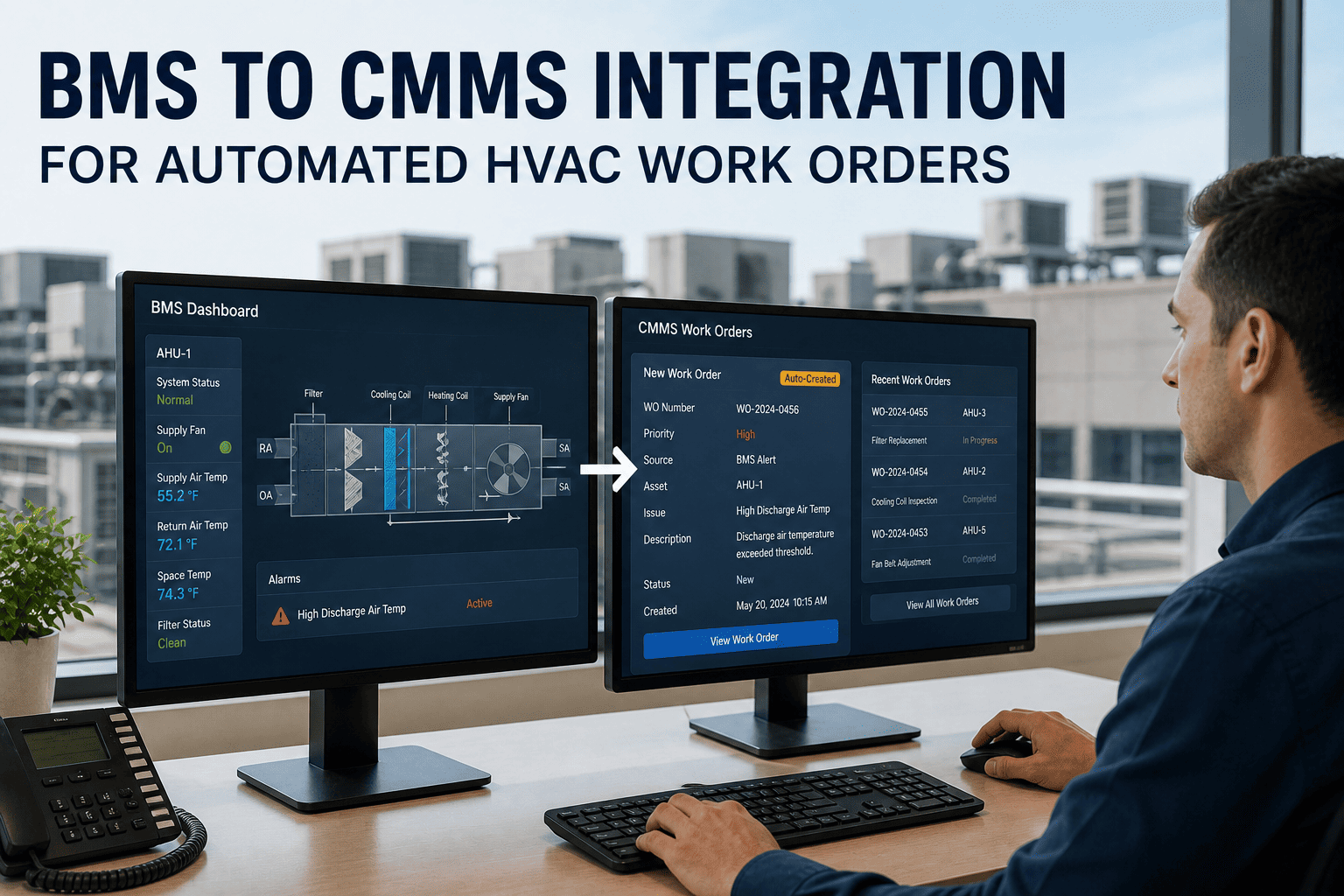
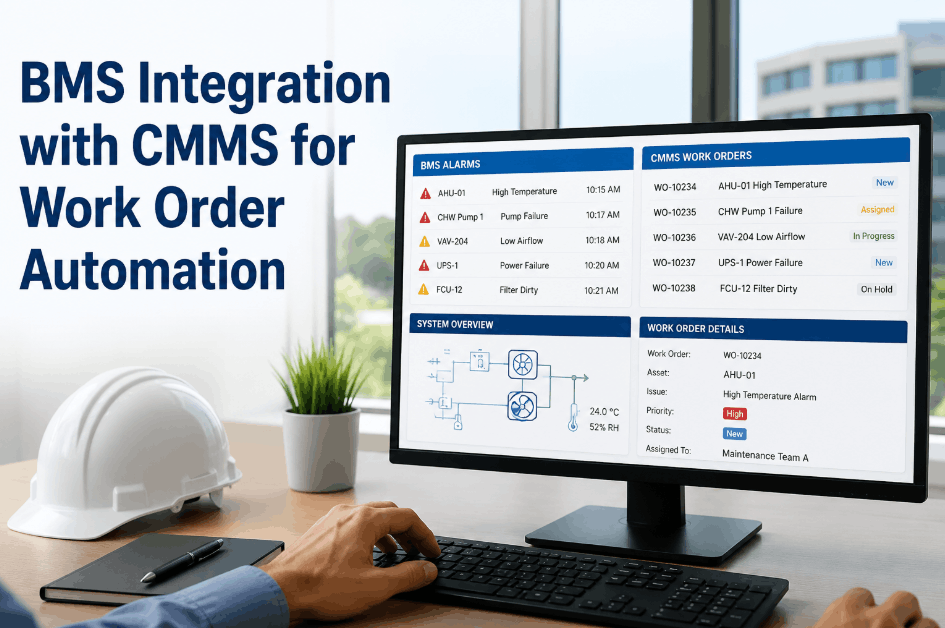
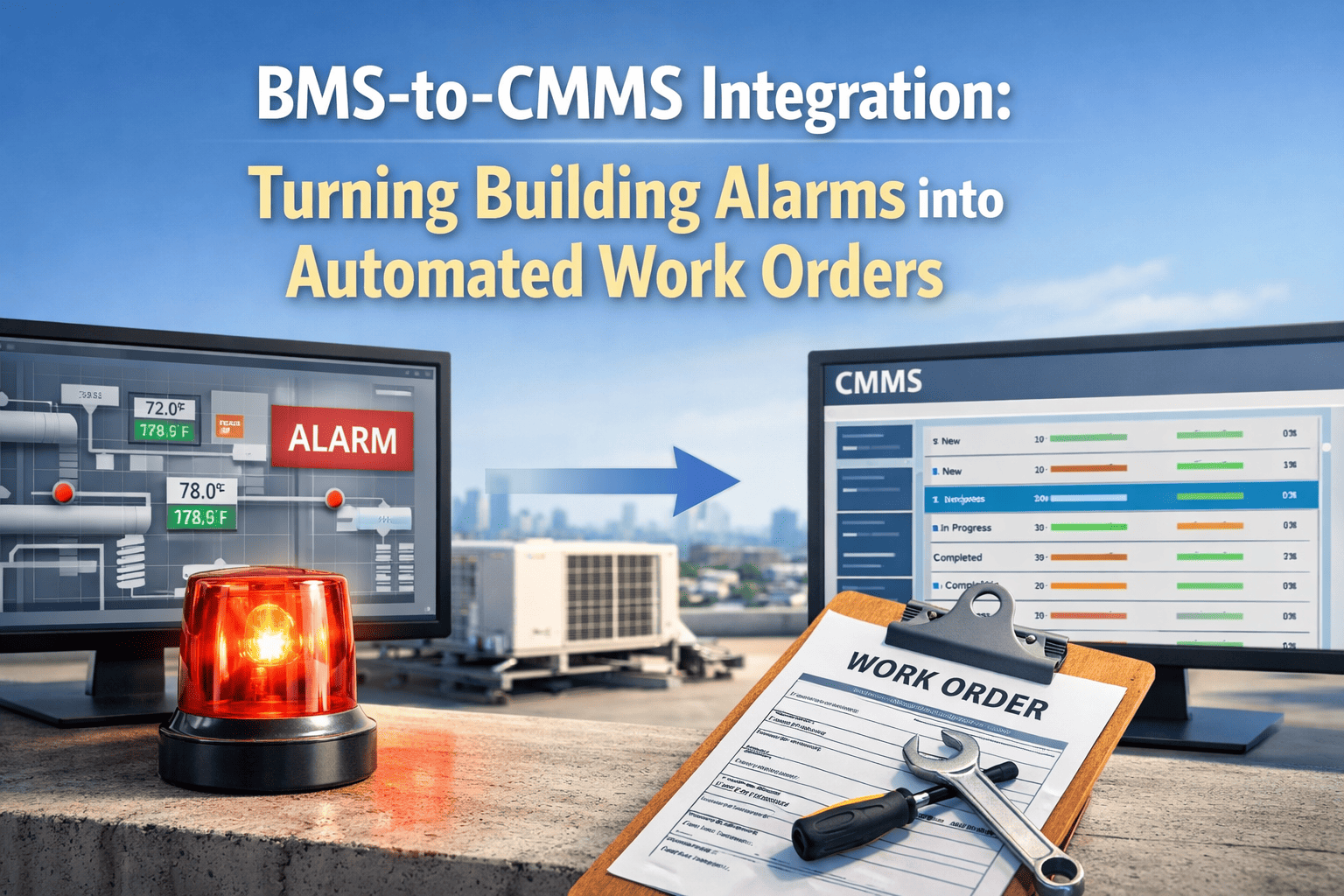
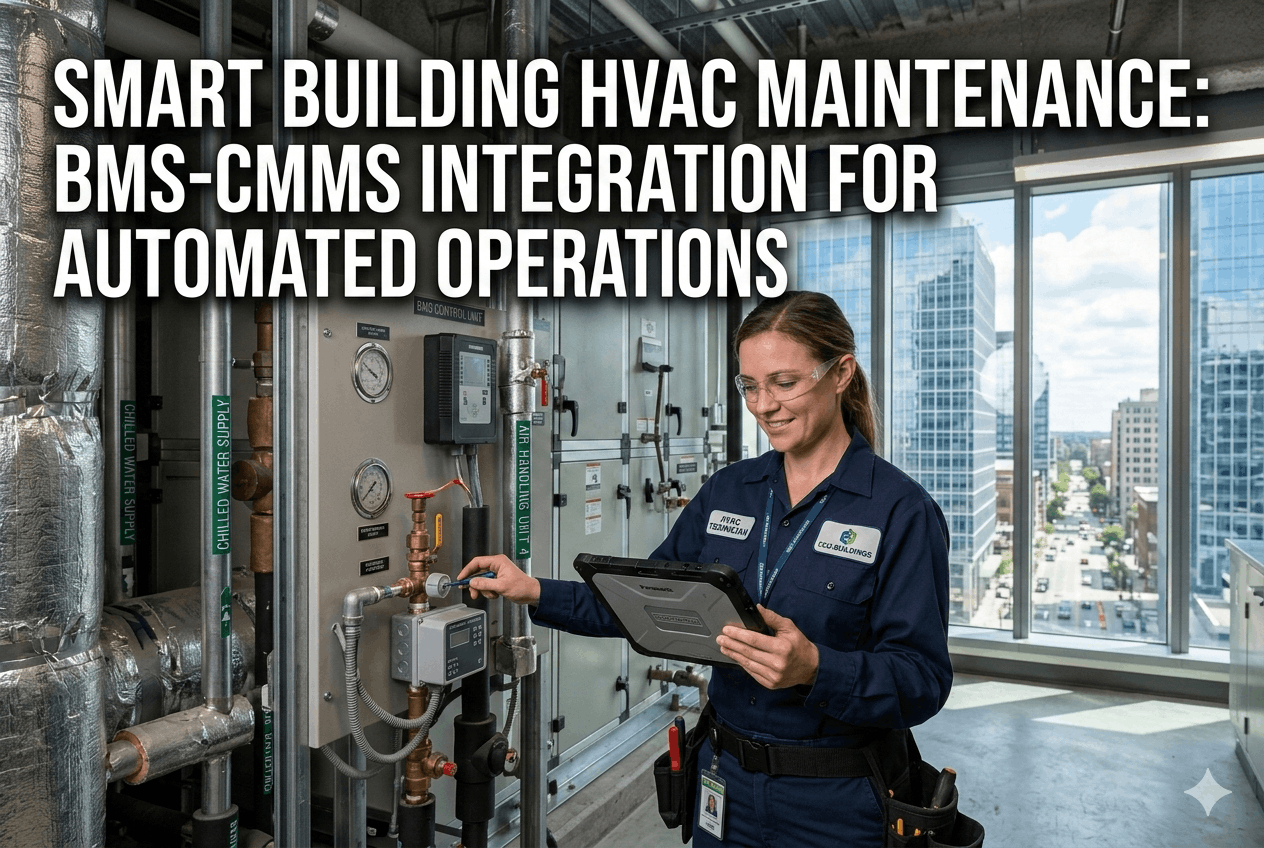
A Building Management System knows the chiller is running abnormally — but it cannot generate a maintenance work order. A CMMS has the maintenance history — but it cannot see the sensor data. This disconnect is the most expensive gap in commercial HVAC operations, and it is entirely solvable in 2026. When BMS fault alerts automatically create CMMS work orders — pre-populated with asset history, diagnostic context, and the last 24 hours of sensor trend data — facilities that integrate their BMS with OxMaint reduce unplanned HVAC downtime by 45–65% and cut energy waste by 15–30%. Start a free OxMaint trial to connect your first BMS data feed, or book a 30-minute walkthrough with our integration team.
The Disconnection Cost
What Happens When BMS and CMMS Don't Talk
01
Alarms Pile Up Unacknowledged
A single building operator manually triages BMS alarms while communicating faults by radio and phone. High-priority faults sit unacknowledged for hours or days. The average commercial building wastes 30% of its energy due to disconnected systems.
02
Technicians Arrive Without Context
Without BMS-CMMS integration, technicians receive a room number or equipment name and nothing else. Diagnostic time on-site doubles — they spend 30–60 minutes reconstructing what the BMS already knew before the work order was created.
03
Energy Waste Discovered on Utility Bills
Simultaneous heating and cooling, economizer failures, VAV boxes losing calibration — the BMS logs show the waste pattern, but maintenance teams discover it months later during bill reviews, not the day the fault develops.
04
Alarm Fatigue Kills Response Quality
Without suppression rules, raw BMS alarm routing generates 10–20x too many work orders. Technicians quickly learn to ignore alert notifications — the exact opposite of the outcome the BMS was designed to produce.
Your BMS Is Generating the Data. OxMaint Turns It Into Action.
Connect your BMS alarms to OxMaint CMMS via BACnet, Modbus, or REST API — and watch maintenance work orders appear automatically when equipment needs attention. No manual triage. No missed alarms. No diagnostic delays.
Integration Architecture
Three Connection Patterns — Choosing the Right One
Pattern A — Direct Native
Best for modern BMS
OxMaint connects directly as a BACnet/IP or Modbus TCP client to the BMS supervisor. No middleware required. OxMaint reads alarm states and sensor values without modifying BMS programming or setpoints.
Requires: BACnet/IP or Modbus TCP enabled on BMS · OxMaint server network access
Pattern B — IoT Platform Bridge
For multi-vendor sites
An IoT platform (Tridium Niagara, SkySpark, Azure IoT) translates BMS protocol data and pushes events to OxMaint via REST API. Adds a software licence cost but handles disparate vendor protocols in one layer.
Requires: IoT platform licence · OxMaint REST API · Protocol normalization config
Pattern C — Gateway Hardware
For legacy BMS
Hardware gateways convert legacy BACnet MS/TP, Modbus RTU, LON, or proprietary protocols into IP-accessible streams before Pattern A is applied. Gateway hardware costs $500–$2,000 per controller. Legacy is not a barrier — it is an engineering problem.
Requires: Gateway hardware per controller · RS-485 to IP conversion · Point mapping
Supported Protocols
Protocol Support — What OxMaint Connects To
| Protocol |
Common Use Case |
Major Vendors |
Direct Support |
Implementation Time |
| BACnet/IP |
Primary HVAC — AHUs, chillers, VAV |
Siemens, Honeywell, JCI, Schneider |
Native — no gateway |
4–8 weeks |
| BACnet MS/TP |
Legacy field controllers (RS-485) |
Pre-2010 commercial BMS |
Gateway required |
6–12 weeks |
| Modbus TCP |
Chillers, boilers, VFDs, meters |
Most industrial equipment |
Native — no gateway |
4–8 weeks |
| Modbus RTU |
Legacy controllers (RS-485 serial) |
Energy meters, legacy AHUs |
Serial-to-IP gateway |
6–12 weeks |
| REST API / Webhooks |
Cloud-native BAS, modern equipment APIs |
Carrier, Trane API, Siemens cloud |
Native — no gateway |
2–6 weeks |
| MQTT |
IoT sensor networks, edge devices |
Smart sensor platforms |
Native — no gateway |
2–4 weeks |
The Automated Workflow
Alarm to Closed Work Order — The 5-Step Automated Chain
01
BMS Fault Detected
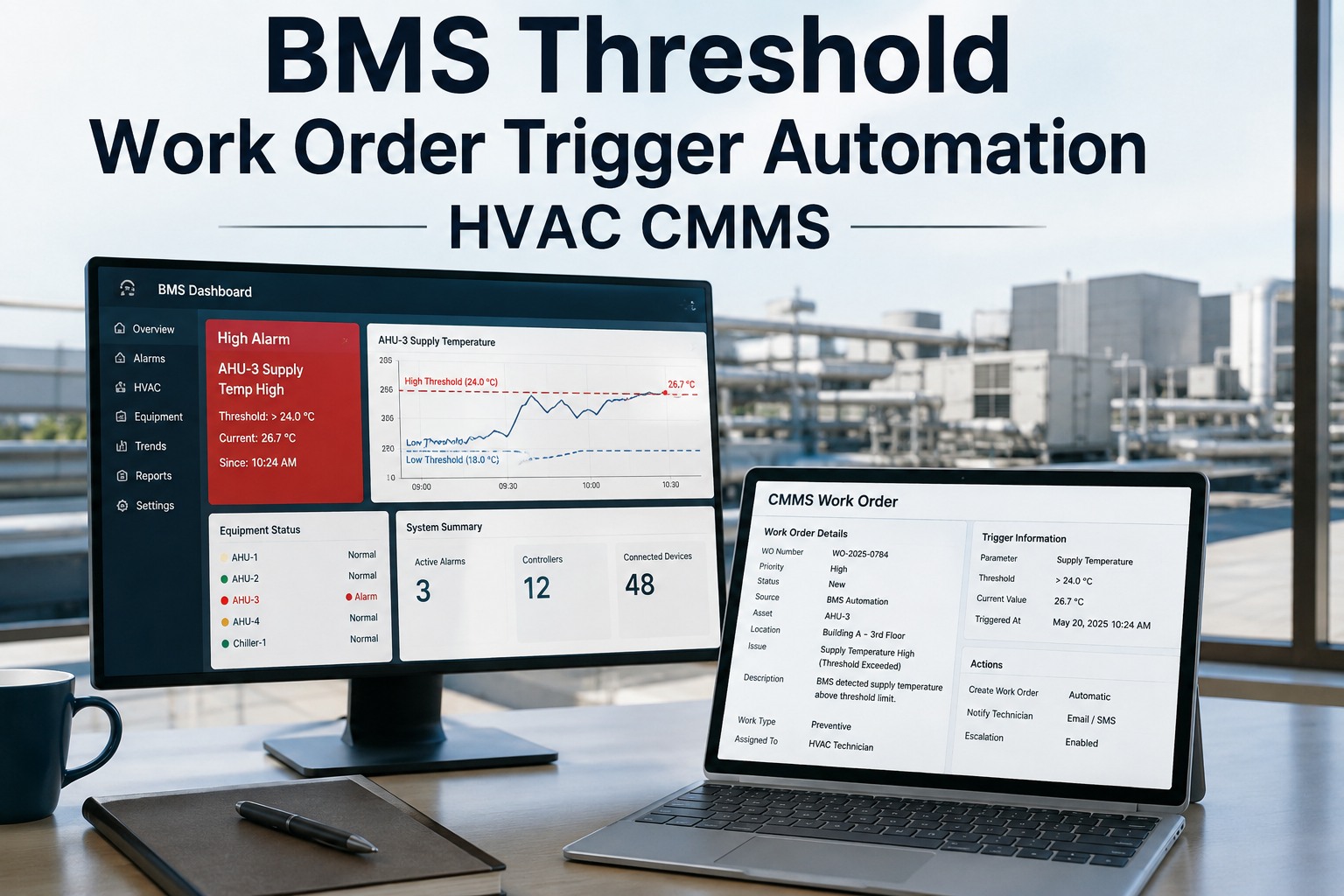
Chiller approach temperature drifts 3°F above baseline. AHU filter differential pressure exceeds setpoint. VAV box loses calibration. BMS flags the event immediately.
02
Suppression Rules Applied
OxMaint applies configured suppression — alarms clearing within 5 minutes, equipment in a scheduled maintenance window, or duplicates with an open work order are filtered out. This step reduces raw alarm volume by 60–80%, eliminating alarm fatigue.
03
Work Order Auto-Created
Work order created with: asset ID, fault code and description, priority level, trade assignment, parts kit template, BMS trend data for preceding 24 hours, asset maintenance history, and diagnostic checklist. All pre-populated. Zero manual triage.
04
Technician Dispatched with Full Context
Assigned technician receives mobile push notification with the work order, sensor trend graph, last PM date, and recommended diagnostic steps — before leaving their current location. Diagnostic time on-site drops by half.
05
Repair Logged, BMS-Verified Closure
Technician closes work order on mobile with root cause, parts consumed, and resolution time. OxMaint monitors the BMS for equipment return to normal. Recurrence within a defined window triggers automatic escalation to senior engineering review.
45–65%
Reduction in unplanned HVAC downtime after BMS-CMMS integration
60–80%
Reduction in actionable work order volume after suppression rule tuning
28%
HVAC energy reduction at a 40-story, 620,000 sq ft tower following BMS-CMMS integration — $1.2M annual savings
Your BMS Is Generating the Data. OxMaint Turns It Into Action.
Connect your BMS alarms to OxMaint CMMS via BACnet, Modbus, or REST API — and watch maintenance work orders appear automatically when equipment needs attention. No manual triage. No missed alarms. No diagnostic delays.
Expert Review
What Building Engineers Say About BMS-CMMS Integration
Our labor teams burned thousands of hours manually reacting to physical tenant complaints because our BMS silently swallowed critical valve failure codes without generating maintenance actions. BMS-CMMS integration closed that loop permanently. The first month of integration identified 11 faults that had been active in the BMS for weeks without generating a single work order.
James V.
Facilities Director · Commercial REIT Portfolio, 21 yrs
The suppression rule configuration step is where most integrations succeed or fail. Without it, you are routing 500 alarms per day into your CMMS and creating a work order management crisis. With correctly tuned suppression — filtering transients, equipment in maintenance mode, and duplicate faults — you get 50 actionable work orders from the same 500 alarms. That is the difference between a tool that helps and one that makes things worse.
Sophie L.
Building Automation Engineer · Smart Building Consultancy, 13 yrs
Frequently Asked Questions
BMS-CMMS Integration: Common Questions
Your BMS Is Generating the Data. OxMaint Turns It Into Action.
Connect your BMS alarms to OxMaint CMMS via BACnet, Modbus, or REST API — and watch maintenance work orders appear automatically when equipment needs attention. No manual triage. No missed alarms. No diagnostic delays.