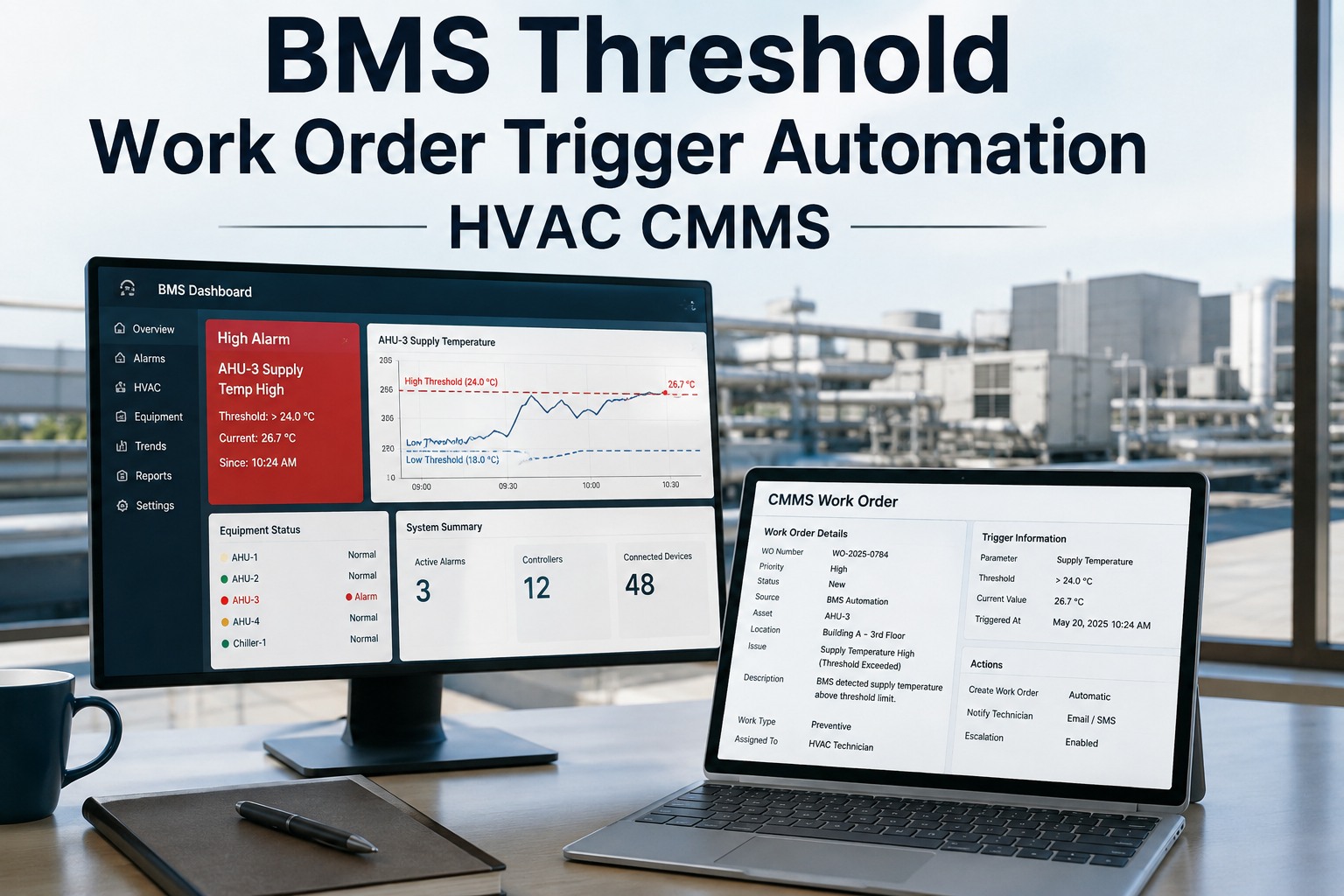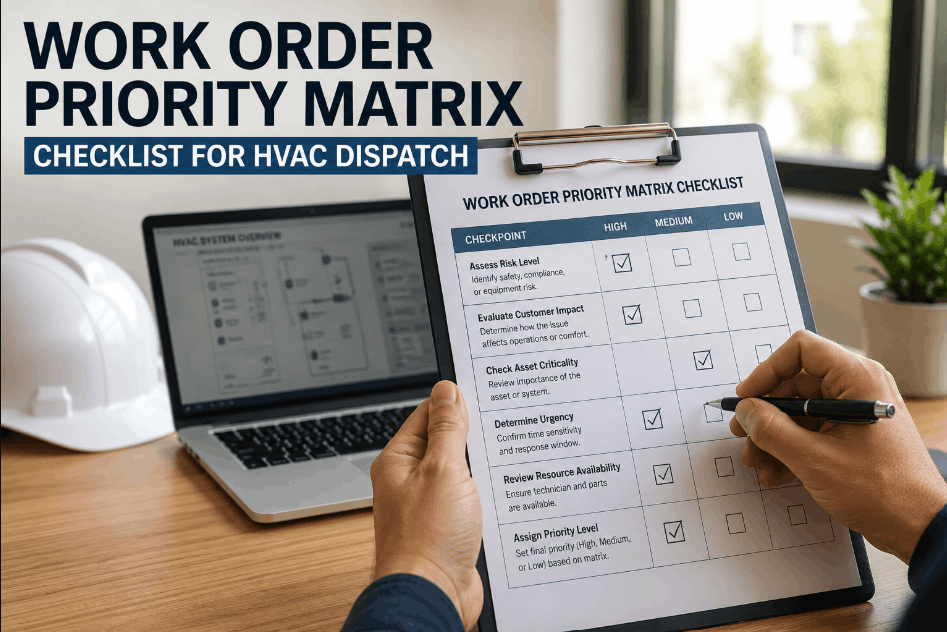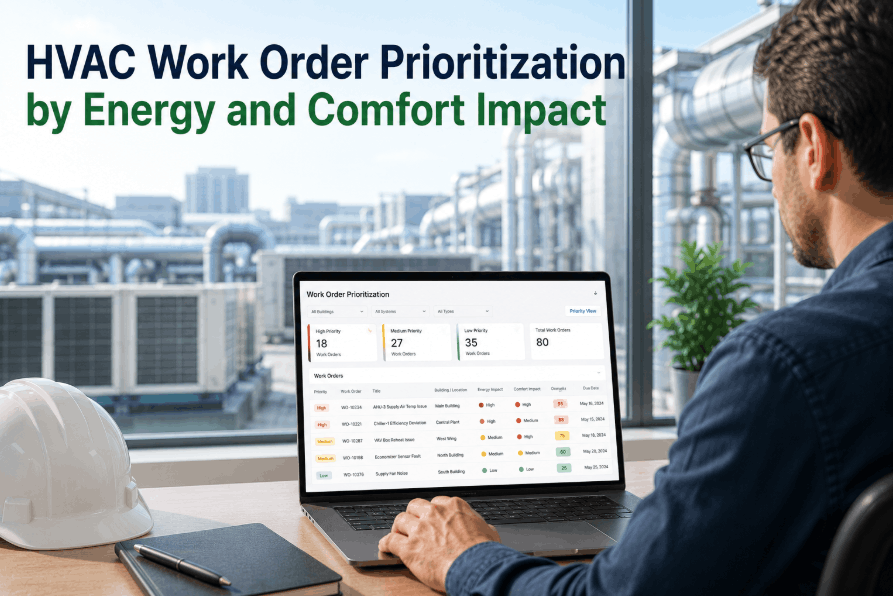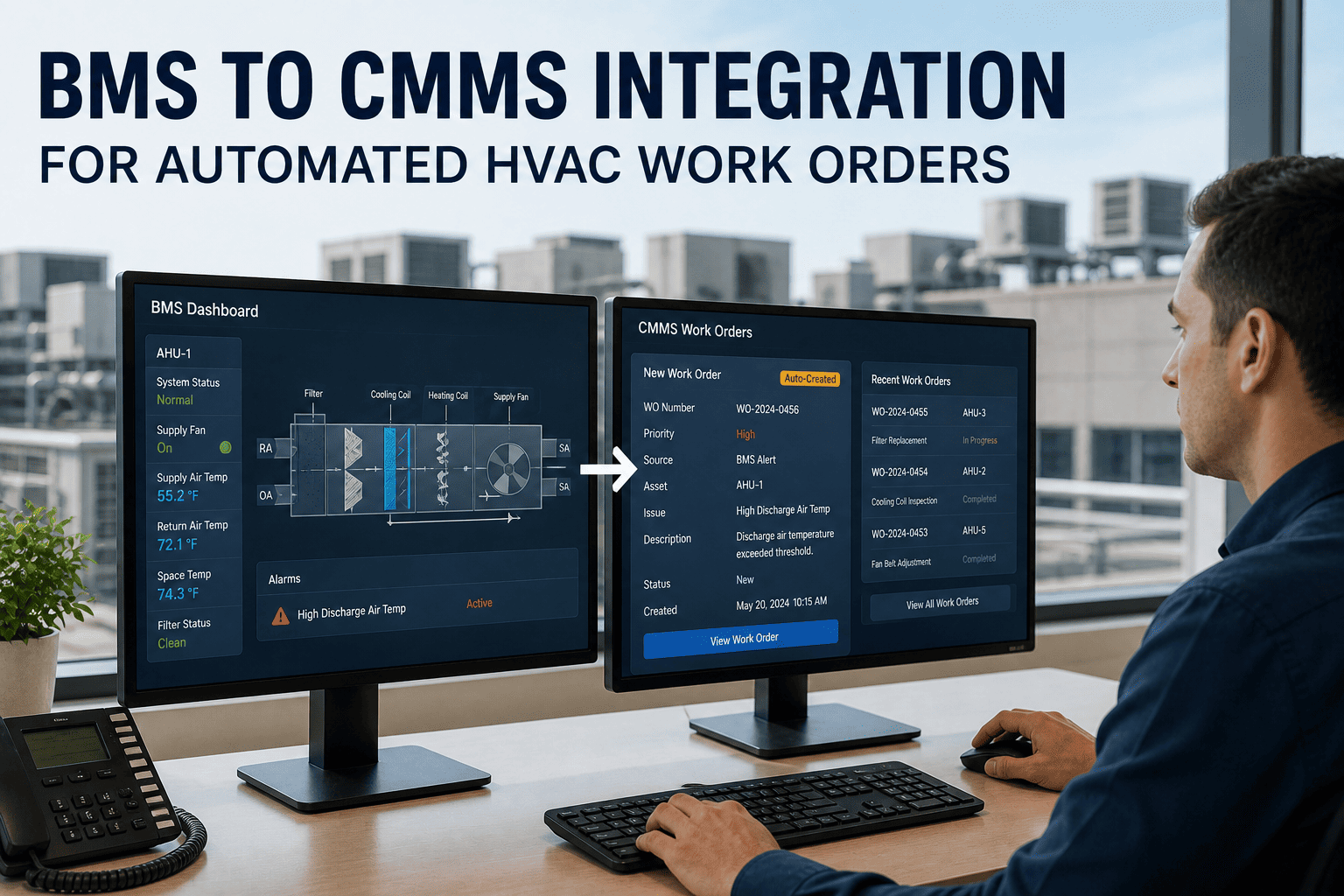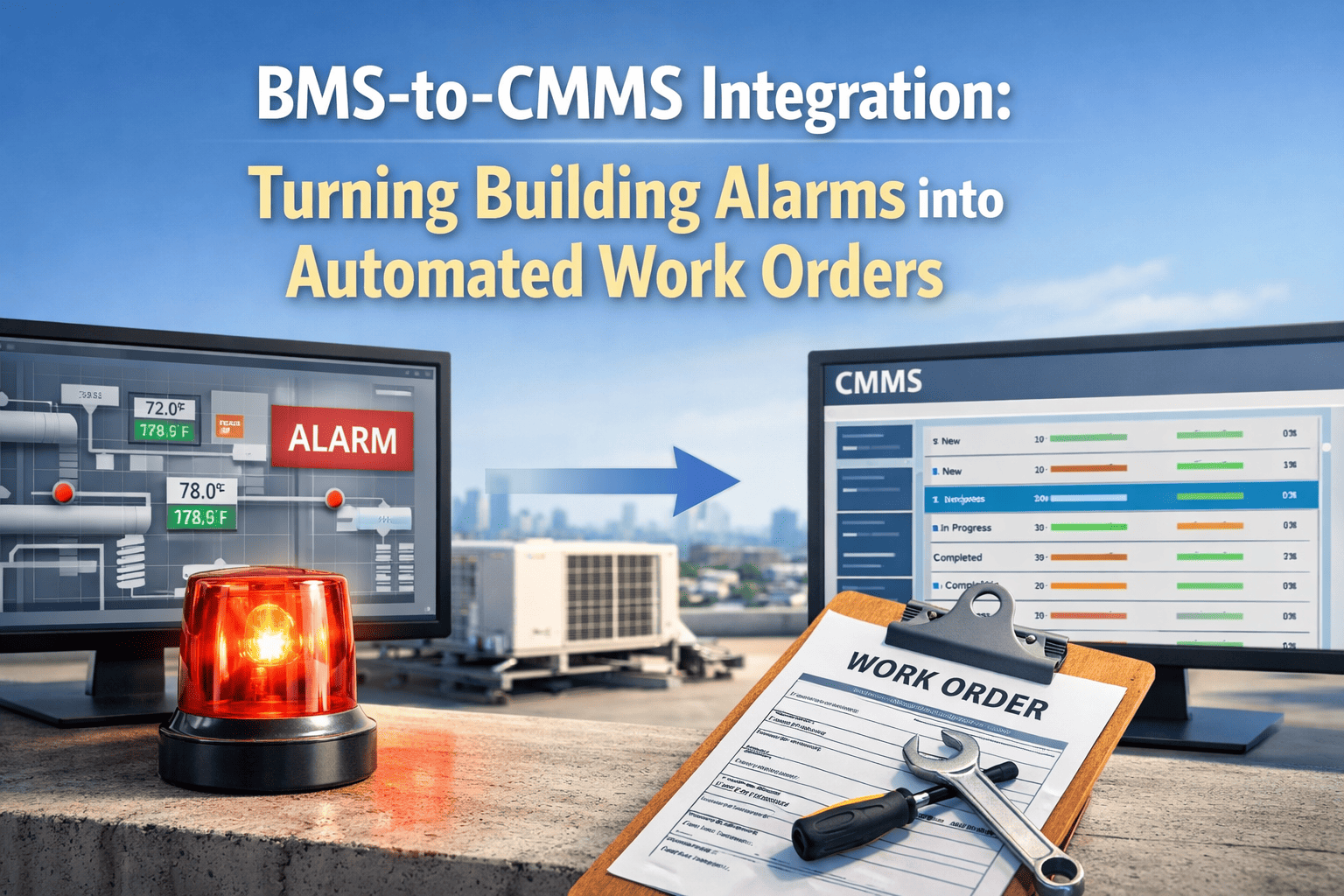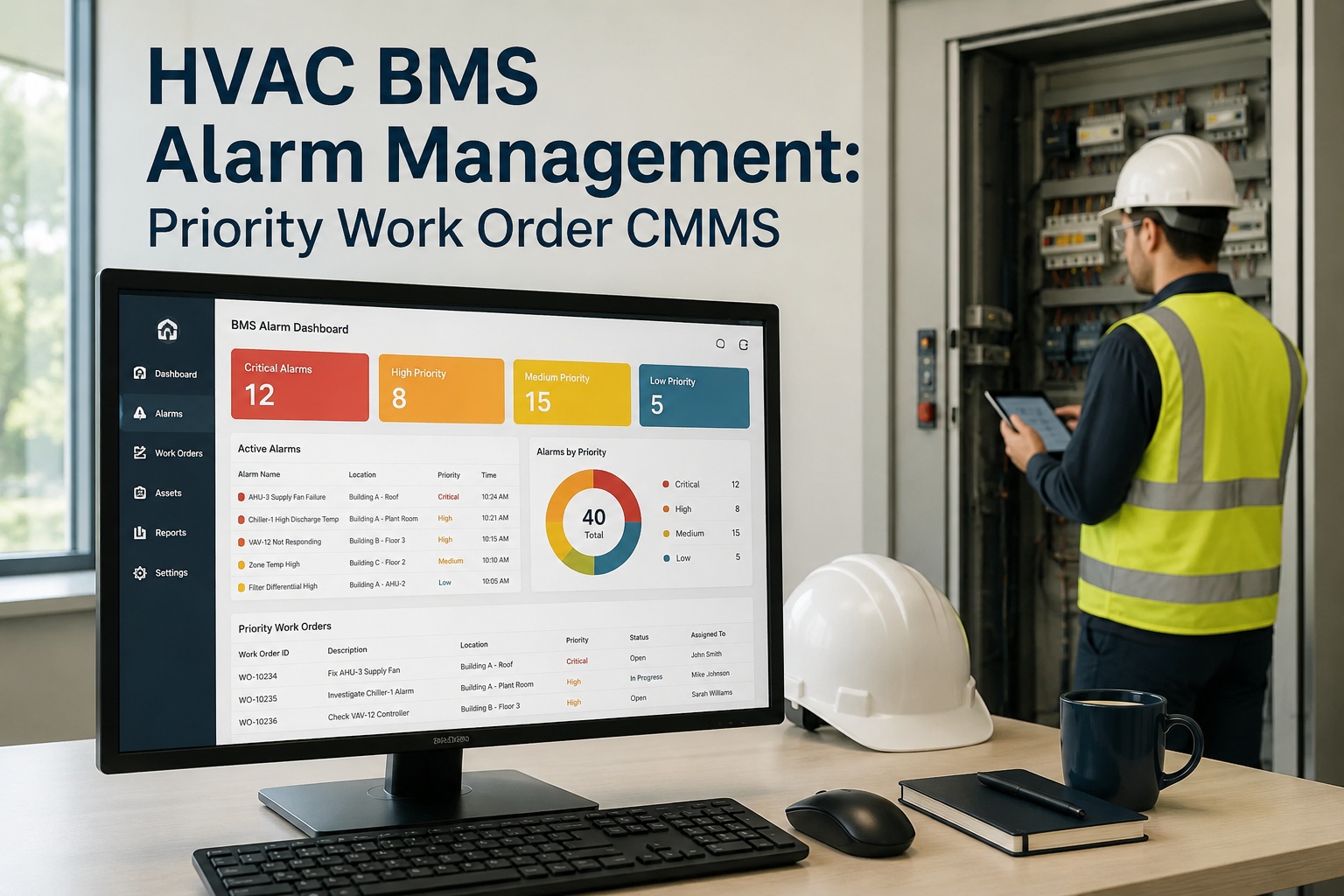
Effective HVAC BMS alarm management is the difference between preventing equipment failures and drowning in thousands of unactioned system alerts every week. By integrating a CMMS with your Building Management System (BMS), maintenance teams can automatically convert critical threshold breaches—like a differential pressure alarm or supply temperature deviation—into prioritized work orders without manual intervention. This guide breaks down BMS alarm prioritization, threshold tuning, and automated work order generation for 2026. Ready to eliminate alarm fatigue and automate your maintenance response? You can Start Free Trial today or book a tailored demo to see it on your assets.
HVAC BMS ALARM MANAGEMENT GUIDE
Are 90% of Your HVAC BMS Alerts Just Noise?
A single chiller plant can generate over 10,000 BMS alerts annually. Without alarm prioritization and CMMS-driven work order automation, critical supply temperature and differential pressure alarms get lost in the noise—leading to unplanned downtime, tenant complaints, and wasted energy. Fix it with intelligent routing.
ALARM PRIORITIZATION
How to Structure HVAC BMS Alarm Priority Levels
Industry benchmarks from ASHRAE and the FM sector indicate that up to 95% of raw BMS alarms are non-critical status changes. Effective BMS alarm prioritization categorizes these alerts so technicians only respond to genuine equipment failures or environmental deviations. Structuring your HVAC BMS alarm guide around a 4-tier priority matrix ensures the CMMS BMS alarm workflow triggers the correct response automatically.
Immediate Dispatch
Life-safety or critical asset failure. Triggers an immediate work order and SMS alert to on-call technicians. Target response: under 15 minutes.
High-Impact Deviation
Supply temp alarm HVAC drift exceeding 5°F or differential pressure alarm spikes. Auto-generates a high-priority CMMS work order for same-shift resolution.
Preventive Action
Filter loading or minor efficiency drops. Queues a BMS threshold work order into the next available preventive maintenance window.
Logged & Monitored
Status updates and normal cycling. Suppressed from technicians, logged for predictive maintenance analytics and trend analysis only.
WORK ORDER AUTOMATION
BMS Threshold Work Order Automation: Step-by-Step
Connecting your BMS to a CMMS transforms raw data streams into actionable maintenance events. When a supply temperature alarm HVAC system flags a deviation, the CMMS validates the alert against predefined rules before generating a work order. Here is the exact BMS work order automation sequence used by high-performing reliability teams.
BMS Threshold Detection
The BMS monitors sensor data (e.g., duct static pressure, supply air temp). When values breach tuned thresholds for a sustained duration (dwell time), an alert payload is pushed via API to the CMMS.
Alarm Validation & Deduplication
The CMMS BMS alarm engine checks if an active work order already exists for that asset. If a differential pressure alarm triggers 10 times in an hour, it merges into a single actionable ticket to prevent alert fatigue.
Automatic Work Order Generation
The HVAC BMS alarm management system auto-populates a work order with asset ID, fault code, OEM manual links, and required spare parts. It assigns the ticket based on technician availability and skill level.
Execution & Feedback Loop
Technician resolves the issue and closes the ticket on mobile. The CMMS feeds resolution data back into the BMS to suppress the alarm and updates the asset history for predictive maintenance 2026 analytics.
CRITICAL THRESHOLDS
Differential Pressure & Supply Temp Alarm HVAC Thresholds
Setting accurate BMS threshold alarm limits is critical for preventing false positives while catching genuine failures. Below is a reference table of standard HVAC thresholds that should trigger automated CMMS work orders. Use these as a baseline and adjust for your specific OEM specifications and environmental conditions.
| Sensor / Metric | Normal Range | Alarm Threshold | CMMS Action Triggered |
|---|---|---|---|
| Supply Air Temperature | 55°F - 58°F | ± 5°F Deviation | Priority 2 Work Order (Valve/Coil inspection) |
| Differential Pressure (Filter) | 0.2 - 0.6 in. w.g. | ≥ 1.0 in. w.g. | Priority 3 Work Order (Filter replacement) |
| Chilled Water Supply Temp | 42°F - 45°F | ≥ 50°F | Priority 1 Work Order (Chiller failure) |
| Duct Static Pressure | 1.0 - 2.0 in. w.g. | ± 0.5 in. w.g. Drift | Priority 2 Work Order (Fan/VFD check) |
| Condenser Approach | 1°F - 3°F | ≥ 6°F | Priority 3 Work Order (Tube fouling) |
THE OXMAINT ADVANTAGE
How OxMaint Powers Your CMMS BMS Alarm Management
OxMaint bridges the gap between your BMS data layer and your maintenance execution layer. By using AI-driven logic to validate, prioritize, and dispatch BMS alarms, OxMaint eliminates manual alert sorting and accelerates response times. See how our platform maps directly to your HVAC alarm CMMS guide needs:
API-Driven BMS Integration
Ingests raw BMS payloads via REST API or MQTT. OxMaint validates alarms against asset history and active work orders, cutting false dispatches by up to 80%.
Auto-Work Order Generation
Converts validated threshold alarms into fully populated work orders—complete with checklists, spare parts, and OEM manuals—in under 2 seconds. Reduces administrative load by 15+ hours/week.
Predictive Analytics Engine
Tracks alarm frequency and sensor trends to predict imminent failures—like a failing VFD or fouling chiller tubes—enabling you to shift from reactive to predictive maintenance 2026 strategies.
SLA & Compliance Tracking
Monitors response times against Priority 1-4 SLAs automatically. Ensures audit-readiness for ISO 55000 and internal facility compliance, avoiding costly penalty clauses.
Stop Drowning in BMS Alerts. Start Resolving Real Failures.
See how OxMaint automates HVAC BMS alarm prioritization and turns threshold breaches into resolved work orders—automatically. Book a 30-minute demo on your use case today.
REAL-WORLD IMPACT
The Cost of Ignoring HVAC Alarm Management 2026
Worked Example: A 500,000 sq. ft. commercial office building running a 1,200-point BMS was generating 3,400 raw alerts monthly. Technicians were missing critical differential pressure alarms on primary AHUs, leading to a $28,000 emergency coil replacement and 3 days of tenant comfort complaints. By deploying OxMaint for BMS alarm prioritization, the team suppressed 94% of informational noise, auto-routed 60 genuine threshold work orders per month, and reduced unplanned HVAC downtime by 42% within the first quarter.
FREQUENTLY ASKED QUESTIONS
HVAC BMS Alarm Management FAQs
What is HVAC BMS alarm management?
HVAC BMS alarm management is the process of categorizing, prioritizing, and responding to alerts generated by a Building Management System. By integrating a CMMS, teams can filter out non-critical noise and automatically generate work orders for genuine equipment failures, reducing alarm fatigue and improving response times.
How does a CMMS integrate with a BMS for work order automation?
A CMMS connects to a BMS via API (REST or MQTT). When a sensor breaches a predefined threshold—like a supply temperature deviation—the BMS sends a payload to the CMMS, which validates the alarm, checks for duplicates, and auto-generates a prioritized work order. You can Start Free Trial to test this integration on your assets.
What is a differential pressure alarm in HVAC systems?
A differential pressure alarm triggers when the pressure drop across a component (typically an air filter or coil) exceeds a set threshold, indicating blockage or fouling. In a CMMS, this alarm automatically generates a Priority 3 work order for filter inspection or replacement before the system loses airflow efficiency.
How do you prioritize BMS alarms effectively?
Effective BMS alarm prioritization uses a 4-tier matrix: Critical (life/safety), Urgent (high-impact deviations), Routine (preventive actions), and Informational (logged data). Alarms are routed based on asset criticality, environmental impact, and dwell time. Book a demo via Calendly to see how OxMaint automates this prioritization.
What is alarm fatigue in facility maintenance?
Alarm fatigue occurs when technicians are exposed to an excessive number of non-actionable BMS alerts, causing them to ignore or miss critical alarms. Implementing BMS threshold work order automation suppresses informational alerts and ensures technicians only see validated, prioritized maintenance events.
Transform Your BMS Data into Actionable Maintenance
Join the reliability teams using OxMaint to cut unplanned downtime by up to 50%, eliminate manual alert sorting, and extend asset life. See the platform in action on your specific workflow.
Free 14-day trial · No credit card required
.png)