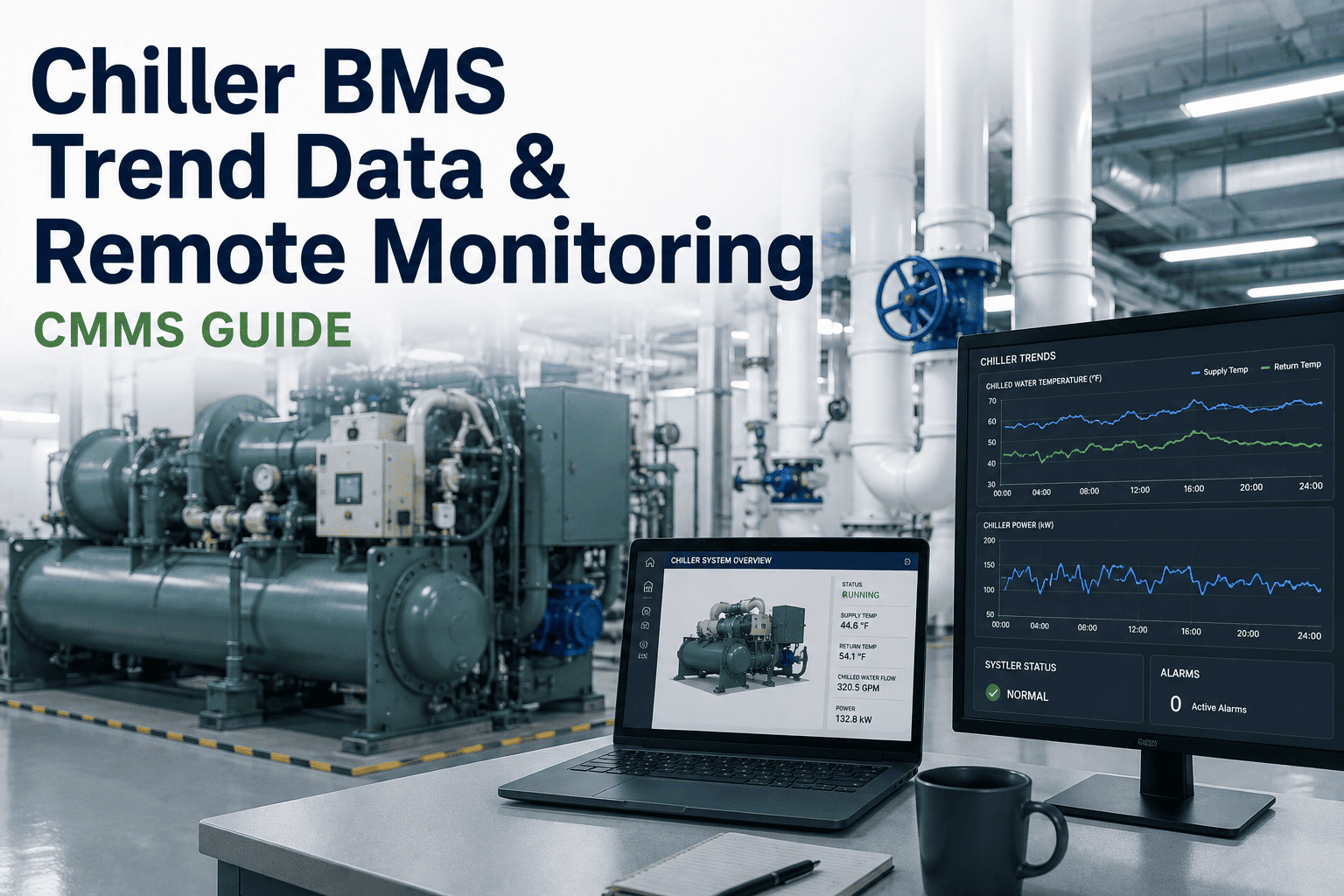
Chiller BMS trend data is the single richest source of early-warning intelligence for centrifugal and screw chiller plants — yet most maintenance teams only review it after a failure, if at all. By systematically analysing chiller trend logs for setpoint deviation, capacity limitation, and approaching maintenance thresholds, reliability engineers can detect fouling, refrigerant drift, and control-valve issues 2–6 weeks before they trigger an unplanned outage. This chiller data review guide walks through exactly what to look for in your BMS trend exports, how to connect those signals to a CMMS workflow, and how OxMaint turns raw chiller remote monitoring data into automatic work orders — so you can Start Free Trial and stop chasing logs in spreadsheets.
Are Your Chillers Whispering Warnings You Can't Hear?
Most chiller failures are visible in BMS trend data 14–42 days before breakdown. Yet 7 in 10 maintenance teams never review those logs until the plant goes down. OxMaint connects chiller BMS trend data directly to automated CMMS work orders — so every threshold breach triggers action, not a spreadsheet.
What Chiller BMS Trend Data Actually Tells You
A modern Building Management System logs 50–200 data points per chiller every minute — leaving temperature, kW, refrigerant pressure, flow rates, and valve positions. Chiller trend analysis turns that firehose into four diagnostic signals that map directly to maintenance actions.
Setpoint Deviation
When leaving-water temperature drifts beyond ±0.5 °C from setpoint for more than 15 minutes at steady load, the chiller is compensating for a degradation — tube fouling, refrigerant undercharge, or a stuck condenser valve.
Capacity Limitation
If the chiller peaks at 75–85 % of nameplate tonnage despite a full cooling load, capacity is being lost — most commonly to condenser approach temperature rise, surge margin, or compressor slide-valve wear.
Approaching Maintenance Thresholds
Run-hours, compressor starts, and oil-pressure trends that cross 90 % of the OEM-recommended service interval mean you have days, not weeks, to schedule — before the BMS locks out the machine on safety.
Efficiency Decay
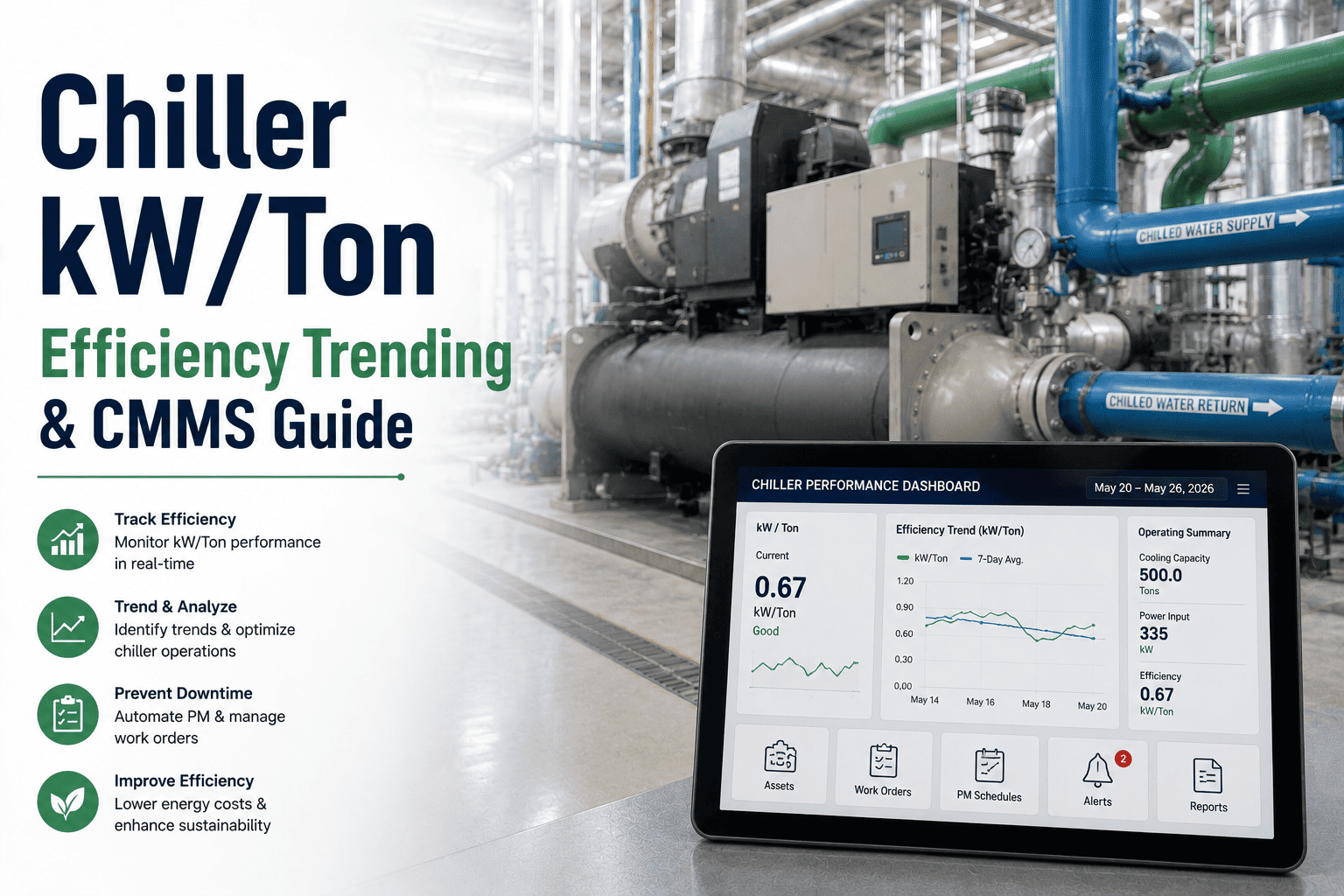
A gradual kW-per-ton increase of even 5 % over 30 days signals tube fouling or non-condensables in the refrigerant charge — each 0.1 kW/ton drift can add $3,000–$8,000 per chiller per year in extra energy cost.
How to Set Up Chiller BMS Integration for Remote Monitoring
Remote chiller monitoring only works when BMS data flows into a system that can act on it. The sequence below is the proven four-step path from isolated trend logs to a closed-loop CMMS workflow that catches faults before they become failures.
Map Every Trend Point to an Asset
Export the full point list from your BMS (BACnet, Modbus, or OPC-UA) and tag each chiller-relevant point — LWT, EWT, compressor kW, oil pressure, run-hours, alarm states — to its parent asset record in OxMaint. A 500-ton centrifugal typically yields 80–120 monitorable points.
Define Deviation and Capacity Rules
Set condition rules in OxMaint for each signal: a setpoint deviation > 0.5 °C for 15 minutes, a capacity figure below 90 % at full load, or an approach temperature exceeding the OEM curve by 1.5 °C. These become the triggers for automatic work-order creation.
Connect Breaches to Work Orders
When a threshold is crossed, OxMaint auto-generates a ranked work order — complete with the trend snapshot, fault context, assigned technician, and required spare parts — and routes it to the right team. No phone calls, no clipboard, no delayed response.
Let AI Narrow the Failure Window
After 20–30 days of baseline data, OxMaint's predictive models begin flagging micro-trends invisible to static thresholds — compressor vibration harmonics, refrigerant-pressure slope changes, and staging-cycle anomalies that precede bearing wear or surge events by weeks.
The Real Cost of Ignoring Chiller Trend Data
A 180-asset manufacturing plant running three 350-ton centrifugal chillers was spending $42,000 per year on reactive chiller repairs — tube cleanings triggered by high-head-pressure trips, two compressor bearing swaps, and one emergency refrigerant recharge. None of the failures came without warning.
"The BMS had been logging a 0.7 °C setpoint deviation for 18 days before the compressor failed. Nobody saw it because the data lived in a trend export nobody opened. OxMaint would have auto-generated a work order on day one."
— A common pattern across 70 % of chiller-failure post-mortems reviewed by OxMaint reliability engineers
How OxMaint Turns Chiller BMS Integration into Maintenance Action
OxMaint is built to close the gap between chiller controller trend data and the maintenance team that needs to act on it. These are the four capabilities that convert raw BMS signals into measurable downtime and cost reductions.
Automated Threshold Monitoring
OxMaint ingests BMS trend data via BACnet, Modbus, or REST API and evaluates every chiller data point against configurable deviation, capacity, and approach-temperature rules — 24/7, with no manual log review.
Auto-Generated Predictive Work Orders
When a chiller trend signal crosses a maintenance threshold, OxMaint instantly creates a ranked work order with the trend snapshot, fault context, OEM service manual, required parts, and assigned technician — routed automatically.
Energy-Efficiency Analytics
OxMaint tracks kW/ton trends per chiller and flags efficiency decay before it hits your utility bill — correlating fouling, refrigerant charge, and staging behaviour so you clean tubes on data, not on a fixed calendar.
Audit-Ready Compliance Logs
Every BMS-triggered work order, technician response, spare part used, and resolution note is timestamped and stored in a tamper-evident asset history — ready for ISO 55000 audits, insurance inspections, and internal reliability reviews.
See OxMaint on Your Chillers — Book a 30-Minute Demo
Watch a live BMS trend feed trigger an automated work order in real time. Bring your chiler point list and we'll map it to OxMaint in the call.
Frequently Asked Questions About Chiller BMS Trend Data and CMMS
What is chiller BMS trend data and why does it matter for maintenance?
Chiller BMS trend data is the time-stamped log of operating parameters — leaving-water temperature, compressor kW, refrigerant pressures, run-hours, and valve positions — recorded by your Building Management System. It matters because deviations in these values appear 14–42 days before a chiller failure, giving maintenance teams a predictable window to schedule corrective work instead of reacting to a breakdown.
How does chiller BMS integration with a CMMS work?
Integration works by sending BMS trend points — via BACnet, Modbus, OPC-UA, or a REST API — into a CMMS like OxMaint, where each data point is evaluated against configurable maintenance thresholds. When a threshold is breached, the CMMS automatically generates a work order with the trend context, assigned technician, and required parts, closing the loop between data detection and maintenance action. You can Book a Demo to see a live integration.
What are the most important chiller trend signals to monitor?
The four highest-value signals are setpoint deviation (sustained drift beyond ±0.5 °C), capacity limitation (output below 90 % at full load), approaching maintenance thresholds (run-hours or starts above 90 % of OEM limits), and efficiency decay (kW/ton rising more than 5 % over 30 days). Together these cover fouling, refrigerant undercharge, compressor wear, and control-valve faults — the four causes of most unplanned chiller downtime.
How often should chiller trend data be reviewed?
In a reactive maintenance model, trend data is typically reviewed monthly or after a failure — which is too late. With OxMaint's remote chiller monitoring, BMS data is evaluated continuously and automatically, so threshold breaches trigger work orders in minutes, not weeks. For manual review, a weekly 15-minute trend scan per chiller catches most developing faults; a CMMS automates that at scale across hundreds of assets.
Can OxMaint connect to my existing BMS and chiller controllers?
Yes. OxMaint integrates with any BMS or chiller controller that supports BACnet, Modbus, OPC-UA, or a modern REST API — covering Trane, Carrier, York, Daikin, and most third-party SCADA platforms. Onboarding typically takes 2–4 weeks: one week to audit and map your trend points, one to configure thresholds, one to activate work-order workflows, and one to tune predictive models. Start with a Start Free Trial to map your first chiller today.
Stop Reading Trend Logs After the Failure
OxMaint connects your chiller BMS trend data to automated CMMS work orders — so every setpoint deviation, capacity limitation, and maintenance threshold breach triggers action before downtime does.
Free 14-day trial · No credit card