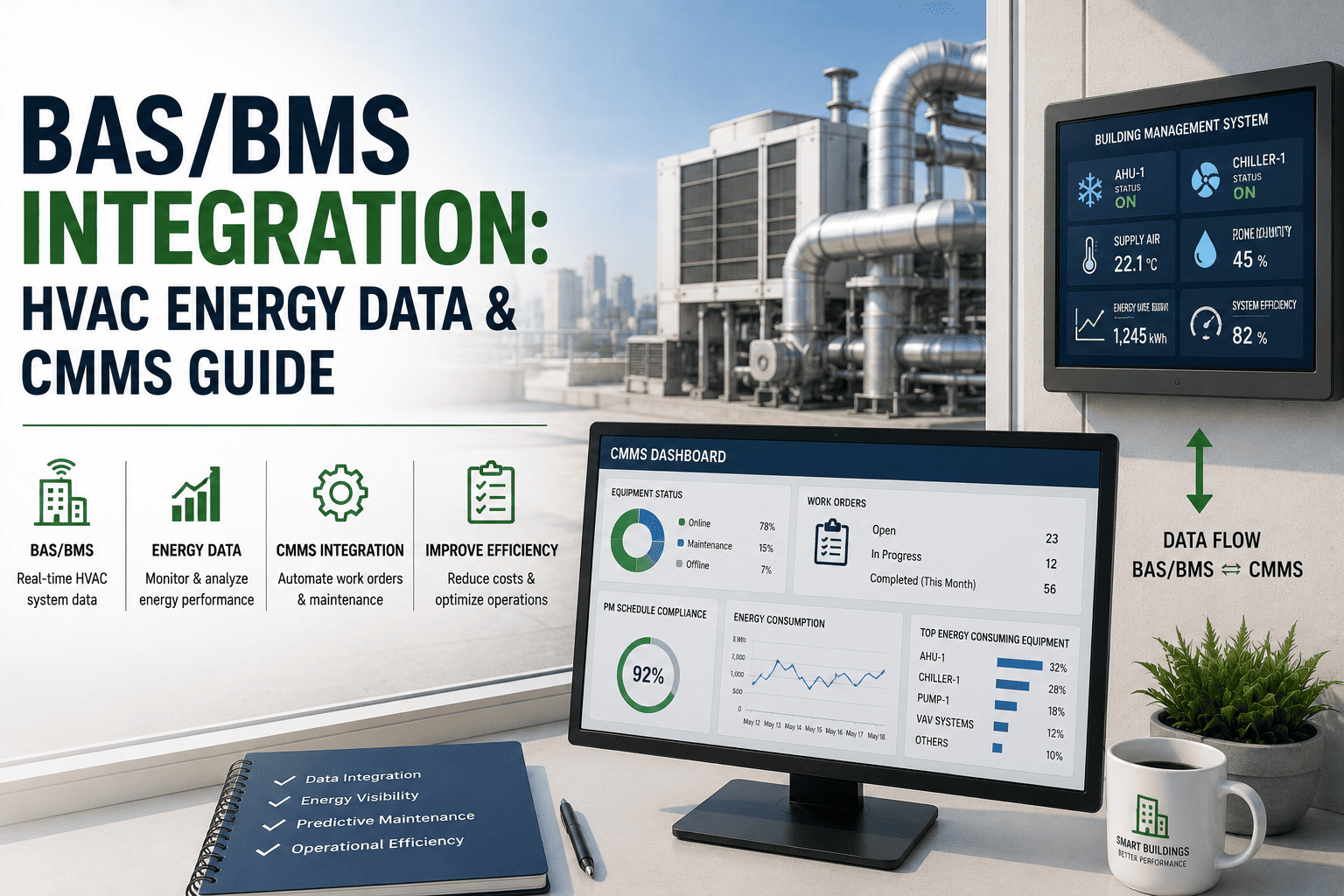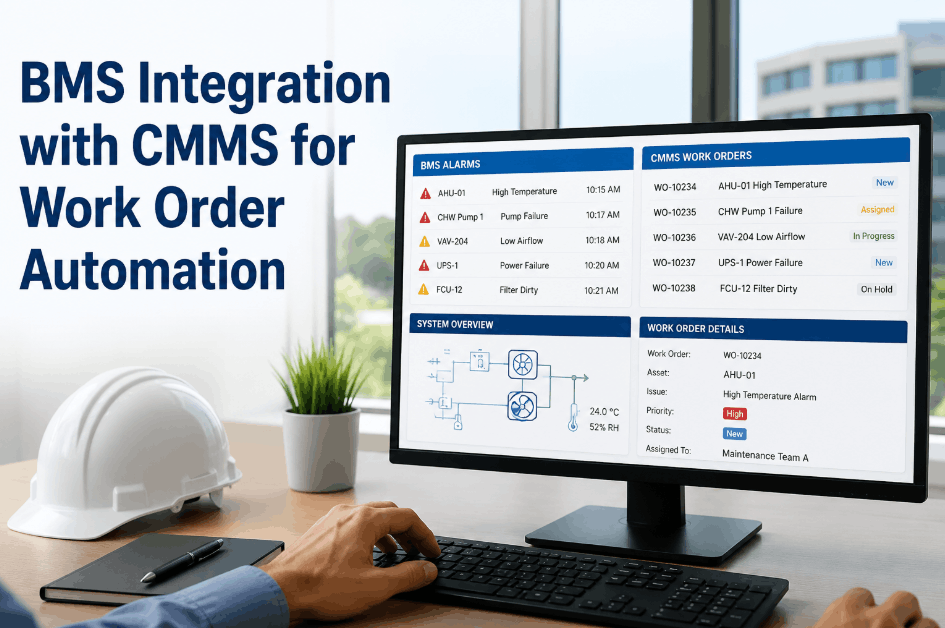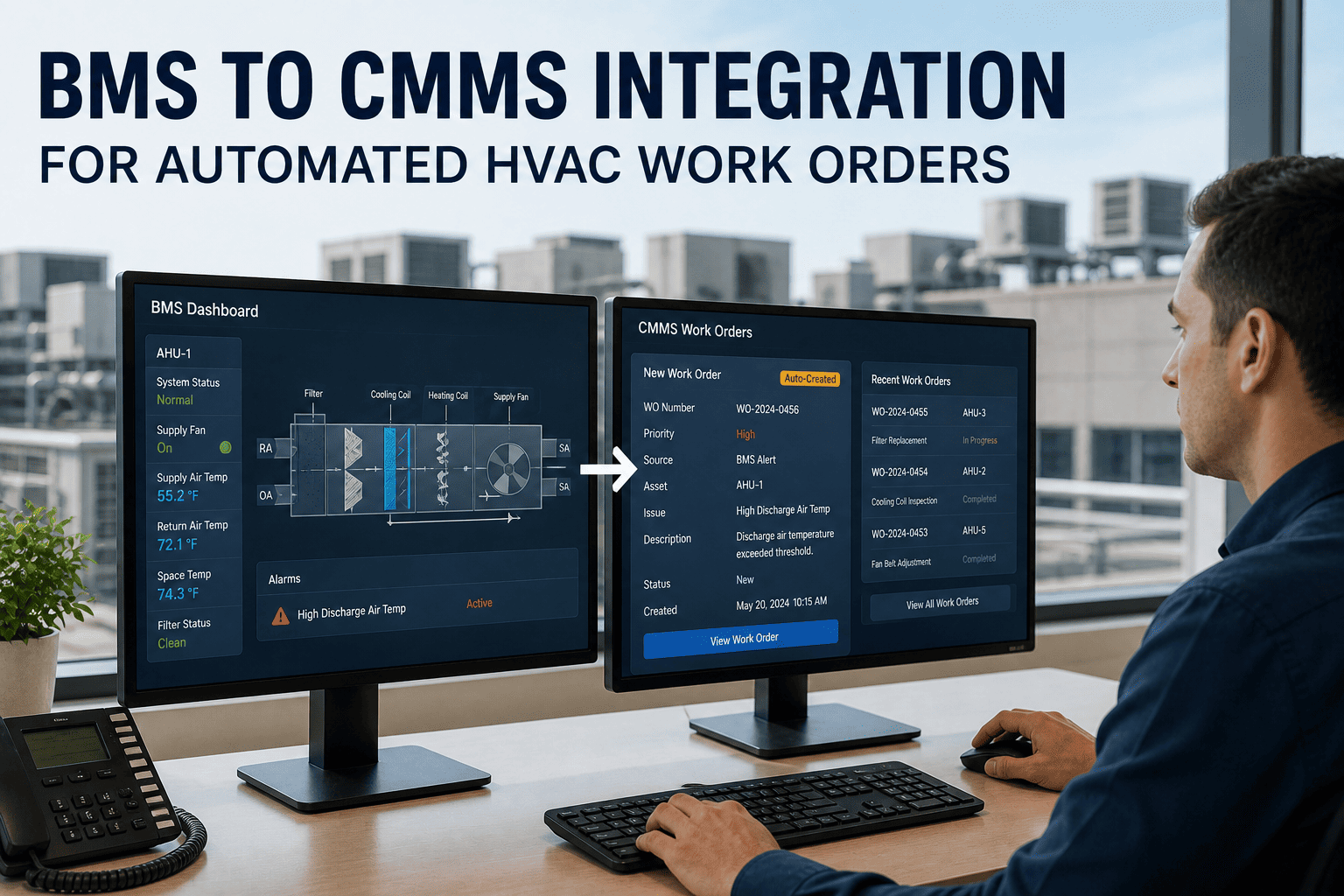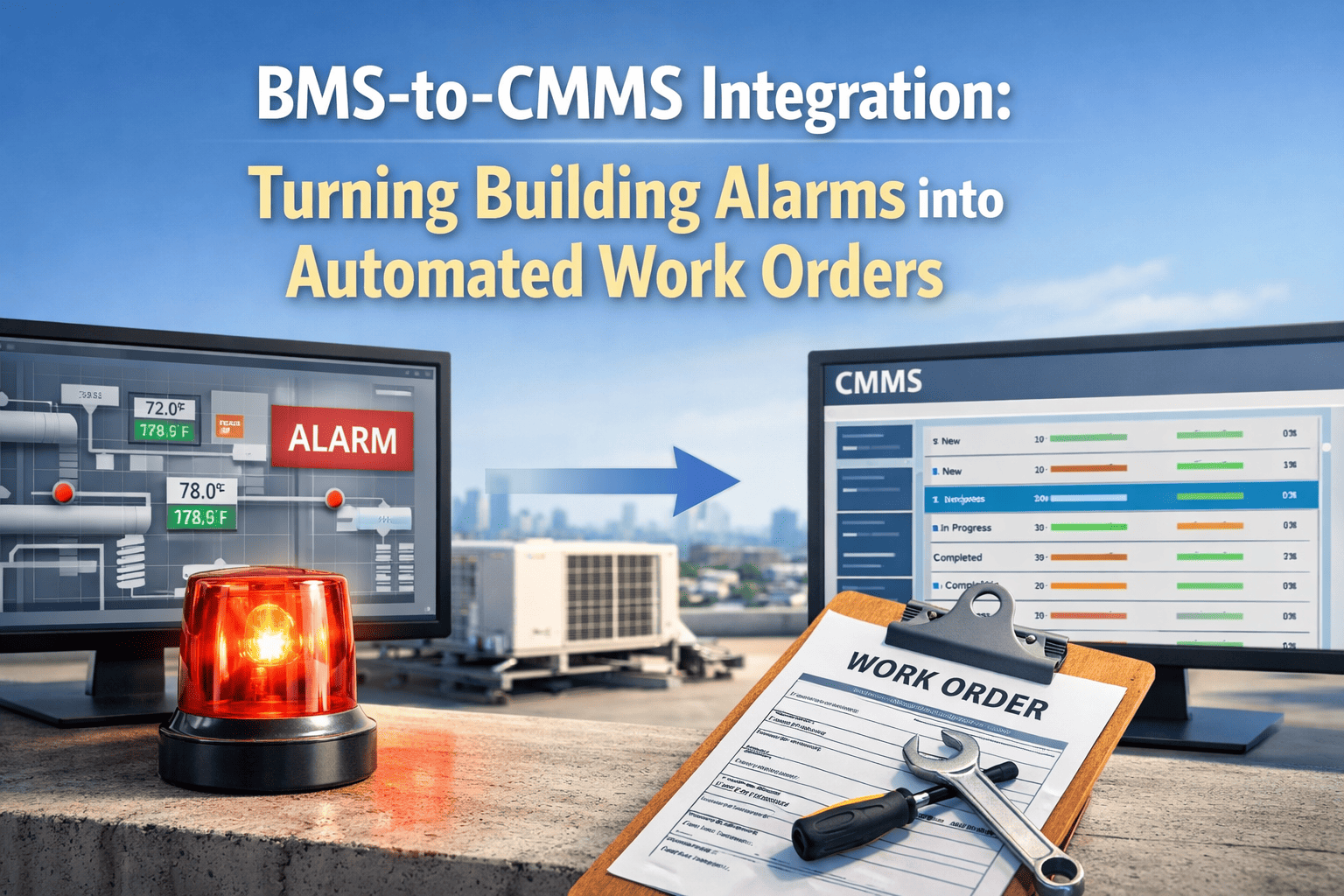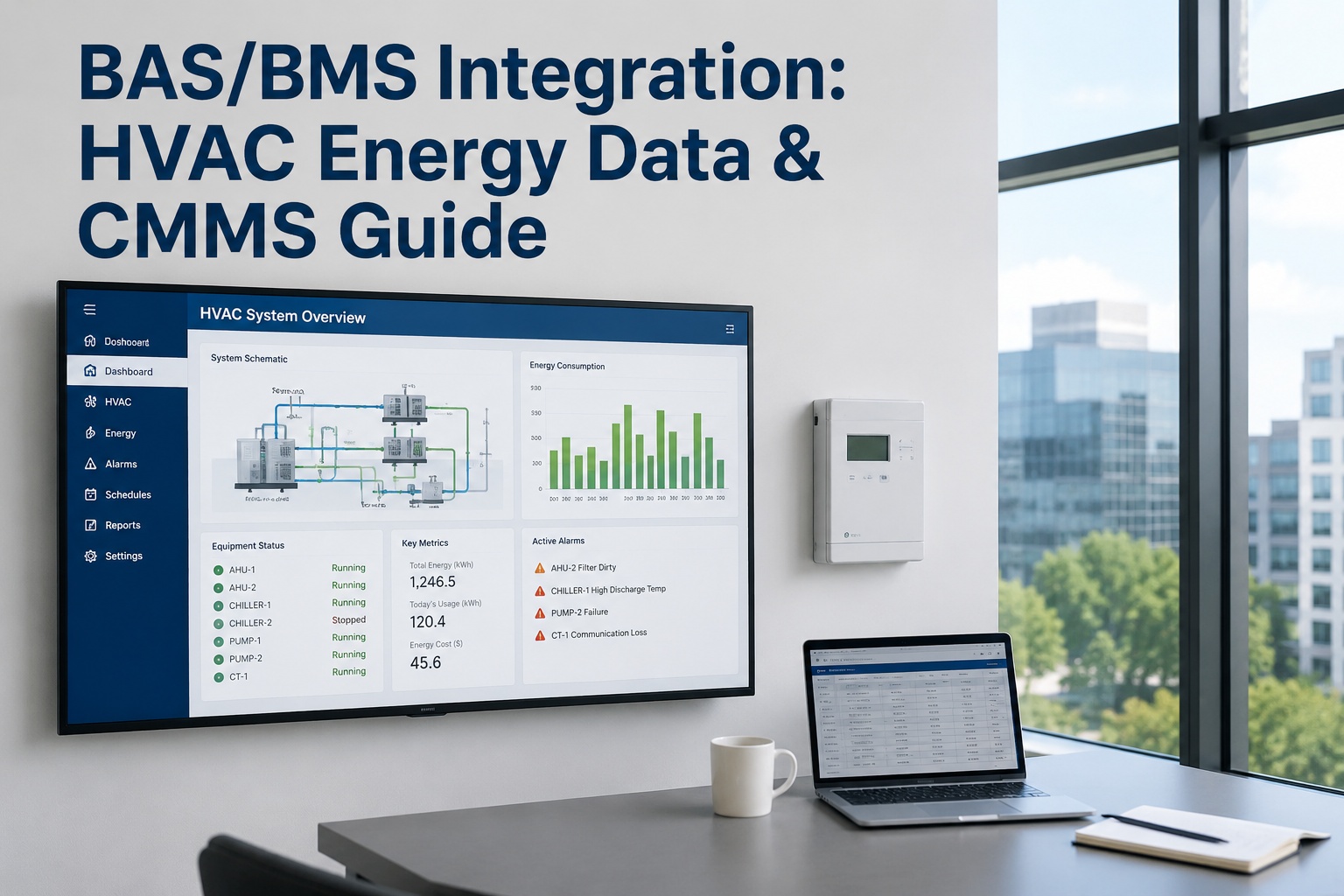
BAS and BMS integration for HVAC systems connects building automation networks like BACnet, Modbus, and LonWorks directly to a CMMS, turning real-time energy data, setpoint deviations, and equipment alarms into automated work orders. A well-executed BAS integration HVAC strategy eliminates manual monitoring, reduces energy waste by 15–30%, and extends the lifecycle of critical assets. In this guide, we cover how BMS integration HVAC architectures work, the communication protocols you need to support, and how modern building automation CMMS platforms like OxMaint translate raw telemetry into predictive maintenance action—ready to see it in action? Start Free Trial or Book a Demo to connect your systems today.
HVAC Building Automation Integration
Is your CMMS blind to real-time HVAC energy data and equipment alarms?
Without direct BAS BMS integration, maintenance teams lose hours chasing manual readings, missing early warning signs, and overworking equipment. OxMaint connects directly to BACnet, Modbus, and LonWorks networks to convert live telemetry into automated work orders—slashing downtime and energy waste.
Protocol Connectivity
BACnet, Modbus, and LonWorks: The BAS Integration HVAC Foundation
A robust BMS CMMS guide starts with protocol compatibility. Over 60% of commercial buildings rely on BACnet/IP for HVAC controllers, while legacy Modbus RTU/TCP and LonWorks networks still govern thousands of chillers, boilers, and VAV boxes. Supporting all three allows a building automation CMMS to pull universal data without costly rip-and-replace upgrades.
BACnet HVAC CMMS
The dominant standard for modern building automation. OxMaint ingests BACnet/IP objects—analog inputs, binary outputs, and alarms—mapping them directly to asset records for real-time condition monitoring.
Native SupportModbus HVAC Integration
Widely used for RTUs, power meters, and chillers. Register-level data is translated into readable metrics, pushing fault codes straight into preventive maintenance triggers.
Legacy ReadyLonWorks HVAC
Handles peer-to-peer control networks. Integrating LonMark profiles ensures VAV controllers and heat pumps report runtime hours directly to your CMMS asset registry.
Universal MappingIntegration Steps
How to Connect HVAC Building Automation Integration to Your CMMS
Executing a successful BAS integration guide requires mapping physical assets to digital data points. A phased approach ensures maintenance teams gain visibility without disrupting ongoing facility operations. Here is the standard 4-step deployment path.
Asset & Point Mapping
Audit existing HVAC assets and link them to BAS data points (temperature, pressure, flow, runtime). A 180-asset facility typically requires 3–5 days to map all critical telemetry tags to the CMMS registry.
Alarm & Setpoint Configuration
Define threshold rules for BAS energy data. If a chiller exceeds a 42°C head pressure setpoint for 5 minutes, the BMS integration HVAC bridge auto-generates a high-priority work order in OxMaint.
Automated Work Order Dispatch
Trigger dispatch based on fault codes or predictive AI alerts. Maintenance technicians receive mobile notifications with asset history, OEM manuals, and required spare parts inventory attached.
Continuous Analytics & Tuning
Feed closed-loop data back into the system. Over 90 days, AI models analyze HVAC building automation integration trends to optimize PM schedules and prevent energy drift.
Cost & ROI
The ROI of BMS Integration HVAC: Energy Savings & Downtime Math
Building automation CMMS integration pays for itself by attacking two cost centers: energy waste and unplanned downtime. A 180-asset commercial building spending $42K annually on HVAC energy and reactive repairs can see massive payback by automating responses to real-time BAS energy data.
Annual ROI Formula for BAS-Connected CMMS
ROI (%) = [ (Energy Savings + Downtime Cost Avoided + Labor Reclaimed) - Integration Cost ] / Integration Cost × 100
| Cost & Savings Metric | Pre-Integration (Reactive) | Post-Integration (OxMaint CMMS) | Annual Impact |
|---|---|---|---|
| HVAC Energy Spend | $30,000 | $21,000 | +$9,000 saved |
| Unplanned Downtime (Hours) | 120 hrs ($150/hr) | 45 hrs ($150/hr) | +$11,250 saved |
| Manual Monitoring Labor | 520 hrs ($45/hr) | 80 hrs ($45/hr) | +$19,800 saved |
| Integration & Software Cost | $0 | $12,000 | -$12,000 cost |
| Net First-Year Value | — | — | +$28,050 |
With a net positive return of $28,050 in year one, the BMS CMMS guide pays for itself in under 6 months. Facilities that push BAS energy data directly into predictive algorithms often see a 30–50% extension in asset lifecycle.
Solution
How OxMaint CMMS Solves HVAC BAS Integration
OxMaint is an AI-powered CMMS and EAM platform built to ingest real-time building automation data and translate it into immediate maintenance action. By connecting your BMS to OxMaint, you close the gap between facility monitoring and maintenance execution.
Real-Time Alarm-to-Work-Order
Automatically convert BACnet and Modbus HVAC integration fault codes into prioritized work orders. Eliminates manual entry delays and cuts emergency response time by up to 70%.
AI-Driven Predictive Maintenance
Our AI analyzes BAS energy data and runtime trends to predict bearing failures and refrigerant leaks before they happen. Prevents unplanned downtime and reduces energy drift by 15%.
Energy & KPI Analytics
Track real-time kWh consumption, OEE, and asset health on a unified dashboard. Compare building automation HVAC performance across sites to identify inefficiencies instantly.
Integrated Spare Parts Inventory
When a BAS alarm triggers a work order, OxMaint automatically reserves the required filters, belts, and bearings. Ensures 100% parts readiness and eliminates asset idle time.
See OxMaint on your assets—book a 30-min demo
Discover how connecting your BMS data to an AI-powered CMMS cuts downtime, energy spend, and manual admin in one deployment.
Frequently Asked Questions
BAS BMS Guide: Common Integration Questions
What is the difference between BAS and BMS in HVAC integration?
A Building Automation System (BAS) focuses on the localized control of HVAC equipment like chillers and air handlers, while a Building Management System (BMS) is the centralized platform that monitors the entire facility. In practice, the terms are used interchangeably; both require a CMMS bridge to convert system telemetry into physical maintenance tasks.
How does BACnet HVAC CMMS integration actually work?
BACnet integration works by reading "objects" (analog inputs, binary outputs, alarms) from HVAC controllers over an IP network. OxMaint maps these objects to specific asset records, so when a controller registers a fault, the CMMS instantly generates a work order with the exact location, fault code, and required repair history attached.
Can a CMMS use BAS energy data for predictive maintenance?
Yes. By tracking continuous BAS energy data such as motor runtime, temperature variances, and pressure setpoints, OxMaint's AI algorithms detect micro-trends that indicate degradation—like a fouled condenser coil—weeks before a catastrophic failure, shifting maintenance from reactive to predictive.
How long does it take to implement BMS integration HVAC?
For a mid-sized facility (100–250 assets), a standard BAS integration guide deployment takes 2 to 4 weeks. This includes protocol mapping, alarm configuration, and technician training. You can accelerate this by booking a demo with our integration team to scope your exact network environment.
What are the main cost savings of building automation CMMS integration?
Facilities typically see a 15–30% reduction in HVAC energy costs, a 30–50% drop in unplanned downtime, and the elimination of hundreds of manual monitoring hours. Automating work order dispatch from BMS alarms directly prevents small anomalies from escalating into expensive equipment failures.
Stop reacting to HVAC alarms. Start predicting them.
Integrate your BAS or BMS with OxMaint to automate work orders, slash energy waste, and extend asset lifecycle. Set up your environment in minutes.
Free 14-day trial · No credit card