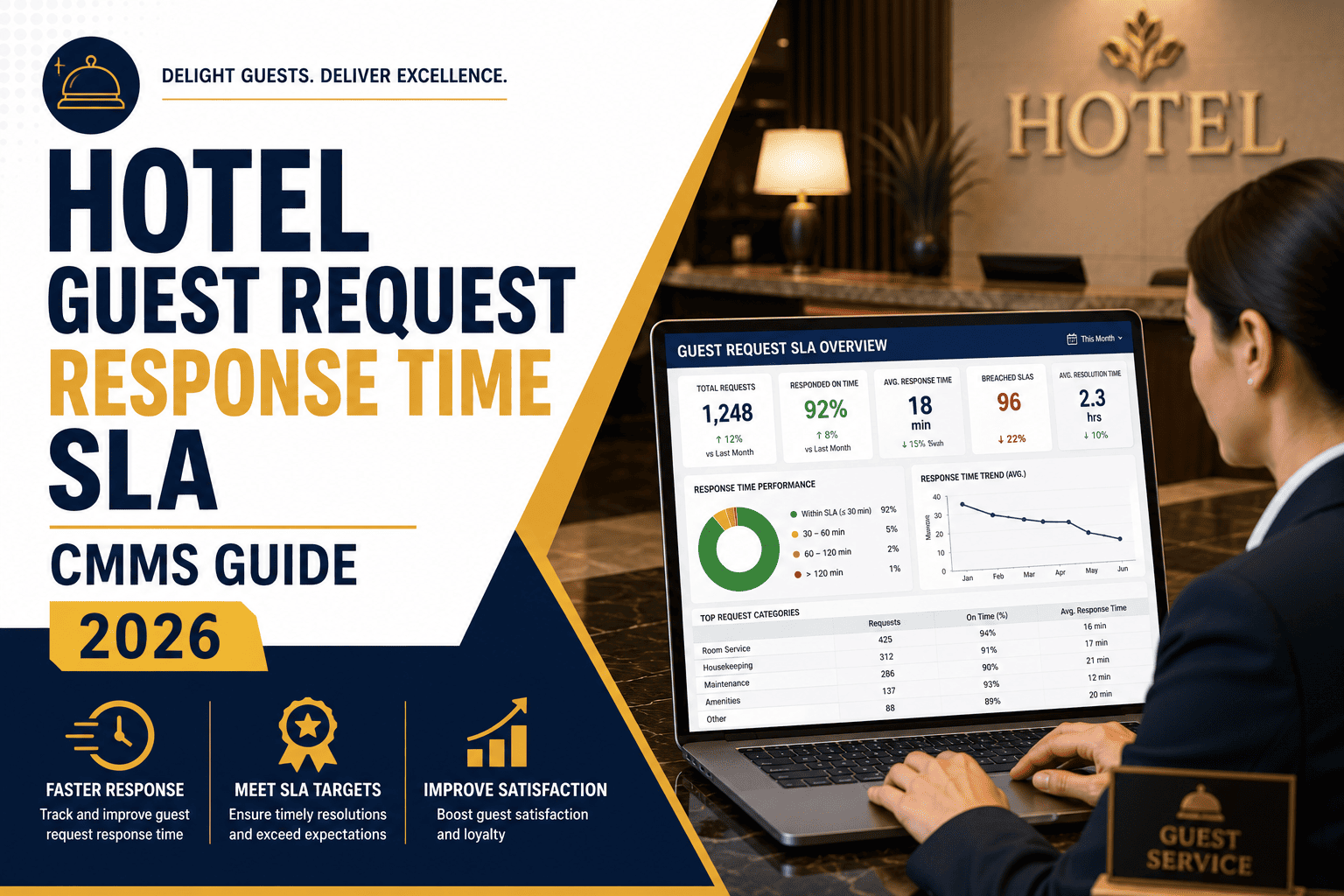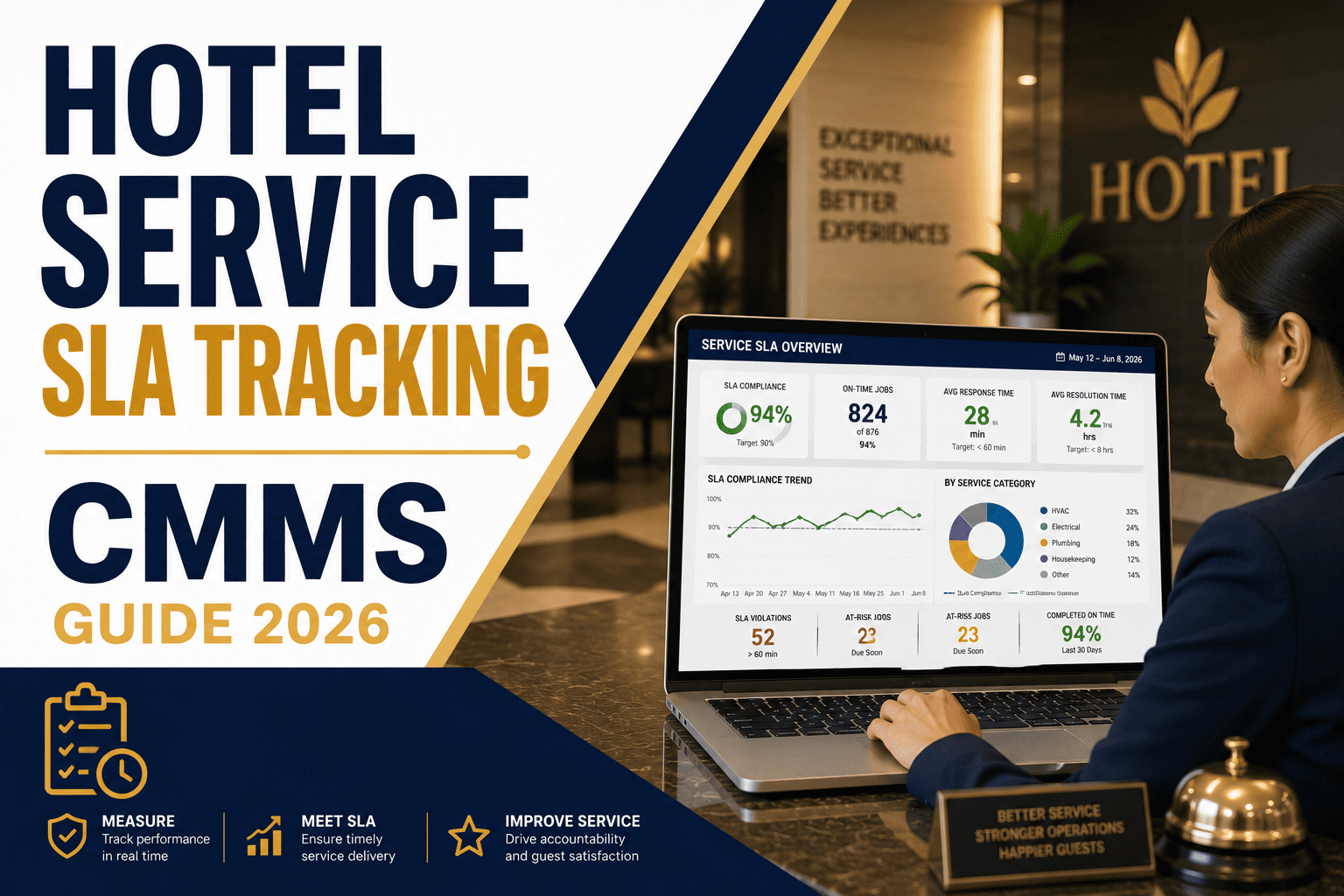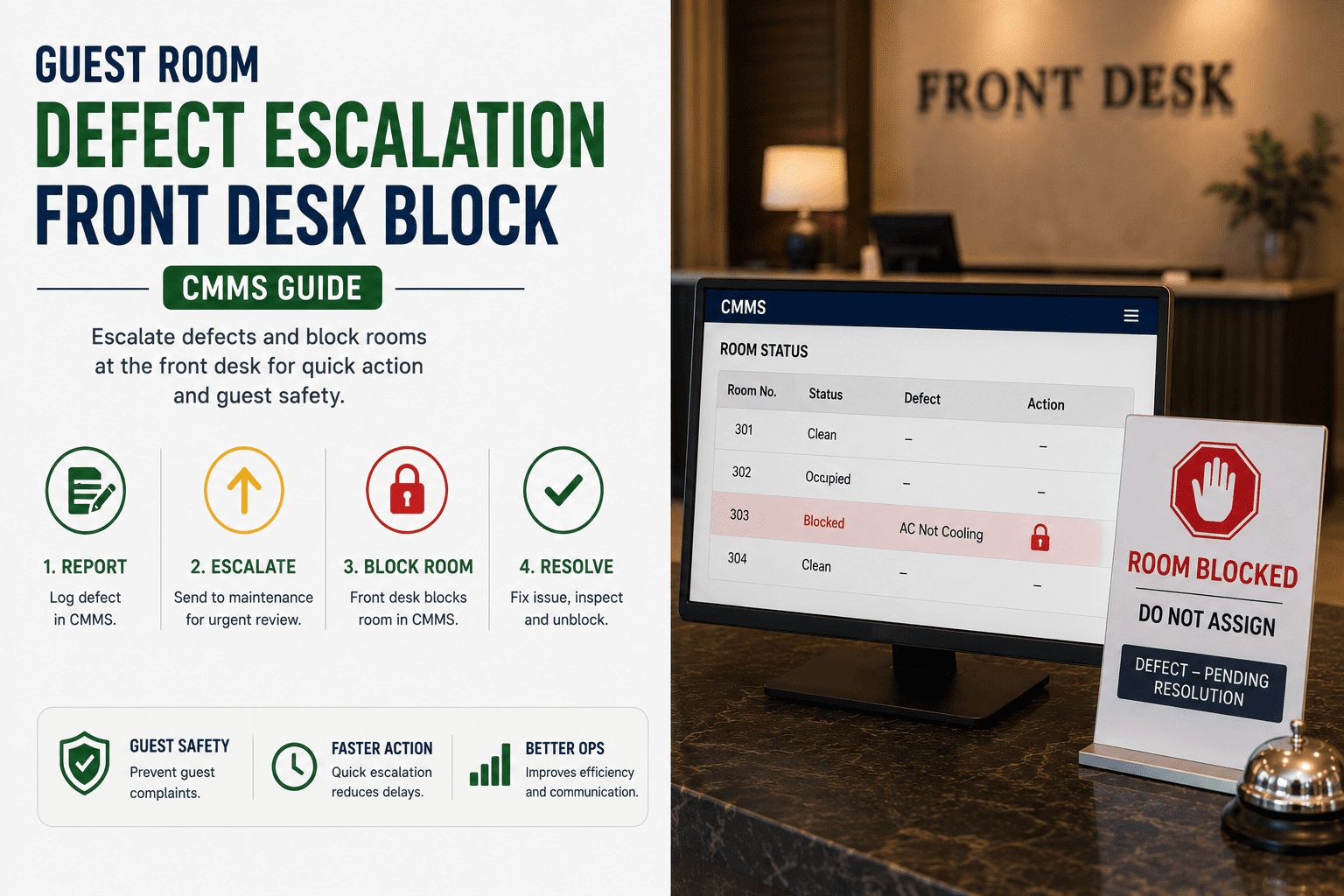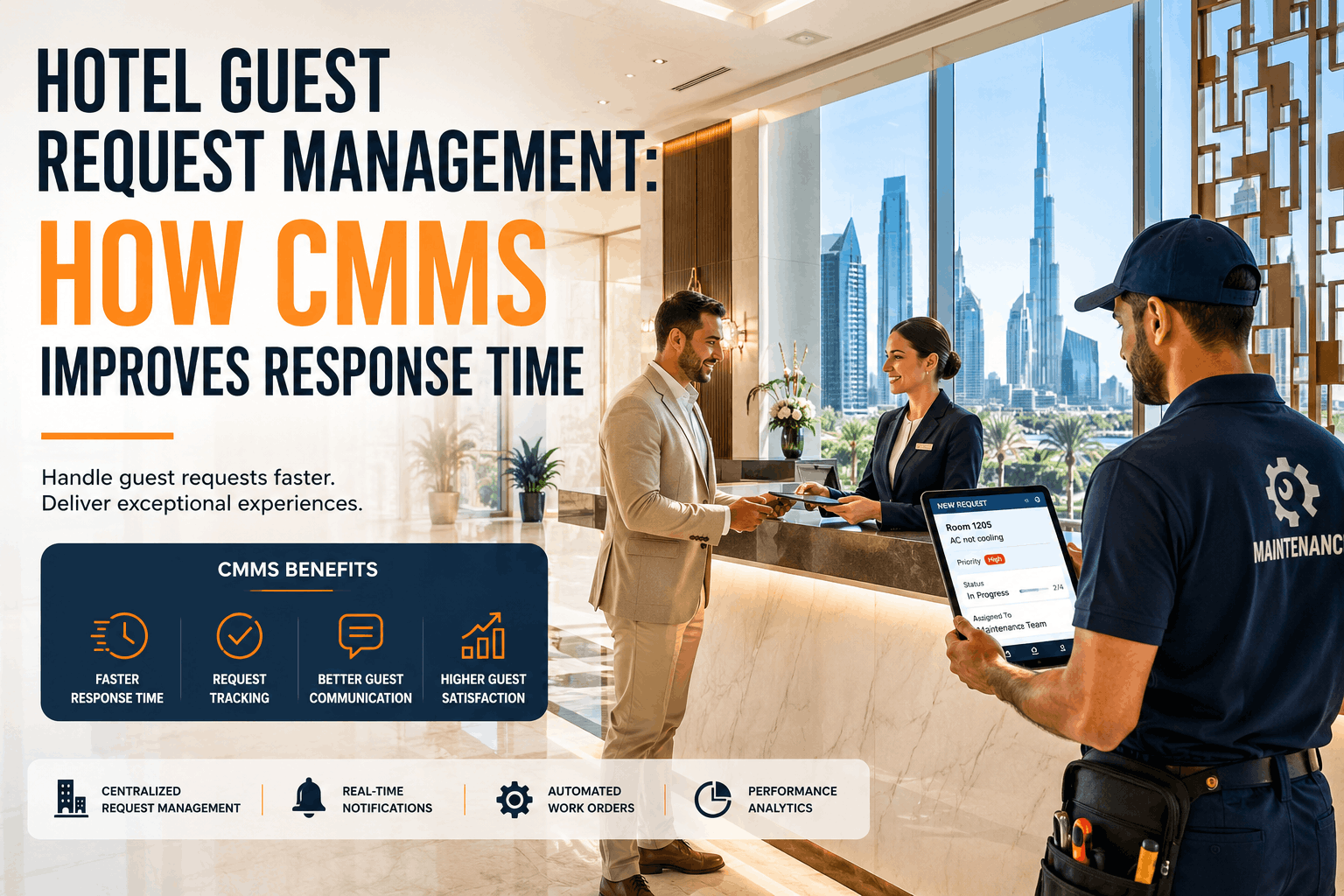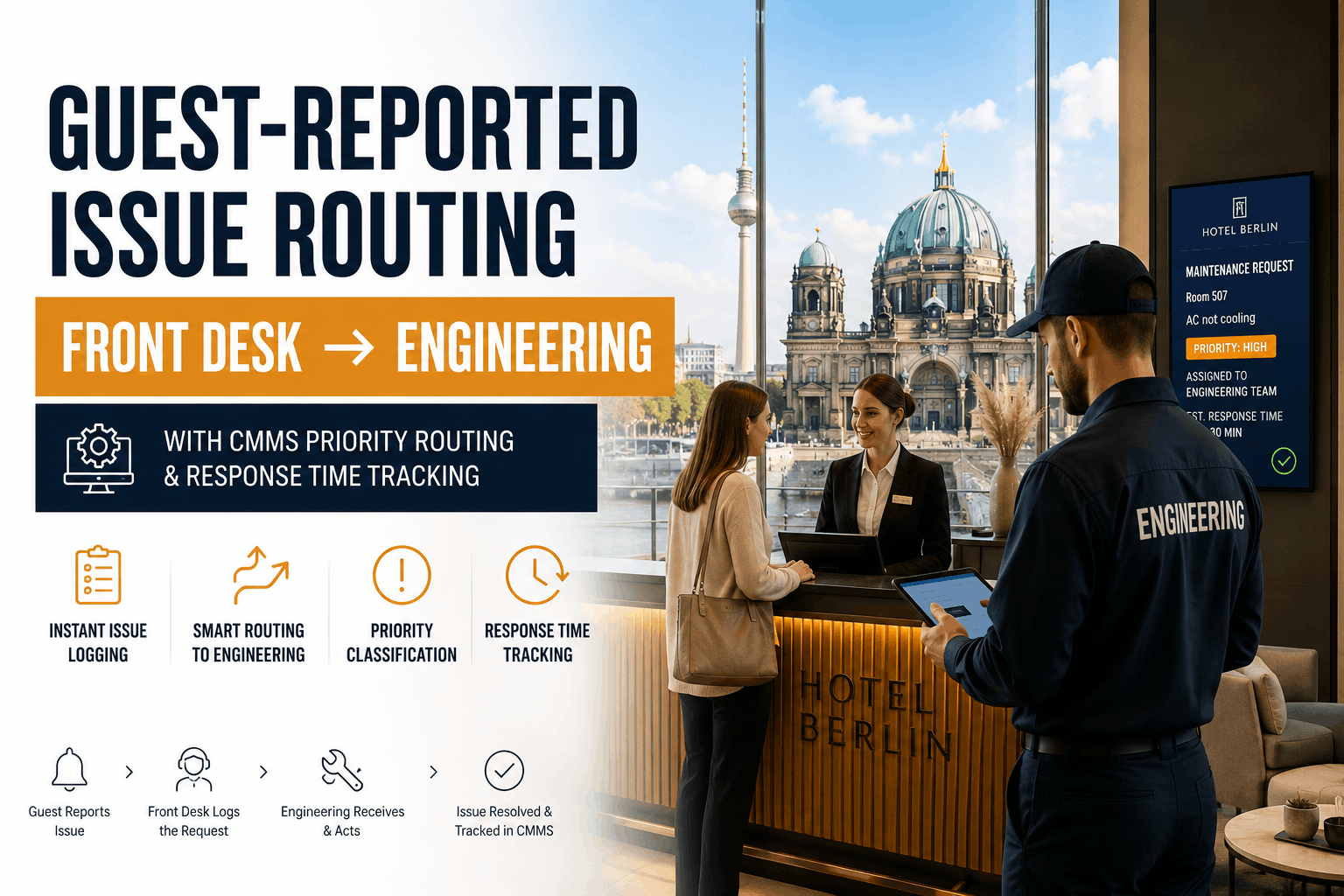
A guest calls the front desk at 11 PM reporting no hot water in their room. The front desk receptionist answers the phone, writes it on a paper slip, leaves it on the maintenance board, and hopes someone sees it before the shift ends. Thirty minutes later, the engineer still hasn't called back. The guest texts their friend a complaint. By the next morning, they leave a negative online review. The hotel loses future bookings from that guest's entire friend network. This is not a rare scenario—it is the operational reality in hotels without structured request routing. Every guest issue represents three separate failure points: inconsistent intake methods, ambiguous routing rules, and no visibility into request status. Sign Up Free with Oxmaint to transform guest requests into tracked, prioritized work orders that route instantly to the right technician with real-time status updates. Book a Demo to see how hotels achieve 15-minute response times on critical issues and reduce guest maintenance complaints by 60% through unified request routing and automatic escalation. This guide details the exact workflow that converts guest complaints into guest satisfaction recovery—and how a CMMS eliminates the chaos of multi-channel request intake.
The Multi-Channel Guest Request Problem: Why Hotels Lose Issues Between Intake Points
Hotels are unique because guest requests do not flow through a single channel. A guest room AC failure might come through: a guest phone call to front desk, a text from a housekeeper during turnover, a BMS (Building Management System) temperature alert, an engineer walking the halls at night, or a direct message through the hotel's guest app. Four to six channels operating simultaneously means four to six failure modes where requests disappear, duplicate, or get assigned incorrectly. Without a unified system, supervisors spend 20–30 minutes per shift consolidating requests from multiple logs and figuring out which ones have already been addressed. Guests receive no confirmation that their issue was received. Technicians don't know about requests because they were logged on a different channel from the one the engineer checks. Result: average response time to critical guest requests stretches from 15 minutes (industry target) to 45–90 minutes (industry reality). Book a Demo to see how unified intake eliminates duplicates and routes requests to the right technician in seconds.
Guest Request Routing Framework: Five Intake Channels, One Digital Queue
Hotels achieving consistent 15-minute response times use a unified request routing system that feeds every intake channel into a single CMMS queue, auto-prioritizes by criticality, and routes instantly to the qualified technician. Sign Up Free to build this entire routing framework in your hotel within 48 hours.
| Request Channel | Intake Point | Without CMMS Integration | With CMMS Routing | Response Improvement |
|---|---|---|---|---|
| Guest Phone Call | Front desk receptionist answers call | Notes written on paper; supervisor manually relays to maintenance via phone or email; technician might miss the call | Receptionist enters request into web form; system generates work order instantly with timestamp; push notification sent to on-duty technician within 5 seconds | 40–60 minute reduction per request |
| Housekeeping Discovery | Housekeeper finds issue during room cleaning or turnover | Text or verbal report to supervisor; message gets lost in chat. Supervisor relays to maintenance hours later | Housekeeping staff use mobile app to submit issue with photo; system auto-classifies by issue type and room location; work order routes to maintenance immediately | 2–4 hour improvement in routing speed |
| BMS Temperature/Pressure Alert | Building automation system detects fault threshold | Alert displays on unmonitored screen in plant room or alerts are ignored as "false positives" | System auto-generates critical work order and sends push notification + SMS to on-call technician; escalates to supervisor if unacknowledged within 10 minutes | Reduces critical failure response from hours to 8–12 minutes |
| In-Room QR Code Reporting | Guest scans code in room and submits request directly | No such system exists; guest calls front desk or does not report issue | Guest scans QR code, fills simple form (issue type, location, urgency), work order generated instantly without front desk relay; guest receives text confirmation and status updates | Bypasses front desk entirely; eliminates message relay delays |
| Engineer Field Discovery | Technician on rounds or during another job discovers issue | Written note in pocket notebook; transcribed to log next day; 4–8 hour delay between discovery and action | Technician uses mobile app to create work order on-site with photo; issue is documented, assigned, and queued instantly without office visit | Eliminates transcription delay; work order queued 4–8 hours earlier |
Priority Triage at Intake: How to Classify Requests and Route Correctly
The moment a request enters the system, it must be classified into one of four priority tiers that dictate response time target, routing rules, and escalation behavior. Hotels that skip this classification step treat a broken TV remote the same urgency as a guest with no heat in winter—which is why response times spiral. Define your priority tiers on day one of CMMS deployment. Book a Demo to configure your specific priority rules.
- No heat or AC in winter/summer, guest comfort completely compromised
- Flooding, water leak, or damage threat to property
- Guest safety risk: faulty lock, broken handrail, electrical hazard
- Elevator failure with trapped passengers or stuck between floors
- Hot water not working or runs cold only; guest cannot shower
- Toilet not flushing or backed up; room becoming unusable
- Door lock malfunction; guest cannot secure room
- HVAC extremely noisy or vibrating; sleep impossible
- Dripping faucet or slow drain; room still usable
- TV not working or poor signal; guest has alternatives
- Lamp burned out; other lighting available
- AC or heat slightly uncomfortable but functional
- Routine PM: filter changes, HVAC inspections, plumbing checks
- Aesthetic issues: paint chips, minor carpet stains in hallways
- Back-of-house maintenance: equipment service, system upgrades
- Capital projects and long-term facility improvements
Real-Time Routing: Skill-Based Dispatch and SLA Automation
Once a request is prioritized, it must route to the right technician—not the nearest person, not the person who answered the phone, but the technician whose skill set matches the fault type and whose current workload is lowest. This requires three things: asset-linked skill tagging, real-time workload visibility, and automated dispatch that removes manual routing decisions. Hotels that implement skill-based routing cut average repair time 20–35% and reduce repeat failures by 40%. Sign Up Free to deploy this routing logic immediately.
Each technician is tagged with certifications: HVAC, electrical, plumbing, appliances, locks, general maintenance. An HVAC complaint in room 714 routes to the HVAC-certified technician, not a general technician who will misdiagnose the issue.
Technicians are assigned responsibility for specific floors or wings. Room 714 complaint routes to whoever covers floors 7–9, even if another technician is currently idle but covers a different zone. Reduces travel time and ensures continuity of knowledge about that section's systems.
Routing considers current technician load. If your HVAC specialist is already handling three jobs, the system can either queue the request or route to a cross-trained technician with lower workload. Prevents burnout and spreads work evenly.
Critical requests that are not acknowledged within the SLA window (15 min for P1) auto-escalate to the shift supervisor. Supervisor receives alert with full job details and context. No manual monitoring required. Escalation is timestamped for audit.
Guest automatically receives text or email when technician is assigned and again when work begins. No guest confusion about whether their request was received. One less call to front desk asking "Is anyone coming?"
Critical P1 requests route to the on-call technician based on the current roster, even outside business hours. On-call engineer receives push notification + SMS + phone call if needed. No missed emergency calls because nobody checked voicemail.
Frequently Asked Questions: Guest Request Routing & Emergency Response
Our guests expected responses within an hour. Most of the time they waited 2–3 hours because requests got lost between channels. Now when a guest calls or texts, they get a confirmation text within two minutes saying a technician is assigned. If we don't fix it within our promised time, the system escalates automatically. Our response time dropped from 90 minutes to 18 minutes. Guest satisfaction improved dramatically, and we stopped getting those painful maintenance-related complaints on review sites.
—Marcus Thompson, Chief Engineer, 220-room full-service hotel, Nashville, Tennessee