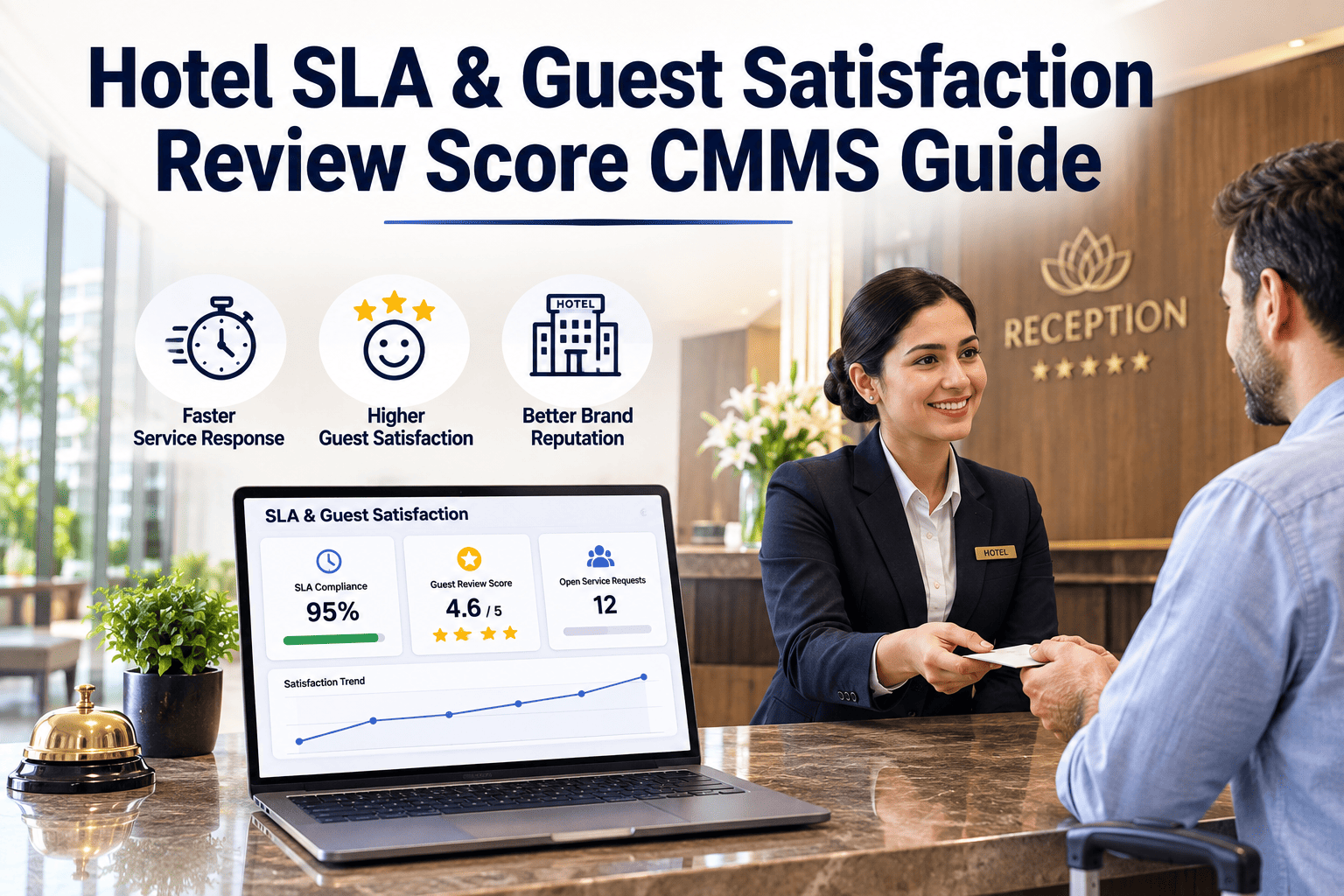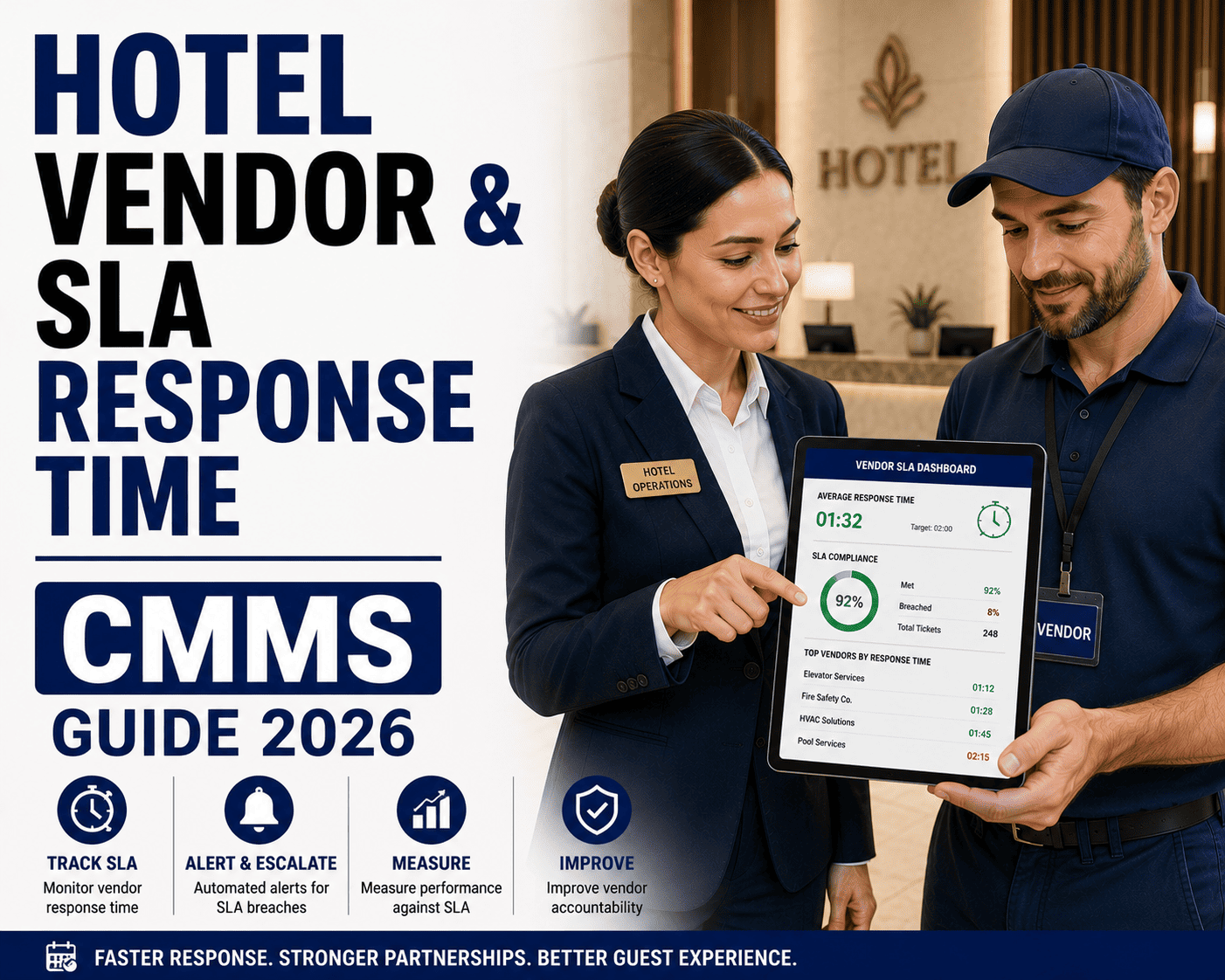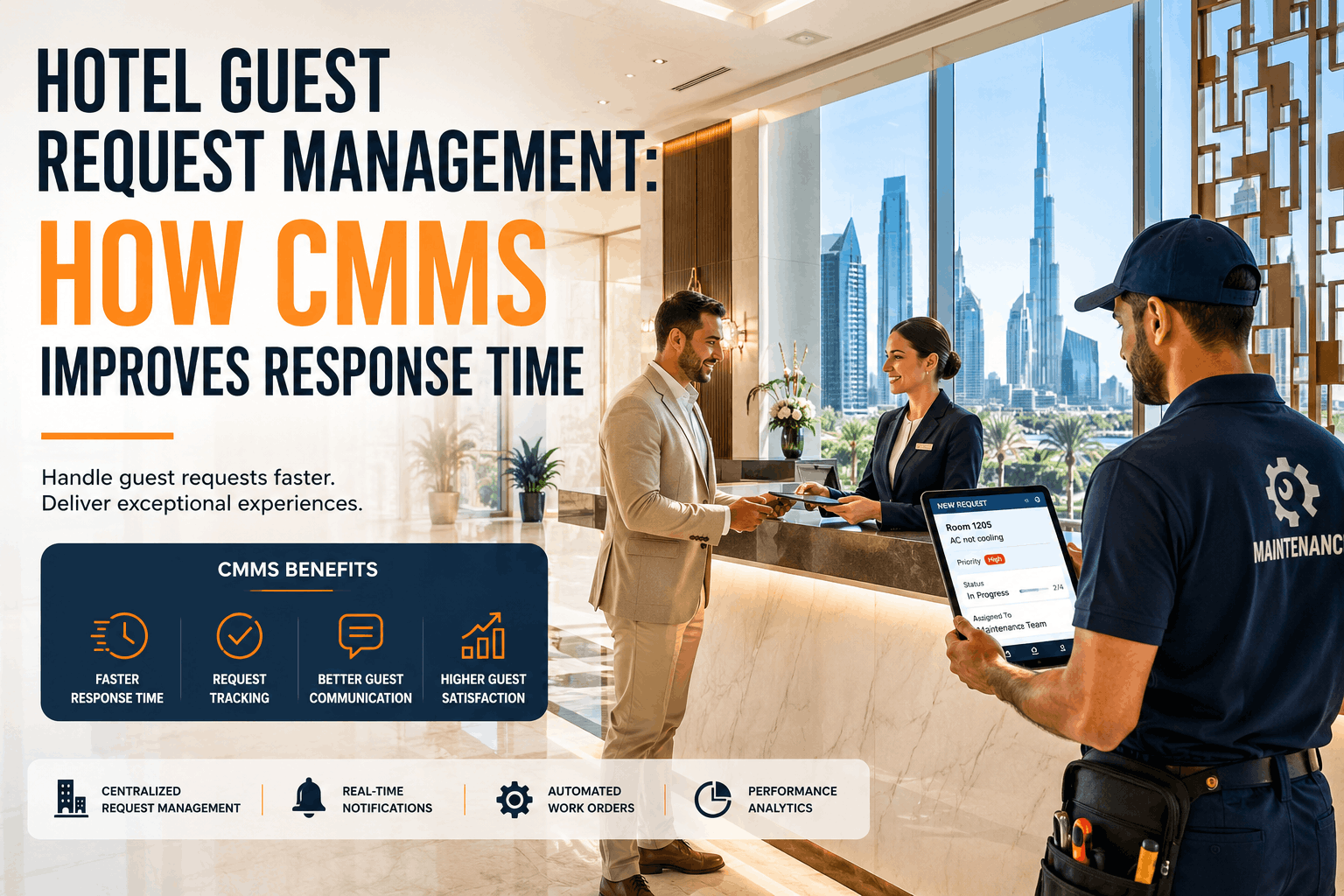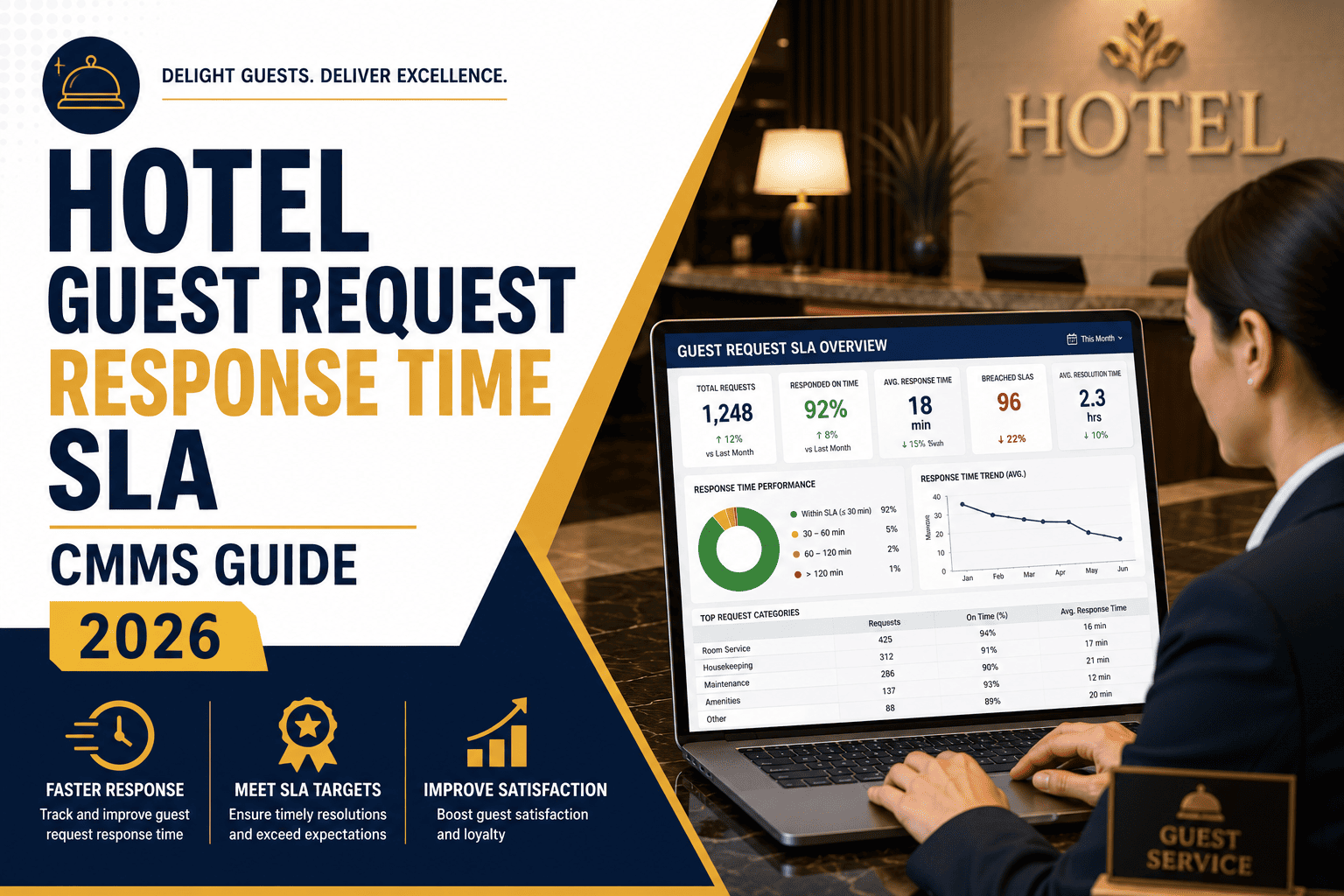
Hotel guest request response time — the minutes between a guest reporting an issue and your team resolving it — is the single strongest maintenance-related predictor of review scores and repeat bookings. This CMMS hotel response time guide breaks down exactly how to set, track, and enforce response time SLAs by issue type, so your property consistently beats brand expectations. Properties using a structured CMMS response SLA cut average resolution time by 30–50% and protect their online reputation. Ready to stop losing stars to slow maintenance? Start Free Trial and see the difference on your assets today.
Response Time SLA Guide 2026
How fast is fast enough when a guest reports a broken AC at midnight?
Speed beats almost everything else. Guests who wait longer than 15 minutes for acknowledgment on a comfort issue are 3x more likely to leave a negative review — regardless of whether the fix itself was perfect. This guide shows you how to set hotel guest request response time SLAs by issue type, track time-to-acknowledge and time-to-resolve in real time, and build an escalation program that keeps first-response inside brand and guest expectation.
Why Response Time Is the #1 Maintenance Metric in Hospitality
Hotel guest request response time: the strongest predictor of review scores
When hospitality analysts isolate maintenance-related variables from hundreds of thousands of guest reviews, one factor dominates: hotel guest request response time. Not the elegance of the fix, not the brand of the replacement part — simply how fast someone showed up and how fast the issue was resolved. Properties that consistently acknowledge guest maintenance requests within 10 minutes and resolve them inside the SLA window see 20–35% higher review scores and significantly lower guest churn compared to properties running on reactive, paper-based workflows.
The problem is that most hotels still track response time manually — if at all. A front-desk agent writes the issue on a log, radios maintenance, and hopes. Without a CMMS hotel response SLA framework, there is no automated clock, no escalation trigger, and no accountability. This guide gives you the benchmarks, the SLA tiers, the escalation logic, and the CMMS configuration to fix that — and shows how OxMaint makes it operational on day one.
SLA Framework by Issue Type
Response time SLA CMMS guide: setting targets by request type
Not all guest requests carry equal urgency. A burned-out reading lamp and a leaking toilet at 2 AM demand entirely different response clocks. The table below defines industry-benchmarked time to acknowledge hotel CMMS and time to resolve guest hotel targets across five priority tiers — the same structure OxMaint uses to auto-route work orders and trigger escalations.
| Priority Tier | Example Issues | Time to Acknowledge | Time to Resolve | Escalation Trigger |
|---|---|---|---|---|
| P1 — Critical | No AC in summer, sewage backup, no power, gas smell | ≤ 5 min | ≤ 60 min | Auto-escalate at 8 min to Chief Engineer + MOD |
| P2 — High | Running toilet, hot water outage in one room, broken lock | ≤ 10 min | ≤ 2 hours | Auto-escalate at 15 min to Shift Supervisor |
| P3 — Medium | TV not working, slow drain, noisy mini-fridge | ≤ 15 min | ≤ 4 hours | Auto-escalate at 30 min to Team Lead |
| P4 — Low | Burned-out lamp bulb, squeaky door, minor cosmetic | ≤ 30 min | ≤ 24 hours | Flag in daily roll-up if unresolved by EOD |
| P5 — Routine | Preventive maintenance noted by guest, minor adjustments | ≤ 2 hours | ≤ 48 hours | Include in weekly SLA compliance report |
A common mistake properties make is setting a single flat SLA — "all requests resolved within 2 hours" — which over-allocates resources to low-priority items and starves critical ones. The tiered approach above, enforced through a response SLA CMMS guide workflow, ensures your maintenance team's urgency matches the guest's urgency. OxMaint lets you configure these tiers as automated routing rules: the moment a front-desk agent or guest logs a P1 issue, the system pages the on-call technician, starts the SLA clock, and escalates without human intervention if the acknowledgment threshold is breached.
Real-World Impact
A 280-room property cut resolution time 41% in 90 days
Consider a 280-room full-service hotel spending roughly $54K annually on guest-comp rooms, meal vouchers, and rate adjustments caused by maintenance complaints. Their average CMMS hotel time to resolve for P2 issues was 3.5 hours — well outside brand standard — because requests moved from front desk to engineering via radio and paper slips, with no tracking.
After implementing OxMaint with tiered SLA routing and automated escalation, the property achieved:
The turning point was not hiring more staff — it was visibility. Once the Chief Engineer could see every open guest request with a live SLA countdown on a single dashboard, bottlenecks disappeared. Technicians were dispatched by proximity and skill, spare-parts locations were attached to the work order, and escalation text messages went to the MOD automatically when a clock ran red.
The Operational Program
How to build a CMMS hotel response SLA program that actually works
Setting SLA targets is the easy part. Building the operational discipline to hit them every shift, every day, requires a structured program. The four-phase timeline below maps the path from scattered reactive maintenance to a fully automated guest response CMMS guide workflow.
Audit & SLA Definition
Pull 90 days of guest request logs. Categorize by issue type, measure current time-to-acknowledge and time-to-resolve, and identify the gap between actual and target. Define your five-tier SLA matrix and map each tier to OxMaint priority rules.
CMMS Configuration & Integration
Configure OxMaint work-order templates for each priority tier. Connect the PMS (property management system) guest request feed to OxMaint so issues auto-generate work orders with SLA clocks. Set escalation triggers and notification chains.
Team Training & Go-Live
Train front-desk, housekeeping, and engineering on the new workflow. Go live with real-time SLA dashboards visible to MOD and Chief Engineer. Run daily 10-minute stand-ups reviewing any breached or near-breach SLAs from the prior 24 hours.
Optimize & Sustain
Review weekly SLA compliance reports. Identify recurring failure assets (e.g., a specific AC unit model that generates 3x more P1 tickets) and feed those into preventive maintenance schedules. Refine escalation thresholds based on real performance data.
See OxMaint track guest request response time in real time
Book a 30-minute demo and watch a guest complaint auto-route to the nearest technician, start an SLA clock, and escalate — all before your competitor's front desk has found the paper log.
OxMaint Platform Capabilities
How OxMaint helps hotels enforce response time SLAs
OxMaint is an AI-powered CMMS and EAM platform purpose-built to eliminate the gaps that let SLA breaches slip through. For hotels, it replaces paper logs, radio chatter, and spreadsheet tracking with a closed-loop system that measures hotel guest request response time from the second a request is logged to the moment the technician closes the work order. Here is how specific OxMaint capabilities map directly to your response-time problem:
Automated SLA Clock & Escalation
Every guest-request work order auto-starts a countdown based on its priority tier. If time-to-acknowledge or time-to-resolve thresholds approach breach, OxMaint sends automated text and email alerts to the next person in the chain — shift supervisor, Chief Engineer, or MOD — with zero manual intervention.
Outcome: Eliminate missed escalations and cut average resolution time 30–50%.
Real-Time Guest Request Dashboard
A live, color-coded dashboard shows every open guest maintenance request with its SLA status — green, amber, red. The MOD and Chief Engineer see the full picture on one screen, prioritized by urgency and aging, so no request falls through the cracks during shift changes.
Outcome: 94%+ SLA compliance and full visibility across all shifts.
AI-Powered Technician Dispatch
OxMaint's AI engine routes work orders to the nearest available technician with the right skill set and spare-parts access — not just the next name on a list. It factors in current workload, proximity, and historical resolution speed per technician.
Outcome: 25–40% faster dispatch and fewer repeat visits.
PMS Integration & Mobile Closeout
Integrate directly with your property management system so guest requests flow into OxMaint as work orders automatically. Technicians close out jobs from their mobile devices with photo proof, parts usage, and resolution notes — triggering a notification back to the front desk to follow up with the guest.
Outcome: Eliminate paper work orders and close the guest-experience loop.
Measuring What Matters
CMMS hotel guest satisfaction: the KPIs you must track
A hotel response time guide without measurement is just opinion. These are the five KPIs OxMaint tracks out-of-the-box for hotel maintenance teams — the same metrics top-quartile brands use to benchmark performance across properties:
Before OxMaint we had no idea how long it actually took to respond to a guest — we just knew when they complained to management. Now every request has a clock on it, and our review scores jumped half a point in one quarter. The visibility alone paid for the system.
— Director of Engineering, 410-room resort property
Frequently Asked Questions
Hotel guest request response time SLA: your questions answered
What is a good hotel guest request response time?
A strong target is to acknowledge any guest maintenance request within 10 minutes and resolve high-priority issues (HVAC, plumbing, electrical) within 60 minutes. Top-quartile hotel brands average 8 minutes to acknowledge and 45 minutes to resolve P1 issues. Anything beyond 15 minutes to acknowledge significantly increases the probability of a negative review, even if the fix itself is fast and correct.
How does a CMMS track response time SLAs in hotels?
A CMMS like OxMaint automatically timestamps every stage of a guest request — creation, assignment, acknowledgment, en-route, and resolution — and compares those timestamps against predefined SLA thresholds for each priority tier. When a threshold is at risk of breach, the system sends automated escalation alerts to supervisors and management. You can see this in action by booking a demo at calendly.com/oxmaintapp/30min.
What is the difference between time to acknowledge and time to resolve?
Time to acknowledge (TTA) is the elapsed time from when a guest request is logged to when a technician confirms they have received and accepted the work order. Time to resolve (TTR) is the elapsed time from request creation to work-order closure with the issue fixed. Both matter, but TTA has the larger impact on guest perception — a quick "we are on it" buys patience for the actual repair.
Can OxMaint integrate with our hotel property management system (PMS)?
Yes. OxMaint integrates with major hotel PMS platforms so guest maintenance requests flow directly into the CMMS as prioritized work orders with SLA clocks running from the moment of creation. This eliminates the manual handoff between front desk and engineering that causes most delays. Start a free trial at app.oxmaint.ai to test the integration with your stack.
How long does it take to implement a response time SLA program in a hotel?
A focused implementation takes 8–12 weeks from SLA definition through full go-live and optimization. The first two weeks are auditing current performance and defining tiers, weeks 3–4 are CMMS configuration and PMS integration, weeks 5–8 are team training and go-live, and weeks 9–12 are optimization based on real SLA data. Properties often see measurable improvement within the first 2 weeks of go-live.
Stop losing stars to slow response times
Every minute a guest waits is a fraction of a review point lost. OxMaint gives your team the automated SLA tracking, escalation, and real-time visibility to keep every guest request inside brand standard — from the first ack to the final fix.
Free 14-day trial · No credit card