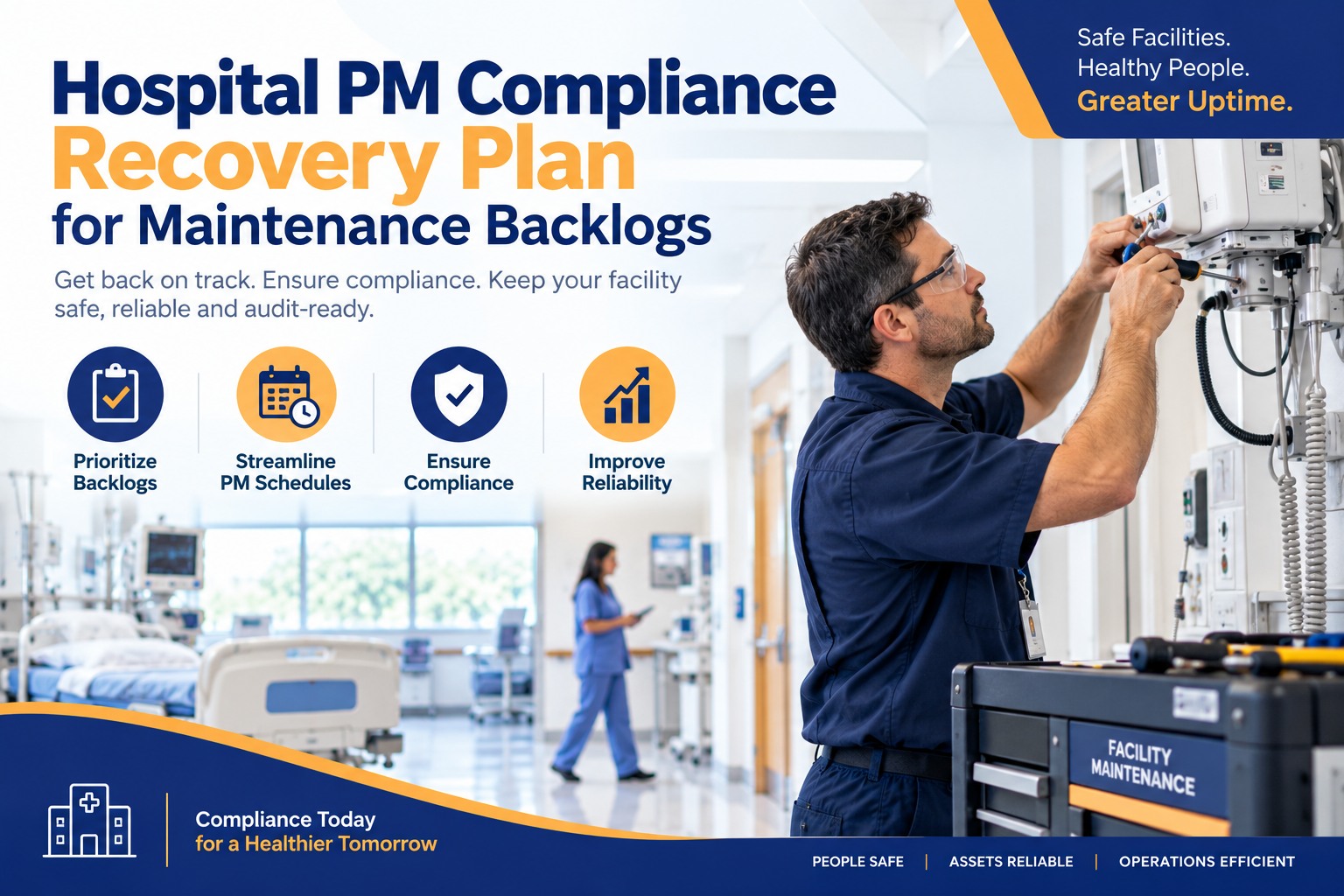
A PM compliance backlog rarely starts as one big failure — it's 40 overdue work orders here, a biomed roster gap there, and inspection notes that live in three different binders. Then a survey date lands on the calendar and the whole thing becomes urgent at once. This guide lays out a practical recovery plan for a hospital facing a PM backlog: how to triage it, close it in order, and keep it from rebuilding, using OXMAINT AI, the AI-powered CMMS that turns every overdue PM and inspection finding into a tracked, prioritized work order.
Hospital PM Compliance Recovery Plan for Maintenance Backlogs
A growing PM backlog means nobody can say, with confidence, which assets are actually current and which have quietly slipped. OXMAINT AI connects the full recovery workflow in one place: every overdue PM and inspection finding becomes a tracked defect, every defect converts into a prioritized work order, and once a work order closes, that asset's preventive schedule updates automatically. Instead of a spreadsheet reconstruction before every survey, you get a live, asset-by-asset view of what's actually done, what's overdue, and what's next.
How a Backlog Actually Builds
A PM backlog is almost never one dramatic failure — it's small gaps that compound. A tech out sick during PM week, a part on backorder, a site running its own calendar with no visibility from anyone else. None of those is a crisis alone. Together, over a year, they're a stack of overdue work nobody can fully account for. Start free and see your current backlog laid out in OXMAINT AI.
- Overdue PMs noted in a spreadsheet nobody updates in real time
- No single view of which assets are overdue across every site
- Backlog worked in whatever order comes up, not by risk
- A cleared backlog item doesn't reset the asset's next PM date automatically
- The scheduling gap that caused the backlog is never actually fixed
- Every overdue PM visible as a live, filterable list, by asset and by site
- One view across every site, so nothing is hiding in a local calendar
- Backlog worked by criticality first, then by how overdue it is
- Closing a work order automatically resets that asset's next PM date
- Root-cause gaps in the schedule get flagged so the backlog doesn't rebuild
The Four-Stage Recovery Plan
Clearing a backlog isn't "work through the list" — it's a sequence. Skip the triage stage and you end up doing easy, low-risk PMs first while a critical asset sits overdue. OXMAINT AI is built to run this sequence directly, not as a separate planning exercise outside the CMMS. Book a demo to map this sequence onto your own backlog.
Triage: What Gets Worked First
Not every overdue PM carries the same weight. A simple way to sequence the backlog is by asset criticality and how far overdue the item is. Sign up free and score your own backlog by criticality in OXMAINT AI.
| Priority | Asset examples | Backlog approach |
|---|---|---|
| Immediate | Life-safety systems, ICU/OR equipment, medical gas | Worked first regardless of how long overdue — schedule around it, don't queue it |
| High | Imaging, isolation-room HVAC, sterile processing equipment | Scheduled within days, grouped by site to reduce trips |
| Standard | General HVAC, non-egress elevators, lighting circuits | Worked in batches once immediate and high-priority items are current |
| Low | Furniture, cosmetic fixtures, non-critical items | Cleared last, or rolled into the next standard PM cycle |
A Backlog List Isn't a Recovery Plan Until It's in Priority Order.
Working overdue PMs in whatever order they come up still leaves your highest-risk assets exposed the longest. OXMAINT AI sequences the backlog by criticality first, so the recovery effort goes where it matters most.
One Overdue PM, Start to Close
Here's how a single backlog item actually moves through OXMAINT AI during a recovery effort. Book a demo to see this on your own overdue list.
Ad Hoc Cleanup vs. a Structured Recovery Plan
| What matters | Ad hoc backlog cleanup | Structured recovery in OXMAINT AI |
|---|---|---|
| Visibility into total backlog | Scattered across sites and spreadsheets | One live list, filterable by site and asset |
| Order items get worked | Oldest or easiest first | Highest criticality first |
| Schedule after closing an item | Manually updated, if at all | Resets automatically from the closed work order |
| Root cause of the backlog | Rarely addressed — backlog rebuilds | Reviewed as part of the recovery plan |
| Record for the next review | Reassembled from memory and files | Already sitting on each asset's record |
Frequently Asked Questions
Turn the Backlog List Into a Recovery Plan You Can Actually Run.
See every overdue PM across every site in one place, work it in the order that actually reduces risk, and let closed work orders reset the schedule automatically.



.jpg)
.jpg)
