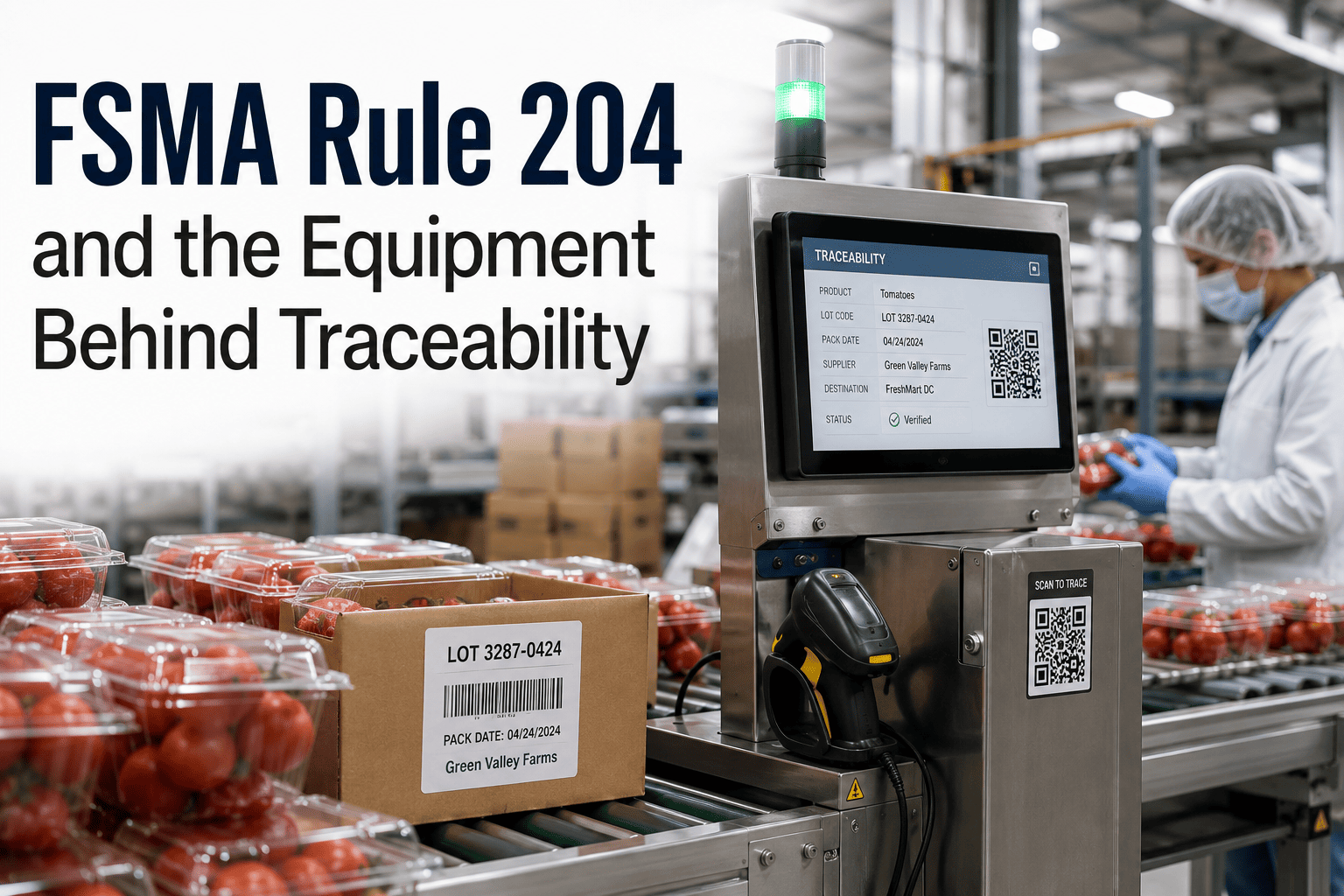
Every lot code, barcode, and date stamp your line prints starts on a machine, not in a spreadsheet. FSMA Rule 204 requires food manufacturers to capture Key Data Elements at every Critical Tracking Event, and that data is only as trustworthy as the coding printer, label applicator, and scale generating it. A drifting checkweigher or a printer running low on ribbon does not just slow a shift down — it opens a traceability gap that shows up the day an FDA record request lands on your desk. Start a free trial and see how a CMMS closes that gap.
FSMA Rule 204 Traceability: The Equipment Behind Every Key Data Element
Lot coding printers, label applicators, checkweighers, and barcode scanners generate the Key Data Elements FSMA Rule 204 demands. Keep every one of them calibrated, maintained, and digitally documented in a CMMS built for food traceability compliance.
What FSMA Rule 204 Actually Asks of Your Equipment
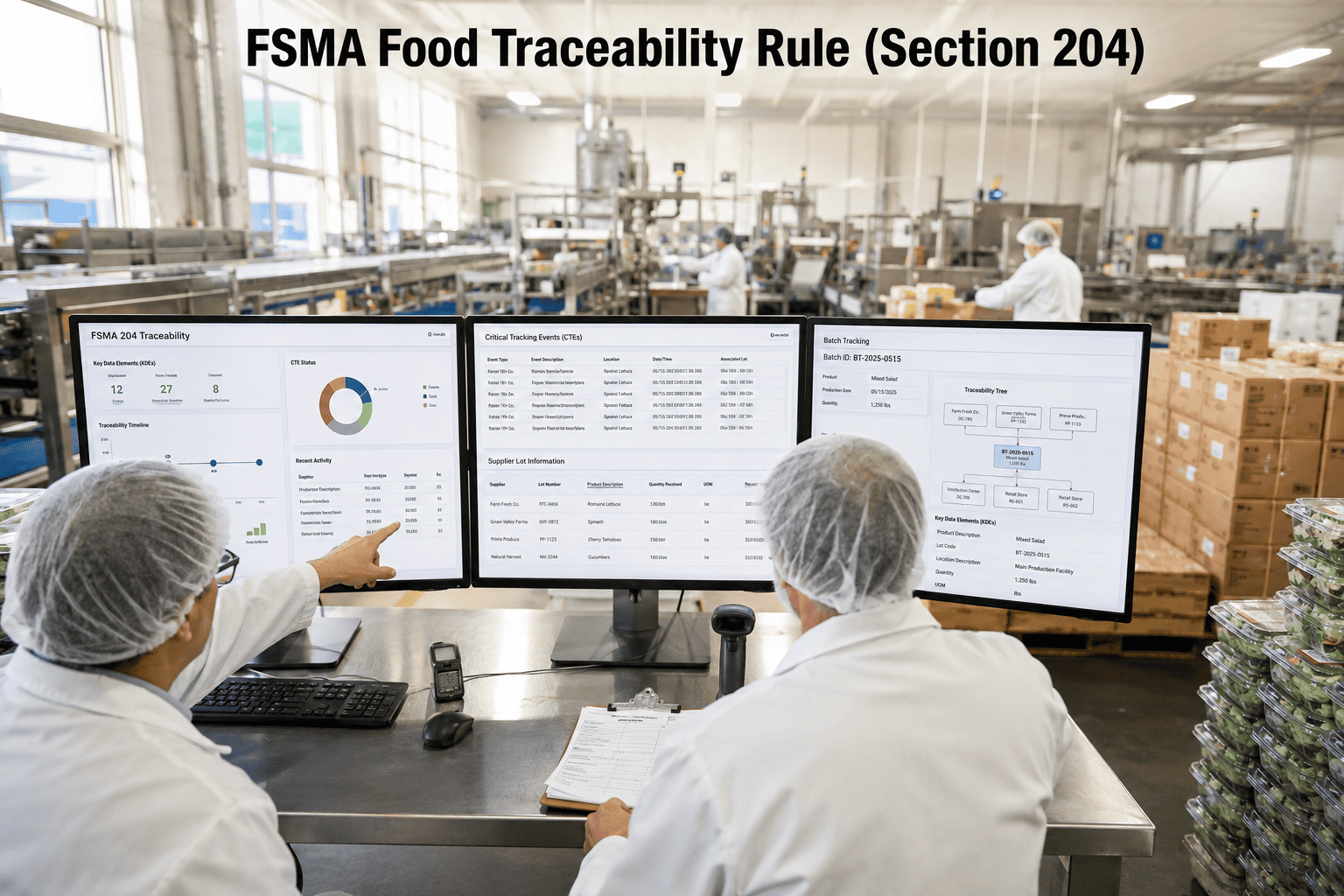
FSMA Rule 204, the FDA's Food Traceability Final Rule, requires anyone who manufactures, processes, packs, or holds food on the Food Traceability List to record Key Data Elements — lot codes, quantities, dates, and locations — at every Critical Tracking Event, from receiving through transformation and shipping. Each covered lot needs a unique Traceability Lot Code, and that code has to travel with the product in a machine-readable form most facilities generate through a thermal transfer or inkjet coding printer and a label applicator running at line speed.
None of that recordkeeping holds up if the equipment producing it drifts out of spec. A print head running low on contrast, a label sensor misaligned after a changeover, or a checkweigher that has not been calibrated in months all create Key Data Elements that look complete on paper but will not survive an audit. OxMaint links every coding, labeling, weighing, and scanning asset to a maintenance and calibration record, so the equipment history behind each lot is provable the moment the FDA asks. Book a demo to see it mapped to your line.
See Your Traceability Equipment Fleet in One CMMS — PM Schedules, Calibration Logs, and Audit Records Together
Register your coding printers, label applicators, scales, and scanners, and generate your first calibration-backed traceability report in under 30 minutes.
Eight Equipment Concepts Every FSMA 204 Program Depends On
Where FSMA 204 Compliance Quietly Breaks Down
How OxMaint Manages Your Traceability Equipment Fleet
Paper Logs vs. CMMS-Managed Equipment Records
The gap between a reactive maintenance log and a CMMS is not just tidiness — it is the difference between an equipment record that supports a Key Data Element and one that collapses under FDA review. Each row below is a decision point for teams preparing their traceability plan ahead of enforcement.
| Equipment Activity | Paper-Based | CMMS-Managed |
|---|---|---|
| Lot coding printer PM | Checked when print quality visibly fails | Scheduled print-head and ribbon cycle |
| Label sensor calibration | Handwritten log, easy to skip | Digital record with due-date alerts |
| Scale and checkweigher checks | Annual calibration, no trending | Drift trending between calibrations |
| Barcode read-rate verification | Spot-checked occasionally | Logged verification per shift or run |
| Equipment downtime tracking | Noted informally, rarely linked to lots | Linked directly to affected lot codes |
| FDA record request response | Days spent assembling binders | Sortable export within the hour |
Frequently Asked Questions
Does OxMaint help with FSMA Rule 204 equipment compliance
Yes — OxMaint manages PM schedules and calibration records for the coding printers, label applicators, scales, and scanners that generate your Key Data Elements. Start a free trial to register your first assets.
When does FSMA Rule 204 actually take effect
The original date was January 20, 2026, but enforcement is now held to July 20, 2028 following an FDA extension and 2026 appropriations legislation. Facilities that prepare equipment and records now avoid a rushed scramble later.
Which equipment matters most for Key Data Element capture
Lot coding printers, label applicators, checkweighers, and barcode scanners generate the majority of required KDEs. Calibration and PM on these assets directly determines record accuracy.
Can OxMaint support a 24-hour FDA record request
Yes — equipment, calibration, and PM history are stored digitally and export as a sortable record in minutes, matching the rule's electronic record turnaround expectation. Book a demo to see the export format.
How long does setup take for a traceability equipment registry
Most facilities register their coding, labeling, and weighing equipment and go live with PM templates within two to three weeks, with no consultant or implementation project required.
Every Printer Calibrated. Every Scale Verified. Every Lot Code Provable in Minutes, Not Days.
Lot coding and labeling PM, scale and scanner calibration, and a digital audit trail for every Key Data Element — all in one CMMS your maintenance and quality teams run from the production floor.
- Scheduled PM on coding, labeling, and weighing equipment
- Digital calibration records ready for a 24-hour record request
- Equipment history linked directly to every traceability lot code
Live in weeks, not months. No consultant required. Built for multi-site food operations.


-what-food-manufacturers-must-do-now.png)
