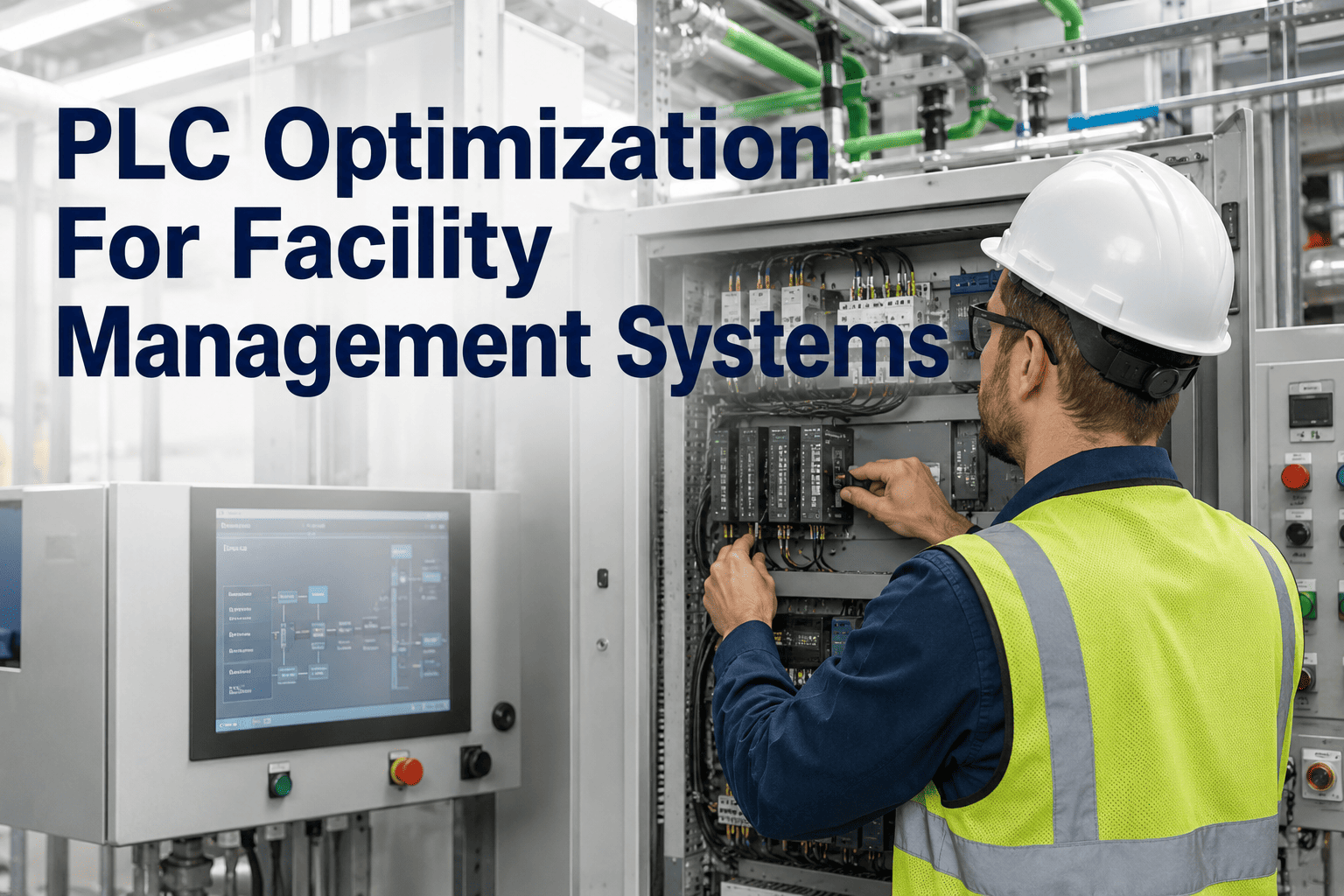
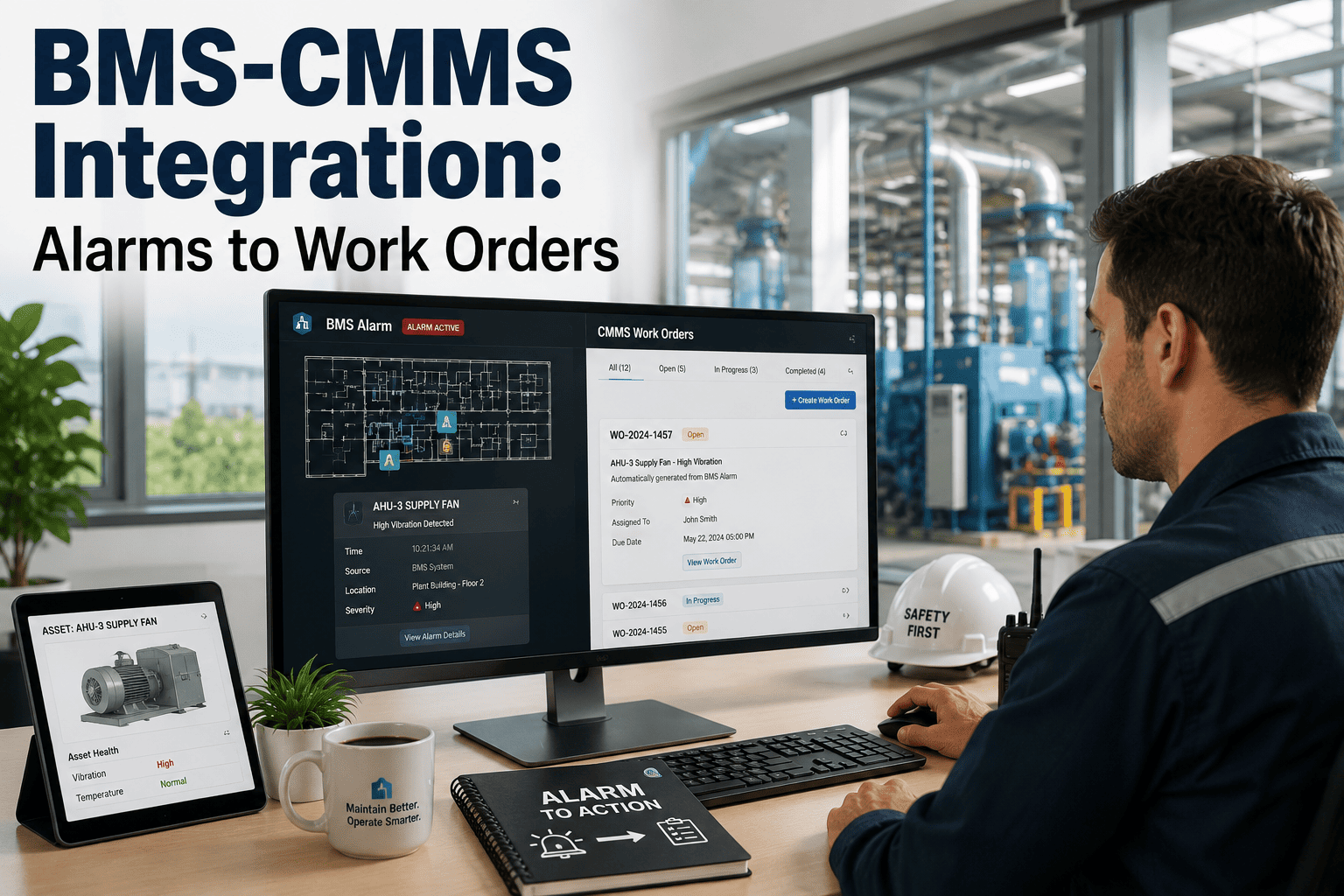
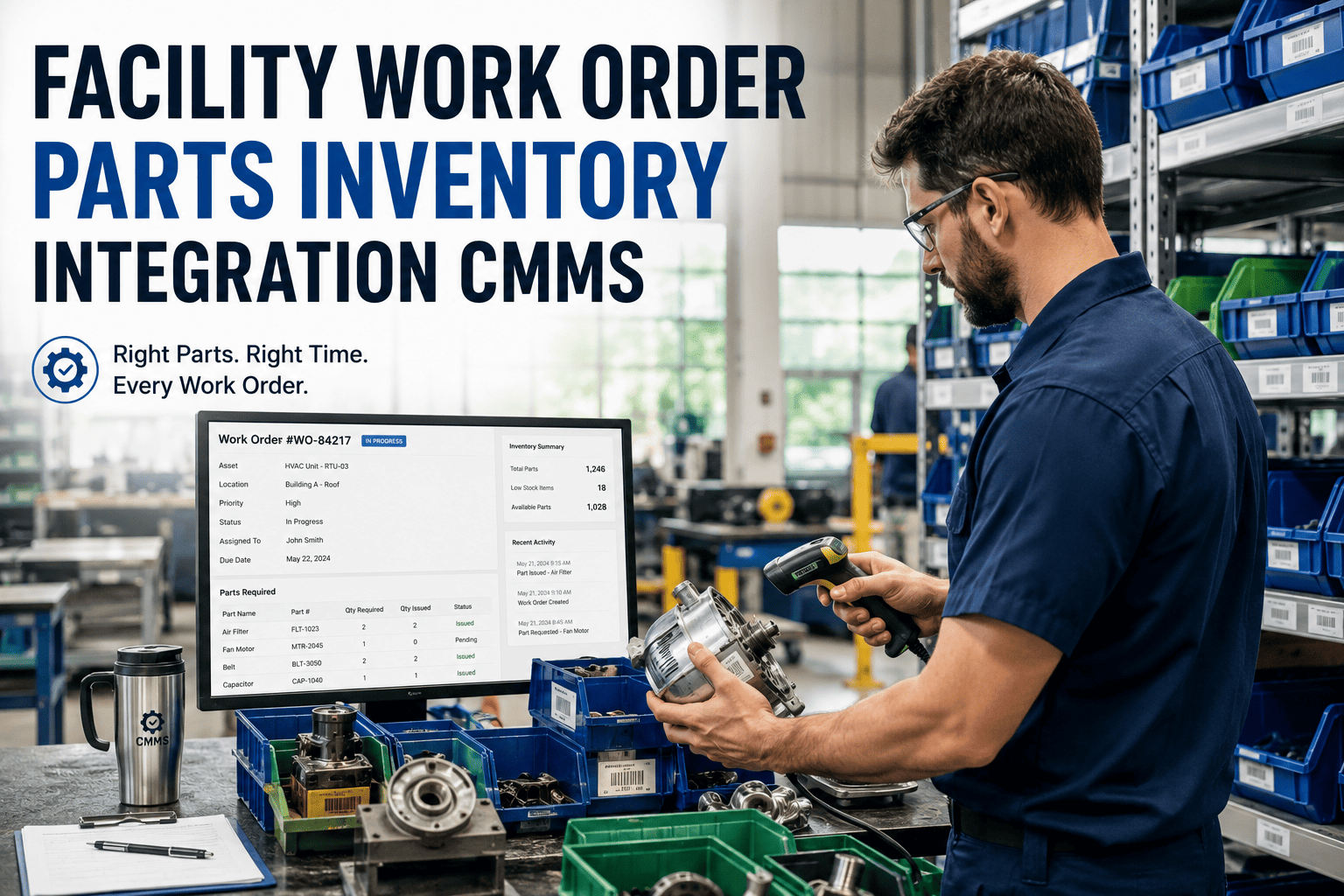
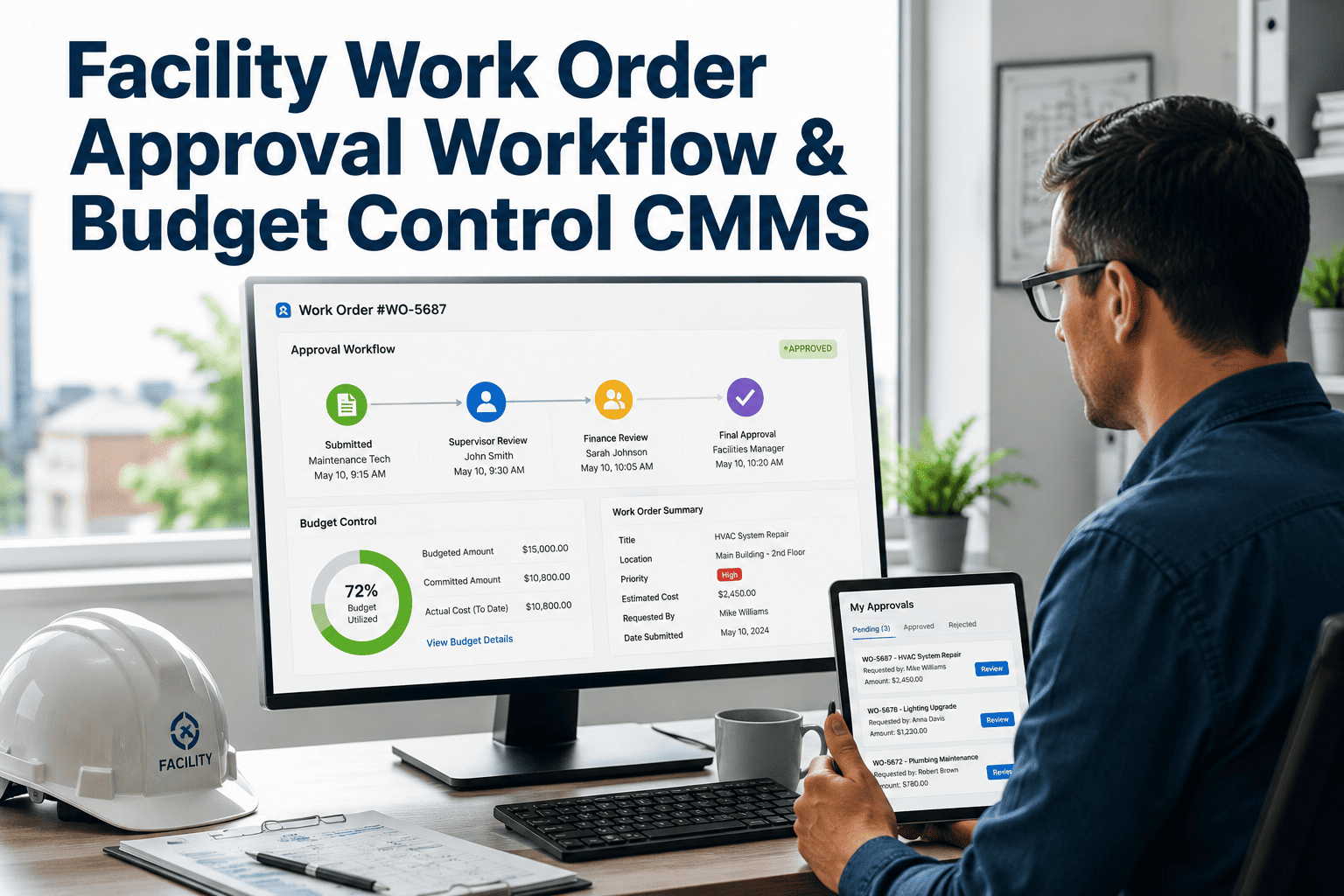
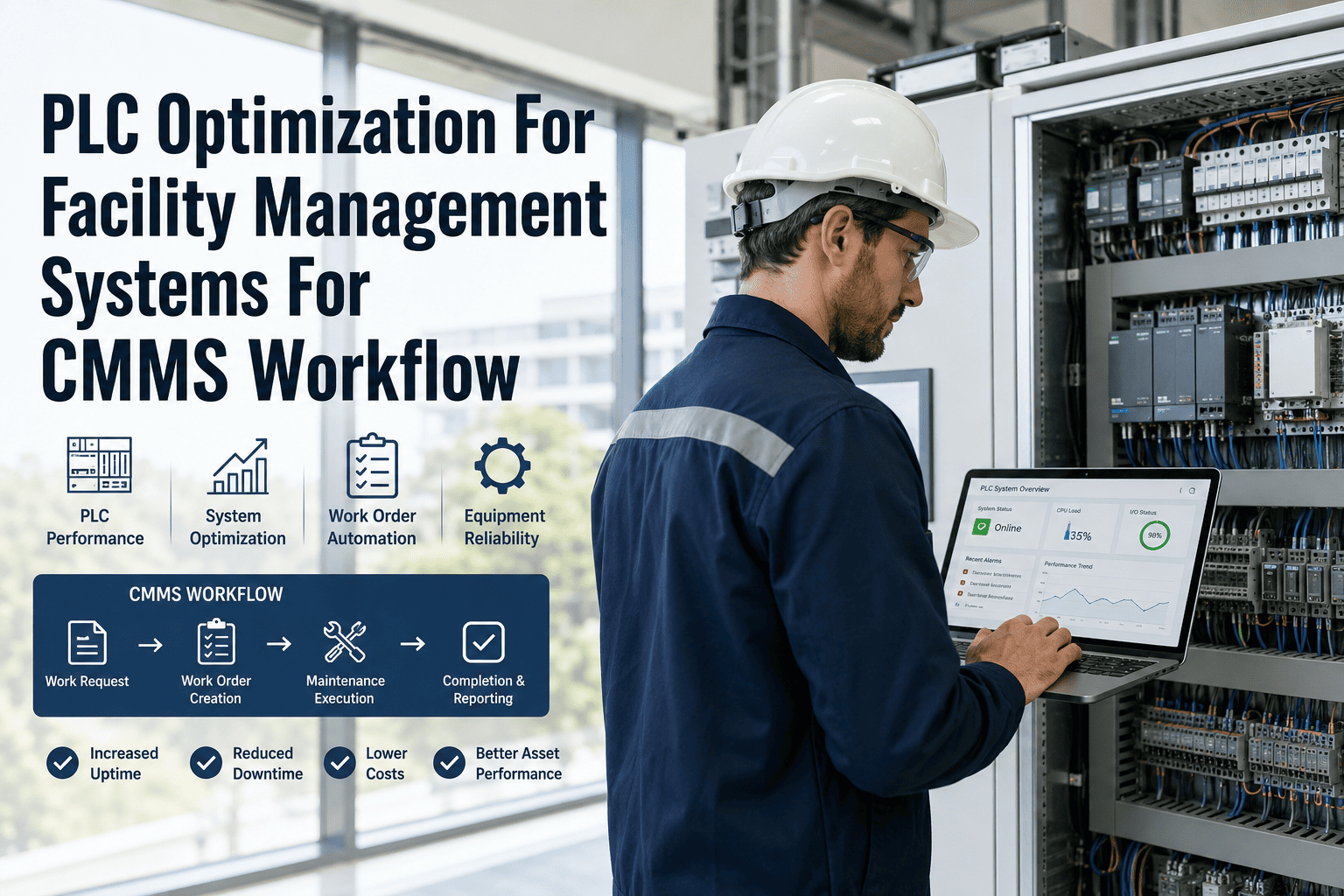
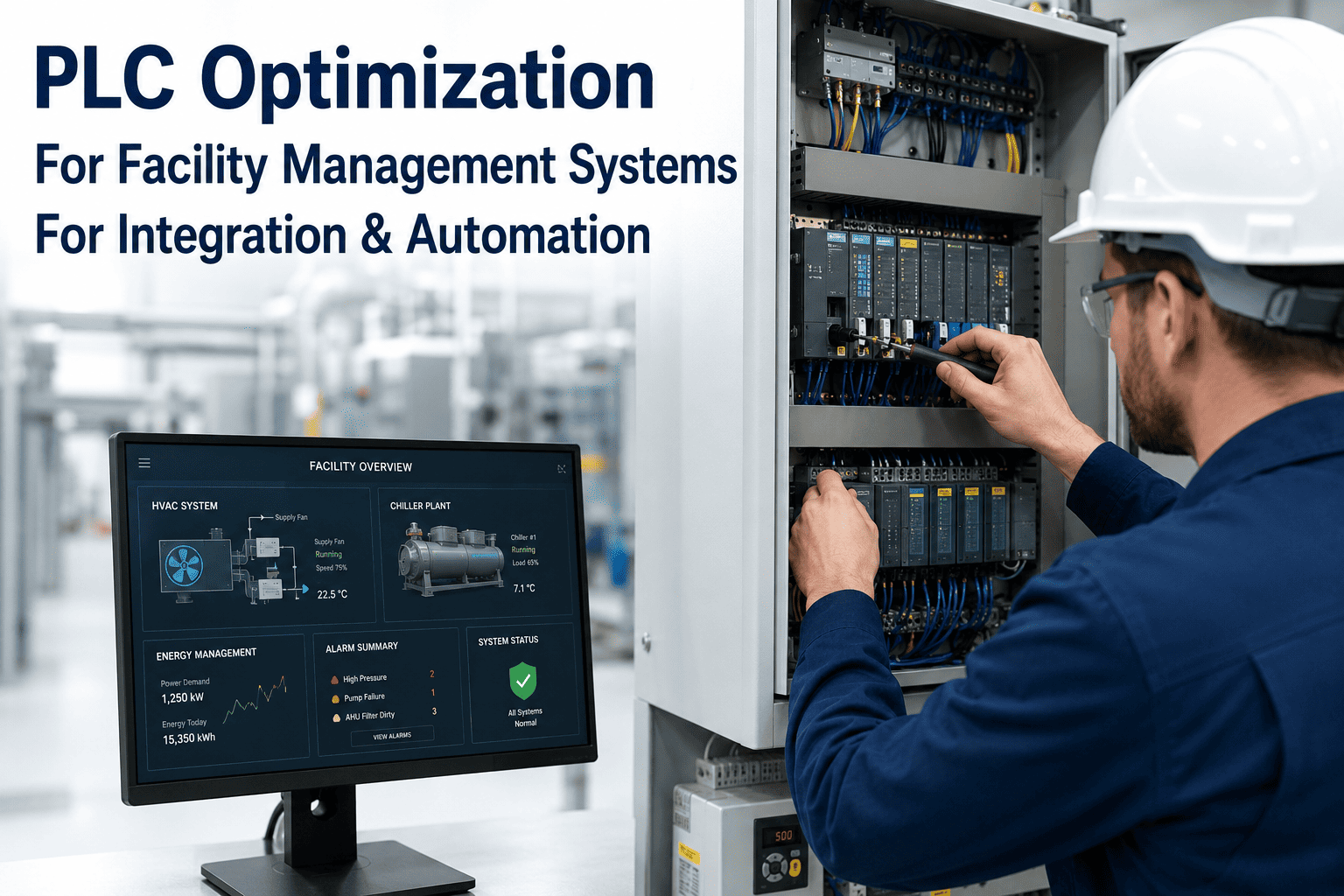
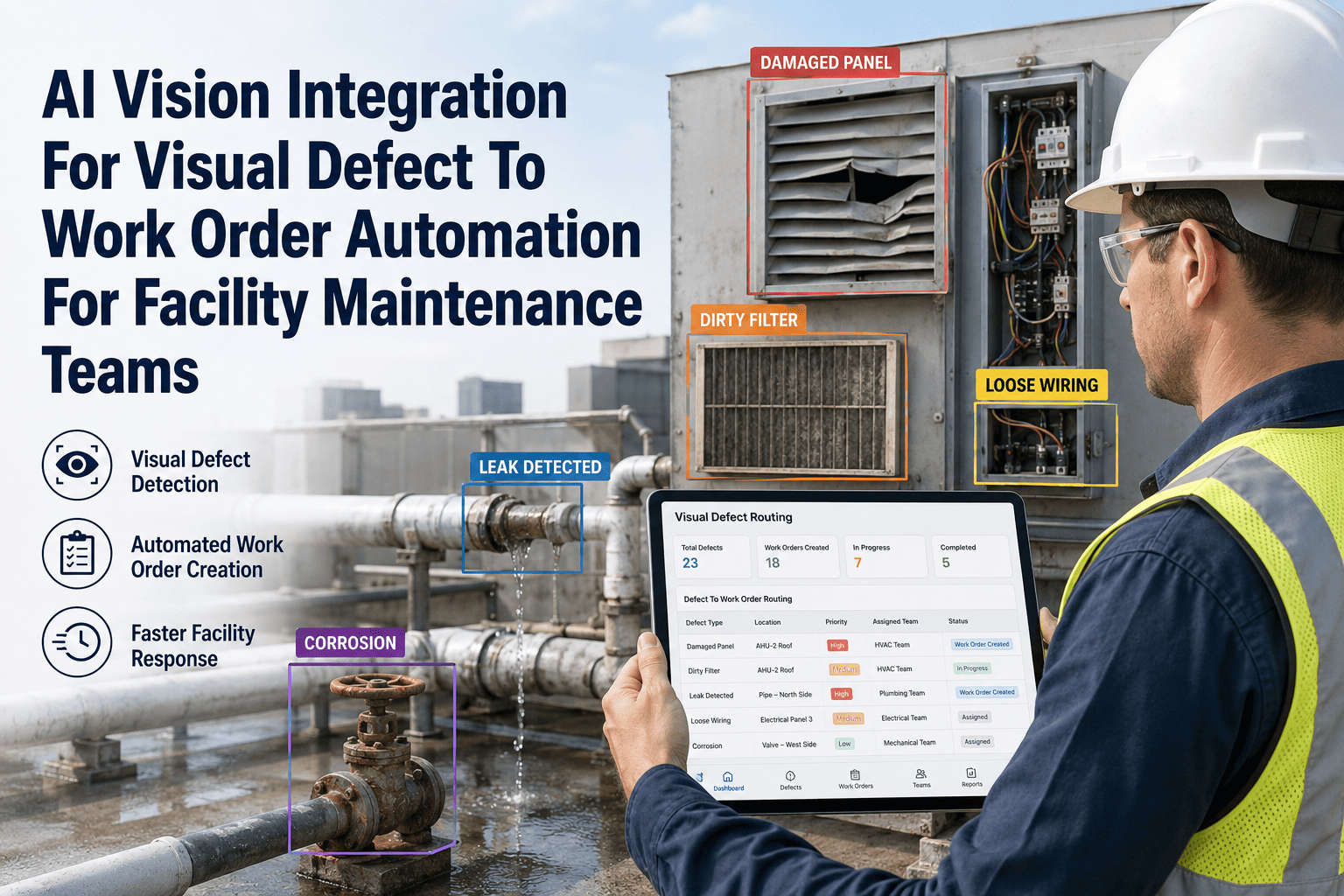
Every government building already has a PLC or BMS quietly logging alarms — chiller faults, generator failures, water leaks — into a system nobody checks until something breaks. The signal exists, but it dies in a control room screen instead of reaching a technician. PLC optimization is not about adding more sensors, it is about making the signals you already have actually trigger action. OxMaint sits between your PLC or BMS and your maintenance team, converting raw alarm signals into work orders with the right priority, asset, and assignee attached automatically. For public works and facilities teams managing dozens of buildings with limited staff, this is the difference between reacting to outages and preventing them. Book a demo to see a live alarm become a work order in seconds.
PLC & BMS Integration · Government Facilities · CMMS
Stop Letting Control Room Alarms Die on a Screen
OxMaint converts PLC and BMS signals into prioritized work orders, automatically, so a fault gets a technician instead of a blinking light.
Signal to Resolution, Without a Manual Handoff
< 60 sec
from alarm trigger to work order creation
0
alarms requiring a person to be watching a screen
100%
of escalations logged with timestamp and responder
A control room screen is not a maintenance plan. If an alarm only matters when someone happens to be looking at it, it is not actually being managed.
Before and After PLC Optimization with OxMaint
Before
- Alarms appear on a control room screen only
- Night and weekend faults wait for the morning shift
- No record of who responded or when
- Same fault repeats because root cause is never logged
After
- Alarms route directly to a technician's queue
- Escalation rules cover off-hours automatically
- Every response timestamped against the responder
- Fault history attached to the asset for pattern review
Common Signals OxMaint Converts Into Work Orders
01
Chiller and AHU Faults
High-pressure trips and fan failure signals route instantly to the HVAC technician on call.
02
Backup Generator Failures
Failed start or low-fuel signals escalate immediately, before a power event becomes critical.
03
Water Leak Detection
Leak sensor triggers in mechanical rooms create a priority ticket before water damage spreads.
04
Fire Panel Integration
Non-emergency fire panel faults are logged for technician follow-up without bypassing life safety protocol.
Expert Review
"Most government facilities I've reviewed already have the sensors and the BMS. What's missing is the last step — turning a signal into an assigned, tracked task. That last step is usually a person remembering to check a screen, and that's exactly the point that fails first."
Rohan Desai — Facilities Systems Consultant, OxMaint
Frequently Asked Questions
Does OxMaint require replacing our existing PLC or BMS hardware?
No. OxMaint connects through a gateway to your existing PLC or BMS and reads the signals it already generates. There is no need to replace controllers or rewire panels to get alarms into the work order queue.
Start a free trial to see supported integration methods.
How are alarm priorities decided when a signal reaches OxMaint?
Each signal type is mapped to a priority level during setup — a generator failure and a minor temperature drift are not treated the same way. The rules engine applies these priorities automatically so urgent faults are never queued behind routine ones.
What happens to an alarm if the assigned technician does not respond in time?
OxMaint escalates unacknowledged alarms to a backup technician or supervisor after a configured response window, so a missed notification never sits unresolved overnight.
Book a demo to review escalation configuration.
Can multiple buildings on different PLC systems feed into one OxMaint account?
Yes. OxMaint is built to manage multi-site portfolios, so signals from different buildings and different control systems land in one unified work order queue, filterable by site, asset, or technician.
How long does the integration between our BMS and OxMaint typically take to set up?
Most single-building integrations are mapped and live within a few days once gateway access is confirmed, with multi-site rollouts staged building by building.
Sign up free to start mapping your first site.
Turn Every Control Room Signal Into a Tracked Task
Your PLC and BMS already know when something is wrong. OxMaint makes sure that knowledge reaches a technician, not just a screen.