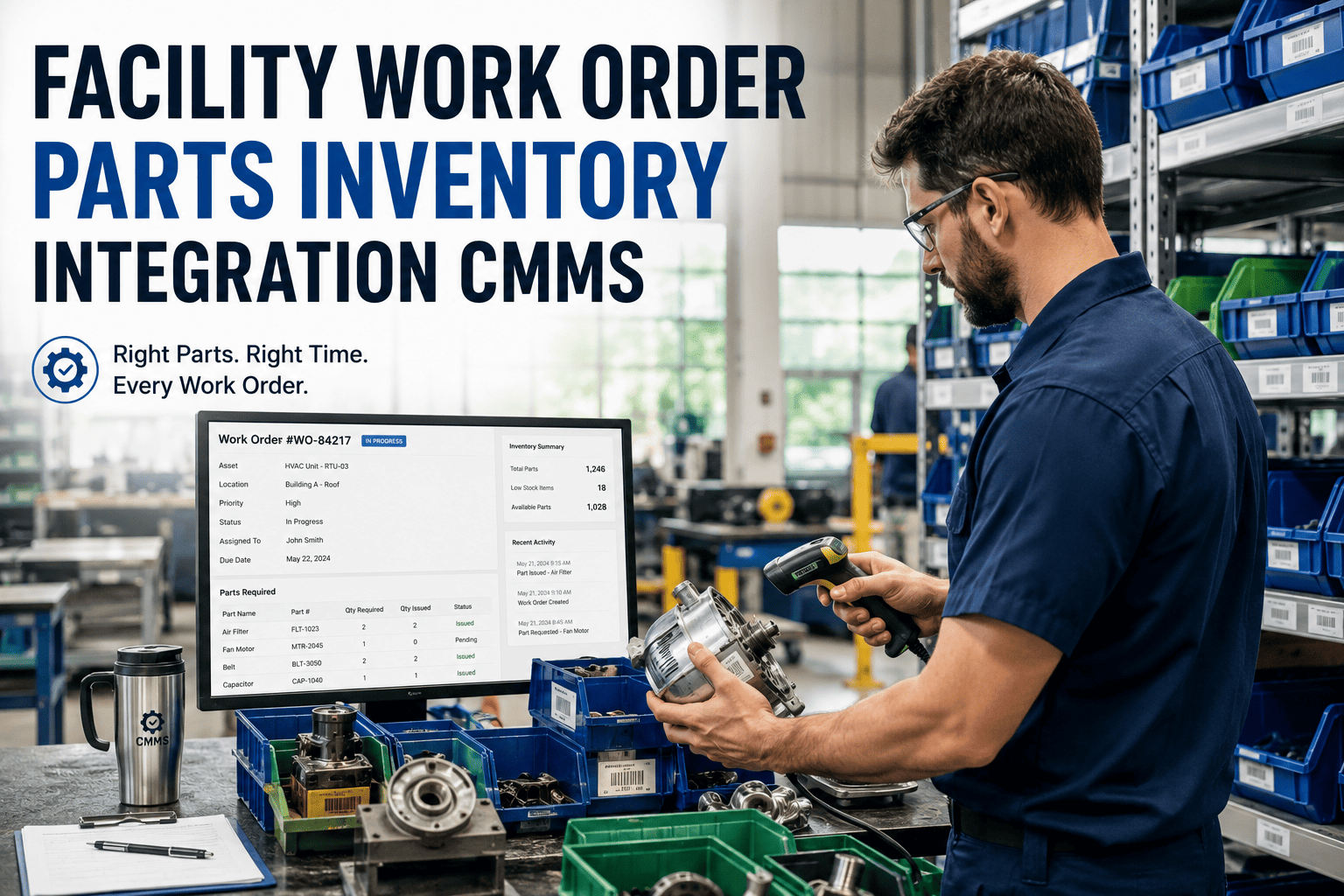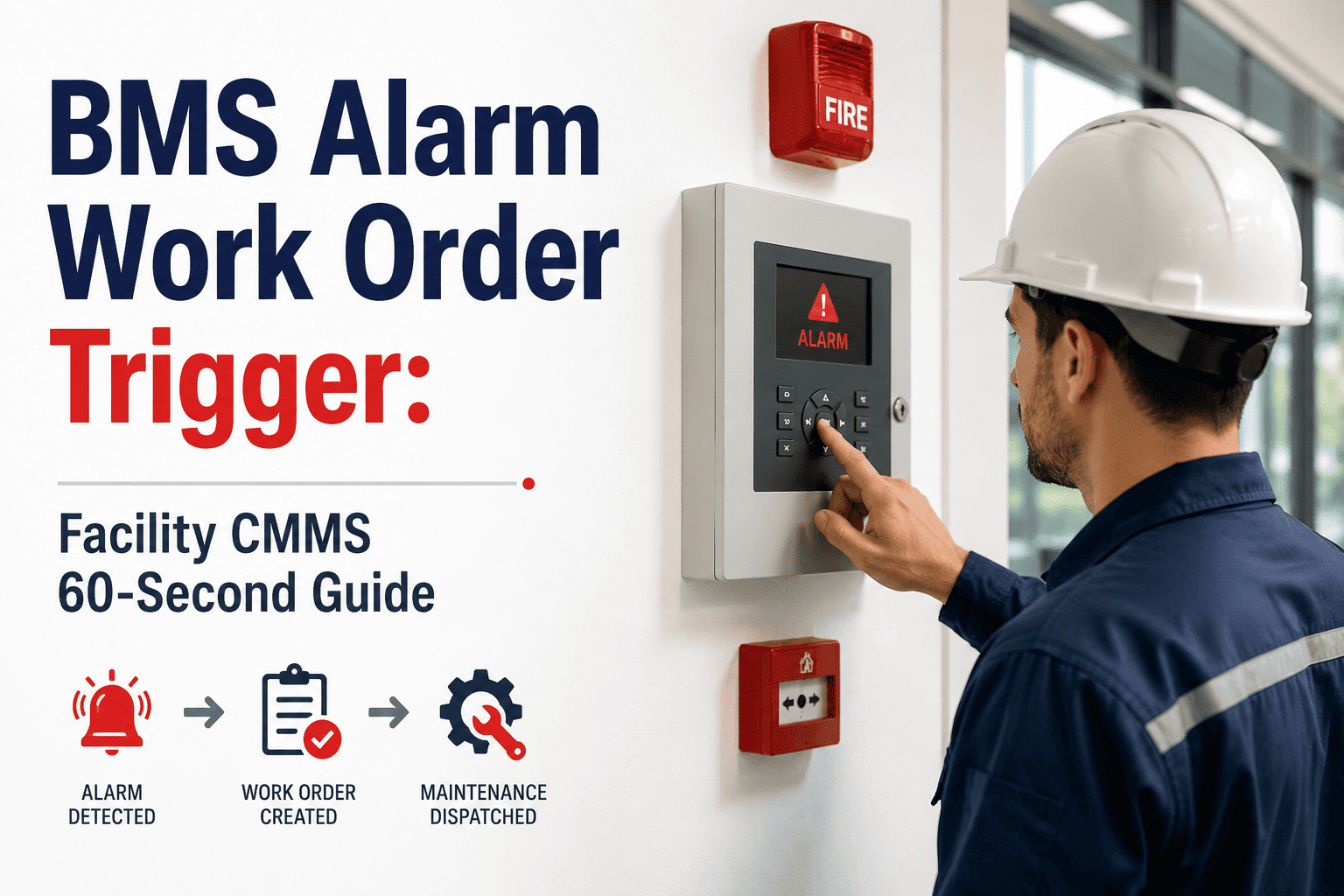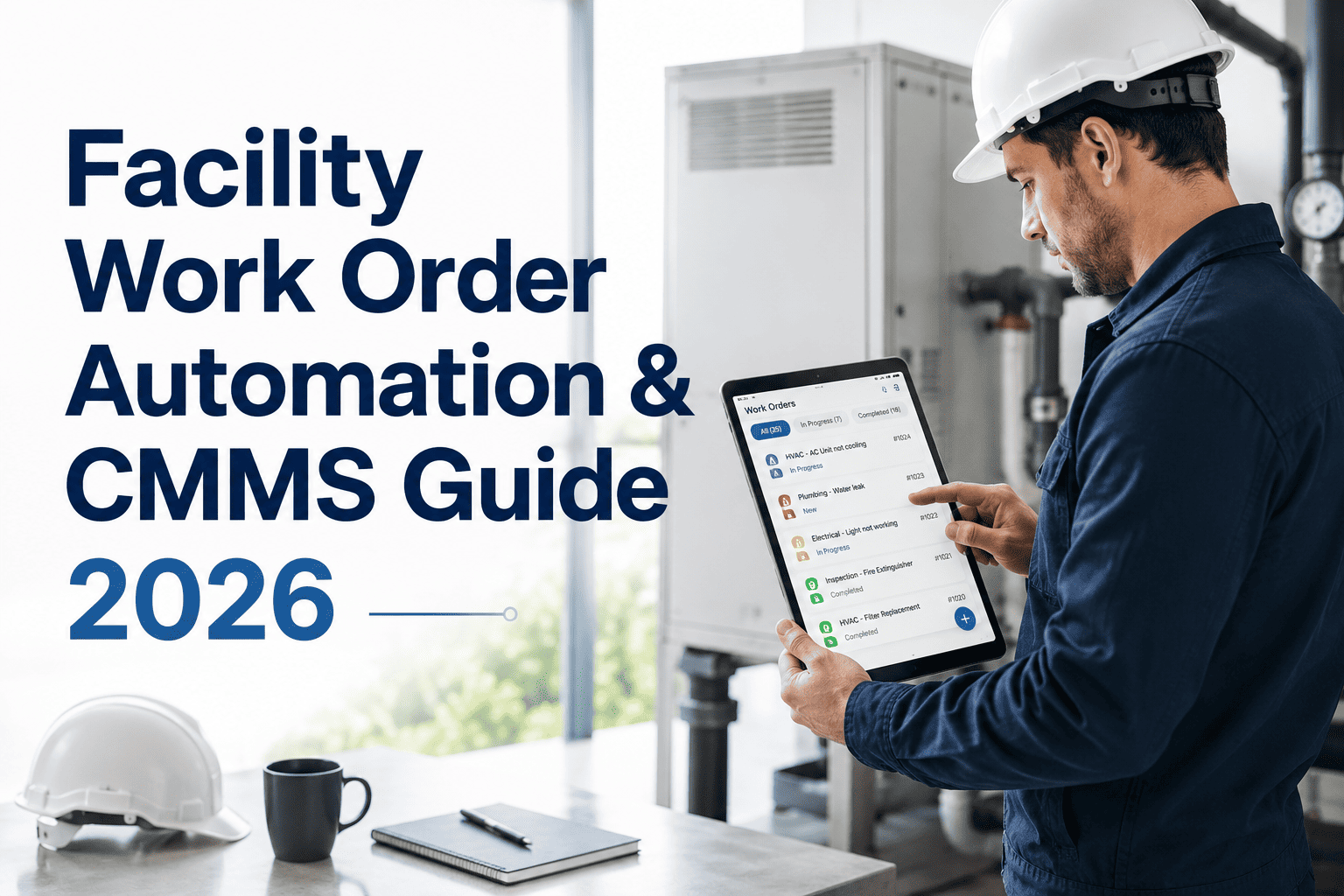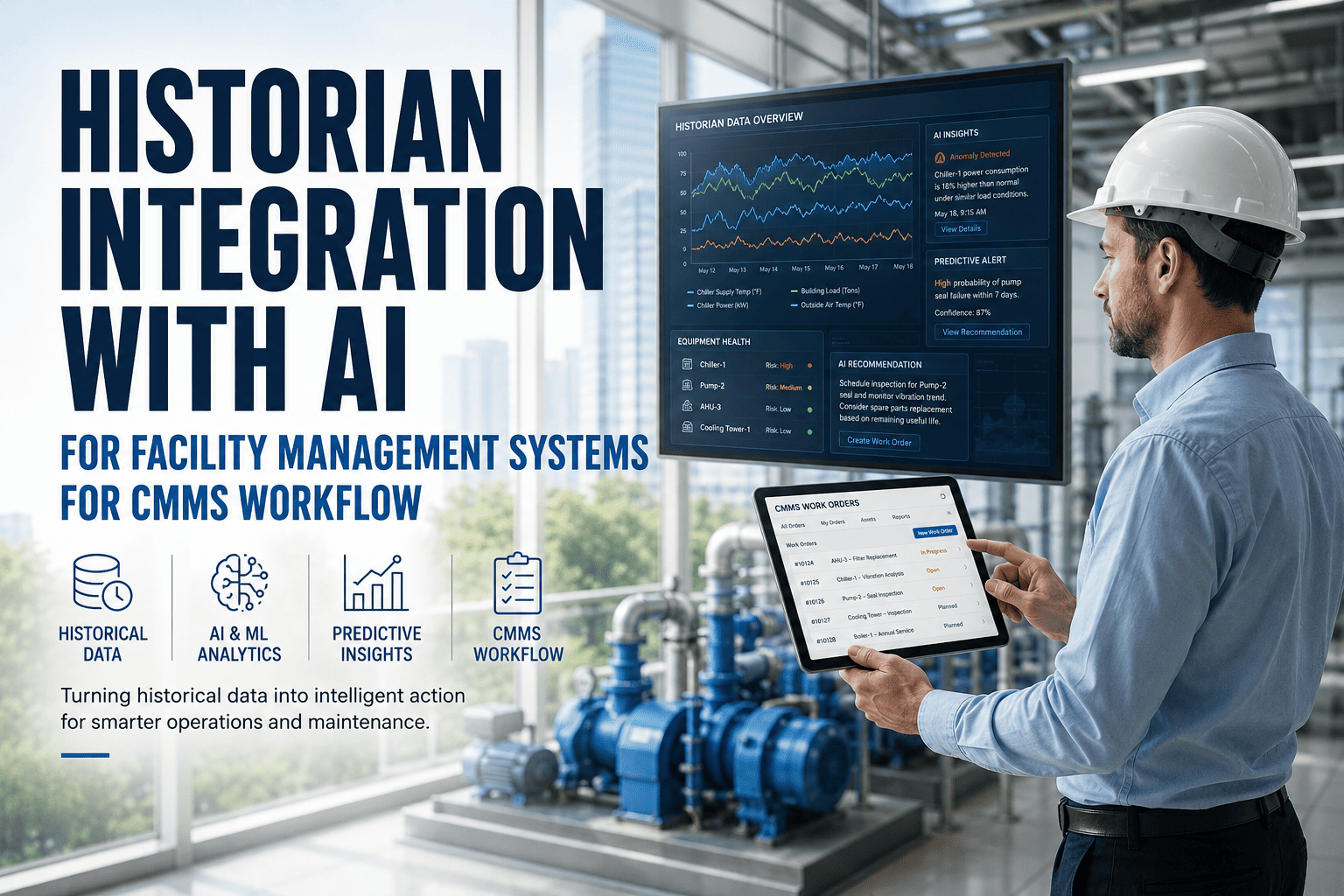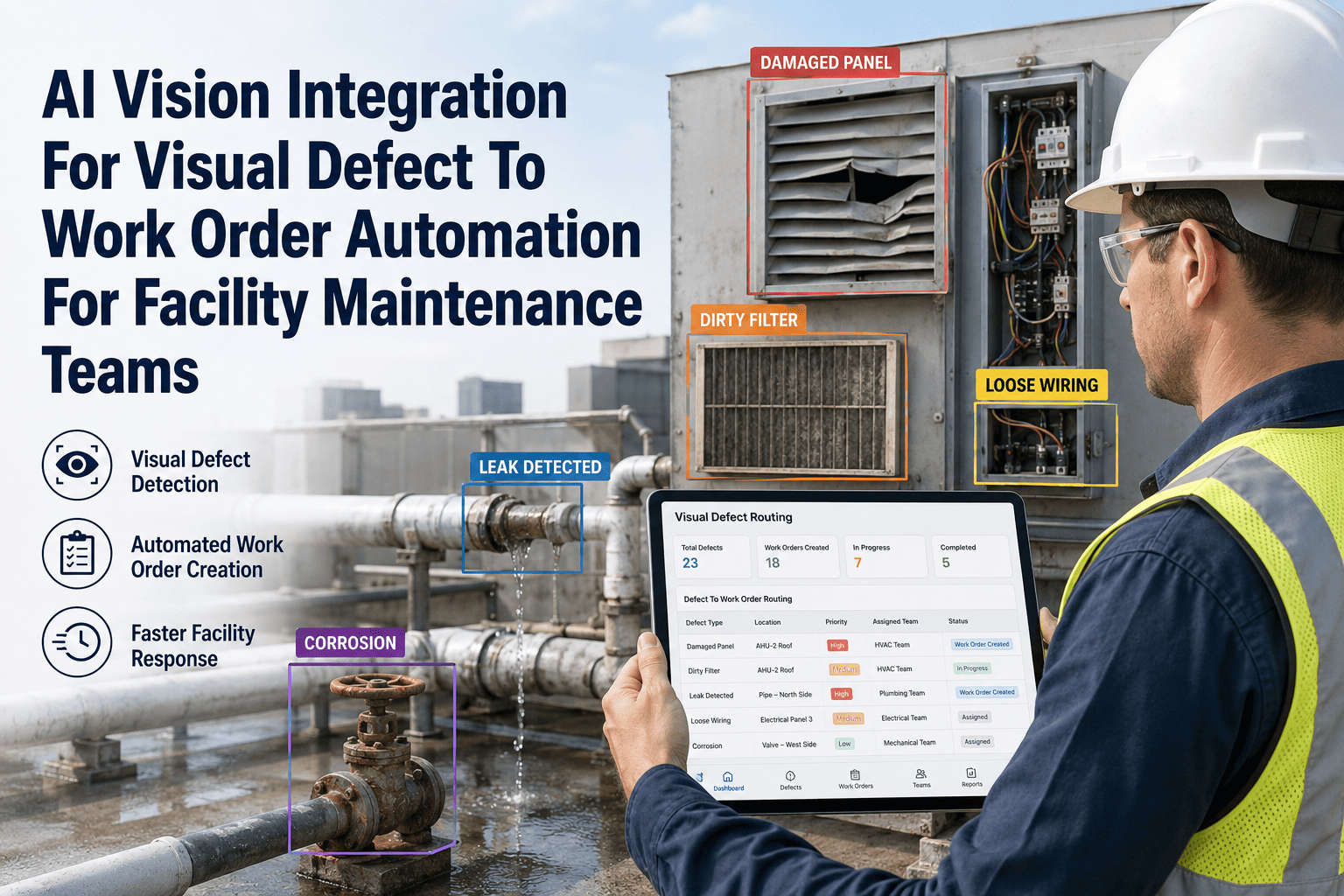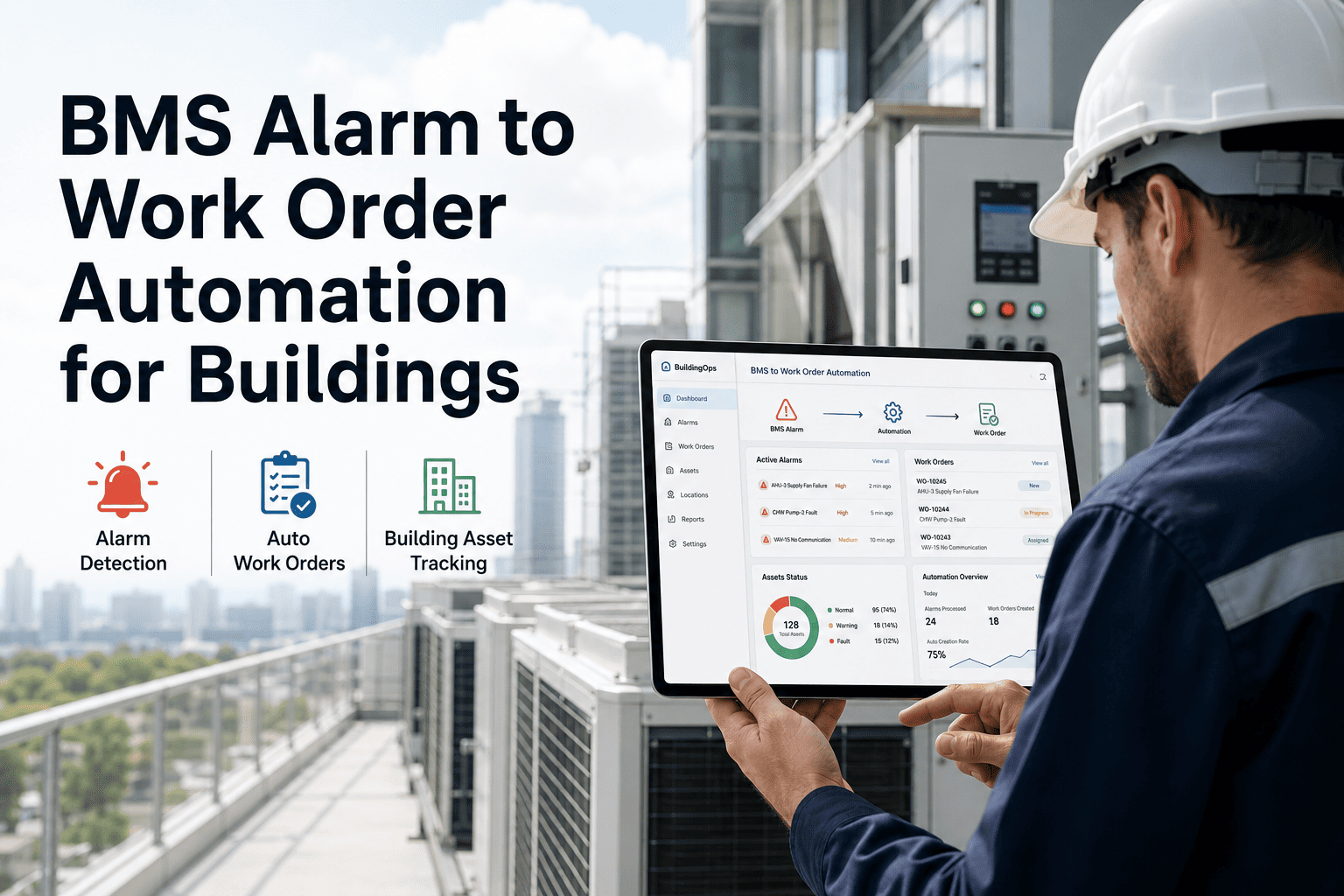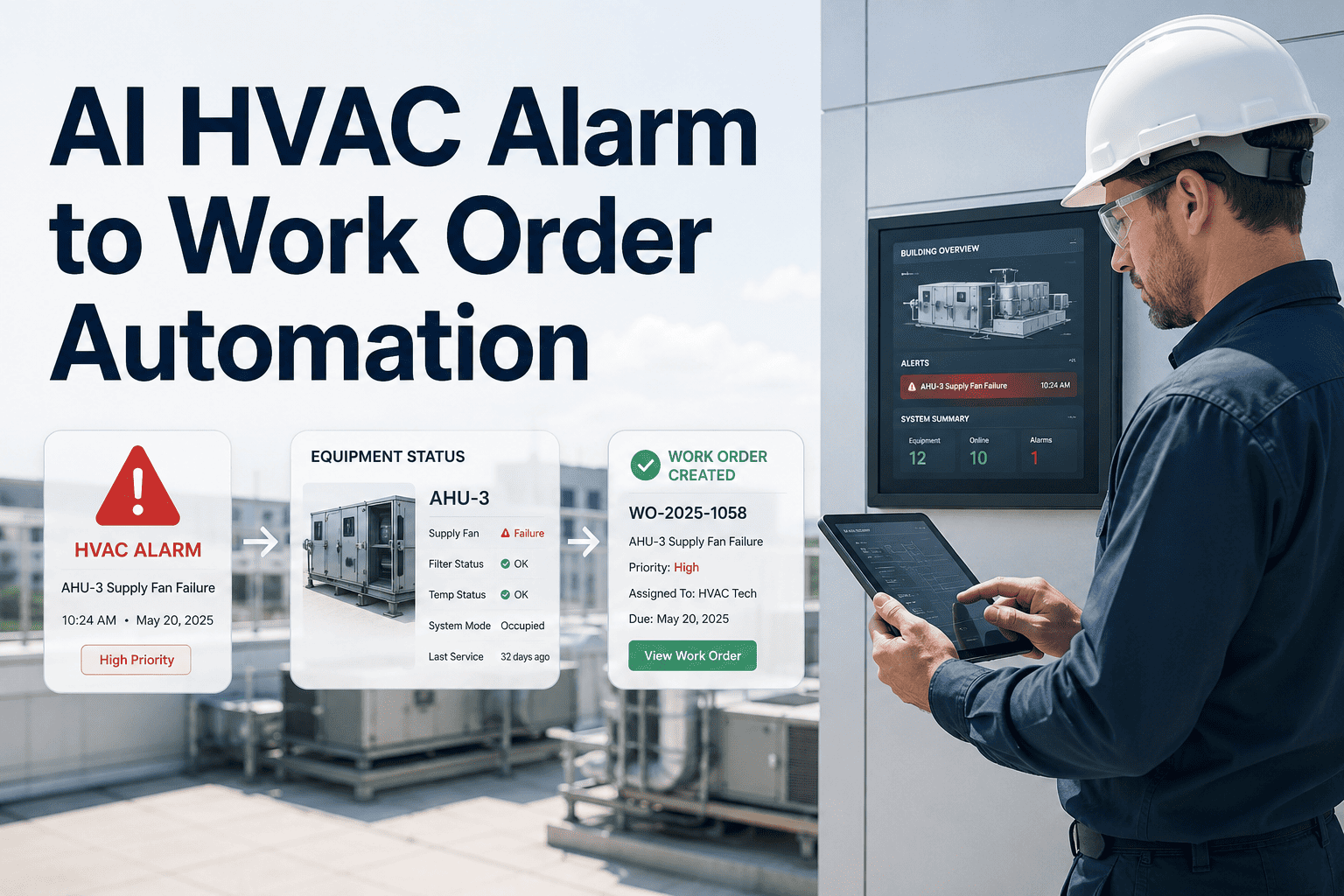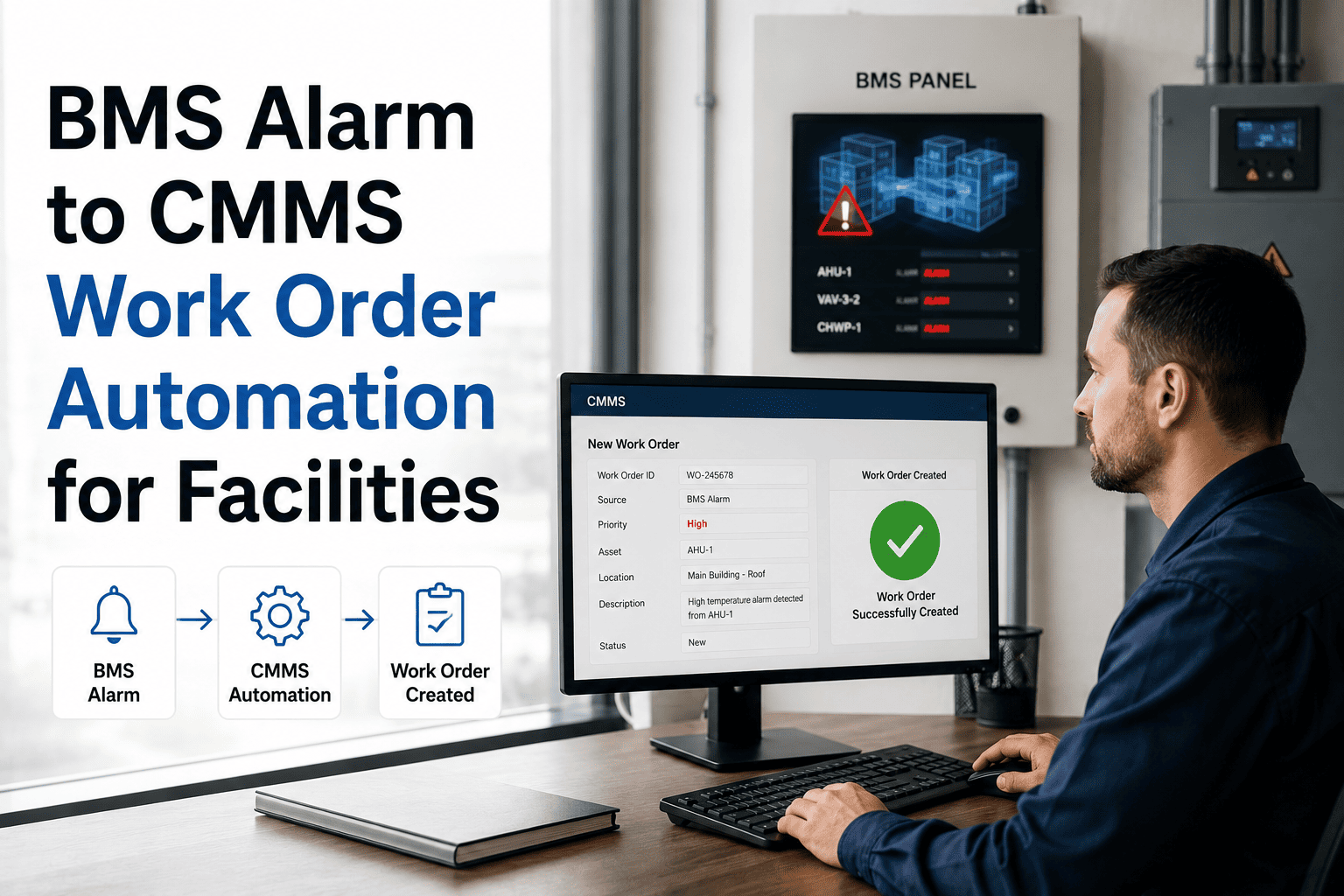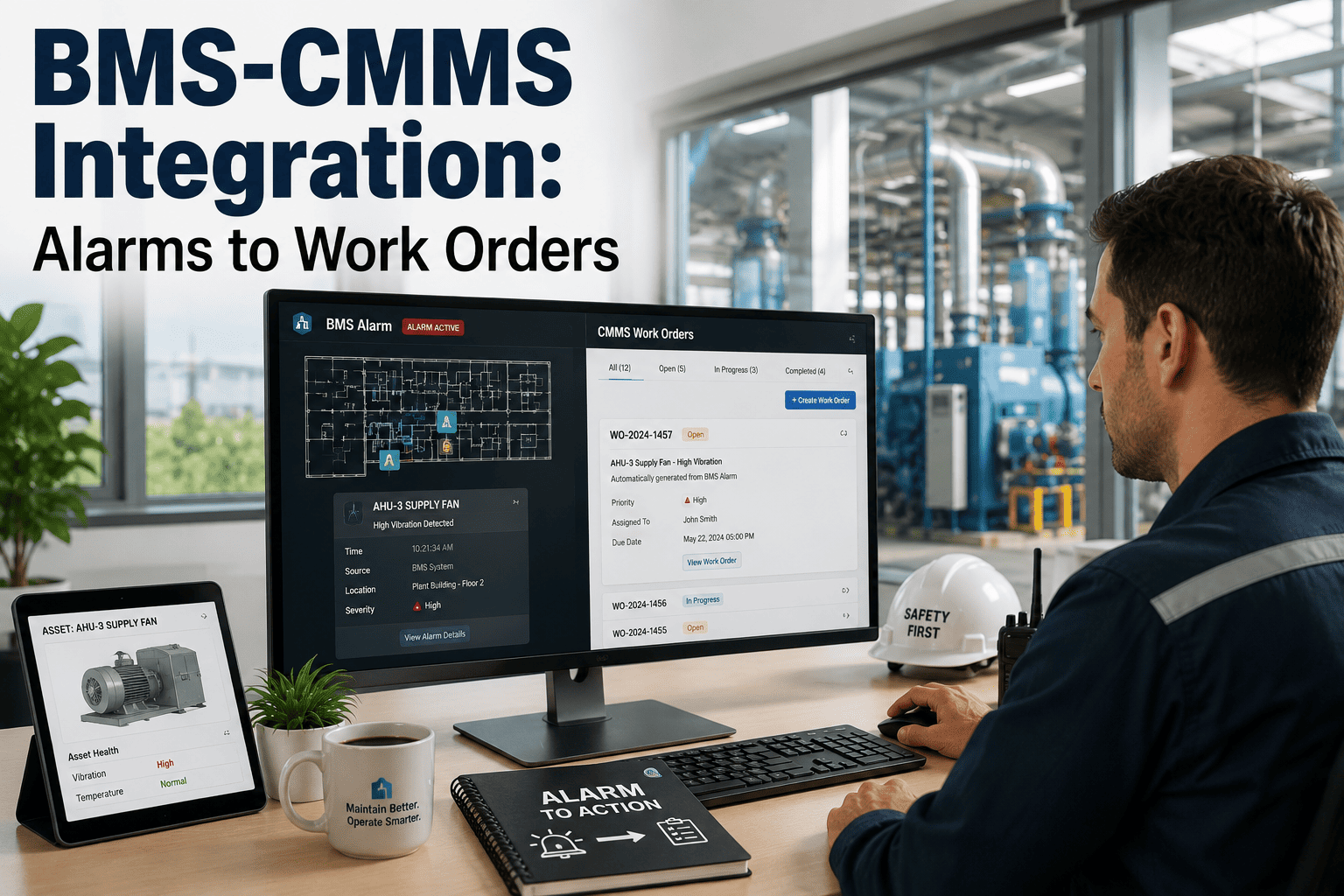
BMS CMMS integration turns every building management system alarm into an automatically generated, prioritized work order — eliminating the manual triage, delayed responses, and alert fatigue that cost facilities 15–30% of their annual maintenance spend. When a chiller trips, a pump overheats, or an AHU pressure sensor breaches its threshold, a connected CMMS instantly captures the alarm, attaches it to the correct asset record, and dispatches the right technician with the right parts list before a single occupant files a comfort complaint. OxMaint’s AI-powered platform makes this alarm-to-work-order automation seamless, mapping live BMS data directly into your preventive and predictive maintenance workflows so you can stop chasing noise and start resolving faults. Ready to see it action? You can Start Free Trial today or book a personalized demo to map your specific BMS endpoints.
BMS CMMS ALARM INTEGRATION
A BMS alarm nobody actions is just noise. Turn building alarms into work orders automatically.
Most facility teams miss or ignore over 40% of BMS alerts daily. OxMaint captures critical building alarms, filters out the chatter, and auto-generates prioritized work orders — so your team responds in minutes, not hours.
90%
Reduction in alarm-to-dispatch time
24/7
Autonomous building alarm monitoring
Zero
Missed critical asset failures
THE COST OF DISCONNECTED SYSTEMS
Why manual BMS alarm handling is draining your maintenance budget
When your building management system (BMS) and your computerized maintenance management system (CMMS) don't talk, your maintenance operation bleeds money through delayed responses, unnecessary emergency callouts, and prolonged equipment downtime. The average commercial facility generates over 3,000 BMS alarms per week. Without BMS CMMS integration, technicians are forced to manually log alerts, verify them on-site, and transcribe details into paper or spreadsheet work orders — a process that adds 45 to 90 minutes of administrative lag to every single fault.
45-90min
Manual lag added to every alarm response when teams lack BMS CMMS connection
$8K/hr
Average cost of unplanned downtime in critical commercial and industrial facilities
30%
Of BMS alerts are either duplicates or "nuisance" alarms that trigger alert fatigue
A real-world example: A 180-asset pharmaceutical facility spending $42,000 annually on reactive HVAC maintenance integrated their BMS with a modern CMMS. By automatically suppressing duplicate alarms and auto-routing genuine fault codes to the correct technician's mobile device, they cut emergency contractor callouts by 38% and reduced overall annual maintenance spend by $16,500. The building system alarm integration paid for itself in under four months.
AUTOMATION WORKFLOW
How BMS CMMS alarm integration automates your workflow
Effective BMS work order automation relies on a structured, rules-based workflow that moves fault data from the building controller to the technician's mobile app without a single keystroke. Here is the step-by-step data flow that makes alarm-to-work-order automation function seamlessly.
Alarm Detection & Ingestion
The BMS continuously monitors physical conditions (temperature, pressure, flow, electrical load). When a parameter breaches a threshold, the BMS pushes a structured payload (BACnet, Modbus, or REST API) directly to the CMMS via a secure integration endpoint.
Smart Filtering & Deduplication
The CMMS applies AI-driven rules to suppress alarm chatter. If a pump trips and triggers five associated sensor alarms within 60 seconds, the system consolidates them into a single parent work order, preventing alert fatigue and ticket flooding.
Asset Mapping & Prioritization
The alarm is automatically mapped to the specific asset in the CMMS hierarchy. Criticality is assessed based on asset class — a server room CRAC unit alarm is prioritized as P1, while a storage room HVAC alert is queued as P3.
Automated Work Order Generation
A fully populated work order is created instantly. It inherits the asset's maintenance history, attaches the correct OEM manual, pre-fills required spare parts from inventory, and assigns the task to the on-shift technician with the right skill set.
Mobile Dispatch & Resolution
The technician receives a push notification on their mobile device with alarm context, asset location, and safety procedures. Upon completion, closing the work order automatically resets the BMS alarm state and logs the resolution time for analytics.
BEFORE & AFTER INTEGRATION
Manual monitoring vs. BMS CMMS alarm automation
The difference between a standalone building management system and a fully integrated BMS-CMMS workflow is the difference between knowing a machine is failing and actually fixing it before it impacts operations.
| Operational Metric | Standalone BMS (Manual) | BMS-CMMS Integration (Automated) |
|---|---|---|
| Alarm Response Time | 45–90 min (requires manual logging) | < 30 seconds (auto-dispatched) |
| Alert Fatigue | High (technicians ignore 40%+ of alerts) | Low (smart filtering suppresses duplicates) |
| Work Order Accuracy | Prone to transcription errors | 100% accurate (auto-populated from BMS data) |
| Audit & Compliance Trail | Fragmented paper logs and spreadsheets | Complete digital timestamp and resolution history |
| After-Hours Coverage | Missed until next shift or causes critical failure | 24/7 autonomous monitoring and escalation |
PLATFORM CAPABILITIES
How OxMaint solves BMS to CMMS workflow automation
OxMaint’s AI-powered EAM and CMMS platform is built to ingest raw building alarm data and convert it into intelligent, actionable maintenance tasks. By connecting your BMS to OxMaint, you eliminate the manual gap between fault detection and field execution, ensuring every alarm drives measurable maintenance value.
Instant Alarm-to-Work-Order Engine
OxMaint’s API natively supports BACnet and Modbus protocols. When a BMS alarm triggers, the platform generates a fully populated work order in under a second, attaching asset history and OEM manuals automatically.
Outcome: Cut alarm-to-dispatch time by up to 90%.
Predictive AI Alarm Suppression
OxMaint uses machine learning to analyze alarm patterns, identifying and suppressing nuisance alerts and duplicate sensor trips. This ensures your team only sees genuine faults that require physical intervention.
Outcome: Reduce false alarm fatigue by 40–60%.
Automated Spare Parts Allocation
When a BMS alarm maps to an asset, OxMaint instantly checks the bill of materials and reserves required spare parts from inventory, ensuring the technician arrives on-site with everything needed to fix the fault.
Outcome: Eliminate repeat trips for missing parts.
Complete Compliance Audit Trails
Every alarm, work order, and resolution step is time-stamped and permanently logged in OxMaint. This closed-loop documentation satisfies ISO 55000 asset management standards and FMCSA/regulatory audit requirements.
Outcome: Achieve 100% audit-readiness with zero paperwork.
Stop logging alarms by hand. Start automating your maintenance workflow.
See how OxMaint connects your BMS directly to your maintenance team's mobile devices. Book a 30-minute demo and we will map your building's alarm endpoints live.
BUYER'S GUIDE
What to look for in BMS CMMS integration software
Not all building alarm automation FM platforms are built the same. When evaluating a BMS CMMS connection for your facility, ensure the software supports open protocols, offers smart alarm deduplication, and provides deep asset hierarchy mapping. A true enterprise-grade solution should seamlessly bridge legacy building controllers with modern, mobile-first maintenance execution.
Open Protocol Support: Native API support for BACnet, Modbus, OPC UA, and RESTful web services.
Bi-Directional Sync: Ability to read alarms and write work order status back to the BMS for total visibility.
Smart Escalation Rules: Automated priority routing based on asset criticality, time of day, and sensor severity.
Mobile-First Dispatch: Instant push notifications to technicians with context, checklists, and parts lists.
FREQUENTLY ASKED QUESTIONS
BMS CMMS integration FAQs
What is BMS CMMS integration?
BMS CMMS integration is the digital connection between a building management system and a computerized maintenance management system. It allows building alarms and sensor data to automatically generate, populate, and dispatch work orders without manual intervention, turning reactive monitoring into proactive maintenance.
How does BMS alarm to work order automation prevent alert fatigue?
Advanced platforms like OxMaint use AI and rules-based logic to filter out duplicate alarms, suppress known nuisance alerts, and consolidate related sensor trips into a single work order. This ensures technicians only receive actionable, high-priority notifications instead of being overwhelmed by thousands of daily alerts.
Can OxMaint integrate with my existing BMS (BACnet/Modbus)?
Yes. OxMaint supports open protocols including BACnet, Modbus, and REST APIs. You can see a live integration map of your specific building controllers by booking a demo at calendly.com/oxmaintapp/30min, or test the platform yourself by starting a free trial.
How long does it take to implement a BMS CMMS connection?
For most facilities, mapping BMS endpoints to CMMS assets and configuring alarm-to-work-order automation rules takes 2 to 4 weeks, depending on the number of assets and the complexity of the existing building automation hierarchy.
What are the ROI metrics for building alarm automation FM?
Facilities typically see a 30–50% reduction in unplanned downtime, a 90% drop in alarm-to-dispatch time, and a 15–25% decrease in emergency contractor callouts within the first year of integrating their BMS with a modern CMMS like OxMaint.
Ready to turn your building alarms into automated work orders?
Join the maintenance teams using OxMaint to eliminate manual alarm logging, reduce downtime, and prove compliance effortlessly. See the AI-powered CMMS on your assets today.
Free 14-day trial · No credit card required