Every facility maintenance team knows the frustration: a technician diagnoses a failing rooftop unit, submits the repair estimate, and then waits — two days for supervisor approval, another day for budget confirmation, and a fourth day because the approver was traveling and never saw the request. By the time authorization arrives, the unit has failed completely and the emergency repair costs three times the original estimate. A structured work order approval workflow with automated spend threshold routing eliminates this cycle entirely — routing each request to the right approver based on cost, urgency, and work type so repairs start in hours instead of days. Facilities running CMMS-based approval automation reduce their average approval-to-start time by 25 to 40 percent while maintaining full budget visibility on every dollar spent. Book a demo with Oxmaint and see how automated approval routing transforms your maintenance budget control.
Work Order Automation · Budget Control · CMMS Workflows
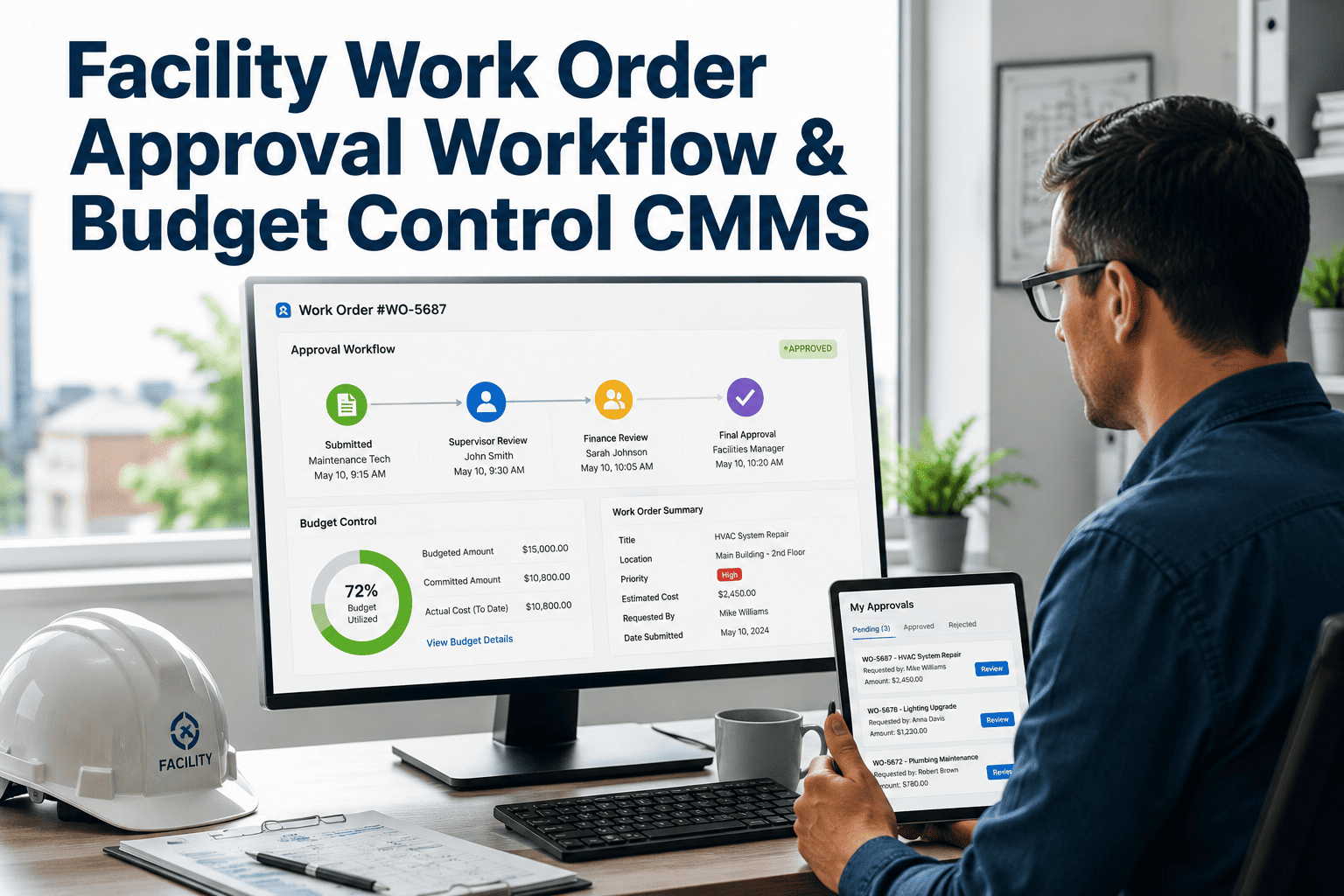
Facility Work Order Approval Workflow & Budget Control CMMS
Stop chasing approvals through email, calls, and hallway conversations. Oxmaint routes every work order to the right approver based on spend threshold, work type, and urgency — so your team repairs faster and your budget stays controlled.
78%
of work order delays happen before a technician starts — approvals, parts, missing info
4.2 days
average work order cycle time without automated approval routing
$448–760
daily cost per asset of downtime caused by approval bottlenecks
What Broken Approval Workflows Actually Cost You
When approvals depend on email chains and phone calls, every delay compounds. Research shows 60 to 70 percent of total equipment downtime comes from administrative wait — not repair complexity.
Emergency Escalation Cost
A $2,400 planned repair becomes a $7,200 emergency when the approval sits in someone's inbox for 72 hours. Emergency labor rates, overnight parts shipping, and secondary damage multiply every delayed work order.
Audit Trail on Verbal Approvals
When a supervisor says "go ahead" over the phone, there is no timestamp, no cost record, and no documentation trail. During audits, that repair never existed — creating regulatory exposure across safety-critical systems.
Budget Overruns from Untracked Approvals
Maintenance management typically consumes 40 to 50 percent of facility operating budgets. Without automated spend gates, small overages accumulate across hundreds of work orders until the quarterly review reveals a blown budget.
Non-Wrench Time Waiting for Sign-Off
Technicians spend only 32 percent of the day on actual repair work. The remaining time goes to waiting for approvals, searching records, coordinating with supervisors, and completing paperwork that a CMMS handles automatically.
How Spend Threshold Approval Routing Works
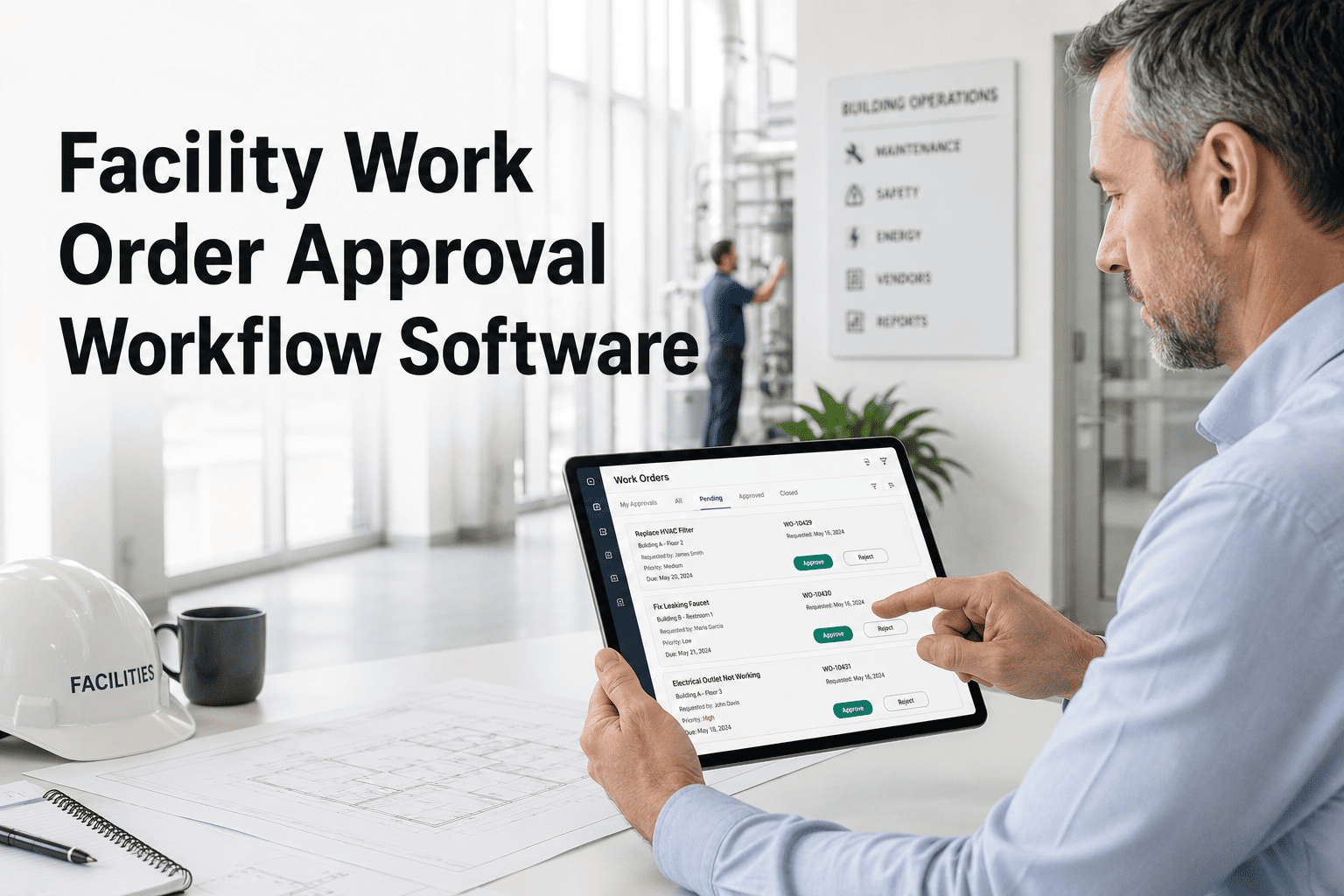
Not every work order needs the same level of oversight. Oxmaint lets you define spend tiers that route each request to the appropriate authority — keeping routine work moving while maintaining control over high-cost decisions.
Routine PM tasks, filter replacements, minor consumables, and scheduled inspections proceed automatically — no human sign-off required. Keeps 60% of daily work orders moving without delay.
$500 – $2,500
Supervisor Approval
Corrective repairs, component replacements, and non-emergency contractor callouts route to the shift supervisor or maintenance lead. Mobile notification with one-tap approve or reject.
$2,500 – $10,000
Facilities Manager
Major repairs, contractor projects, and equipment overhauls require facilities manager review with attached asset history, prior repair costs, and remaining useful life data for informed decision-making.
Over $10,000
Director / Finance
Capital-level expenditures, full asset replacements, and large-scope projects escalate to director or finance approval with full cost justification, ROI analysis, and comparison against replacement value.
What a CMMS Approval Workflow Controls
Approval routing is only the first layer. A complete CMMS-based approval workflow gives facility managers control across five dimensions — from who can approve, to what triggers escalation, to how spend is tracked against budget in real time.
The Approval Workflow in Action
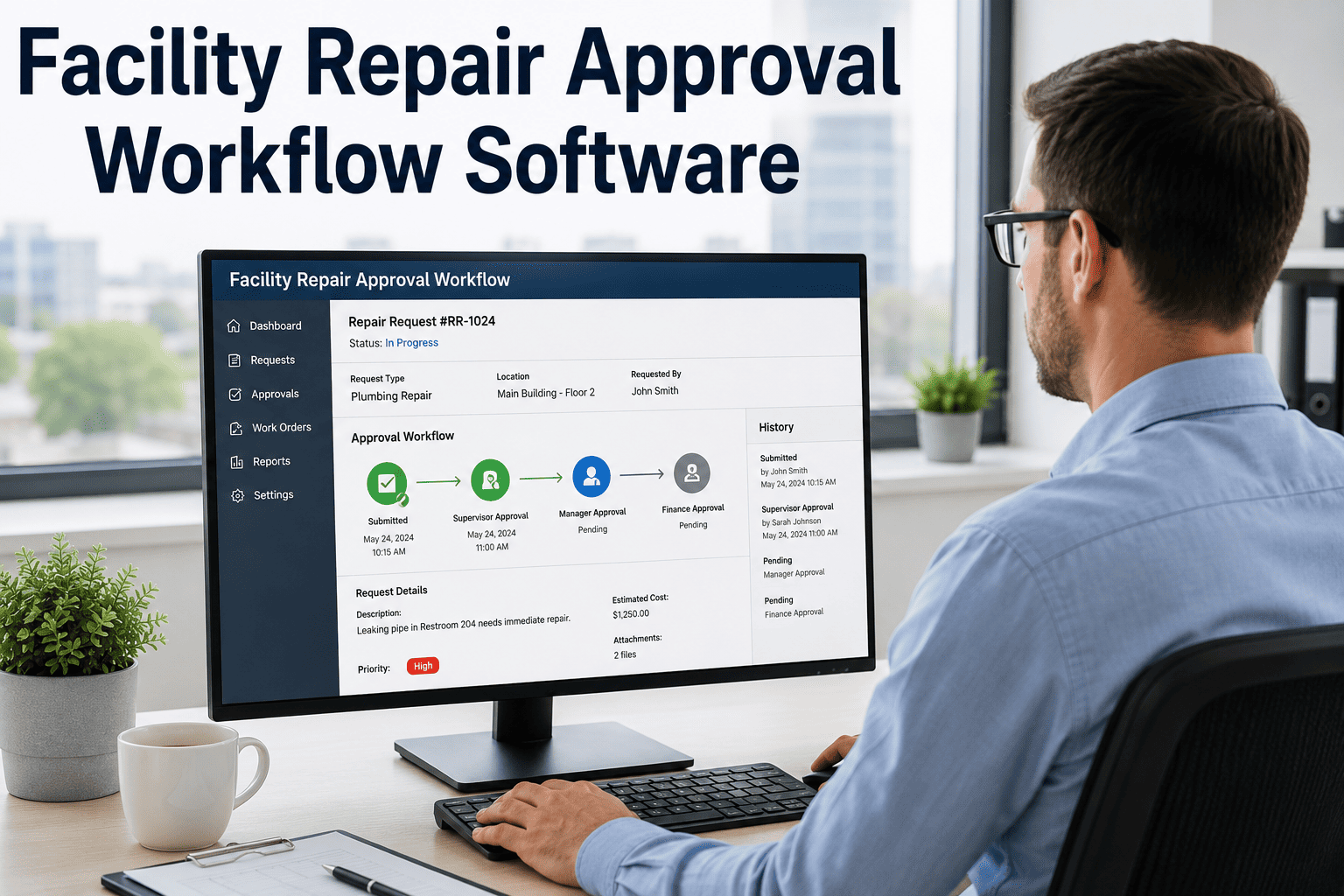
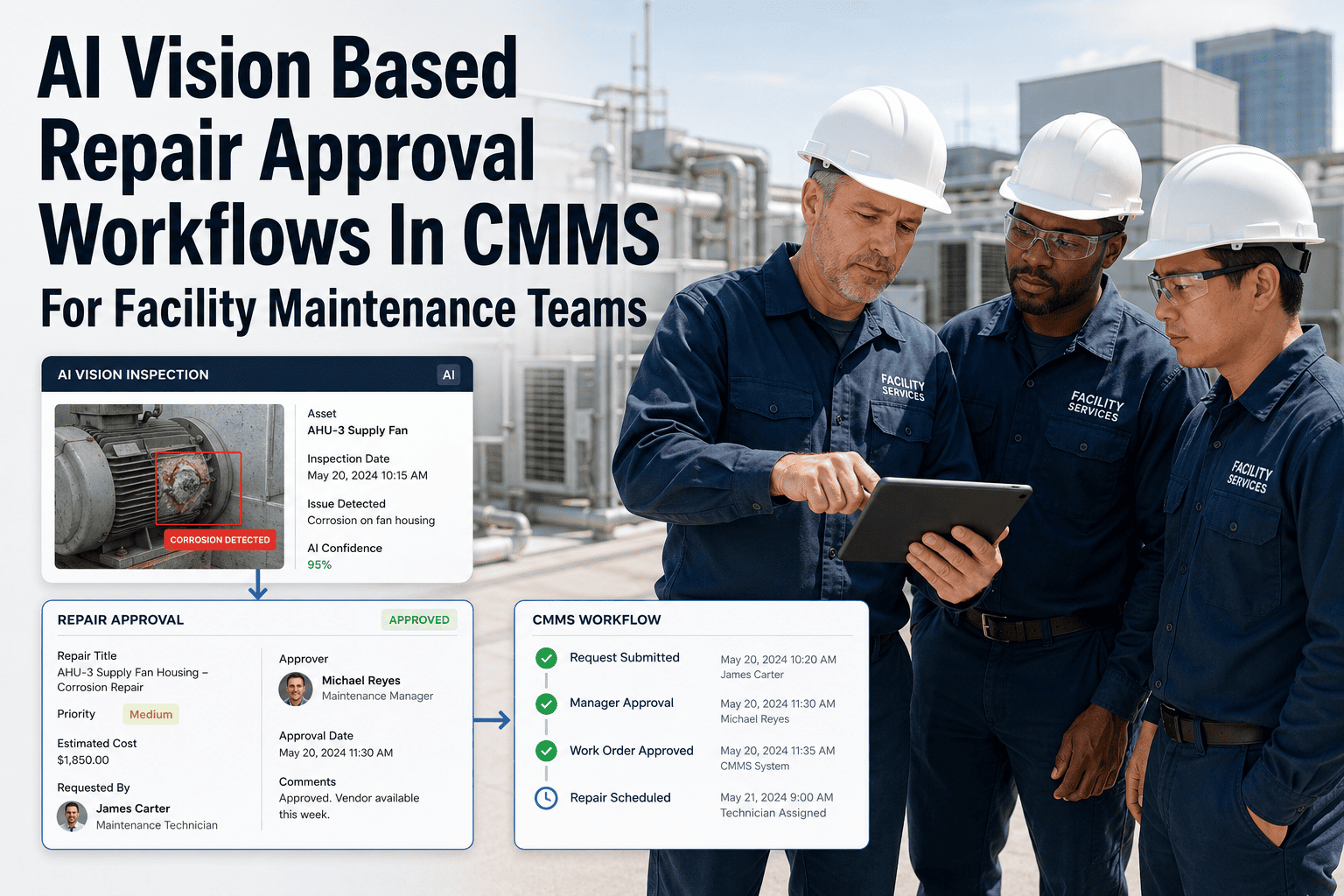
Here is how a single work order moves through Oxmaint's automated approval system — from the moment a request is submitted to the moment the technician starts the repair.
1
Request Submitted
Technician or occupant submits a work order via mobile app or web portal. Asset ID, location, description, and photos are attached automatically from the asset register.
2
Cost Estimated & Tier Matched
CMMS estimates repair cost based on asset history and parts catalog. The work order is matched to the appropriate spend tier and routed to the designated approver.
3
Mobile Approval or Escalation
Approver receives a push notification with full context — cost, asset condition score, repair history, and priority. Approve or reject with a single tap. If no response in 4 hours, auto-escalates to backup.
4
Budget Validated & Work Assigned
Approved cost is checked against the department budget ceiling. If within limits, the work order is auto-assigned to the best-available technician with parts reserved. If over budget, finance is alerted before assignment.
5
Repair Completed & Logged
Technician completes the work, logs actual time and parts used, and closes the order. Final cost is recorded against the budget with a complete audit trail from request to close-out.
Budget Control KPIs Your CMMS Should Track
Approval workflows generate data. The right KPIs turn that data into budget intelligence — showing where money goes, where approvals stall, and where spend is trending before overruns happen.
Under 4 hrs
Approval Response Time
Time from work order submission to approval decision. Best-in-class teams target under 4 hours for standard work and under 30 minutes for emergencies.
70 / 30
Planned vs. Reactive Ratio
Organizations maintaining 70% planned and 30% reactive work consistently spend at the lower end of industry benchmarks — 2 to 4% of replacement asset value.
Under 5%
Budget Variance Threshold
Most organizations set 5% for total budget tracking and 10% for category-level monitoring. CMMS variance reports identify overruns before they become systemic.
85%+
PM Compliance Rate
Facilities using CMMS-driven scheduling achieve 85 to 96% PM compliance versus 60 to 71% for manual programs — directly reducing emergency spend and approval volume.
Track Every Dollar From Request to Close-Out
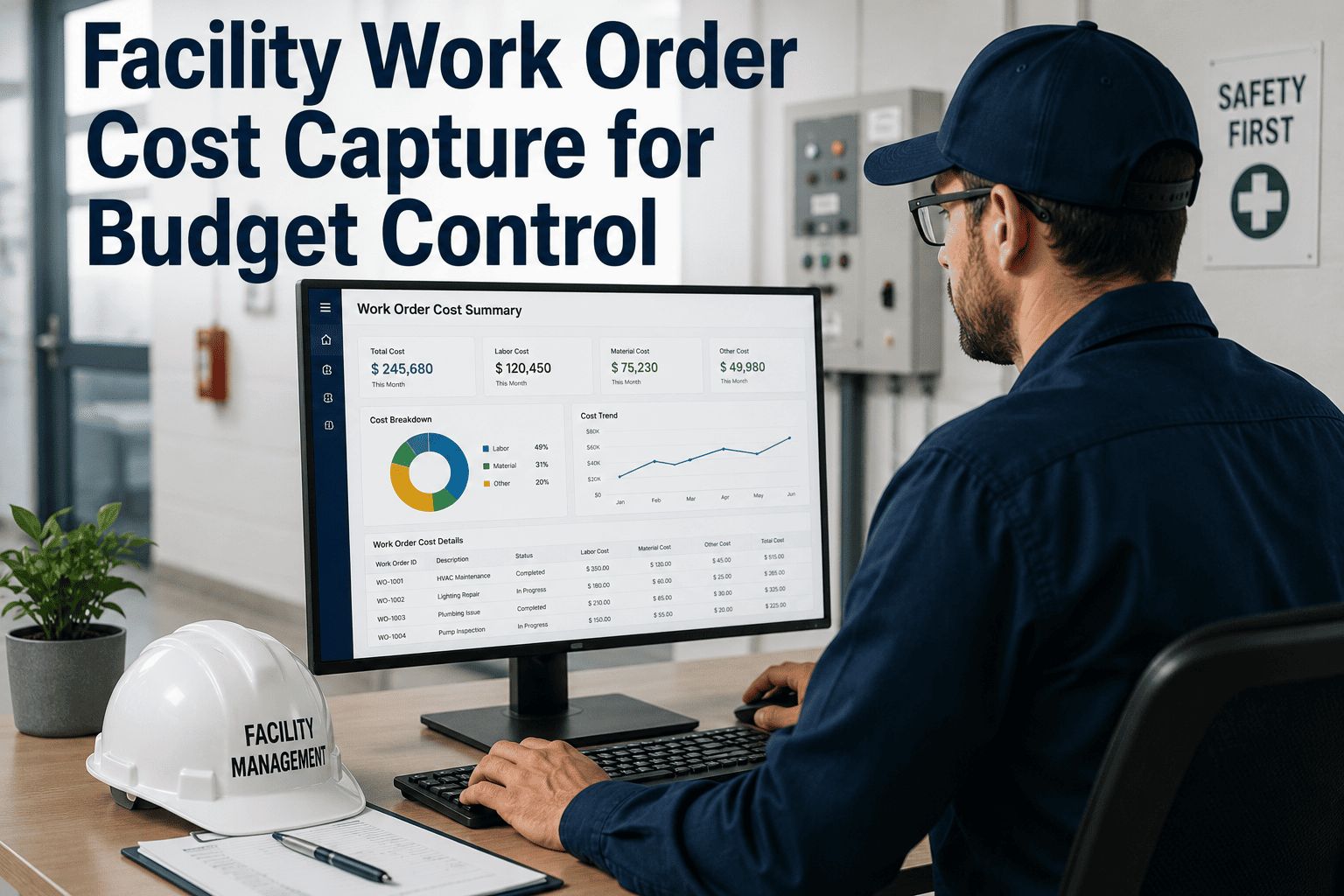
Oxmaint logs actual cost against approved estimates on every work order — giving you real-time budget dashboards, variance alerts, and spend-per-asset reports without manual tracking.
Expert Review
FM
Facilities Operations Intelligence
Budget & Workflow Analysis
Automated work order approval routing is the single fastest way to reduce the gap between maintenance request and repair start. Industry research consistently shows that 78 percent of work order delays occur in the pre-job phase — missing approvals, unclear authority, and unrouted requests. Facilities that implement tiered spend thresholds with automatic escalation timers compress their average approval cycle from 2 to 3 days down to under 4 hours. The budget impact is equally significant: organizations tracking maintenance spend at the work order level achieve first-time budget approval rates of 85 percent compared to 52 percent for teams using manual records. The most effective CMMS implementations tie approval data directly to budget dashboards, creating real-time visibility into spend velocity by cost center, asset class, and work type — turning approval workflows from an administrative checkpoint into a strategic budget control tool.
Frequently Asked Questions
What is a work order approval workflow in facility management?
A work order approval workflow is the structured path a maintenance request follows from submission through authorization to technician assignment. It defines who can approve what level of spend, how requests are routed, and what documentation is captured at each stage for compliance and budget tracking.
Book a demo to see how Oxmaint configures approval hierarchies for your facility.
How do spend threshold gates work in a CMMS?
Spend threshold gates automatically route work orders to different approvers based on estimated repair cost. Routine work below your defined limit proceeds without manual sign-off, while higher-cost repairs escalate to supervisors, managers, or finance leads. This keeps low-cost work moving while maintaining oversight on significant expenditures.
Start free on Oxmaint and set up your spend tiers in minutes.
Can approval workflows handle emergency and safety-critical work orders?
Yes — emergency and safety-critical work orders should follow a fast-track approval path with a target authorization time under 30 minutes. Oxmaint lets you define work type categories that bypass standard queues while still logging a full audit trail, so compliance documentation is maintained even during urgent repairs.
Book a demo to configure emergency routing.
How does a CMMS track maintenance spend against budget?
A CMMS captures actual labor hours, parts consumed, and contractor costs against every approved work order — then compares total spend to department budgets in real time. Variance reports flag overruns at the category level, and budget ceiling alerts notify managers before limits are exceeded rather than after.
Try Oxmaint free to see real-time budget dashboards on your work order data.
What happens when an approver does not respond to a work order?
Oxmaint uses escalation timers that automatically route unapproved work orders to a backup approver after a configurable time window — typically 4 hours for standard work and 30 minutes for emergencies. This eliminates the single-point-of-failure problem where one unavailable manager blocks repairs across the entire facility.
Book a demo to set up escalation rules.
Build a Faster, Smarter Approval Process
Your facilities team deserves a work order system where approvals happen in minutes, not days. Oxmaint gives you configurable approval hierarchies, mobile sign-offs, automatic escalation, spend threshold routing, and a complete audit trail for every decision — all in one platform built for maintenance teams.