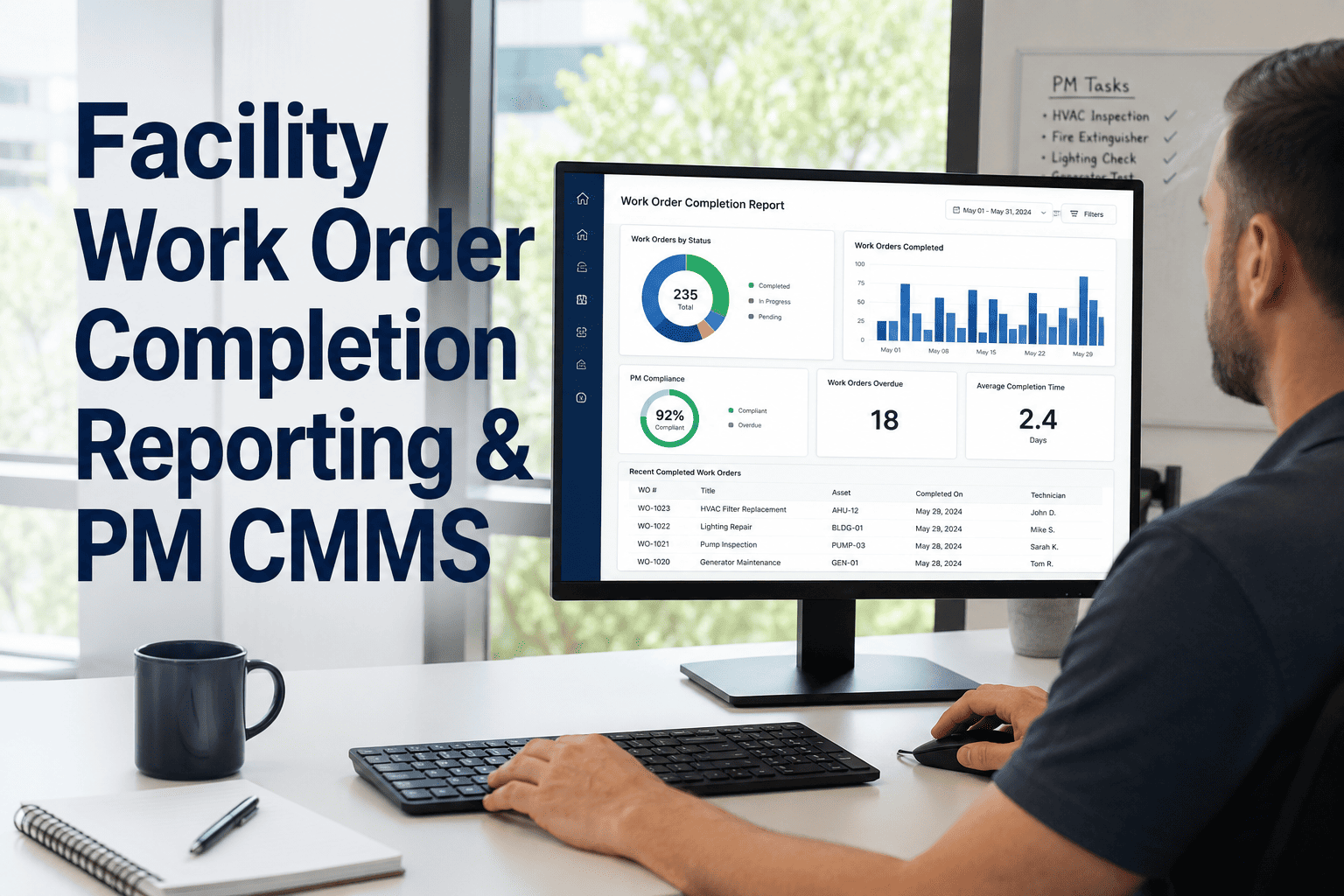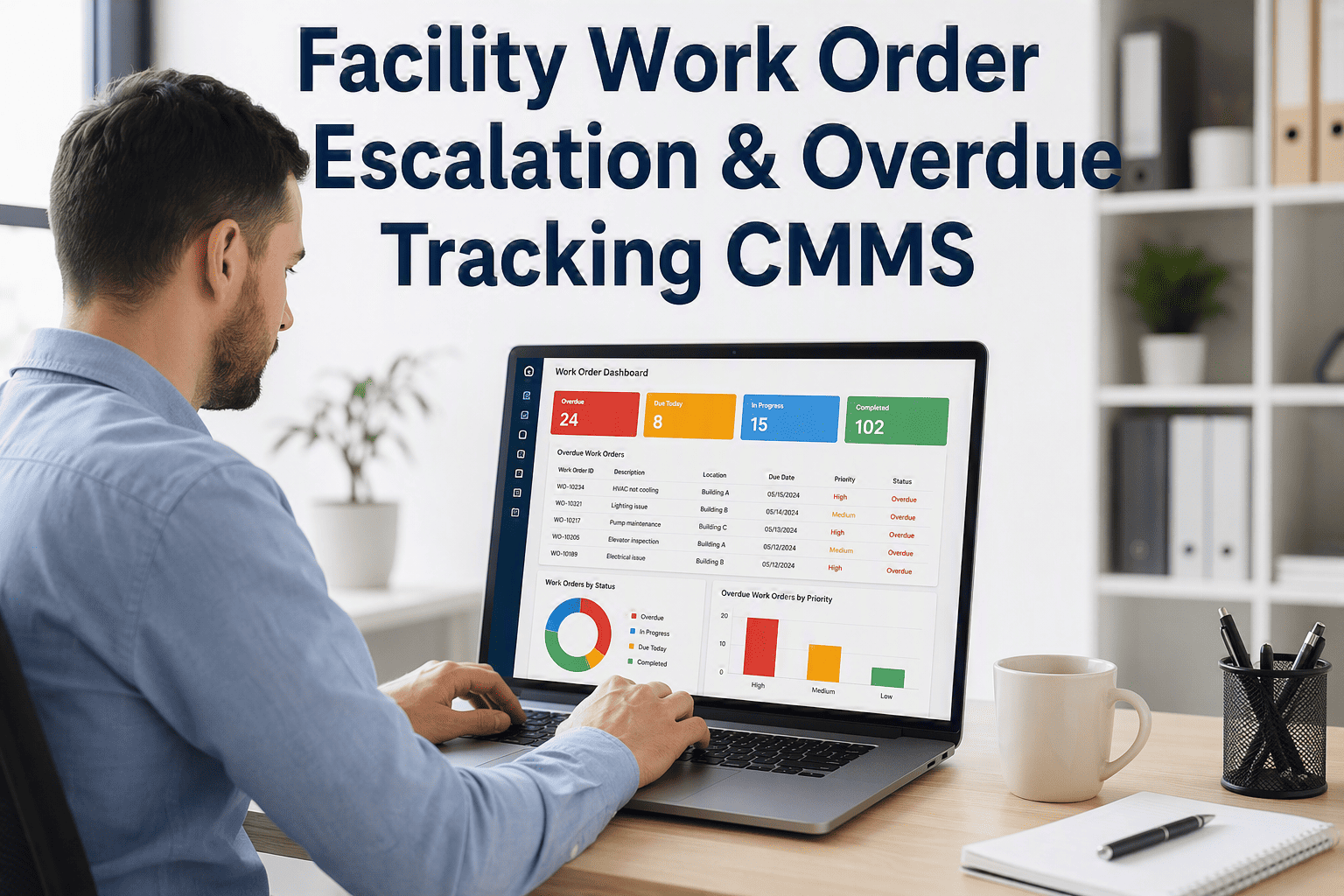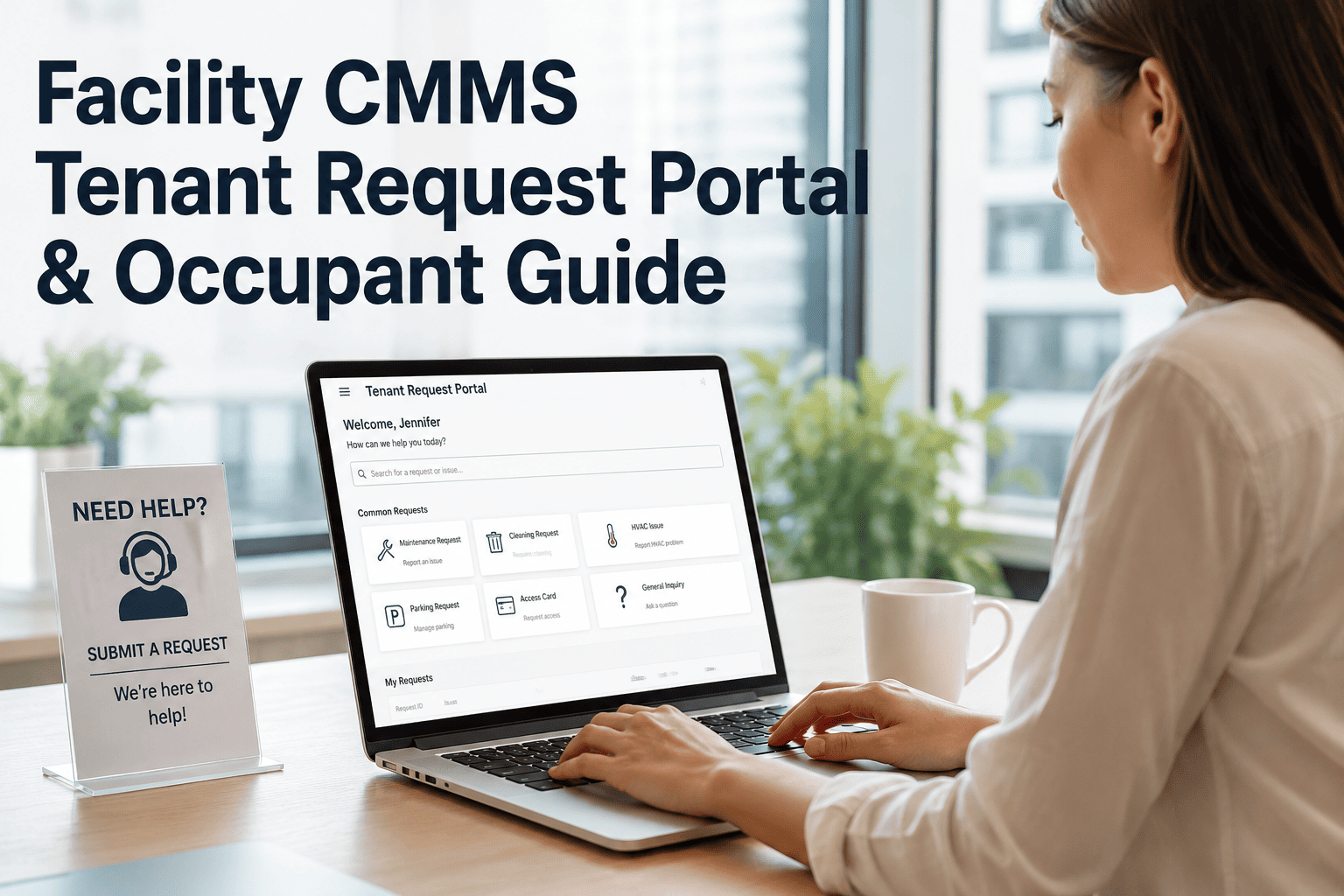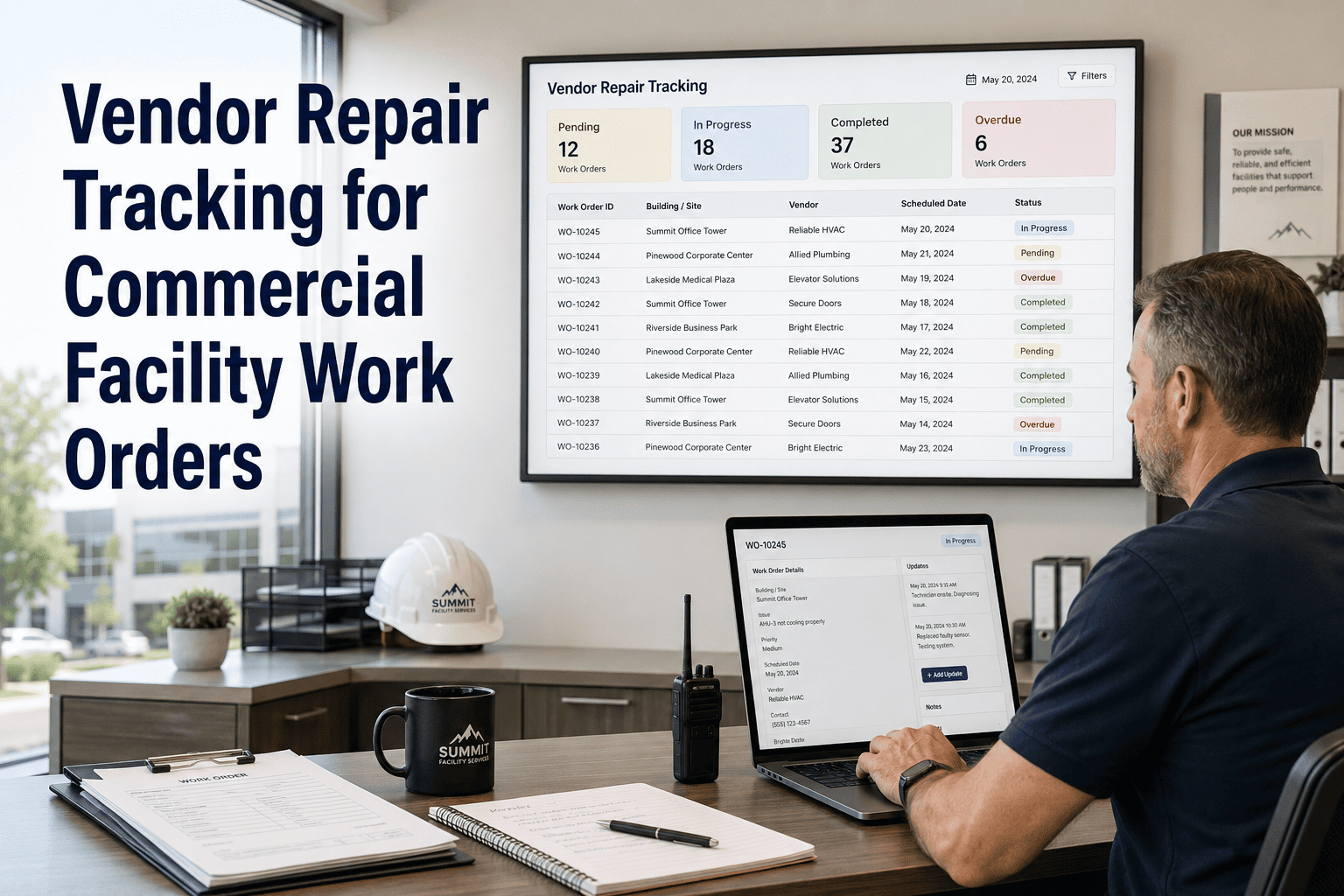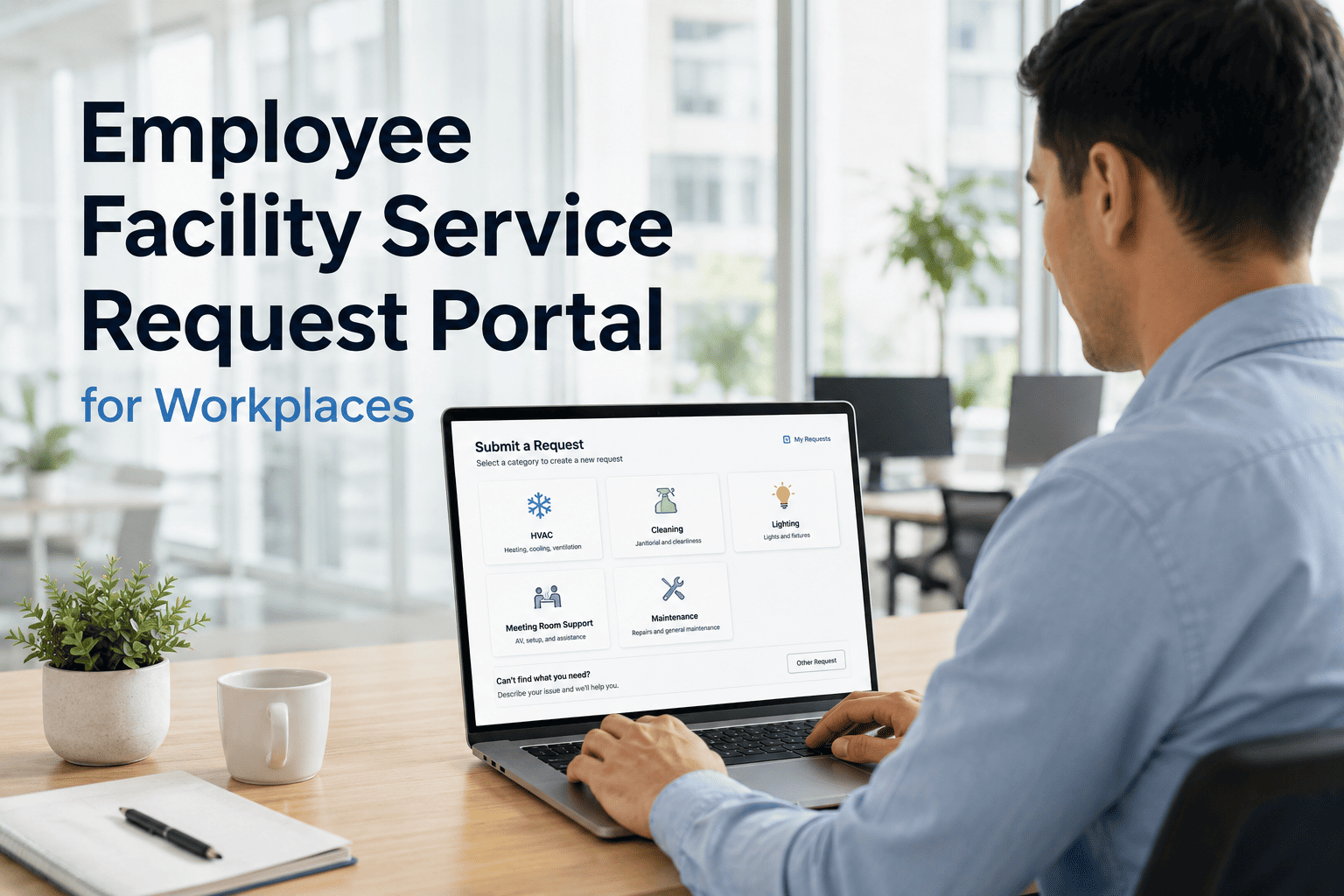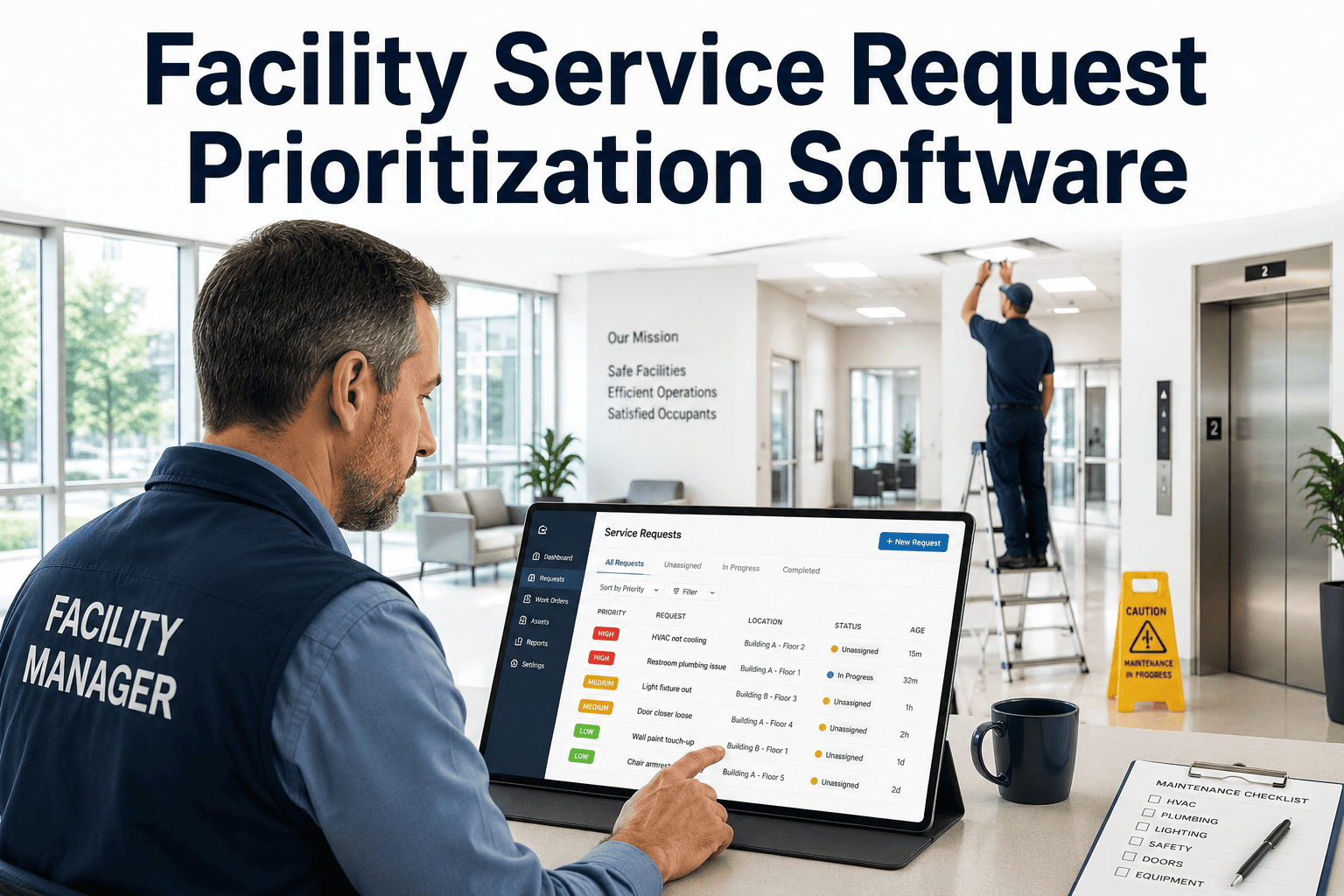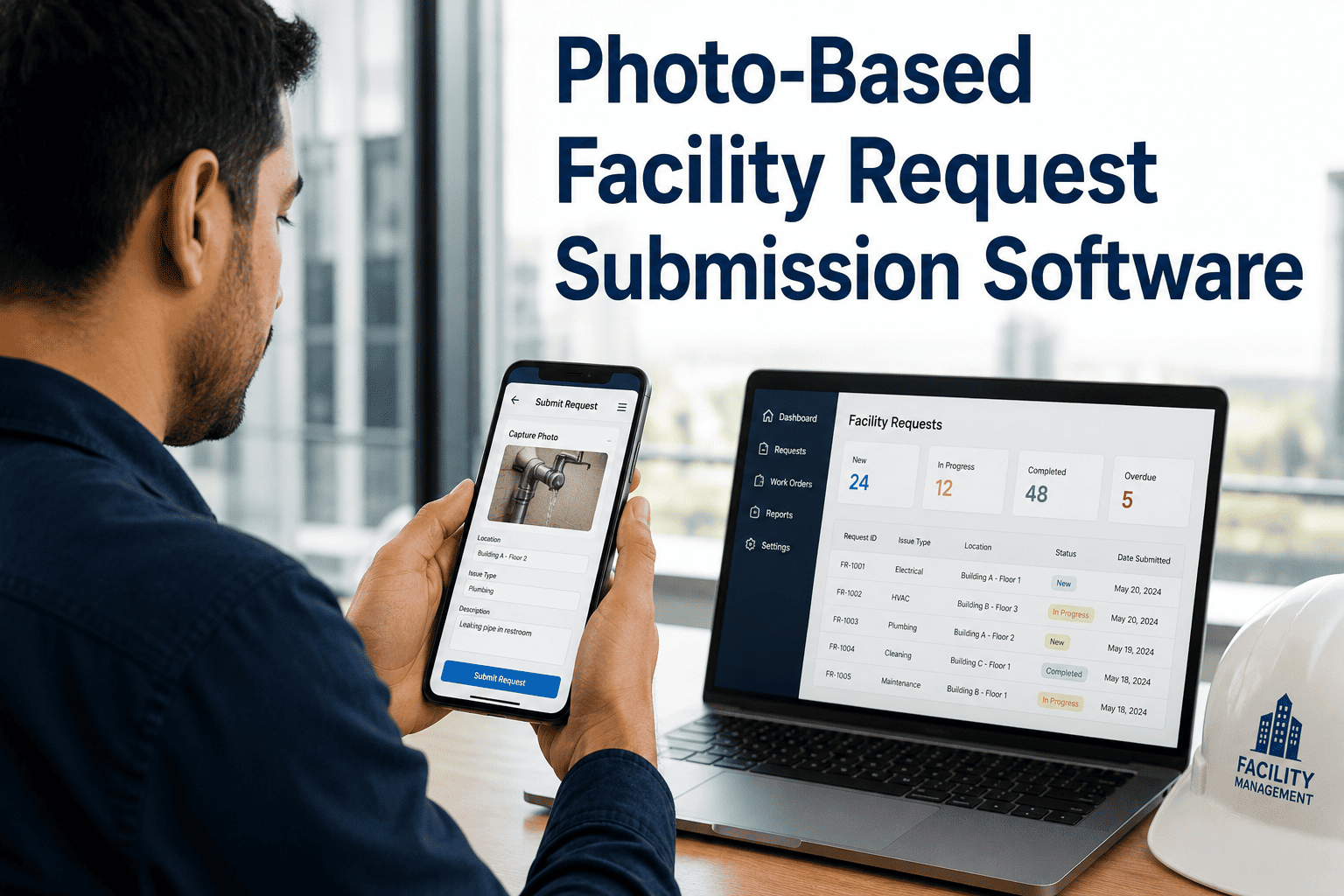
When building occupants report issues with vague descriptions like "something's broken on floor 3," facility teams waste critical time diagnosing the problem before a technician is even dispatched. OxMaint's photo-based facility request portal changes that — occupants snap a photo, pin the location, and submit in seconds. Your team sees exactly what's wrong, where it is, and how urgent it is before they leave the shop. Facilities that have switched to photo-first request workflows report faster diagnosis, fewer unnecessary site visits, and measurable drops in mean time to repair. Book a demo to see how photo submissions flow into OxMaint work orders with zero manual data entry.
Photo-Based Facility Request Submission Software
Occupants capture the issue. OxMaint creates the work order. Your technicians arrive knowing exactly what to fix.
Why Text-Only Requests Cost Your Team Hours Every Week
Traditional maintenance request forms collect a description and a room number. What gets lost is the context — the leak that started small, the door that's half off its hinge, the fixture that needs a specific part. Without a photo, every request starts with a phone call.
| Situation | Text Request Only | Photo Request via OxMaint |
|---|---|---|
| Water leak reported | Tech dispatched blind — brings wrong tools | Photo shows pipe joint — correct parts packed |
| HVAC issue | Requires additional site visit for diagnosis | Photo of unit ID + symptom — one trip resolves |
| Door hardware fault | Vague description, wrong technician assigned | Photo routes directly to access control team |
| Electrical concern | Safety risk stays open while details confirmed | Photo triggers high-priority work order immediately |
| Ceiling damage | Extent unknown — underestimates repair scope | Photo documents full damage area before work starts |
From Phone Camera to Assigned Work Order in Under 2 Minutes
What Makes OxMaint's Request Portal Different
What Facilities Report After Switching to Photo Requests
What Facility Managers Say
Before photo requests, our technicians were essentially doing two trips for every repair — one to assess, one to fix. OxMaint changed that entirely. The photo comes in, the work order routes automatically, and our guys arrive with the right tools. Our first-time fix rate jumped noticeably in the first quarter after we deployed it.
The duplicate detection feature alone saved us from chaos during a water main issue when fifty people submitted the same problem. OxMaint grouped everything into one work order, assigned it correctly, and our team handled it as one task instead of fifty. The photo evidence also proved invaluable when we needed to document the incident for insurance.
Frequently Asked Questions
Do occupants need to download an app to submit photo requests?
No app installation is required. OxMaint's request portal works in any mobile browser, and facilities can deploy QR codes on walls, doors, and equipment so occupants access the portal in one scan. The experience is fully mobile-optimized and takes under 60 seconds to submit a photo with location. Book a demo to see the occupant-facing flow in action.
How does OxMaint route photo requests to the right maintenance team?
Request routing in OxMaint is based on configurable rules tied to issue category, building zone, and asset type. When a photo request comes in, the system matches it against your routing logic and assigns the appropriate team or technician automatically — no dispatcher required. You can also set escalation rules for high-priority categories like electrical or safety concerns. See routing configuration in a live demo.
Can photo requests support compliance and audit documentation?
Every photo request in OxMaint creates a timestamped, location-tagged record that includes the original submission photo, technician assignment details, completion notes, and closure timestamp. These records are stored against the asset history and are exportable for compliance reviews, insurance documentation, or regulatory audits. Start your free trial to explore the audit report format, or book a demo to see a sample export.
What happens when multiple occupants report the same issue?
OxMaint's AI duplicate detection groups similar requests from the same asset, room, or building zone into a single work order. Your team sees one consolidated task with all submitted photos attached — not a queue of fifty identical tickets. This prevents duplicate dispatches and gives technicians a fuller picture of how widespread the issue is before they arrive.
Stop Dispatching Blind. Start Dispatching Informed.
OxMaint connects occupant photo reports directly to work orders, routing, and evidence — so every repair starts with the full picture.