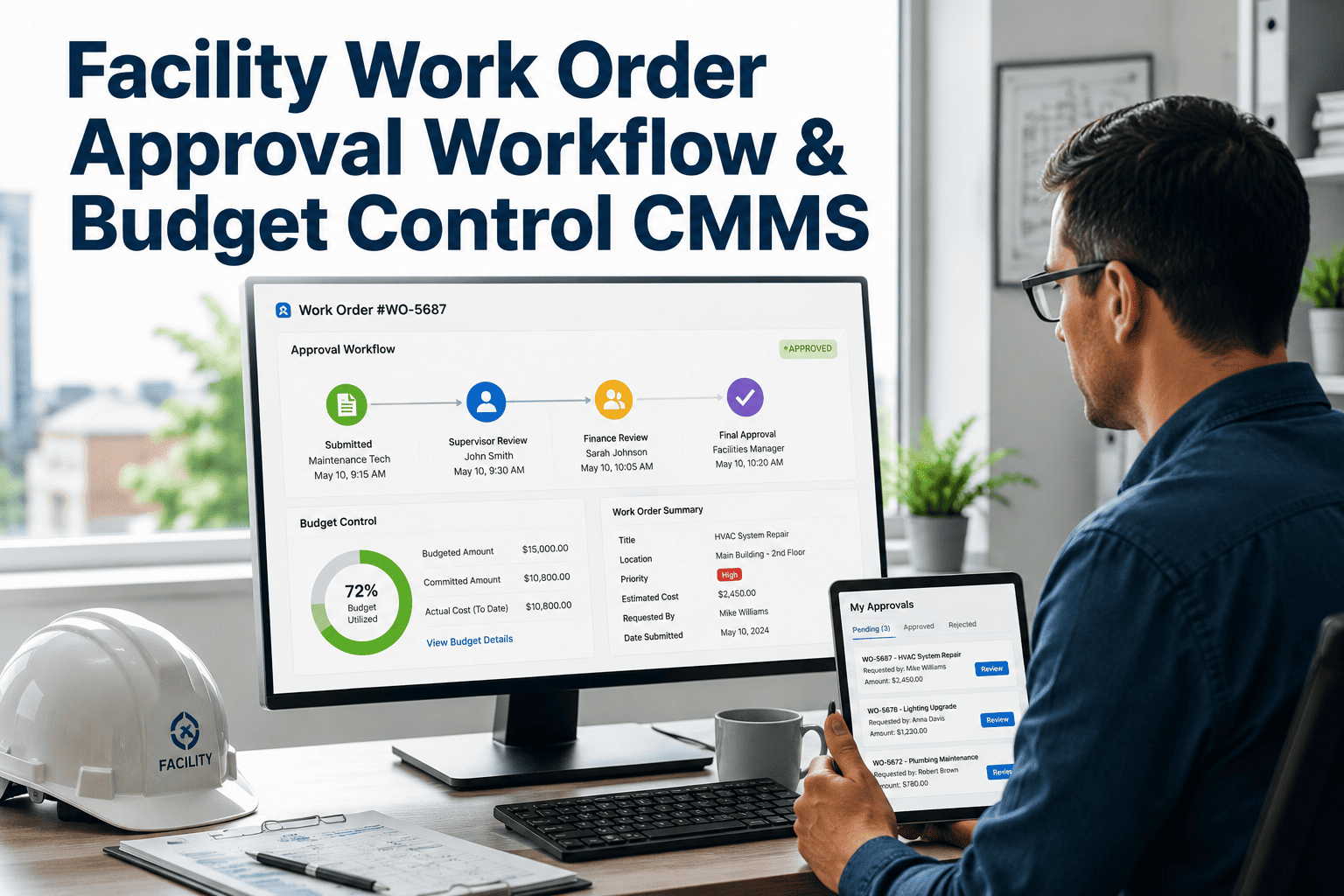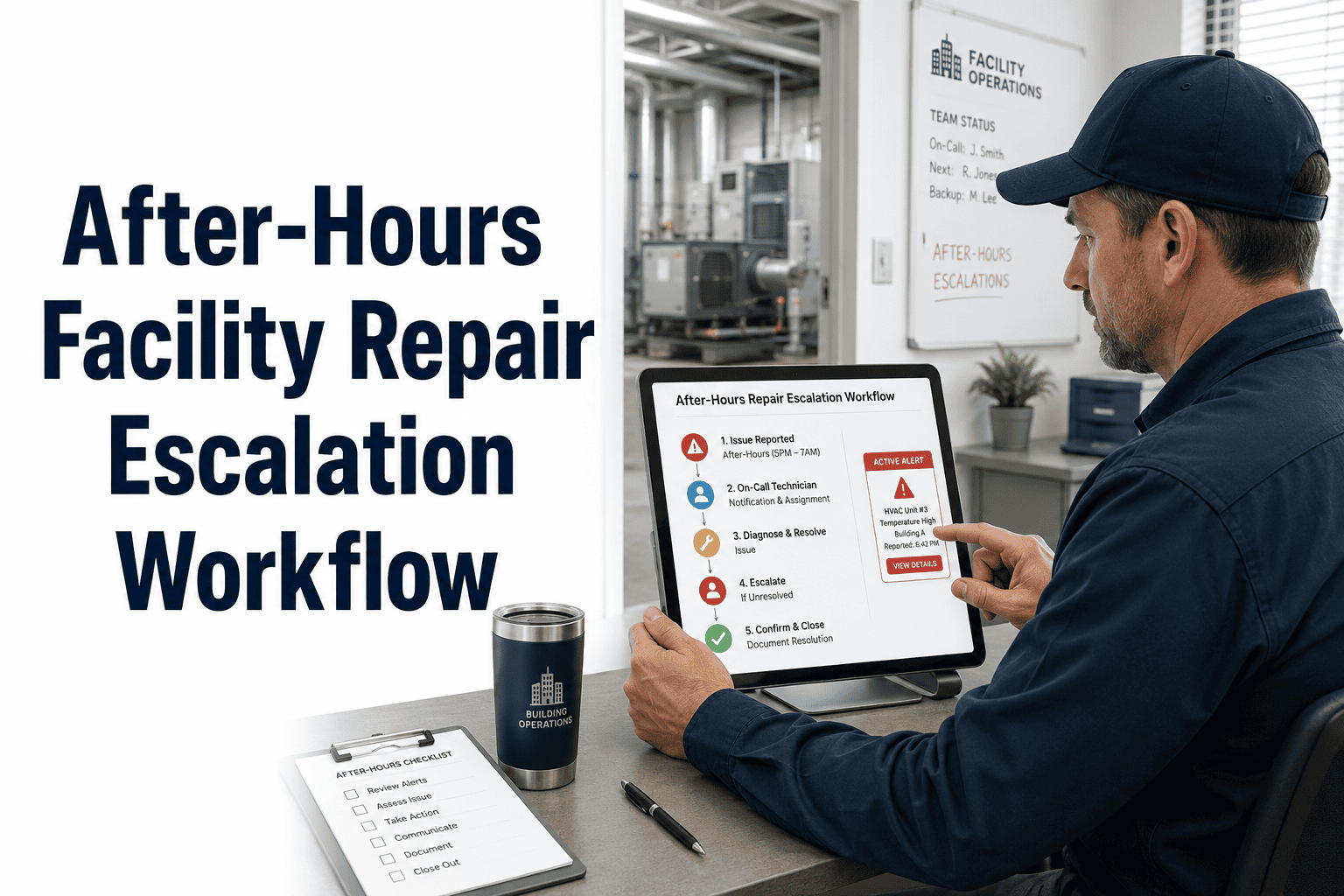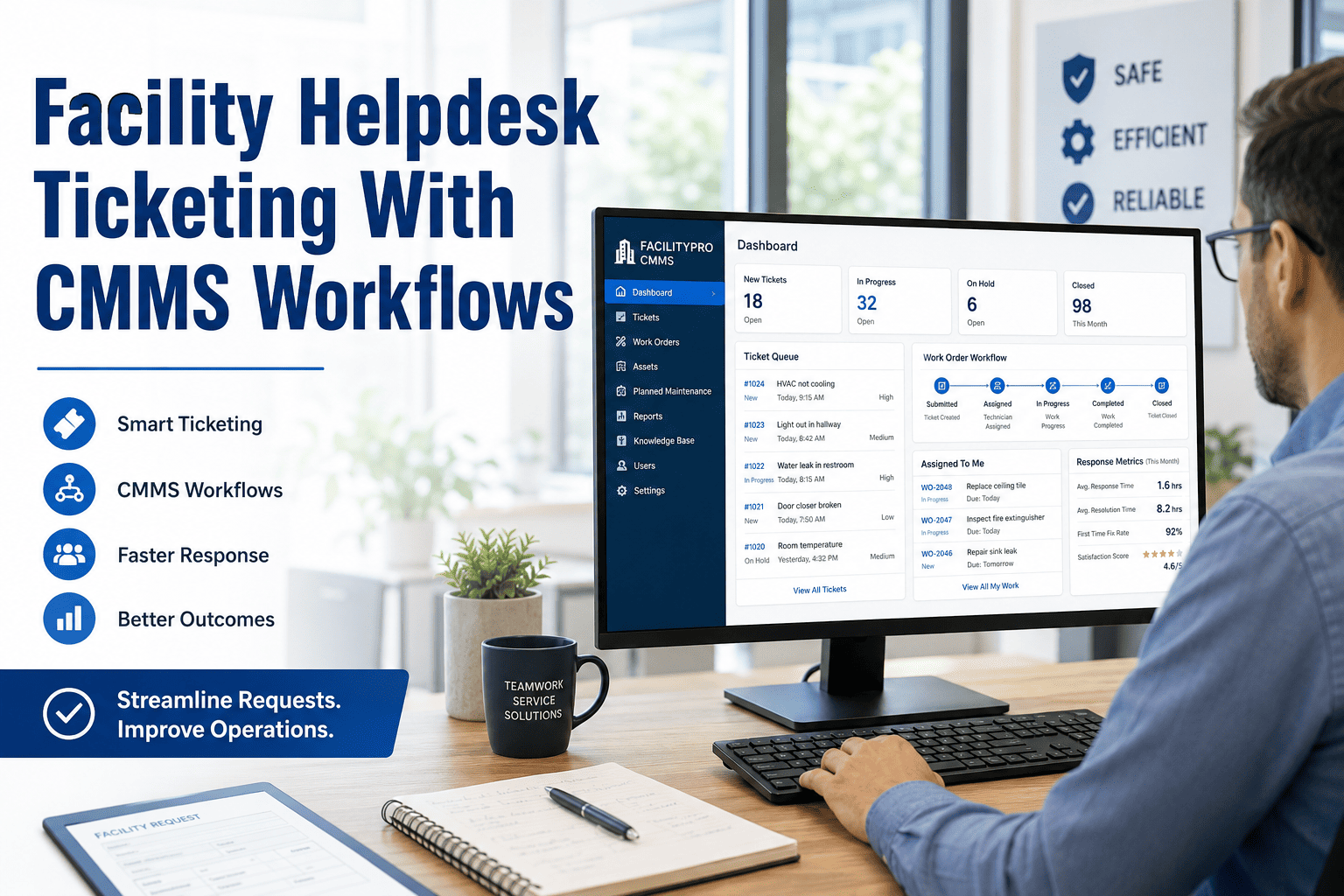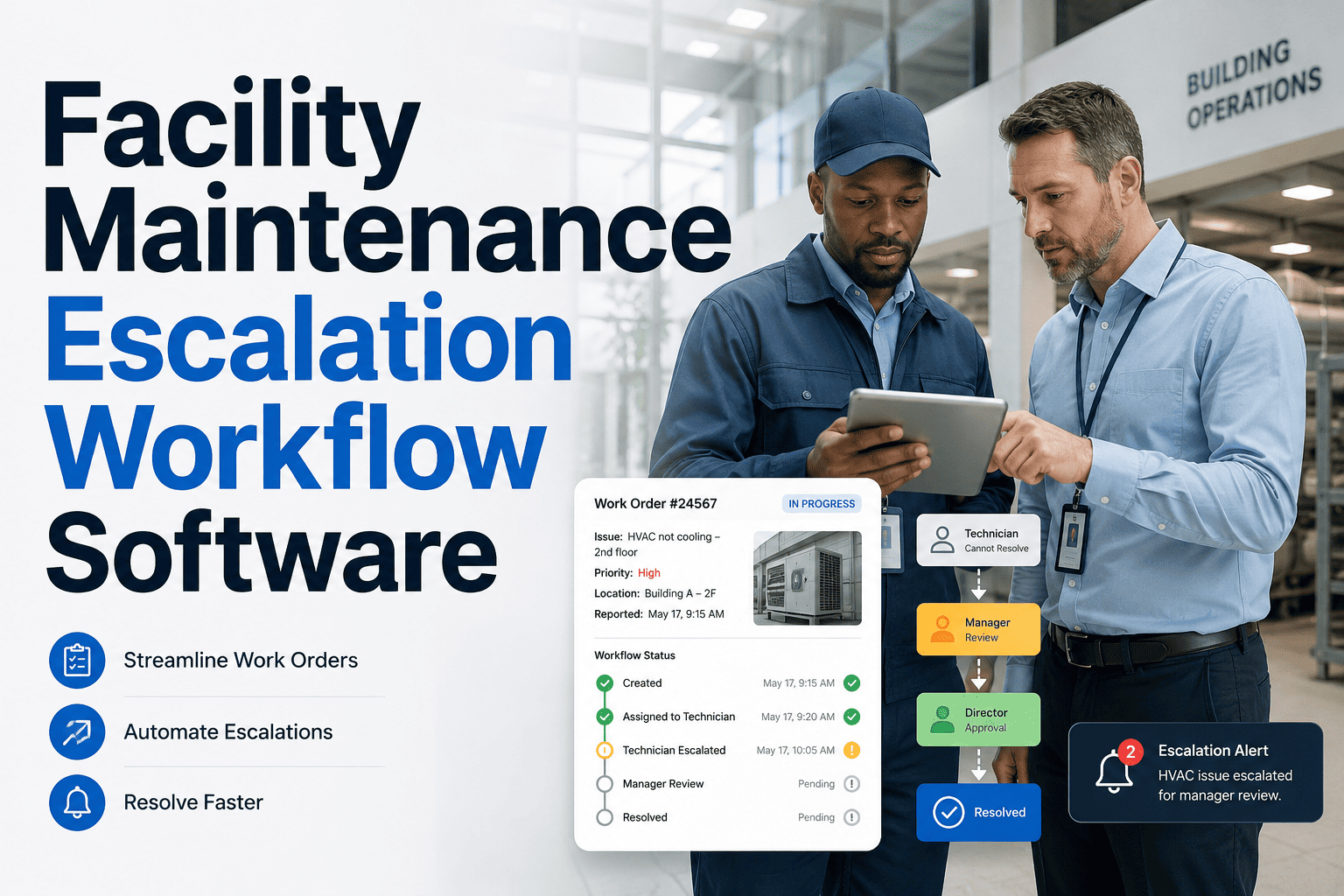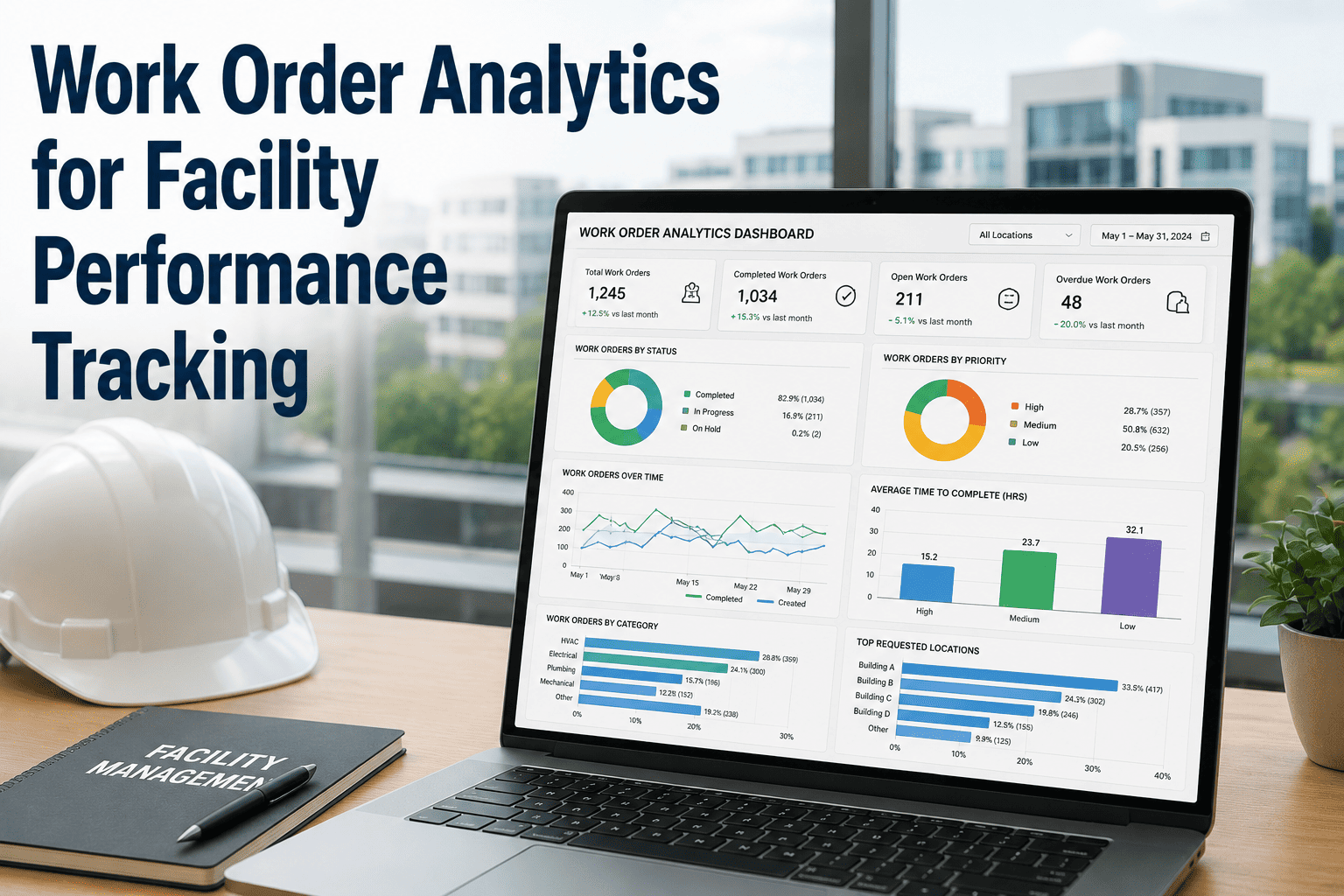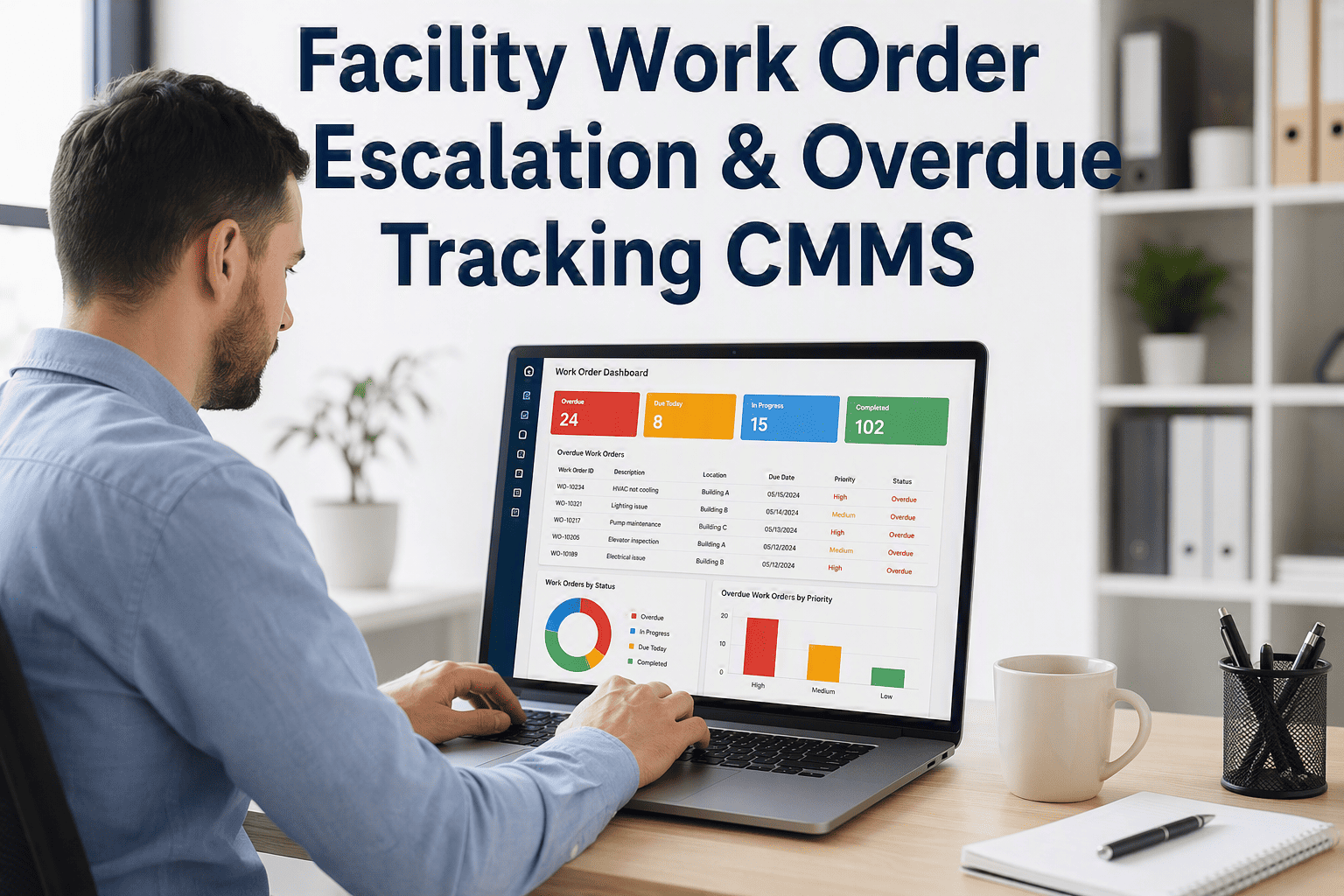
Every facility team knows the moment a work order goes quiet. A technician gets pulled onto something more urgent, the due date passes unnoticed, and by the time anyone looks again, a routine repair has already turned into an emergency shutdown. Spreadsheets and email reminders depend on someone remembering to check, and remembering is exactly what breaks first when a team is juggling dozens of daily tasks. An automatic escalation workflow closes that gap by flagging overdue work the moment it slips and notifying the right supervisor before it becomes a bigger problem. See how OxMaint keeps every overdue task visible, or book a demo to map out your own escalation rules.
Work Order Automation · Escalation
Stop Overdue Work Orders From Turning Into Emergencies
Automatic escalation flags overdue tasks the moment they slip, notifies the right supervisor, and keeps every maintenance interval accountable — without anyone chasing a spreadsheet.
44%
of facility teams say tracking work order status is their most time-consuming task
35%
higher maintenance cost for teams without disciplined work order follow-up
90%
on-time completion is the benchmark target most maintenance programs aim for
0 min
delay between a task going overdue and a supervisor being notified
The Hidden Cost
Why Overdue Work Orders Quietly Drain Your Budget
Most facility teams do not lose control of maintenance all at once. It happens task by task — a filter change pushed back a week, an inspection marked "later," a fault report buried under new requests. None of it looks urgent until three months of small delays add up to a compressor failure, a failed audit, or a tenant complaint that reaches leadership. Without an escalation layer, overdue work only becomes visible at the weekly meeting, long after the window to act cheaply has closed.
No Escalation
Overdue task sits unseen in a queue
Discovered at the next status meeting
Supervisor finds out after the fact
Small issue becomes an emergency repair
With OxMaint Escalation
Task flagged the moment it passes due date
Supervisor notified automatically
Reassignment or priority change happens same day
Issue resolved before it compounds
How It Works
The Escalation Path — From Due Date to Resolution
01
Due Date Set
Every work order carries a due date and priority level tied to its criticality when it is created or scheduled.
02
Overdue Detected
The system checks status continuously, so a missed deadline is flagged the instant it passes, not at the next review.
03
Supervisor Notified
An alert routes automatically to the assigned supervisor with the asset, technician, and delay reason attached.
04
Action Taken
Work gets reassigned, reprioritized, or escalated further up the chain — logged with a timestamp for accountability.
05
Closed and Reviewed
Completed work feeds a monthly overdue trend report, so repeat delays surface before they become a pattern.
Before and After
Manual Follow-Up vs Automatic Escalation
| Capability | Manual Tracking | OxMaint Escalation |
|---|---|---|
| Overdue detection | Found during a manual status review | Flagged instantly when due date passes |
| Supervisor notification | Depends on someone remembering to escalate | Automatic alert with full task context |
| Accountability trail | Scattered across emails and chat threads | Timestamped log on the work order itself |
| Repeat delay visibility | Rarely analyzed as a pattern | Monthly overdue trend report by asset and team |
| Response time | Days, until the next meeting | Same day the task goes overdue |
Set Up Escalation Rules Without Writing a Single Line of Code
Define which priority levels escalate, how many hours overdue triggers the alert, and who gets notified — supervisor, site manager, or portfolio director. Most teams have their first rule live within an afternoon.
Who Needs This
Teams Where a Missed Task Cannot Go Unnoticed
01
Facility and Building Maintenance Teams
Coordinators managing dozens of daily requests across HVAC, electrical, and general repairs need overdue tasks surfaced automatically, not discovered during a walkthrough.
02
Multi-Site Portfolio Directors
When technicians work across several buildings, an escalation layer ensures no site quietly falls behind while attention is focused elsewhere.
03
Compliance and Safety Managers
Regulated inspections and safety checks cannot slip past their due date. Automatic escalation creates the audit trail regulators expect to see.
04
Contractors With Client SLAs
Service providers with response-time commitments use escalation to prove tasks were addressed within the agreed window, every time.
What Teams Are Saying
Escalation in Practice
5 / 5
Before we set up escalation rules, an overdue task could sit for two weeks before anyone noticed. Now my phone gets a notification the same day something slips, and I can reassign it before it becomes a bigger job. Our overdue count dropped by more than half in the first quarter.
RM
Rachel Moreno
Maintenance Supervisor, Commercial Property Group
4 / 5
What changed for us was accountability. Technicians know that a missed due date gets flagged automatically, so tasks do not sit quietly anymore. Our monthly review meeting used to be about finding overdue work — now it is about fixing the pattern behind it.
TK
Thomas Kessler
Operations Manager, Regional Facilities Team
Common Questions
Work Order Escalation — Frequently Asked
How is an escalation rule actually configured?
You set a priority level, an overdue threshold in hours, and a notification recipient. Once saved, the rule runs automatically on every matching work order. Book a demo to see rule setup in your own account.
Can escalation notify more than one person as delay increases?
Yes. Rules support tiered escalation — a supervisor is notified first, and if the task remains overdue past a second threshold, the alert moves up to the site or portfolio manager automatically.
Does escalation work across multiple buildings and technicians?
Escalation rules apply per site, per asset category, or portfolio-wide, so a regional manager can see every overdue flag across all locations from one dashboard.
Will this create an audit trail for compliance reviews?
Every escalation event is timestamped and attached to the work order record, giving you a defensible history for insurance, safety, or regulatory audits whenever they are requested.
How long does it take to set this up for our team?
Most teams configure their first escalation rule within an afternoon. Start a free trial to build your own rules with your existing work order data.
Work Order Automation · Escalation
Give Every Overdue Task a Way to Get Noticed
Stop relying on memory and weekly meetings to catch what is falling behind. Set escalation rules once, and let overdue work order find the right person automatically, every single time.