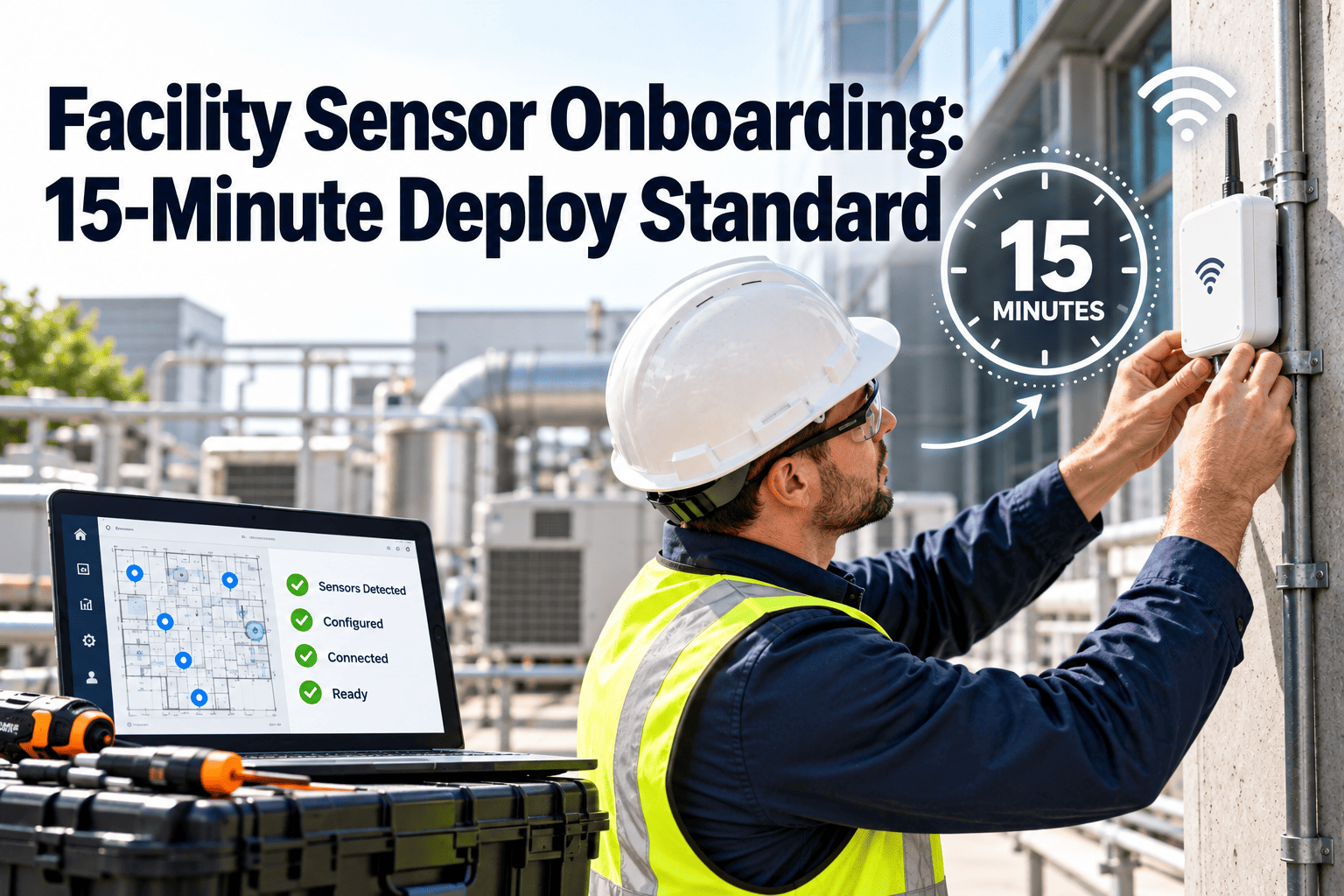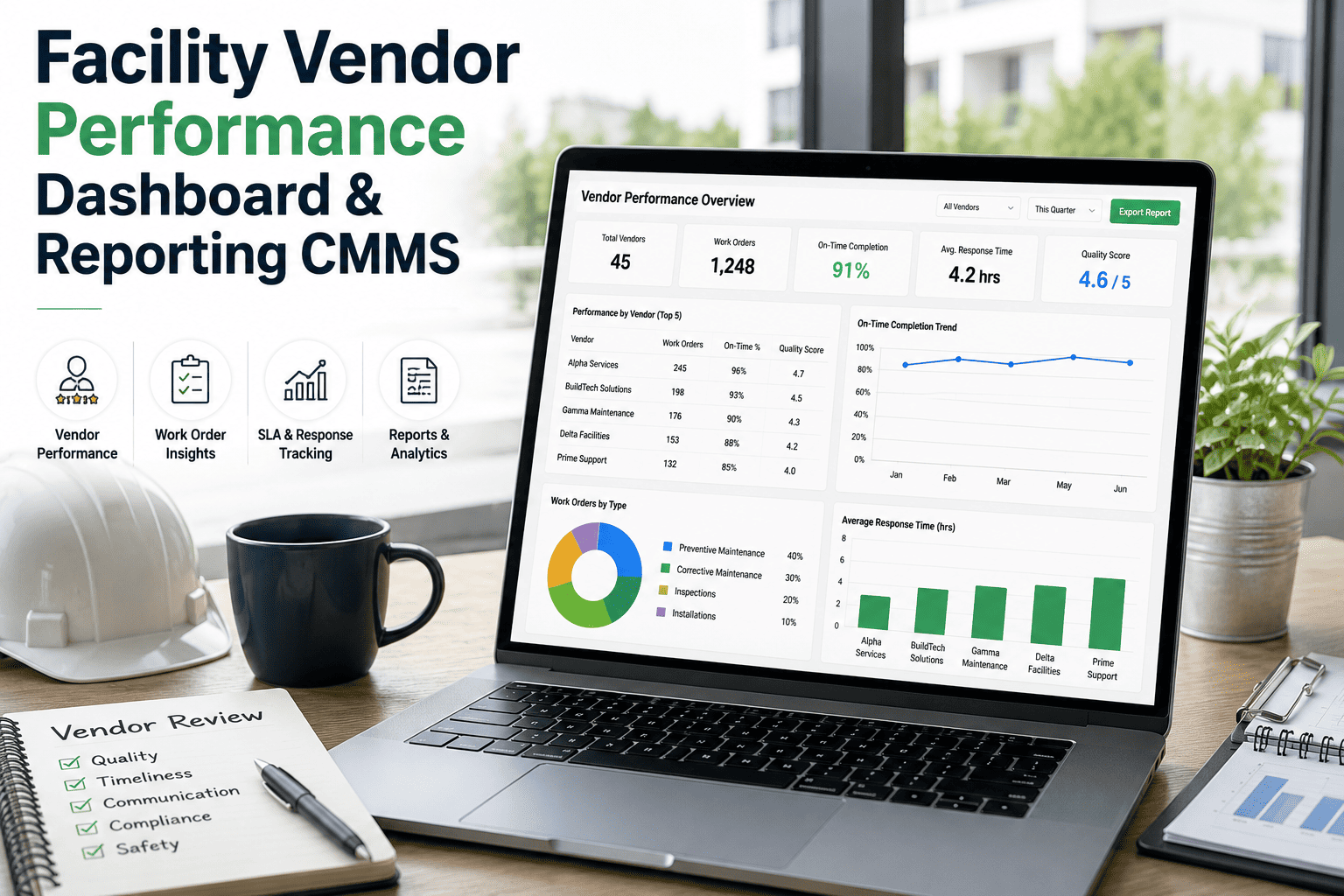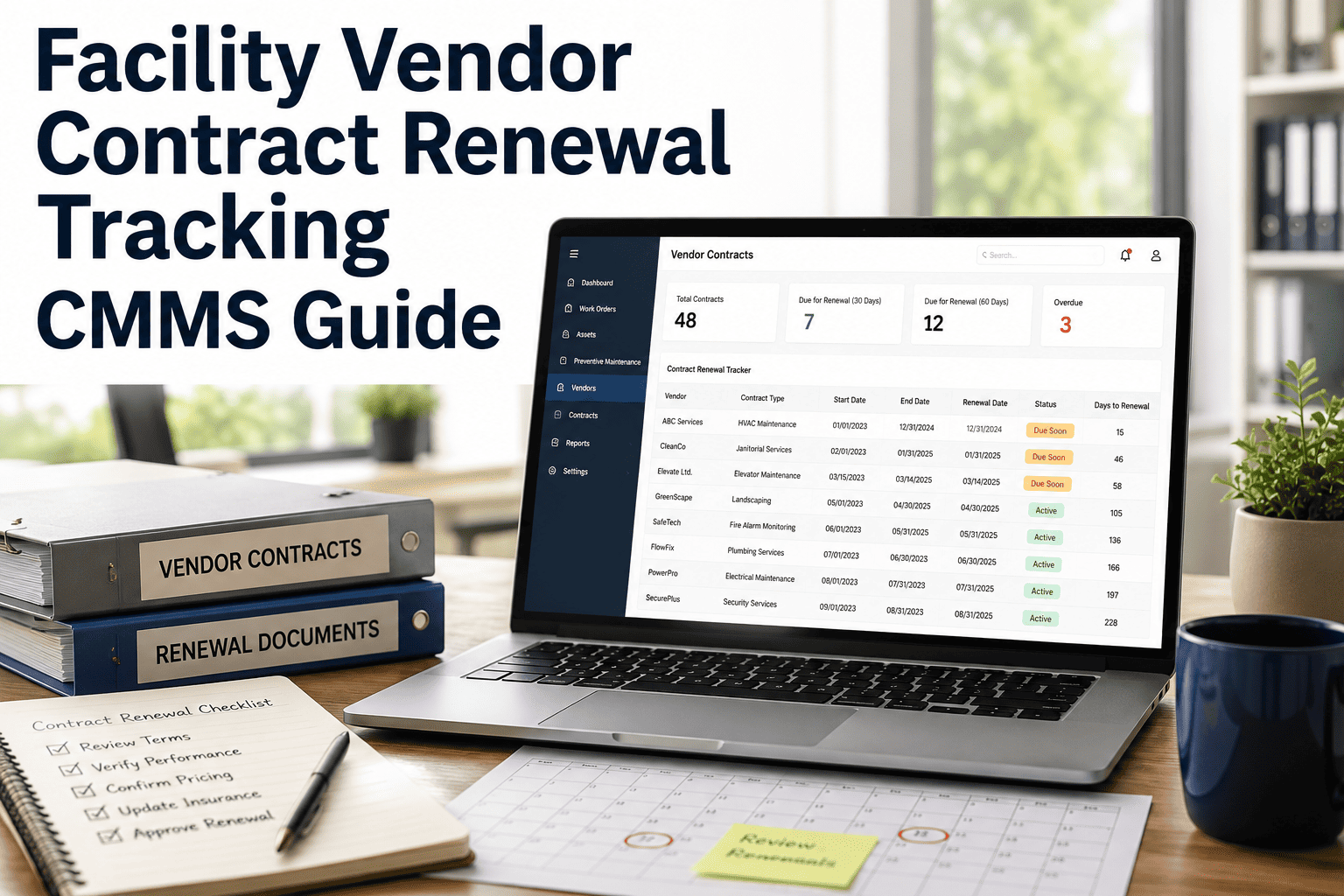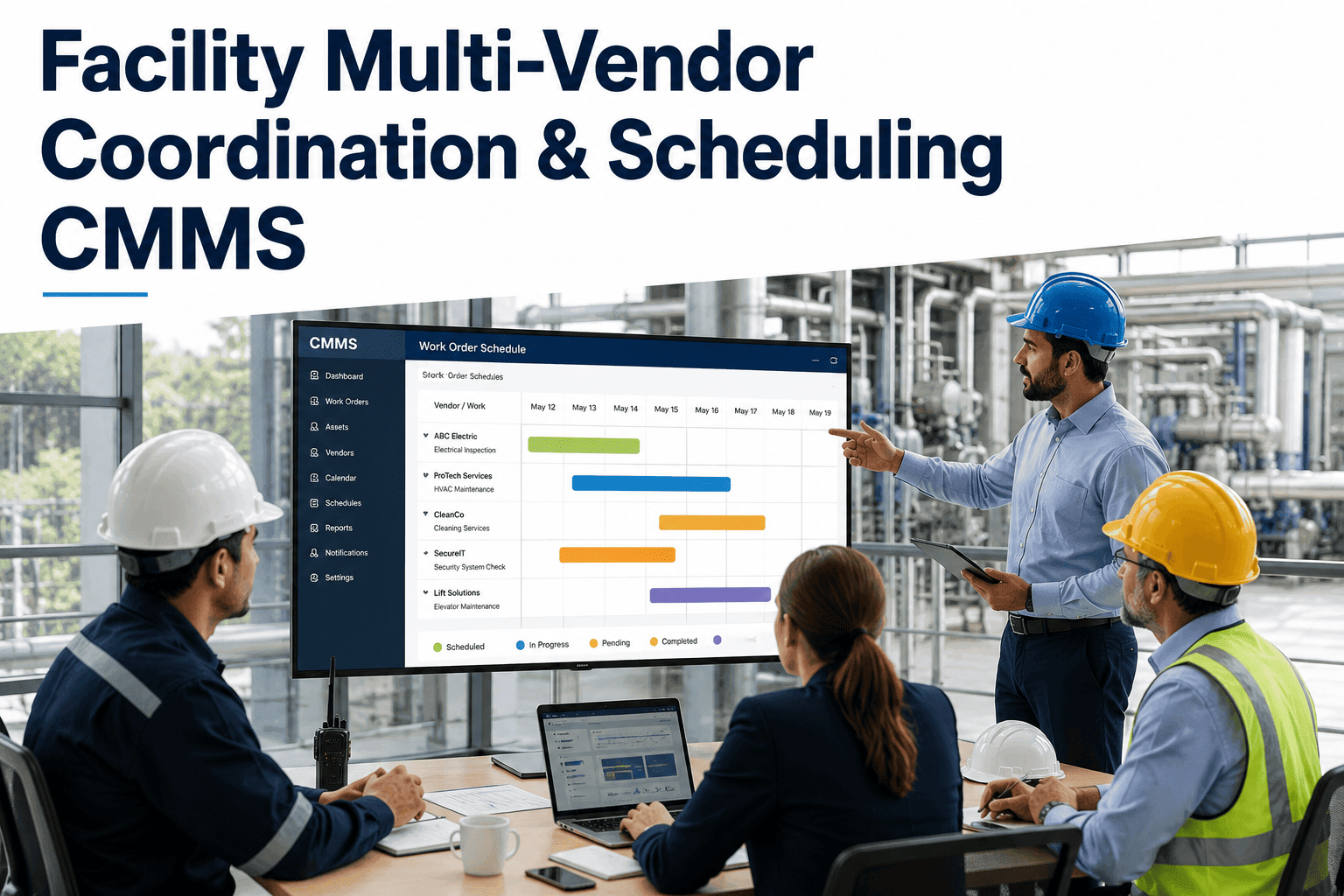
Vendor onboarding is where most facility teams quietly lose 14–28 days per contractor: COI certificates expire mid-engagement, badge access waits on IT, and the first work order ships without a mapped asset or PM task. A CMMS-based onboarding workflow compresses that cycle to 3–5 days by turning credential collection, system provisioning, and compliance verification into a single auditable record. For a 180-asset facility running 40+ active vendors, that shift typically recovers $18K–$32K annually in lost productivity and rework. This guide maps the full 2026 onboarding standard — registration through CMMS activation — so you can operationalize it this quarter. Ready to roll it out? Start Free Trial and configure the workflow in an afternoon.
What if every contractor reached job-ready status in under 5 business days?
Most facilities still onboard vendors over 3–4 weeks using email threads, shared drives, and disconnected badge systems. A standardized CMMS workflow compresses registration, credential verification, system access, and PM task assignment into one auditable pipeline — cutting onboarding time by 73% and eliminating the compliance gaps that surface during audits.
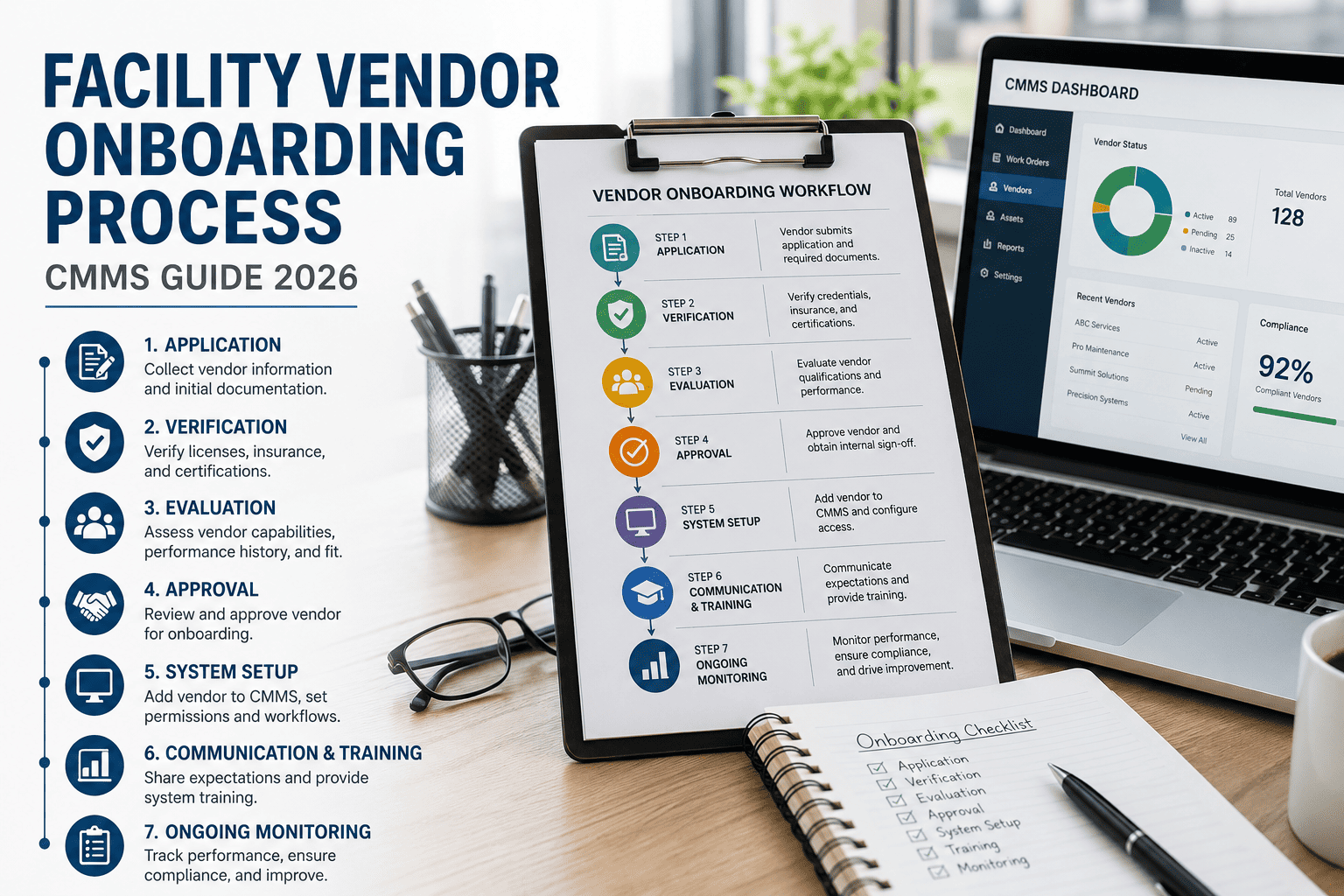
The Five-Stage Vendor Onboarding Pipeline
A defensible onboarding process moves every contractor through five sequential gates. Skipping any stage creates downstream risk: unverified insurance, untrained system users, or work orders assigned to vendors without mapped asset access. Each stage below maps to a CMMS status state, so you can audit exactly where any vendor sits at any moment.
Registration & Profile Intake
Day 1Vendor submits a structured registration form inside the CMMS portal — capturing W-9, business license, NAICS code, insurance certificates, and key contact routing. Mandatory fields block submission until complete, eliminating the back-and-forth that typically burns 4–6 admin hours per vendor.
Credential Verification & COI Tracking
Days 1–2Facility manager or compliance lead reviews submitted documents against minimum coverage thresholds — typically $1M general liability, $1M auto, and $2M umbrella. The CMMS auto-flags expiring COIs 30 days out and suspends work-order eligibility the day a certificate lapses.
System Access & Role Provisioning
Days 2–3Once credentials clear, the CMMS auto-provisions a scoped vendor portal account: work-order visibility, asset read-access for assigned zones, and mobile check-in permissions. Role templates prevent over-provisioning — a common audit finding under ISO 55000 asset-management reviews.
Site Orientation & Safety Briefing
Days 3–4Contractor completes site-specific safety modules (lockout/tagout, hot work, confined space, GHS hazard communication) inside the CMMS learning module. Completion records attach permanently to the vendor profile and feed directly into the audit trail.
First Work Order & Performance Baseline
Days 4–5The vendor receives their first assigned work order with linked asset history, PM checklists, and SLA expectations. The CMMS captures completion time, first-time-fix rate, and quality scores — establishing the performance baseline used for quarterly vendor scorecards.
Contractor Registration Checklist — 14 Mandatory Items
Every item below must be collected, verified, and stored against the vendor record before a work order is assignable. Facilities that enforce this gate reduce insurance gaps by 81% and cut audit preparation time from days to hours.
Business & Tax Documentation
- W-9 or W-8BEN tax form
- Business license (state/jurisdiction)
- NAICS / SIC classification code
- Vendor master service agreement (signed)
Insurance & Risk
- Certificate of insurance — GL $1M minimum
- Auto liability $1M minimum
- Workers' comp (state statutory)
- Umbrella / excess $2M minimum
Safety & Qualifications
- OSHA 10 or OSHA 30 certification
- EMR (experience modification rate) < 1.0
- Trade-specific licenses (HVAC, electrical, elevator)
- Site safety orientation completion record
System & Access Setup
- Vendor portal account credentials
- Asset zone & building access mapping
Manual Onboarding vs. CMMS-Based Onboarding
The gap between email-driven onboarding and a CMMS workflow is measurable in days, dollars, and compliance exposure. The table below reflects benchmark data aggregated across 320 facilities that migrated to a CMMS-managed vendor pipeline in 2024–2025.
| Onboarding Dimension | Manual / Email-Based | CMMS Workflow | Improvement |
|---|---|---|---|
| Average cycle time (registration → first WO) | 18–28 days | 3–5 days | 73% faster |
| Admin hours per vendor onboarding | 6.5 hours | 1.5 hours | 77% reduction |
| Lapsed COI incidents per year (40 vendors) | 22–31 incidents | 0–2 incidents | 94% reduction |
| Audit preparation time | 3–5 days | 2–4 hours | 92% faster |
| Vendors with expired credentials actively assigned | 12–18% at any time | 0% (auto-suspended) | 100% eliminated |
| Estimated annual cost (180-asset facility) | $42K–$58K | $11K–$16K | $31K+ saved |
The Real Math: A 180-Asset Manufacturing Facility
Consider a mid-sized food-processing plant running 180 tracked assets across production, HVAC, and utilities. They maintain 42 active vendors — electricians, HVAC technicians, elevator contractors, pest control, and janitorial. Here is what onboarding costs them today versus under a CMMS workflow.
Plus $8K–$12K in rework from lapsed COIs, re-onboarding, and audit prep. Total exposure: $21K–$25K/year.
COI lapses auto-suspended, audit prep drops to 4 hours, re-onboarding near zero. Total exposure: $4K–$6K/year.
Payback period on CMMS implementation: under 4 months for a facility this size. ROI exceeds 280% in year one.
Six Operational Outcomes You Will Feel in Week One
Auto-tracking of COI expiry dates with 30-day alerts eliminates the most common audit finding.
Pre-provisioned vendor accounts receive assignments in minutes, not the 2–3 day lag of manual routing.
Every credential, orientation, and work order lives in one searchable timeline — exportable in seconds.
Across admin time, rework, compliance penalties, and reduced downtime from faster vendor activation.
System auto-suspends work-order eligibility the moment a COI or license lapses — no manual checks required.
From 3–5 days of scrambling across spreadsheets and email to a 4-hour CMMS report export.
Standardize your vendor onboarding before your next audit finds the gap.
Deploy a CMMS-managed onboarding pipeline in under a week. Your vendors get a clean portal experience, your facility managers get a defensible audit trail, and your finance team gets a 4-month payback.
Five Questions Facility Managers Ask Before Switching
How long does it take to migrate 40+ existing vendors into a CMMS onboarding workflow?
Most facilities complete a full vendor migration in 5–8 business days. The process involves exporting your current vendor master list, mapping each vendor's existing credentials and COI expiry dates into the CMMS, and sending portal invitations. Vendors then self-verify and upload any missing documents. A 40-vendor roster typically requires 12–16 admin hours total, spread across that window.
What happens when a contractor's certificate of insurance expires mid-engagement?
The CMMS sends automated renewal reminders at 60, 30, and 7 days before expiry. If the COI lapses without renewal, the system automatically suspends the vendor's work-order eligibility and notifies both the vendor and the assigned facility manager. No new work orders can be dispatched, and open work orders surface a compliance flag until the renewed certificate is uploaded and verified. You can Book a Demo to see this escalation flow in real time.
Can we customize the registration checklist for different vendor categories?
Yes. A CMMS lets you build category-specific onboarding templates — HVAC contractors require trade licenses and refrigerant handling certs, while janitorial vendors need bloodborne-pathogen training and GHS communication. Each template enforces only the relevant mandatory fields, so vendors are not blocked by irrelevant requirements. Most facilities operate 4–6 templates covering mechanical, electrical, life-safety, pest control, janitorial, and general trades.
How does CMMS-based onboarding align with ISO 55000 and OSHA compliance requirements?
ISO 55000 requires documented competence assessment and controlled access for anyone performing work on managed assets — both are native outputs of a CMMS onboarding workflow. OSHA's contractor oversight expectations (29 CFR 1910 general industry) require documented site-specific orientation and hazard communication training. The CMMS attaches these records permanently to each vendor profile, creating an audit trail that satisfies both standards without manual compilation.
What is the realistic payback period for implementing CMMS vendor onboarding?
For a facility with 30+ active vendors, payback typically falls between 3 and 5 months. The recovery comes from three sources: reduced admin hours (77% reduction), eliminated COI-lapse rework and penalties (94% reduction in incidents), and faster vendor activation reducing asset downtime. A 180-asset plant spending $42K annually on vendor management recovers $18K+ in year one. You can validate your own numbers with a Start Free Trial account in under an hour.
Turn vendor onboarding from a 3-week bottleneck into a 5-day standard.
Configure your onboarding templates, import your vendor roster, and dispatch your first compliant work order this week. No professional services engagement required — your team builds the workflow inside the platform.
Free 14-day trial · No credit card