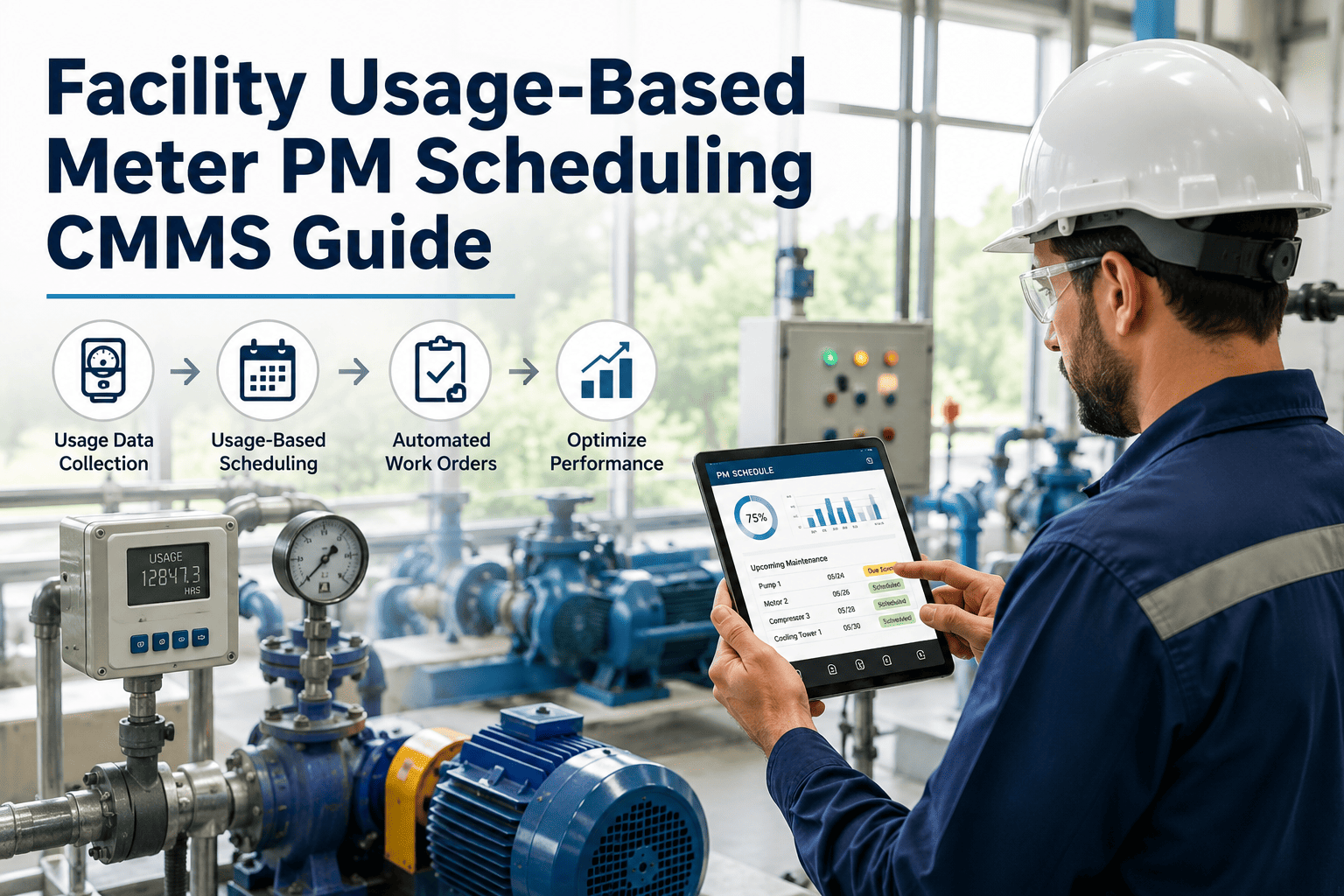
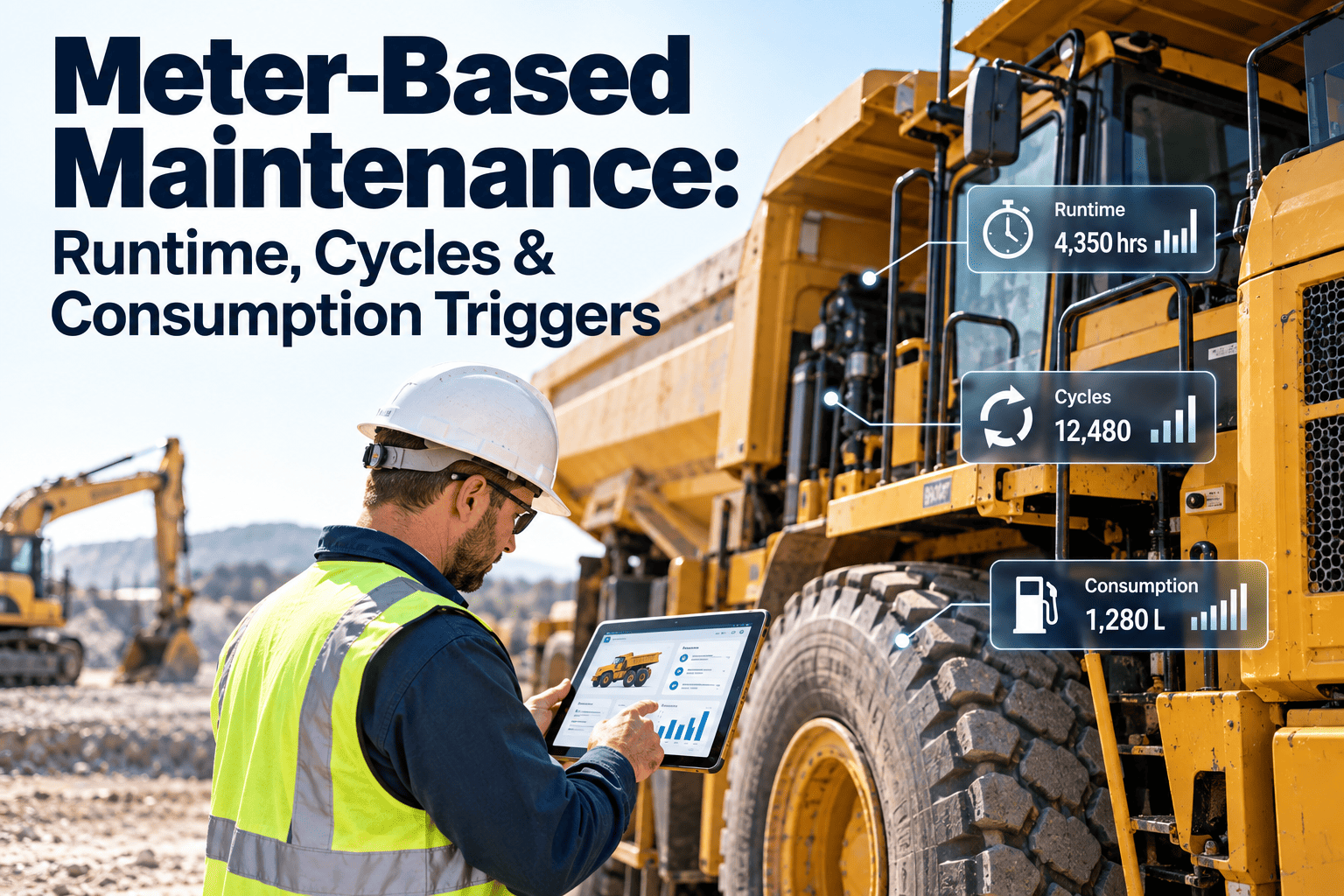
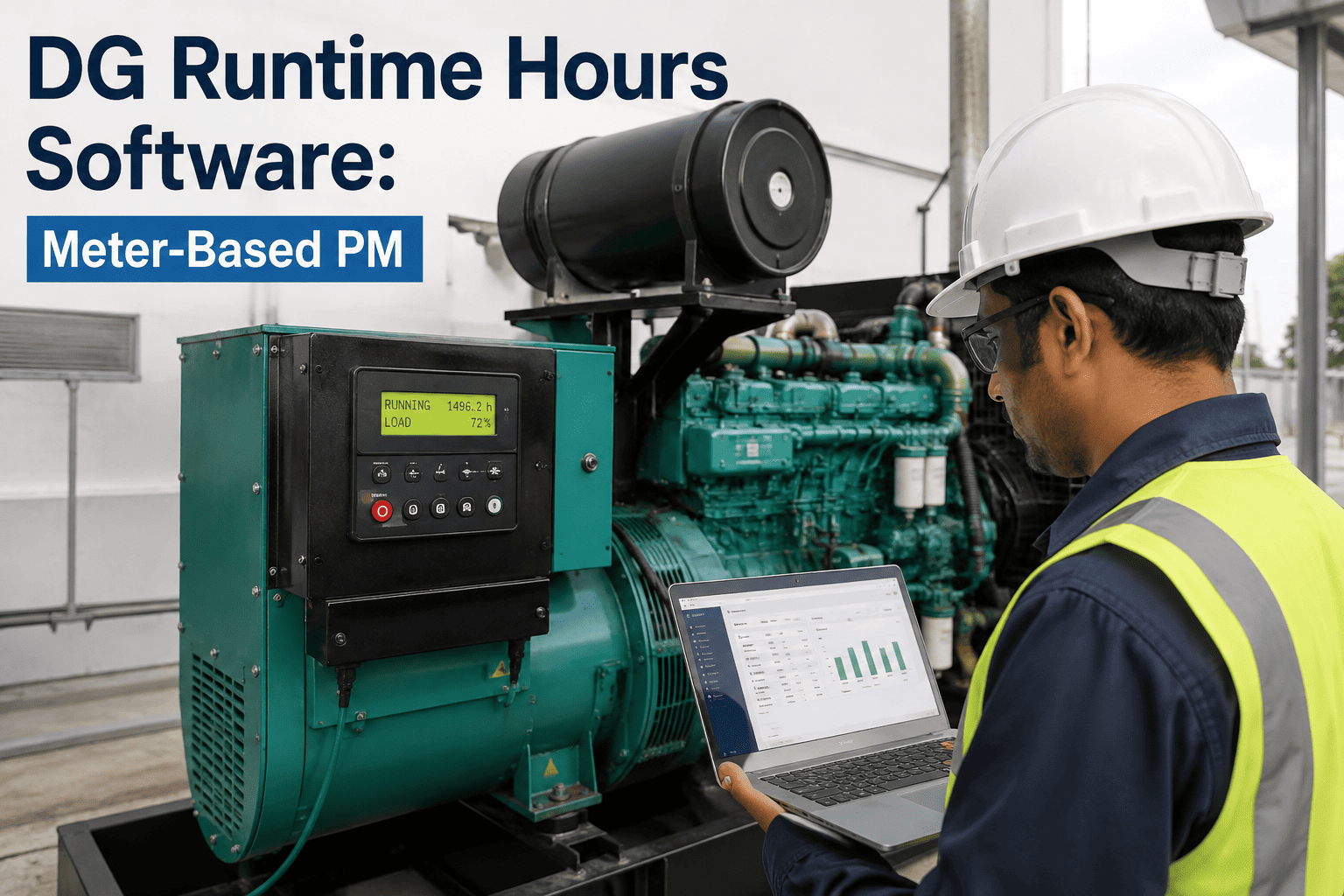
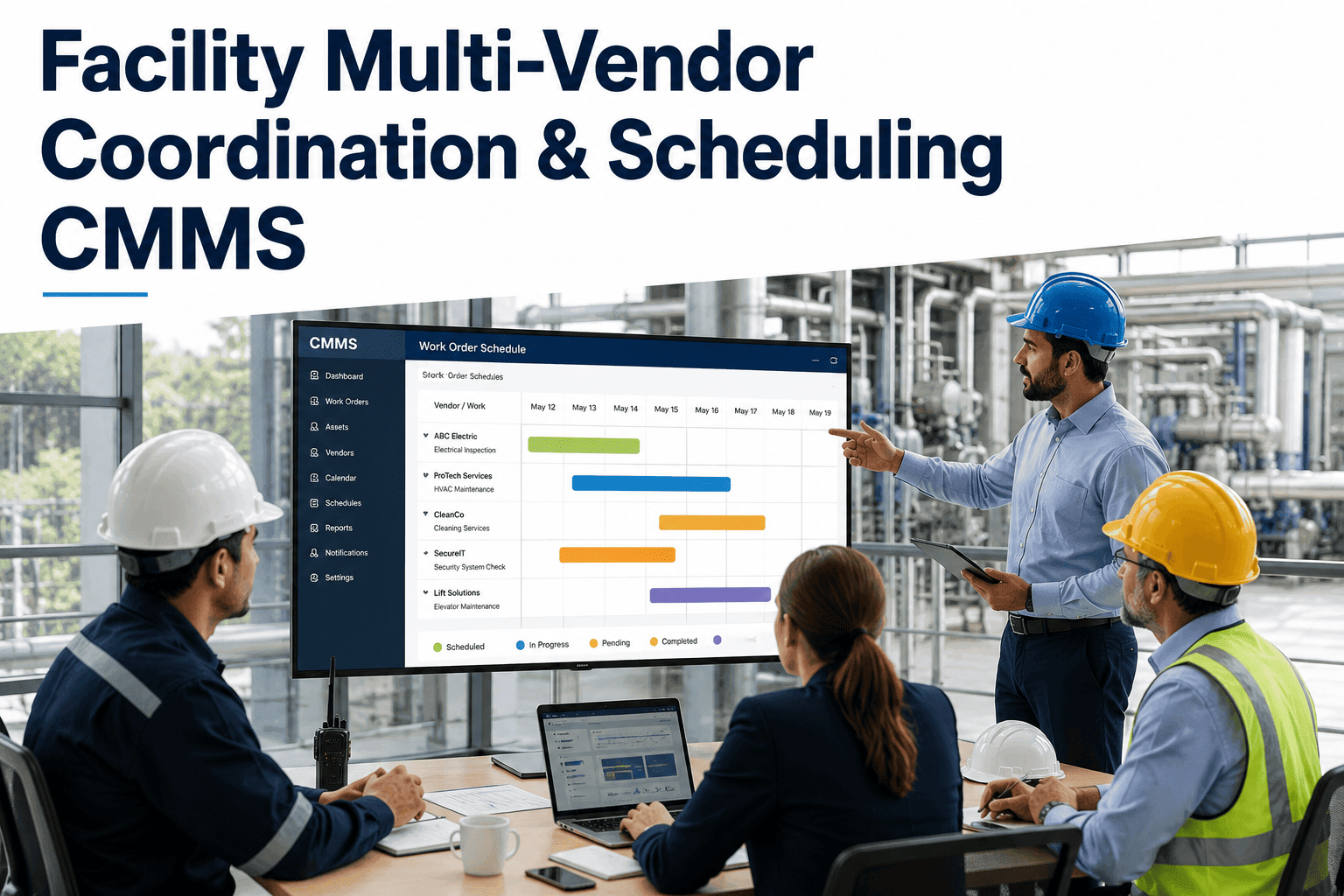
A regional distribution center in Texas kept every rooftop HVAC unit on the same quarterly filter and coil service, whether it ran 900 hours that quarter or 2,400. The units carrying holiday-season loads failed early from missed servicing, while lightly used units got filters swapped that still had months of life left. Runtime hours, door cycles, and firing counts tell a very different story than a date on a calendar, and that story is exactly what usage-based PM scheduling is built to read. If your facility team is still guessing based on the month instead of the meter, start a free trial with Oxmaint to see meter-driven work orders generate themselves.
Preventive Maintenance Scheduling / Usage-Based PM / CMMS Guide
Usage-Based PM Scheduling: Let Runtime Hours, Not the Calendar, Decide When Facility Assets Get Serviced
Fixed monthly and quarterly PM dates treat every asset the same, regardless of how hard it actually worked. Oxmaint CMMS tracks runtime hours, cycle counts, and meter readings continuously, generating work orders exactly when an asset's real usage crosses its service threshold.
30-40%
of calendar-based PM labor spent servicing underused assets
4 types
of PM triggers a modern CMMS should support
Zero
manual meter logging needed with connected sensors
100%
automatic work order generation at threshold
Calendar-Based or Usage-Based? Most Facility Assets Are Getting the Wrong One
A fixed schedule assumes every asset ages at the same rate. It does not. A rooftop unit running a 24-hour cold-storage load wears out its belts and filters far faster than an identical unit in a back office that runs eight hours a day. Usage-based PM scheduling replaces the guess with a number — runtime hours, cycles, gallons, or firing counts — pulled straight from the asset itself.
Calendar-Based
TriggerFixed date, every 30/60/90 days
Heavy-use assetsServiced too late, wear unaccounted for
Light-use assetsServiced too early, parts and labor wasted
Data neededNone beyond a calendar
Usage-Based
TriggerRuntime hours, cycles, or meter reading crossed
Heavy-use assetsFlagged sooner, matched to real wear
Light-use assetsLeft alone until they actually need service
Data neededMeter reading or connected sensor feed
See It On Your Asset List
Turn Every Meter Reading Into an Automatic Work Order
Oxmaint connects to BMS feeds, IoT runtime sensors, or manual meter logs and fires a work order the moment an asset crosses its service threshold — no spreadsheet tracking, no missed intervals.
Common Meter Triggers by Facility Asset Type
Every asset class has its own natural usage signal. The table below shows the meter that matters most for six asset types found in almost every commercial facility, along with a typical service threshold teams use as a starting point.
01
Rooftop HVAC Units
Runtime hours
Filter and coil service near 750-1000 run hours
02
Elevators and Lifts
Door cycles
Inspection near 15,000-20,000 cycles
03
Backup Generators
Runtime hours
Oil and filter change near 250-500 run hours
04
Air Compressors
Load hours
Element and lubricant service near 2,000 load hours
05
Boilers
Firing cycles
Combustion tune-up near 1,500-2,000 firings
06
Circulation Pumps
Operating hours
Seal and bearing check near 4,000 run hours
How a Meter Reading Becomes a Finished Work Order
Usage-based scheduling only works if the meter data actually reaches the CMMS. Here is the four-step flow Oxmaint runs behind every threshold-triggered work order.
1
Reading Captured
Runtime hours or cycle counts arrive from a connected sensor, BMS feed, or a technician's manual entry.
2
Threshold Checked
Oxmaint compares the current reading against the asset's configured service interval in real time.
3
Work Order Generated
Crossing the threshold auto-creates a work order with the correct task list, parts, and estimated labor.
4
Technician Assigned
The order routes to the right technician based on skill, location, and current workload — no manual dispatch.
Fixed-Interval PM vs. Oxmaint Usage-Based Scheduling
| Category | Fixed-Interval PM | Oxmaint Usage-Based PM | Facility Impact |
| Trigger basis |
Calendar date, same for every unit |
Runtime hours, cycles, or meter reading |
Service matches real wear |
| Heavy-load assets |
Same interval as everything else |
Flagged sooner as usage climbs |
Fewer in-service failures |
| Low-load assets |
Serviced on schedule regardless of use |
Left alone until threshold is reached |
Parts and labor saved |
| Data collection |
Not required |
Sensor feed, BMS integration, or manual log |
Full usage history retained |
| Work order creation |
Manually scheduled ahead of time |
Automatic when threshold is crossed |
No missed intervals |
| Seasonal load swings |
Not accounted for |
Reflected immediately in runtime totals |
Peak-season assets protected |
Stop Servicing on Guesswork
Match Every PM Interval to How Hard the Asset Actually Works
Configure a runtime, cycle, or meter threshold once per asset, and Oxmaint takes care of tracking, alerting, and work order creation from there — across HVAC, generators, pumps, boilers, and every other metered asset in your facility.
Frequently Asked Questions
What counts as a meter reading in a facility CMMS?+
A meter reading is any usage number tied to an asset — runtime hours, door cycles, firing counts, gallons pumped, or mileage. It can be entered manually or pulled automatically from a connected sensor or BMS feed.
Start a free trial to configure meters for your own asset list.
Do I need IoT sensors to use usage-based PM?+
No. Technicians can log readings manually during rounds and Oxmaint will still trigger work orders at the configured threshold. Connected sensors simply remove the manual step and update readings continuously.
Can an asset use both a calendar interval and a usage threshold?+
Yes. Many facility teams set both a maximum time interval and a usage threshold, whichever comes first. This covers assets that sit idle for long stretches but still need periodic inspection regardless of runtime.
How does Oxmaint decide who gets the generated work order?+
Assignment rules consider technician skill set, current workload, and asset location, so the work order routes automatically without a manager manually dispatching every threshold alert.
Book a demo to see the assignment logic configured for your team.
What happens if a meter reading is entered incorrectly?+
Oxmaint flags readings that fall well outside an asset's normal usage pattern for review before a work order is generated, reducing false triggers caused by a mistyped or duplicate entry.
Facility PM Intelligence — Oxmaint
Stop Servicing by Date. Start Servicing by Actual Wear.
Oxmaint tracks runtime hours, cycle counts, and meter readings across every facility asset, then generates the right work order the moment usage crosses the line — no spreadsheets, no missed thresholds, no wasted PM visits.
Auto-triggered
Work orders the instant a threshold is crossed
6+ asset types
HVAC, generators, elevators, pumps, boilers, and more
Manual or sensor
Log readings by hand or connect IoT feeds
1 dashboard
Every meter and threshold tracked in one place