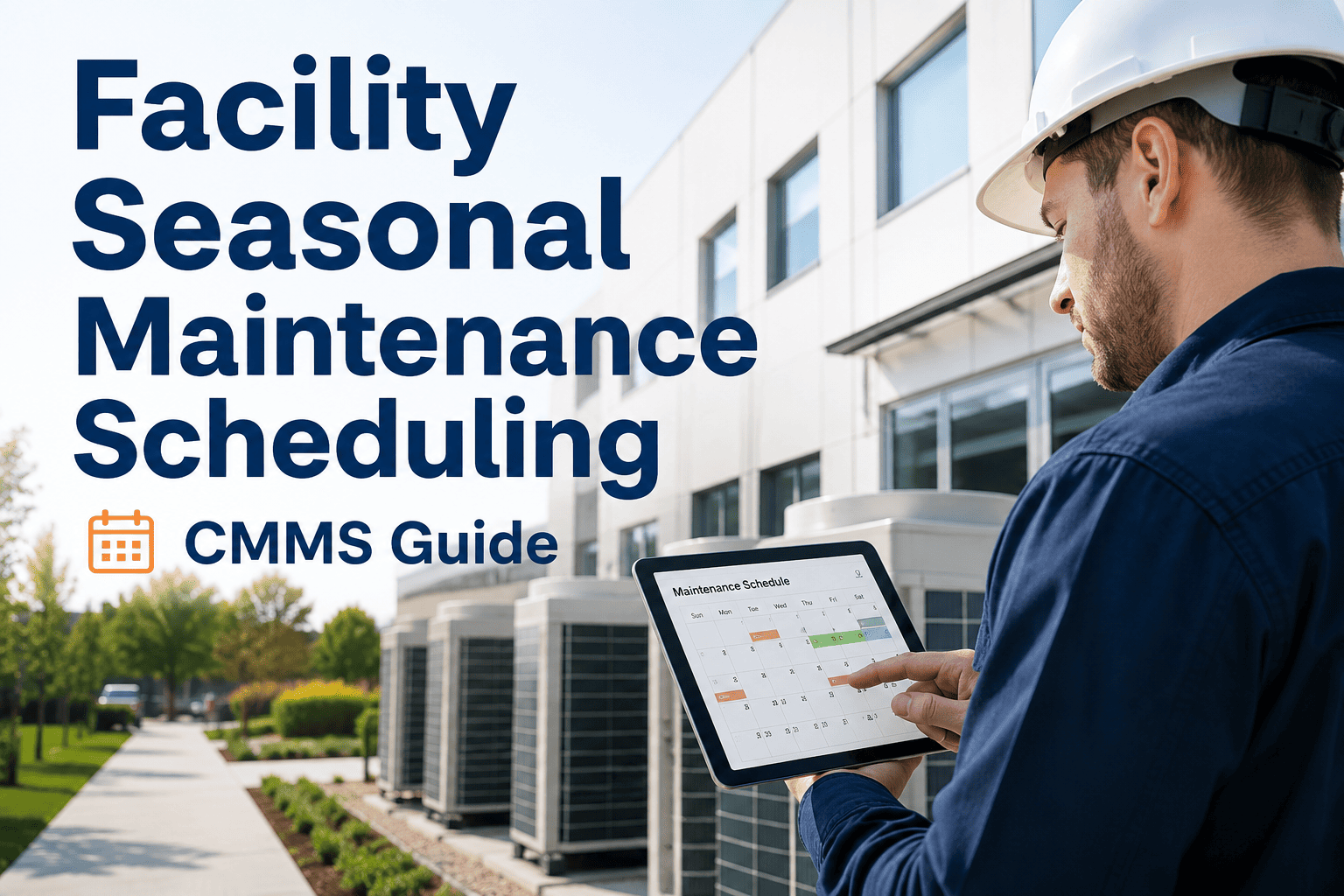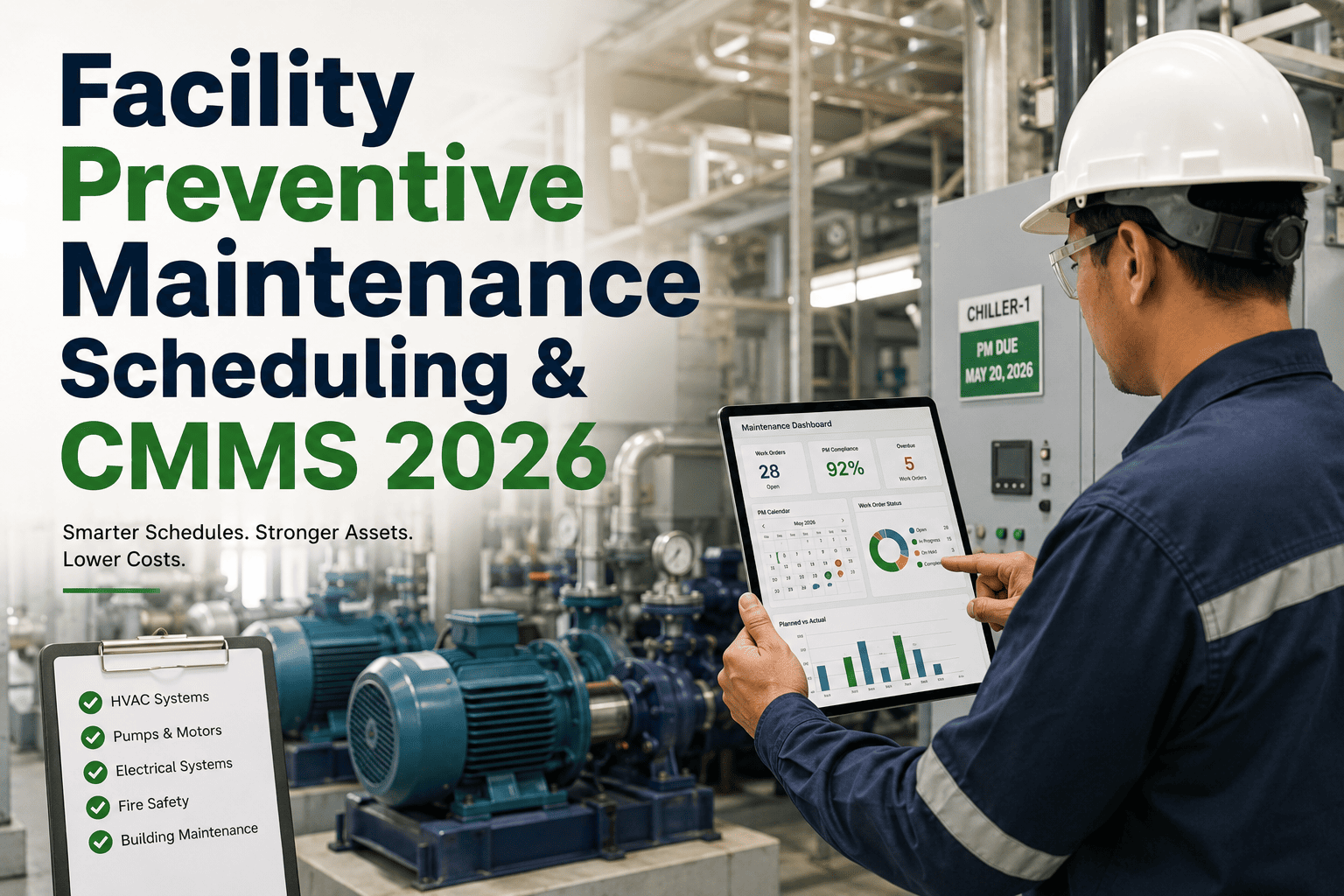
Facility Preventive Maintenance Scheduling & CMMS 2026

By Corin Hale on July 8, 2026

facility-preventive-maintenance-scheduling-cmms-2026

A regional hospital network in Texas discovered during an insurance audit that 340 of its 900 HVAC and electrical assets had no documented maintenance history for over two years — the maintenance team had relied on a shared spreadsheet that technicians quietly stopped updating after a system migration. The compliance office spent six weeks manually reconstructing records from memory and paper work orders before the deadline. This is the quiet failure mode of manual preventive maintenance scheduling: nothing looks broken until someone asks for proof. Facility teams that move scheduling into a structured CMMS avoid this scramble entirely, since every trigger, inspection, and completion is logged the moment a technician closes a work order. If your PM records still live across sticky notes and someone's memory, start a free trial with Oxmaint and see automated PM scheduling replace the guesswork.

Facility Maintenance Strategy / PM Scheduling / CMMS 2026

Preventive Maintenance Scheduling: The Facility Manager's Blueprint for Fewer Breakdowns in 2026

Most facility managers already believe in preventive maintenance. Very few actually run it as their primary strategy. Oxmaint closes that gap with calendar-based, usage-based, and condition-based scheduling, asset criticality ranking, and automated work orders that keep every building system compliant and running.

90%
of facility managers say PM is valuable, yet only a quarter run it as their main strategy
20–30%
lower total maintenance spend for teams keeping a 60:40 preventive-to-reactive ratio
25–40%
drop in unplanned downtime after moving PM scheduling into a CMMS
24 yrs
average age of industrial and facility assets still running today
Automated Scheduling

Stop Running Your Building on a Spreadsheet and a Good Memory

Oxmaint turns every PM task — filter changes, generator load tests, elevator inspections, fire system checks — into a rule-based schedule that fires itself, assigns the right technician, and logs proof of completion automatically.

What Preventive Maintenance Scheduling Actually Means

Preventive maintenance scheduling is the practice of servicing building systems and equipment on a defined trigger — before they fail — rather than waiting for a breakdown to force the work. A schedule is only as good as the trigger behind it, and most facilities run on one of three: a fixed calendar, actual usage or run-hours, or live condition data from a sensor. Getting this trigger wrong is the single biggest reason PM programs quietly collapse into reactive firefighting within a year of launch.

Calendar-Based
Time-Interval Triggers
Service happens every 30, 90, or 365 days regardless of load. Reliable for code-mandated inspections like fire suppression and elevators, but wasteful for assets whose wear depends on how hard they actually run.
Usage-Based
Meter and Run-Hour Triggers
Service fires after a set number of operating hours, cycles, or output units. A rooftop unit running double shifts gets serviced twice as often as an identical idle unit — accuracy that a calendar alone can never match.
Condition-Based
Sensor and Threshold Triggers
Vibration, temperature, or pressure data crosses a set threshold and a work order is generated instantly. This is the only trigger type that catches degradation happening between scheduled checks.

Ranking Assets by Criticality Before You Build a Single Schedule

Not every asset deserves the same PM attention, and treating a lobby thermostat like a rooftop chiller wastes technician hours that critical systems actually need. Facility teams that rank assets by criticality first — then assign scheduling frequency and trigger type second — get more reliability out of the same headcount.

Tier 1 — Mission Critical
Failure stops operations or breaks compliance immediately: fire suppression, main electrical gear, life-safety systems. Shortest intervals, condition-based monitoring where possible.
Tier 2 — Business Essential
Failure disrupts occupancy or comfort within hours: primary HVAC, elevators, backup generators. Usage-based scheduling with monthly review.
Tier 3 — Standard Operations
Failure is inconvenient but not urgent: secondary lighting circuits, standard plumbing fixtures. Calendar-based, quarterly to semi-annual.
Tier 4 — Low Priority
Failure has minimal operational impact: decorative fixtures, non-critical signage. Annual inspection or run-to-failure with replacement on hand.

Four Scheduling Mistakes That Quietly Break a PM Program

01
Over-Scheduling Low-Risk Assets
Servicing every asset on the same aggressive interval burns technician hours on equipment that rarely fails, leaving critical Tier 1 systems under-serviced during the busiest weeks.
02
Spreadsheet Drift
A shared spreadsheet works until someone forgets to update a row, a technician leaves, or a laptop crashes. Manual tracking has no audit trail and no automatic reminder when a task is missed.
03
Ignoring Technician Feedback
Schedules built purely from OEM manuals without field input become unrealistic fast. Technicians closest to the equipment often know an interval is too tight or too loose months before the data proves it.
04
No Backlog Protocol
When a PM task slips, teams without a defined rescheduling process simply drop it. A missed filter change today becomes a compressor failure three months later.

Manual Scheduling vs. Oxmaint CMMS Scheduling

CategorySpreadsheet / PaperOxmaint CMMSResult
Trigger types supported Calendar only, tracked manually Calendar, usage, and condition-based, combined per asset Right trigger for every asset tier
Missed task visibility Discovered during audits or breakdowns Automatic alert the moment a task is overdue Backlog caught within hours
Compliance proof Reconstructed manually before inspections Time-stamped log generated at task completion Audit-ready at all times
Technician assignment Manual phone calls or messages Auto-assigned by asset, skill, and location Faster task turnaround
Schedule adjustment Requires rebuilding the sheet Adjusts automatically from meter and sensor data Fewer over- or under-serviced assets

What Facilities Report After Structuring Their PM Schedule

30–50%
less spent on emergency repairs versus facilities with no formal PM program
45 min
saved per technician per day once field data entry replaces paper duplication
32%
reduction in unplanned downtime reported after CMMS-based PM adoption
81 min
average repair time facilities are trying to shrink as infrastructure ages

Frequently Asked Questions

What is the difference between calendar-based and condition-based PM scheduling?+
Calendar-based scheduling services an asset at a fixed time interval regardless of how hard it has run. Condition-based scheduling waits for real sensor data — vibration, temperature, pressure — to cross a threshold before generating a work order. Most facilities blend both depending on asset tier.
How do I decide which assets need the tightest PM intervals?+
Rank assets by criticality first: what happens if this fails today, and how fast? Life-safety and single points of failure get the shortest intervals and condition-based monitoring. Low-impact assets can run on an annual check or even a run-to-failure policy. Start a free trial to build a criticality ranking for your asset list automatically.
Can a CMMS replace our maintenance spreadsheet without disrupting operations?+
Yes. A phased rollout — one building or one team first — lets staff learn the new workflow before expanding sitewide. Existing asset lists, floor plans, and schedules import directly, so no PM history is lost in the switch.
What KPIs should I track once a PM schedule is running?+
Track PM compliance rate, mean time between failures, and your planned-to-reactive work ratio weekly, not monthly. A falling compliance rate is an early warning that breakdowns are coming, and weekly review catches it before month-end reporting ever would.
How quickly can a facility see results after adopting structured PM scheduling?+
Most teams see fewer missed inspections within the first month and measurable downtime reduction within one to two quarters. Book a demo to see a rollout timeline mapped to your building portfolio.
Facility PM Scheduling — Oxmaint

Give Every Asset the Schedule It Actually Needs

Oxmaint combines calendar, usage, and condition-based triggers with automated criticality ranking, so your team stops guessing and starts running a facility that passes every audit without a six-week scramble.


3 trigger types
Calendar, usage, and condition-based scheduling in one system
Zero
missed inspections buried in a spreadsheet again
Audit-ready
time-stamped compliance logs generated automatically

Share This Story, Choose Your Platform!