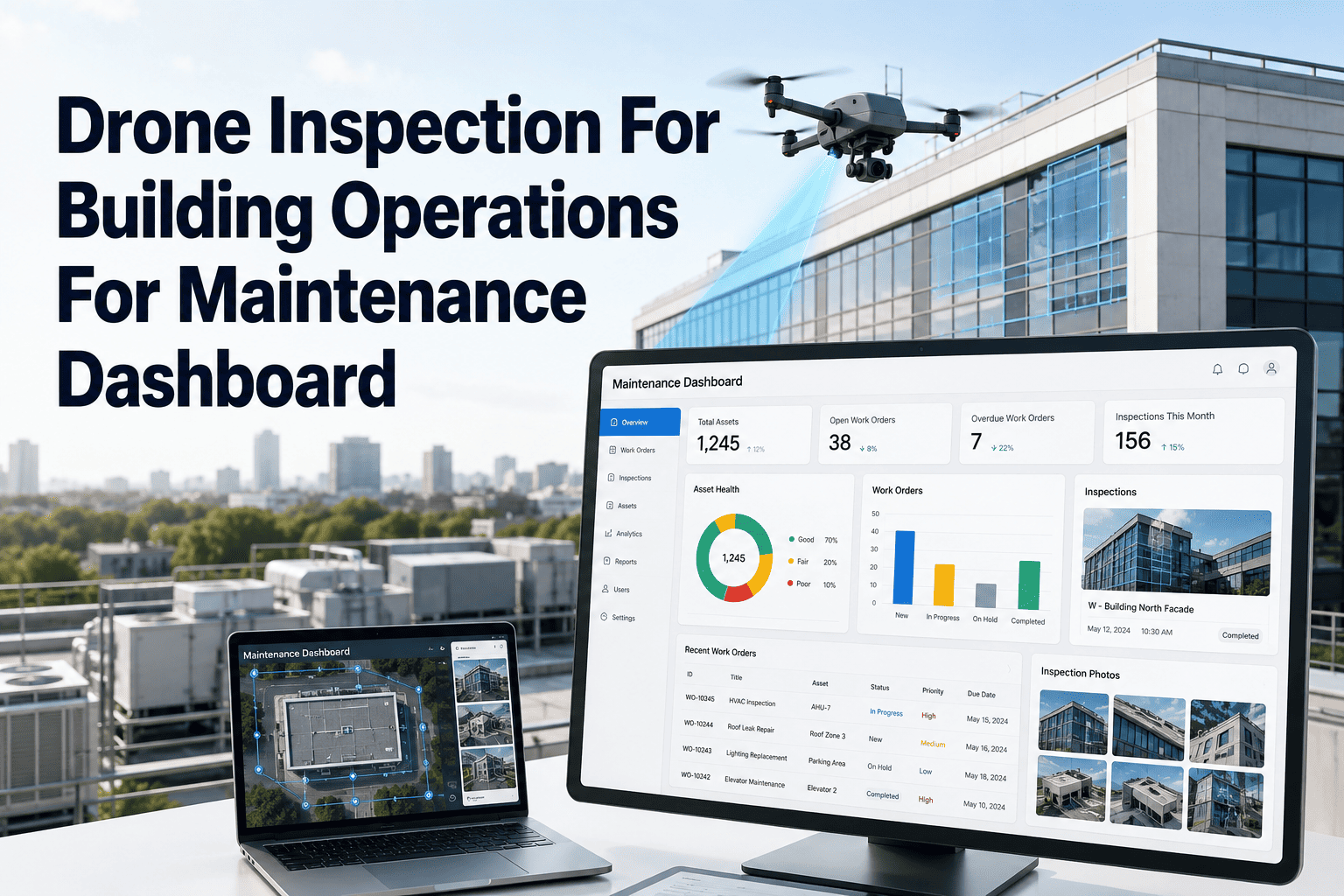
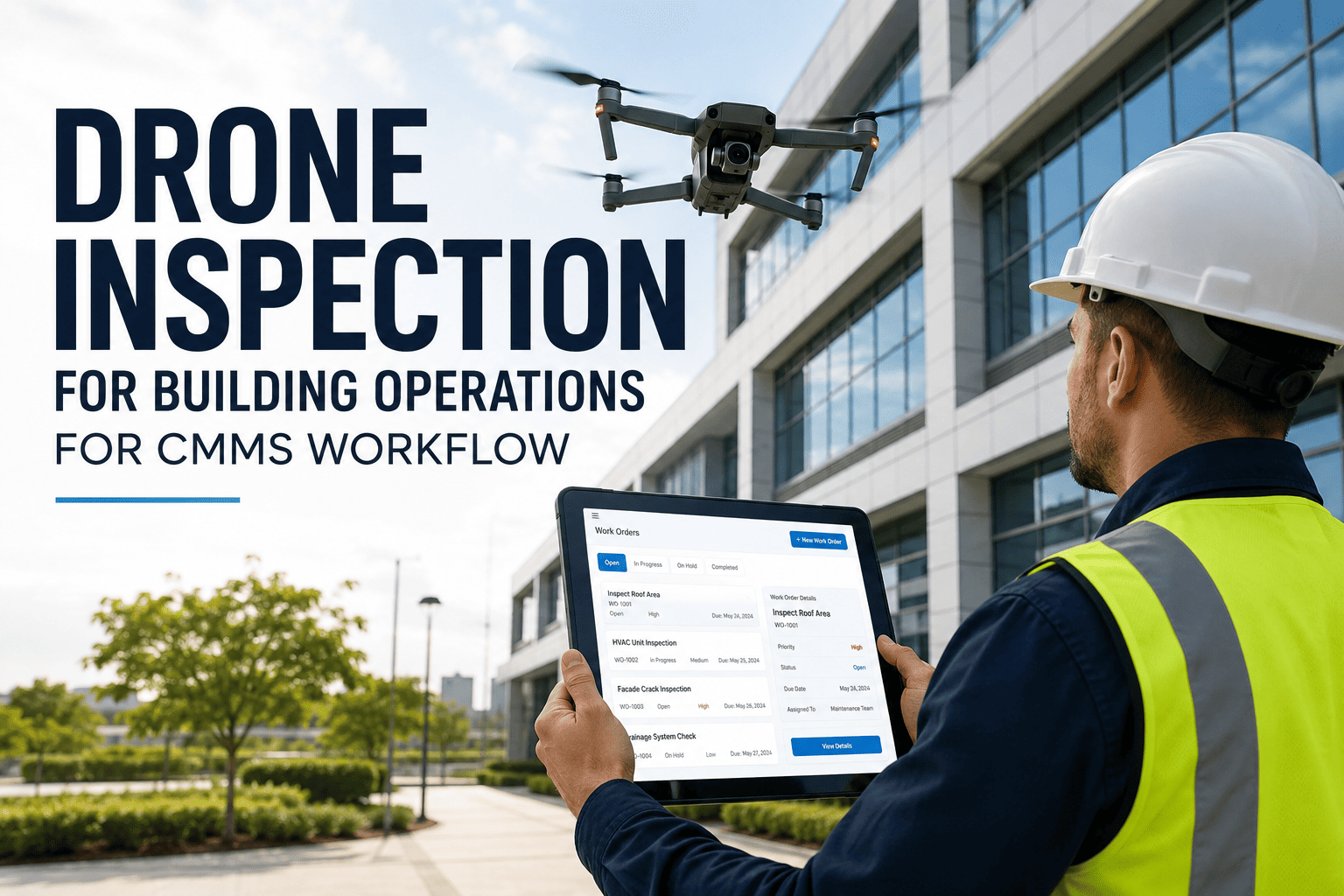
Roofs, facades, rooftop chiller units, and water towers all share one problem — they are expensive and risky to reach, so they get inspected far less often than they should. A drone covers the same area in minutes that would otherwise need rope access, a lift, or a shutdown. The harder problem is what happens after the flight: hundreds of photos sitting in a folder rarely turn into action. OxMaint ingests every drone-captured image, tags the defects automatically, and opens a work order against the exact asset and zone it came from. For facility teams managing large or tall sites, this turns a once-a-year inspection backlog into a routine, low-risk maintenance habit. Book a demo to see how a single flight becomes a set of tracked repairs.
Drone Inspection · Building Operations · CMMS
Drone Inspection That Ends in a Work Order, Not a Folder
OxMaint reads drone-captured images and flight metadata, tags every defect by location, and routes it straight into your maintenance queue.
Time to Inspect One Roof Section
Hard-to-Reach Zones Drone Inspection Covers
01
Roof Membrane & Flashing
Ponding water, blistering, and seam separation
02
Building Facade
Cracking, spalling, and water staining at height
03
Rooftop HVAC Units
Thermal scans for coil fouling and panel hot spots
04
Towers & Silos
Shell corrosion and structural fastener condition
05
Gutters & Drainage
Blockages and slope issues invisible from ground level
06
Perimeter & Fencing
Large-site boundary checks in a single short flight
A drone that flies a perfect inspection and a team that reviews the footage two weeks later is not faster — it just moves the delay. OxMaint closes that gap on the same day.
From Flight Plan to Repair Ticket
1
Flight Plan Logged
The route and zone coverage for the flight is recorded against the asset register before takeoff.
2
Images & Thermal Data Captured
High-resolution and thermal images are captured at every zone defined in the flight plan.
3
Defects Tagged Automatically
OxMaint matches each image to its exact roof, facade, or unit location and flags visible defects.
4
Work Order Routed
A ticket is created with the image attached and assigned to the technician responsible for that zone.
Drone Inspection With and Without OxMaint
| Step | Drone Alone | Drone + OxMaint |
| Image review |
Manual scroll through hundreds of photos |
Defects auto-tagged by location and severity |
| Defect-to-asset match |
Someone has to remember which roof section is which |
Every image linked to its asset record automatically |
| Follow-up action |
Often filed away until the next walk-around |
Work order created the same day as the flight |
| History over time |
Separate folders per flight, hard to compare |
Condition trend visible per zone across every flight |
Expert Review
"The flight itself was never the hard part. The reason most drone inspection programs fade out after the first year is that nobody builds a routine for turning the footage into action. Tie it to a work order system and the program survives — and the roof does too."
Sneha Kulkarni — Maintenance Solutions Lead, OxMaint
Frequently Asked Questions
Which drone platforms can feed data into OxMaint?
OxMaint accepts geotagged images and thermal data exports from standard commercial inspection drones, matching each capture point to your asset register by location.
Start a free trial to test your first flight export.
How does OxMaint know which roof section or facade panel an image belongs to?
Each asset zone is mapped once during setup using the flight plan grid. Every captured image is matched to its zone by GPS coordinates and flight sequence, so defects land on the correct work order without manual sorting.
Can drone inspection findings be compared across multiple flights over time?
Yes. OxMaint keeps a condition history per zone, so a roof seam flagged as minor in one flight and worsening in the next is visible as a trend, not just a single isolated photo.
Book a demo to see a sample trend view.
Do we still need rope access teams once a drone program is in place?
Drone flights typically replace routine visual inspection, while rope access or lift teams are still needed for hands-on repair work once a defect is confirmed. The drone reduces how often risky access is needed for inspection alone.
How quickly does a defect found mid-flight turn into an assigned work order?
Once images are uploaded, OxMaint typically tags and assigns work orders within the same day, well before the next scheduled flight is due.
Sign up free to set this up for your site.
One Flight, Every Defect, One Place to Track Repairs
Drone inspection only pays off when the findings turn into closed work orders. OxMaint is the part of the process most programs are missing.