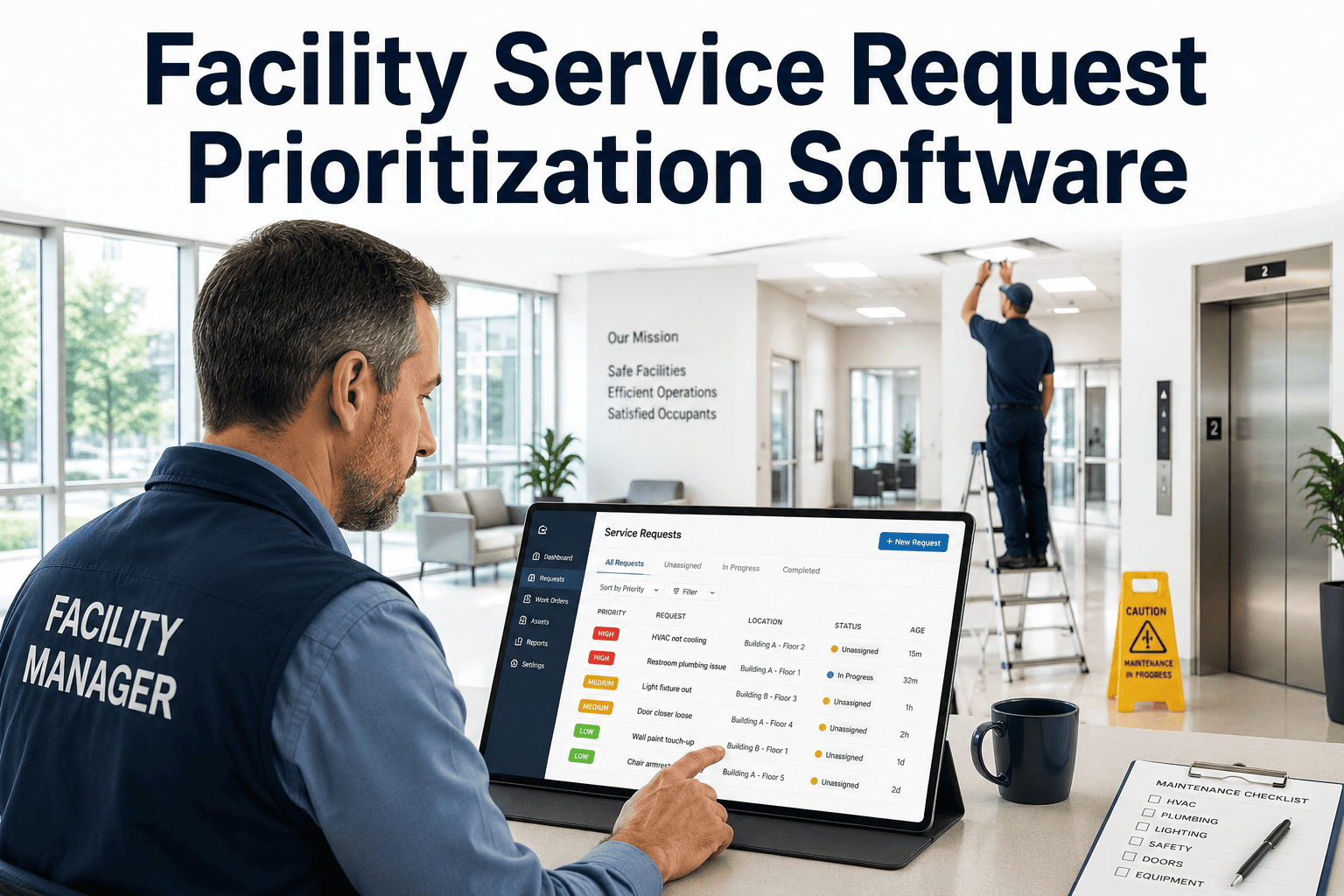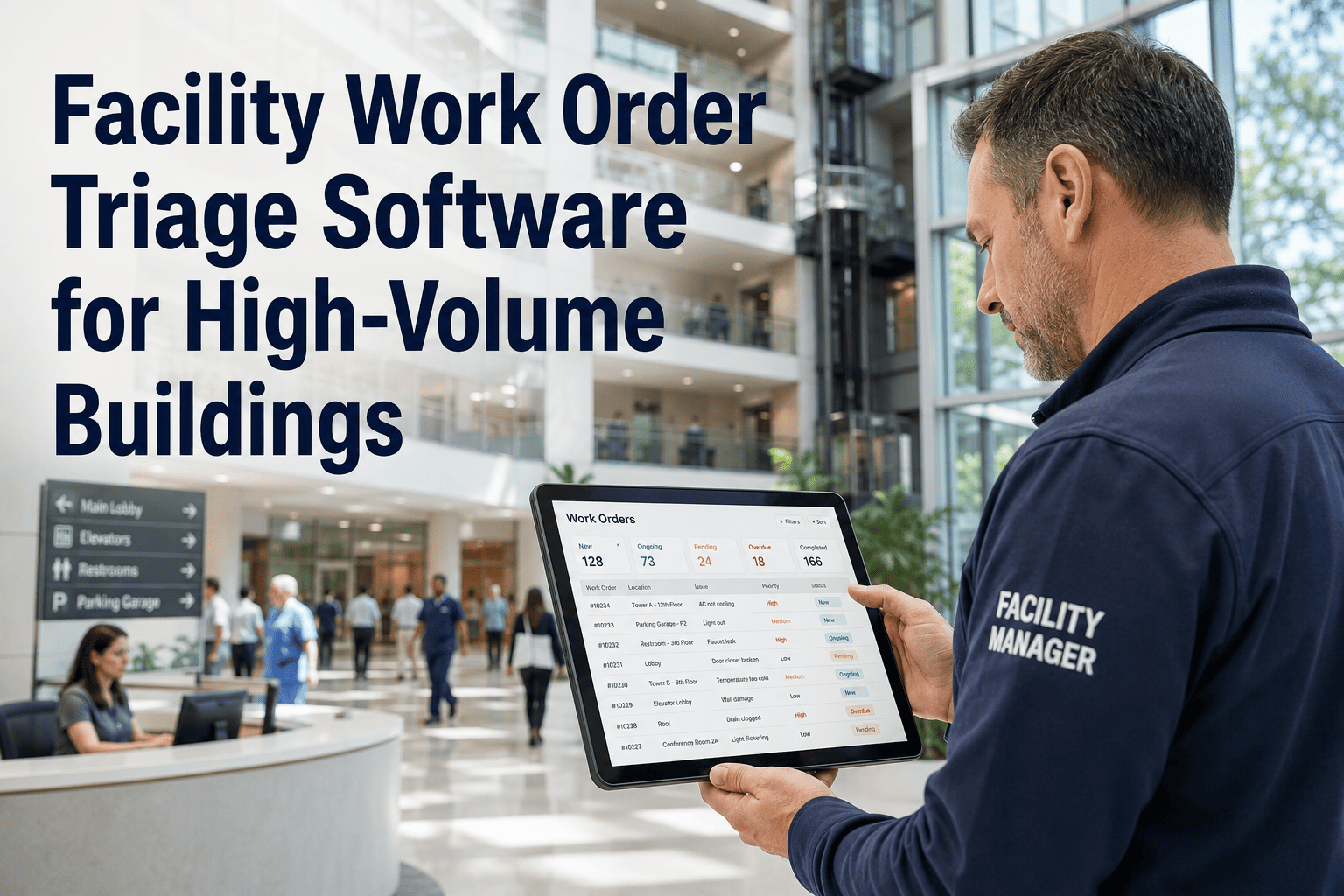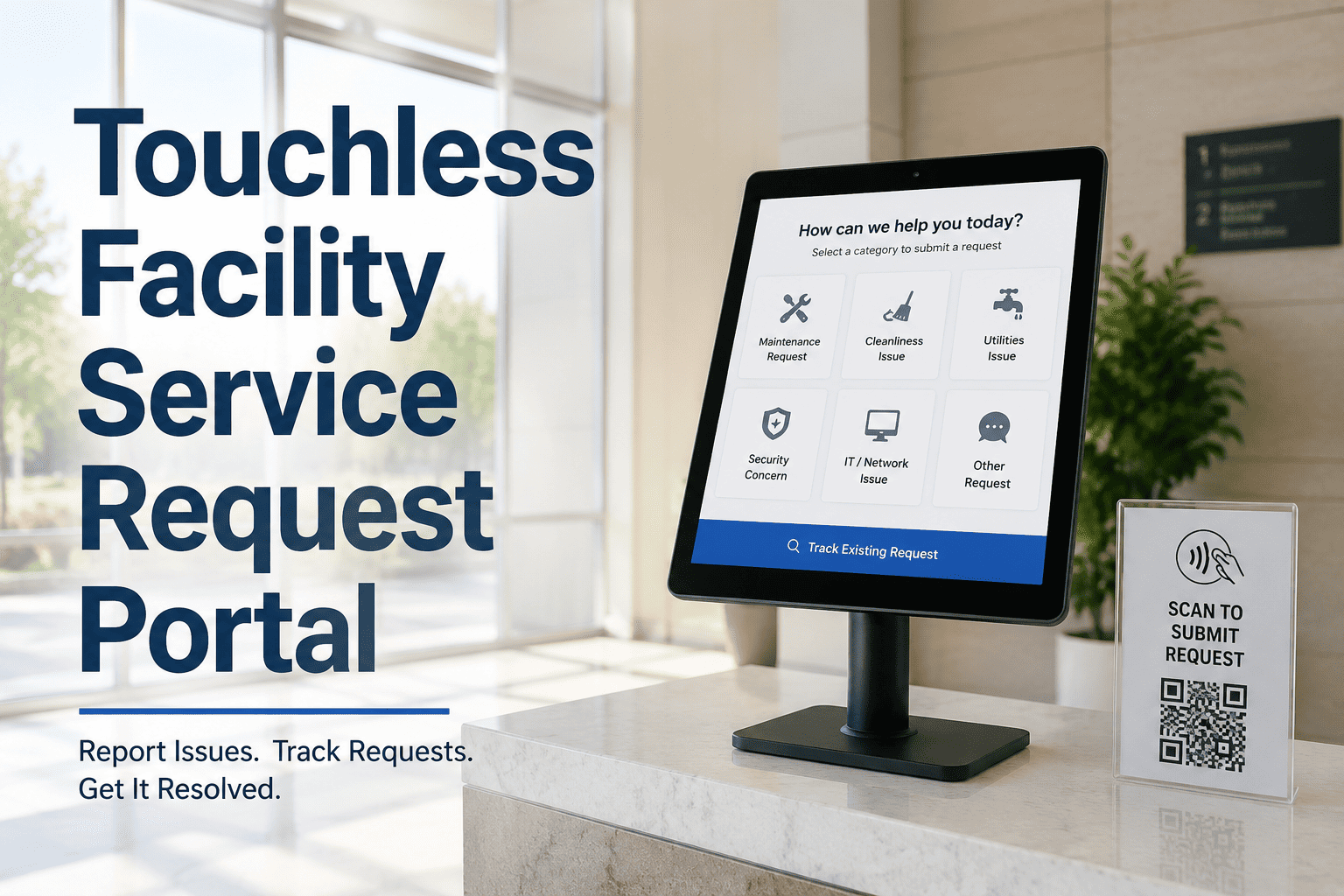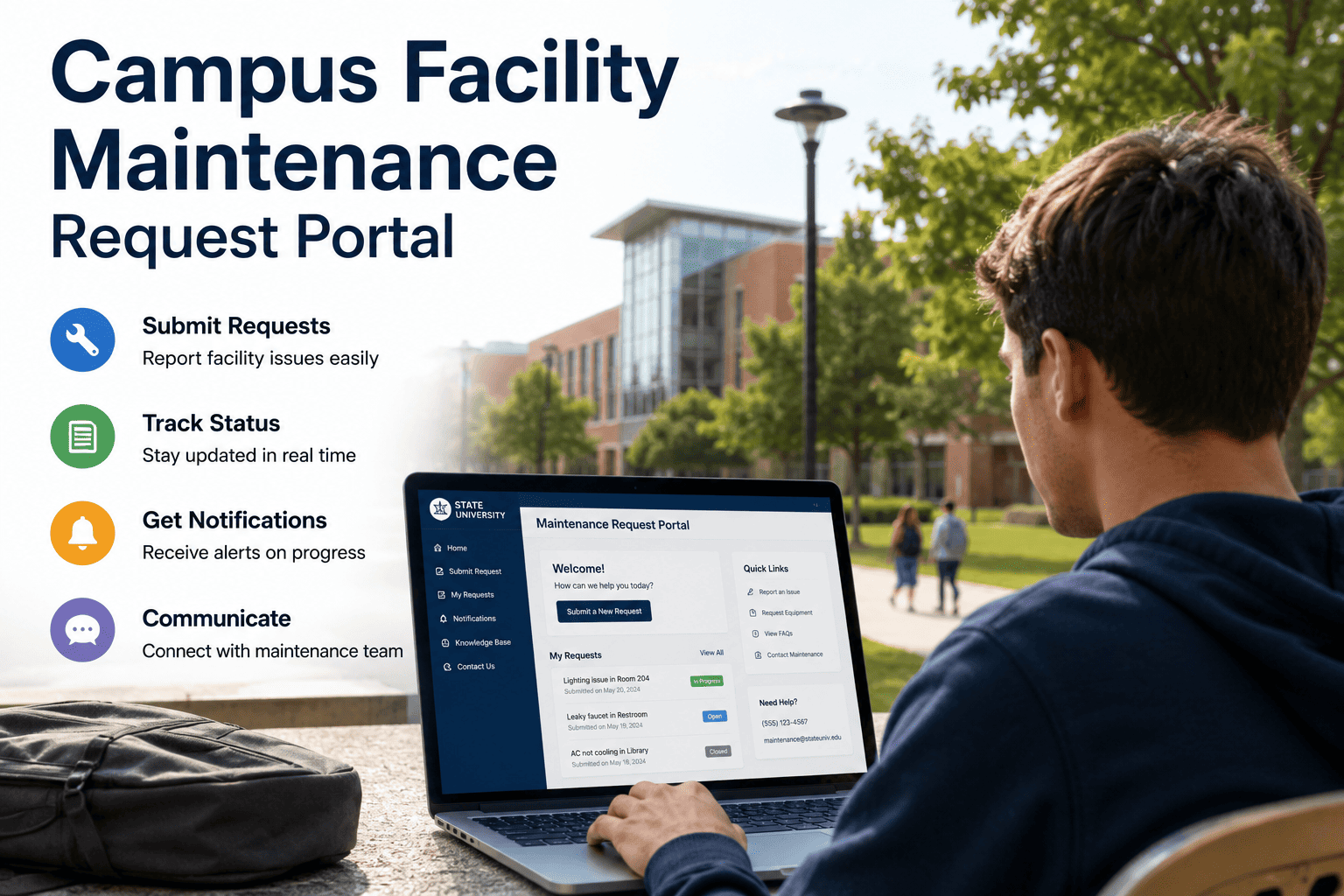
Managing maintenance requests across a college or university campus means handling submissions from students in dormitories, faculty in research buildings, staff in administrative offices, and operations teams across dozens of locations — all with different expectations about response time and communication. Without a centralized system, requests arrive through email, phone calls, sticky notes, and verbal complaints, creating a backlog that is impossible to prioritize fairly or track reliably. OxMaint's campus facility maintenance request portal gives every occupant — student, staff, or faculty — a single submission point with location capture, photo attachment, and automatic work order routing. Your facilities team gets a unified queue, SLA tracking per request type, and real-time status visibility that eliminates the constant follow-up calls that consume maintenance coordinator time. Book a demo to see how campus facilities teams centralize and close requests faster with OxMaint.
Campus Facility Maintenance Request Portal
One submission point for students, staff, and faculty. One unified queue for your facilities team. Zero missed requests.
Where Campus Maintenance Requests Get Lost
Built for Every Person on Campus
- QR code access from dorm room door — no login needed
- Photo attachment shows the exact issue in context
- Room number pre-filled from QR scan location
- Automatic status updates via email or SMS
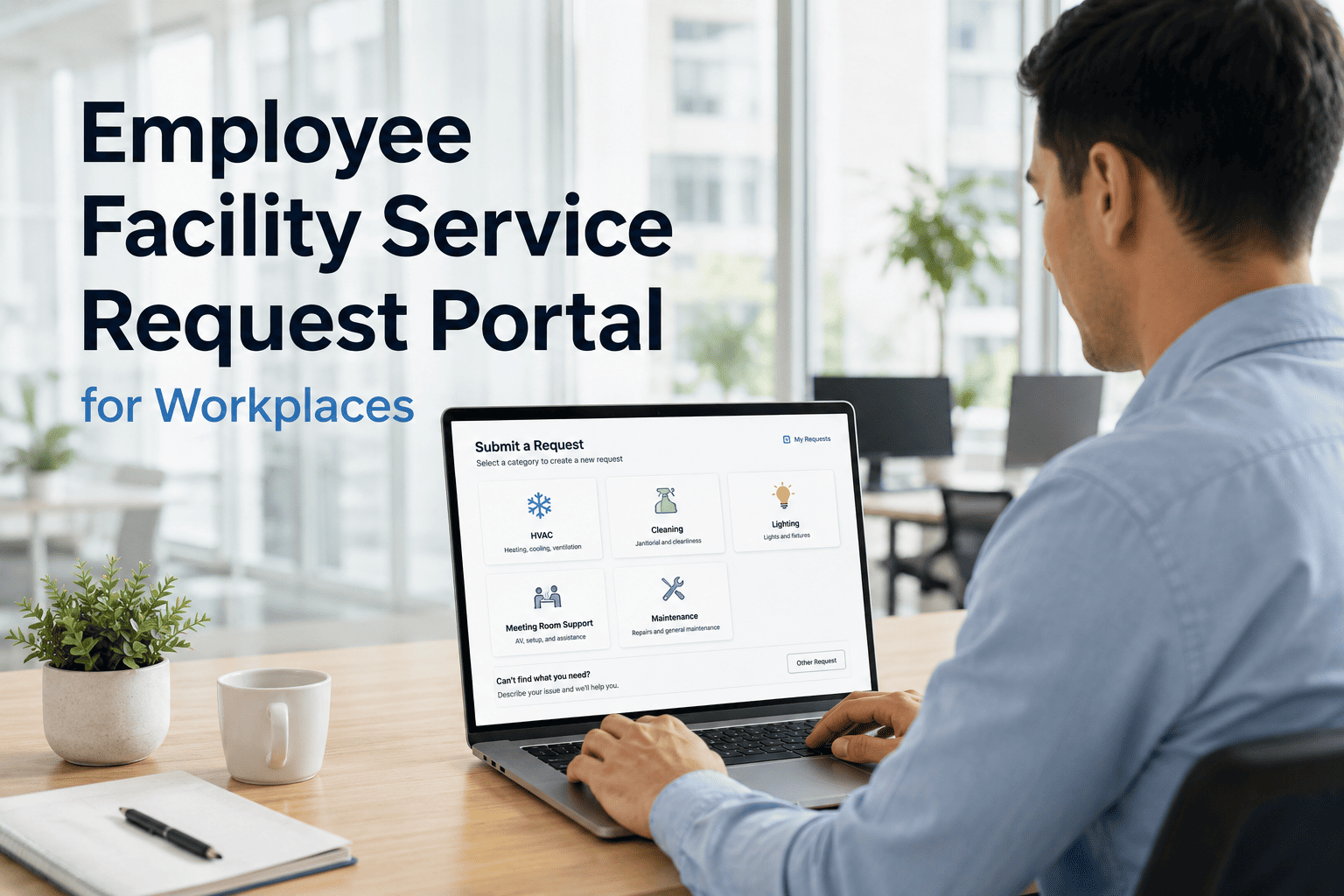
- Department and building selection from structured dropdown
- Urgency level flagging for research or teaching-critical issues
- Multi-photo submission for complex equipment failures
- Request history visible in personal dashboard
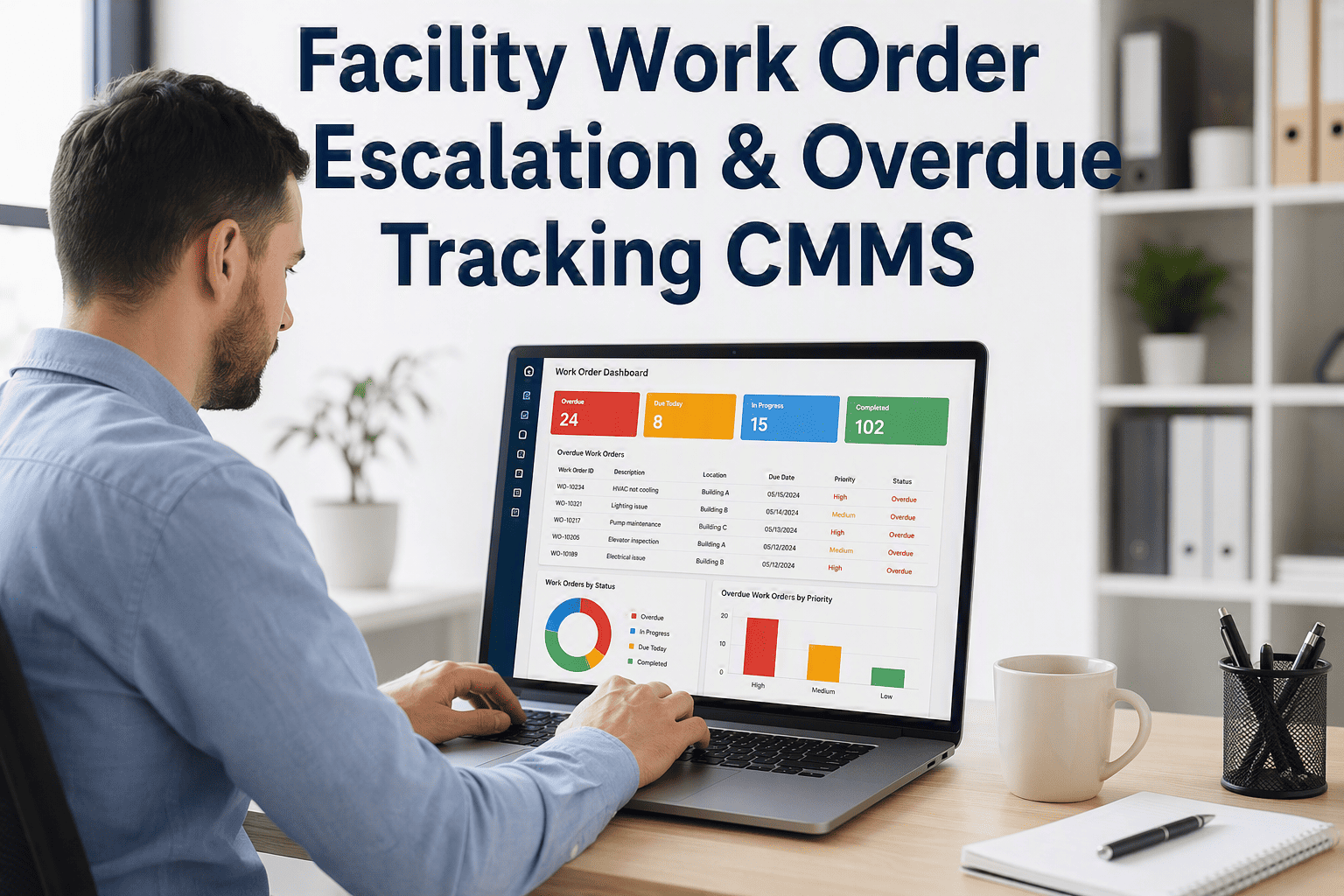
- Unified inbox with priority scoring and SLA countdown
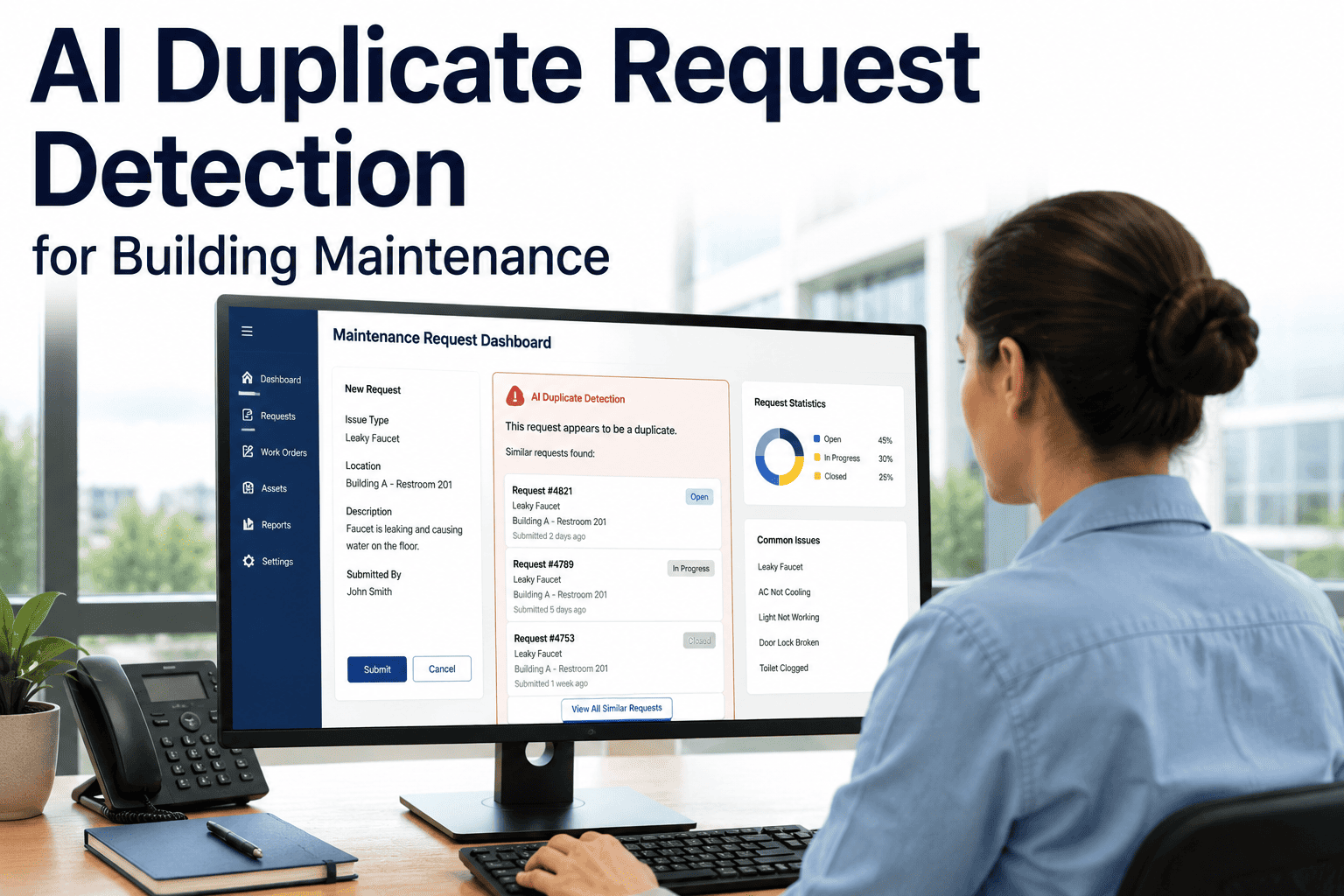
- AI duplicate detection groups identical reports
- Smart routing by building zone and trade type
- Mobile work order with photo evidence pre-attached
- SLA compliance rate by building and request category
- Backlog and response time trending dashboard
- Repeat issue detection for recurring infrastructure problems
- One-click compliance export for facilities audits
SLA Response Targets by Campus Request Type
| Request Category | Example Issue | Typical SLA Target | OxMaint Action at Breach |
|---|---|---|---|
| Emergency Safety | Gas smell, electrical fault, flood | 15 minutes | Immediate supervisor escalation + SMS alert |
| High Priority | No heat/cooling, elevator fault, lab equipment | 2 hours | Escalation to FM manager with breach notification |
| Standard | Plumbing, lighting, broken furniture | 24 hours | Work order flagged in overdue queue |
| Planned | Paint touch-up, signage, cosmetic repairs | 5 business days | Queued in scheduled maintenance backlog |
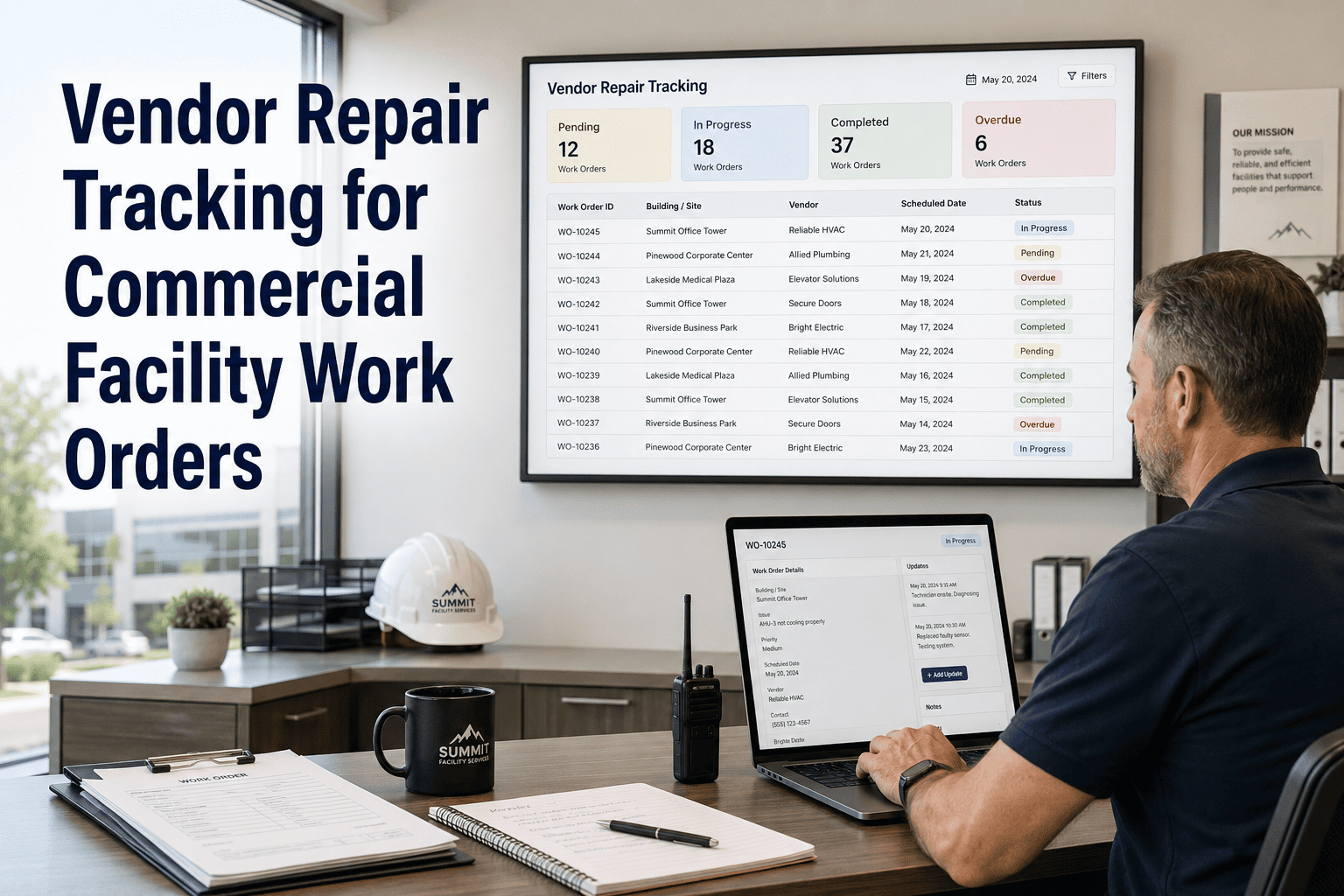
| Vendor-Required | Specialist equipment, elevators, HVAC units | Per contract SLA | Vendor assignment with SLA clock tracking |
What Campus Facility Teams Say
We have fourteen residential halls and four academic buildings, and before OxMaint every request channel was different. Students emailed, faculty called, staff submitted paper forms. The moment we moved to a unified portal with QR codes on every building entrance, our intake volume doubled — not because problems increased, but because people finally had a channel they trusted. Closure rates went up, not down. The SLA tracking made us measurably better at our jobs within 90 days.
The duplicate detection feature paid for the platform in the first semester. During a winter pipe burst, 47 students submitted requests for the same issue. OxMaint grouped them into one work order and flagged the scope — I could see immediately that this was a building-wide event, not an isolated fixture. The photo submissions from multiple rooms helped us document the damage for insurance faster than anything we had done before.
Frequently Asked Questions
How do students access the request portal without creating an account?
OxMaint's campus portal supports anonymous and semi-anonymous submission through QR codes placed on building entrances, floors, and common areas. When a student scans the code, the building and zone are pre-filled automatically — they only need to describe the issue, attach a photo, and optionally provide their contact for status updates. No app download or account creation is required. Book a demo to see the occupant submission flow on mobile.
Can SLA targets be set differently for each building or request category?
Yes. OxMaint allows SLA rules to be configured at the facility, building, and request category level. A research lab with specialized equipment can have a two-hour response target while routine cosmetic repairs have a five-day window — and escalation paths, notification recipients, and breach actions can all be configured independently per rule. See SLA configuration in a live demo.
How does OxMaint handle duplicate requests during high-volume incidents like a burst pipe or outage?
OxMaint's AI duplicate detection identifies requests from the same building zone that describe similar issues within a defined time window and groups them under a single consolidated work order. The facilities team sees the combined view — with all submitted photos — rather than individual tickets. Volume of reports also informs priority scoring, ensuring building-wide events are flagged as critical immediately. Start a free trial to configure your duplicate detection rules, or book a demo to see it live.
Can the portal support both academic and residential buildings with different workflows?
OxMaint supports multiple facility types within a single campus deployment. Academic buildings, residential halls, athletic facilities, and administrative spaces can each have their own routing rules, SLA targets, and technician assignments while feeding into the same unified dashboard for FM directors. Seasonal workflows — like summer turnover in residence halls — can be templated and reused year over year. Book a demo to walk through a campus-specific configuration.
Every Campus Building. Every Occupant. One Request Portal.
OxMaint centralizes campus maintenance requests, routes them intelligently, and closes the loop with every occupant automatically.