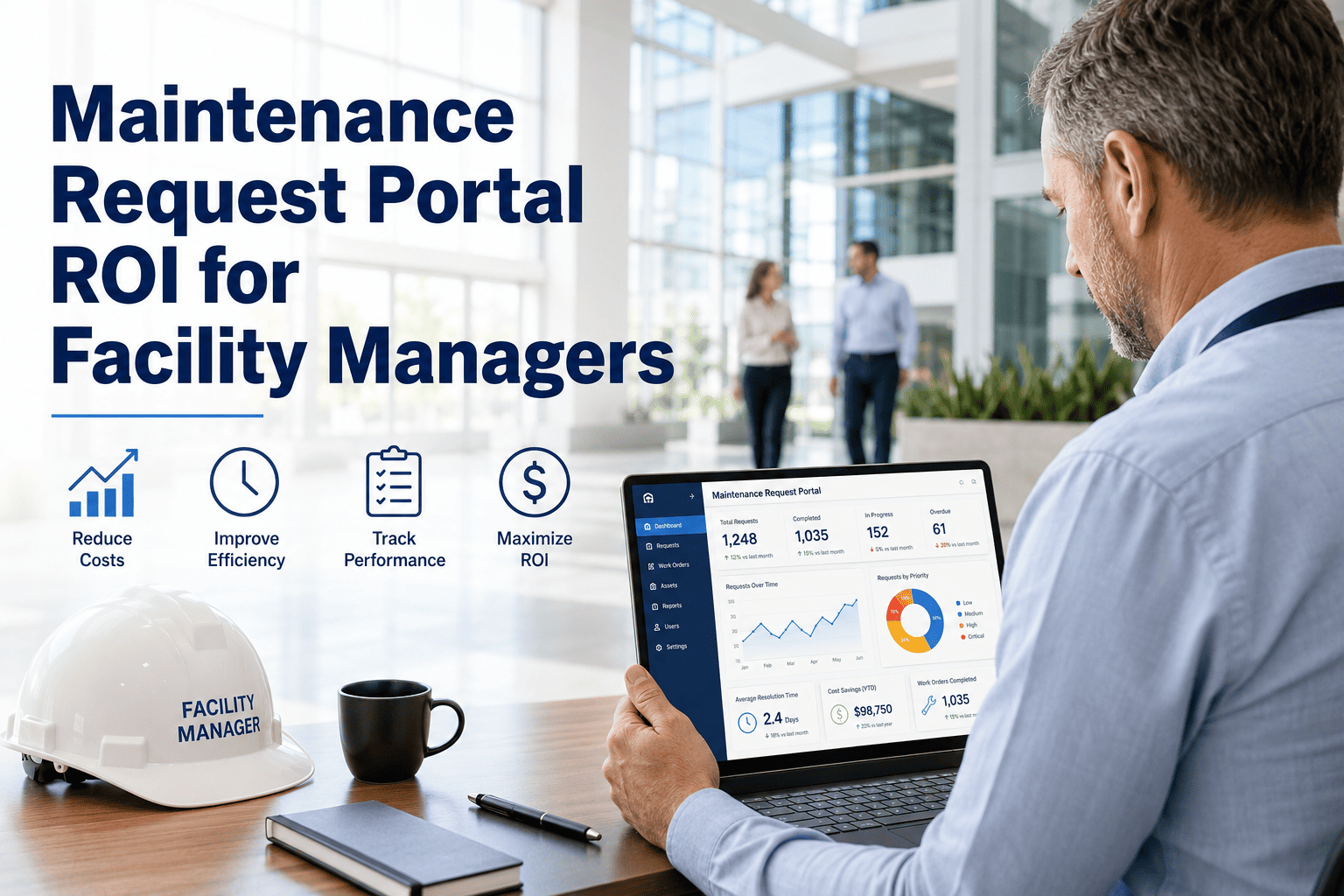
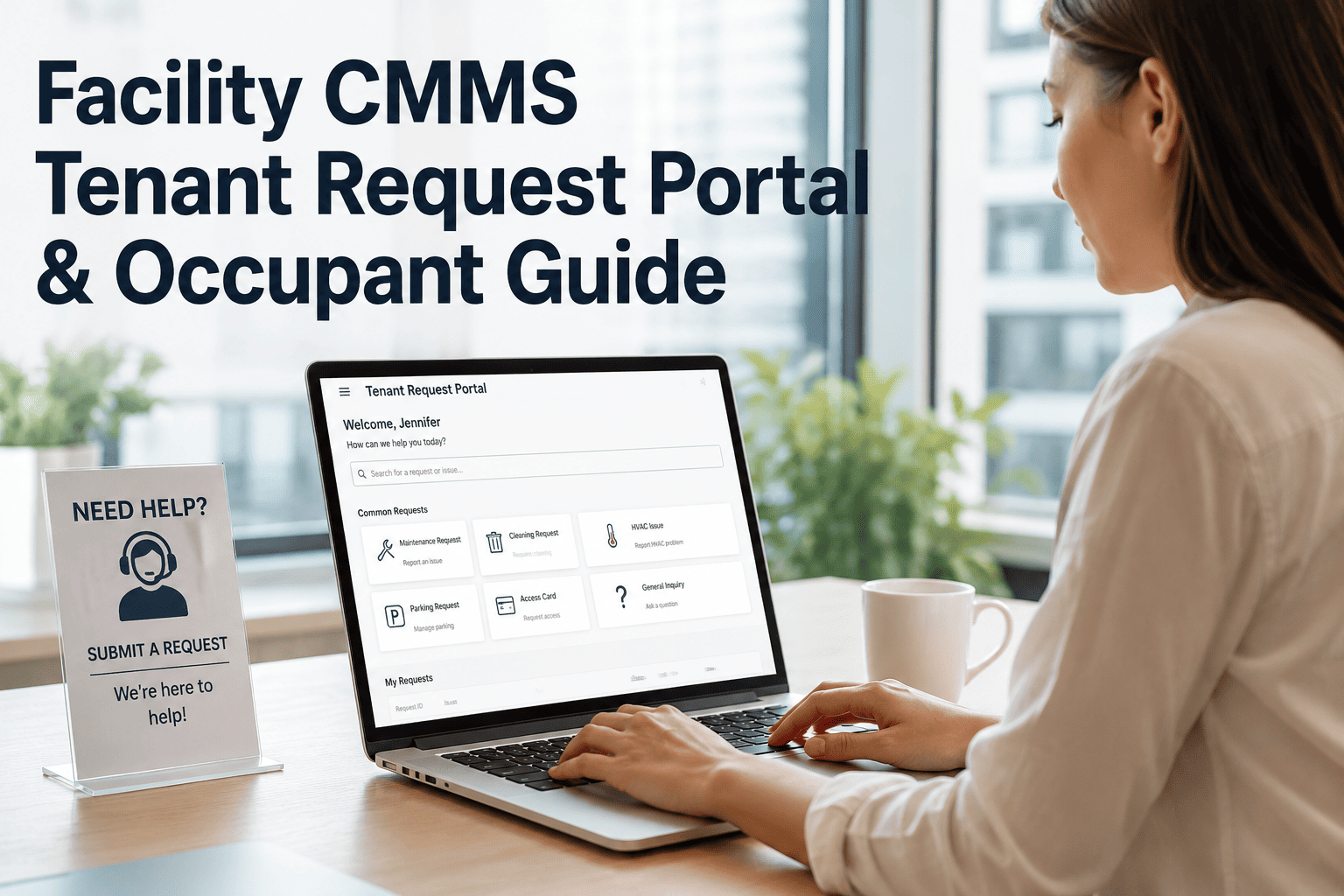
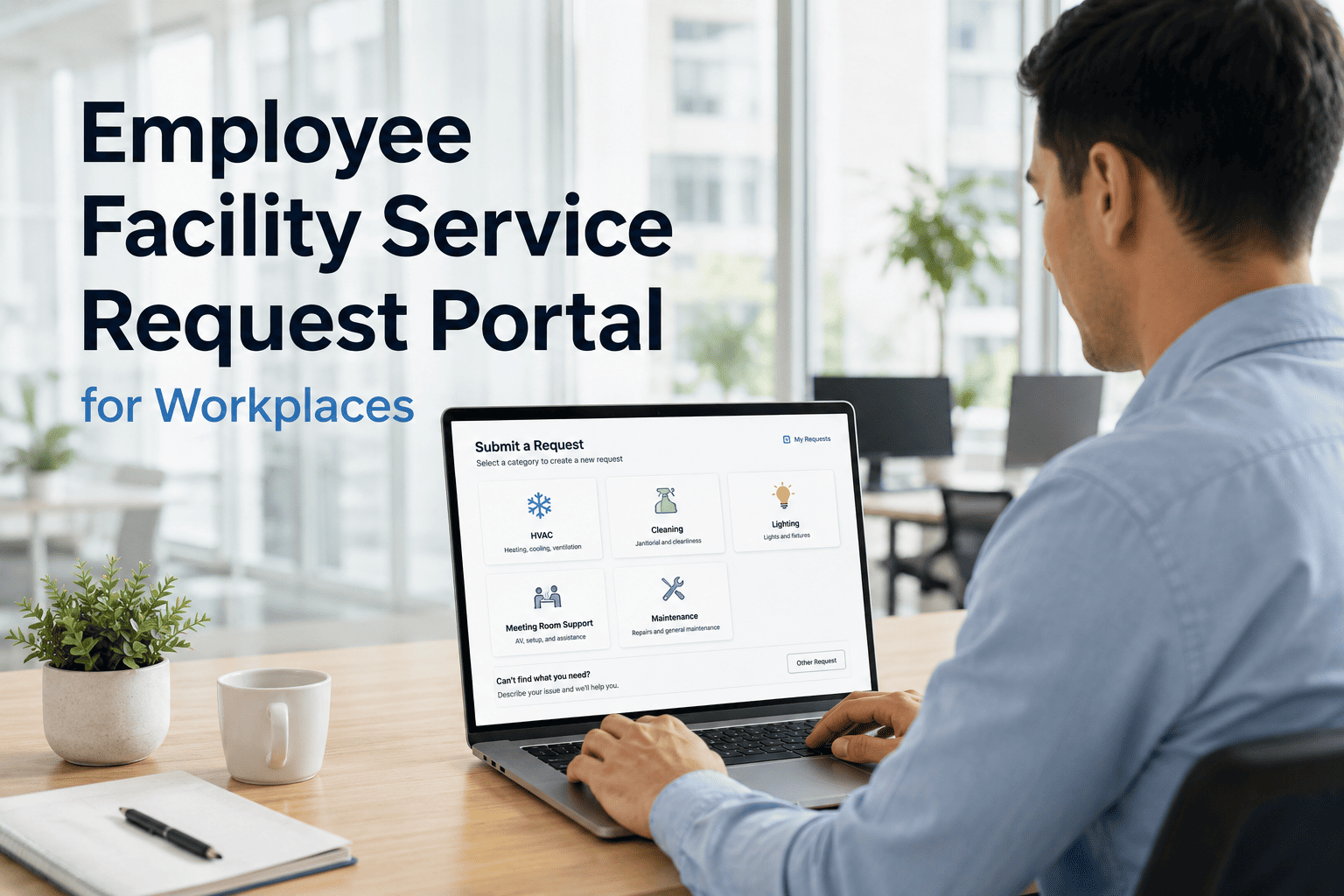
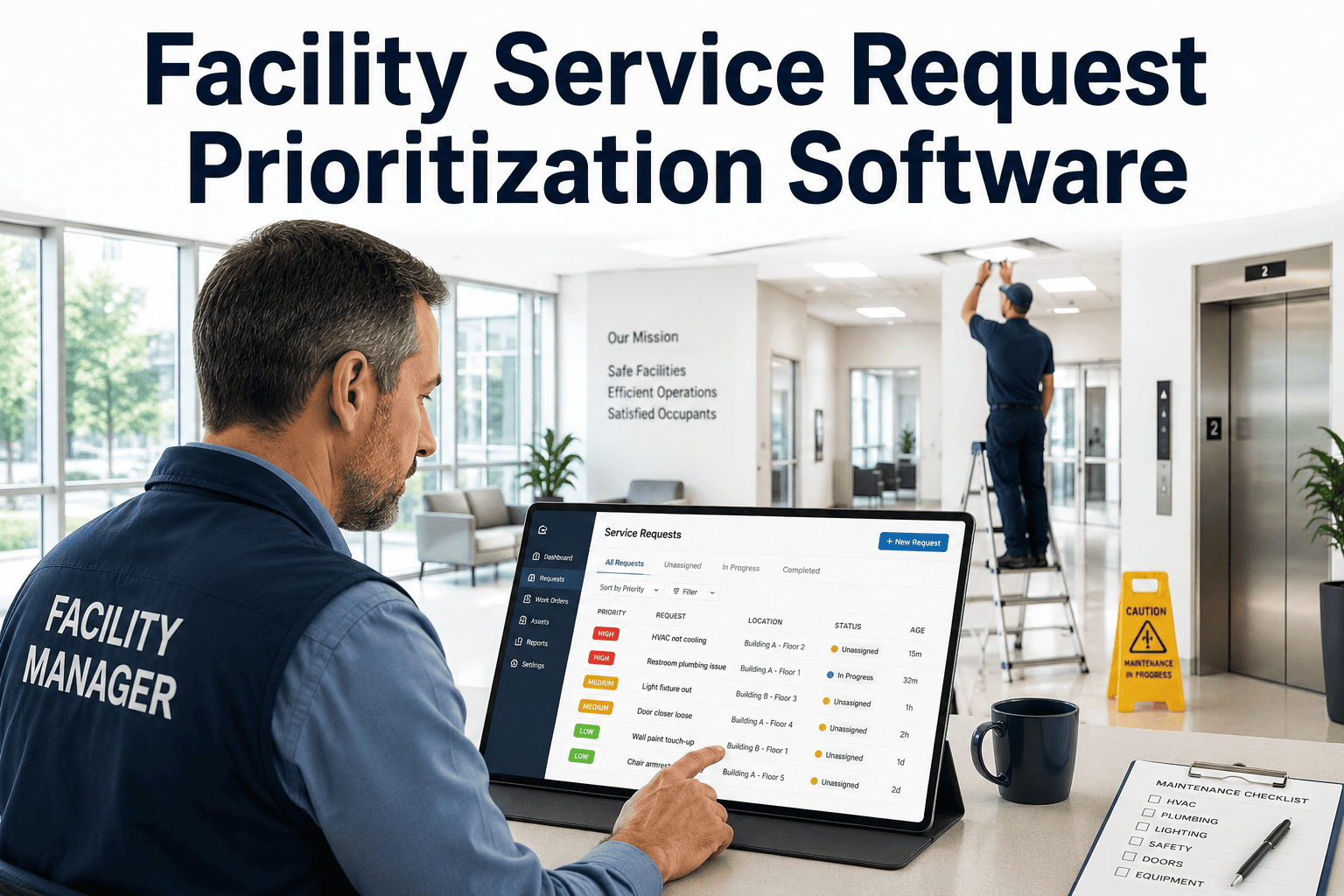
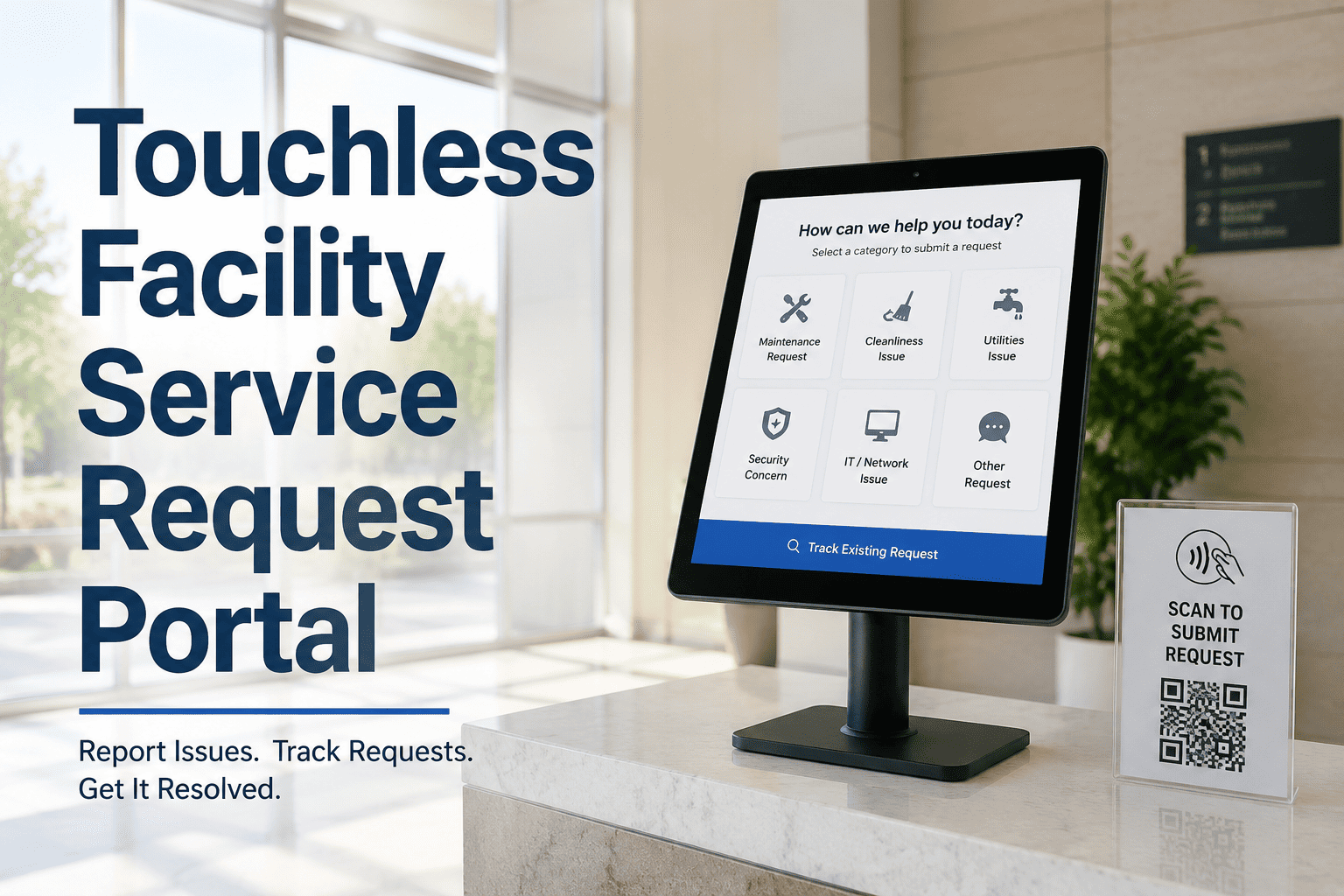
It is 2 PM on a Tuesday and a tenant's office AC just stopped working. What happens in the next ten minutes decides how that tenant feels about your facility team for the rest of the year. If the report goes into a shared inbox or a voicemail, it sits until someone has time to read it, guess at the location, and figure out which technician is free. If it goes through a structured request portal, it becomes a prioritized work order in under sixty seconds, with the asset, location, and urgency already attached. One university campus running requests through a shared inbox was getting 140 to 180 messages a week, and technicians spent 35 minutes per ticket just figuring out what was actually being asked. After moving to a digital portal, average response time fell from 19 hours to 3.4 hours in a single academic year. That is the gap a maintenance request portal closes, and it is the gap this page breaks down — in numbers, not theory.
FACILITY MANAGEMENT · REQUEST PORTAL ROI
Your Inbox Is Not a Maintenance System. Here Is What Replacing It Is Worth.
Email chains and voicemail hide duplicate tickets, lose urgent requests, and leave tenants guessing. A structured portal turns every report into a tracked, prioritized work order the moment it is submitted.
19h → 3.4hAverage response time, before vs after a portal
23%Of work orders are duplicates or missing key info without one
87%Requestor satisfaction reached after switching to digital intake
WHY THE INBOX BREAKS DOWN
Three Ways a Shared Inbox Quietly Costs You Money
01
No Structure at Intake
A message that just says "AC broken again" gives a technician nothing to act on. Someone has to call back, ask where, ask which unit, ask how urgent — before the actual repair work even starts.
02
Duplicates Go Unseen
Two tenants report the same leaking ceiling through two different channels. Two technicians get dispatched. Nobody notices until they meet in the same room, and the second visit was wasted labor.
03
Urgent Requests Sit Unread
A request submitted Friday evening with no triage layer behind it waits for someone to open the inbox Monday morning. By then, a small issue may have become an emergency repair at a much higher cost.
HOW A REQUEST PORTAL ACTUALLY WORKS
From a Scanned Code to a Closed Work Order
1
Scan or Click
A QR code on the wall or equipment, or a direct link by email. No login, no app download.
→
2
Structured Form
Location and asset pre-fill from the code. The requestor adds issue type, urgency, and an optional photo — under 60 seconds.
→
3
Auto-Prioritized Work Order
The system checks for a matching open ticket on the same asset and location, flags duplicates, and assigns priority automatically.
→
4
Requestor Gets Status
An automatic confirmation lands within minutes, with updates as the work order moves — no one has to call and ask "any update?"
OXMAINT · MAINTENANCE REQUEST PORTAL
Stop Guessing What 40 Inbox Messages Actually Mean
Give occupants a 60-second way to report issues, and give your team a portal that turns every report into a tracked work order automatically.
BEFORE AND AFTER
What Changes When Intake Stops Being Manual
Shared Inbox / Phone Line
Structured Request Portal
35 minutes per ticket spent figuring out what was actually reported
Location and asset pre-filled the moment the QR code is scanned
No visibility into duplicate reports until two technicians collide
Matching open tickets flagged and linked automatically, not duplicated
Requestors hear nothing until the job is already done
Automatic confirmation and status updates at every stage
No record of which locations or assets generate repeat issues
Full analytics on request volume, SLA performance, and asset hot spots
“
Duplicate requests had gone undetected until two technicians showed up at the same classroom ceiling. After switching to a structured digital request system, our average response time dropped from nineteen hours to about three and a half — in one academic year.
— Facilities Operations Lead, UK University Campus, 46 Buildings
WHAT THE DATA TELLS YOU
The Hidden Value of a Portal Isn't Speed. It's the Data Behind It.
Every request submitted through a portal is logged, categorized, and attributed to a specific location and asset. An inbox cannot tell you which building generates the most complaints or which equipment keeps failing — no matter how carefully someone sorts through it later. A portal gives you that answer automatically, which means your preventive maintenance plan can be built on real patterns instead of guesswork. Teams using a connected request and work order system consistently find that the same data which improves tenant experience also points directly at where their PM program has gaps.
FREQUENTLY ASKED
Maintenance Request Portals, Explained
Do occupants need to create an account to submit a request?
No. A well-built portal accepts requests from a QR code or a direct link with no login required. Removing that friction is part of why response data improves so quickly.
Sign up free to see the intake form.
How does the system catch duplicate requests?
When a new request matches an open work order for the same asset and location, it gets flagged and linked instead of generating a second, parallel job for a different technician.
What information does a requestor need to provide?
Just issue type, location, urgency, and an optional photo. Pre-filled fields from a QR scan typically bring total submission time under 60 seconds.
Can a portal replace phone-based requests entirely?
Most facilities keep a phone line for true emergencies but route routine and non-urgent reports through the portal, since it removes the manual triage step phone calls require.
What kind of reporting comes out of request data?
Volume by location, recurring issue types, SLA compliance, and which assets generate the most repeat tickets — intelligence that is difficult to extract manually from an inbox.
Book a demo to see a sample report.
OXMAINT · SELF-SERVICE REQUEST PORTAL
Every Issue Reported. Every Issue Tracked. No Calls to the Front Desk.
Replace the inbox with a portal that turns reports into prioritized, attributable work orders automatically — and gives your team the data to fix recurring problems at the root.