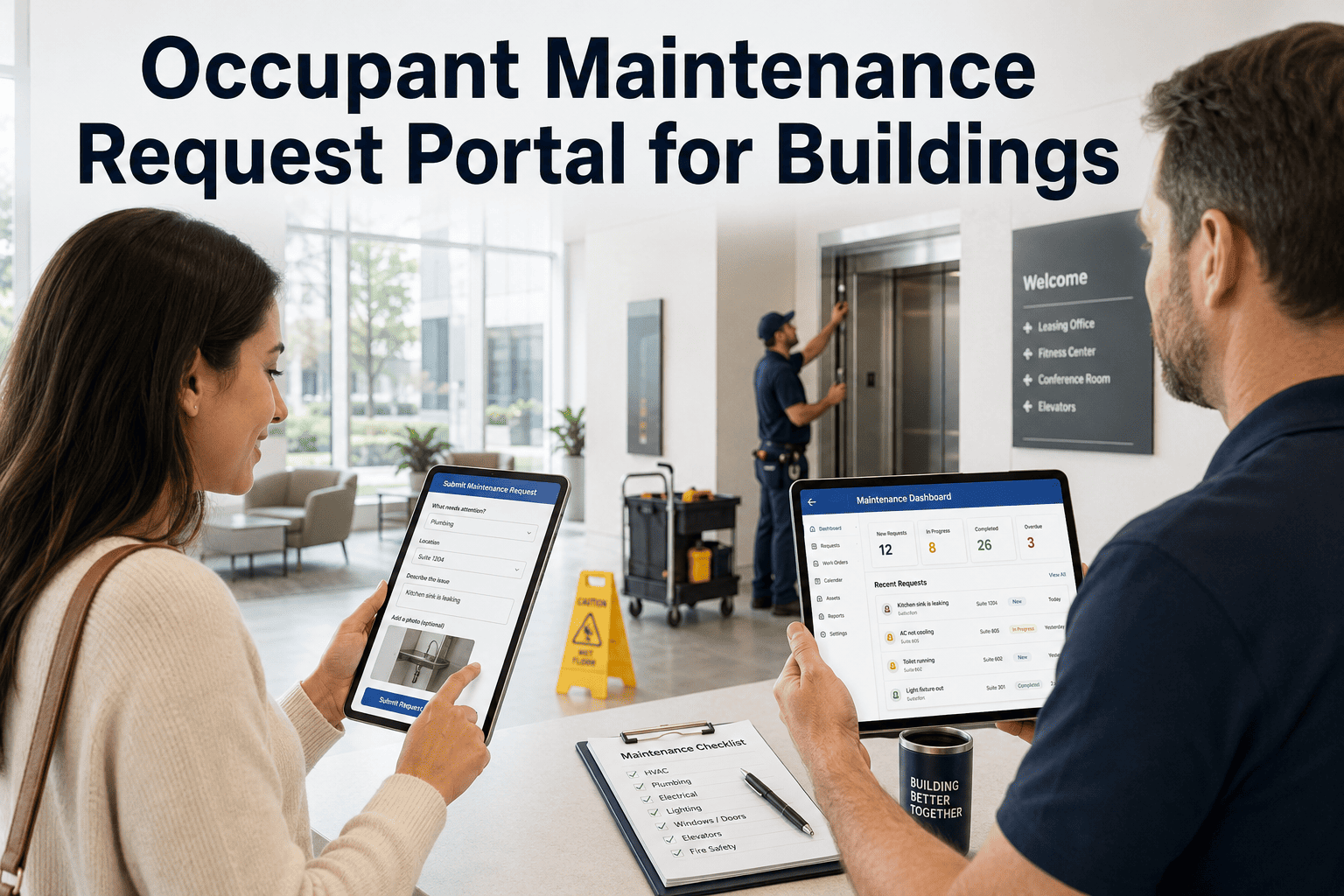
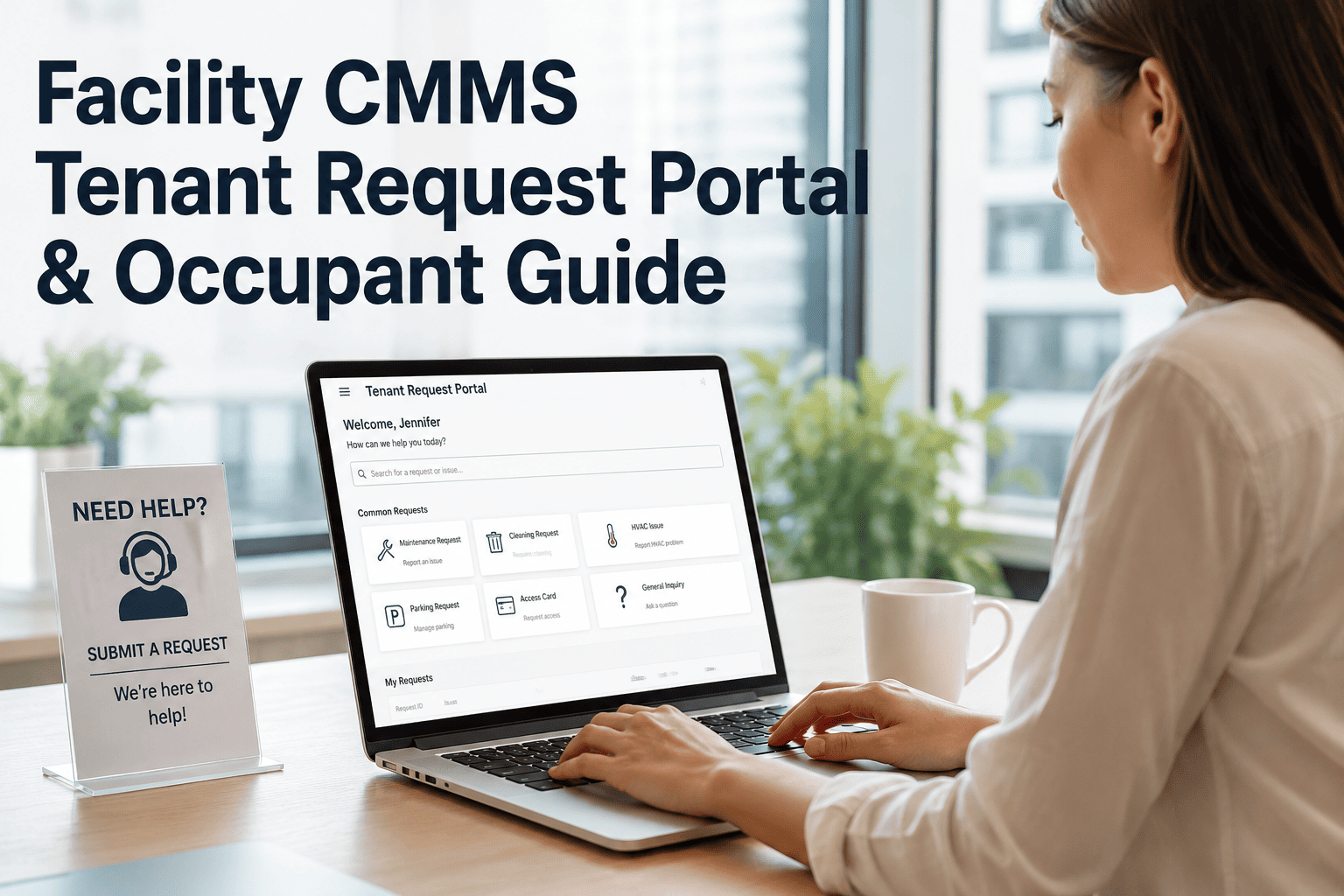
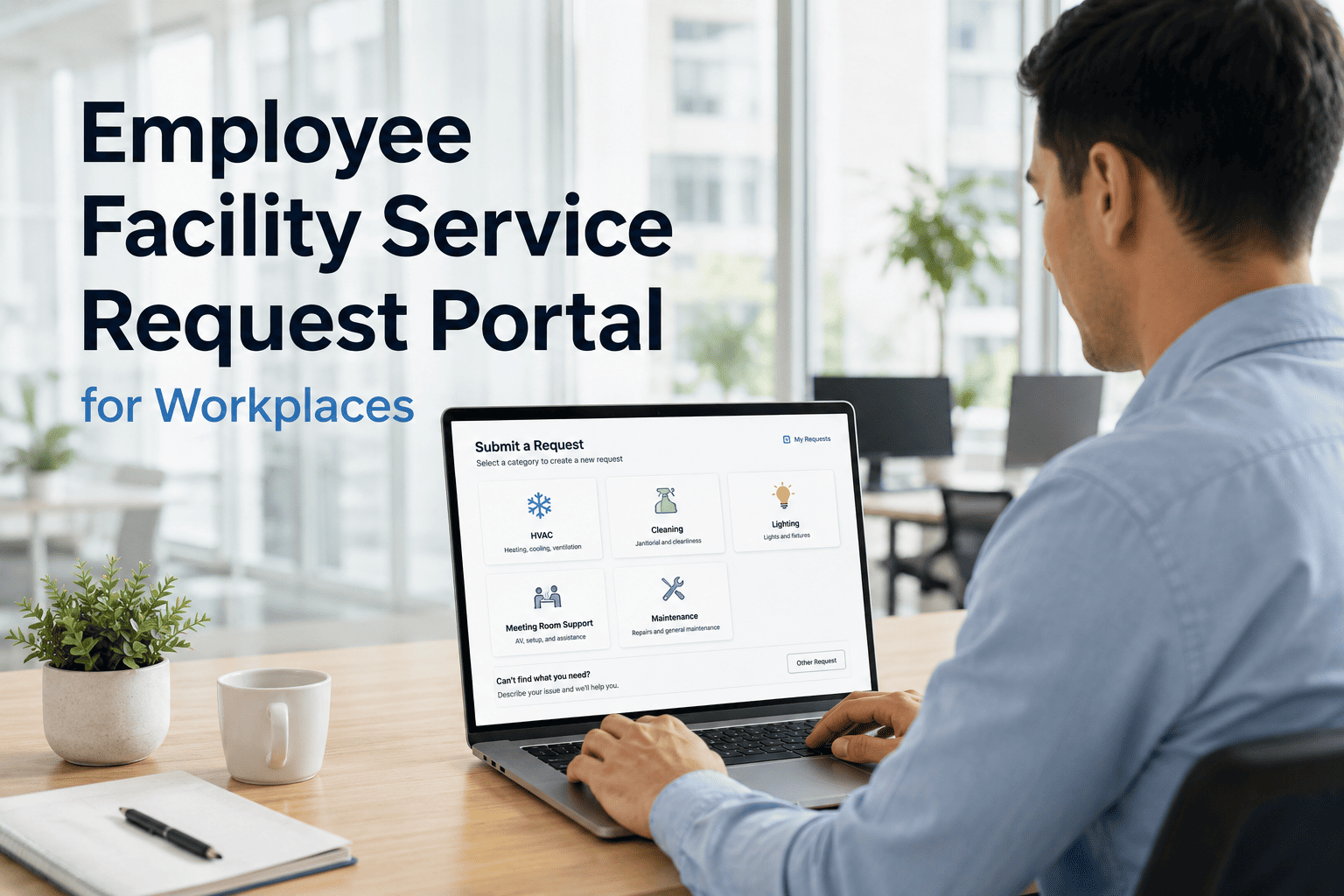
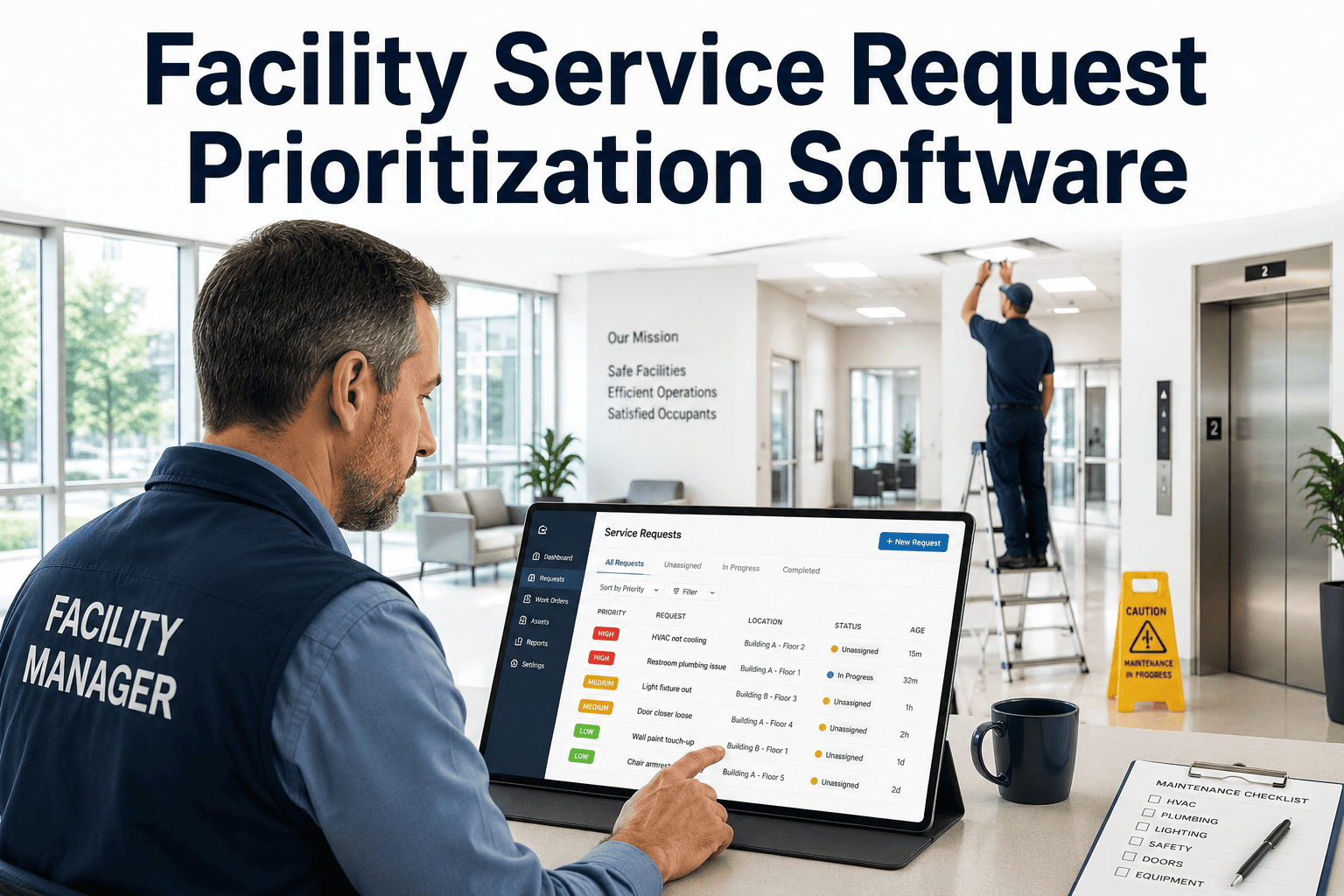
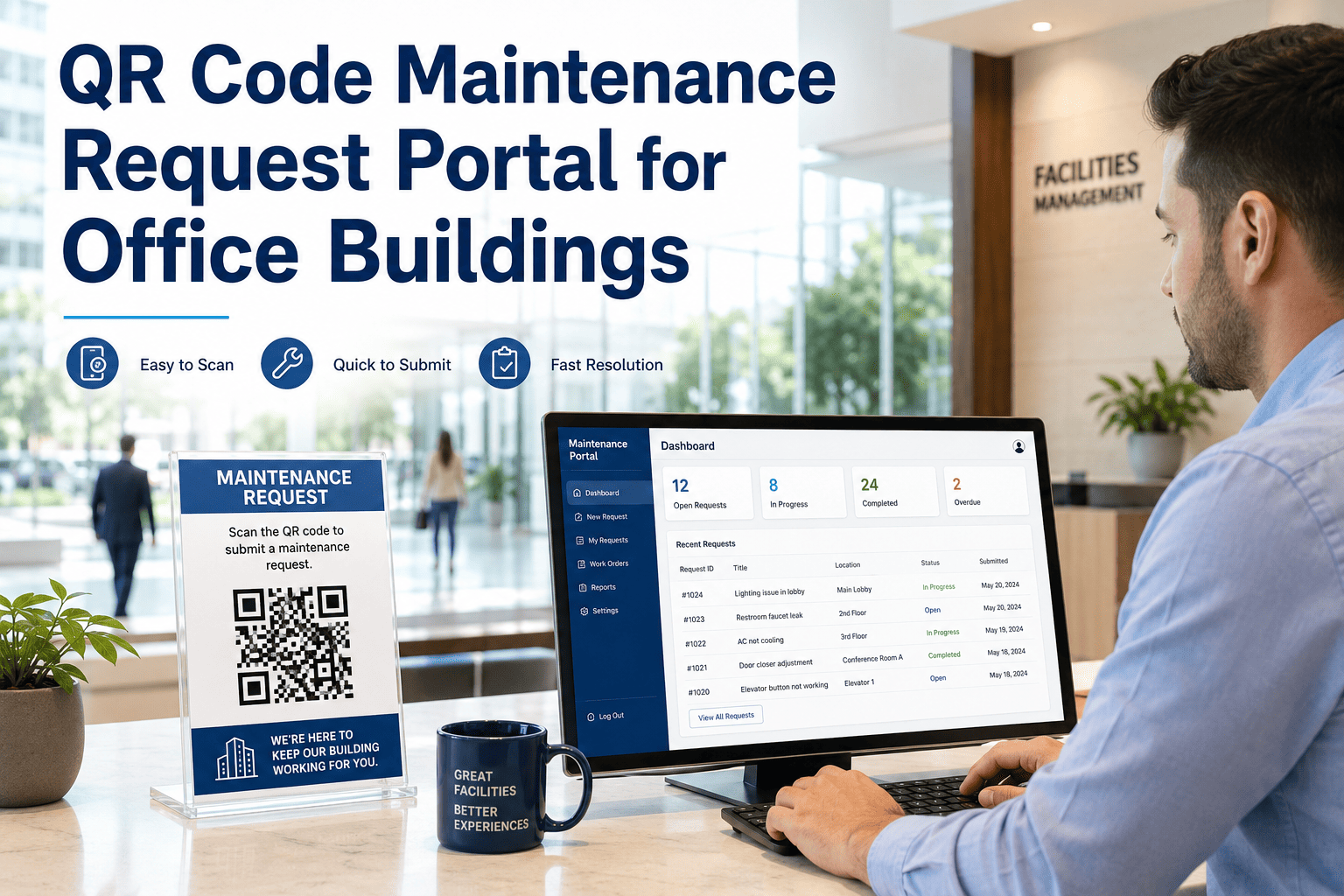
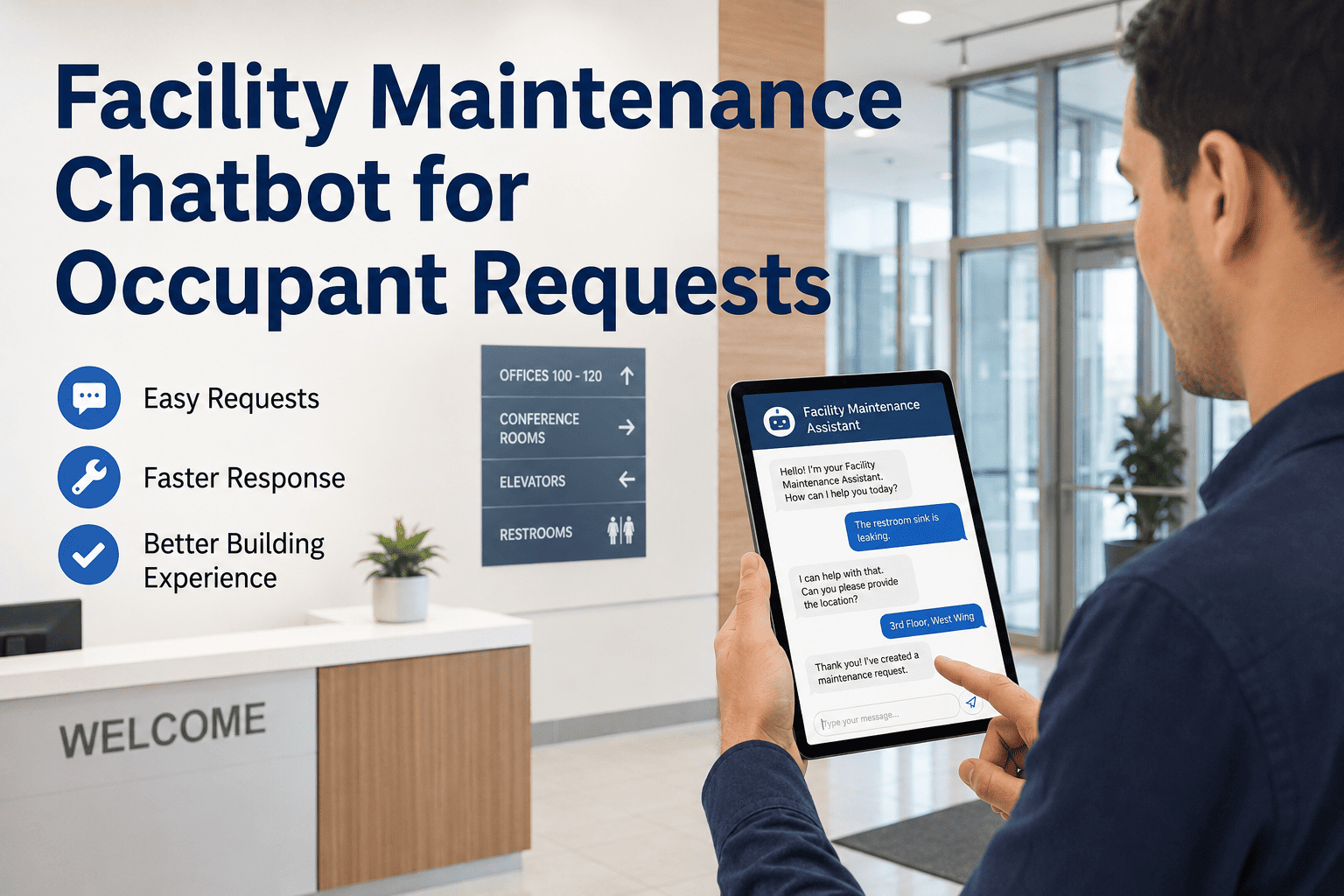
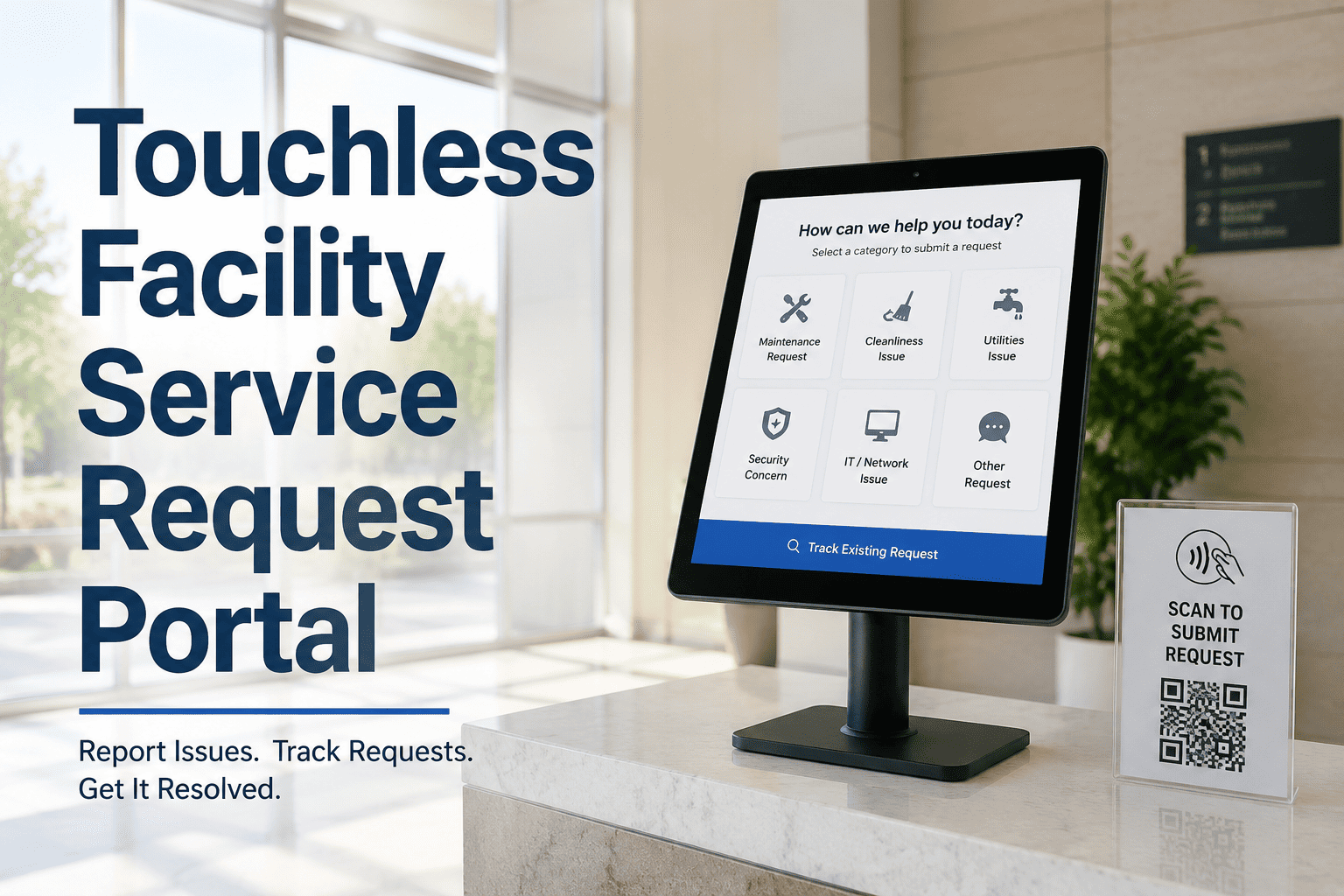
Every building has a gap between when a problem appears and when the maintenance team learns about it. Occupants notice a leaking pipe, a broken light, a stuck door — and then wonder how to report it. If submitting a request requires finding a phone number, composing an email, or tracking down a concierge, most people simply do not bother. OxMaint's occupant maintenance request portal removes that friction entirely — giving occupants a direct, 60-second path to submit requests with location, photos, category, and urgency so your facility team has everything they need before they even leave the maintenance room. Buildings that deploy structured occupant portals resolve issues 40% faster because the technician arrives informed, not guessing. If your occupants are still texting the front desk, book a demo to see the portal live and understand what changes when intake becomes self-service.
Occupant Self-Service Portal
Occupant Maintenance Request Portal for Buildings
Give occupants a direct, frictionless path to report issues — with location, photos, urgency, and category included. Your team gets structured tickets. Occupants get real-time status. Everyone stops chasing.
Why Occupants Stop Reporting Issues
When reporting a building issue feels harder than ignoring it, occupants choose silence. Small problems grow into expensive repairs — and tenant satisfaction quietly erodes.
68%
of occupants who find a reporting process difficult simply do not submit the request
3x
more issues are reported when a building offers a mobile-friendly self-service portal
47%
of global buildings have adopted digital maintenance platforms as of 2025
What Occupants Get With the OxMaint Portal
Occupants access the portal via QR scan or a shared link — no account creation, no password. The barrier to reporting is removed entirely, increasing the volume of issues your team hears about.
QR codes placed in rooms, corridors, and on equipment pass the building zone and asset ID to the form automatically. Occupants confirm, not type — cutting submission time to under 45 seconds.
Occupants can attach a photo directly from their phone camera. Technicians see the problem before arriving — eliminating diagnostic delays and reducing round trips for parts and tools.
A simple three-tier urgency selector — Routine, Urgent, Emergency — lets occupants signal priority without calling. Critical issues surface to the top of the queue automatically, bypassing normal SLA timers.
05
Real-Time Status Updates
Once submitted, occupants receive status notifications as the ticket moves through acknowledged, in progress, and resolved — eliminating the follow-up calls and front desk interruptions that fragment your team's day.
Ready to give occupants a portal that actually gets used?
OxMaint configures your building portal in under a day — QR codes, routing rules, and notification workflows included. See how it works before you commit.
Portal vs. Traditional Intake: Side by Side
| Experience |
Traditional (Phone / Email) |
OxMaint Occupant Portal |
| Time to submit a request |
5–15 minutes (finding contact, composing email) |
Under 60 seconds via QR or link |
| Location accuracy |
Verbal description, often vague |
Auto-filled from QR tag — exact room and asset |
| Photo evidence |
Rarely attached — extra step deters most |
Camera upload built into submission flow |
| Priority signal |
Interpreted by whoever answers the phone |
Occupant selects urgency — system acts on it |
| Status visibility |
Follow-up call required |
Push notification at each workflow stage |
| Request history |
Stored in email inbox or lost entirely |
Full audit trail in CMMS — linked to asset |
How the Portal Works: Step by Step
1
Occupant scans QR or opens link
Placed on walls, doors, or equipment — or shared as a building URL or NFC tap. Opens in any browser with zero friction.
2
Form pre-fills location and asset
Building zone, floor, and asset tag are inherited from the QR. Occupant selects issue category, urgency, adds a photo and description.
3
Ticket enters CMMS queue instantly
OxMaint creates a structured work order and routes it to the assigned technician or team based on category and zone rules — no manual triage needed.
4
Occupant receives confirmation and tracking link
A ticket reference and status link are sent immediately. Occupants track progress without contacting the building team — freeing up front desk staff completely.
5
Ticket closes with resolution note
Technician logs the fix, time spent, and parts used. Occupant receives a closure notification. All data is retained in the asset's maintenance history.
Expert Perspective
OP
The single biggest unlock for facility teams is not better technicians — it is better information at the point of intake. When occupants can submit structured requests with photos and location from their phone, the first-time fix rate goes up dramatically because the technician arrives knowing exactly what they are dealing with. A well-designed portal is the cheapest productivity investment a building manager can make.
Property Operations Director
Multi-site commercial facility management, 12 years experience
Portal Deployment Checklist
Getting your occupant portal live takes less than a day. Here is everything needed to go from setup to first submitted ticket.
Setup Phase
Map building zones and floor plans in OxMaint
Tag assets with unique identifiers
Generate QR codes for each zone and asset
Configure issue categories and routing rules
Launch Phase
Print and install QR codes in visible locations
Share portal link with all occupants via email or notice
Brief front desk staff on new intake workflow
Test one end-to-end submission before go-live
Frequently Asked Questions
Can the portal be customized to match the building's branding?
Yes. OxMaint's occupant portal supports logo, color, and building name customization so it feels like a native building service rather than a third-party tool. Branded portals see higher occupant adoption rates because they feel familiar and trustworthy.
Book a demo to see branding options and discuss what is right for your property type.
What happens if an occupant submits a duplicate request for the same issue?
OxMaint detects submissions from the same location and asset within a configurable time window and flags them as potential duplicates for a supervisor to merge or confirm. This prevents technicians from being dispatched twice for the same issue while ensuring no unique reports are dismissed. The system learns routing patterns over time to reduce duplicate noise in your
CMMS queue.
Does the portal work for residential buildings as well as commercial offices?
Yes. OxMaint serves both residential multi-family buildings and commercial office properties. The form fields, urgency tiers, and routing logic are fully configurable by building type. Residential buildings often use tenant-level access for tracking, while commercial offices typically use anonymous QR flows for common areas — both are supported natively without separate configurations.
How does the portal integrate with existing work order or CMMS systems?
OxMaint operates as a full
CMMS platform, so the portal and work order management are the same system — no integration required. For buildings already using a different CMMS, OxMaint can push structured requests via webhook or API, meaning the portal can be the intake layer without replacing the existing backend.
Talk to our team about your current setup.
Your occupants already know what is broken. Give them a way to tell you.
OxMaint's occupant portal turns every building issue into a structured, routable, trackable work order — submitted in under 60 seconds from any device. Start free or see it live first.