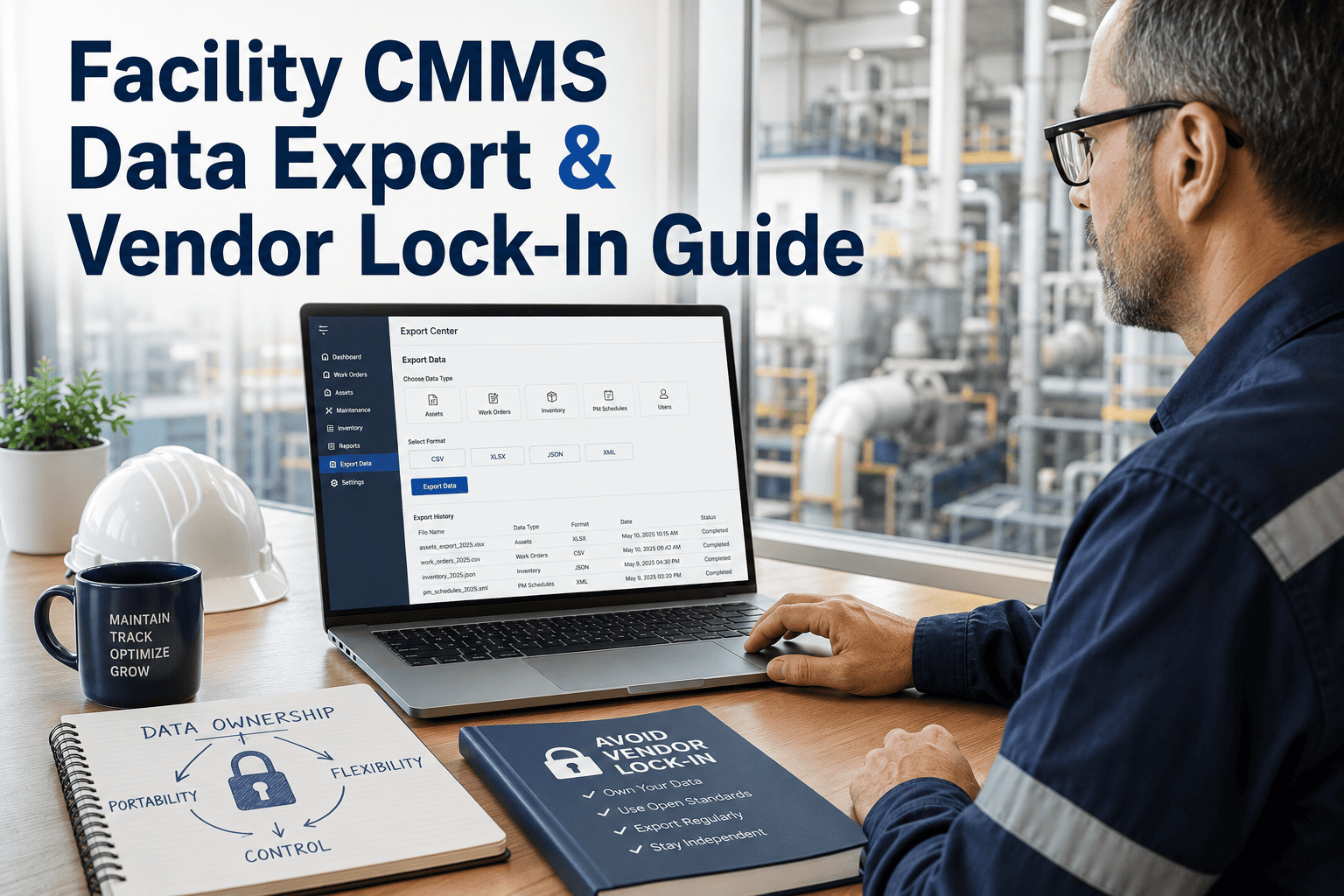
Every facility team that has lived through a CMMS switch knows the real risk is not picking new software — it is losing years of asset records, warranty documents, and maintenance history the moment you hit export. Data leaving IBM Maximo, eMaint, Fiix, or a decade of Excel trackers rarely lines up field for field with a new system, and a rushed transfer can quietly drop preventive maintenance schedules or break the compliance trail auditors expect. Facility teams that treat migration as a structured project, not a weekend export job, keep their asset hierarchies, warranty windows, and inspection history intact from day one. Sign in to OxMaint to map your existing data before you migrate, or book a demo to walk through a plan built around your source system.
The Hidden Risk Of Switching Systems
What A Rushed Migration Actually Costs
83%
Of data migration projects run over budget, miss deadlines, or fail outright
$12.9M
Average yearly cost organisations absorb from poor-quality operational data
60 days
Minimum recommended window to keep a legacy system live in read-only mode
8–16 wks
Typical timeline for a facility CMMS migration, depending on source complexity
Behind every one of those numbers is the same root cause — legacy data that was never audited, mapped, or validated before the export button was pressed.
Know Your Starting Point
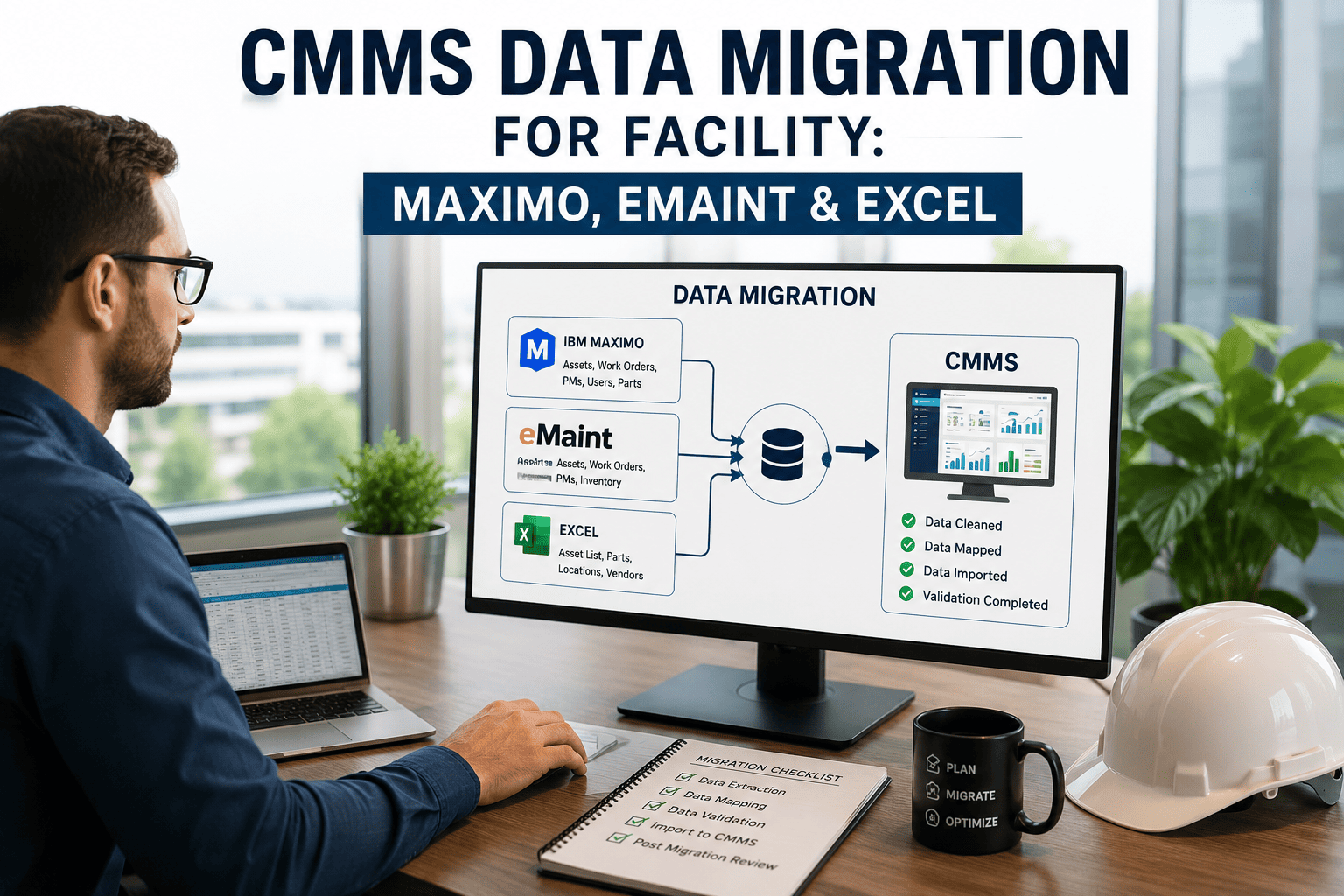
Migrating Out Of Maximo, eMaint, Fiix Or Excel
Each legacy source hides a different trap. Recognising which one applies to your facility changes how much of your history you get to keep.
IBM Maximo
Deep relational asset hierarchies and custom fields built up over years mean a flat export loses the parent-child structure unless the hierarchy is mapped level by level before transfer.
eMaint
Bulk CSV and API exports are straightforward, but asset, work order, and parts records still need field-by-field mapping so nothing lands in the wrong column of the new system.
Fiix & Similar Cloud CMMS
Cloud platforms export cleanly, yet attachments, PM checklists, and meter reading history often live in separate modules that get missed in a single bulk pull.
Excel & Spreadsheets
No relational structure at all — duplicate asset names, inconsistent tabs per site, and years of manual entry mean cleansing takes longer than the transfer itself.
Do Not Let Your Asset History Get Left Behind
OxMaint's implementation team reviews your existing Maximo, eMaint, Fiix, or Excel data before anything moves, so you know exactly what transfers cleanly and what needs cleansing first.
The Structured Approach
A Five-Phase Migration Roadmap
1
Audit
Every data source is documented — which system holds what, how old it is, and how complete each asset record actually is.
2
Map
Fields from the old system are matched to the new structure, with naming conventions and asset hierarchies standardised.
3
Cleanse
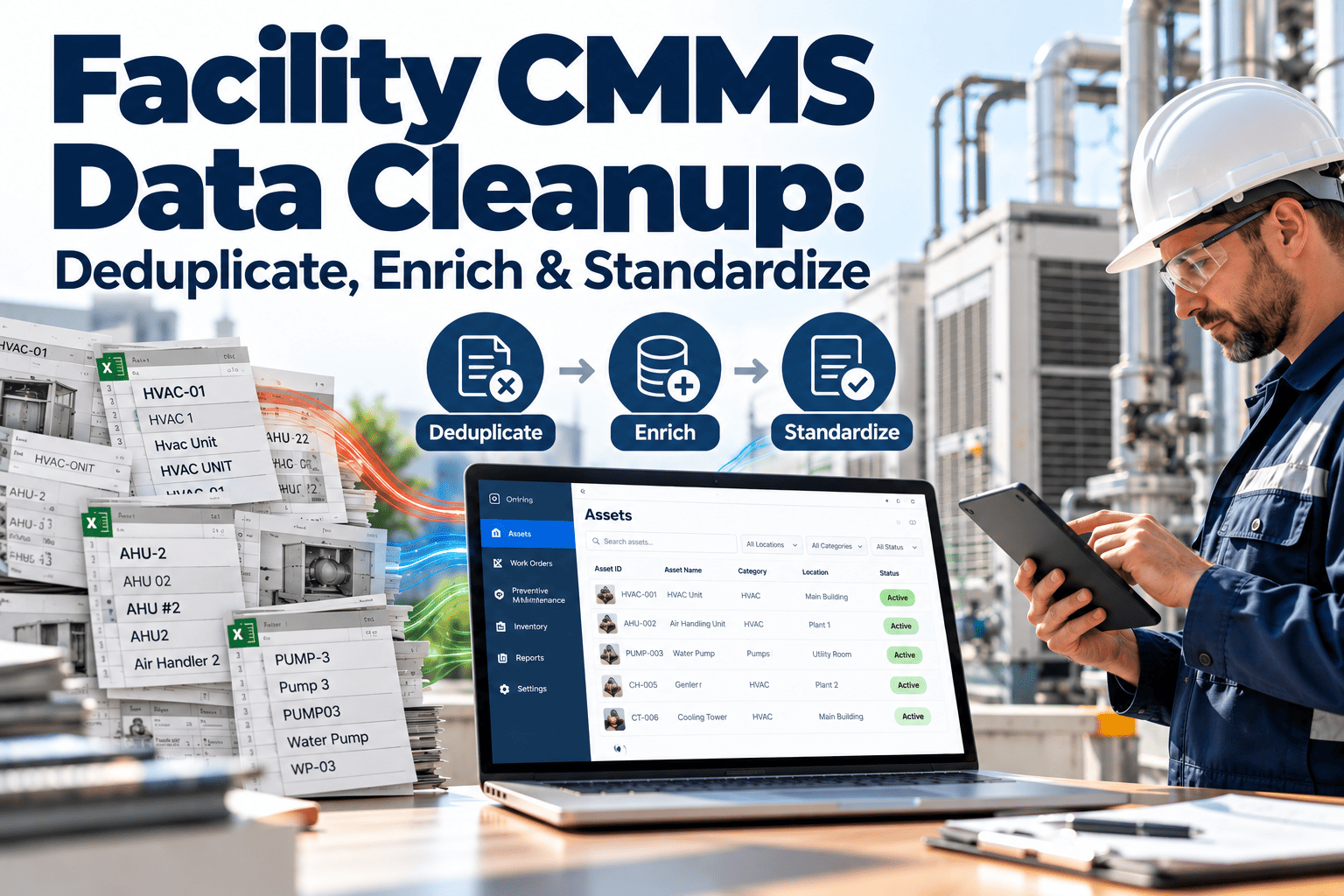
Duplicate assets, dead work orders, and inconsistent naming are removed so legacy clutter is not carried into the new CMMS.
4
Migrate
Data moves in a staged environment first, with a trial run validating that records land correctly before the real cutover.
5
Verify
A parallel-run period keeps the legacy system readable while the team confirms every asset, PM, and history record is intact.
Migration Priority Reference
What Actually Needs To Survive The Move
| Data Domain |
Risk If Lost |
Priority |
OxMaint Action |
| Asset hierarchy & locations |
Broken reporting, orphaned equipment records |
Critical |
Mapped level by level before transfer |
| Warranty & compliance records |
Missed claims, broken audit trail |
Critical |
Preserved with original dates and vendor links |
| PM schedules & intervals |
Missed inspections, compliance gaps |
High |
Migrated with current intervals as baseline |
| Work order history |
Lost failure-pattern insight |
High |
Linked back to the correct asset record |
| Spare parts inventory |
Stockouts, duplicate purchasing |
Medium |
Reconciled against active asset list |
Priority guides sequencing — critical and high-priority data moves first, so the facility is fully operational before lower-priority history catches up.
From A Facility Team That Made The Switch
What Migration Actually Feels Like Done Right
"
We had eleven years of asset records split across Excel sheets and an old system nobody trusted anymore. What worried us most was warranty data — losing proof of coverage on equipment we had just replaced. Having the legacy system stay readable during the parallel run meant we could double-check every record before we fully switched over, instead of finding gaps three months later.
What You Get
How OxMaint Handles Your Migration
Guided Mapping
Field-Level Data Mapping
An implementation specialist maps every asset, work order, and parts field from Maximo, eMaint, Fiix, or Excel to the OxMaint structure before a single record moves.
Templates
Ready Import Templates
Bulk CSV templates for assets, PM schedules, and inventory remove the guesswork out of formatting years of spreadsheet history correctly.
Compliance
Warranty & Audit Trail Preservation
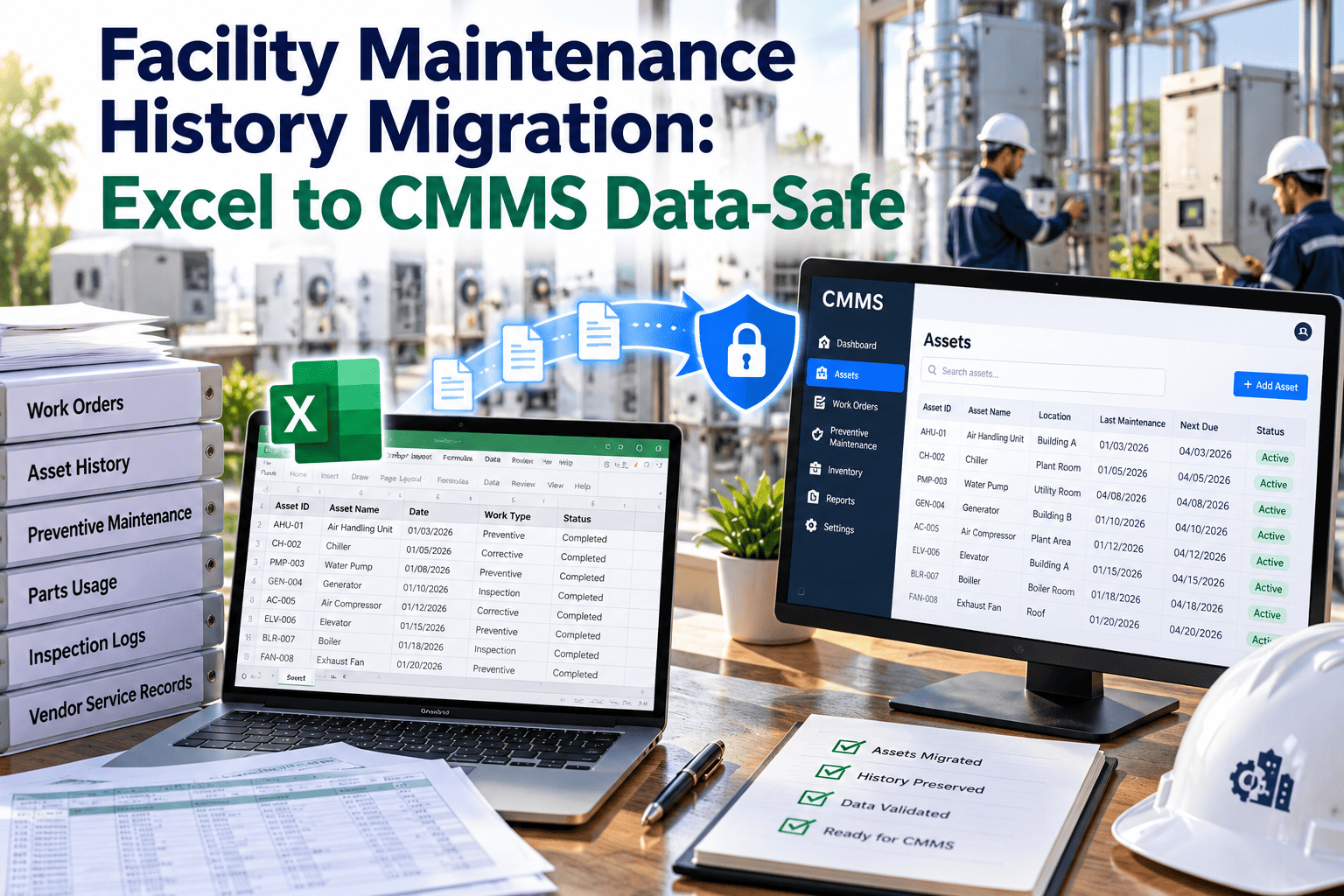
Warranty windows, vendor links, and compliance dates transfer intact, keeping your audit trail continuous instead of starting from zero.
Parallel Run
Legacy System Stays Readable
Your old CMMS remains accessible in read-only mode after go-live, giving the team a safety net while records are double-checked.
Validation
Pre-Go-Live Data Checks
A staged trial run confirms hierarchies, PM intervals, and linked spare parts before the facility fully cuts over to the new system.
Specialist Support
A Migration Team, Not A Manual
Your team is not left reading a help article — a specialist works through the audit, mapping, and cutover with you at every phase.
Common Questions
Facility Teams Ask These Before Migrating
Can we migrate directly from Maximo or eMaint into OxMaint?
Yes. Asset, work order, and PM data from Maximo, eMaint, Fiix, or CSV exports can be mapped and imported with a specialist guiding the field mapping.
Book a demo to see your data mapped.
What happens to our warranty and compliance records during migration?
Warranty dates, vendor links, and compliance documentation are preserved with their original timestamps so your audit trail stays continuous across the switch.
How long does a facility CMMS migration typically take?
Most facility migrations run eight to sixteen weeks depending on how many source systems and how much historical data is involved.
Sign in to start your audit.
Do we lose historical work order data?
No, as long as it is included in the migration scope. History gets linked back to the correct asset record so failure patterns remain searchable.
Can Excel-based facility data be migrated cleanly?
Yes, though spreadsheets usually need more cleansing first since there is no relational structure to rely on. Templates make the reformatting process faster.
Your Asset History Deserves A Real Migration Plan
Facilities that audit, map, and validate before they migrate keep their warranty records, PM schedules, and compliance trail intact from the first day on the new system. Free trial, no implementation fees, your data plan built within days.