A facilities director at a 9-building medical campus in Charlotte spent 14 months building work order history, PM schedules, and compliance records inside a CMMS — then discovered at renewal that the vendor's export produced a flat CSV with no asset relationships, no photo attachments, and no audit timestamps. The vendor quoted a 47% price increase. She had no alternative because rebuilding 14 months of regulatory-grade maintenance records from scratch would cost more than paying the increase. Her maintenance data — the compliance evidence her organization was legally required to retain — had become leverage for a vendor who knew she could not leave. If your CMMS contract does not guarantee full-fidelity data export in standard formats, start a free trial with Oxmaint to see what portable maintenance data looks like, or book a demo with our team to review your export requirements.
Facility CMMS / Data Portability / Vendor Lock-In Prevention
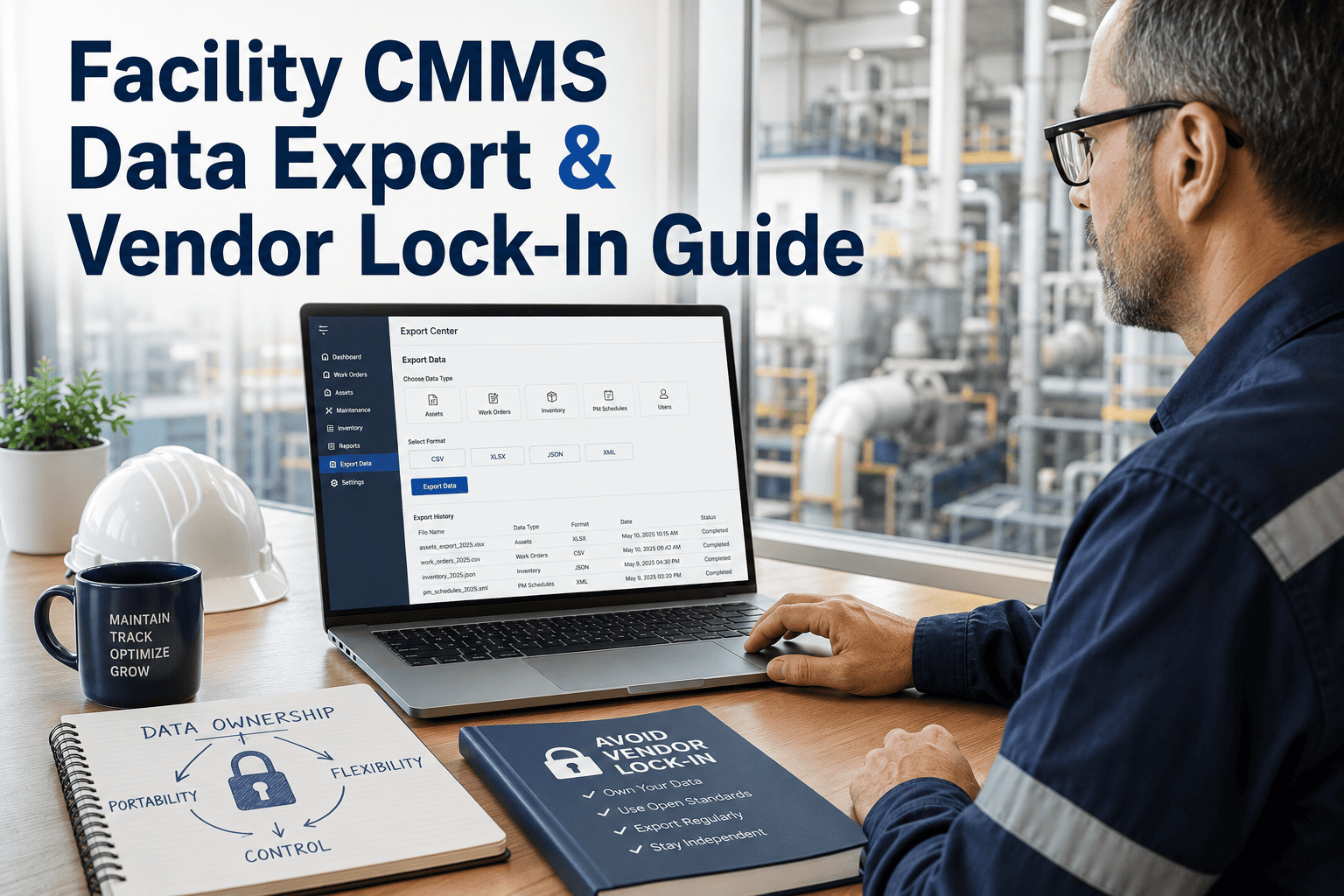
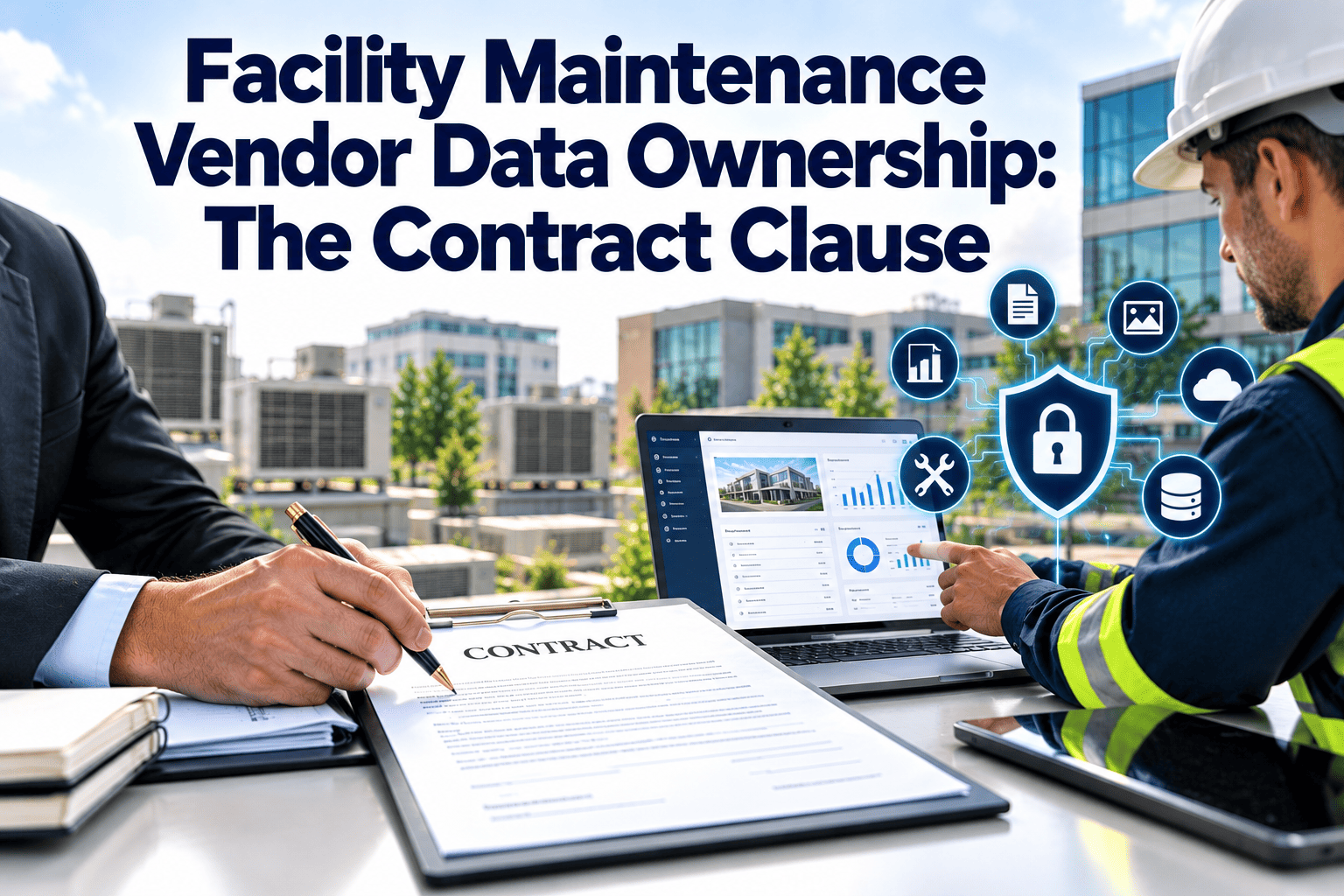
Facility CMMS Data Export and Vendor Lock-In: Own Your Maintenance Records or Pay the Price at Renewal
Your maintenance records are a regulatory asset, an insurance defense, and a capital planning resource. When a CMMS vendor controls the only usable copy, they control your renewal price, your migration timeline, and your compliance posture. This guide shows you what to demand before you sign.
16x
higher switching costs for organizations without lock-in prevention
8.8%
average SaaS price increase in a single year, double consumer inflation
$15.8B
annual cost of poor interoperability in U.S. capital facilities industry
73%
of SaaS vendors raised prices in 2023 — trend accelerating into 2026
What Is CMMS Data Portability — and Why Does It Matter?
Data portability means you can export every maintenance record your team has created — work orders, asset histories, PM schedules, inspection logs, photos, compliance documentation — in a standard, machine-readable format that another system can import without data loss. It is the difference between owning your maintenance history and renting access to it. OSHA PSM requires maintenance records for covered equipment for the life of the facility. FDA mandates 3-7 year retention. Most regulatory frameworks default to a 5-7 year minimum. When those records live inside a proprietary format you cannot export, your compliance posture depends entirely on your vendor relationship — a dependency that becomes leverage at every renewal.
What Your CMMS Data Actually Includes — And What Vendors Often Lock
Fully Exportable (Oxmaint)
CSV / JSON / PDF
Work orders with full history and technician attribution
Asset records with parent-child relationships intact
PM schedules with frequency, checklist, and compliance links
Photo and document attachments tied to work orders
Timestamped audit trails for regulatory defense
Parts inventory with vendor and cost history
Often Locked by Vendors
Proprietary / Restricted
Asset hierarchy flattened to a single-level list
Photo attachments excluded from export
Audit timestamps stripped or reformatted
PM schedules exported without linked checklists
Work order comments and notes omitted
Custom fields and tags lost in translation
Your Data. Your Decision.
Export Everything. Anytime. No Vendor Permission Required.
Oxmaint exports your complete maintenance history — work orders, assets, PMs, photos, audit trails — in CSV, JSON, and PDF. No export fees. No restricted formats. No renewal leverage.
Five Warning Signs Your CMMS Vendor Is Building a Lock-In Trap
01
No Sample Export Before Signing
If a vendor cannot produce a sample data export in CSV or JSON during the evaluation period, your data will be trapped the moment you go live. Ask for a sample export before the contract — not after 14 months of data entry.
02
Export Fees or "Professional Services" for Data Extraction
Some vendors offer export only through a paid professional services engagement — $5,000-$25,000 to extract your own data. If exporting your records requires a vendor project, your data is not portable. It is hostage.
03
Auto-Escalating Renewal Clauses Buried in Terms
SaaS contracts often include CPI+3% or flat 8-12% annual increases. A $40,000 year-one contract becomes $59,000 by year four at 10% escalation — a 47% increase with no new features. Lock-in makes these increases non-negotiable.
04
Proprietary Data Format with No API Access
If your CMMS stores data in a proprietary format and offers no open API, every integration requires vendor involvement. Your IT team cannot build connections, automate reporting, or feed data to other systems without paying the vendor for access.
05
Multi-Year Contract with Early Termination Penalties
Long-term commitments with financial penalties for early exit are the structural mechanism that enables aggressive pricing at renewal. When combined with poor data portability, these contracts make switching operationally and financially impossible.
The CMMS Data Export Checklist: What to Demand Before You Sign
Before committing to any CMMS, run every item below against the vendor's actual export capability — not their sales deck. If they cannot demonstrate each one during the trial, it will not exist when you need it at migration.
PASS
Full Work Order Export with History
Every work order — open, closed, cancelled — with creation date, completion date, technician, parts used, labor hours, and all comments. Not just a summary count.
PASS
Asset Records with Parent-Child Hierarchy
Assets exported with relationships intact — HVAC system linked to its AHUs, linked to their filters and belts. A flat list without hierarchy destroys your asset management structure.
PASS
PM Schedules with Linked Checklists
Preventive maintenance templates exported with their associated checklists, frequency rules, and asset assignments — not just a list of PM names without the procedures that make them useful.
PASS
Photo and Document Attachments
Every photo, PDF, and file attached to a work order exported as a downloadable archive with filenames that map back to the originating record. Photos are compliance evidence — they must be portable.
PASS
Timestamped Audit Trails
System-generated timestamps for record creation, modification, and closure — not user-editable. These are the regulatory defense records that OSHA, FDA, and insurance adjusters rely on during inspections and claims.
PASS
Standard Formats: CSV, JSON, or PDF
Data exported in formats any system can read — not a proprietary database dump that requires vendor tools to interpret. If you need vendor software to read your own export, it is not portable.
Oxmaint Passes Every Check
Test Data Export During Your Free Trial — Not After 14 Months
Oxmaint lets you export your complete dataset — work orders, assets, PMs, photos, audit trails — in CSV, JSON, and PDF from Day 1. No export fees. No vendor permission. No surprises at renewal.
Locked Data vs. Portable Data: What You Lose When You Cannot Export
| Scenario | Locked Data (Proprietary CMMS) | Portable Data (Oxmaint) | Business Consequence |
| Vendor raises price 40% |
Pay the increase — migration would cost more |
Export records, evaluate alternatives, negotiate from strength |
Negotiating power preserved |
| OSHA inspector requests records |
Retrieve from vendor portal — format may not satisfy inspector |
Export timestamped PDF with technician attribution in minutes |
Audit-ready on demand |
| Insurance claim needs proof |
Screenshots from the interface — no chain of custody |
Exported audit trail with system-generated timestamps |
Defensible documentation |
| Vendor discontinues product |
Scramble to extract data before shutdown deadline |
Complete dataset already exported in standard formats |
Zero data loss risk |
| New ownership wants different CMMS |
6-12 month migration project with data loss |
Import-ready CSV/JSON transferred in days |
Transition in weeks, not months |
| Capital planning needs 5-year trends |
Data exists but cannot be extracted for analysis |
Full history exported for BI tools and spreadsheets |
Data-driven CapEx decisions |
How Oxmaint Protects Your Data Ownership
Oxmaint is built on the principle that your maintenance records belong to you — not to the platform that stores them. Every feature below exists because data portability is not an afterthought. It is the architecture. Start a free trial to test every export capability on your own data, or book a demo to walk through the data ownership model with our team.
Export
One-Click Full Dataset Export
Export your complete maintenance database — work orders, assets, PMs, inventory, audit logs — in CSV, JSON, or PDF. No export fees, no vendor approval, no size limitations. Available from your admin dashboard at any time.
API
Open REST API Access
Full API access to every data object in your account. Build your own integrations, connect to BI tools, feed data to ERP systems, or automate reporting — without requesting vendor involvement or paying integration fees.
Migrate
Migration Support from Any Platform
Oxmaint imports data from Maximo, Fiix, eMaint, Maintenance Connection, and spreadsheet systems. The migration team provides a template and reviews your data structure during the planning call — included in every plan.
Contract
No Multi-Year Lock-In Required
Month-to-month and annual plans available. No early termination penalties. No auto-escalating renewal clauses. If Oxmaint stops earning your business, you leave with all your data — no friction, no fees, no hostage negotiation.
Comply
Regulatory-Grade Record Retention
Immutable, timestamped audit trails on every work order — stored for the life of your account and exportable at any time. Meets OSHA PSM, FDA 21 CFR, ISO 9001, and NFPA documentation requirements without vendor dependency.
Photo
Attachments Exported with Records
Photos, PDFs, manuals, and documents attached to work orders are included in bulk export — mapped to their originating records. No separate extraction request. No "attachments are not included in standard export" surprises.
Frequently Asked Questions
What formats does Oxmaint support for data export?+
Oxmaint exports in CSV, JSON, and PDF — standard formats that any CMMS, BI tool, spreadsheet, or database can read without proprietary software. Work orders, assets, PM schedules, inventory, and audit logs are all exportable from the admin dashboard in one click.
Start a free trial to test the export on your own data.
Can I export photo attachments and compliance documents?+
Yes. Every photo, PDF, manual, and document attached to a work order is included in the bulk export as a downloadable archive. Each file is mapped to its originating work order record, preserving the chain of custody that regulators and insurance adjusters require.
Book a demo to see the attachment export workflow.
Does Oxmaint charge fees for data export or API access?+
No. Data export and API access are included in every Oxmaint plan at no additional cost. There are no per-export fees, no "professional services" charges for data extraction, and no API call limits designed to discourage integration. Your data is yours — accessing it should never require a purchase order.
Start a free trial and export from Day 1.
Can I migrate data from my current CMMS into Oxmaint?+
Yes. Oxmaint supports migration from Maximo, Fiix, eMaint, Maintenance Connection, and spreadsheet-based systems. The migration includes asset records, historical work orders, PM schedules, and parts inventory. The implementation team provides a migration template and reviews your data structure during the planning call.
Book a demo to assess your export format.
How does data portability affect regulatory compliance?+
OSHA requires maintenance records for covered equipment for the life of the facility. If those records are locked in a vendor you cannot afford or that discontinues its product, your compliance posture collapses. Portable data ensures your regulatory evidence survives vendor changes, staff turnover, and system migrations.
Start a free trial to see audit-grade export capabilities.
Data Ownership by Default — Oxmaint
Your Maintenance Records Are a Regulatory Asset. Treat Them Like One.
Oxmaint delivers full-fidelity data export in CSV, JSON, and PDF — work orders, assets, PMs, photos, audit trails — with open API access, no export fees, and no multi-year lock-in. Own your data from Day 1.
3 formats
CSV, JSON, and PDF export included free
Zero fees
No export charges, no API limits
Full API
Open REST access to every data object
No lock-in
Month-to-month plans, leave with your data