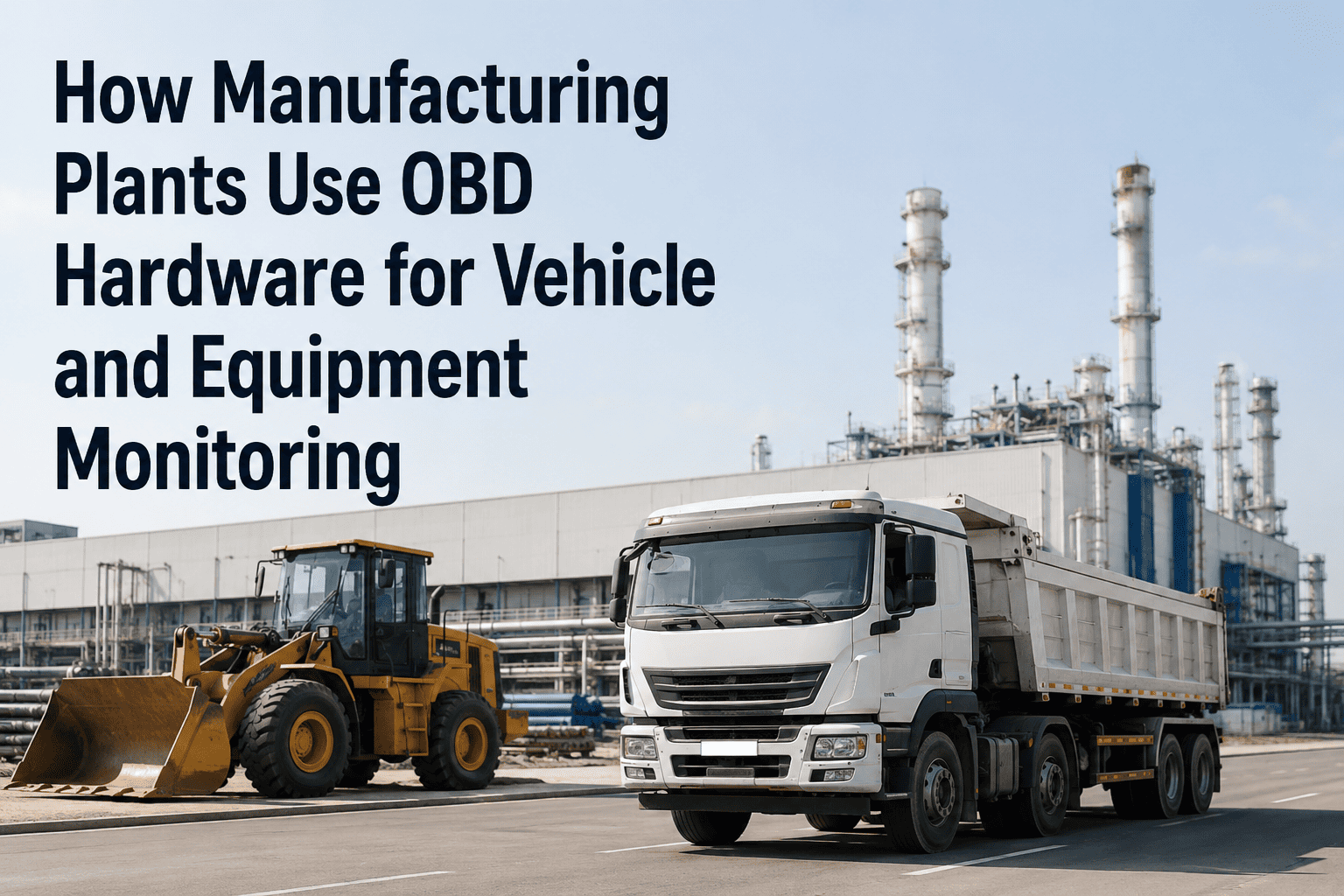
On-board diagnostics hardware has been standard in road vehicles since the mid-1990s, but manufacturing plants have been slower to adopt it for mobile equipment and fleet assets on-site. That is changing. Forklifts, mobile cranes, yard trucks, AGVs, and utility vehicles now operate in environments where OBD and OBD2-compatible telematics devices can stream real-time fault codes, engine hours, load data, and location directly into a connected CMMS. The result is a diagnostic layer that manufacturing maintenance teams previously only had access to for road-registered vehicles — now available for the entire mobile equipment population inside the plant and yard. Platforms like OxMaint accept OBD data feeds and translate raw diagnostic codes into actionable work orders, automated alerts, and equipment health trends without requiring technicians to plug in a scanner manually before every shift.
OBD Hardware · Fleet Diagnostics · Equipment Monitoring · CMMS Integration
OBD Hardware for Manufacturing Equipment Monitoring
Real-time fault code detection, engine hour tracking, and diagnostic alerts for every mobile asset in your plant — connected directly to your CMMS.
73%
of mobile equipment failures produce a fault code before catastrophic breakdown
4–6 hrs
average time from fault trigger to technician notification without OBD integration
< 90s
fault-to-work-order time with OBD hardware connected to CMMS
28%
reduction in mobile equipment repair costs after OBD monitoring implementation
What OBD Hardware Does
The Data Stream: What OBD Devices Capture on Manufacturing Equipment
OBD and OBD2 devices plug into standardized diagnostic ports on vehicles and compatible equipment, reading the Engine Control Unit (ECU) and transmitting data via cellular, Wi-Fi, or Bluetooth to connected platforms.
Fault Codes (DTCs)
Diagnostic Trouble Codes triggered by ECU — engine, transmission, emissions, brake system
Immediate work order generation before operator notices a problem
Engine Hours
Actual operating hours accumulated per equipment unit, updated in real time
Replaces manual hour meter checks; triggers PM schedules automatically
Fuel Consumption
Fuel burn rate per operating hour — deviations indicate mechanical degradation
Flags efficiency loss 2–4 weeks before operator reports performance issues
Battery and Charging
Battery voltage, charging cycle data, and alternator output for electric/hybrid units
Predicts battery failure; schedules replacement before unplanned downtime
Idle Time
Total idle hours vs. productive operating hours per shift and operator
Identifies utilization waste; inputs to maintenance cost-per-productive-hour
Location and Zone
GPS or indoor zone tracking showing where equipment is operating across the plant
Dispatches nearest available technician to exact equipment location automatically
Equipment Types
Which Manufacturing Equipment Uses OBD Monitoring
Forklifts and Reach Trucks
The highest-density OBD application in manufacturing. Forklifts operate under continuous load cycling — ECU fault codes, battery state, hydraulic pressure warnings, and engine hours feed directly into PM scheduling and pre-shift inspection records.
Most common deployment
Yard Trucks and Terminal Tractors
Heavy tractor units moving trailers in distribution yards generate high fault code volumes. OBD monitoring captures transmission wear indicators, brake system warnings, and DEF (diesel exhaust fluid) level alerts before they become compliance or safety issues.
High fault code volume
Mobile Cranes and Lift Equipment
Structural load monitoring, outrigger sensor data, and engine diagnostics are critical for cranes. OBD integration enables pre-lift inspection data capture and automatic logging of operating hours against certification and inspection intervals.
Safety-critical monitoring
Utility and Service Vehicles
Internal combustion and electric utility vehicles used for material transport, towing, and maintenance support. OBD devices track engine condition, charge cycles, and mileage to automate service interval scheduling without manual hour log collection.
Easy to deploy at scale
Automated Guided Vehicles (AGVs)
AGVs in automated warehousing and assembly lines generate rich diagnostic telemetry — battery cycles, navigation system status, motor temperature, and collision detection events. OBD-compatible data streams integrate with CMMS to schedule maintenance without interrupting production routing.
High-value data stream
Generator Sets and Mobile Power
Standby and portable generators with ECU-capable controllers output runtime hours, fuel level, load percentage, and fault conditions. OBD monitoring ensures generators complete load bank tests and oil changes on schedule — critical for continuity planning.
Compliance-driven monitoring
Integration Architecture
How OBD Hardware Connects to Your CMMS
Layer 1 — OBD Hardware Device
OBD2 dongle or telematics gateway plugged into the diagnostic port of each vehicle or equipment unit. Reads ECU data in real time. Transmits over cellular (4G/LTE), Wi-Fi, or Bluetooth depending on connectivity environment.
↓
Layer 2 — Telematics Platform / Data Aggregator
Fleet telematics platforms (Geotab, Samsara, Verizon Connect, or OEM platforms) normalize raw OBD data into structured feeds — fault codes, engine hours, GPS coordinates, fuel metrics — available via REST API or webhook.
↓
Layer 3 — CMMS Integration (OxMaint)
OxMaint receives OBD data feeds via API integration. Fault codes trigger work order creation rules. Engine hours update PM schedules automatically. Location data enables technician dispatch to exact equipment position. All data logged to the asset's permanent maintenance history.
↓
Layer 4 — Technician Action and Documentation
Technicians receive OBD-triggered work orders on their mobile app with fault code details, asset location, and maintenance history. Repairs are documented in the work order, closing the loop from diagnostic alert to verified resolution.
Connect Your Fleet Diagnostics to Your Maintenance Workflow
OxMaint accepts OBD data feeds from leading telematics platforms and translates fault codes into tracked work orders — automatically, within 90 seconds of trigger. No manual scanning. No dispatcher required.
Before vs After
Manual Equipment Monitoring vs. OBD-Connected CMMS
| Scenario |
Without OBD Monitoring |
With OBD + CMMS |
| Fault detection |
Operator reports issue, often after shift end |
ECU fault code triggers work order in under 90 seconds |
| PM scheduling |
Manual hour log checks, often missed |
Auto-triggered by actual engine hours from OBD feed |
| Equipment location |
Technician searches plant floor manually |
GPS coordinates in the work order, exact location known |
| Fuel efficiency |
Noticed on monthly fuel cost review |
Flagged by deviation from baseline burn rate within hours |
| Battery management |
Failure discovered at shift start — production delayed |
Charging anomaly detected and scheduled for replacement |
| Maintenance history |
Paper logs, often incomplete or lost |
Complete digital history per asset, updated automatically |
FAQs
OBD Hardware and CMMS Integration — Common Questions
Does all manufacturing equipment have OBD-compatible diagnostic ports?
Road-registered vehicles manufactured after 1996 (US) or 2001 (EU) are required to have OBD2 ports. For industrial equipment like forklifts and cranes, OBD compatibility varies by manufacturer and model year. Many modern units from major manufacturers include CAN bus or proprietary diagnostic connectors that telematics gateways can interface with.
Start a free trial and our team can advise on compatibility for your specific equipment fleet.
Which telematics platforms does OxMaint integrate with for OBD data?
OxMaint integrates with telematics data via REST API and webhook connections, supporting data from platforms including Geotab, Samsara, Verizon Connect, and others that provide standardized API access.
Book a demo to discuss your specific telematics setup and confirm integration compatibility.
Can OBD data trigger automatic work orders without technician involvement?
Yes. OxMaint can be configured with fault code rules — specific DTC codes create work orders automatically, assigned to the appropriate technician with the fault details, asset location, and maintenance history pre-populated. Technicians receive the assignment on their mobile app and can action it immediately.
How does engine-hour-based PM scheduling work with OBD data?
OxMaint updates each asset's engine hour counter in real time from the OBD feed. PM tasks are configured with hour-based triggers (for example, oil change every 250 hours). When an asset reaches the threshold, a work order generates automatically — no manual checking of hour meters required.
Stop Finding Out About Equipment Failures After the Fact
OBD hardware turns your mobile equipment and vehicles into self-reporting assets. Connected to OxMaint CMMS, every fault code becomes a tracked work order, every engine hour triggers the right PM, and every location ping guides your technician directly to the asset. The result is faster response, lower repair costs, and a complete diagnostic history for every unit in your fleet.