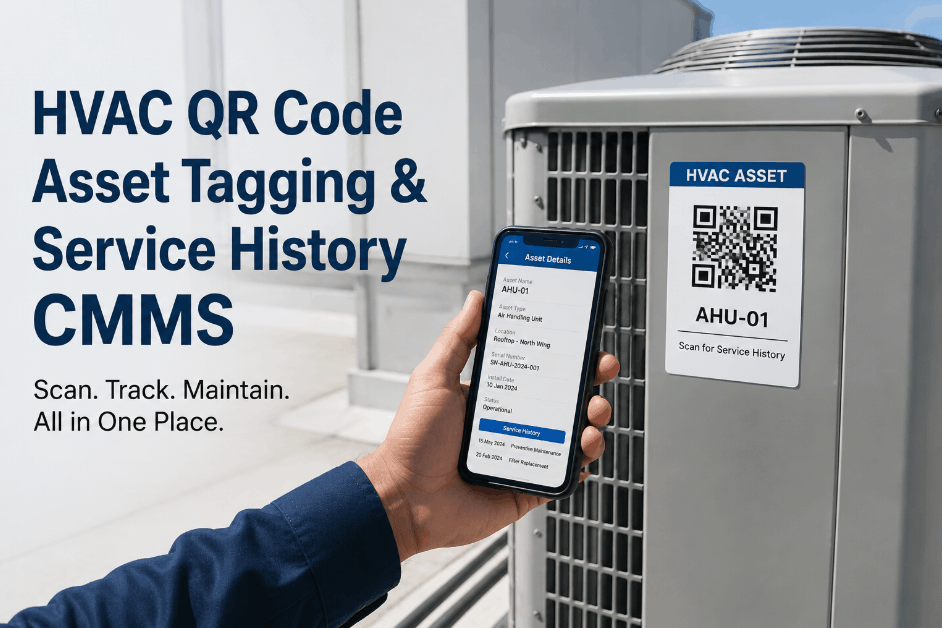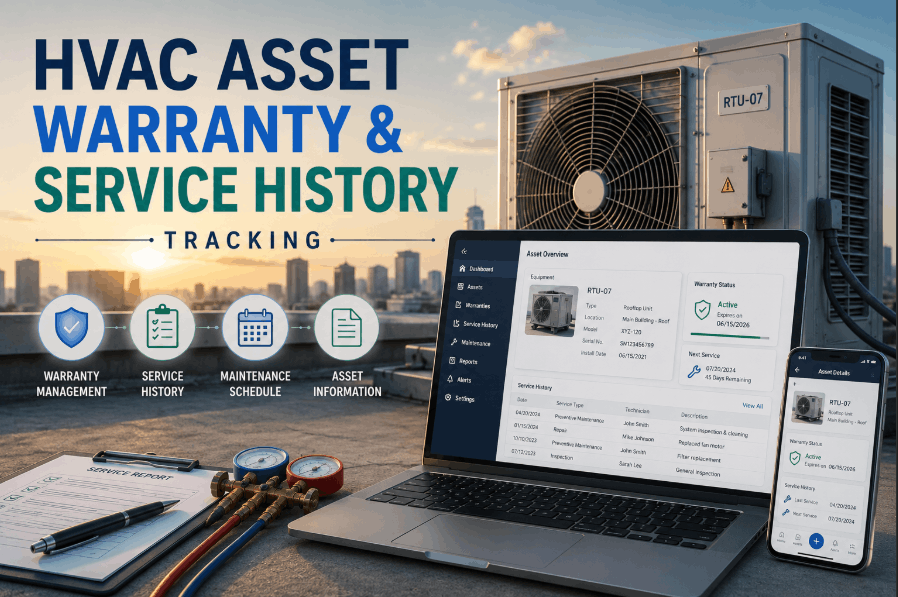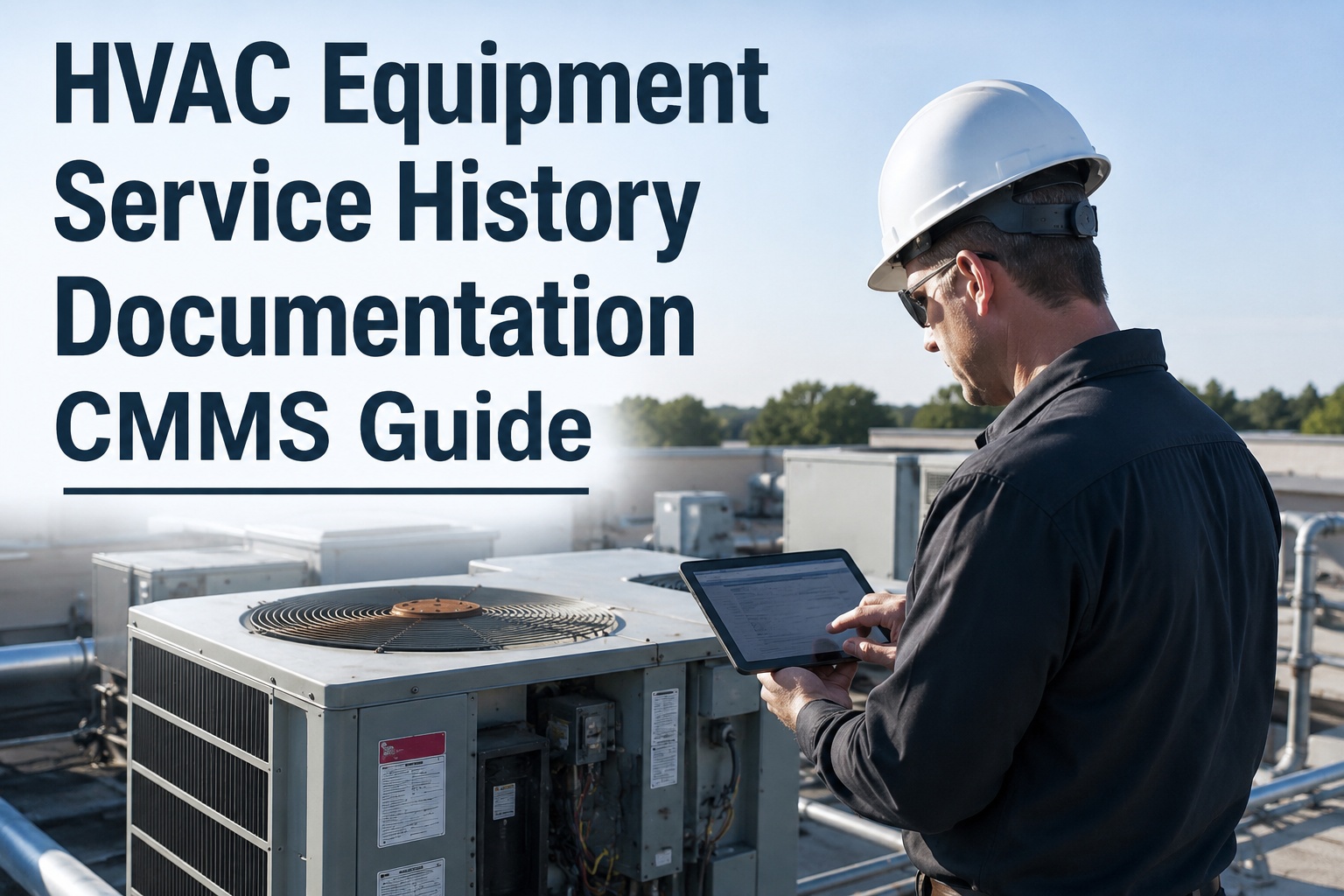
HVAC service history documentation is the practice of recording every inspection, repair, part replacement, and preventive maintenance event for a piece of heating, ventilation, and air conditioning equipment in a centralized, searchable system. For maintenance and reliability teams, a complete equipment history CMMS eliminates the blind spots of paper logs and spreadsheets, turning fragmented data into actionable insights that reduce unplanned downtime and extend asset lifecycles. This HVAC documentation guide breaks down how to build a defensible maintenance record per asset, why service history tracking directly impacts your bottom line, and how migrating to an AI-powered platform like OxMaint transforms reactive repairs into predictive reliability. To see how this works on your own assets, you can Start Free Trial or read on for the full implementation framework.
Can you pull a 3-year service history for any HVAC asset in under 60 seconds?
If the answer is no, you are losing money to repeated failures, voided warranties, and stranded institutional knowledge. CMMS-based service history tracking changes that — instantly.
Why HVAC maintenance records fail in spreadsheets and paper logs
A 2023 facility management benchmark found that operations relying on paper or spreadsheet-based equipment documentation lose an average of 14 hours per week searching for asset histories, verifying past repairs, or reconstructing warranty claims.
A 180-asset commercial portfolio spending $42K/yr on reactive HVAC repairs implemented CMMS service history tracking and cut repeat failures by 40% in the first 6 months. By simply requiring technicians to close out digital work orders with failure codes and parts used, they recovered $16,800 in annual maintenance spend and reduced average repair time by 1.8 hours per incident.
How to build a complete HVAC equipment record in a CMMS
Transitioning from fragmented logs to a centralized maintenance history CMMS requires a structured, phased approach. Here is the 4-step timeline most facility teams follow to achieve full equipment history visibility within 90 days.
Asset Registry Creation & Tagging
Audit every rooftop unit, chiller, AHU, and boiler. Assign a unique asset ID, QR code tag, and input critical metadata (make, model, install date, serial number, warranty expiry) into the CMMS HVAC history module. Target: 100% asset visibility in 14 days.
Historical Data Migration
Import the last 24–36 months of existing paper logs, spreadsheet rows, and vendor invoices into each asset’s digital profile. OxMaint’s AI parses unstructured PDFs and handwritten notes to auto-populate your HVAC repair history fields. Target: Close the data gap by Day 45.
Standardized Failure Coding
Enforce a standardized taxonomy for technicians. Require failure codes (e.g., refrigerant leak, electrical fault, mechanical wear), root cause, labor hours, and parts consumed on every closed work order. Target: 95% compliance by Day 60.
Predictive Analytics Activation
With 60+ days of rich, structured service history data, switch from calendar-based PMs to condition-based triggers. Use equipment history CMMS dashboards to spot recurring failure patterns and adjust PM frequencies. Target: 30% downtime reduction by Day 90.
What belongs in an HVAC service history record?
A defensible maintenance record per asset isn’t just a list of dates. It must contain operational, financial, and diagnostic data points that satisfy both ISO 55000 asset management standards and internal audit requirements.
Identification & Metadata
- Asset ID, QR/Barcode tag, and location hierarchy
- Manufacturer, model number, serial number
- Install date, commissioning report, and warranty terms
- Criticality rating and redundancy mapping
Event & Work Order Logs
- Preventive maintenance checklists and completion dates
- Reactive repair work orders with timestamps
- Technician name, labor hours, and travel time
- Failure codes, root cause analysis, and corrective actions
Parts & Financial Tracking
- Spare parts consumed and current inventory levels
- Vendor invoices and extended service contract details
- Total cost of ownership (TCO) roll-up per asset
- Budget forecasting based on historical degradation
Condition & Compliance
- Vibration analysis, oil sampling, and thermography reports
- EPA Section 608 refrigerant logging compliance
- OSHA and ASHRAE inspection checklists
- IoT sensor data streams and anomaly alerts
Calculating the ROI of CMMS HVAC history documentation
When evaluating an equipment documentation CMMS, the payback period is typically measured in months, not years. The formula below illustrates how quickly structured service history tracking pays for itself by eliminating repetitive failures and recovering warranty claims.
| Cost / Savings Category | Pre-CMMS (Baseline) | With OxMaint CMMS | Annual Impact |
|---|---|---|---|
| Unplanned Downtime (HVAC outages) | $48,000/yr | $19,200/yr | +$28,800 saved |
| Voided Warranty Claims | $14,000/yr | $1,500/yr | +$12,500 saved |
| Labor Hours (Searching for records) | 728 hrs ($25/hr) | 104 hrs ($25/hr) | +$15,600 saved |
| Emergency Parts Premium | $9,500/yr | $2,000/yr | +$7,500 saved |
| OxMaint Platform Cost | — | $6,000/yr | −$6,000 cost |
| Net Annual Benefit | +$58,400 | ||
How OxMaint solves HVAC history documentation
OxMaint is an AI-powered CMMS and Enterprise Asset Management (EAM) platform built to digitize, centralize, and analyze your maintenance operations. Here is how specific OxMaint capabilities map directly to your HVAC documentation challenges.
Digital Work Order Closure
Technicians close work orders from their mobile devices, attaching photos, failure codes, and digital signatures directly to the asset’s profile. Outcome: Eliminate paper logs and achieve 100% verifiable HVAC maintenance records.
AI-Powered Data Migration
OxMaint’s AI ingests your legacy PDFs, vendor invoices, and spreadsheet rows, automatically structuring them into searchable equipment history. Outcome: Skip 6 weeks of manual data entry and launch with a populated CMMS.
Predictive Failure Analytics
The engine analyzes your accumulated HVAC repair history and IoT sensor data to flag assets approaching failure before they break. Outcome: Cut unplanned downtime by 30–50% and shift to condition-based PMs.
Automated Warranty Tracking
Automatic alerts when a part is replaced under an active warranty, generating a claim packet with full service history in one click. Outcome: Recover thousands in voided compressor and parts claims annually.
Stop repeating repairs you don’t remember making.
See how OxMaint centralizes your HVAC service history and predicts failures before they happen. Book a 30-minute demo with our reliability engineers today.
CMMS HVAC service history documentation FAQs
How long should HVAC service history be retained?
For compliance and warranty purposes, HVAC maintenance records should be retained for a minimum of 3 to 7 years, depending on the asset type and local regulations. A cloud-based equipment history CMMS like OxMaint retains these records indefinitely, ensuring you never lose documentation during a technician turnover or facility management transition. You can Start Free Trial to securely store your asset history today.
Can I import existing HVAC maintenance logs from spreadsheets into a CMMS?
Yes, most modern CMMS platforms support CSV imports for basic spreadsheet data. OxMaint goes further by using AI to parse unstructured PDFs, handwritten paper logs, and vendor invoices, automatically mapping them to the correct asset profiles and standardizing failure codes without months of manual data entry.
What is the difference between a work order and an equipment service history record?
A work order is a specific, time-bound request to perform a task (like fixing a leak or conducting a quarterly PM), while an equipment service history record is the comprehensive, ongoing log of all work orders, parts, costs, and inspections tied to a single asset over its entire lifecycle. The CMMS HVAC history module links every work order to the asset’s master record.
Does service history tracking help with EPA and ASHRAE compliance?
Absolutely. Proper HVAC history documentation is critical for EPA Section 608 refrigerant usage tracking, ASHRAE 90.1/62.1 compliance, and OSHA safety audits. A CMMS provides an immutable, time-stamped audit trail of who performed what maintenance, which parts were used, and whether safety protocols were followed.
How does CMMS-based documentation reduce HVAC repair costs?
By exposing recurring failure patterns and ensuring technicians do not repeat unnecessary diagnostic steps, CMMS service history tracking reduces labor hours and emergency parts premium. It also flags assets that are costing more to repair than to replace, allowing facility managers to make data-driven capital expenditure decisions. Book a demo to see the exact ROI for your portfolio.
Ready to build a bulletproof HVAC equipment record?
Join the maintenance teams using OxMaint to eliminate paper logs, predict failures, and recover lost warranty dollars. Get started in minutes.
Free 14-day trial · No credit card