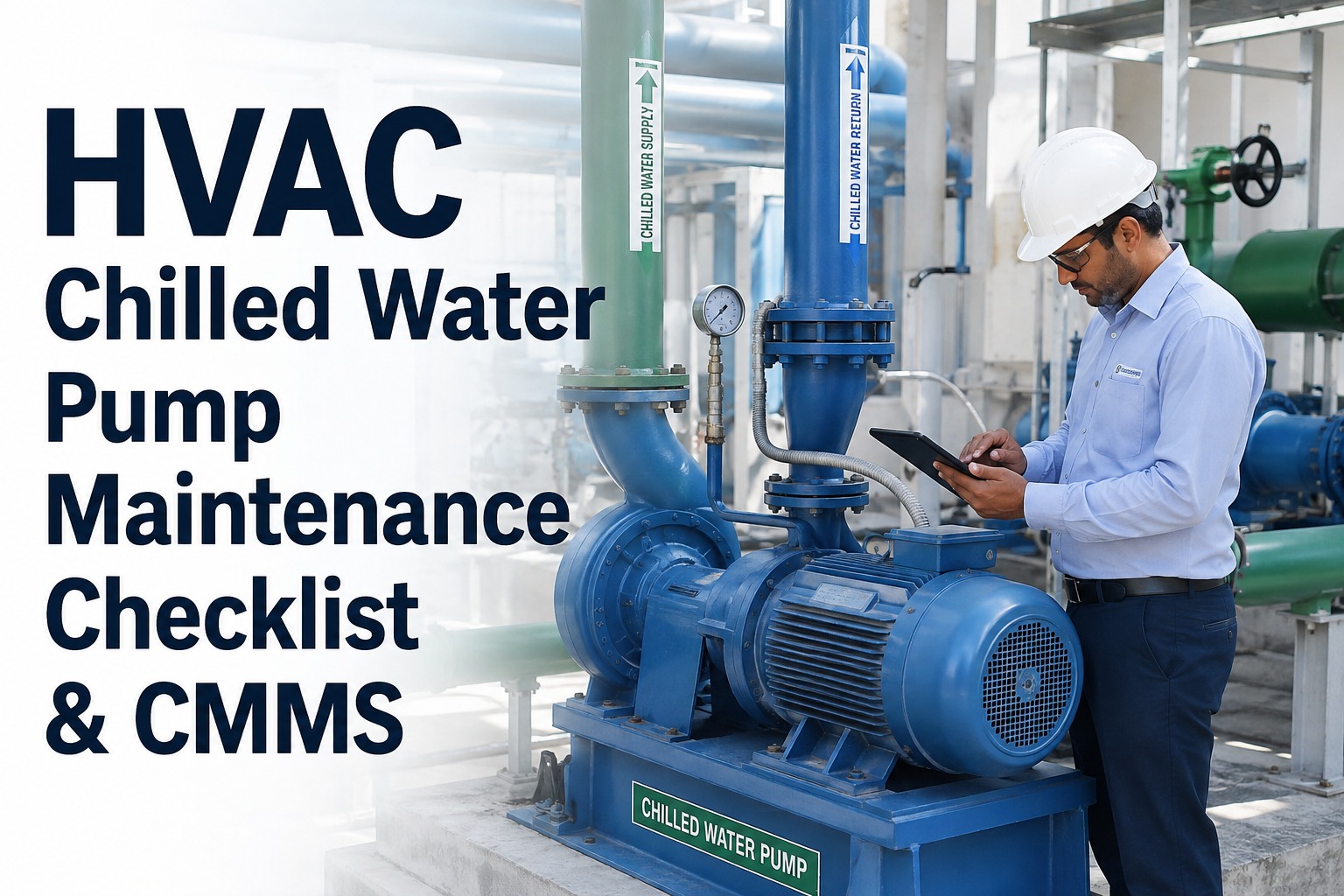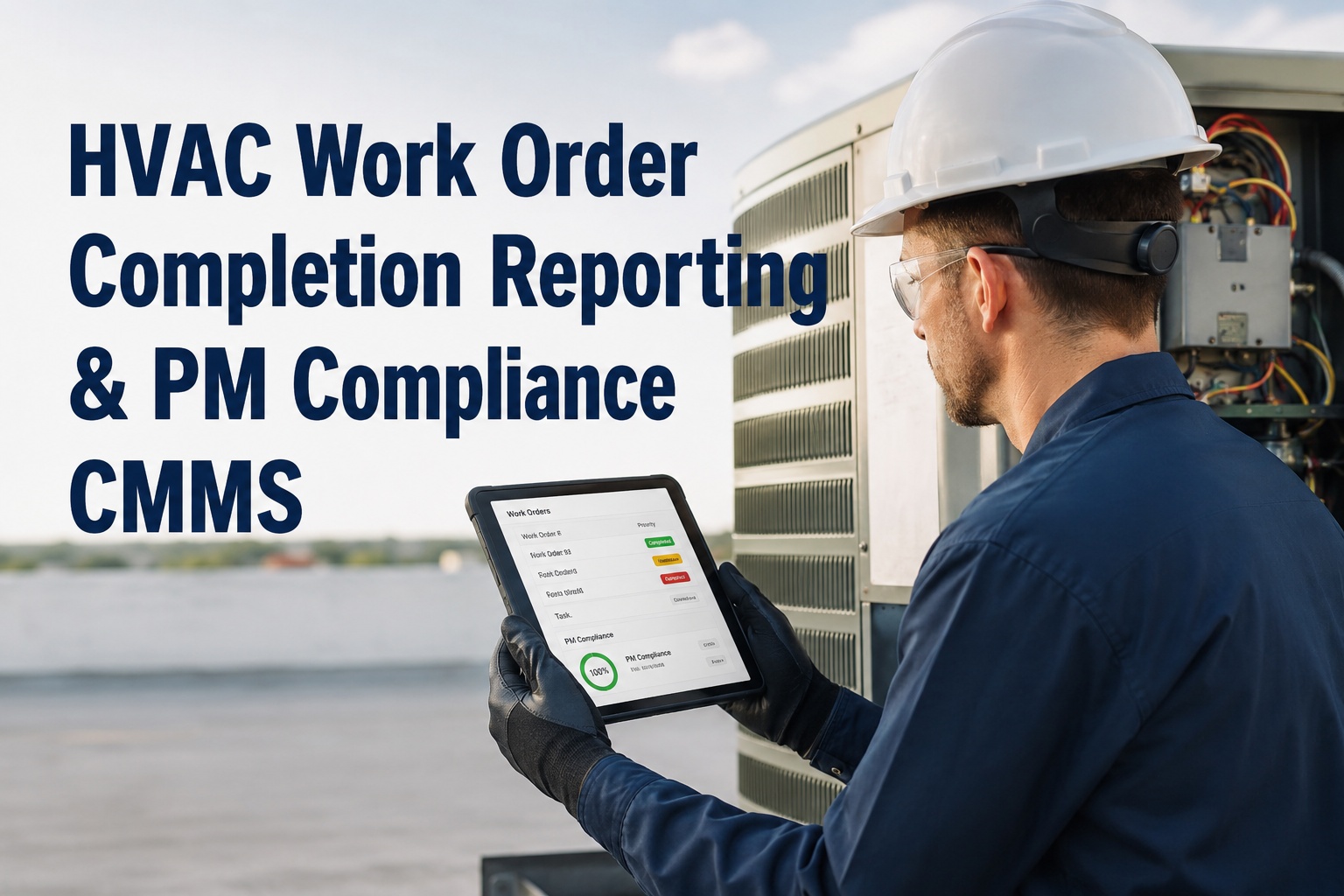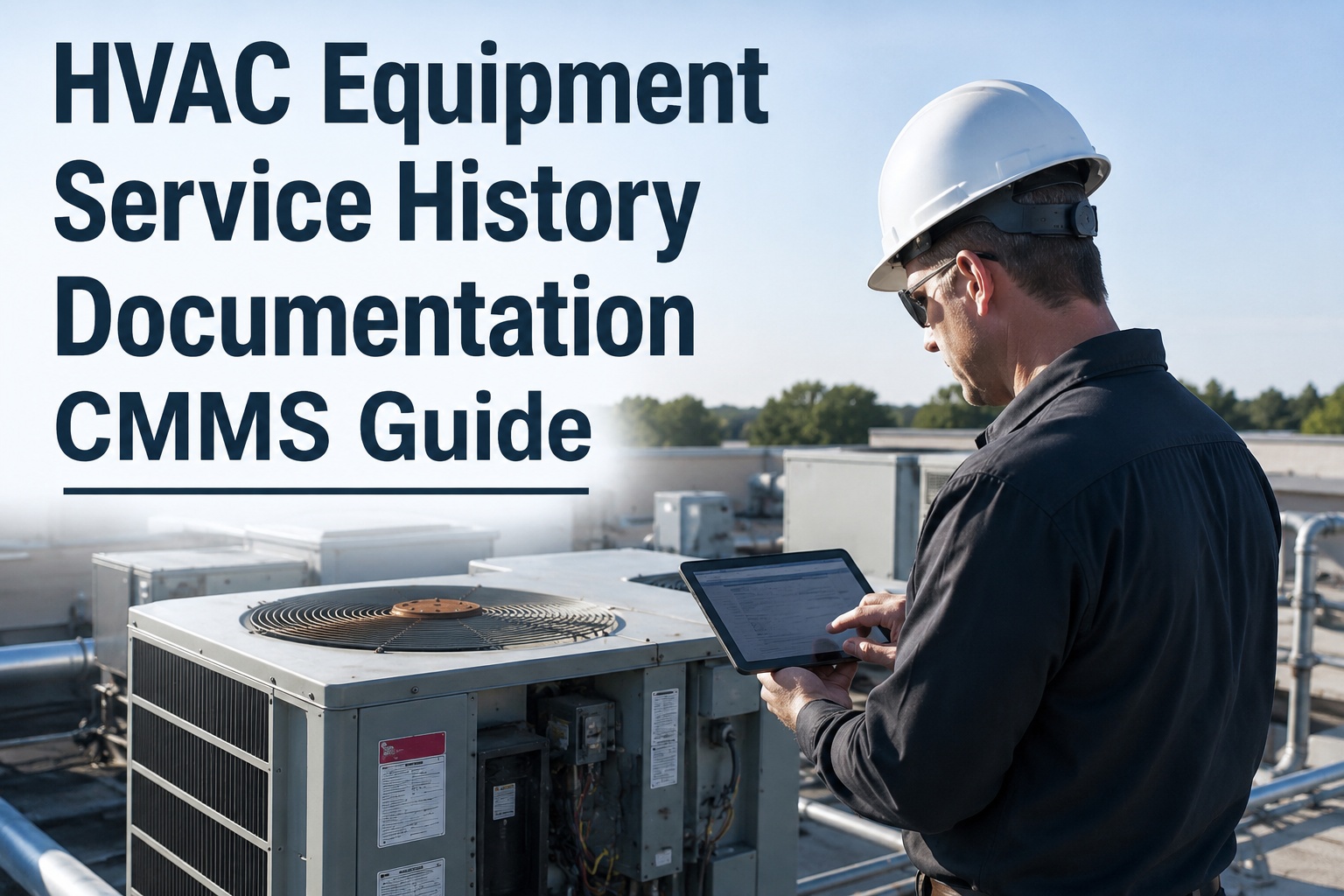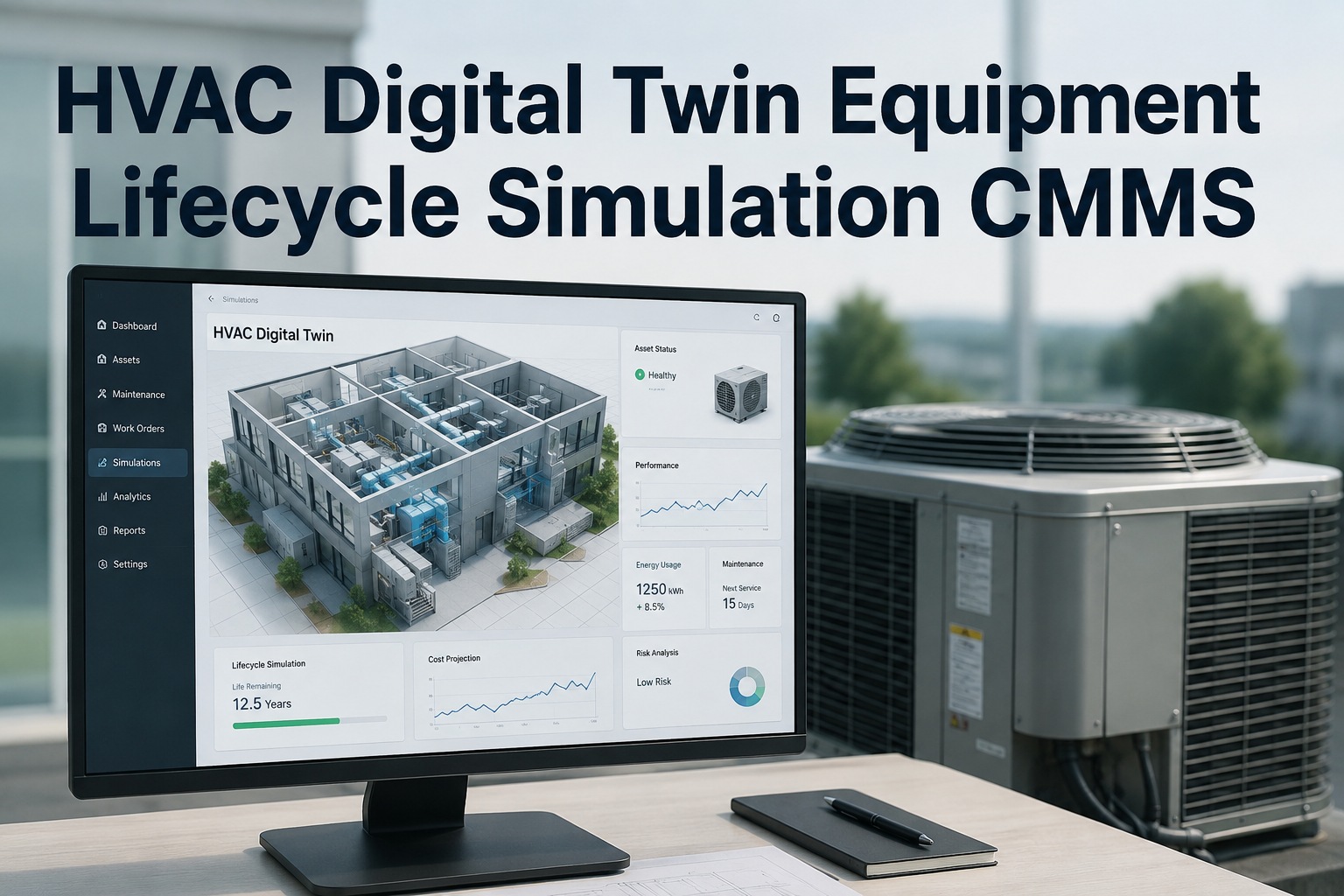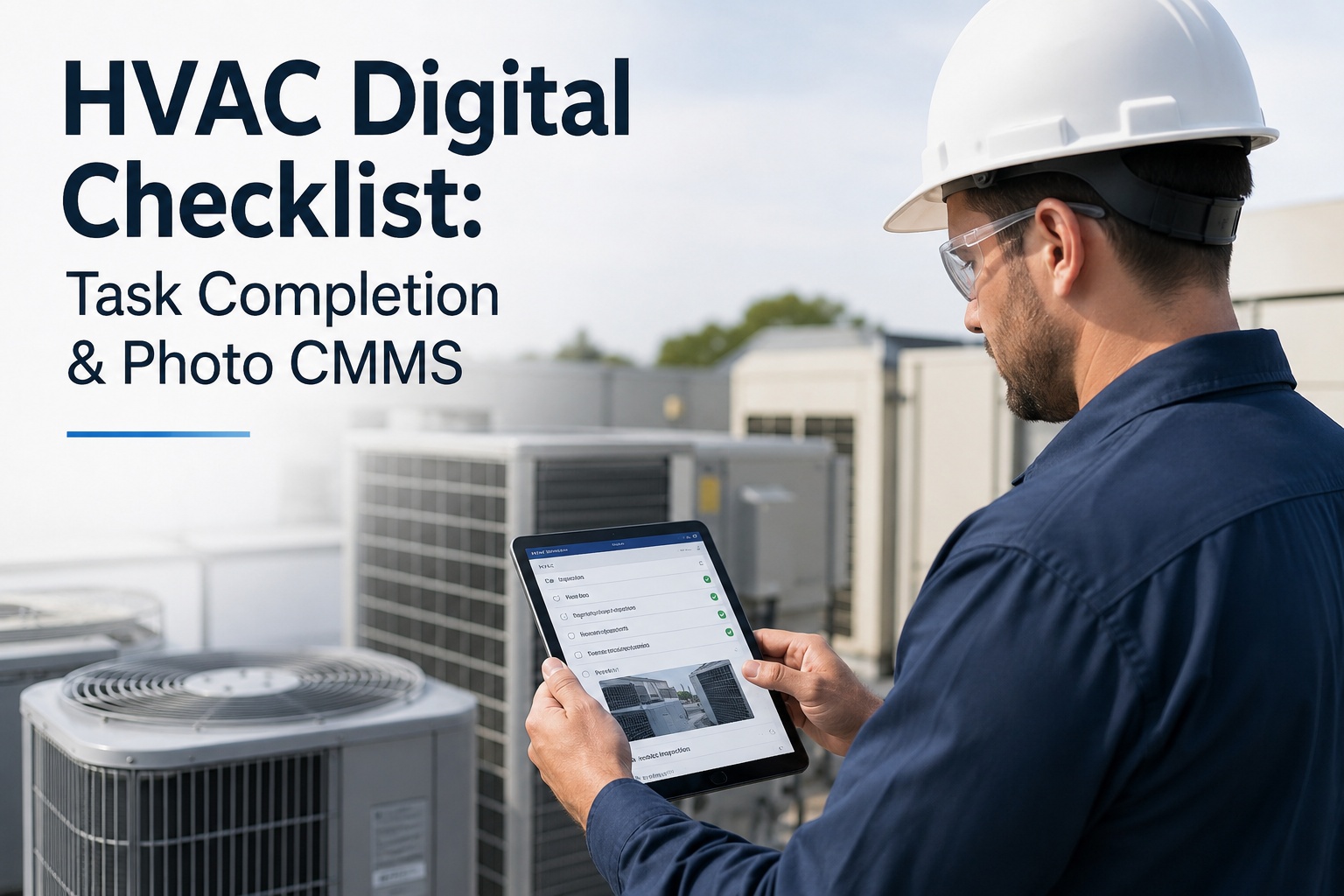
An HVAC digital checklist replaces paper log sheets and clipboard rounds with a structured, mobile-first workflow that captures numeric readings, enforces pass/fail thresholds, attaches photo documentation, and verifies task completion in real time — all inside your CMMS. For maintenance and reliability teams managing rooftops, central plants, and building automation systems, the shift from paper to a digital checklist CMMS typically cuts missed preventive-maintenance tasks by 30–50% and eliminates the "I'll backfill the log later" problem entirely. OxMaint's AI-powered platform turns every HVAC checklist into an auditable, photo-backed record that syncs instantly with work orders, asset history, and spare-parts inventory — so nothing falls through the cracks. If you're evaluating a Start Free Trial or a guided walkthrough, this guide breaks down exactly what to look for in 2026.
HVAC DIGITAL CHECKLIST GUIDE 2026
Paper HVAC checklists cost you 18% of your maintenance budget in rework and missed tasks. Here's the fix.
A digital checklist CMMS captures numeric readings with pass/fail thresholds, forces photo documentation at the asset, and verifies completion in real time — so every HVAC task is done right the first time, backed by evidence your auditor can trust.
TASK COMPLETION & NUMERIC READINGS
What a modern HVAC digital checklist must capture in 2026
A clipboard checklist asks "Did you check it?" — a digital checklist CMMS asks "What did you measure, what did you photograph, and does the reading fall within spec?" That distinction is the difference between a defensible maintenance record and a liability exposure.
Numeric reading capture with thresholds
Record superheat (target 8–12°F), subcooling (target 8–15°F), supply/return delta-T (target 18–22°F), static pressure, amperage, and refrigerant pressures. The system auto-flags any reading outside the defined pass/fail window in red — no more "looks fine" entries that hide a failing compressor.
Photo documentation at the asset
Every HVAC checklist photo is time-stamped, geotagged, and permanently linked to the asset and work order. Capture before/after filter changes, coil condition, condensate drain pans, and nameplate data — proving the work was physically performed, not desk-checked.
Real-time completion verification
Supervisors see live task status — pending, in-progress, completed, failed-reading — without chasing radio calls. A failed threshold instantly triggers a corrective work order, so a drifted refrigerant charge becomes a same-day fix, not a three-week surprise at the next quarterly review.
Audit-ready asset history
Every checklist, reading, and photo is stored against the asset's lifecycle record. When a joint commission auditor or property manager asks for proof that AHU-3 was serviced last quarter, you export the full packet — readings, photos, signatures — in three clicks, not three hours of binder digging.
CHECKLIST LIBRARY CMMS
What belongs in your HVAC digital task guide: the essential checklist library
A CMMS checklist library should ship with pre-built templates for the 80% of HVAC tasks every building performs — and allow your team to clone, customize, and version-control them. Below is the minimum viable checklist set for a commercial HVAC operation, with the numeric readings and photo requirements each one should enforce.
| Checklist Template | Key Numeric Readings (Pass/Fail) | Required Photos | Typical Frequency |
|---|---|---|---|
| Rooftop Unit (RTU) Quarterly PM | Subcooling 8–15°F · Superheat 8–12°F · Delta-T 18–22°F · Suction pressure ±10% of chart | Coil face (before/after) · Filter condition · Belt tension · Nameplate | Quarterly |
| AHU Monthly Inspection | Static pressure 0.5–2.0 inWC · Bearing temp <180°F · Fan amp draw ±5% of FLA | Drain pan · Coil condition · Filter pressure-drop gauge · Belt wear | Monthly |
| Chiller Annual Maintenance | Approach temp <3°F · Oil pressure >12 psig · Refrigerant charge ±5% · Condenser water ΔT 10°F | Tube bundle sample · Oil sample label · Leak-test points · Control panel readings | Annual |
| Cooling Tower Quarterly | Conductivity 800–1200 µS/cm · pH 7.5–8.5 · Legionella test (ND) · Makeup water flow | Fill condition · Basin sump · Drift eliminator · Water-treatment log | Quarterly |
| Boiler Seasonal Startup | Stack temp <400°F · CO <100 ppm · Combustion efficiency >82% · Water hardness <120 ppm | Burner flame · Heat exchanger · Flue connection · Gauge readings | Semi-annual |
| Filter Change / Belt Replacement | Final pressure drop <0.8 inWC · Belt deflection ½–¾ inch · Fan RPM ±2% of nameplate | Old filter (before) · New filter (after) · Old belt · Installed belt | Monthly / Quarterly |
THE COST OF PAPER — A WORKED EXAMPLE
What paper HVAC checklists actually cost a 180-asset facility
Consider a mid-size commercial portfolio — 180 HVAC assets across three buildings, spending roughly $42,000 per year on preventive maintenance labor, parts, and contractor calls. Here's what happens when checklist completion lives on clipboards and spreadsheets instead of a CMMS digital checklist with photo documentation and numeric verification.
WORKED EXAMPLE
When this same 180-asset portfolio switched to OxMaint's digital checklist CMMS, the first quarter eliminated 100% of backfilled readings (the app requires on-site numeric entry with threshold validation), cut audit-prep time from 35 hours per quarter to under 2 hours, and caught 14 drifted refrigerant-charge conditions that would have become summer compressor failures. Estimated first-year savings: $19,800 — a 4.2-month payback on the platform subscription alone.
HOW OXMAINT HELPS
OxMaint turns every HVAC task into a verified, photo-backed, threshold-checked record
OxMaint's AI-powered CMMS platform was built specifically for maintenance and reliability teams that need defensible records — not just a checkbox that says "completed." Here are four capabilities that directly solve the HVAC digital checklist problem, each with a measurable outcome.
Threshold-validated numeric readings
Define pass/fail ranges for every reading — superheat, subcooling, delta-T, amperage, static pressure. OxMaint flags out-of-spec values in real time and auto-generates a corrective work order. Outcome: catch 80–90% of refrigerant and airflow issues at the PM visit, not at the failure call.
Mandatory photo documentation
Configure checklists to require photos before a task can be marked complete — geotagged, time-stamped, and permanently linked to the asset record. Outcome: zero "ghost PMs" — every task has visual proof it was physically performed at the location.
Real-time supervisor verification
Live dashboard shows every in-progress HVAC task — which tech is on which asset, what readings they've entered, which photos they've uploaded. Outcome: reduce missed PM tasks 30–50% and eliminate the three-week-late "I forgot to close that ticket" conversation.
One-click audit & compliance export
Every checklist, reading, and photo is stored in the asset's lifecycle history. Export a full compliance packet — readings, photos, signatures, timestamps — in three clicks for ISO 55000, Joint Commission, or lease audits. Outcome: cut audit prep from 35 hours to under 2 hours per quarter.
See OxMaint's HVAC digital checklist on YOUR assets
Book a 30-minute demo and we'll load your top 5 HVAC equipment IDs, build a sample checklist with your real pass/fail thresholds, and show you the photo-documentation and real-time verification flow live.
FREQUENTLY ASKED QUESTIONS
HVAC digital checklist CMMS — what teams ask before switching
What is an HVAC digital checklist and how does it differ from a paper PM form?
An HVAC digital checklist is a mobile-first task template inside a CMMS that requires technicians to enter numeric readings (with automatic pass/fail threshold validation), attach geotagged photos, and submit from the asset location — all synced to the work order in real time. Unlike a paper form, it cannot be backfilled from the truck, it flags out-of-spec readings instantly, and it creates a permanent, searchable, exportable record against the asset's history. You can Start Free Trial to see the difference on your own equipment in under 15 minutes.
Can a digital checklist CMMS enforce photo documentation before a task is marked complete?
Yes. OxMaint lets you configure any checklist step as "photo required" — the technician cannot advance the task or mark it complete until at least one photo is captured and uploaded. Photos are automatically time-stamped and geotagged, so supervisors and auditors can verify the work was performed at the correct asset and location, eliminating ghost PMs and desk-checked entries.
How do pass/fail thresholds work for HVAC numeric readings like superheat and subcooling?
For each numeric field in your checklist template, you define an acceptable range — for example, superheat 8–12°F or subcooling 8–15°F. When the technician enters a reading, the system instantly validates it: in-range values show green, out-of-range values flag red and can automatically trigger a corrective work order. This means a drifted refrigerant charge is caught and queued for repair at the PM visit, not three months later when the compressor fails on the hottest day of the year.
How long does it take to switch from paper HVAC checklists to OxMaint?
Most teams are live in 1–2 weeks. OxMaint ships with a pre-built HVAC checklist library covering RTUs, AHUs, chillers, cooling towers, boilers, and filter/belt changes — you clone the template, adjust the thresholds to your specs, assign it to your assets, and your technicians download the mobile app. There's no migration project required; you can start with your top 10 critical assets and expand from there. Book a Demo and we'll walk you through the setup on a live environment.
Does OxMaint's HVAC checklist library support compliance with ISO 55000 and Joint Commission standards?
Yes. Every checklist submission — readings, photos, technician signature, timestamp, and geolocation — is stored as an immutable record in the asset's lifecycle history. You can export a full compliance packet for any asset and date range in three clicks, which satisfies ISO 55000 asset-management documentation requirements and Joint Commission EC.02.05.05 utility-systems inspection evidence. Most teams cut audit-prep time from 30+ hours per quarter to under 2 hours.
Stop signing off on HVAC checklists you can't verify
Every day you stay on paper is another day of ghost PMs, missed readings, and audit-prep fire drills. OxMaint's HVAC digital checklist CMMS gives you numeric threshold validation, mandatory photo documentation, and real-time completion verification — backed by AI-powered predictive maintenance analytics. Book a 30-minute demo and see it on your assets.
Free 14-day trial · No credit card