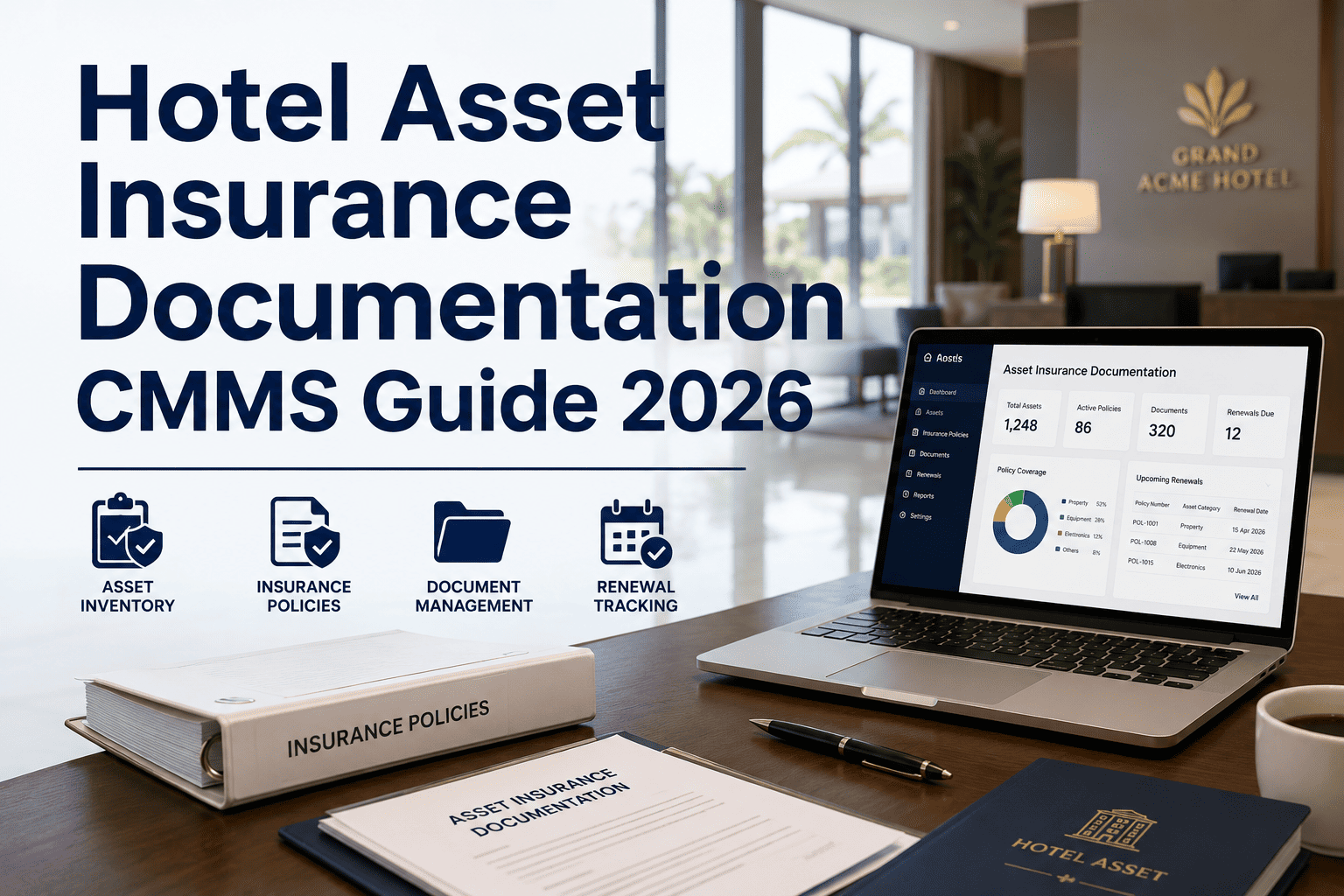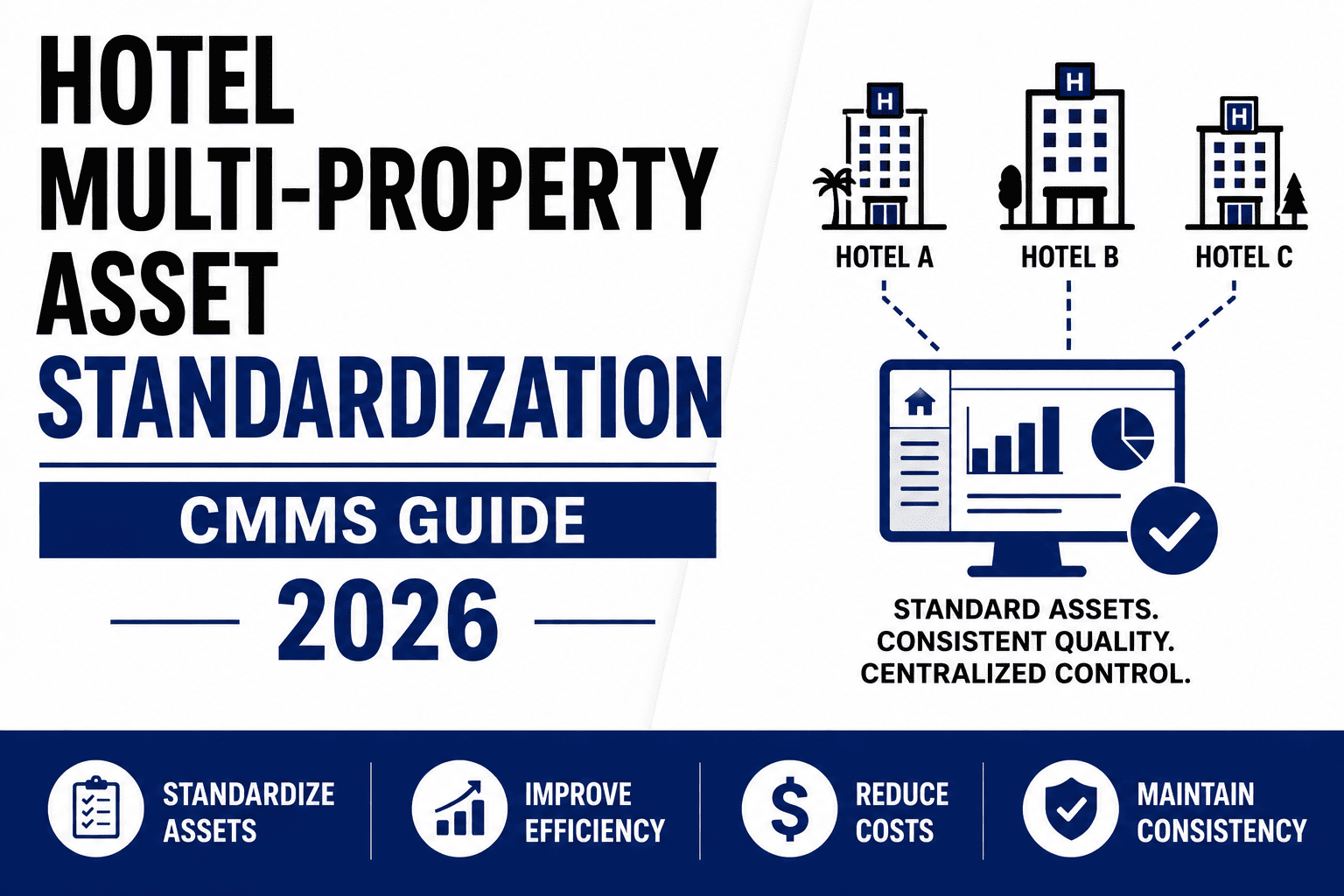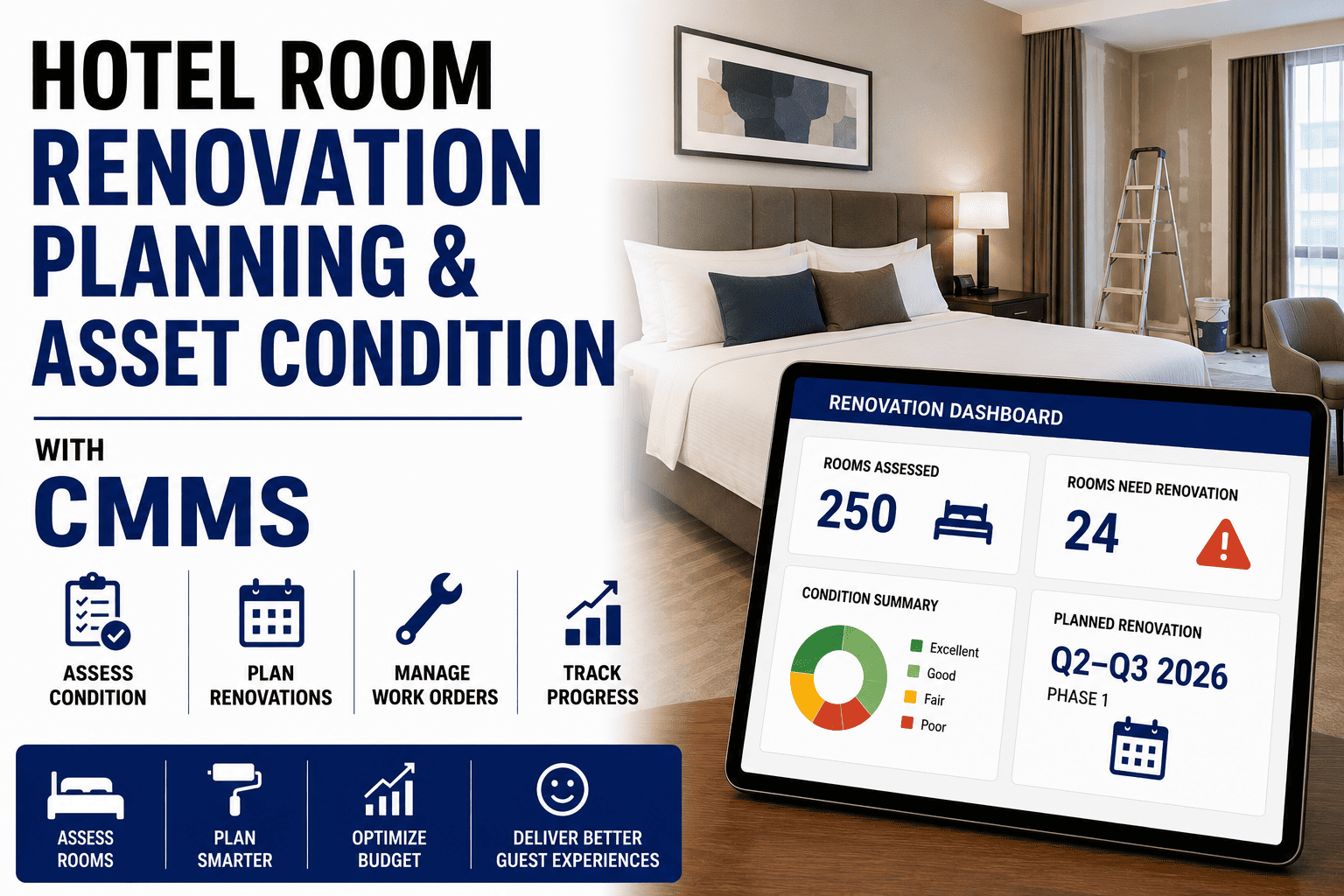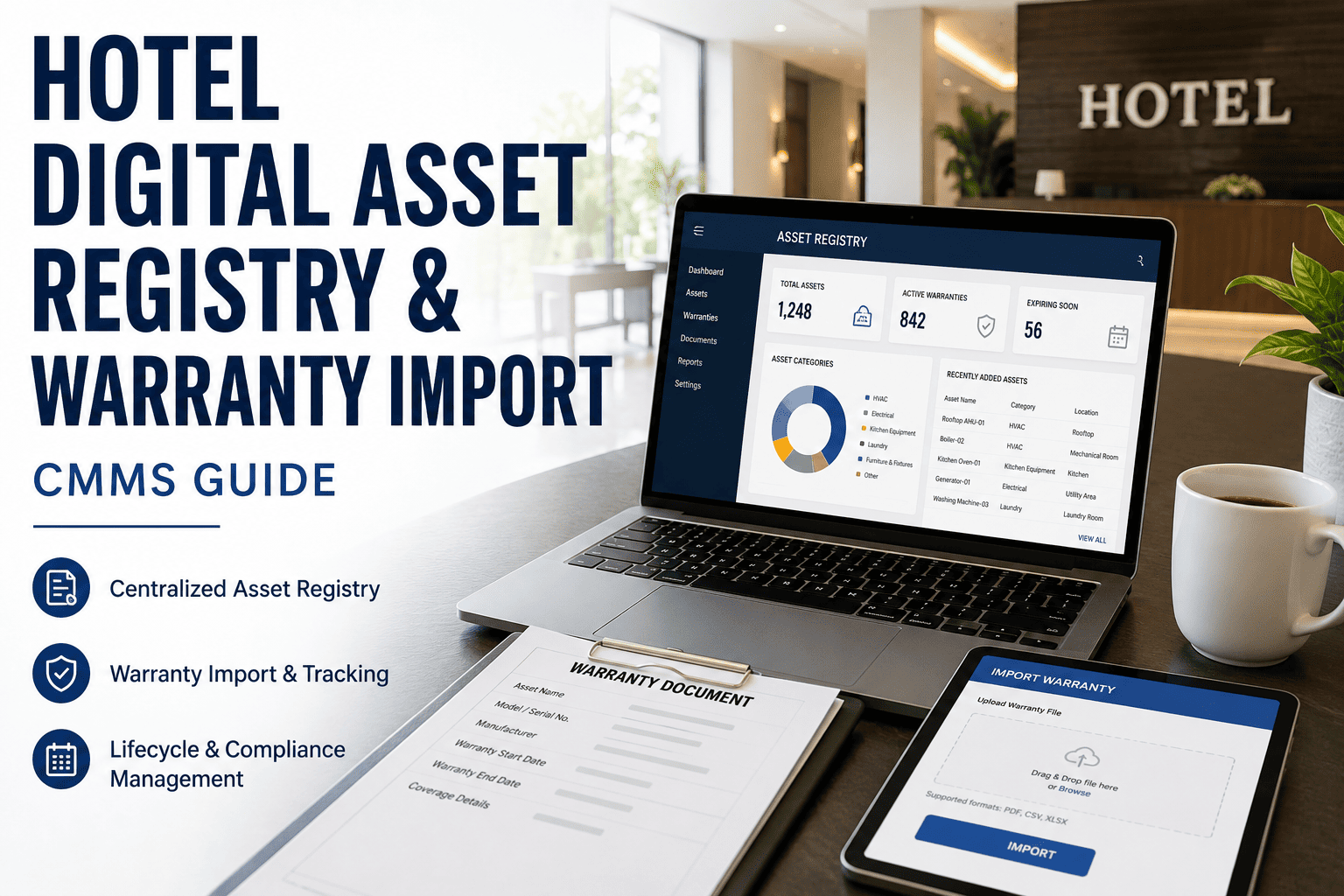
A hotel digital asset registry is the structured, CMMS-backed database where every piece of equipment, its location, maintenance history, and warranty status live in one searchable system. Building a reliable asset hierarchy and executing a warranty import into your CMMS allows maintenance teams to stop losing money on voided coverage and unplanned replacements. This guide covers the registry design, warranty capture, and alert configuration that turns spreadsheet chaos into recoverable dollars. You can Start Free Trial to import your existing records today, or read on to see how the structure works.
How much warranty money is your hotel throwing away this year?
Most hotels track assets across fragmented spreadsheets, losing track of expiration dates within months of installation. A centralized digital registry with automated warranty alerts ensures you never pay for a covered replacement again.
How to structure a hotel asset hierarchy in a CMMS
A flat list of 2,000 assets is unmanageable. A CMMS hotel asset hierarchy organizes equipment by property, floor, department, and system — so any engineer can locate an asset in seconds and pull its full history in two clicks.
The top node. A multi-property group can manage a portfolio of 5 to 500 hotels under one master tenant, with strict data isolation per location.
Segments the building logically — Lobby, Guest Floors 1-8, Basement Mechanical, Pool Deck, or Roof. Cuts search time during emergency callouts.
Groups assets by function: HVAC, Plumbing, Electrical, Kitchen, Laundry, or Fire Life-Safety. Drives departmental cost roll-ups.
Major equipment like an Air Handling Unit (AHU) or commercial boiler. Acts as the parent to sub-components for targeted tracking.
The individual motor, belt, or filter inside the parent. Work orders at this level keep parent history clean and highly specific.
Step-by-step warranty import CMMS guide
Migrating from legacy spreadsheets to a digital registry CMMS takes days, not months, when you follow a structured import path. Here is the standard 5-step timeline to clean, map, and activate your records.
Pull existing asset lists, purchase orders, and OEM warranty certificates. Flag duplicate entries and missing serial numbers. Most hotels find a 15-20% data decay rate in legacy files.
Map columns to the CMMS template: Asset Name, Category, Location, Install Date, Warranty Start, Warranty End, and Cost Center. Enforce standard naming conventions.
Execute the warranty import into the CMMS via bulk upload. Validate date formats (ISO 8601) to ensure automated expiration triggers fire correctly.
Drag and drop imported assets into their parent-child relationships. Build out the floor and department structure to finalize the registry design.
Set automated triggers for warranty expiration 90, 60, and 30 days out. Route alerts to the Chief Engineer and Regional Director to guarantee action.
Why a CMMS hotel digital registry beats Excel tracking
Relying on spreadsheets for asset and warranty tracking guarantees lost money. A CMMS transforms static data into an active, automated system of record.
| Capability | Static Spreadsheets | CMMS Digital Registry |
|---|---|---|
| Warranty Expiration Alerts | Manual review required; easily missed | Automated 90/60/30-day push notifications |
| Asset Hierarchy | Flat rows, no parent-child logic | 5+ levels of nested tracking |
| Repair History | Scattered across multiple tabs | Instantly linked to asset profile |
| Downtime Risk | High; no predictive insights | 30-50% reduction via predictive AI |
| Multi-Property Rollups | Requires complex, fragile formulas | Built-in portfolio-level dashboards |
Stop paying for parts that are still under warranty
See OxMaint automatically flag covered assets, import your existing warranty data, and configure alerts on a live 30-minute call.
Recover warranty dollars with OxMaint CMMS
OxMaint is built to take your hotel from reactive chaos to a fully digitized, AI-powered asset registry. Here is how our platform maps directly to your warranty and asset tracking challenges.
OxMaint scans your digital registry daily, sending push notifications 90, 60, and 30 days before any hotel warranty expires. Ensure you file claims in time and avoid paying for covered replacements.
Build a CMMS hotel asset hierarchy that maps exactly to your property's physical layout. Drill down from the property level to the specific AHU belt in seconds.
Migrate thousands of assets and warranty certificates via a guided CSV import. OxMaint validates data formats, flags missing fields, and builds the registry in minutes, not weeks.
OxMaint AI analyzes work order history and runtime data to predict asset failures before they happen, automatically creating preventive tasks that keep warranties valid.
The cost of untracked warranties: a 200-room hotel scenario
Consider a 200-room boutique hotel operating 1,800 tracked assets. Without a digital registry, they rely on a legacy spreadsheet updated by a single engineer.
- 3 commercial ice makers fail and are replaced out-of-pocket ($4,200 cost) despite being under a 5-year compressor warranty.
- Engineers spend 6 hours weekly searching for asset manuals and warranty docs across shared drives.
- 1 boiler failure causes a 12-hour outage because preventive maintenance was skipped due to poor scheduling.
- Estimated annual loss: $48,500 in unnecessary parts, labor, and guest compensation.
- The warranty import flags all 3 ice makers instantly. OxMaint generates a claim work order, securing free replacement parts.
- Asset profiles house all PDF manuals and OEM docs; search time drops to 30 seconds.
- Predictive AI detects boiler vibration anomalies, triggering a preventive work order 2 weeks before failure.
- Estimated annual savings: $45,000+ and zero unplanned outages.
CMMS hotel digital registry & warranty import FAQs
A hotel digital asset registry is a centralized, CMMS-backed database that records every piece of equipment, its location, parent-child hierarchy, maintenance history, and warranty status. Unlike a spreadsheet, it actively enforces data structure and automates alerts for preventive maintenance and warranty expiration.
The warranty import CMMS process involves uploading a cleaned CSV file containing asset names, serial numbers, install dates, and warranty end dates. The CMMS maps these columns to the database, validates the formats, and automatically triggers expiration alerts based on the dates provided.
For a standard 200-room property with 1,500 to 2,000 assets, setting up a 5-level asset hierarchy takes 2 to 5 days. Using OxMaint's guided import tools, you can Start Free Trial, upload your existing data, and have a fully populated hierarchy live within 48 hours.
Yes. Migrating from Excel to a digital registry CMMS is standard. You export your spreadsheets to CSV, map the columns to the CMMS template, and perform a bulk upload. The CMMS will flag duplicates and missing data, allowing you to clean the registry during the import process.
An asset hierarchy is critical because it mirrors the physical layout and systems of the hotel. It allows maintenance teams to drill down from a system (like HVAC) to a specific component (like a fan belt), ensuring accurate work orders, faster troubleshooting, and precise cost tracking per department or floor.
Build your hotel digital asset registry today
Join maintenance teams using OxMaint to eliminate unplanned downtime, recover warranty dollars, and automate preventive maintenance. Book a personalized demo to see the platform on your own assets.
Free 14-day trial · No credit card