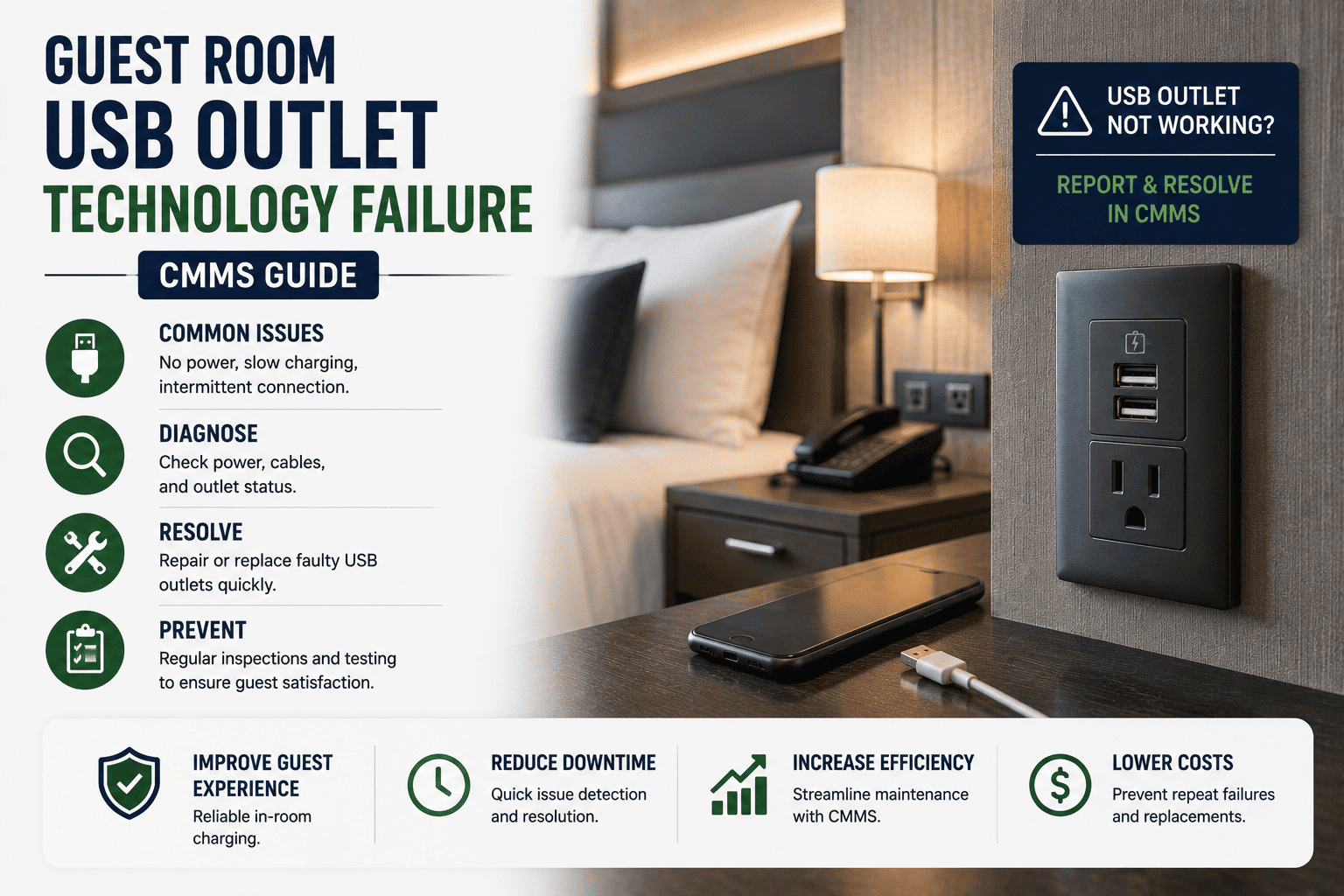
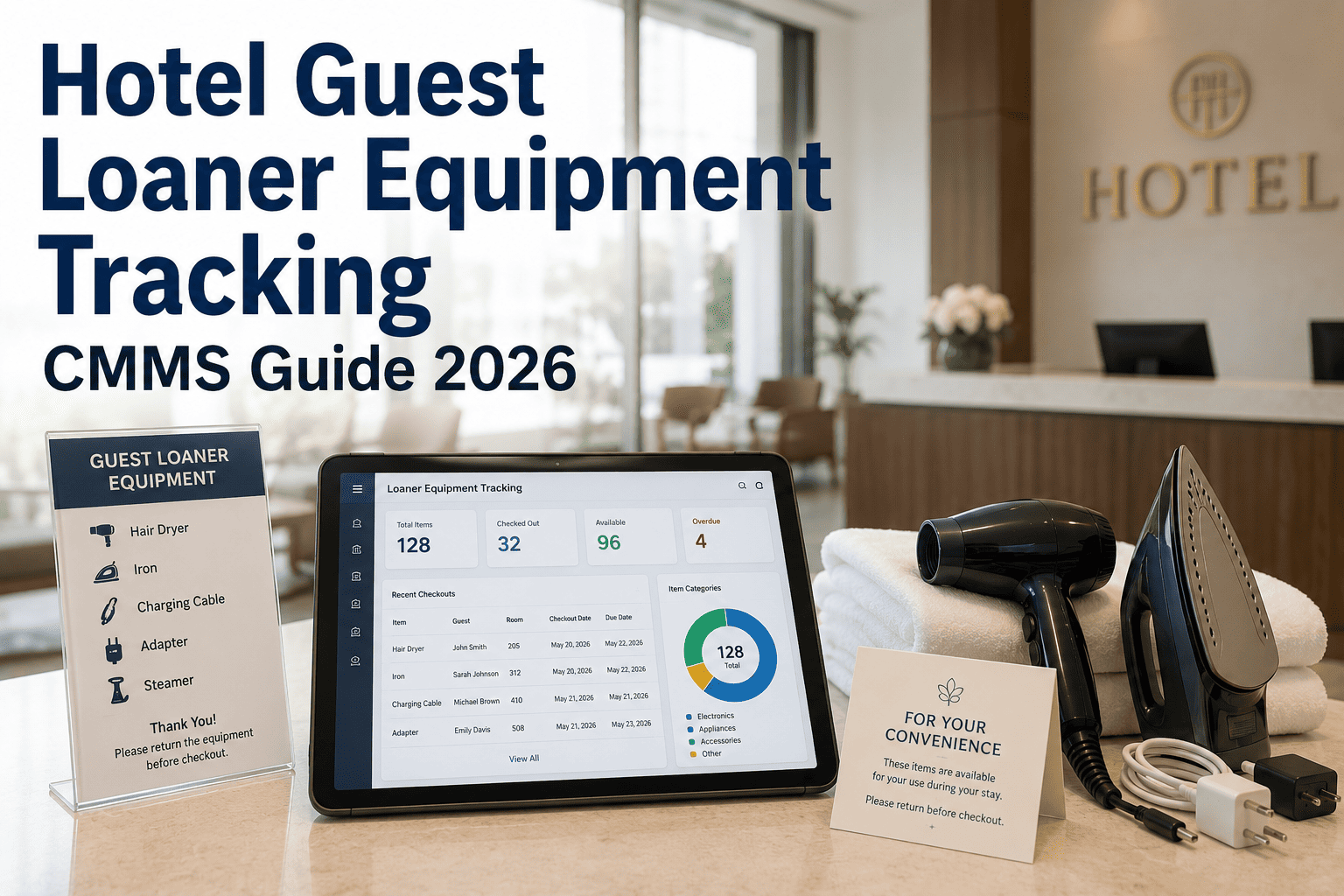
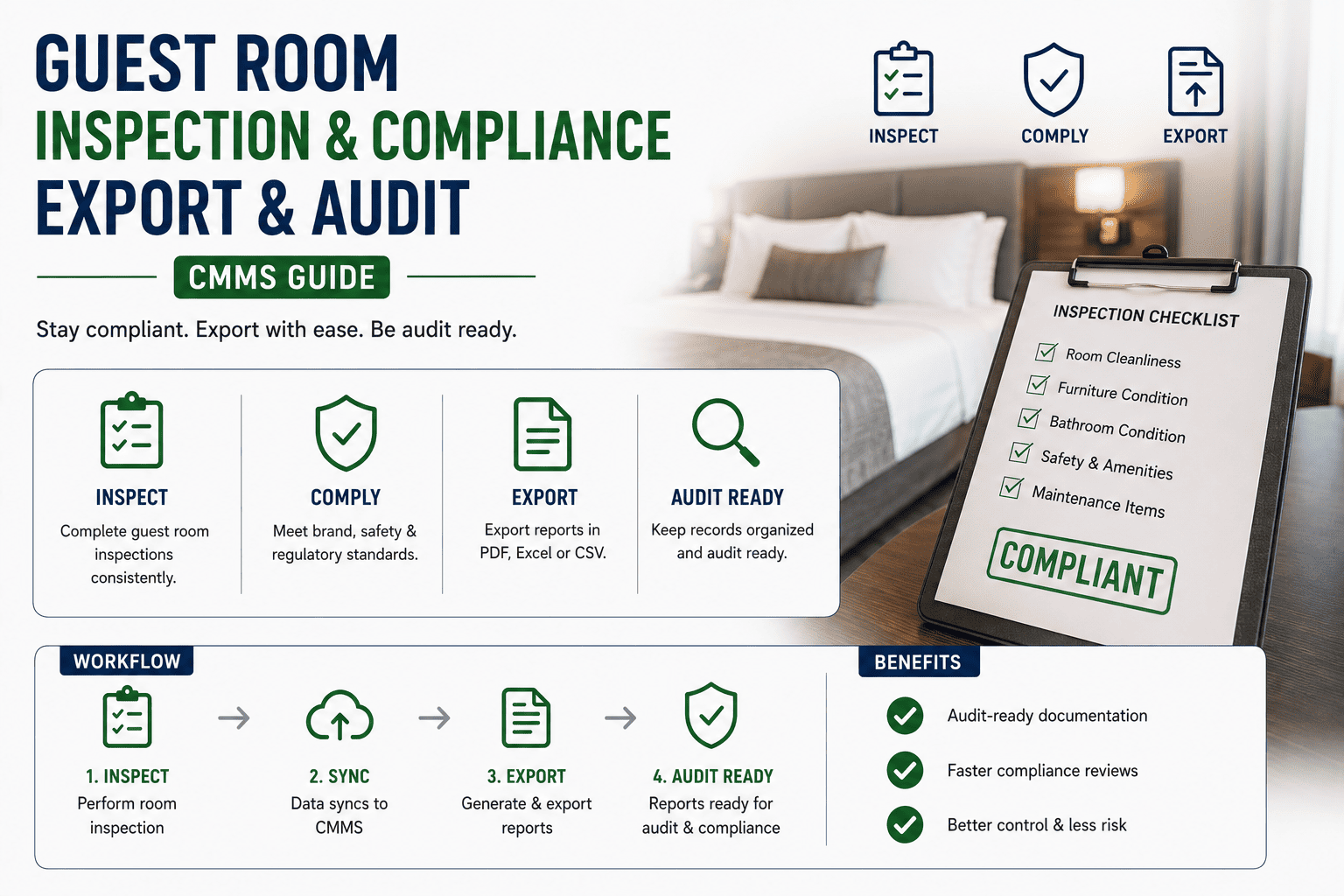
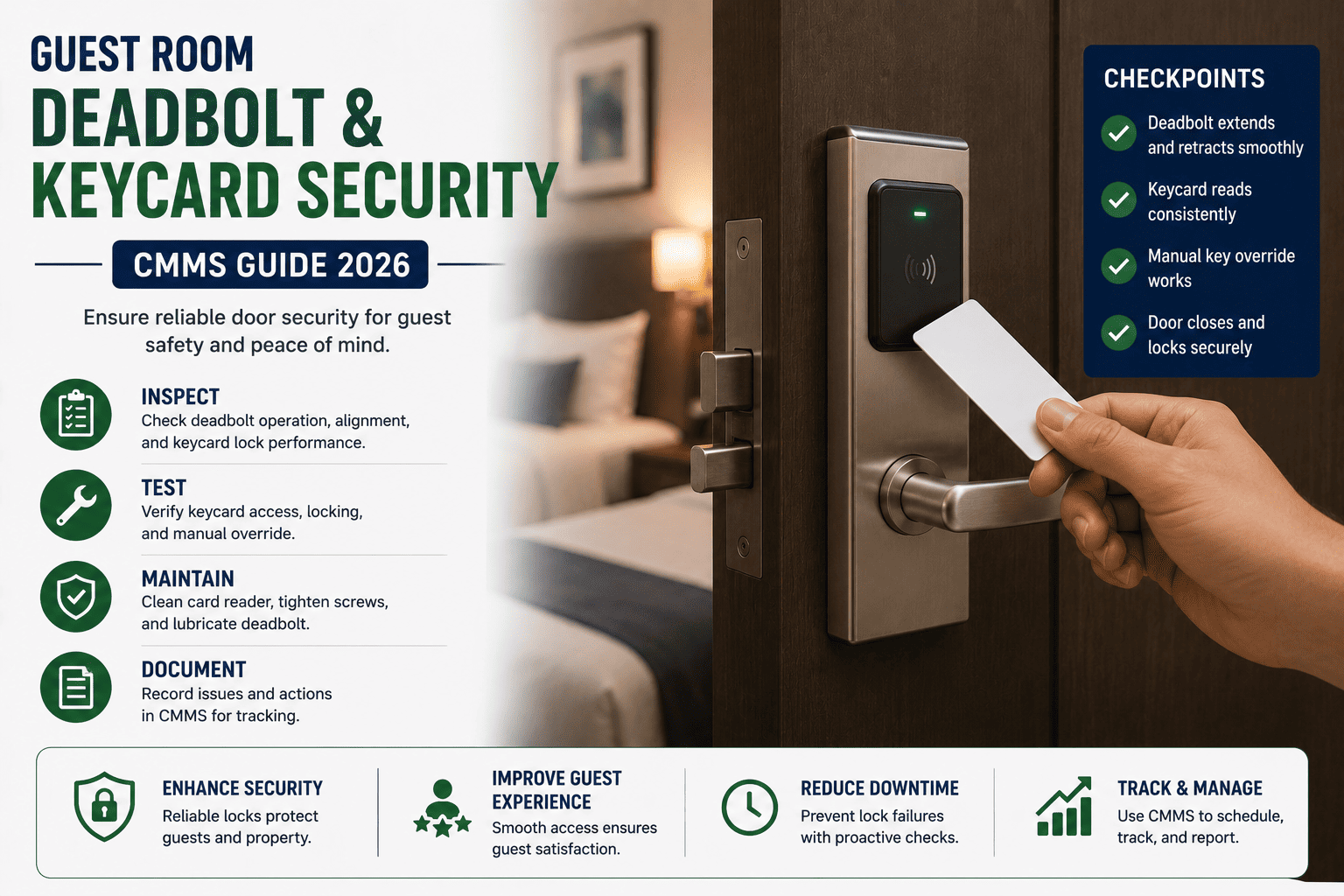
Dead USB ports, flickering smart mirrors and unresponsive in-room tablets now account for a disproportionate share of guest complaints — and each unresolved failure chips away at review scores, repeat bookings and RevPAR. Across mid-scale and luxury properties alike, technology assets inside the guest room fail more frequently than HVAC, plumbing or FF&E, yet they are rarely captured inside a structured preventive maintenance program. This guide maps the failure patterns, replacement cycles and root-cause workflows that maintenance teams can operationalize inside a CMMS to keep in-room technology reliable at portfolio scale. If you want to skip straight to deployment, you can Start Free Trial and configure the quarterly outlet sweep described below in under an hour.
GUEST ROOM TECHNOLOGY FAILURE · CMMS GUIDE
Why do dead USB ports quietly sink your guest review scores?
In-room technology now drives 1 in 3 guest complaints at most properties — and USB outlets are the single largest contributor, responsible for 8–12% of all technology fault tickets. A CMMS-driven quarterly outlet sweep reduces repeat failures by up to 70% and cuts average ticket-to-resolution time from 26 hours to under 6.
26 hrs
Average resolution time without a structured CMMS PM program for in-room technology
FAILURE LANDSCAPE
Where guest room technology actually fails
USB outlets fail more often than any other in-room asset, but the surrounding ecosystem of smart devices, connectivity hardware and power delivery compounds the problem. Knowing the distribution of failure modes is the first step toward a defensible PM cadence.
8–12%
Of all guest technology complaints traced to dead or under-powered USB outlets
18 mo
Median service life of a Tier-2 USB outlet under daily guest load before first failure
$147
Average cost per unresolved tech ticket — dispatcher time, parts, guest recovery
0.4 pts
Review-score drop linked to repeat in-room technology failures within a single stay
WORKED EXAMPLE
A 240-key full-service property tracked 412 technology tickets in a single quarter. USB outlets alone generated 47 tickets — 11.4% of volume — at a loaded cost of roughly $6,900. After implementing the quarterly CMMS outlet sweep described in this guide, USB-related tickets dropped to 14 in the following quarter and guest satisfaction with "room technology" climbed from 7.9 to 8.7 on post-stay surveys.
ROOT CAUSE ANALYSIS
Why USB outlets fail — and what to inspect first
Not every dead port is a defective outlet. Roughly 60% of USB outlet failures stem from upstream electrical or installation issues that a swap-only repair will not fix. Use this hierarchy during every PM work order.
01
Capacitor degradation in converter circuitry
Continuous heat cycling inside the outlet body degrades electrolytic capacitors within 14–22 months, dropping output from 2.4A to under 1.0A — enough to register "plugged in, not charging" on guest devices.
02
Loose neutral and back-stabbed terminations
Back-stab wiring — still common in fast-tracked builds — produces high-resistance joints that arc under load. Symptoms: intermittent charging, discolored faceplates, and warm receptacle bodies during peak evening use.
03
Voltage sag at end-of-circuit rooms
Rooms furthest from the distribution panel often see 108–112V during peak load. USB converters stall below 110V, causing guests to perceive "broken" ports even though the outlet itself is functional.
04
Debris, beverage ingress and mechanical wear
Port contamination from dust, spilled drinks and repeated forceful insertion accounts for roughly 18% of failures. Ports read as dead because the data pins are bridged, not because the converter has failed.
QUARTERLY OUTLET SWEEP
The CMMS quarterly outlet sweep — 6 steps
A repeatable, CMMS-scheduled sweep converts USB outlet maintenance from reactive chaos into a predictable 90-day cadence. Each step below is a task template inside the work order, with photos, readings and parts captured on the technician's mobile device.
1
Generate the PM batch from the CMMS asset register
Filter all guest room USB outlets by last-inspection date older than 88 days. Auto-assign by floor zone so a single technician can sweep 18–24 rooms per shift without backtracking.
2
Load test every port with a calibrated USB meter
Record actual output (A) and voltage (V) per port. Flag any port delivering below 1.5A or outside 4.75–5.25V as a defect — this catches degradation weeks before a guest notices.
3
Inspect terminations and measure line voltage at the box
Pull the faceplate, verify torque on terminal screws, and measure line voltage under load. Document anything below 114V or above 126V for an electrician escalation — do not simply swap the outlet.
4
Clean ports and verify mechanical retention
Use compressed air and a non-conductive brush to clear debris. Test insertion force — a port that holds a cable loosely will fail within 60–90 days under guest use and should be scheduled for replacement.
5
Replace flagged outlets with spec-compliant units
Only install outlets listed to UL 498B / CSA C22.2 with a minimum 3.0A per port and integral thermal protection. Log the serial number, install date and lot code into the CMMS asset record.
6
Close the work order with photo evidence and trend data
Upload before/after photos, meter readings and parts consumed. The CMMS auto-updates the asset health score and schedules the next sweep at day 90 — no manual calendar management required.
BUSINESS CASE
What the quarterly sweep actually saves
The cost of a CMMS-driven USB outlet program is small and predictable. The cost of not having one — emergency calls, comped nights, parts expedited via courier, review-score erosion — is large and invisible until year-end.
| Metric (per 240-key property) |
Reactive only |
Quarterly CMMS sweep |
Annual savings |
| USB-related technology tickets per year |
188 |
56 |
132 tickets avoided |
| Loaded cost per resolved ticket |
$147 |
$52 |
$95 per ticket |
| Average ticket-to-resolution time |
26 hrs |
5.5 hrs |
20.5 hrs recovered |
| Comped rooms / service recovery per quarter |
14 |
3 |
44 nights saved/yr |
| Net annual program value |
— |
— |
≈ $18,400 |
CMMS CONFIGURATION
Asset, PM and escalation setup checklist
Most properties underperform not because technicians are unskilled, but because the CMMS is misconfigured. Run through this checklist once per property to lock in the asset hierarchy, PM triggers and escalation paths that make the quarterly sweep self-sustaining.
Asset register integrity
- Every USB outlet has a unique asset ID tagged to room number and circuit
- Install date, manufacturer, model and lot code captured for traceability
- Outlet tied to upstream breaker and distribution panel in the asset tree
- Photos of faceplate and internal wiring stored against the asset record
PM schedule and triggers
- Quarterly inspection work order auto-generated at day 88 since last close
- Conditional trigger: any outlet with 2+ tickets in 90 days moves to monthly
- Floor-zone assignment routes work to the on-shift technician automatically
- SLA timer starts at work order generation, not at technician acceptance
Escalation and parts
- Voltage out of 114–126V range auto-escalates to licensed electrician queue
- Min/max stock levels for spec-compliant outlets set per property
- Auto-reorder triggers when on-hand drops below 2 weeks of forecast usage
- Repeat-failure assets flagged for capital replacement at year 3 of service
Stop losing reviews to dead USB ports
Deploy the quarterly outlet sweep, asset register templates and PM triggers described above in your CMMS this week — most properties are live in under 48 hours.
FREQUENTLY ASKED
Guest room USB outlet CMMS — common questions
How often should guest room USB outlets be inspected under a CMMS program?
A quarterly sweep is the defensible standard for most properties, matching the 18-month median service life of Tier-2 outlets and catching capacitor degradation before guests do. High-occupancy resort properties running above 80% occupancy should compress to a 60-day cycle, while extended-stay properties can often hold at 120 days. You can configure any cadence and adjust per floor zone when you
Start Free Trial.
What specification should replacement USB outlets meet?
Use outlets listed to UL 498B or CSA C22.2, delivering a minimum 3.0A per port with integral thermal protection and a rated service life of at least 25,000 insertion cycles. Avoid unbranded or generic units — their failure rate in hospitality environments is 3–4× higher and they void the warranty benefits of a documented CMMS program.
Why do some USB ports show power but won't charge guest devices?
This usually indicates capacitor degradation dropping output below 1.5A, or debris bridging the data pins so the connected device negotiates a low-power charge. Both are caught by the load-test step in the quarterly sweep. Simply swapping the outlet without measuring actual output masks voltage sag issues that will recur in the replacement unit within weeks.
How does the CMMS prioritize USB tickets against other guest room work orders?
USB and in-room technology tickets should carry a higher priority weight than cosmetic FF&E issues because they directly affect guest device usage and review sentiment. Configure the CMMS to auto-prioritize any technology ticket above a 4-hour SLA, and to escalate repeat failures at the same room within 30 days to the engineering manager for root-cause review.
Can the quarterly sweep be extended to other in-room technology assets?
Yes — the same CMMS work order structure handles smart mirrors, in-room tablets, connected thermostats and IPTV set-top boxes. Bundle them into a single quarterly technology PM per room so a technician completes all inspections in one visit, reducing door-openings and guest disruption. Book a walkthrough at
Book a Demo to see the multi-asset template configured live.
Run your first quarterly outlet sweep this week
Asset register templates, PM triggers, load-test checklists and escalation rules — pre-built for guest room technology and ready to deploy across a single property or a full portfolio.
Free 14-day trial · No credit card