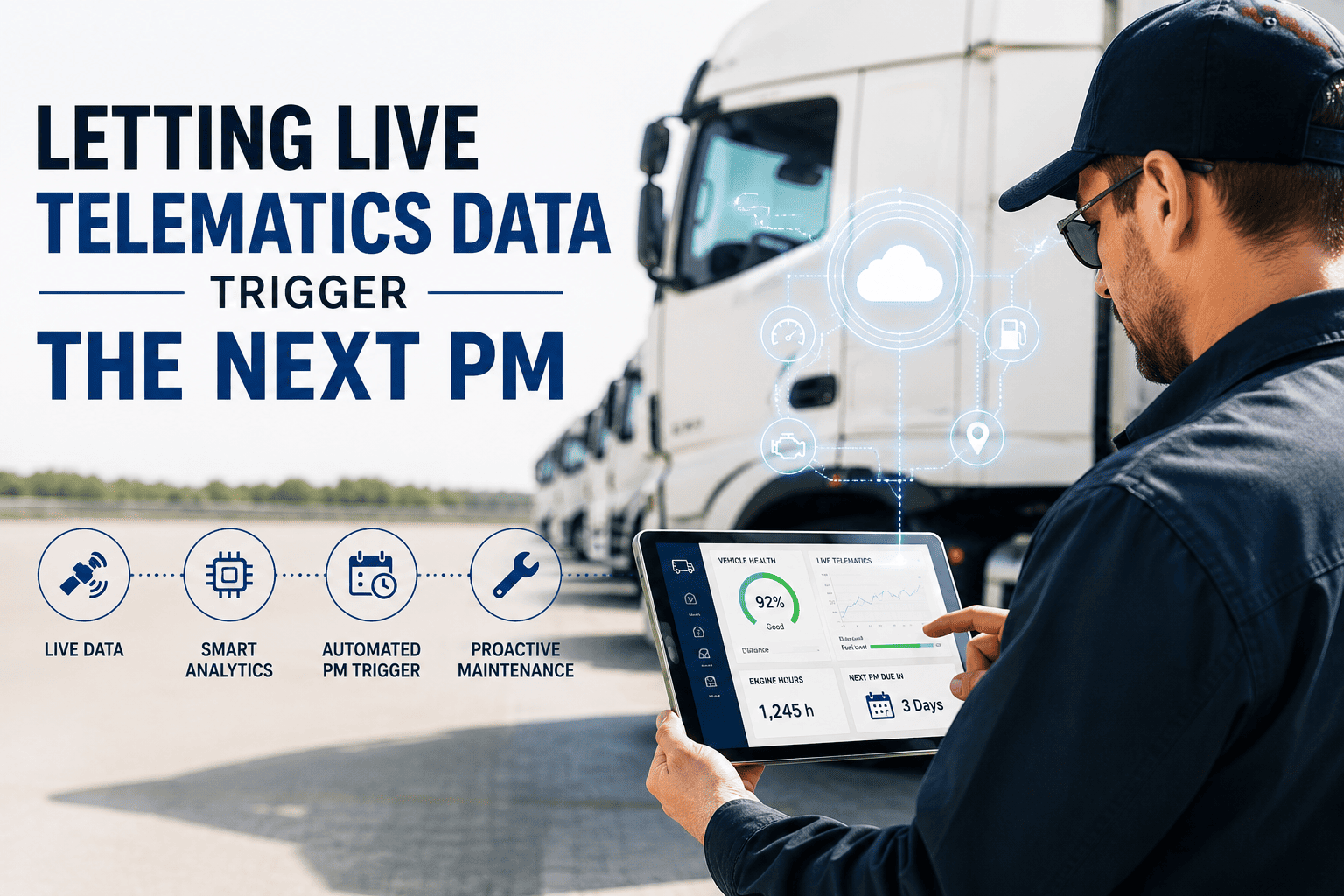
Most fleets still schedule maintenance around a guess — a mileage estimate written on a clipboard, or a service date picked because it felt about right. Meanwhile the truck itself already knows exactly how many miles it has covered and how many hours the engine has run, updated the moment it happens. Telematics-triggered PM closes that gap by letting live GPS and OBD-II data set the next service date automatically, instead of a technician's best guess. Over 90% of commercial vehicles built since 2015 already broadcast this data — the only missing piece is connecting it to your maintenance schedule. Fleets that make this connection stop overservicing low-mileage units and stop missing high-mileage ones. See how it works with a free trial of OxMaint or a 30-minute walkthrough with our team.
Let the Truck Tell You When It's Due — Not the Calendar
GPS and OBD-II devices already report live odometer readings and engine hours. Wire that stream into your PM schedule and every service gets triggered at the exact right mile, not a rounded-off guess.
Stop Chasing Drivers for Odometer Readings
Manual mileage logs are wrong the moment they're written down. OxMaint pulls live meter readings straight from your telematics provider and recalculates every PM due date in real time — no spreadsheet, no phone calls, no missed trigger.
From Live Odometer Reading to Work Order — What Actually Happens
A telematics-triggered PM system is not a dashboard you check — it is a closed loop that runs on its own between the vehicle and your maintenance queue. Here is every step in that loop, in the order it actually fires.
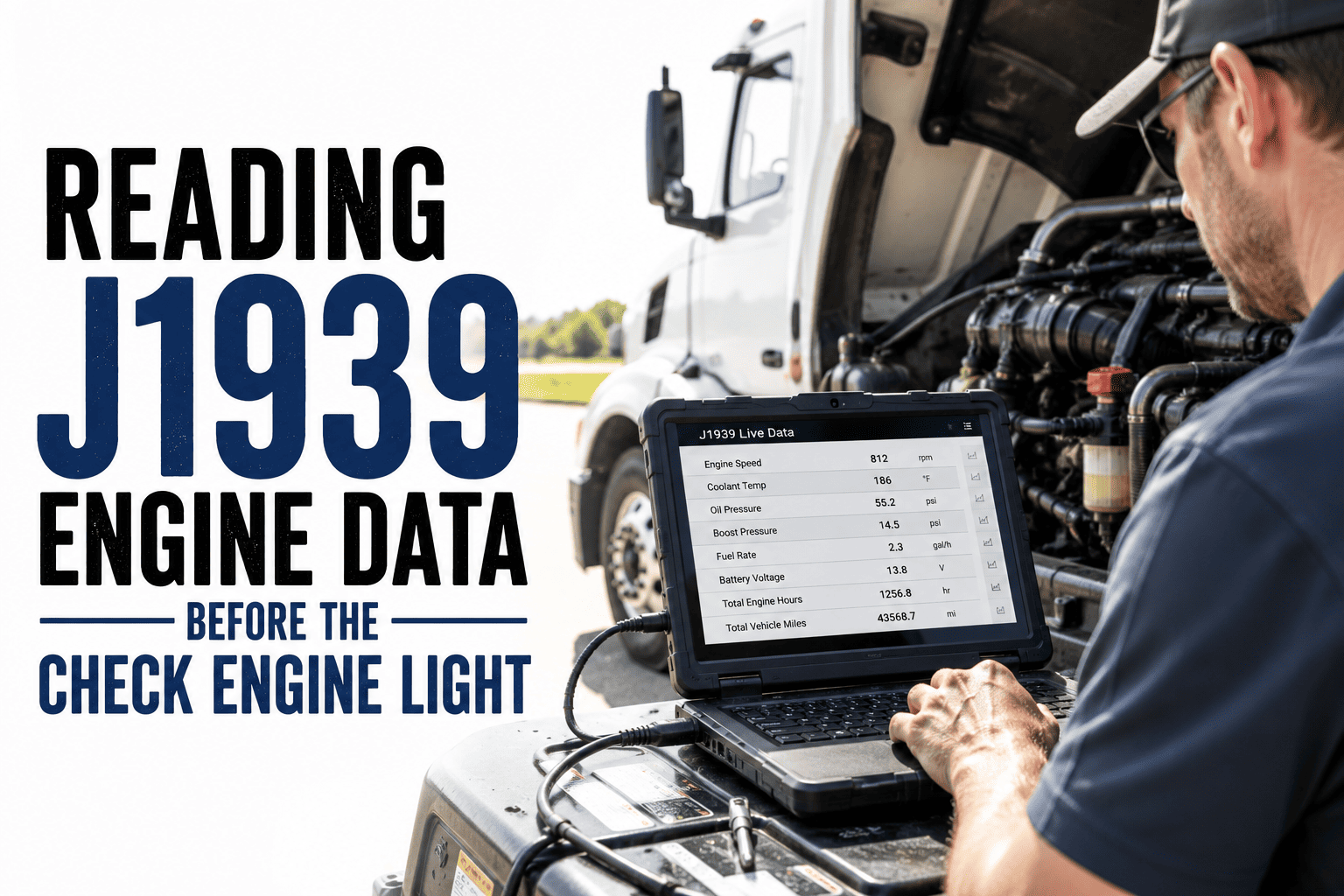
The OBD-II port and GPS unit push odometer, engine hours, and fault codes to the cloud continuously, not once a month on a paper log.
Providers like Geotab, Samsara, Motive, or Verizon Connect standardize the raw CAN-bus data into a clean mileage and hours stream.
Every incoming reading is compared to each vehicle's next-due mileage, hours, or condition trigger — continuously, not on a fixed check-in schedule.
The moment a vehicle crosses its threshold, a work order is created and assigned — no dispatcher has to notice the mileage first.
Once the technician signs off, the next due mileage recalculates from the live reading at close-out, and the loop starts again.
Calendar, Manual Mileage, or Telematics — What Each Trigger Actually Costs You
Not every PM trigger method reads the vehicle the same way. The table below shows where each approach breaks down in a real fleet operation.
| Trigger Method | Data Source | Typical Accuracy | Where It Breaks Down |
|---|---|---|---|
| Calendar-based | Fixed date, no usage input | Low for variable-use vehicles | High-mileage trucks run overdue between check-ins |
| Manual mileage log | Driver-reported odometer | Moderate, error-prone | Missed entries, rounded numbers, forgotten logs |
| Telematics mileage | Live GPS/OBD-II odometer feed | High, continuous | Needs a telematics-to-CMMS integration in place |
| Telematics engine hours | ECU hour-meter via CAN bus | High for PTO and off-road units | Irrelevant for idle-heavy, low-mileage routes without hour tracking |
| Condition-based (DTC) | Fault codes, sensor thresholds | Highest for critical components | Requires historical data to set accurate thresholds |
Five Data Streams a Telematics-Triggered PM Program Actually Uses
The primary trigger for chassis, oil, and drivetrain service — updated with every trip instead of once a month.
Tracks PTO, off-road, and idle-heavy equipment where mileage alone understates real wear.
Flags developing engine, brake, or emissions faults directly from the CAN bus, often before a dashboard light appears.
Separates a truck that sits and idles from one that's genuinely working, so service intervals reflect real strain.
Early indicator of injector, filter, or combustion issues that standard mileage triggers miss entirely.
One Integration, Every PM Trigger Handled Automatically
OxMaint connects to your existing telematics provider and turns the live data stream into automatic work orders — no new hardware, no manual meter entry, no PM ever slipping through on a rounded-off guess.
Connects to Geotab, Samsara, Motive, Verizon Connect, and other major providers via standard API — pulling odometer and hour data straight into each vehicle's asset record.
Every incoming reading is checked against each component's due mileage or hours in real time, instead of waiting for a scheduled review.
The moment a threshold is crossed, a work order is created, assigned, and logged against the vehicle — with no dispatcher needing to catch it manually.
Runs mileage, engine hours, calendar, and condition-based triggers side by side for the same fleet, so no vehicle type is forced onto the wrong schedule.
What Changes When the Trigger Comes From the Vehicle, Not the Calendar
Telematics-Triggered PM — Frequently Asked Questions
How is telematics-triggered PM different from calendar-based scheduling?
Does this require installing new hardware on every vehicle?
What data points actually trigger a work order?
How fast can a fleet see results after connecting telematics to a CMMS?
Can telematics-triggered PM fully replace time-based maintenance?
Your Fleet Is Already Sending the Data — Start Using It
Every mile your trucks drive is already being reported somewhere. Connecting that feed to your PM schedule is a single setup step, and most fleets see their first automated work order within a week. See it running on your own vehicle mix in a 30-minute session.