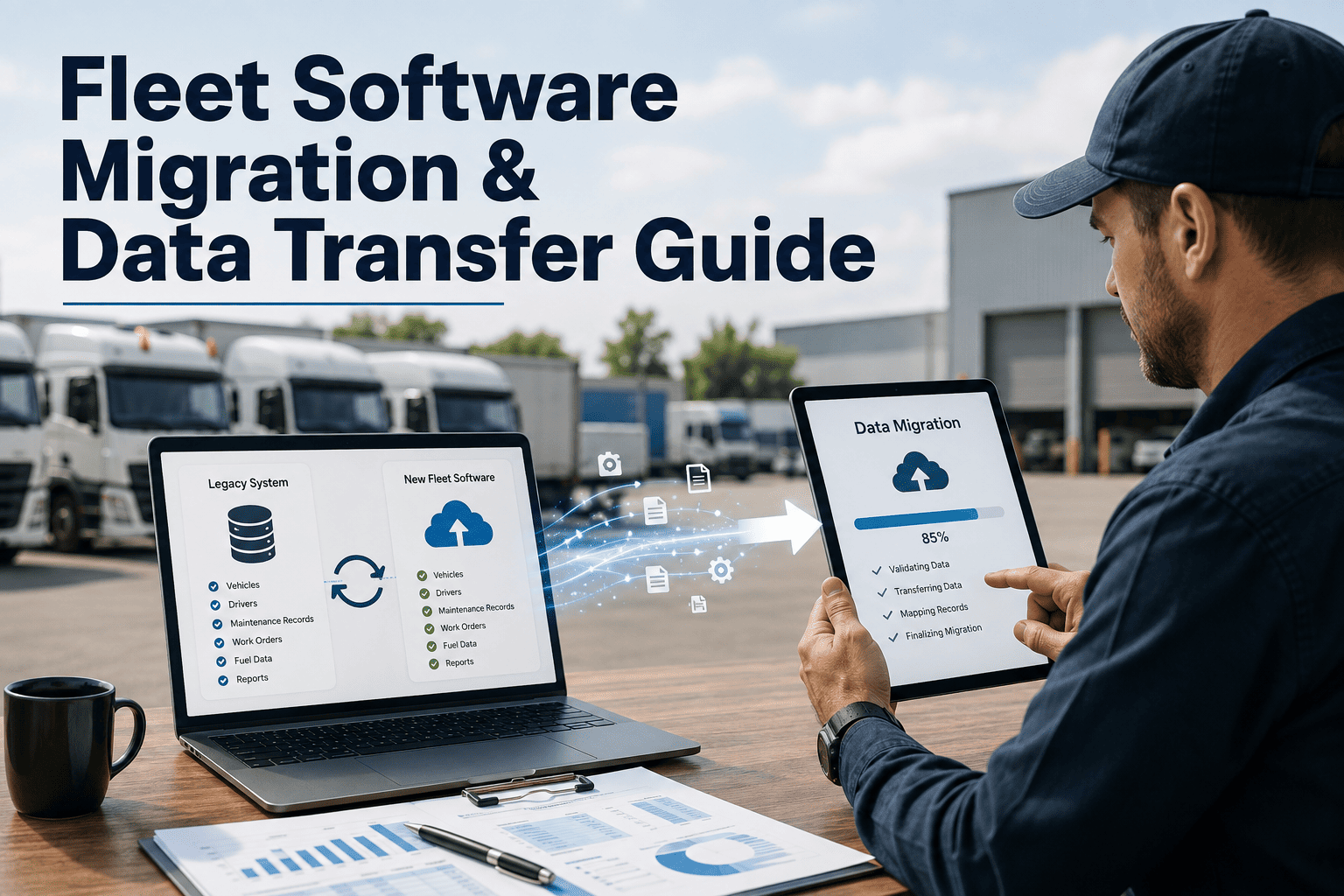
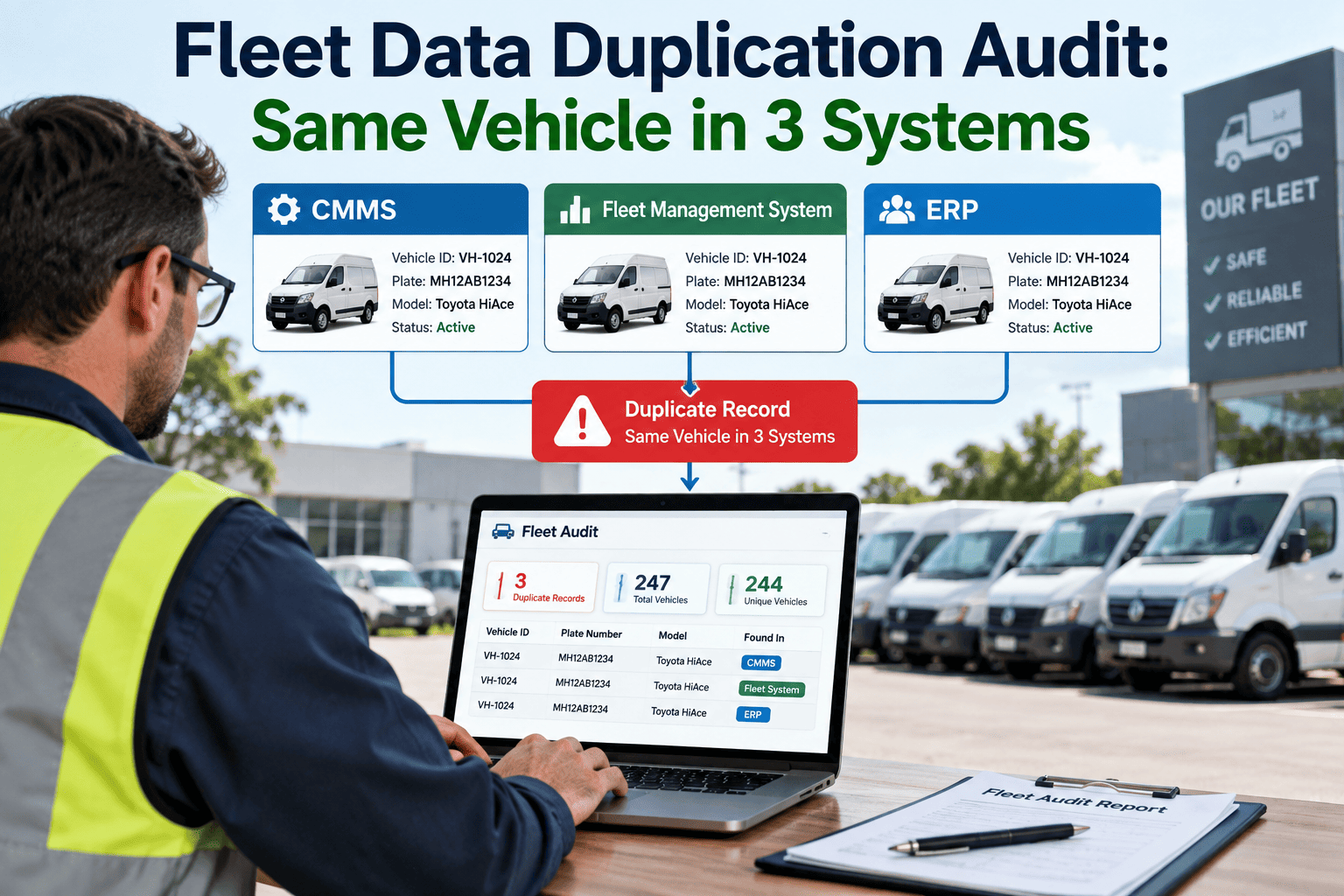
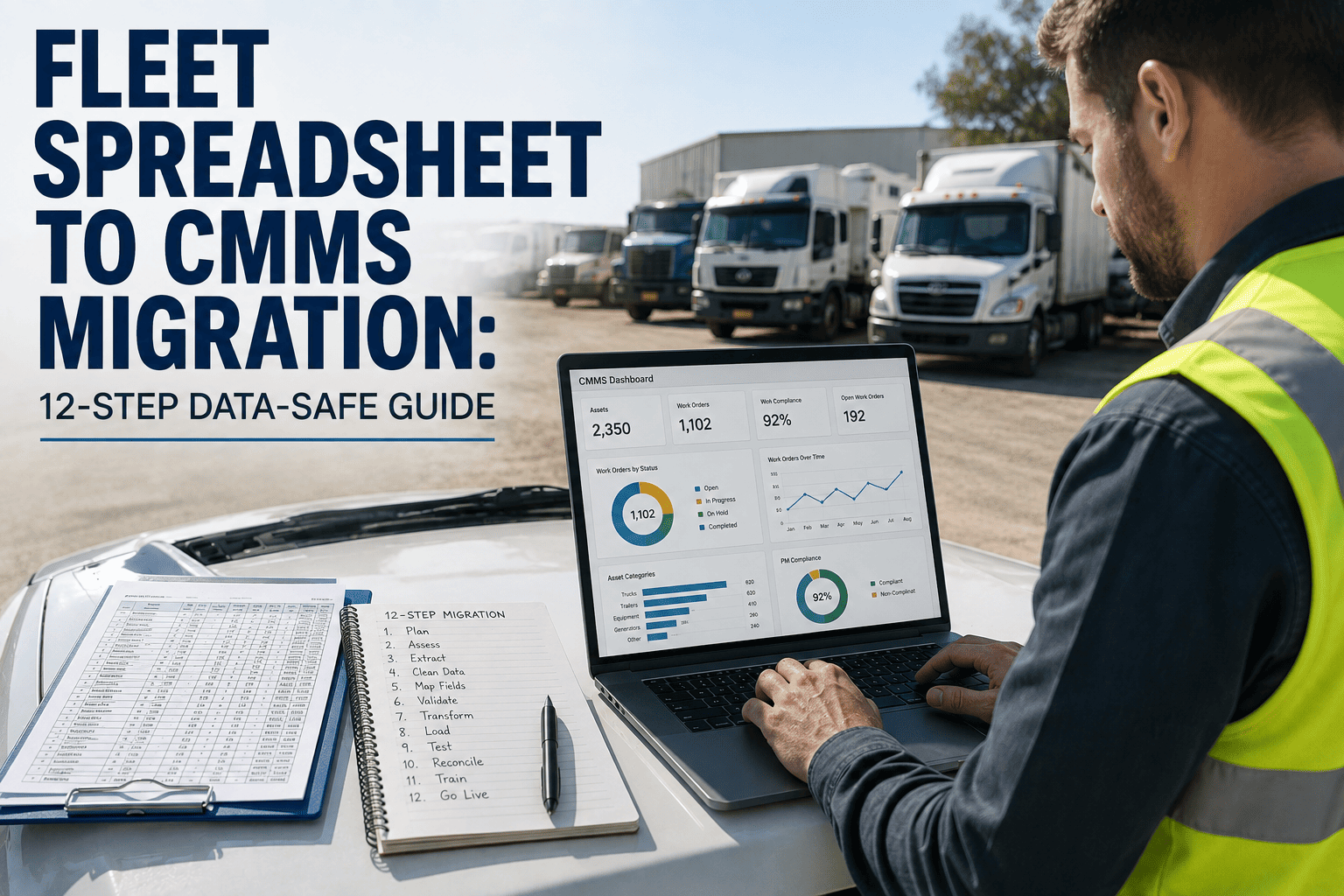
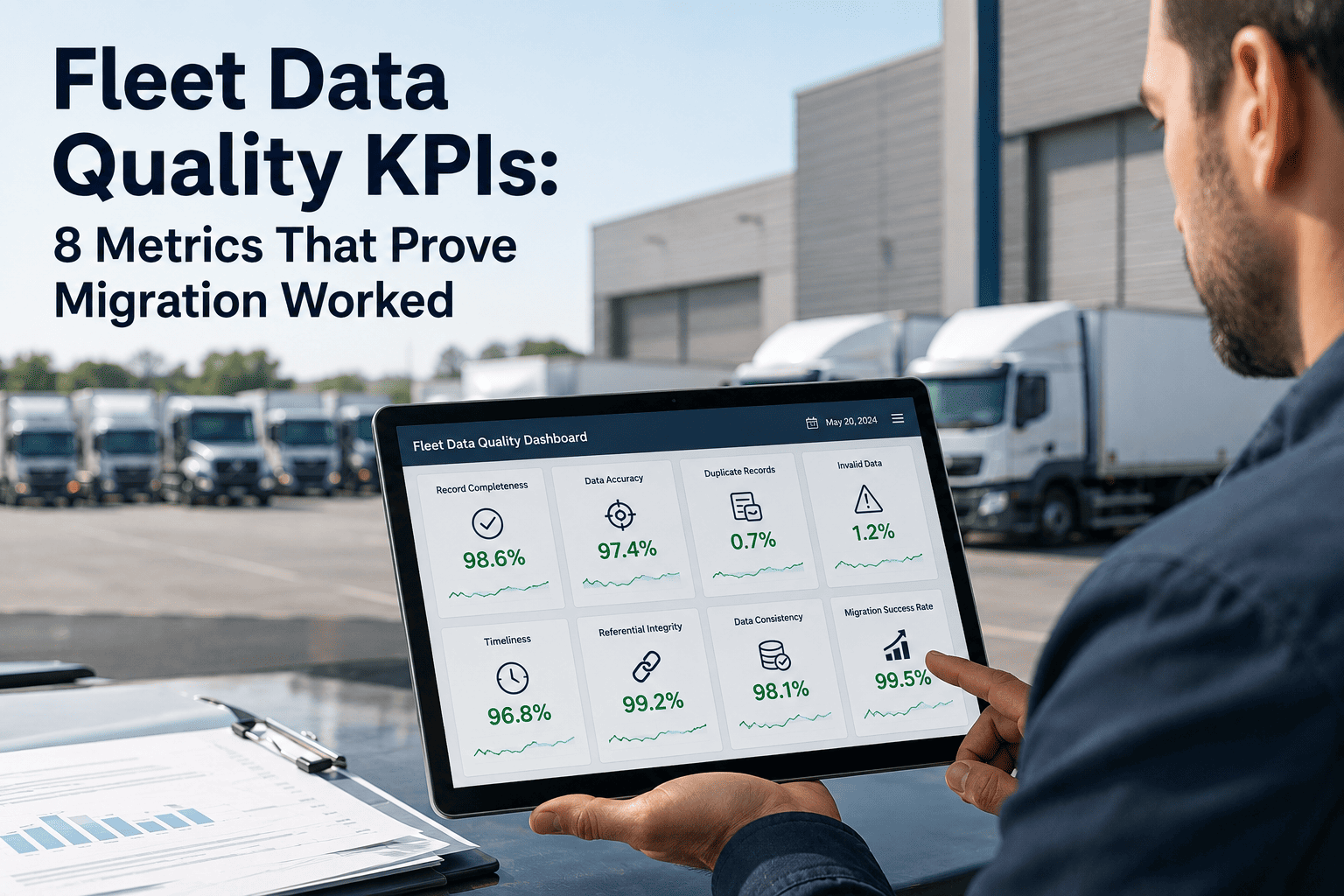
Fleet software migration and data transfer is where technology transitions either succeed — or become eighteen-month projects that never quite finish. A fleet running a fifteen-year-old maintenance system holds years of asset history, work order records, and PM compliance data that cannot simply be exported and dropped into a new platform. One mid-size trucking fleet lost four years of warranty claim history during a rushed database export, discovering the gap only when a transmission failure needed proof of prior repair work. Getting fleet software migration and data transfer right means treating it as a structured project with its own methodology, not an IT afterthought squeezed into a go-live weekend. Sign in to OxMaint to see how a structured fleet data migration framework preserves historical records, work order continuity, and compliance documentation through the transition, or book a demo to walk through a cutover plan built around your existing systems.
Data Migration · Fleet Software Transition
Fleet Software Migration Without Losing Ten Years of Maintenance History
Every fleet system change carries the same risk — asset records, PM history, and compliance documentation trapped in a format the new platform cannot read. A structured migration framework keeps that history intact and gets technicians working in the new system from day one.
18 mo
average
how long an unstructured migration can drag on
4 yrs
at risk
of history commonly lost in rushed exports
60–90
days
typical timeline for a structured migration
100%
target
data integrity goal with a validation framework
Why Fleet Software Migrations Fail
Migrations rarely fail because of the destination platform. They fail because the source data, the project timeline, or the people expected to use the new system were never properly accounted for. Understanding the common failure modes before a migration starts is the single best predictor of whether a fleet finishes on schedule or spends a year running two systems side by side.
Historical Data Loss
Legacy exports often drop custom fields, attachments, and free-text technician notes that do not map cleanly to the new schema. Once the old system is decommissioned, that history is gone permanently — including proof of prior repairs needed for warranty claims.
Timeline Overrun
Fleets that treat migration as a weekend cutover discover mid-project that asset hierarchies, meter readings, and parts catalogs need far more cleansing than expected. The project stretches from weeks into months while both systems run in parallel unofficially.
Technician Adoption Failure
A technically successful data migration still fails if drivers and technicians keep working around the new system because training happened too late or the interface does not match how work actually gets logged in the shop.
Integration Breakage
Fuel card feeds, telematics data, and accounting exports that worked with the old platform often need to be rebuilt from scratch, and gaps in that rebuild are frequently discovered only after the old integrations are switched off.
Migrate Fleet Data Without the Guesswork
OxMaint's migration methodology inventories your legacy data, maps it field by field to the new schema, and validates every record before cutover — so asset history, PM schedules, and compliance documentation carry forward intact.
The Data Migration Framework — Five Steps From Legacy System to Live Platform
A migration that preserves data integrity follows a fixed sequence rather than jumping straight to an export. Each step exists to catch a specific category of error before it becomes permanent, so nothing reaches the new platform until it has been checked twice.
1
Inventory & Audit
Every table, custom field, and attachment in the legacy system is catalogued, including fields the current team may not know still exist. This becomes the master checklist the rest of the migration is measured against.
2
Cleanse & Standardize
Duplicate assets, inconsistent naming, and orphaned work orders are resolved before mapping begins. Cleansing dirty data before migration is far cheaper than cleaning it up inside the new platform afterward.
3
Map & Configure
Legacy fields are mapped to the new schema one by one, with a documented decision for any field that has no direct equivalent — merged, archived, or rebuilt as a custom field.
4
Migrate & Validate
Data is moved in test batches first, with record counts, spot checks, and reconciliation reports comparing source and destination before the full migration runs.
5
Parallel Run & Cutover
Both systems operate together for a defined window so technicians can confirm the new platform reflects reality before the legacy system is retired.
What Data Actually Needs to Migrate
Not every record in a legacy system needs to move. Deciding what carries forward, what gets archived in read-only form, and what gets left behind entirely is one of the first scoping decisions a migration project should make.
Asset & Vehicle Records
VINs, purchase dates, meter readings, and asset hierarchies form the backbone the rest of the migration depends on and must be validated first.
Work Order History
Completed work orders, labor hours, and technician notes provide the maintenance history that warranty claims and lifecycle decisions rely on.
PM Schedules & Compliance
Preventive maintenance intervals, DOT inspection records, and certification documents must transfer without gaps to avoid compliance exposure.
Parts & Inventory Data
Part numbers, stock levels, and reorder points need reconciling against physical counts, since legacy inventory data often drifts from reality over time.
Vendor & Warranty Records
Vendor contacts, contract terms, and open warranty claims are easy to overlook but expensive to lose when a claim needs prior documentation.
User Roles & Permissions
Technician logins, approval hierarchies, and role-based access need rebuilding deliberately rather than copied blindly from a system with different security assumptions.
Cutover Strategy — Big Bang vs Phased vs Parallel Run
The cutover approach determines how much risk a fleet carries during the transition window. There is no single correct answer — the right strategy depends on fleet size, how many integrations are involved, and how much downtime the operation can absorb.
Big Bang
Phased
Parallel Run
Downtime risk
Highest — single cutover event
Moderate — spread across modules
Lowest — both systems live
Rollback capability
Difficult once switched over
Possible per phase
Easy — old system still active
IT resource demand
Short, intense burst
Sustained over weeks
Highest — running two systems
Best fit fleet size
Small, simple fleets
Mid-size, multi-site fleets
Large or regulated fleets
Typical total timeline
2–4 weeks
6–10 weeks
8–12 weeks
Migration Readiness Checklist
Before scheduling a cutover date, a fleet should be able to check off every item below. Skipping any one of these is the most common reason migrations stretch past their planned timeline.
01
Every legacy field has a documented destination — mapped, merged, archived, or deliberately dropped.
02
A test migration batch has been reconciled against source records with matching counts and spot checks.
03
Integrations for fuel cards, telematics, and accounting have been rebuilt and tested, not assumed to carry over.
04
Technicians have been trained on the new platform before the parallel run begins, not after cutover.
05
A rollback plan exists in writing in case the parallel run surfaces a data or workflow gap.
06
A decommission date for the legacy system is set only after two full PM cycles run cleanly in the new platform.
A Realistic Migration Timeline
Fleets that plan for a nine-to-twelve week timeline consistently finish closer to schedule than those that plan for a single weekend and end up running two systems for months by accident.
Discovery & Audit
Legacy system inventory, stakeholder interviews, and scoping of what data actually needs to migrate versus archive.
Cleanse, Map & Build
Data cleansing, field mapping, and configuration of the new platform's asset hierarchy, PM templates, and integrations.
Test Migration & Parallel Run
Full test migration with reconciliation, technician training, and both systems running side by side on live work orders.
Cutover & Hypercare
Legacy system moves to read-only archive, new platform becomes system of record, with elevated support through the first full PM cycle.
Frequently Asked Questions
How long does a fleet software migration typically take?
A phased migration usually runs eight to twelve weeks from discovery through cutover, depending on fleet size and integration count.
Book a demo to get a timeline estimate for your specific legacy system.
What happens to historical maintenance records during migration?
Work order history, PM records, and compliance documents are mapped field by field and validated against source counts before the legacy system is retired, so nothing is lost in the transfer.
Should we run old and new systems in parallel during cutover?
For most fleets, yes — a defined parallel run window lets technicians confirm the new platform reflects reality before the legacy system is decommissioned, reducing rollback risk significantly.
How do we migrate data from a legacy or homegrown fleet system?
Homegrown systems typically require custom export scripts and manual field mapping since no standard connector exists.
Sign in to OxMaint to start a guided data audit of your current system.
What is the biggest risk in a fleet software data migration?
Unmapped custom fields are the most common source of silent data loss — records that appear to migrate successfully but drop details technicians only notice months later.
Choosing a Migration Partner — What to Ask Before You Sign
Not every CMMS vendor treats migration as a core competency. Some outsource it entirely to a third party, which adds a layer of coordination risk right when a fleet needs the opposite. Asking the right questions upfront avoids discovering the gap mid-project.
Who Performs the Data Mapping?
Field-by-field mapping should be done by someone who understands both the legacy schema and the destination platform, not a generic import script run without review.
Is There a Test Migration Step?
A vendor that goes straight to production migration without a reconciled test batch is asking a fleet to discover errors after the legacy system is already retired.
How Are Integrations Rebuilt?
Fuel card, telematics, and accounting feeds need dedicated testing time in the project plan, not an assumption that existing connections will simply carry over unchanged.
What Does the Parallel Run Include?
A meaningful parallel run covers a full PM cycle on live work orders, not a single demo walkthrough disconnected from day-to-day technician activity.
Who Owns Rollback Decisions?
A named decision-maker with authority to delay cutover should be identified before the project starts, so a data gap discovered late does not get pushed through anyway.
What Happens to the Legacy System After Cutover?
Legacy systems should move to read-only archive status for a defined retention period rather than being deleted immediately, in case a record needs to be referenced later.
Your Fleet History Is Worth More Than a Weekend Export
OxMaint's structured migration framework inventories, cleanses, maps, and validates your fleet data before it ever touches the new platform — so asset history, PM schedules, and compliance records carry forward intact.