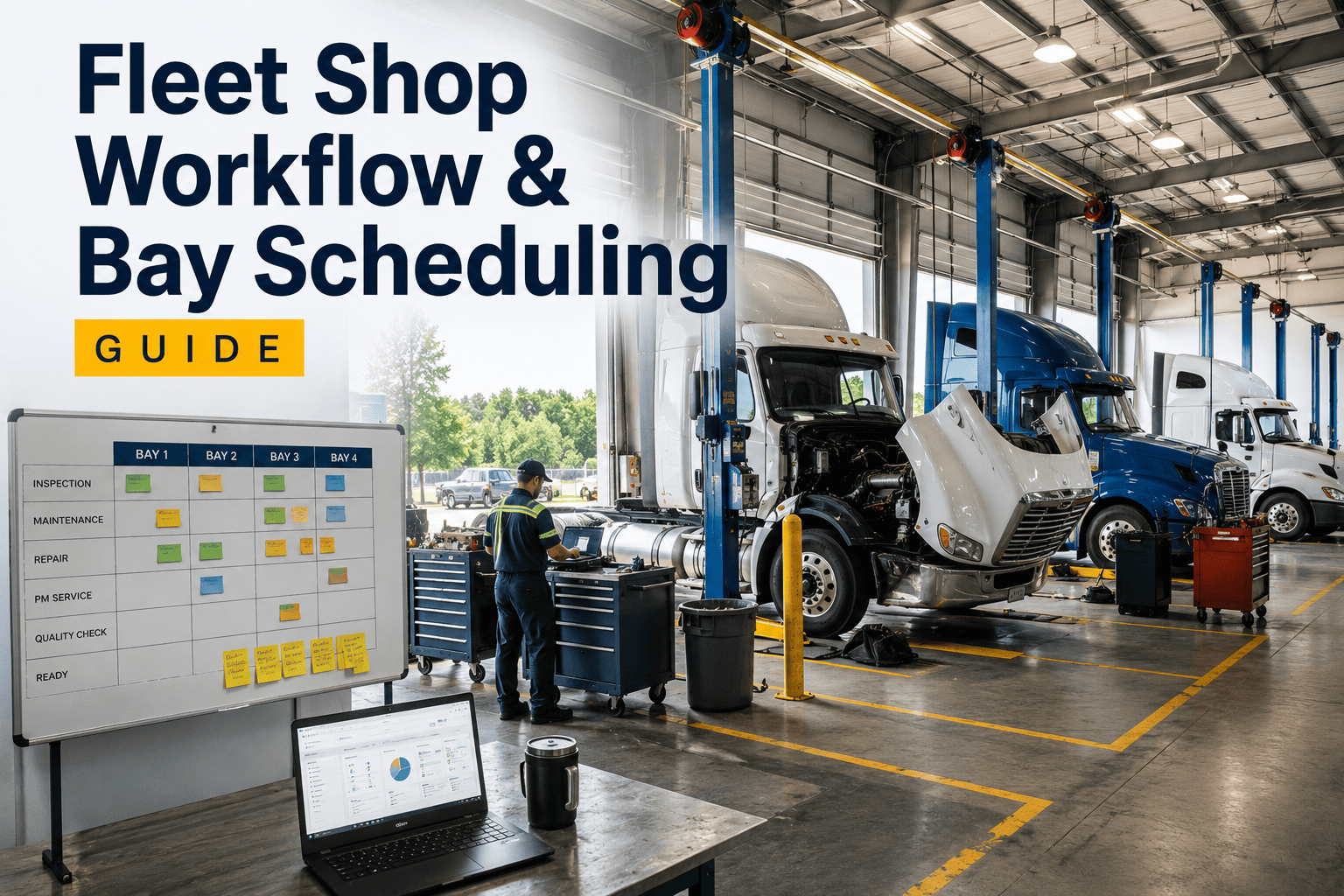
Fleet shop workflow and bay scheduling decide whether a technician's shift turns into repairs or turns into standing around waiting for something else to happen. Most fleet shops do not have a technician shortage, they have a wrench time problem, and the two get confused constantly. A ten-hour shift sounds like ten hours of repair capacity, but in a reactive, unscheduled shop, technicians typically spend only a quarter to a third of that time actually turning wrenches, with the rest lost to walking to the parts counter, waiting on approvals, searching for information, and filling out paperwork by hand. None of that shows up as downtime on a report, it just quietly erases capacity you already paid for. The shops that fix this are not the ones that hire more technicians, they are the ones that fix the bay scheduling and work order flow around the technicians they already have on the floor.
Fleet Shop Operations · Bay Scheduling · 2026
Fleet Shop Workflow and Bay Scheduling Guide
An idle bay and a technician waiting on parts is capacity you already paid for and did not use. Here is how structured workflow and bay scheduling turn the same crew into measurably more throughput.
25-35%
Typical wrench time in a reactive, unscheduled shop
45-55%
Wrench time achieved with structured planning and a CMMS
40%
Of shift time lost to parts waiting, searching, and paperwork
20-30%
More productive hours from the same headcount after fixing workflow
Where a Technician's Shift Actually Goes
A ten-hour shift in an unscheduled shop rarely breaks down the way management assumes. Work sampling studies consistently find the same pattern: less than half the paid day goes toward the repair itself, and the rest disappears into predictable, fixable gaps.
Wrench Time 30%
Parts Wait 15%
Admin 13%
Searching 8%
Idle 8%
Other Non-Productive 26%
Direct repair work
Parts counter trips and waiting
Paper work orders and documentation
Looking up specs, history, approvals
Every segment except wrench time is workflow, not workload. Fixing how work reaches the bay recovers most of it without adding a single technician.
The Bay Scheduling Problems Behind Every Lost Hour
Wrench time does not drop because technicians are slow. It drops because the shop around them is not built to keep work flowing to the bay continuously.
No Visibility Into Bay Status
Dispatchers assign jobs by memory or a whiteboard, so bays sit empty while a job waits to be noticed and assigned.
Jobs Assigned Without Parts Ready
A technician starts a job, hits a missing part, and the bay goes idle mid-repair while the part gets tracked down.
No Priority Order Across the Queue
Urgent repairs and routine PM compete for the same bay with no ranking, so the wrong job gets worked first.
Paper Work Orders Slow Every Handoff
Every signature, approval, and status update requires walking to an office instead of updating from the bay.
See Your Shop's Real Wrench Time Number
OxMaint tracks job start and stop times automatically at the bay, so you know exactly where your shift is going before you plan the fix.
Four Steps to a Shop That Keeps Bays Full
Fixing shop throughput is not a floor redesign. It is a sequencing problem — getting the right job, with the right parts, to the right bay, in the right order, without a technician ever needing to leave the bay to find out what is next.
01
Prioritize the Queue
Rank incoming work by urgency and vehicle downtime cost, not by arrival order, so critical repairs never sit behind routine PM.
→
02
Confirm Parts Before Assignment
Check inventory availability before a job is assigned to a bay, so a technician never starts work that stalls halfway through.
→
03
Assign by Bay and Skill Match
Route jobs to the bay and technician best equipped for the task, keeping every bay working instead of waiting for the "right" job to show up.
→
04
Update Status From the Bay
Mobile work orders let technicians log progress, request parts, and close jobs without leaving the vehicle, cutting admin time out of the shift.
Reactive Shop vs. Scheduled Shop — Same Crew, Different Output
The clearest way to see the value of workflow and bay scheduling is side by side, across the same headcount and the same shift length.
Shop Throughput Comparison — Reactive vs. Scheduled Workflow
Ranges reflect commonly reported wrench time and shift-composition benchmarks for shops moving from reactive scheduling to structured, CMMS-supported workflow.
What a CMMS Changes on the Shop Floor
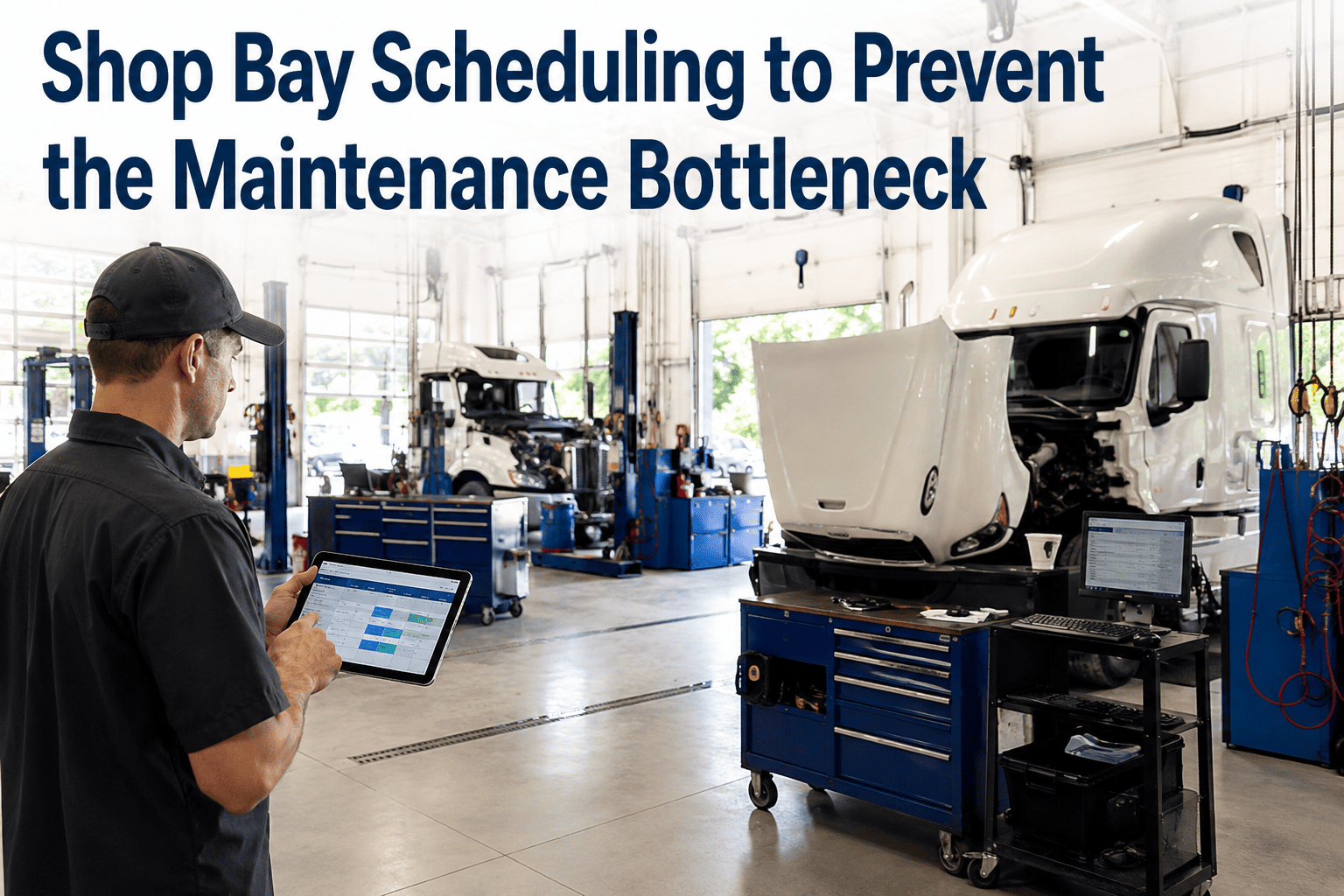
Bay scheduling and workflow prioritization only work if the data behind them is current the moment a decision needs to be made. A CMMS keeps that data live at every bay, not locked in a dispatcher's head or a whiteboard across the shop.
Live Bay Status
Every bay shows its current job, technician, and stage in real time, so dispatch can fill the next opening instantly.
Mobile Work Orders
Technicians receive, update, and close jobs from the bay, cutting the walk-to-the-office time out of every handoff.
Parts Availability Checks
Jobs are only assigned once required parts are confirmed in stock, eliminating mid-repair idle time at the bay.
Technician Productivity Dashboards
Wrench time, jobs per shift, and backlog trends tracked automatically, without a manual work sampling study.
Frequently Asked Questions
What is a good wrench time target for a fleet shop?
A well-run shop with structured scheduling typically reaches 45 to 55 percent wrench time. Reactive shops without planning usually sit between 25 and 35 percent, even with the same crew size.
How do I measure my shop's current wrench time?
Does better bay scheduling mean hiring fewer technicians?
Not necessarily. Most shops keep the same crew and simply recover the hours already being lost to parts waits, paperwork, and idle bay time, effectively adding capacity without adding headcount.
What causes the biggest chunk of lost shift time?
Parts waiting and administrative paperwork are consistently the two largest categories of non-productive time, together accounting for roughly a quarter of a typical unscheduled shift.
How fast can a shop see improvement after adding structured scheduling?
Turn Your Existing Crew Into More Throughput
OxMaint gives shop managers live bay status, mobile work orders, and parts-checked job assignment — recovering the wrench time your shift is already losing to workflow gaps, not workload. Free to start. No hardware required.