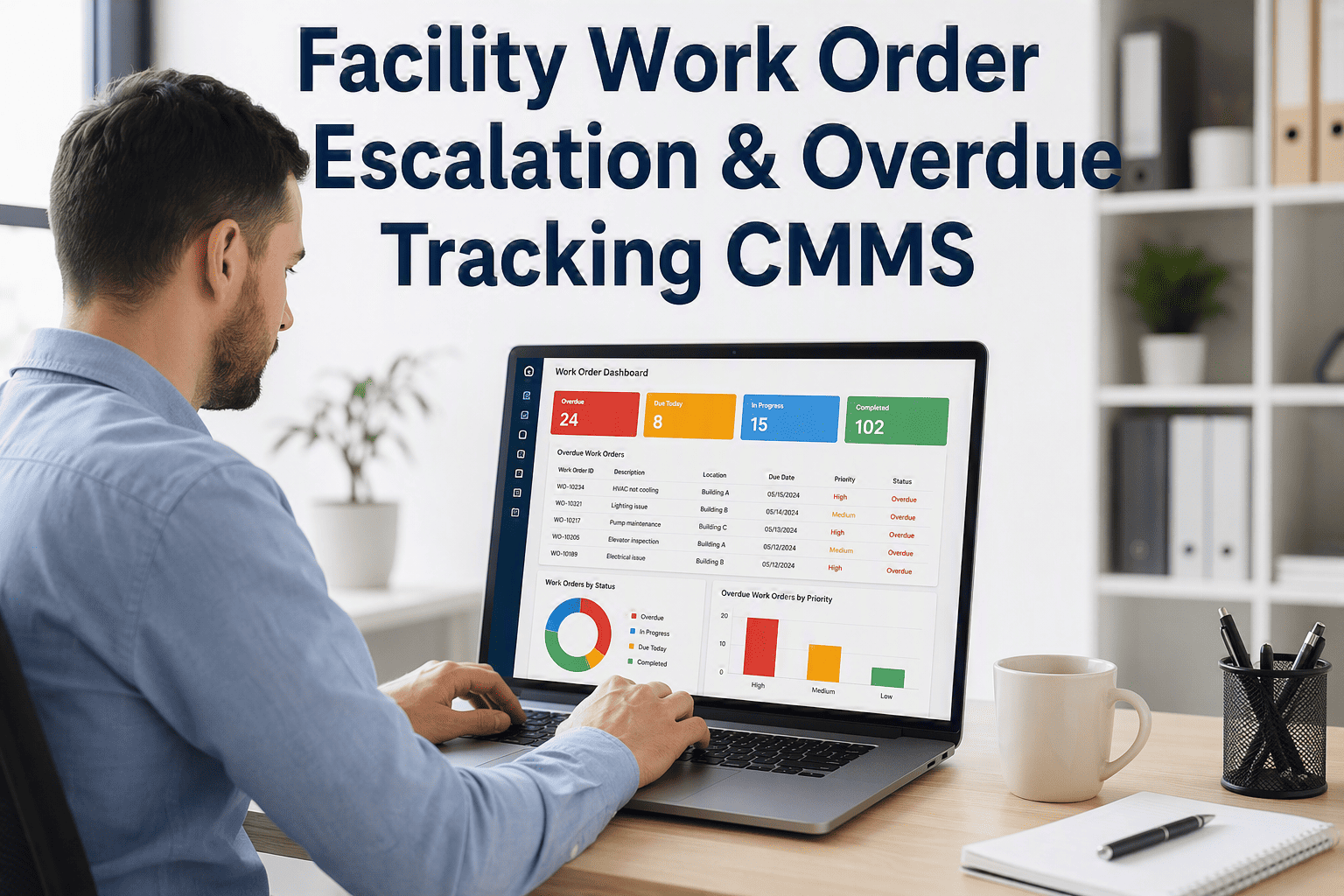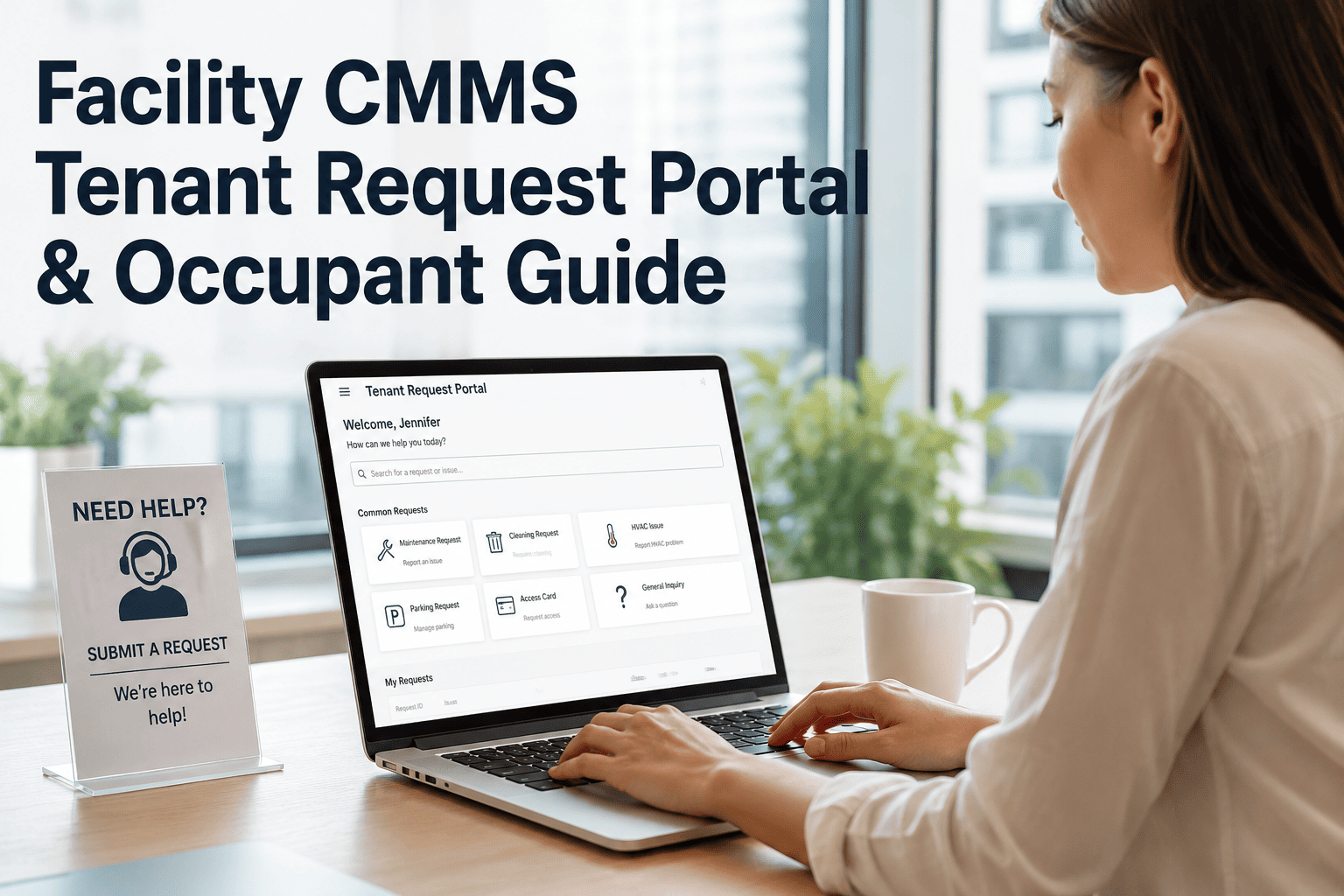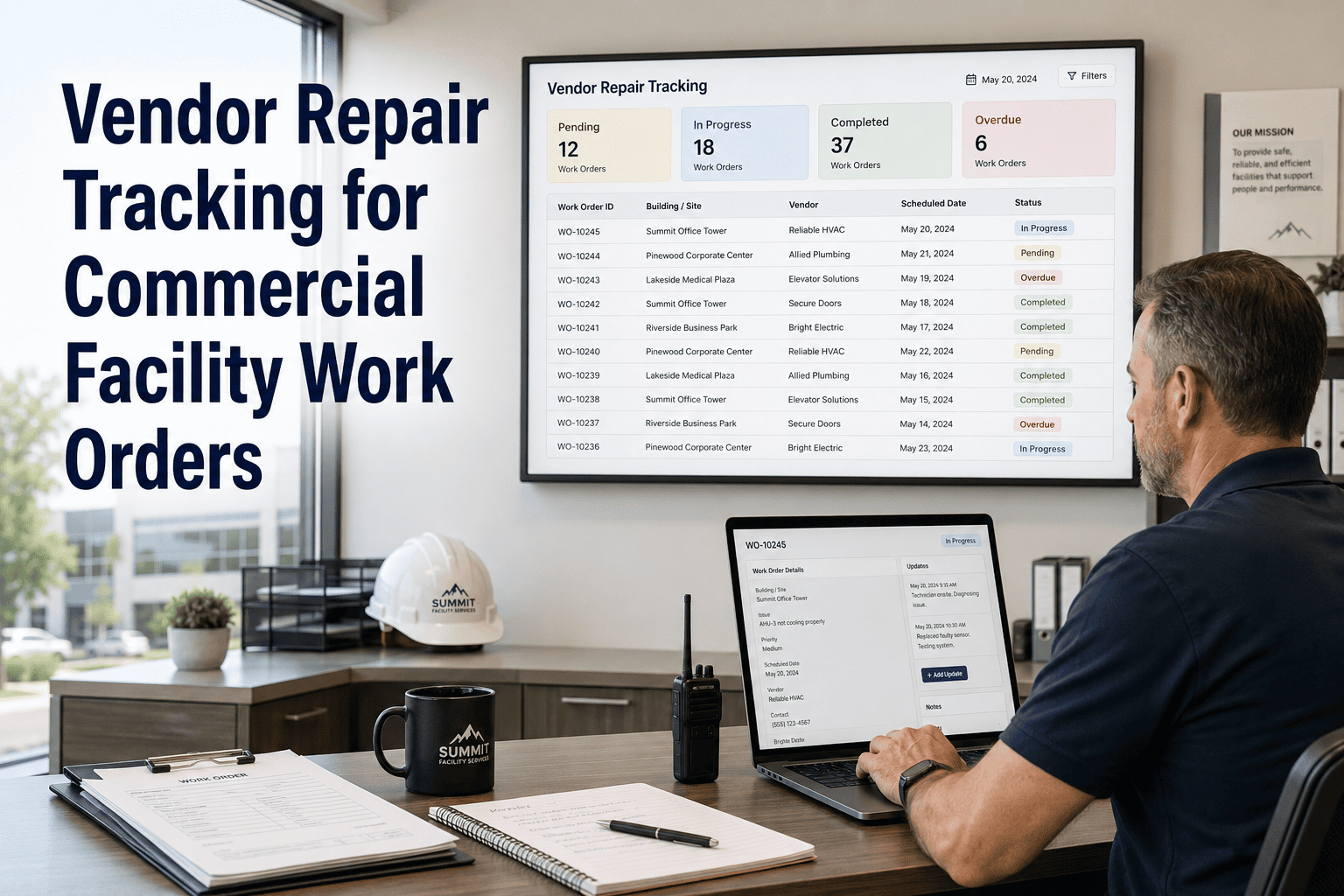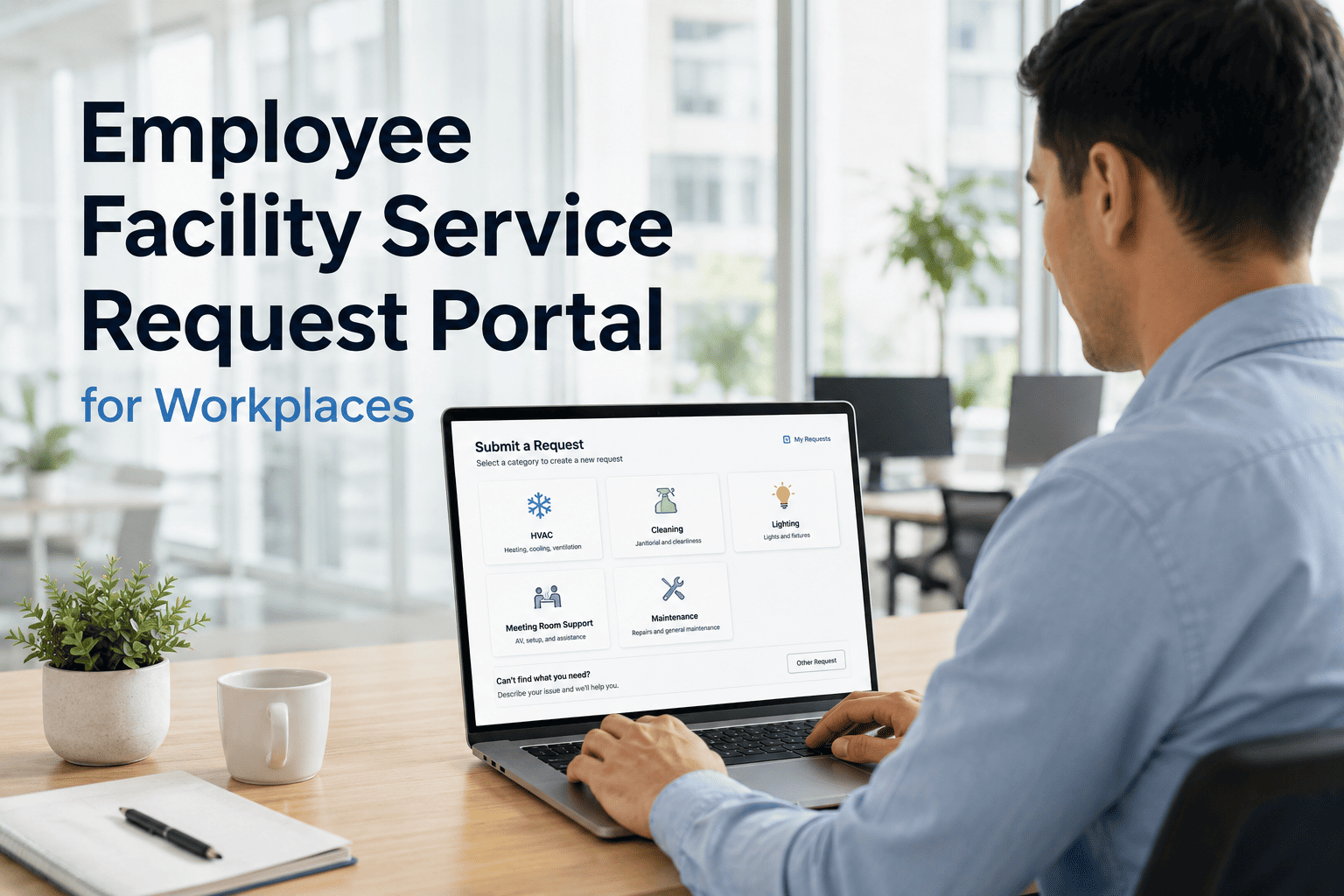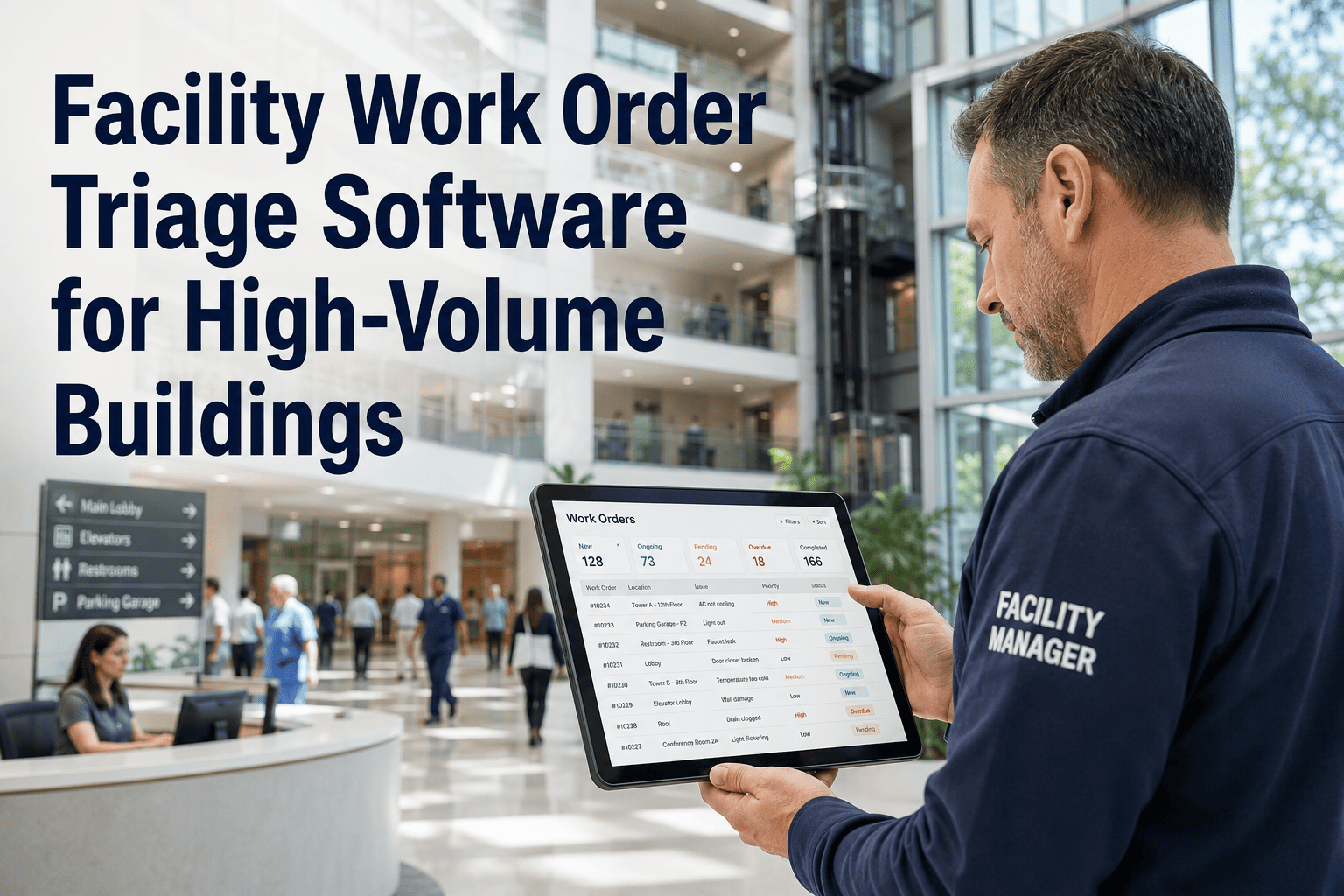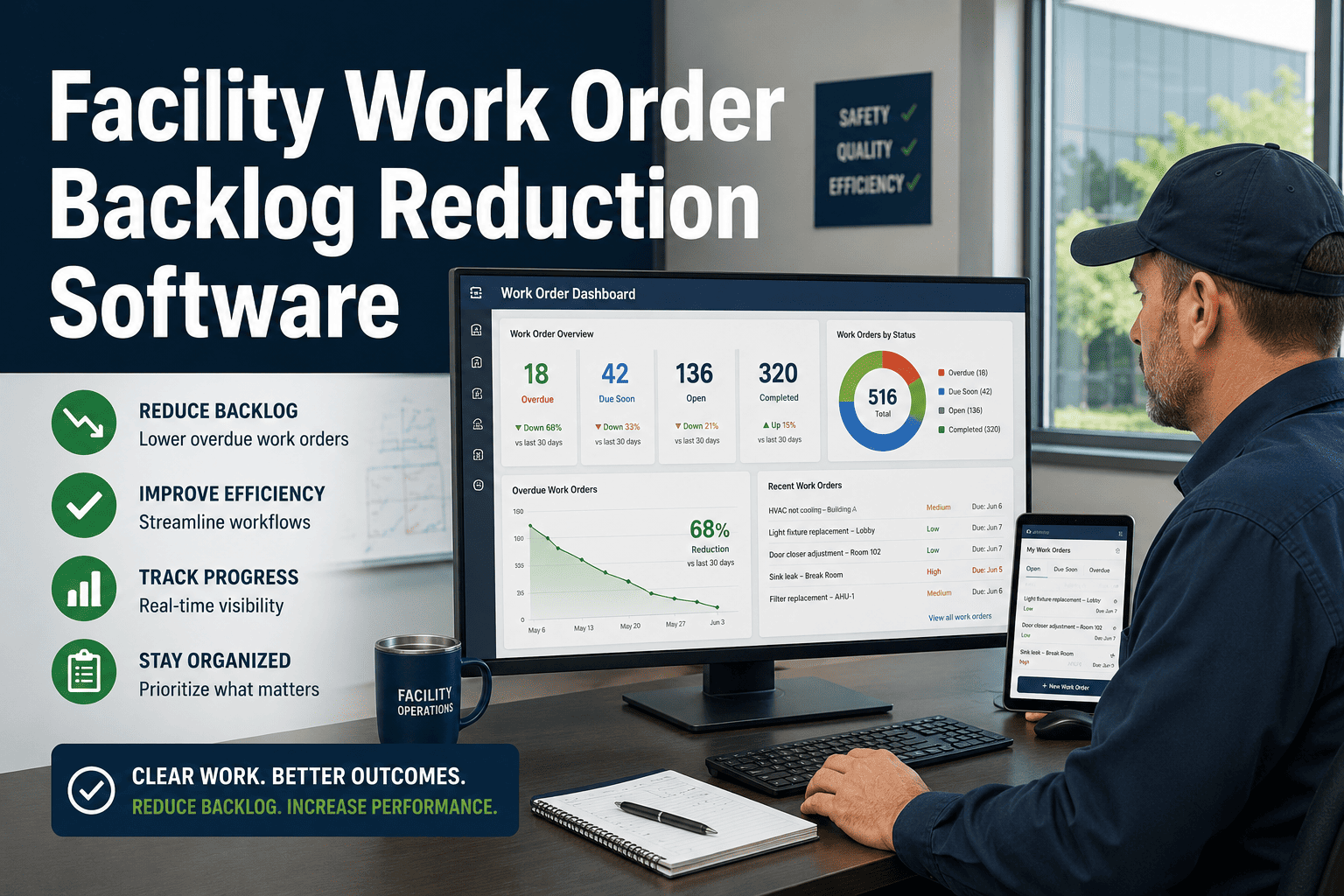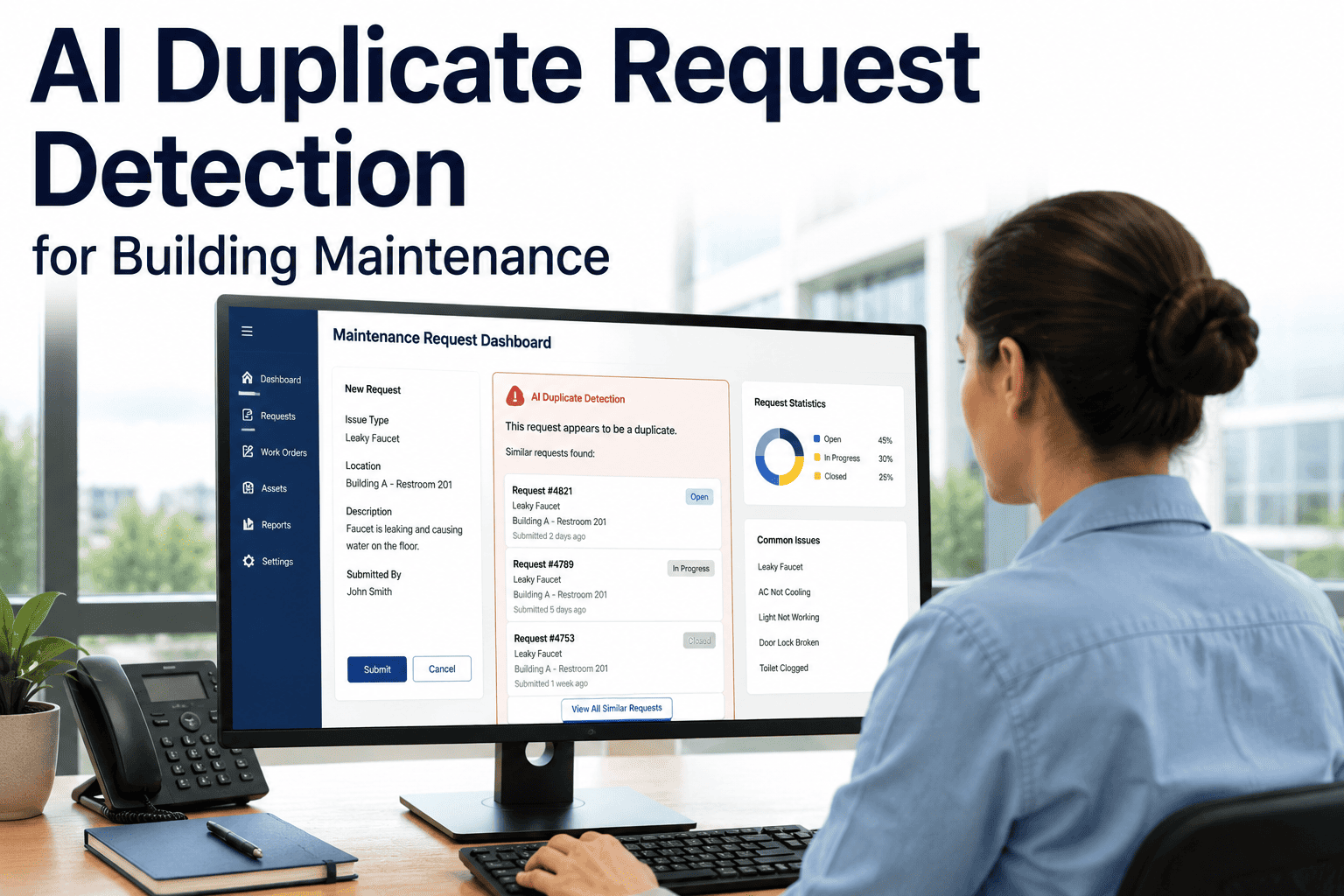
When thirty tenants report the same broken elevator, a maintenance team without duplicate detection does not see a single critical issue — they see thirty separate work orders piling up in a queue, each assigned individually, each generating a notification, each demanding a response. The result is a flooded inbox, duplicated technician dispatches, wasted labor hours, and a backlog that looks ten times larger than it actually is. OxMaint's AI duplicate request detection identifies when multiple submissions describe the same underlying issue — by asset, location, floor, or building zone — and consolidates them automatically into a single actionable work order. Your team sees one task with all the context, not thirty noise events. And when a true surge of reports signals a major incident, the volume itself becomes a priority signal rather than a distraction. Book a demo to see how OxMaint cuts maintenance backlog noise and keeps your team focused on real work.
AI Duplicate Request Detection for Building Maintenance
Stop managing the same problem thirty times. OxMaint groups identical requests into one consolidated work order — automatically.
The Detection Logic Behind OxMaint's AI Grouping
What Duplicate Detection Delivers for Facility Teams
Duplicate Detection Settings in OxMaint
| Setting | What It Controls | Recommended Default |
|---|---|---|
| Time Window | How long after the first report OxMaint looks for duplicates | 24 hours for standard issues; 2 hours for emergency categories |
| Location Radius | Geographic zone used to group issues — room, floor, or building | Floor-level for large buildings; building-level for campus |
| Similarity Threshold | Confidence level required for automatic merge vs. flagging for review | Auto-merge above 85%; flag for review 60–84% |
| Category Matching | Whether issue category must match or only location must match | Category + location match for most use cases |
| Volume Escalation Trigger | Number of grouped reports that escalates a work order to critical priority | 5+ reports within the window triggers priority escalation |
What Facility Teams Say
We have over 400 residential units and a commercial podium in the same building. Before OxMaint, a water pressure drop would generate 80 separate requests and my team would spend half the morning sorting through them. Now OxMaint groups everything into one consolidated work order within minutes, the volume of reports tells us exactly how widespread the issue is, and every submitted photo is attached as evidence. Our team resolves incidents in a fraction of the time they used to take.
During move-in week, we would receive hundreds of requests for minor cosmetic issues that were often the same problem in adjacent rooms — a door that does not latch properly throughout an entire corridor, for example. OxMaint groups those corridor-level issues into one work order so a technician can walk the full corridor once and fix everything in sequence. The efficiency gain compared to responding to each submission individually is significant and immediate.
Frequently Asked Questions
What happens to the individual submitters when their request is merged into a consolidated work order?
Every occupant who submitted a request that was merged into a consolidated work order continues to receive status updates tied to that work order. When the work order is closed, all submitters receive a resolution notification. From the occupant's perspective, their request was received and actioned — they are not aware of the consolidation. Start a free trial to configure occupant notification templates, or book a demo to see the notification flow.
Can OxMaint detect duplicates that use different wording to describe the same issue?
OxMaint's AI matching uses location data, asset references, and issue category in addition to keyword analysis — so "elevator broken," "lift not working," and "elevator fault on floor 3" are recognized as the same issue when they share asset and location context. The system is not dependent on identical wording to group requests accurately. See the matching logic in a live demo.
Is it possible to un-merge a consolidated work order if the requests turn out to be different issues?
Yes. Facility coordinators can review consolidated work orders and split them back into individual tasks if the grouped requests turn out to describe distinct problems. OxMaint also allows you to adjust the similarity threshold and matching rules so that future groupings are more conservative for specific asset types or locations. Book a demo to walk through consolidation management and configuration options.
How does duplicate detection interact with SLA tracking — does the clock start on the first report or the consolidated work order?
The SLA clock in OxMaint starts from the timestamp of the first submitted request, regardless of when consolidation occurs. This ensures that duplicate detection does not artificially extend your response window — the clock reflects when the issue was first reported to your team. Priority escalation based on report volume also factors into SLA urgency scoring. Book a demo to see how SLA rules interact with consolidated work orders.
Clean Queue. Focused Team. Faster Resolutions.
OxMaint's AI duplicate detection turns thirty redundant requests into one actionable work order — so your team can do more by managing less.