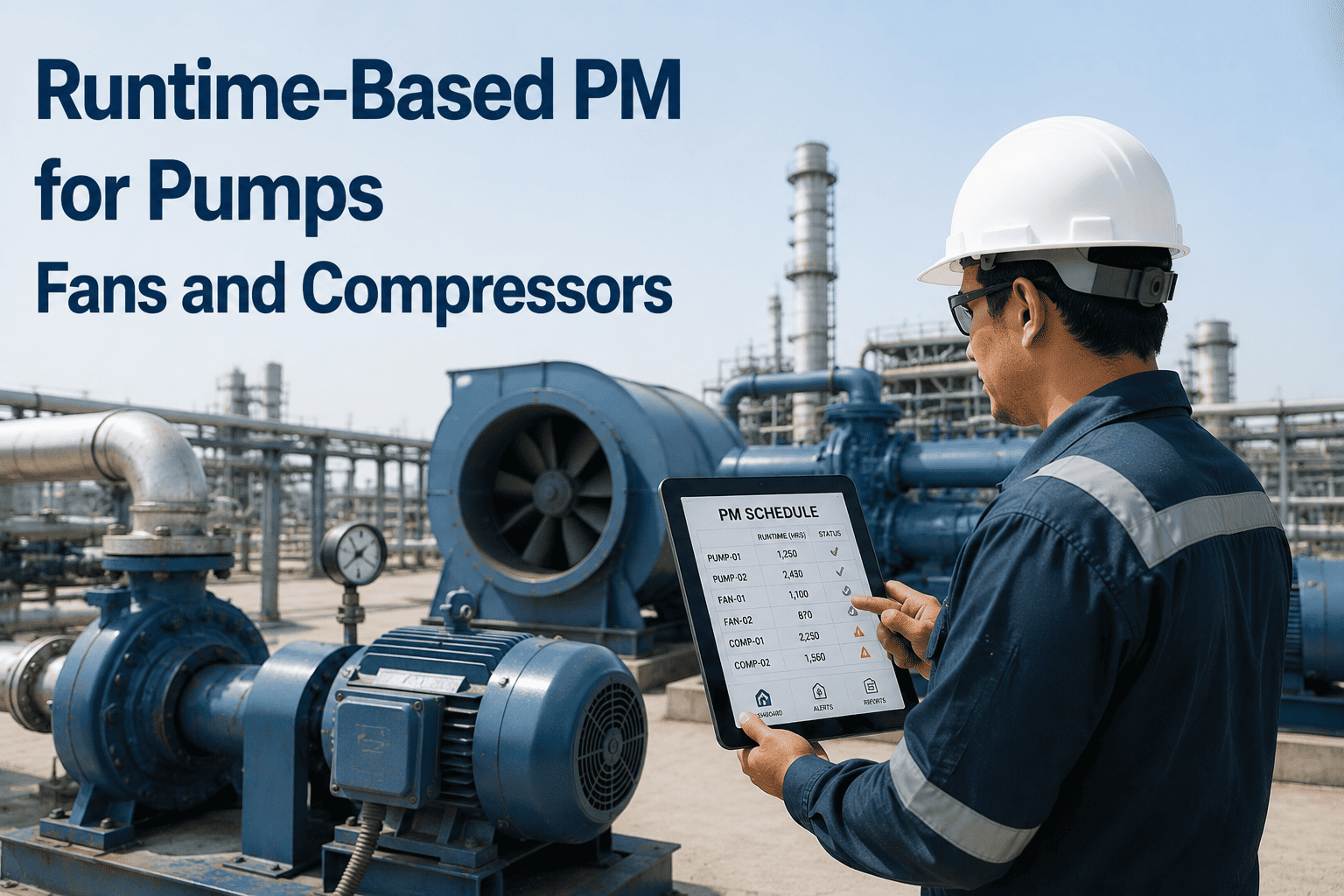
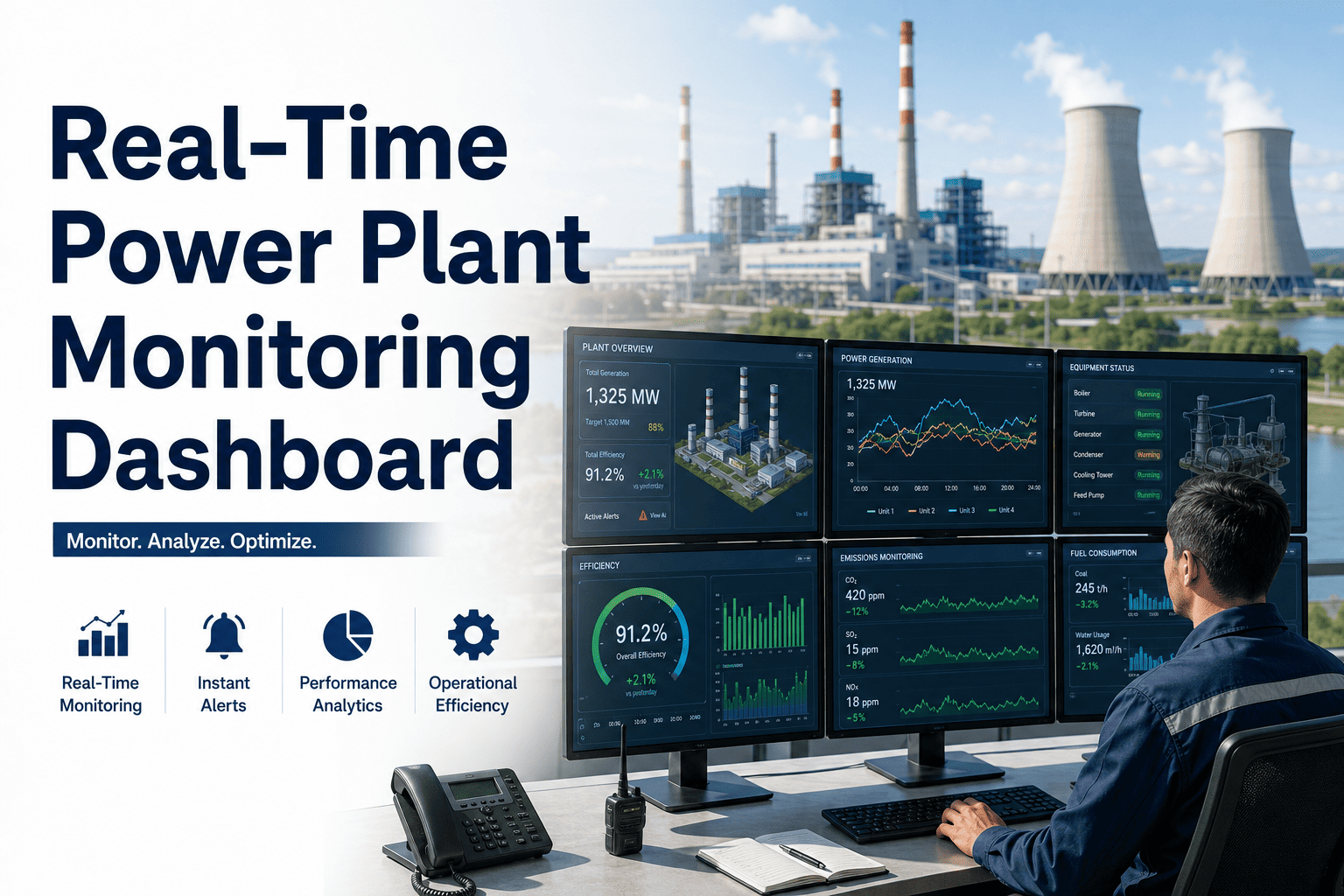
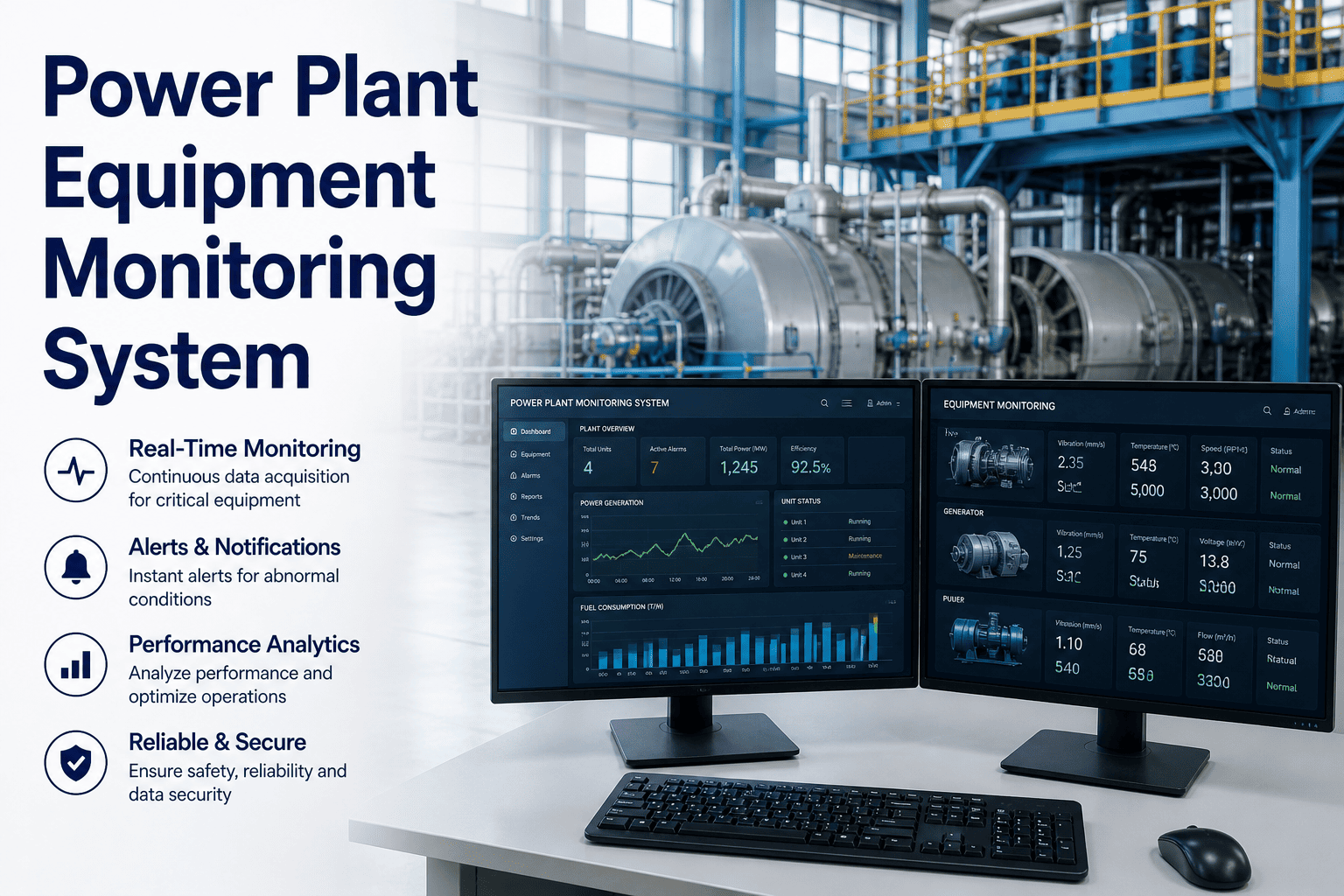
Auxiliary equipment — chillers, compressors, air handling units, cooling towers, boilers, and backup generators — accounts for nearly 40% of total facility energy consumption, yet most maintenance teams have zero visibility into actual runtime hours. Without accurate runtime data, you cannot schedule condition-based maintenance, validate warranty claims, or identify assets silently drifting toward failure. A runtime tracking dashboard built into your CMMS platform like Oxmaint changes that equation entirely, giving facility managers real-time insight into every auxiliary asset's operating hours, duty cycles, and maintenance triggers — all from a single screen.
38%
Of facility energy spend comes from auxiliary equipment running beyond optimal cycles
4.2x
Higher failure rate on assets without automated runtime hour tracking
67%
Of warranty disputes lost due to missing or inaccurate runtime documentation
$18K
Average annual savings per facility from runtime-optimized maintenance scheduling
Why Manual Runtime Logs Fail Every Facility Team
Most facilities still rely on technicians to read hour meters during walkthroughs or estimate runtime based on operating schedules. This approach creates dangerous blind spots. Compressors that cycle more than expected go unnoticed until they overheat. Cooling towers that run continuously during shoulder seasons accumulate wear that fixed-interval PM schedules never account for. Backup generators sit idle for months, then fail during the one emergency that matters — because no one tracked whether they ran their monthly test cycle. The root problem is not negligence; it is the absence of a centralized, automated system that captures runtime data continuously and converts it into maintenance intelligence. Sign up for Oxmaint to replace manual logs with automated runtime capture across every auxiliary asset in your portfolio.
Key Insight
73% of auxiliary equipment failures
occur within 15% of the manufacturer's recommended service interval — but only when measured by actual runtime hours, not calendar days. Facilities using calendar-based PM schedules either service too early (wasting labor) or too late (risking breakdowns). Runtime-triggered maintenance eliminates both failure modes.
Central command for all auxiliary asset operating data
RUN
Live Runtime Counters
Real-time operating hour accumulation for every connected auxiliary asset with automatic start/stop detection from IoT sensors or BMS integration. No manual meter reads required.
Configure runtime-hour triggers for each asset class. When a chiller hits 2,000 hours or a compressor reaches 500 cycles, the CMMS auto-generates a work order with the correct procedure, parts list, and technician assignment.
Prevents over-servicing on low-utilization assets Catches high-utilization assets before threshold breach
DTY
Duty Cycle Analysis
Track start/stop frequency, average run duration, and load profiles for each asset. Identify compressors that short-cycle (indicating refrigerant issues) or generators that never reach operating temperature during test runs.
Detects refrigerant charge issues via cycle pattern analysis Validates generator test run completeness
EQL
Load Equalization Tracking
For facilities running redundant auxiliary systems (lead/lag chillers, parallel compressors), the dashboard tracks cumulative hours per unit and recommends rotation schedules to equalize wear across the fleet.
Prevents single-unit overwork in redundant systems Extends fleet-wide asset lifespan by 20-30%
WRN
Warranty and Compliance Logs
Automatically log runtime hours against manufacturer warranty terms and regulatory compliance requirements. Generate audit-ready reports showing exact operating conditions throughout the warranty period. Start tracking warranty-grade runtime data with Oxmaint today.
Produces tamper-proof runtime records for warranty claims Satisfies regulatory audit requirements for critical systems
Automate Runtime Tracking Across Your Entire Auxiliary Fleet
Oxmaint captures every operating hour from chillers, compressors, AHUs, generators, and cooling towers — then auto-triggers maintenance work orders at the exact right time. No spreadsheets. No missed service windows. No warranty disputes.
Technicians walk to each unit to read hour meters weekly
PM schedules follow calendar intervals regardless of actual use
Warranty claims disputed due to missing runtime documentation
No visibility into lead/lag rotation or duty cycle imbalances
Spreadsheet data entry errors create unreliable maintenance records
With Oxmaint Runtime Dashboard
Continuous automated runtime capture from sensors and BMS feeds
Runtime-triggered work orders replace guesswork with precision
Tamper-proof audit trails for warranty and compliance reporting
Automatic lead/lag rotation alerts to equalize fleet wear
Single dashboard view across all auxiliary systems and sites
How the Runtime Tracking Dashboard Works
Oxmaint captures runtime data from auxiliary equipment through multiple input channels — direct IoT sensor feeds, BMS/BAS integration protocols, or SCADA system connections. The platform normalizes this data into a unified dashboard view that facility teams access from any device.
1
Connect Data Sources
Link IoT runtime sensors, BMS feeds, or SCADA outputs to Oxmaint via API, MQTT, or BACnet protocols. Each auxiliary asset gets a digital profile with manufacturer specs, warranty terms, and runtime thresholds.
2
Configure Runtime Triggers
Set hour-based maintenance thresholds per asset type: filter changes at 500 hours, belt inspections at 1,000 hours, major overhauls at 5,000 hours. Define cycle-count alerts for compressors and duty-rotation rules for redundant systems.
3
Monitor in Real Time
The dashboard displays live runtime counters, percentage-to-next-service indicators, fleet utilization heat maps, and anomaly flags. Drill into any asset to see full operating history, cycle patterns, and maintenance timeline.
4
Auto-Generate Work Orders
When runtime thresholds are reached, Oxmaint creates work orders with pre-loaded procedures, parts lists, and technician assignments. No manual intervention — the right work happens at the right time based on actual equipment use.
Platform Capabilities That Power Runtime Intelligence
Multi-Protocol Data Ingestion
Connects to BACnet, Modbus, MQTT, OPC-UA, and REST API sources — capturing runtime data from any BMS, SCADA, or standalone IoT sensor without proprietary lock-in.
BMS IntegrationIoT Sensors
Configurable Threshold Engine
Set runtime-hour, cycle-count, and calendar-hybrid triggers per asset class. The engine evaluates whichever threshold is reached first, ensuring no service window is missed regardless of utilization patterns.
Auto Work OrdersCondition-Based PM
Fleet Utilization Heat Maps
Visual display showing which units in a redundant group are overworked and which are underutilized. Drag-and-drop rotation scheduling ensures even wear distribution across your auxiliary fleet.
Load BalancingFleet Management
Warranty Clock Automation
Runtime hours are logged against each asset's warranty terms in real time. The system alerts you 30, 60, and 90 days before warranty expiration based on projected usage rates. Sign up to start protecting your warranty coverage.
Warranty TrackingCompliance Docs
We were servicing our chillers every 90 calendar days. Runtime tracking showed one unit logged 2,100 hours in that period while its backup ran only 400. We were over-maintaining one and under-maintaining the other. The dashboard fixed both problems in one move.
Every hour your auxiliary systems run without centralized tracking is an hour of maintenance intelligence lost. Oxmaint captures runtime data from chillers, compressors, AHUs, generators, and cooling towers — then converts that data into precision-timed work orders, warranty documentation, and fleet optimization insights your team can act on immediately.
What types of auxiliary equipment can the runtime dashboard track?
The dashboard tracks any auxiliary asset with an on/off state or variable load — including chillers, boilers, compressors, air handling units, cooling towers, backup generators, pumps, and exhaust fans. If it runs and has a measurable duty cycle, Oxmaint can track it.
How does Oxmaint capture runtime data without manual input?
Oxmaint connects to your building management system (BMS), SCADA, or standalone IoT sensors via standard protocols like BACnet, Modbus, and MQTT. Runtime counters update automatically as equipment cycles on and off. Create your free Oxmaint account and connect your first data source in under 10 minutes.
Can I set different maintenance triggers for different asset types?
Yes. The threshold engine supports per-asset-class configuration. You can set a chiller to trigger filter service at 500 runtime hours while a generator triggers oil changes at 200 hours. Hybrid triggers that combine runtime hours and calendar intervals are also supported.
How does runtime tracking help with warranty claims?
Oxmaint maintains a continuous, timestamped log of every operating hour for each asset. When you file a warranty claim, you can export a certified runtime report showing exact usage within the warranty period. This eliminates the documentation gaps that cause most claim denials. Book a demo to see the warranty reporting module in action.
Does the dashboard support multi-site facility portfolios?
Yes. Oxmaint aggregates runtime data across all connected sites into a single portfolio view. You can compare utilization rates, maintenance compliance, and asset health scores across buildings — and drill into any individual site or asset for detailed analysis.