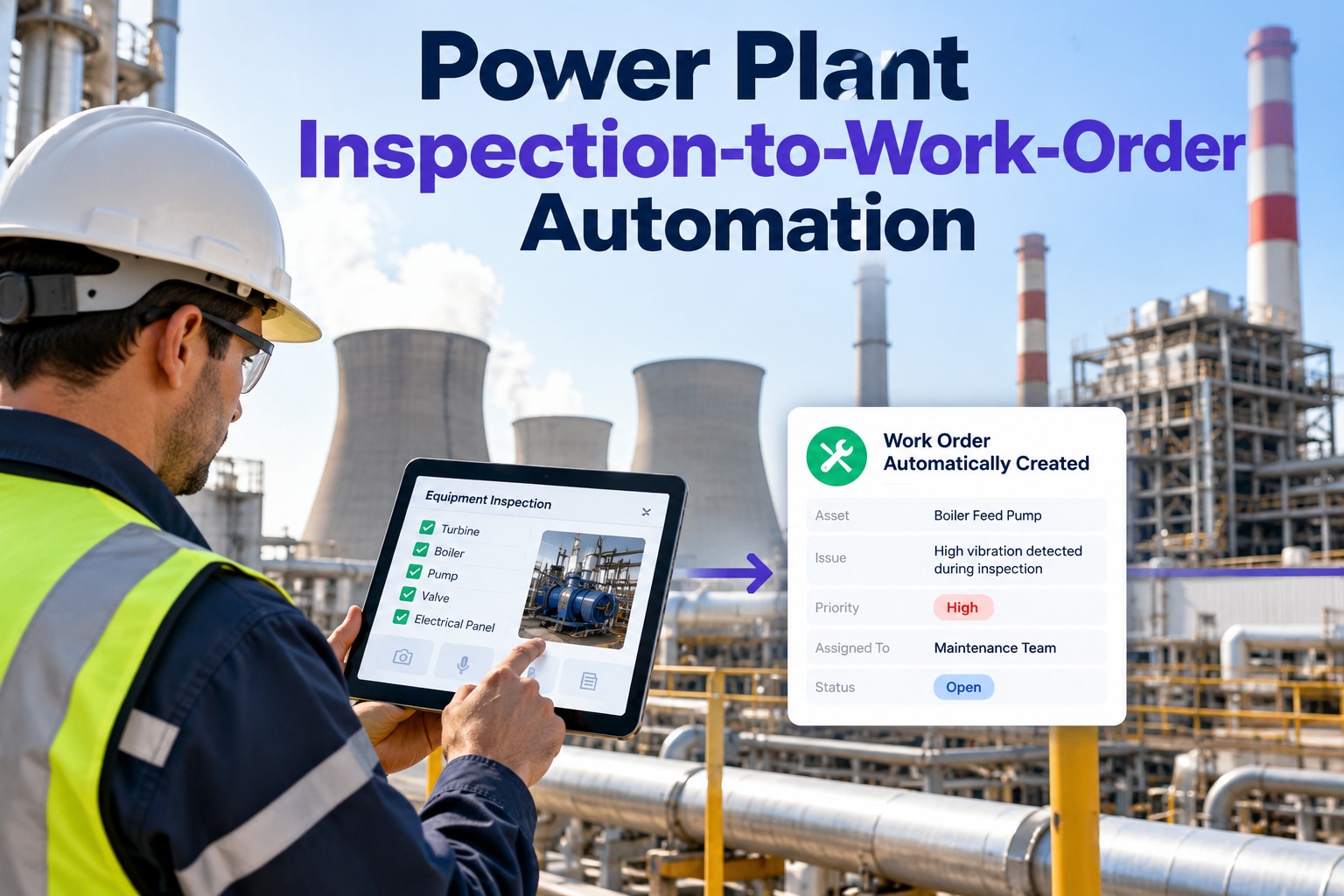
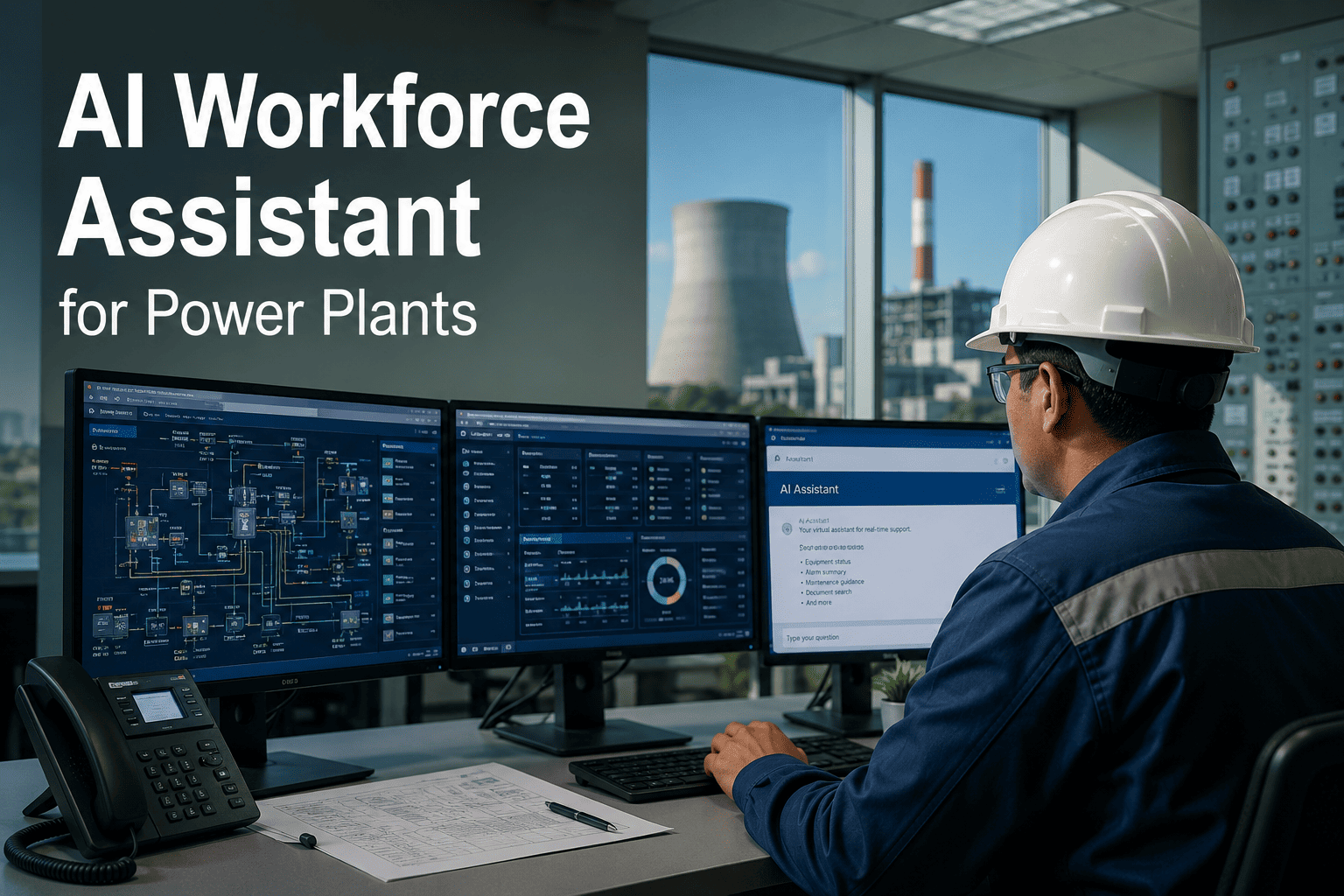
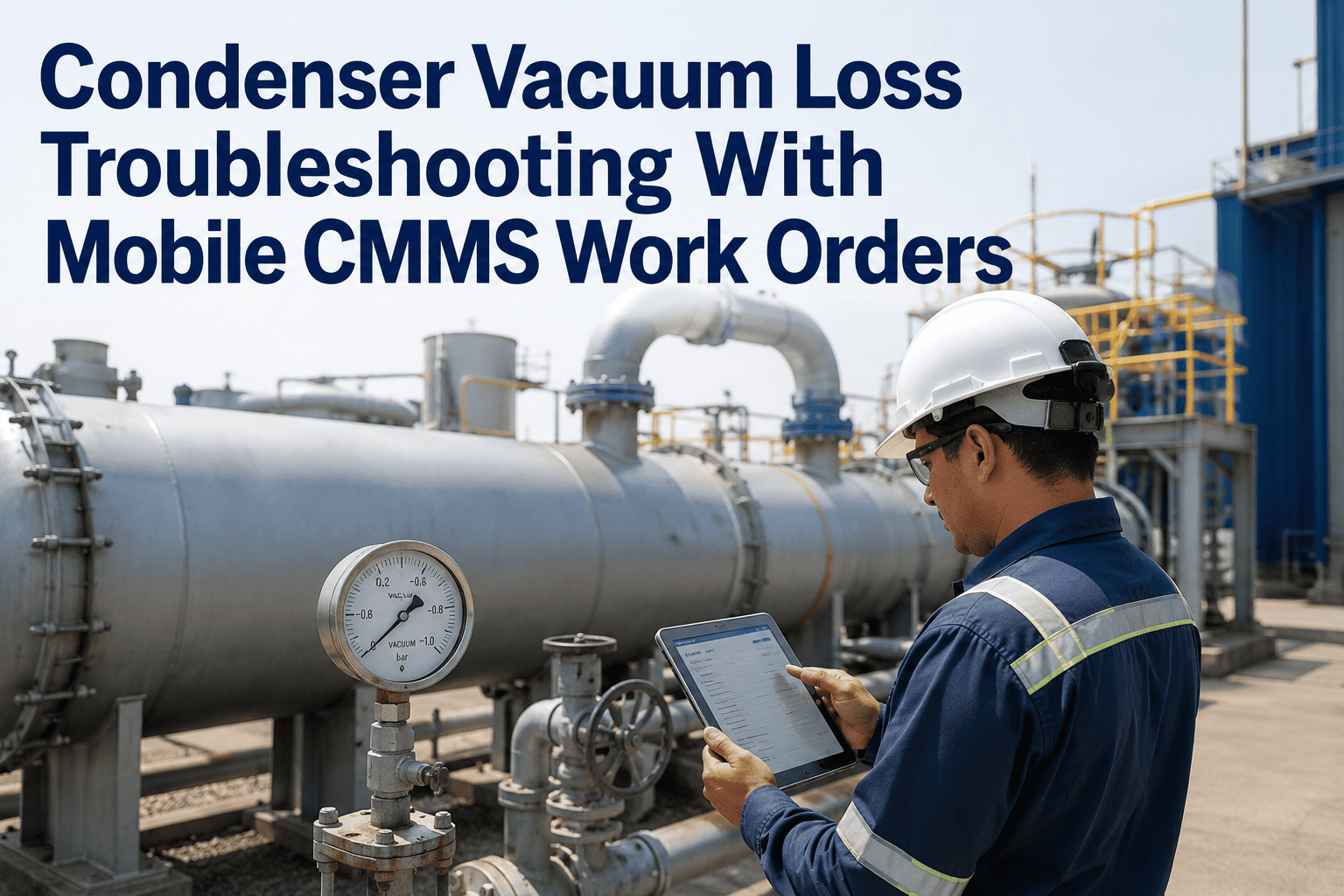
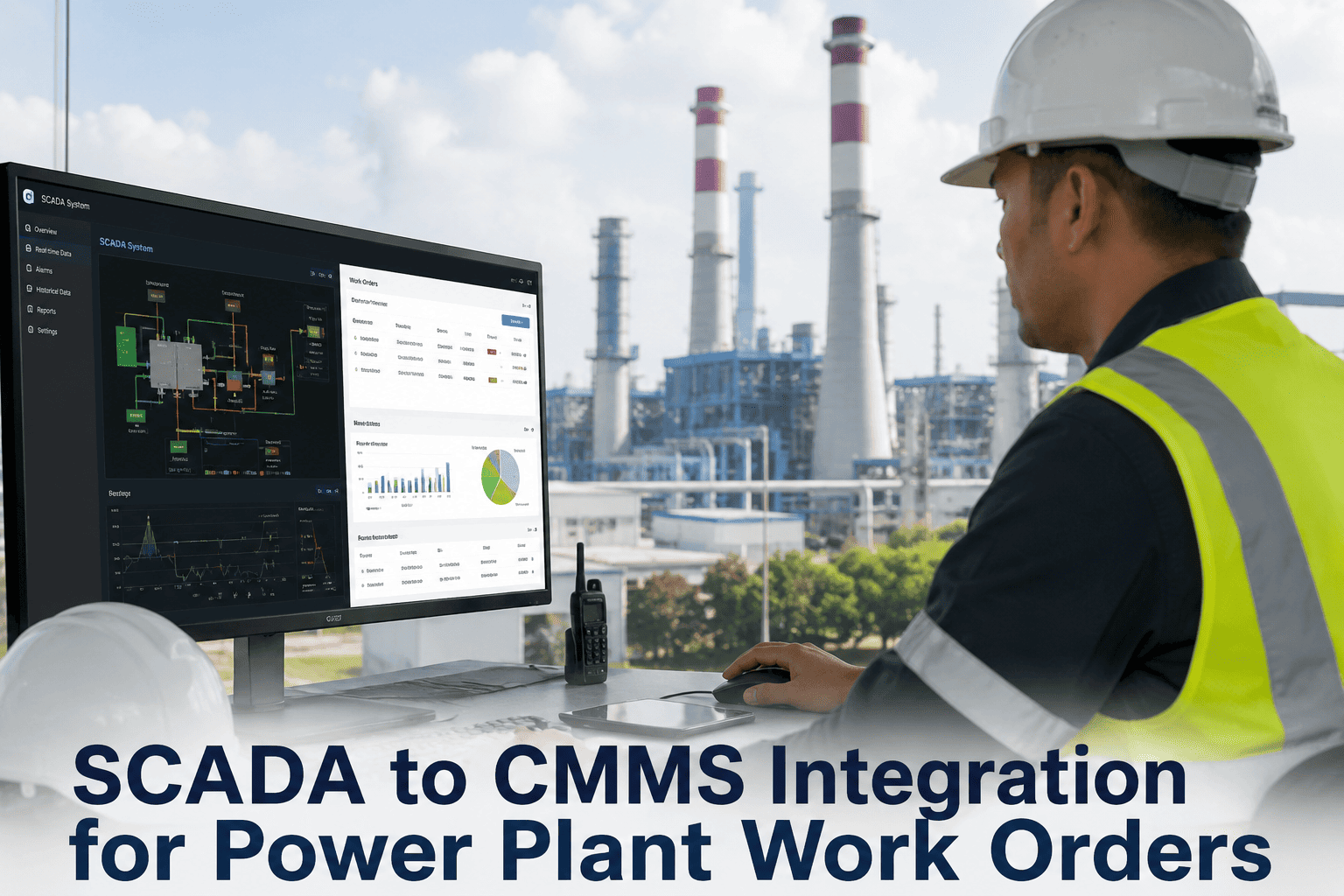
A maintenance supervisor at a 650 MW combined-cycle plant receives 34 work order requests before 8 AM. He opens three different systems, logs into two databases, and calls the storeroom twice — just to assign jobs and confirm parts availability. That 90-minute morning ritual costs nothing on a spreadsheet and everything in actual plant readiness. OxMaint's AI Assistant changes that equation entirely: technicians ask questions in plain English, get instant answers, and trigger work orders, parts requests, and equipment lookups without leaving a single screen. Book a Demo to see OxMaint's AI Assistant handle a live maintenance scenario from your plant.
Your Maintenance Team Just Got a 24/7 AI Expert That Never Sleeps
OxMaint's AI Assistant understands maintenance language. Ask it anything — create work orders, pull equipment history, troubleshoot faults, check parts inventory — in plain English, instant results.
4 Work Orders Completed 1 Active Alert
Last service: Blade wash 22 days ago. Efficiency loss flagged at 2.1%. Next PM scheduled in 18 days. Want me to create a priority inspection WO now?
✓ 3 of 4 required parts in stock — 1 item flagged for reorder
Shall I raise a purchase request for the missing gasket set?
The Hidden Cost of Manual Maintenance Coordination
Every minute a maintenance team spends searching for information instead of executing work is a minute of lost plant efficiency. The fragmentation is invisible on any single day — and devastating across a year.
What OxMaint AI Assistant Can Do — Instantly
OxMaint's AI Assistant is connected to your entire maintenance ecosystem — CMMS, asset registry, parts inventory, digital twin health scores, and work history. Every query returns data from the live system, not a static FAQ database.
Stop Hunting Through Systems. Start Asking.
OxMaint AI Assistant connects to your CMMS, digital twin, and inventory in days — no data migration, no retraining required.
Who Uses the AI Assistant — and How
OxMaint's AI Assistant serves every role on the maintenance team differently. One platform, five distinct users, zero learning curve.
| Role | Top AI Assistant Use Cases | Time Saved / Week | Primary Benefit |
|---|---|---|---|
|
Maintenance Supervisor
|
Bulk WO creation, shift briefing reports, overdue PM tracking, KPI summaries | 6–9 hrs | More time directing work, less time chasing data |
|
Field Technician
|
On-site fault lookup, parts availability check, procedure retrieval, WO status update | 4–6 hrs | Answers at point of work — no office trips needed |
|
Reliability Engineer
|
Failure pattern analysis, MTBF queries, digital twin health summaries, predictive alert review | 5–7 hrs | Data synthesis in seconds, not hours of spreadsheet work |
|
Storeroom / Parts
|
Reorder alerts, consumption trending, cross-reference lookups, vendor query drafts | 3–5 hrs | Proactive stock management instead of reactive fire-fighting |
|
Plant Manager
|
Budget vs actuals, compliance status, critical asset health snapshot, shift performance review | 3–5 hrs | Executive-level visibility in a single question, any time |
How the AI Assistant Connects to Your Plant Data
OxMaint AI Assistant is not a standalone chatbot — it is embedded in the same data layer as your CMMS, digital twin, and inventory systems. Every answer it gives is sourced from live plant data, not a generic knowledge base.
AI Assistant
Frequently Asked Questions
Does the AI understand maintenance-specific terminology and asset names?
Yes. OxMaint's AI Assistant is trained on industrial maintenance language — it understands abbreviations like WO, PM, MTTR, and MTTF, equipment naming conventions like GT-02 or BFP-01, and failure mode terminology like cavitation, fouling, and seal blowby. During onboarding, it also learns your plant's specific asset naming structure, tag numbers, and team terminology so queries are understood exactly as your team phrases them.
Can the AI Assistant take actions, or does it only answer questions?
Both. OxMaint AI Assistant operates in two modes: Query Mode returns information — reports, history, status, diagnostics. Action Mode executes tasks — creating work orders, assigning technicians, raising purchase requests, updating asset records, and sending escalation notifications. Each action type can be configured to require approval before execution, giving supervisors full control over what the AI can act on autonomously versus what needs a human sign-off.
How does OxMaint AI connect to our existing CMMS and historian systems?
OxMaint connects via standard APIs and industrial protocols including REST API, OPC-UA, OSIsoft PI, and Modbus. For teams already using OxMaint CMMS, the AI Assistant is natively integrated with zero additional setup. For plants using third-party CMMS platforms, OxMaint's integration team configures the data bridge during a 2–4 week onboarding period. No replacement of existing systems is required — the AI layer sits on top of what you already have.
Is the AI Assistant available on mobile for field technicians?
Yes. OxMaint AI Assistant runs on iOS and Android through the OxMaint mobile app. Field technicians can send text queries or use voice-to-text input while on site. The mobile interface is optimized for gloved hands and bright outdoor environments — large tap targets, high contrast, and offline caching for low-connectivity plant areas. Responses are formatted for small screens: concise answers with expandable detail, not walls of text.
Your Maintenance Data Already Has the Answers. Your Team Just Can't Access It Fast Enough.
OxMaint AI Assistant makes every insight in your CMMS, digital twin, and parts system instantly accessible — to every person on your team, in the language they already use. Start with your highest-volume query types. Measure time savings in week one. Scale to full workflow automation with confidence.