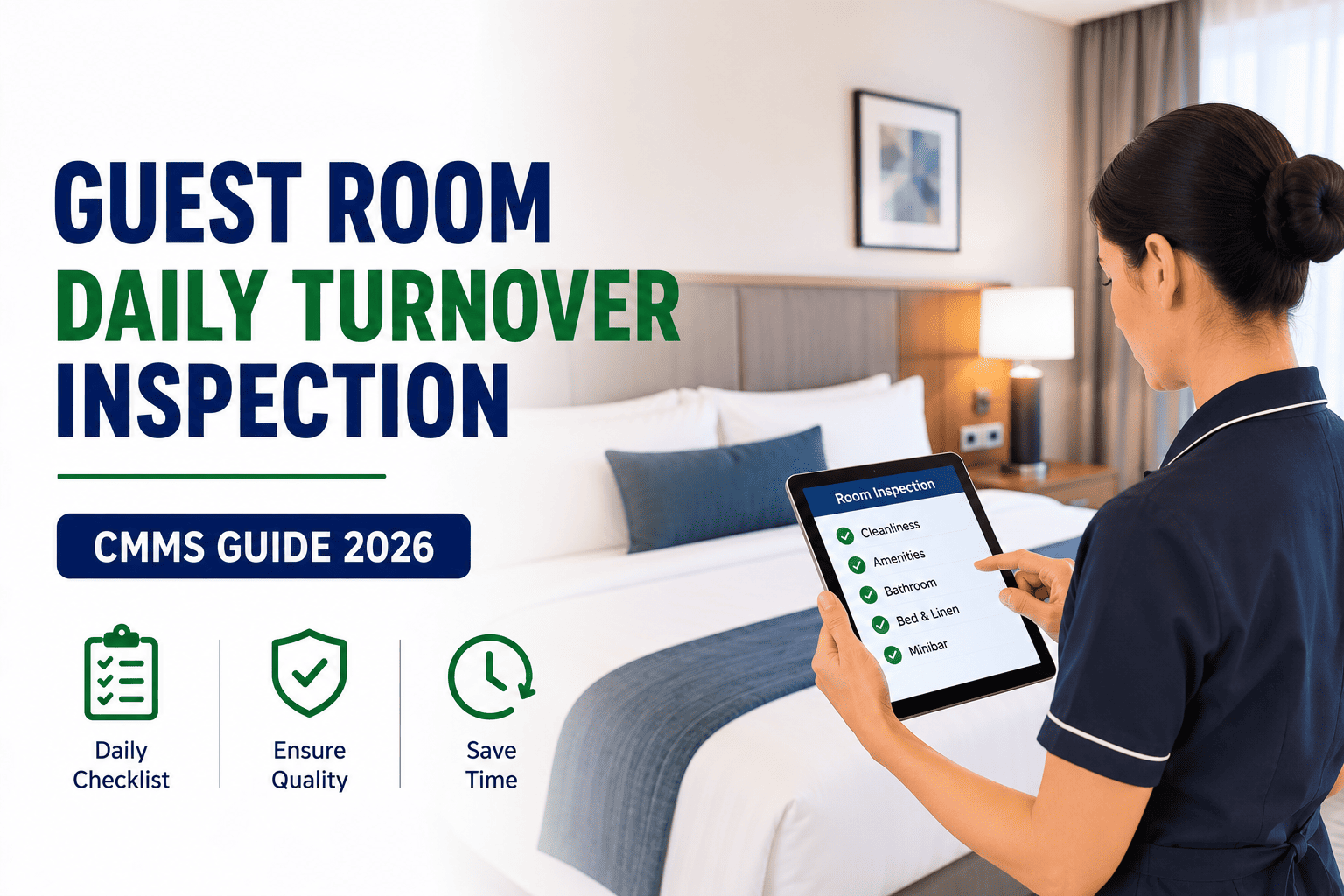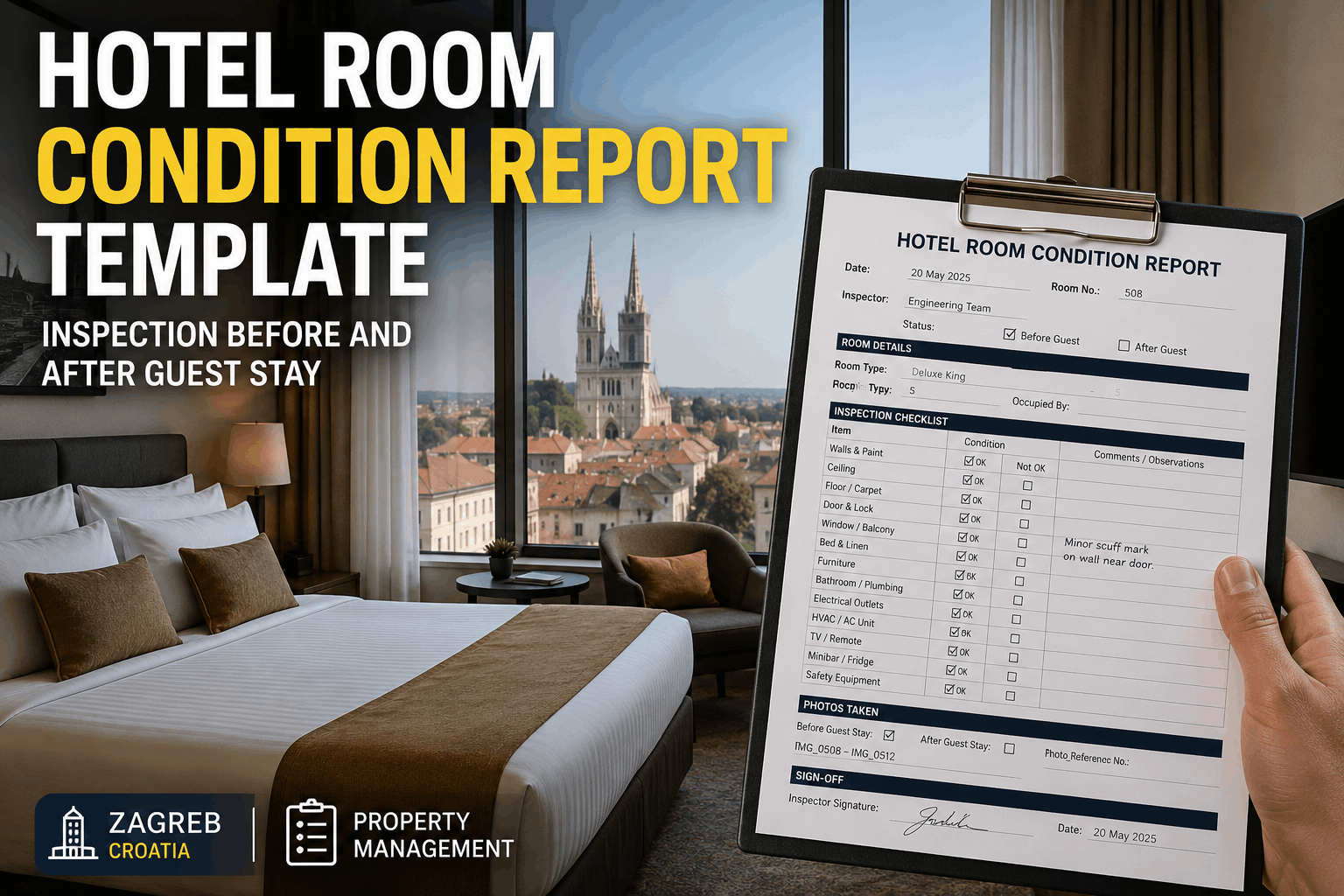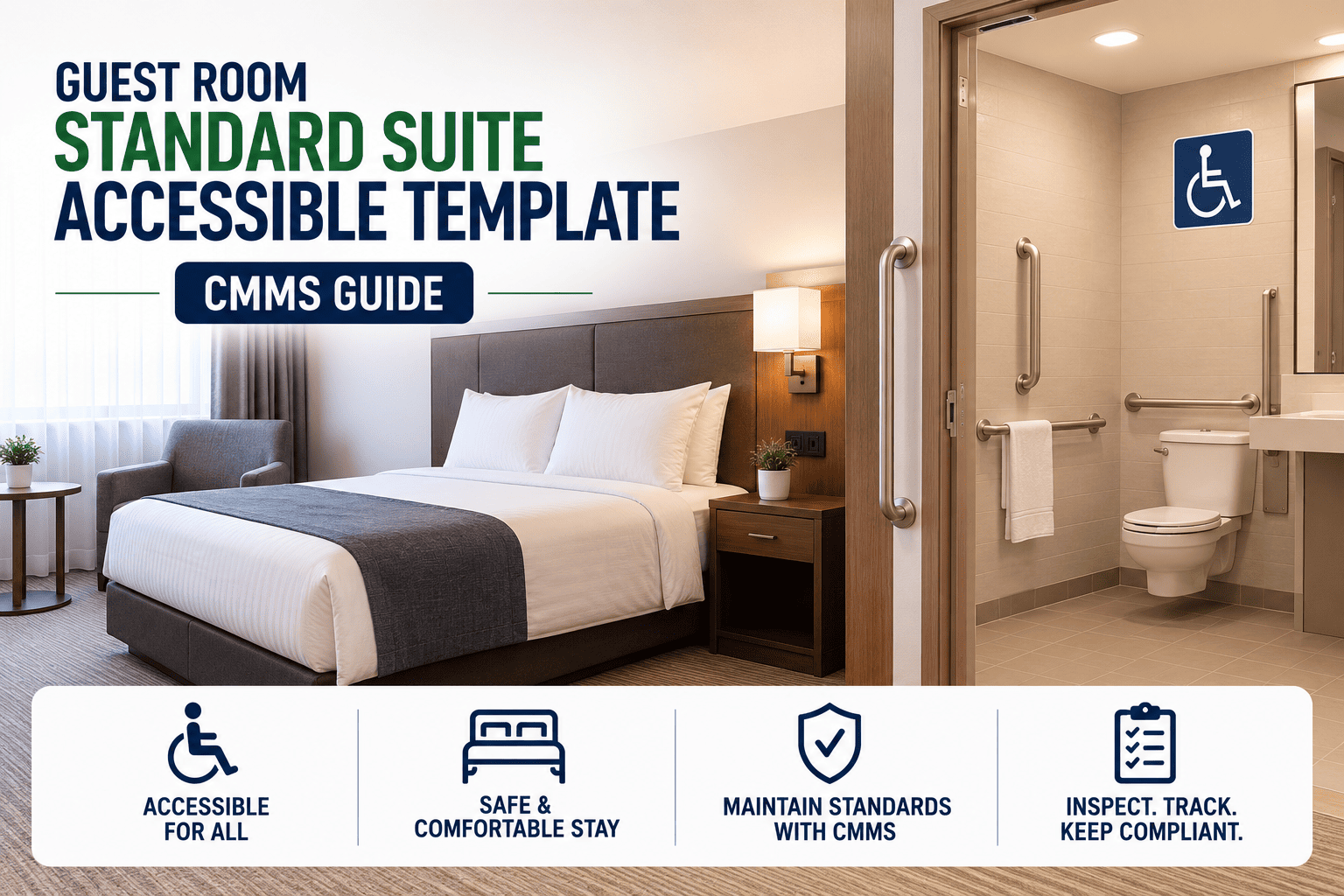
Hotel inspections fail most often at the room-type level, where a single generic checklist quietly skips brand-standard finishing items in suites and ADA-required measurements in accessible rooms. A modern CMMS solves this by binding a dedicated inspection template to each room type — standard, suite, and accessible — so the right items are checked in the right room every single time. Operators using room-type templates report 30–40% fewer repeat deficiencies and dramatically faster audit turnaround. This guide breaks down how to design, deploy, and maintain those templates inside a CMMS. Ready to standardize your inspection program? Start Free Trial and configure your first room-type template today.
One checklist can't inspect three different rooms.
Standard, suite, and accessible rooms each carry unique brand, finish, and compliance requirements. A CMMS that binds a dedicated template to every room type eliminates missed items, failed ADA audits, and brand-standard drift — across every property in your portfolio.
The hidden cost of one-size-fits-all inspections
A 200-room select-service property running a single generic checklist typically misses 12–18 brand-standard items per suite and skips at least 8 ADA measurements per accessible room — every single inspection cycle.
A 180-key full-service hotel in Phoenix ran a single 64-item checklist across all room types. Internal audit found that 41% of accessible rooms had at least one unverified ADA measurement and suites were missing turndown and welcome-amenity checks 6 out of 7 days. After deploying three room-type templates inside their CMMS, repeat deficiencies dropped 34% in the first quarter and the property passed its brand audit with zero findings.
Standard room: the baseline that everything scales from
The standard template is the foundation — typically 50–70 inspection items covering safety, mechanical, cosmetic, and supply-par fundamentals. Every other room type builds upward from this base.
Safety & Security
- Smoke detector test & battery date logged
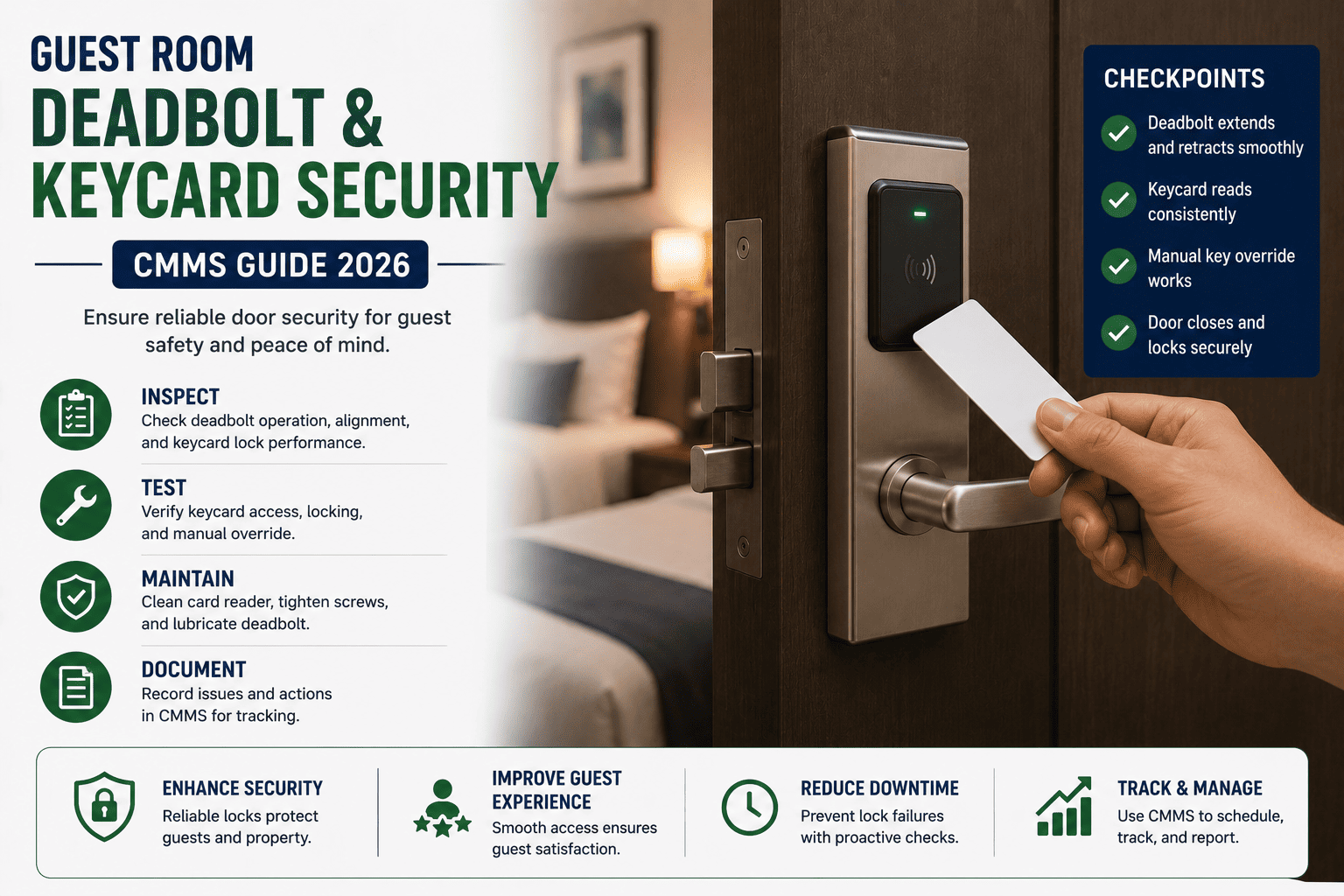
- Door deadbolt, latch chain, and peephole function
- Emergency exit map posted and legible
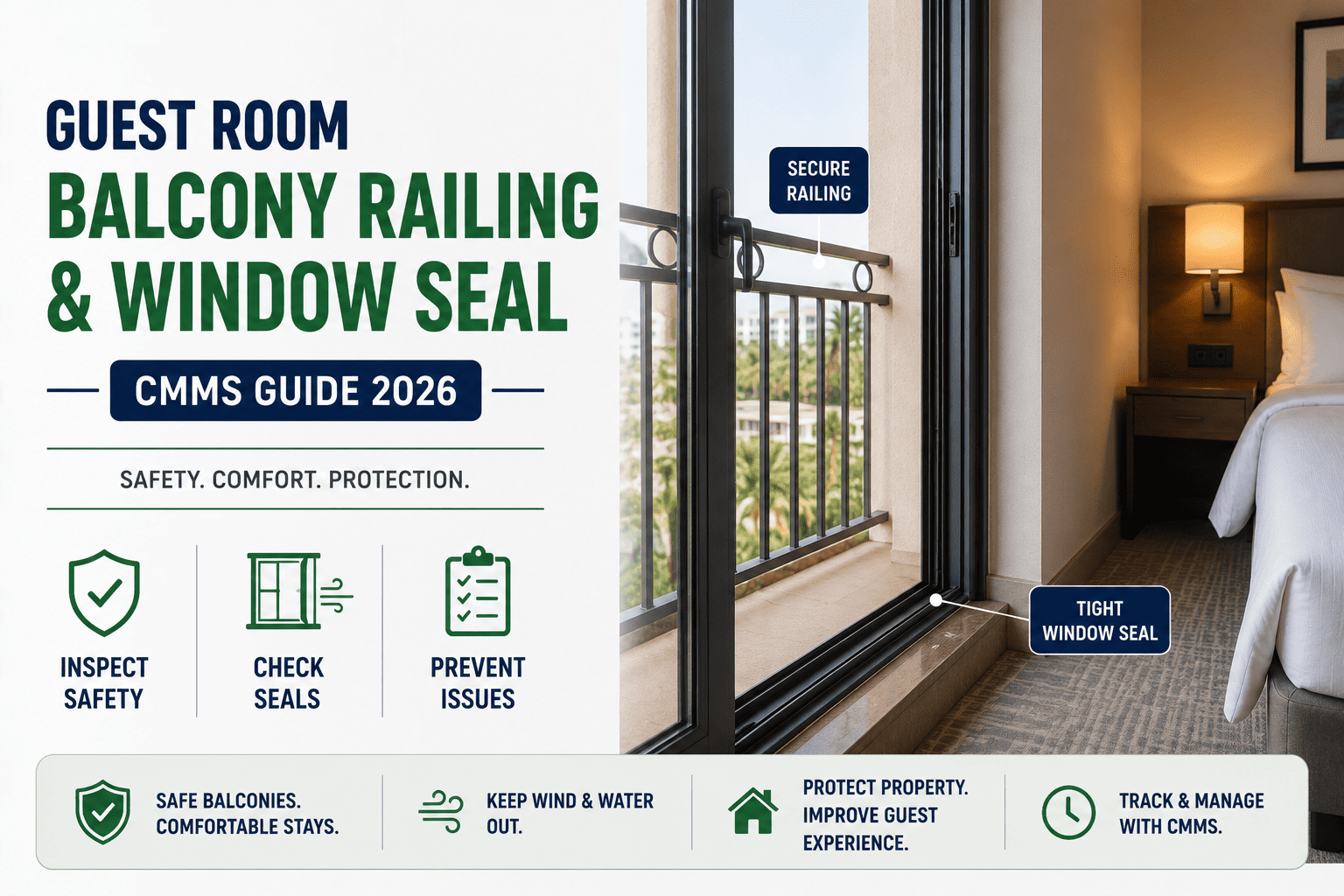
- Window lock & secondary latch operational
Mechanical & HVAC
- Thermostat responsive, heats & cools to setpoint
- PTAC or fan-coil unit clean and quiet
- Hot water reaches 120°F at tap within 30 seconds
- Bathroom exhaust fan operational
Cosmetic & FF&E
- Carpet stains, tears, or edge fraying flagged
- Wall scuffs, nail-pops, and touch-up paint noted
- Bedding fresh, wrinkle-free, brand-compliant
- Furniture scratches, wobble, or hinge squeak logged
Supplies & Par Levels
- Terry par at brand standard (4 bath, 4 hand, 4 wash)
- Amenity bottles stocked and front-facing
- Coffee pods, cups, and condiment par verified
- Brand collateral, directory, and in-room dining menu present
Suite template: brand-standard layers on top of the baseline
Suites inherit every standard-room item and add 25–40 brand-specific checks across living areas, dining zones, premium FF&E, and elevated service touchpoints. Inspectors spend roughly 1.5× longer on a suite — and the template should reflect that scope.
Living & Dining Zones
- Sofa cushions firm, aligned, stain-free
- Dining table surface polished, chairs stable
- Decorative lighting — sconces, pendants — all functional
- Artwork level, dust-free, brand-specified placement
Premium FF&E
- Mini-fridge temperature 34–40°F, interior clean
- Microwave or kitchenette appliances tested
- Premium bedding — thread count, throw, bolster — brand-compliant
- Upgraded bath fixtures — rain shower, dual vanity — leak-free
Elevated Service Touches
- Turndown service items — chocolate, water, slipper — placed
- Welcome amenity per brand SOP, expiry date checked
- Robe & slipper par present, folded brand-side out
- Concierge card or GM welcome note current & signed
Multi-Bathroom Verification
- Each bathroom inspected against full standard-room list
- Premium amenity brand & par verified per bathroom
- Jetted tub or soaking tub cleaned, drained, caulk intact
- Heated towel rack or floor warming — function verified
Accessible template: ADA compliance built into every line item
Accessible rooms carry the highest compliance risk. The template must layer 15–25 ADA-specific measurements onto the standard baseline — and every measurement should be captured as a pass/fail field with the actual dimension logged for audit defense.
Doorway & Clearance
- Door clear width ≥ 31.75 inches (ADA 404.2.3)
- Door hardware operable with one hand, ≤ 5 lb force
- Threshold height ≤ ½ inch, beveled
- Maneuvering clearance at push and pull side verified
Bathroom & Grab Bars
- Grab bars 33–36 inches AFF, 1.25–1.5 inch diameter
- Roll-in shower seat or transfer seat present & secure
- Toilet seat height 17–19 inches AFF
- Lavatory clearance ≥ 29 inches knee, ≥ 27 inches toe
Reach & Controls
- Thermostat mounted ≤ 48 inches AFF (forward reach)
- Light switches, peephole, closet rod within reach range
- TV remote, phone, and room service card on accessible path
- Closet rod height ≤ 48 inches AFF
Emergency & Visual Alerts
- Visual smoke/strobe alarm — tested, flashes confirmed
- Door knock / phone visual-alert device functional
- Emergency pull cord in bathroom reaches floor, alarm tested
- TDD/TTY phone jack or device available per brand SOP
What changes across the three room-type templates
The table below shows how scope, item count, inspection time, and compliance focus shift across standard, suite, and accessible templates inside a CMMS.
| Dimension | Standard | Suite | Accessible |
|---|---|---|---|
| Base inspection items | 50–70 | 75–110 | 65–95 |
| Brand-standard layers | Core brand SOP | Premium FF&E + turndown | Core brand SOP |
| ADA measurement items | — | — | 15–25 logged dimensions |
| Average inspection time | 8–12 min | 18–28 min | 14–20 min |
| Compliance audit risk | Low–moderate | Moderate (brand) | High (ADA + brand) |
| Recommended frequency | Weekly + checkout | Weekly + turndown audit | Weekly + monthly ADA sweep |
| CMMS template inheritance | Base template | Inherits standard + adds suite items | Inherits standard + adds ADA items |
How a CMMS routes the right template to the right room
The template is only as good as the routing logic that delivers it. A well-structured CMMS tags every room with a type code, binds the matching template, and auto-schedules inspections based on that tag — no manual selection required.
Room-type tagging
Every room in the property management system syncs to the CMMS with a type code — STD, STE, ACC — plus sub-tags for floor, view, and renovation status. This tag is the single source of truth for template routing.
Template binding
The CMMS binds one or more templates to each room-type code. Standard rooms get the base template; suites inherit the base plus the suite overlay; accessible rooms inherit the base plus the ADA overlay.
Auto-scheduling
Inspection cycles — weekly, checkout-triggered, or monthly ADA sweeps — are scheduled by template, not by individual room. The CMMS generates work orders automatically and assigns them to the right inspector.
Deficiency routing
Failed items generate corrective work orders instantly, routed to housekeeping, engineering, or facilities — with photos, dimensions, and brand-standard references attached for zero ambiguity.
Audit-ready reporting
Every inspection, every dimension, every photo is time-stamped and stored against the room record. Brand auditors and ADA inspectors get a complete, exportable history on demand — no clipboards, no gaps.
Continuous improvement
Deficiency trends by room type, floor, and inspector surface in dashboards. Templates evolve — items that fail repeatedly get weighted; items that never fail get streamlined — keeping inspections sharp and efficient.
Rolling out room-type templates in 90 days
A phased rollout prevents inspector fatigue and catches template gaps before they skew audit data. Here's a proven 90-day timeline used by multi-property operators.
Audit & baseline
Inventory every room by type code, photograph current deficiencies, and document existing checklist gaps. Pull the last 12 months of audit findings and map them to missing items — this becomes your template delta.
Build & bind templates
Build the standard base template, then layer suite and accessible overlays. Bind each template to its room-type code in the CMMS and pilot on one floor per type. Inspectors flag confusing or redundant items for refinement.
Train & deploy
Roll out across all floors. Train inspectors on the mobile app, ADA measurement capture, and deficiency-photo protocol. Engineering and housekeeping receive work-order routing training. Monitor completion rates daily.
Optimize & report
Review deficiency trends, template-completion times, and inspector feedback. Retire low-value items, weight high-failure items, and publish the first room-type compliance dashboard to the GM and regional director.
Stop inspecting every room with the same checklist.
Deploy standard, suite, and accessible room-type templates in your CMMS and catch every brand and ADA item — every time, every room.
Room-type template questions, answered
Can one CMMS template really cover all three room types?
No — and that's the point. A single template either over-inspects standard rooms (wasting 10+ minutes per room) or under-inspects suites and accessible rooms (missing brand and ADA items). The CMMS uses a base template with inheritance overlays so each room type gets exactly the right scope without duplicating effort.
How are ADA measurements captured in the CMMS?
Each ADA line item is a structured pass/fail field with a numeric dimension input — for example, "Door clear width: ___ inches." The inspector enters the measured value; the CMMS validates it against the ADA threshold (≥ 31.75 inches) and flags failures automatically. Photos are attached for audit defense, and every measurement is time-stamped to the room record.
What happens when a brand standard changes mid-year?
The template owner edits the master template in the CMMS, and the change propagates to every bound room-type code instantly. Version history is preserved, so you can show auditors exactly which standard was in effect on any past inspection date. No reprinted clipboards, no retraining — just one controlled update.
How long does it take to set up room-type templates?
Most properties complete the full rollout — audit, template build, binding, training, and go-live — within 90 days. A focused property with clean room-type data can do it in 45. To see the setup workflow on your own property data, Book a Demo and we'll walk you through it live.
Will inspectors need retraining on the mobile app?
Minimal. The CMMS mobile app surfaces only the items that apply to the room being inspected — inspectors don't choose a template, they just scan the room QR code and follow the prompts. Most teams reach full adoption within one inspection cycle, with a 15–20% reduction in average inspection time by week three.
Give every room type the inspection it deserves.
Standard, suite, and accessible templates — configured, routed, and audit-ready in one CMMS. Free 14-day trial, no credit card required.
Free 14-day trial · No credit card