When a Joint Commission surveyor asks for proof that a repair near a patient care area was completed correctly, a compliance officer needs more than a technician's word — and pulling that proof together from someone's phone gallery, a paper sign-off sheet, and a separate notes app the night before a survey is not a position any hospital wants to be in. OxMaint's Mobile CMMS captures the photo, the signature, the note, and the timestamp inside the same work order the moment the work happens. Book a demo to see mobile evidence capture built for hospital compliance.
Mobile CMMS · Hospital Audit Documentation
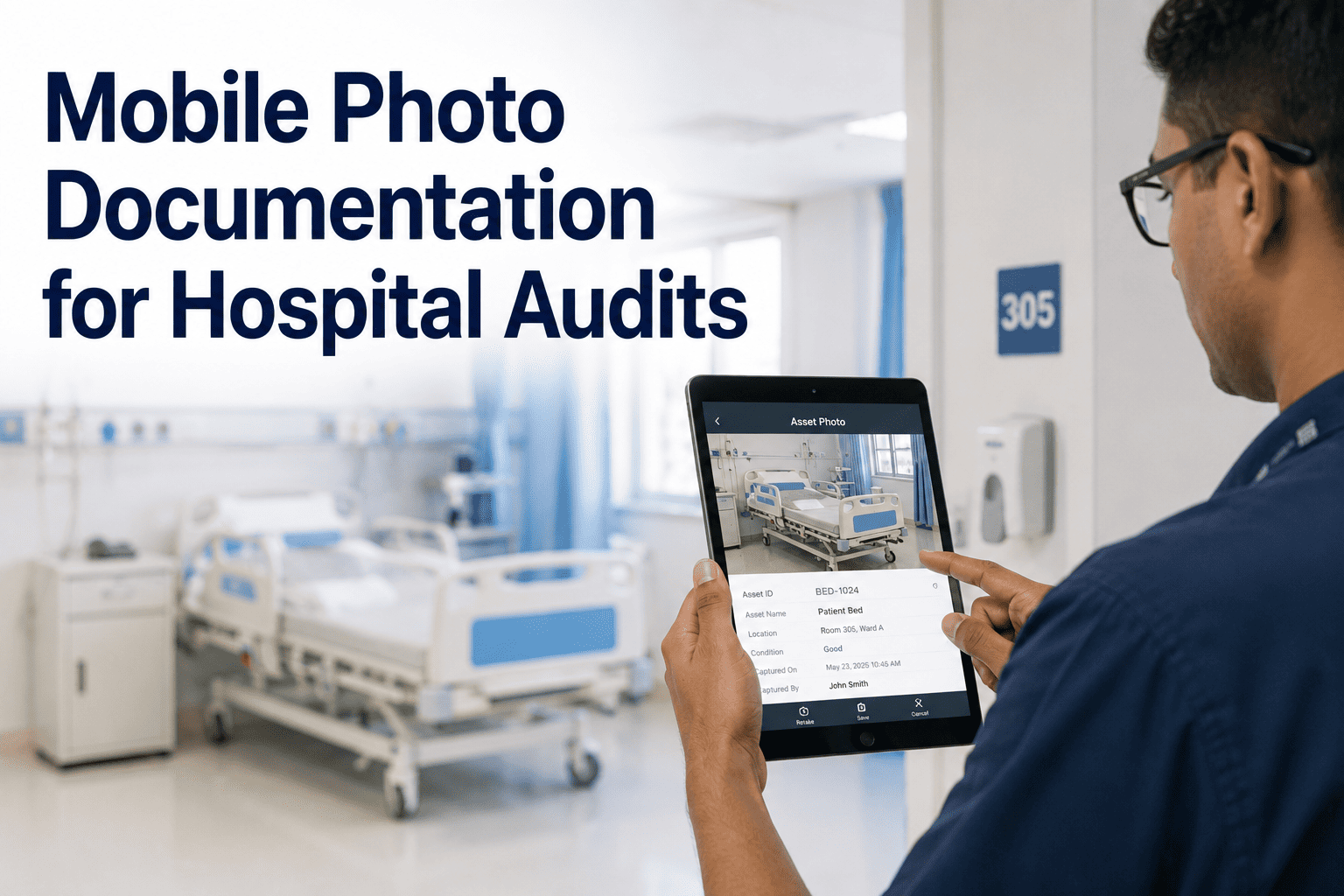
Mobile Photo Documentation for Hospital Audits
One Mobile Capture, Four Pieces of Audit Proof
All four attach to the same work order — nothing lives in a separate app or a personal phone.
The Problem Compliance Officers Know Too Well
Where Audit Proof Falls Apart Today
Photo evidence
Stored in a technician's personal phone gallery, lost when they leave or change devices
Sign-off proof
Paper signature sheets that get misfiled or never reach the compliance office
Work notes
Written in a separate notes app with no link back to the actual work order
Timing proof
Reconstructed from memory days later instead of captured in the moment
See Mobile Evidence Capture in Action
Photos, signatures, notes, and timestamps — all inside the work order, ready before a surveyor ever asks.
Built for the Compliance Officer's Survey Day
What Changes When Evidence Lives Inside the Work Order
| Survey Question |
Without Mobile Capture |
With OxMaint Mobile CMMS |
| Can you show this repair was completed? |
Search phones, email, and paper files |
Open the work order, evidence is attached |
| Who signed off on this work? |
Locate a paper sheet, hope it's filed correctly |
Digital signature timestamped in the record |
| When exactly was this completed? |
Estimated from technician recollection |
Exact capture timestamp on file |
How Technicians Use It
Capturing Evidence Without Slowing Down the Work
01
Open the Work Order
Technician opens the assigned work order on the same mobile device used to receive the task.
02
Capture in the Moment
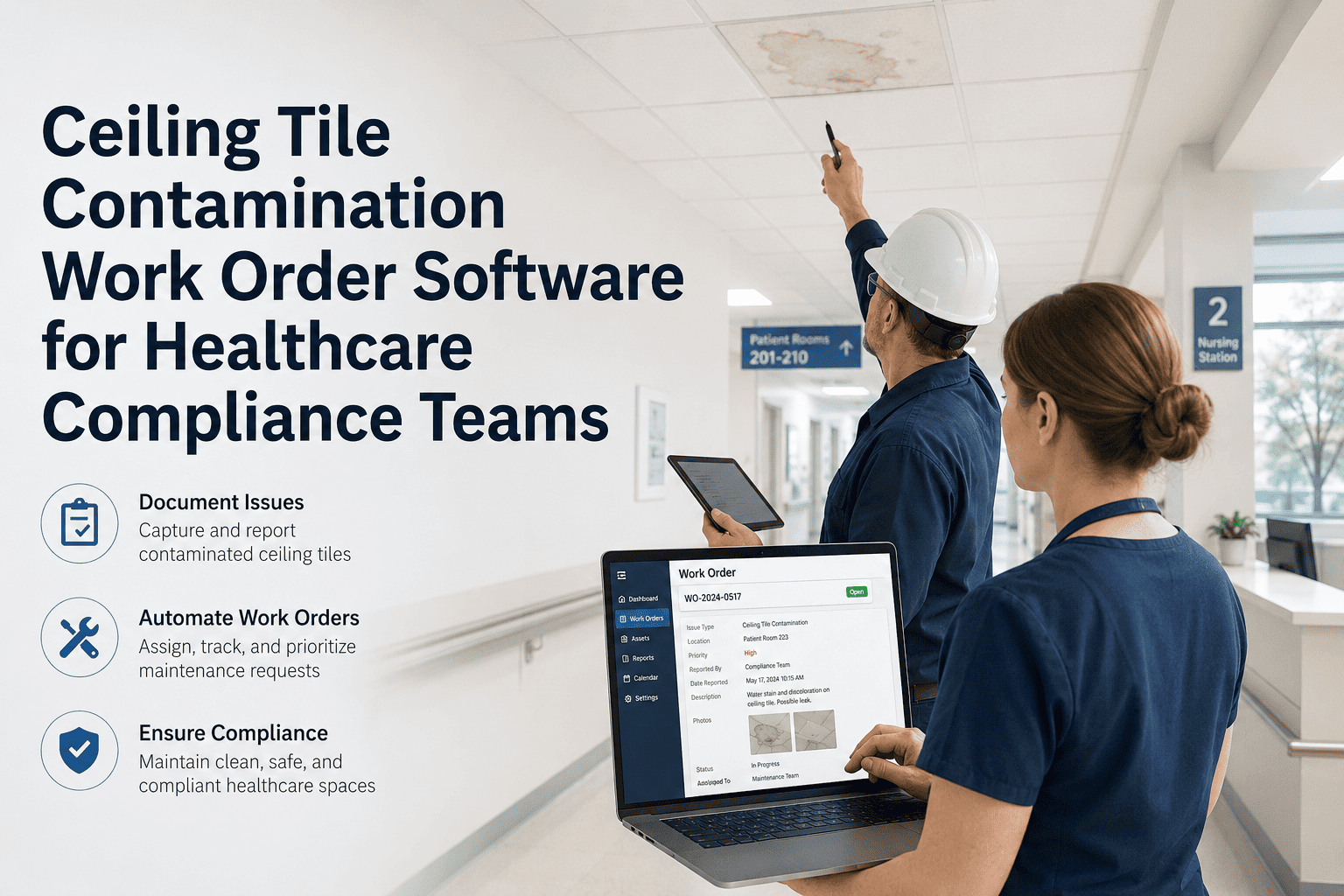
Photo, a short note, and a signature are added directly to the work order as the work is completed, not reconstructed later.
03
Timestamp Locks the Record
Every capture is automatically timestamped, creating a record that doesn't rely on anyone remembering the exact time.
04
Compliance Office Has Instant Access
The completed evidence packet is visible to compliance staff immediately, without waiting on a request to facilities.
Expert Review
What Healthcare Compliance Researchers Say About Mobile Documentation
Hospitals that move maintenance documentation into a single mobile-captured record consistently reduce the time compliance staff spend reconstructing evidence ahead of accreditation surveys, since the documentation already exists in a structured, searchable form.
— Health Facilities Management, Accreditation Readiness Research
Digital signature and timestamp capture at the point of work completion is becoming a baseline expectation in healthcare facilities compliance, replacing paper sign-off processes that are difficult to audit reliably.
— ASHE Health Facilities Journal, Compliance Documentation Studies
FAQs
Frequently Asked Questions
Can compliance officers access evidence without contacting facilities staff directly?
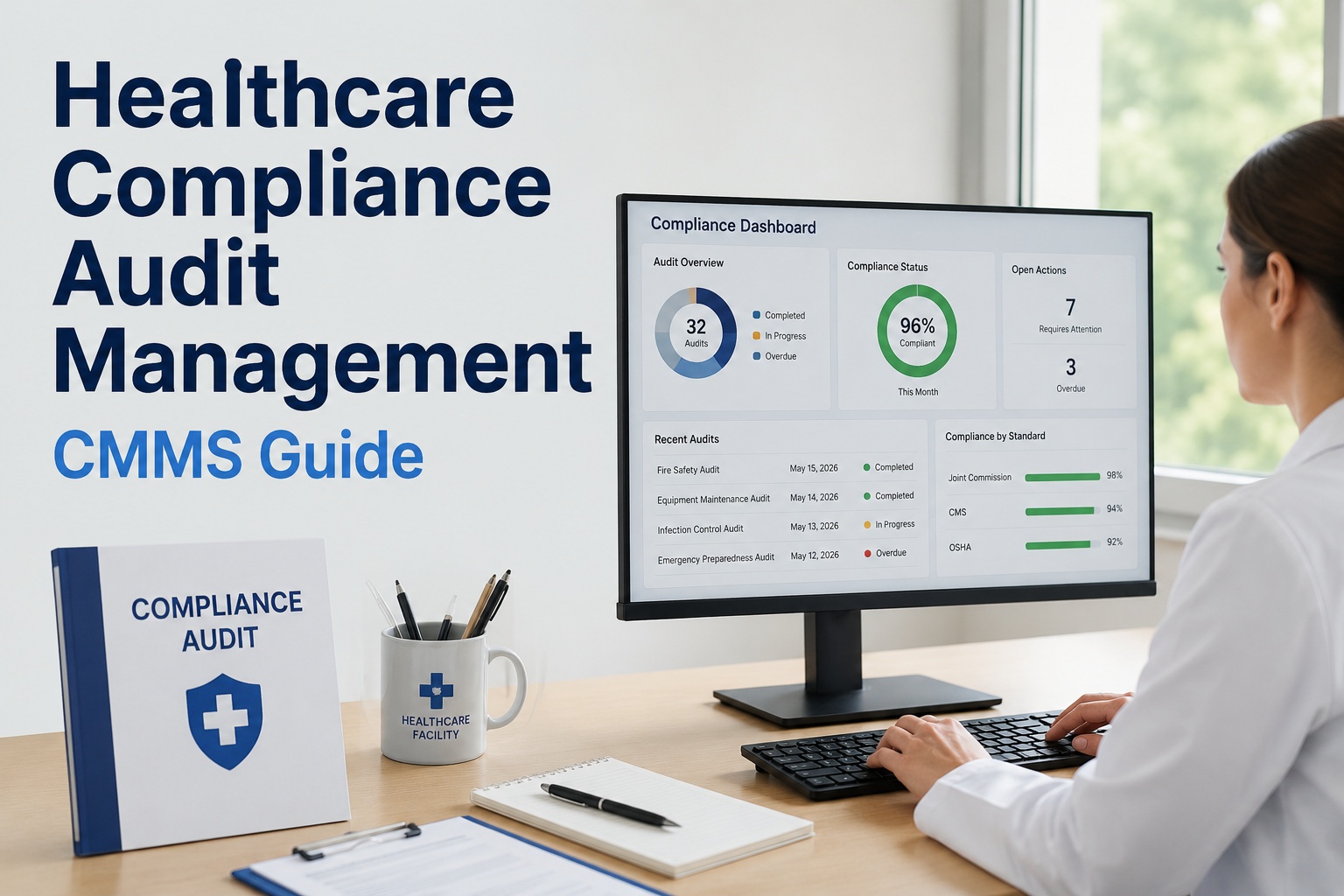
Yes, compliance and risk management staff can be given dashboard access to review photos, signatures, and timestamps in real time as work orders close.
Start a free trial to see the compliance-facing view.
Is the digital signature legally equivalent to a paper sign-off?
Digital signatures captured through the mobile app are timestamped and tied to the specific work order and signer, providing a stronger audit trail than most paper-based sign-off processes.
Book a demo to review the signature capture format for your compliance needs.
Can evidence requirements be different for high-risk repair categories?
Yes, mandatory photo, signature, or note requirements can be configured per work order category, so high-risk repairs carry stricter documentation rules than routine maintenance.
How quickly can we export evidence ahead of a scheduled survey?
Evidence packets can be exported by date range or work order category in advance of a survey, turning what used to take days of searching into a single export.
Sign up free to see the export options before your next survey cycle.
Mobile CMMS for Hospitals
Walk Into Every Audit With Evidence Already Attached
OxMaint captures photos, signatures, notes, and timestamps inside every work order, giving compliance officers proof on demand.